Start here: vibration

All topics →

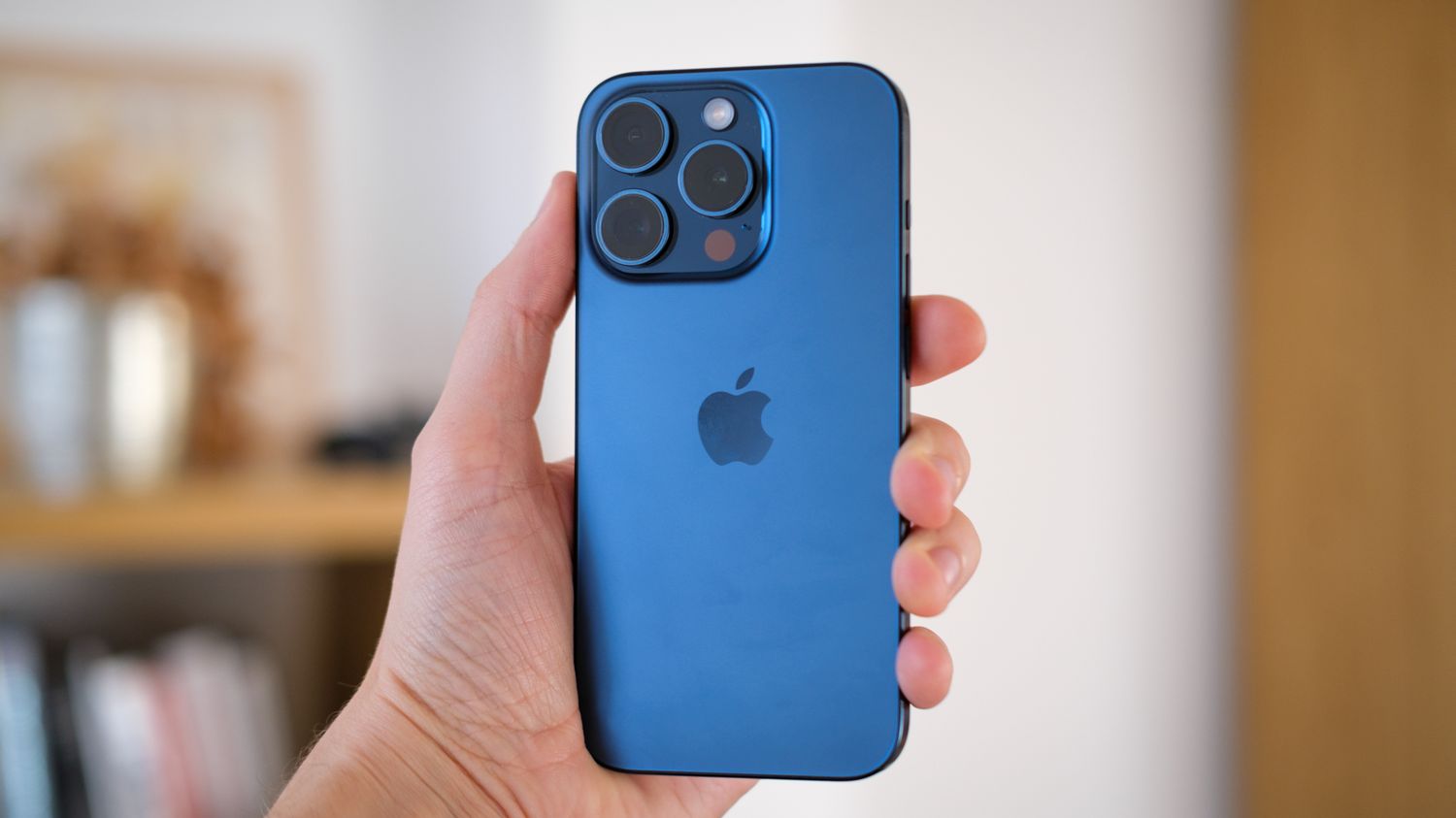
Welcome to the Vibration tag on CellularNews. This page collects all our guides focused on the tactile feedback and buzzing alerts from your phone, smartwatch, and other mobile devices. Whether you own an iPhone, an Android device, or a Fitbit, this is the place to find straightforward, practical help for controlling how and when your gadgets vibrate.

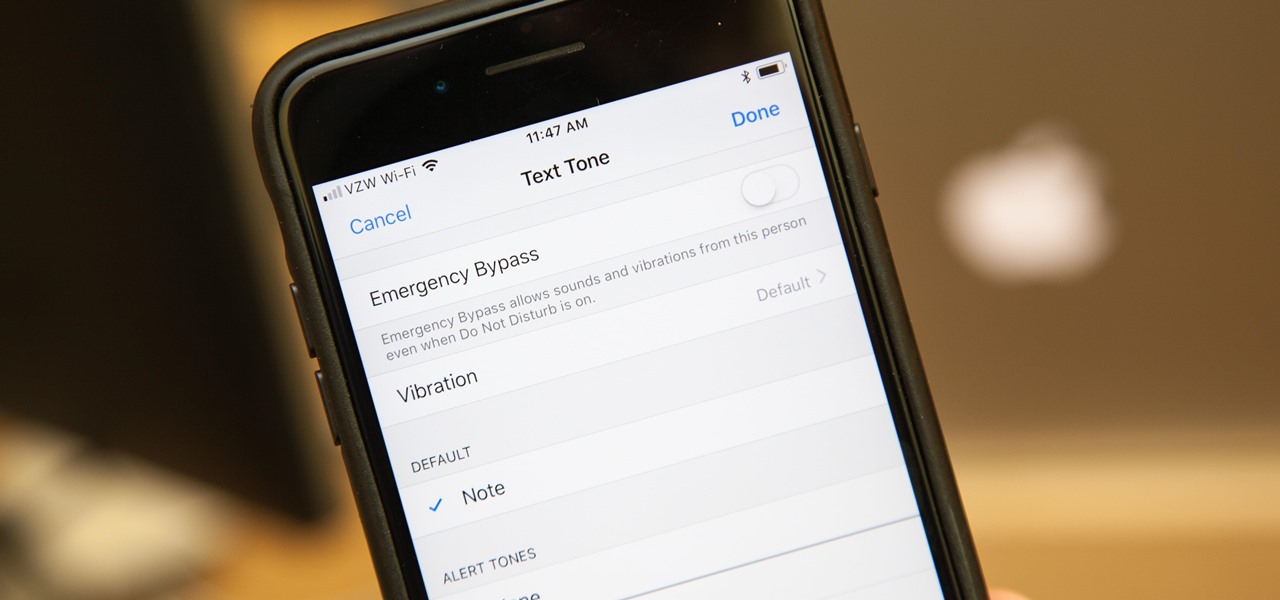
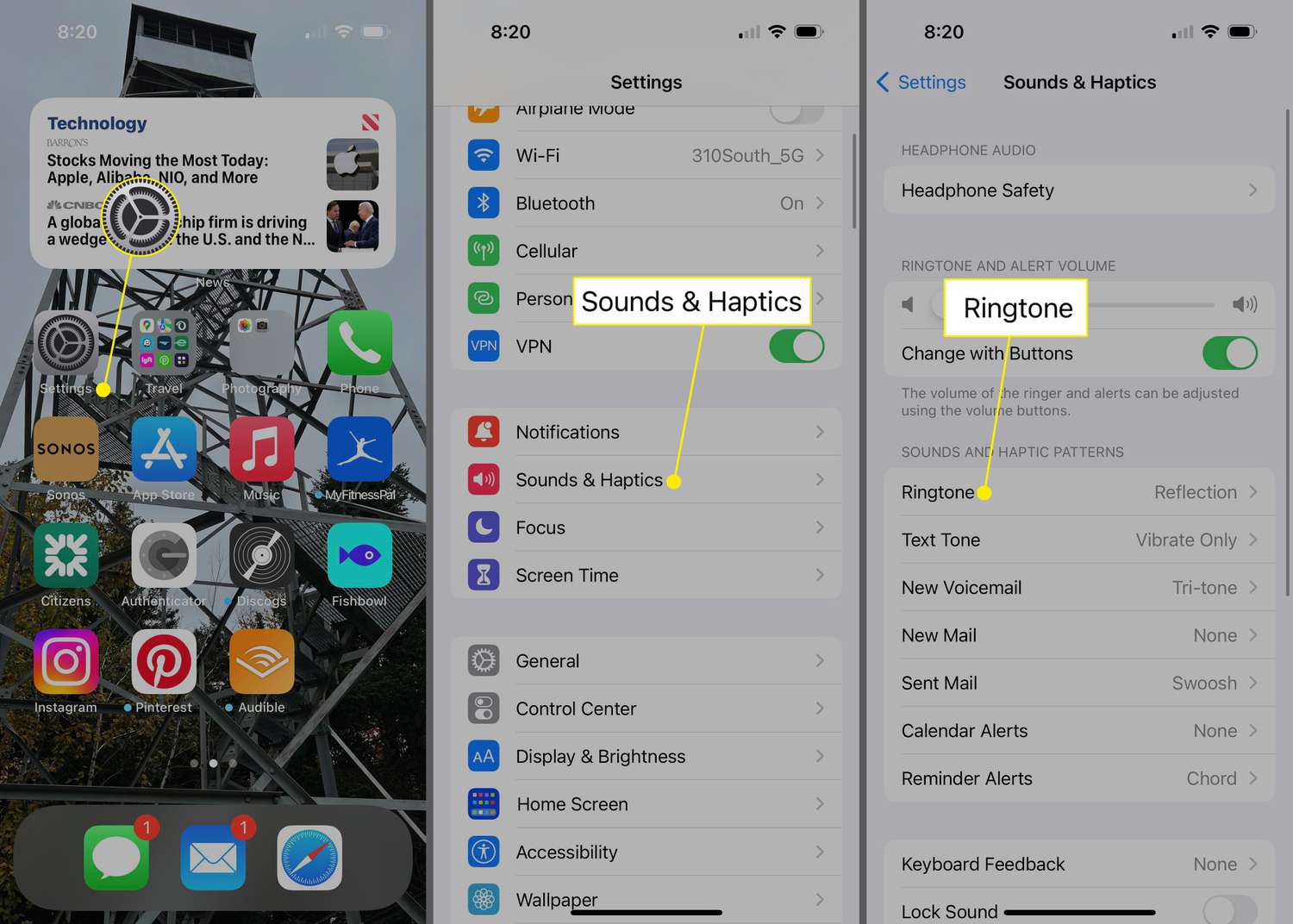
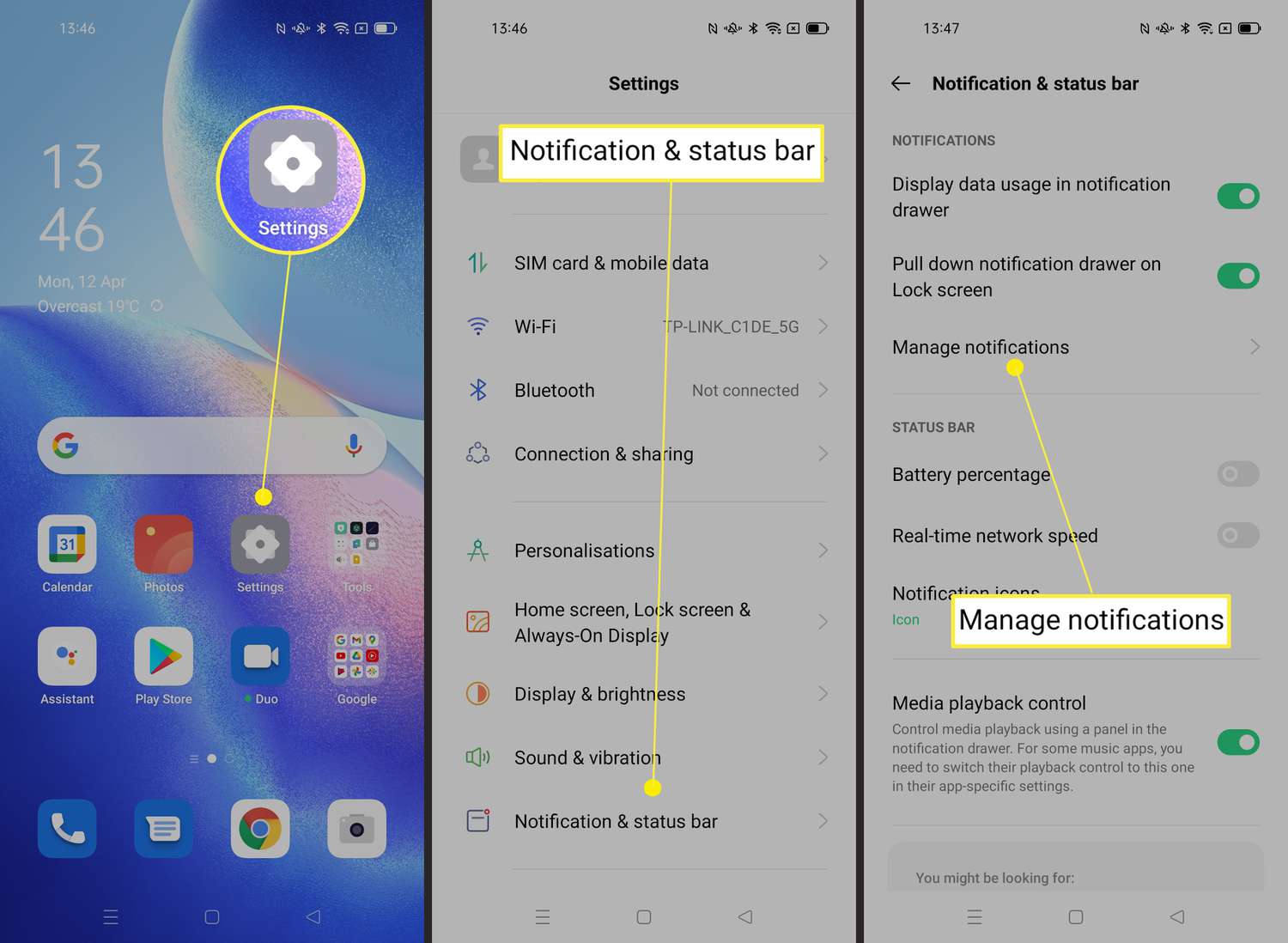
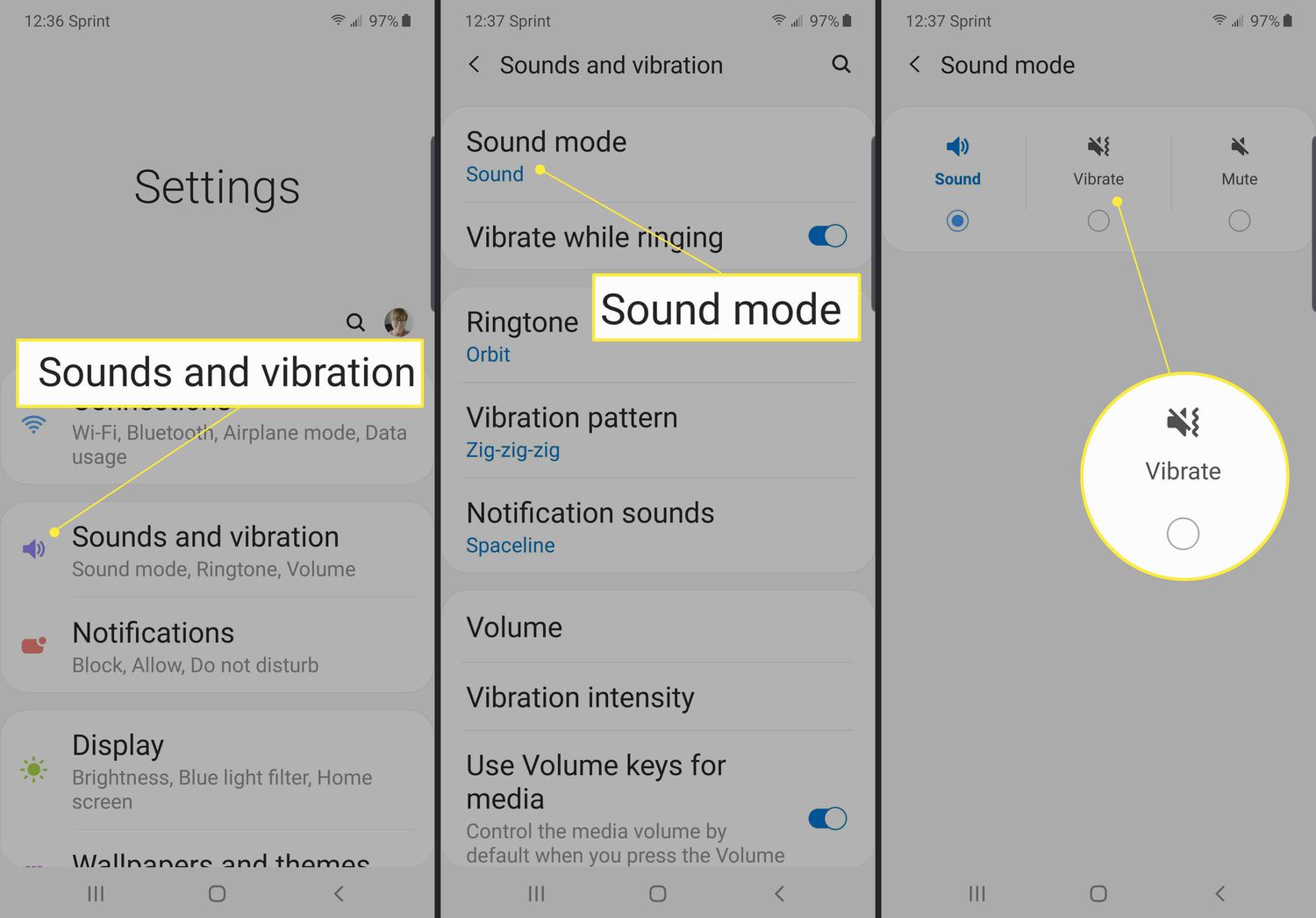
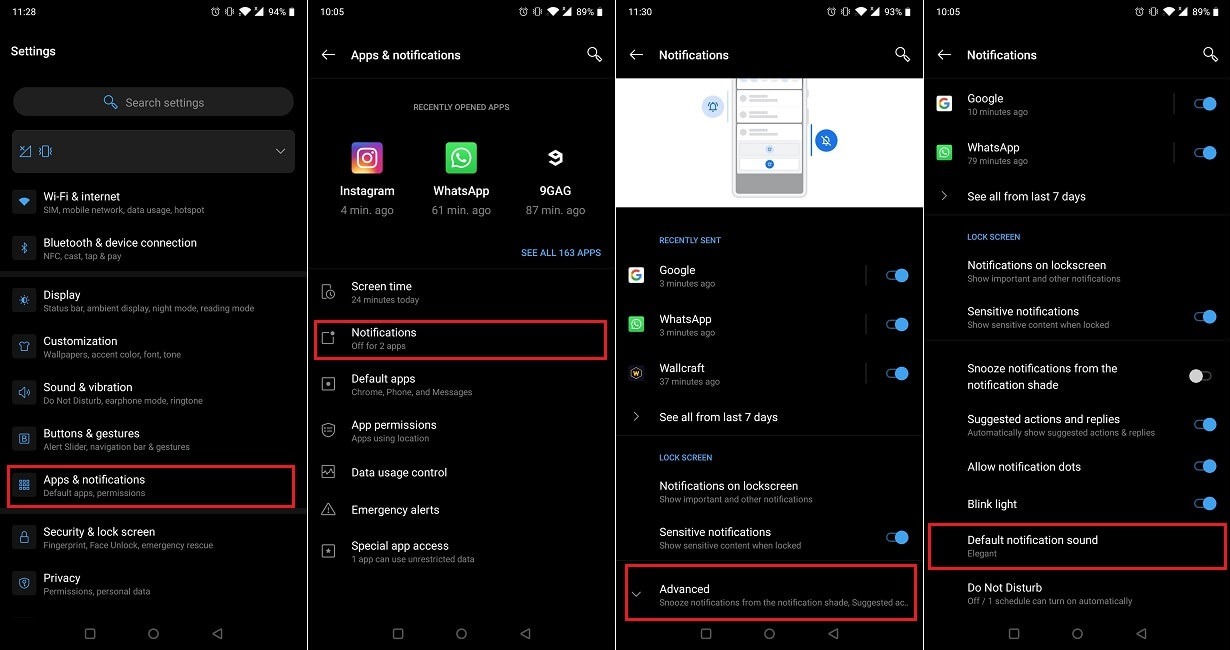
The articles here solve two main kinds of problems. First, there are guides for customizing your phone’s basic vibration behavior, turning it on or off for specific actions. For example, you can learn how to set your iPhone to vibrate when receiving calls and texts, or how to turn off vibration on an Android device entirely. Second, the tag addresses more specific issues, like making your phone vibrate non-stop for an alarm or notification, or even how to make the vibrate stronger on an iPhone. You will also find dedicated help for wearable tech, including solutions for why your Fitbit keeps buzzing and steps to make your Fitbit vibrate on command.

Beyond the basics, we also cover newer features like haptics on the iPhone 13, explaining what they are and how to set your iPhone 13 to vibrate. For those with older hardware, we have a guide on how to turn vibrate on iPhone 12. Finally, a general overview of vibration settings on your phone ties everything together, helping you master the buzz.
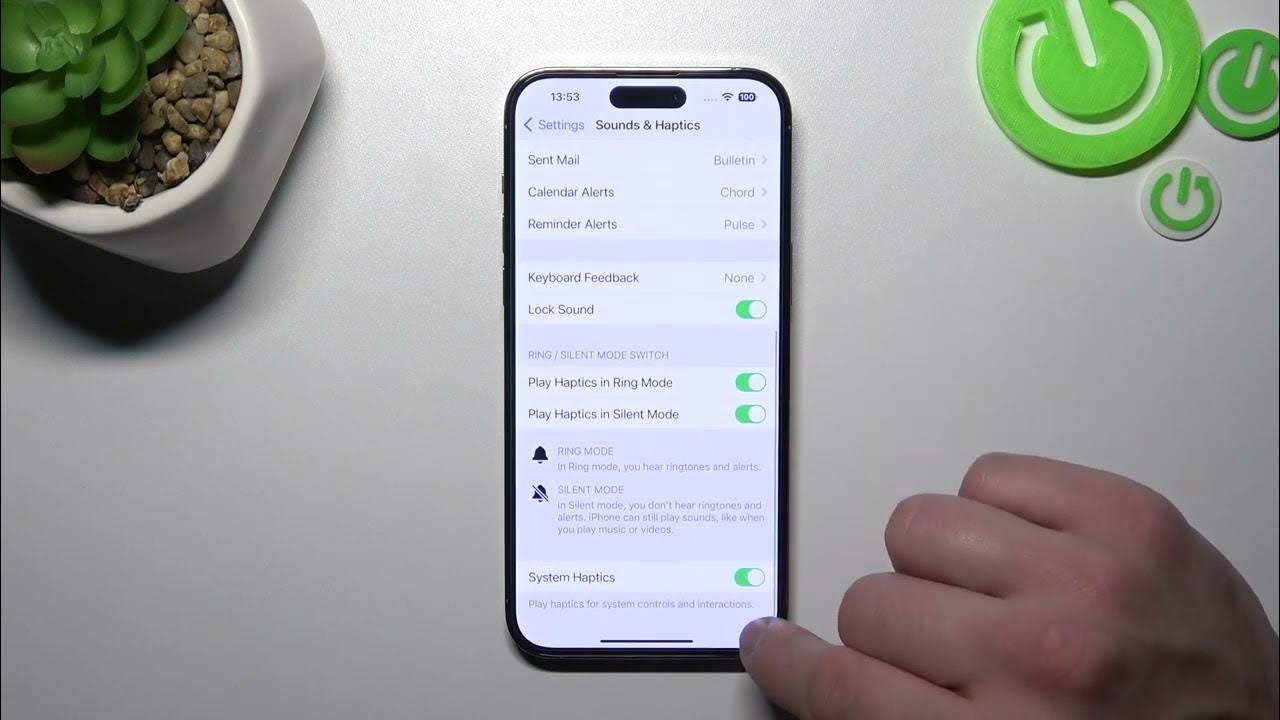
How To Turn Vibrate On IPhone 12

To turn vibrate on iPhone 12 instantly, use the physical Ring/Silent switch on the left side of the device. Sliding the switch toward the back of the phone (showing an...

What Are Haptics On IPhone 13

Haptics on iPhone 13 are the vibrations and tactile taps the phone uses for alerts, keyboard input, and system interactions. These subtle physical cues make your device feel more responsive,...

How To Set IPhone 13 To Vibrate

To set your iPhone 13 to vibrate, simply flip the physical Ring/Silent switch on the left side of the device downward toward the back of the phone. This one-step method...

Why Does My Fitbit Keep Buzzing

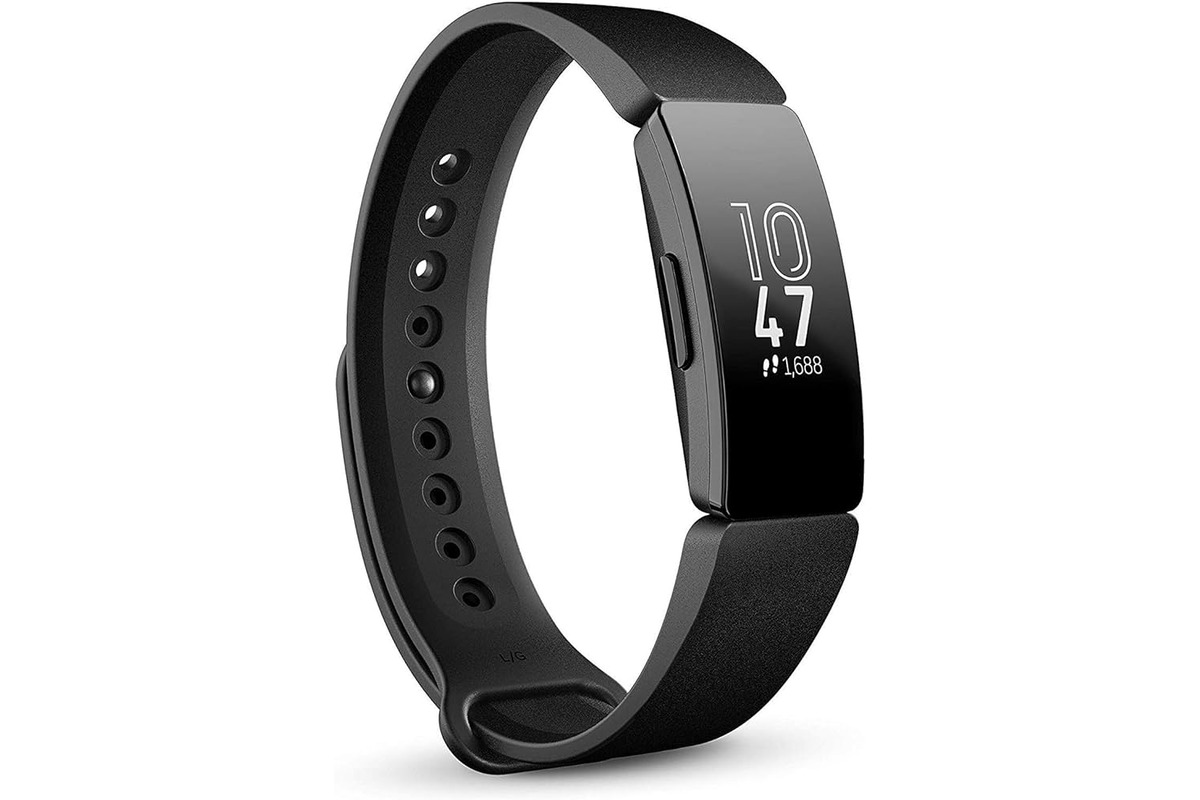
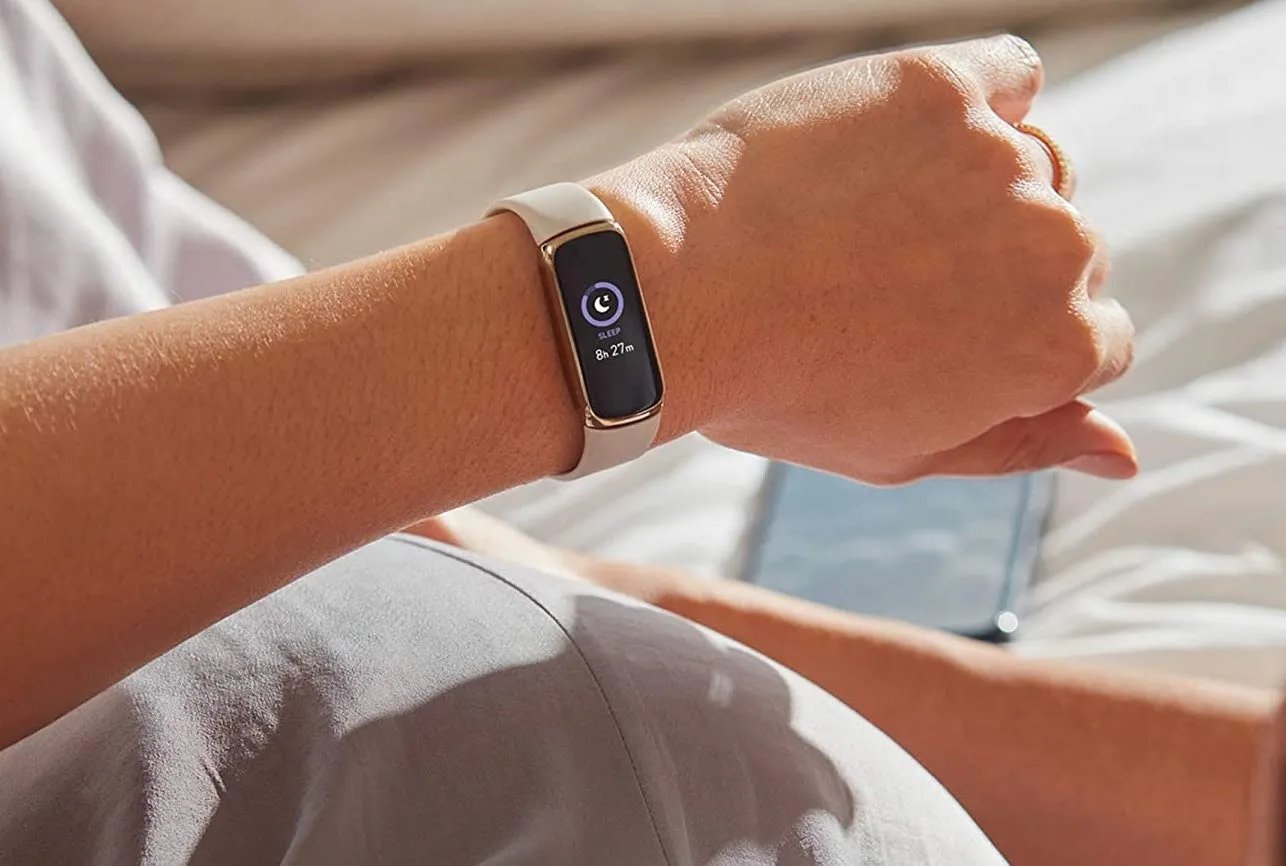
Wondering why does my Fitbit keep buzzing? It’s because it is vibrating for notifications, reminders, alarms, or goal celebrations, and it is not silenced by Do Not Disturb, Sleep Mode,...

How To Make My Fitbit Vibrate

The fastest way to make my Fitbit vibrate is to set a silent alarm for a minute in the future. This triggers the vibration motor immediately on any Fitbit model,...

How To Make Vibrate Stronger On IPhone

To make vibrate stronger on iPhone, you need to know that Apple does not provide a slider to increase vibration intensity. Instead, the only documented way to make your iPhone...

How To Turn Off Vibration On Android

To turn off vibration on Android, you need to adjust separate controls for calls, notifications, keyboard taps, and touch interactions. The exact menu paths may vary by device maker and...

How To Make Your Phone Vibrate Non Stop

There is no official setting to make your phone vibrate non-stop continuously. Whether you want to prank a friend, create a DIY massager, or set up a persistent notification alert,...