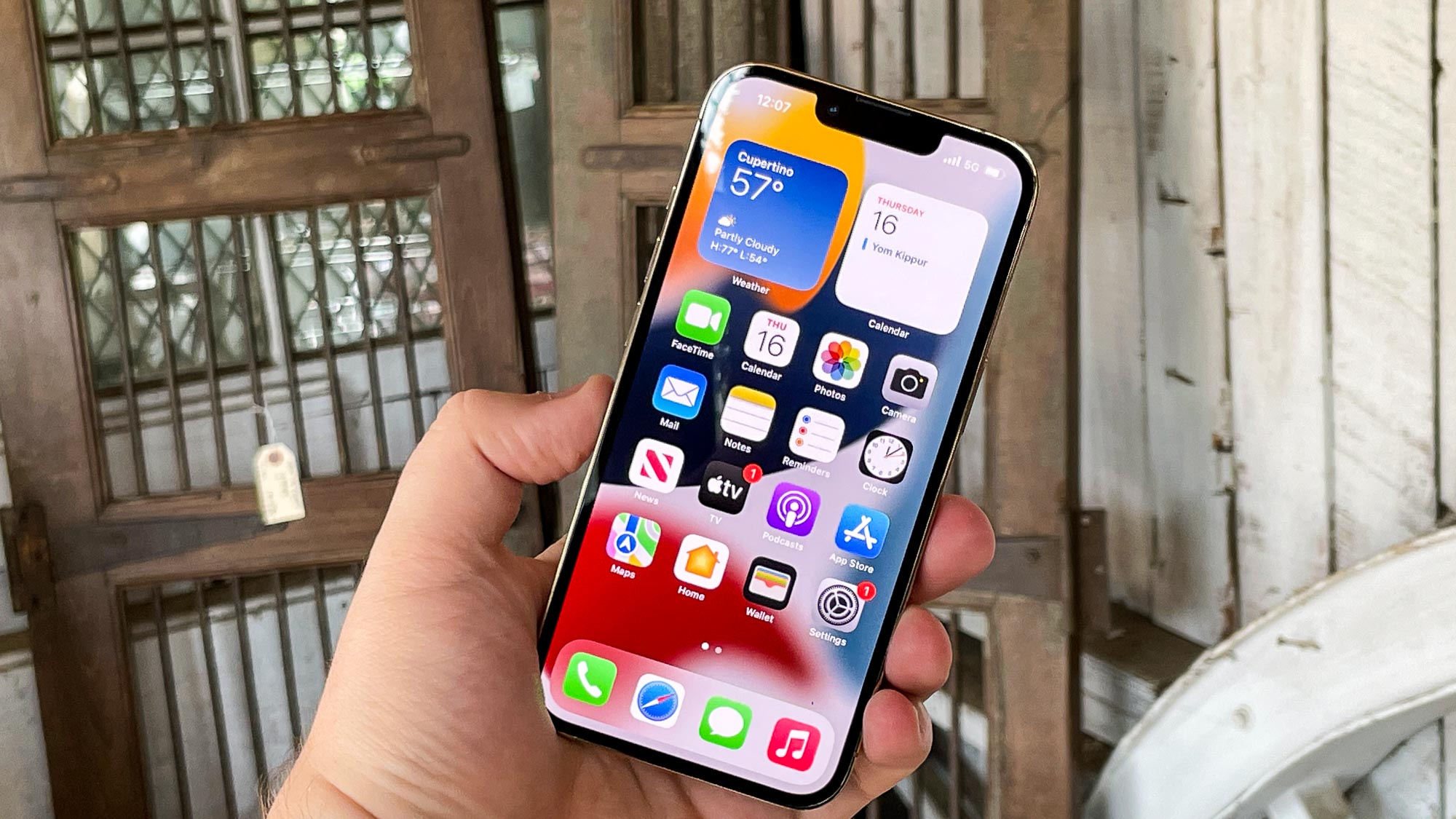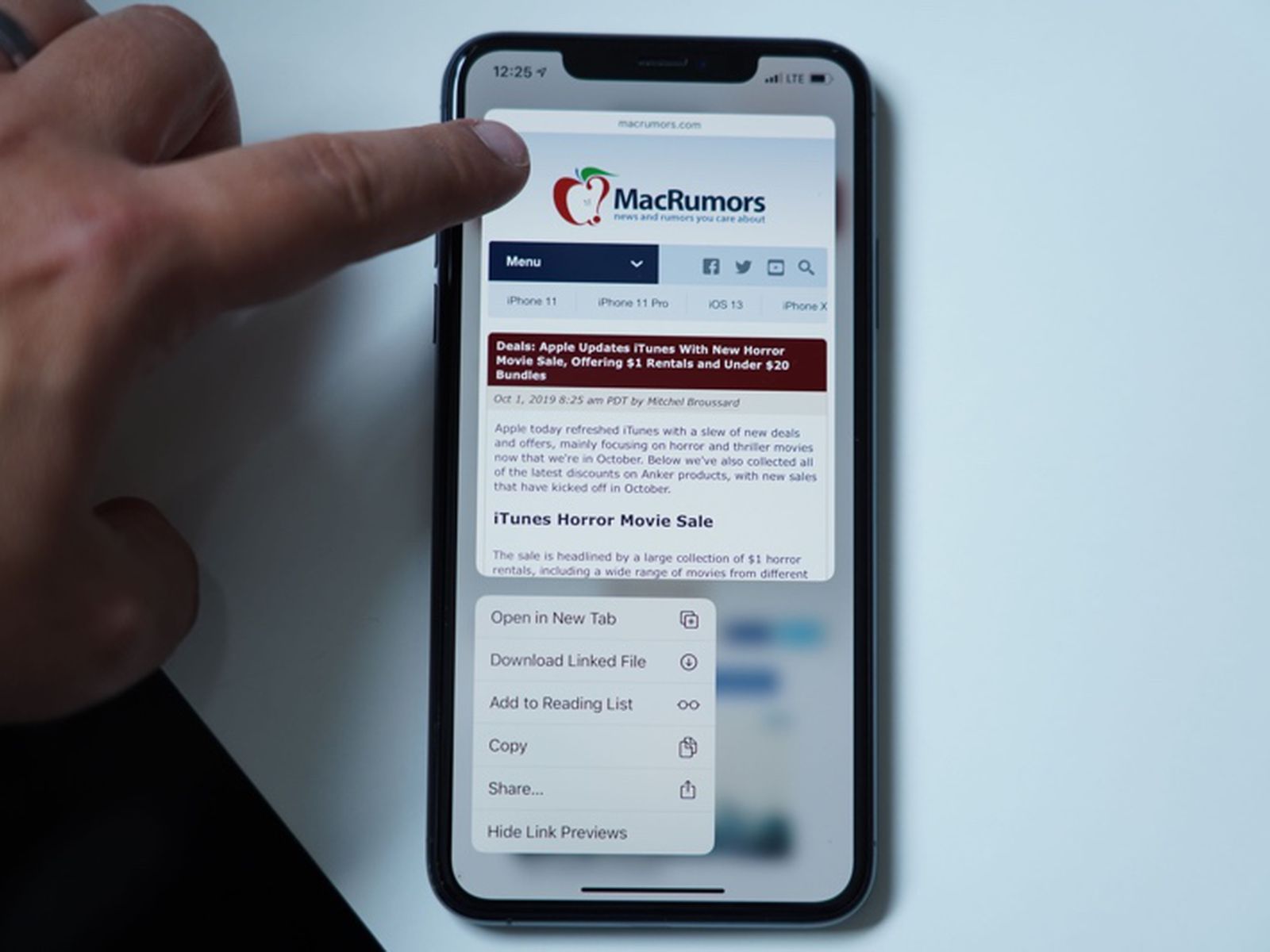
Haptics on iPhone 13 are the vibrations and tactile taps the phone uses for alerts, keyboard input, and system interactions. These subtle physical cues make your device feel more responsive, turning a silent notification or a keypress into something you can actually feel.
What are haptics on iPhone 13?
Apple’s settings pages treat haptics as vibration feedback tied to ringtones, alerts, keyboard typing, and system controls. The iPhone 13 family is included in Apple’s iPhone User Guide support list.
How to change haptic feedback for ringtones and alerts
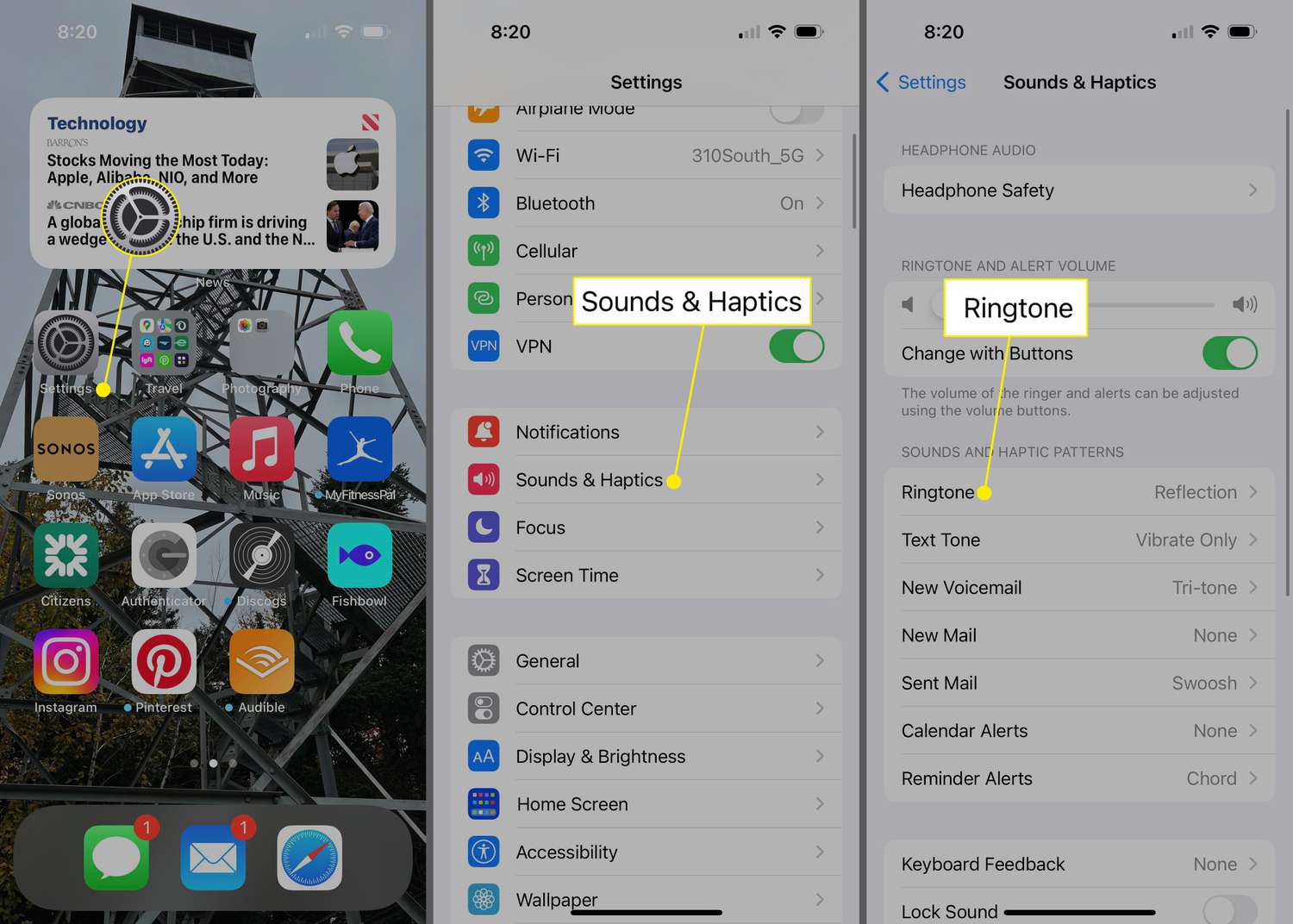
You can control when your iPhone vibrates for incoming calls and alerts. Go to Settings > Sounds & Haptics > Haptics and choose one of these options:
- Always Play, haptics play whether your phone is in silent mode or not.
- Play in Silent Mode, haptics play only when the ring/silent switch is set to silent.
- Never Play, haptics are disabled for all incoming calls and alerts. Note that selecting this option means your iPhone will not hear or feel vibrations for incoming calls and alerts.
How to create a custom vibration pattern
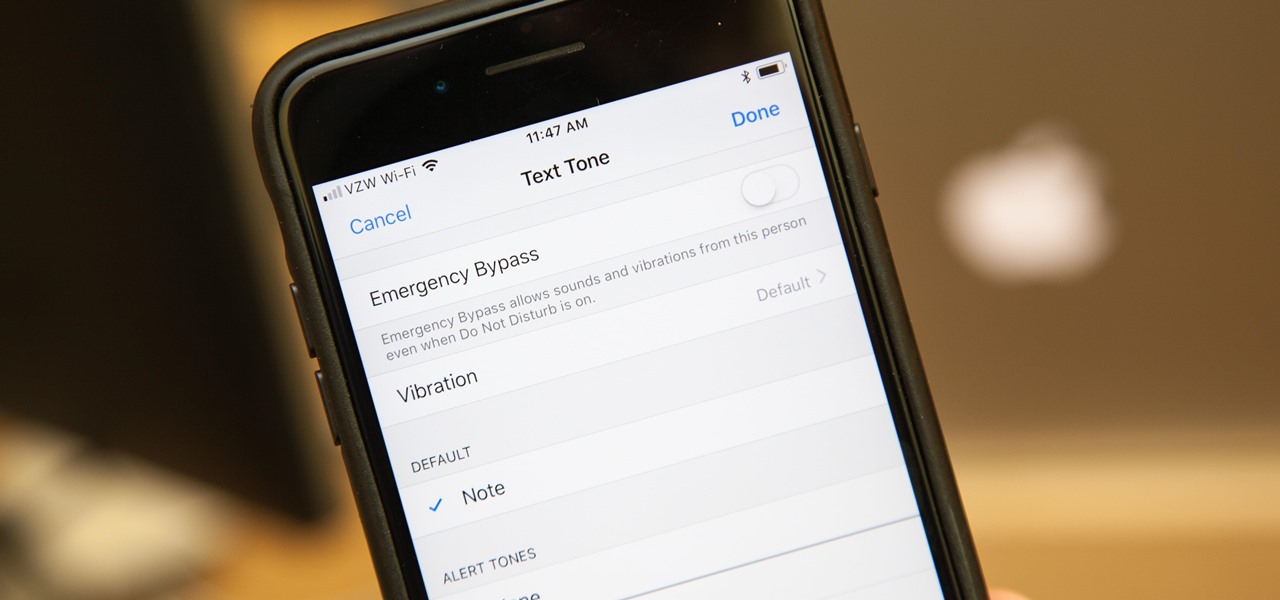
You can assign a unique vibration pattern to a specific alert. Go to Settings > Sounds & Haptics > Ringtone, Text Tone, or another sound category, then tap Haptics. From there, choose an existing pattern or tap Create New Vibration to record your own custom rhythm by tapping the screen. This lets you identify who is calling or texting without looking at your phone.
How to turn keyboard haptics on or off
If you want a light tap each time you type, go to Settings > Sounds & Haptics > Keyboard Feedback and turn Haptic on or off. If you turn it on but don’t feel anything, check that Vibration is enabled in Settings > Accessibility > Touch. Without that master switch, keyboard haptics will not work. This is a common fix when the feature seems inactive.
How to adjust system haptics and haptic touch sensitivity
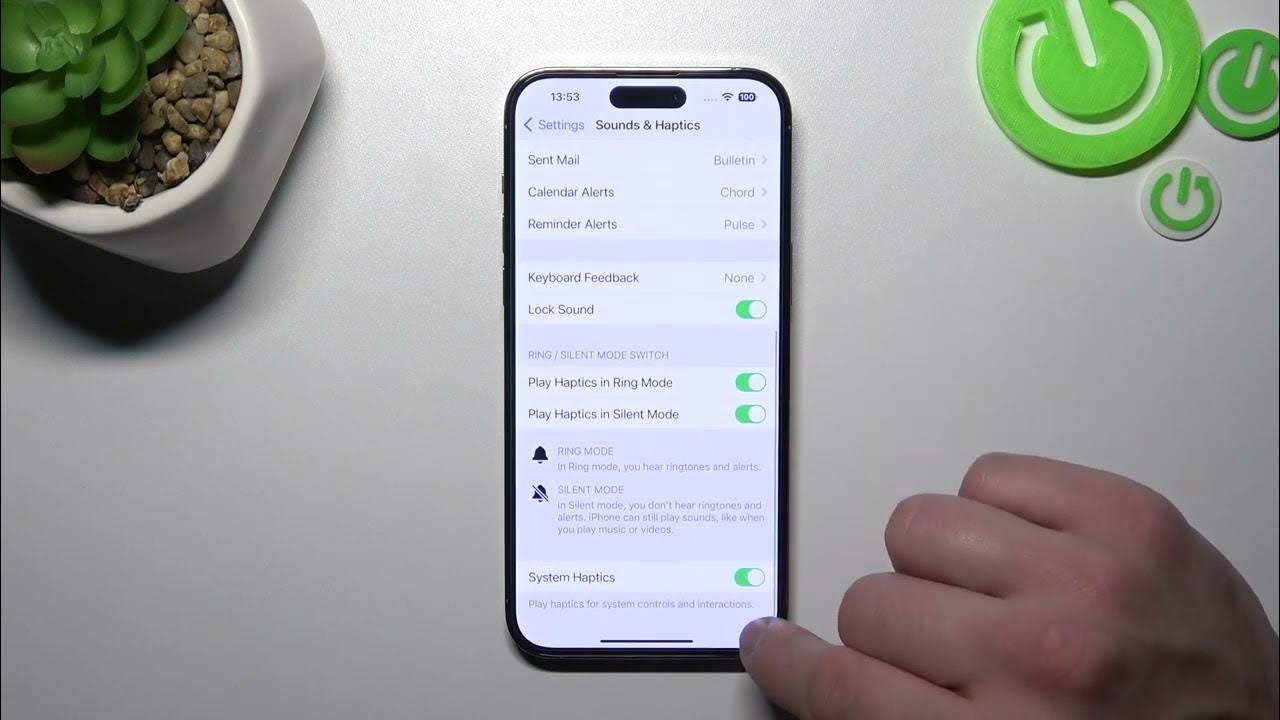
System haptics are the subtle taps you feel when you perform actions like toggling a switch or scrolling a picker wheel. Apple documents System Haptics as a toggle for system controls and interactions in Settings > Sounds & Haptics. You can turn them off entirely by toggling System Haptics in Settings > Sounds & Haptics. For how quickly your phone responds to a long press, go to Settings > Accessibility > Touch > Haptic Touch and choose Fast, Default, or Slow. You can test your selection on the flower image shown on the same screen.
Frequently Asked Questions about iPhone haptics
Why is my iPhone not vibrating?
First, check that Haptics in Settings > Sounds & Haptics is not set to Never Play. If it is, your iPhone will not vibrate for calls or alerts. Also ensure Vibration is enabled in Settings > Accessibility > Touch. If keyboard haptics specifically are missing, verify that Haptic is turned on under Keyboard Feedback.
Can I make haptics stronger?
Apple does not provide a slider to increase the strength of haptic feedback on the iPhone 13. The intensity is fixed by the system. You can, however, adjust the sensitivity of Haptic Touch (the long-press response) in Settings > Accessibility > Touch > Haptic Touch by choosing Fast, Default, or Slow.
What is the difference between haptics and vibration?
On the iPhone 13, the terms are often used interchangeably. Haptics refer to the precise, controlled taps and buzzes generated by the Taptic Engine for specific interactions like typing or system controls. Vibration is the broader term for the phone shaking, which is used for ringtones and alerts. Both are controlled through the same vibration settings on your phone in the Sounds & Haptics and Accessibility menus.
Do haptics drain the battery?
Haptic feedback uses very little power. The Taptic Engine is an energy-efficient linear actuator, so the impact on battery life is minimal. You can disable system haptics or set alerts to never vibrate if you want to save every bit of charge, but the difference is usually negligible.
Can I set different vibrations for different contacts?
Yes. Go to the contact in the Phone or Contacts app, tap Edit, then tap Ringtone or Text Tone. Tap Haptics and choose a pattern or create a new one. This lets you know who is calling or texting by feel alone.
How do haptics work on Android compared to iPhone?
Android's official developer documentation says apps can trigger haptic feedback with performHapticFeedback, and that it respects the system setting HAPTIC_FEEDBACK_ENABLED, which lets the user disable haptics system-wide.
For the wider topic, see vibration settings on your phone.
Related reading: How To Set IPhone 13 To Vibrate and How To Turn Vibrate On IPhone 12.