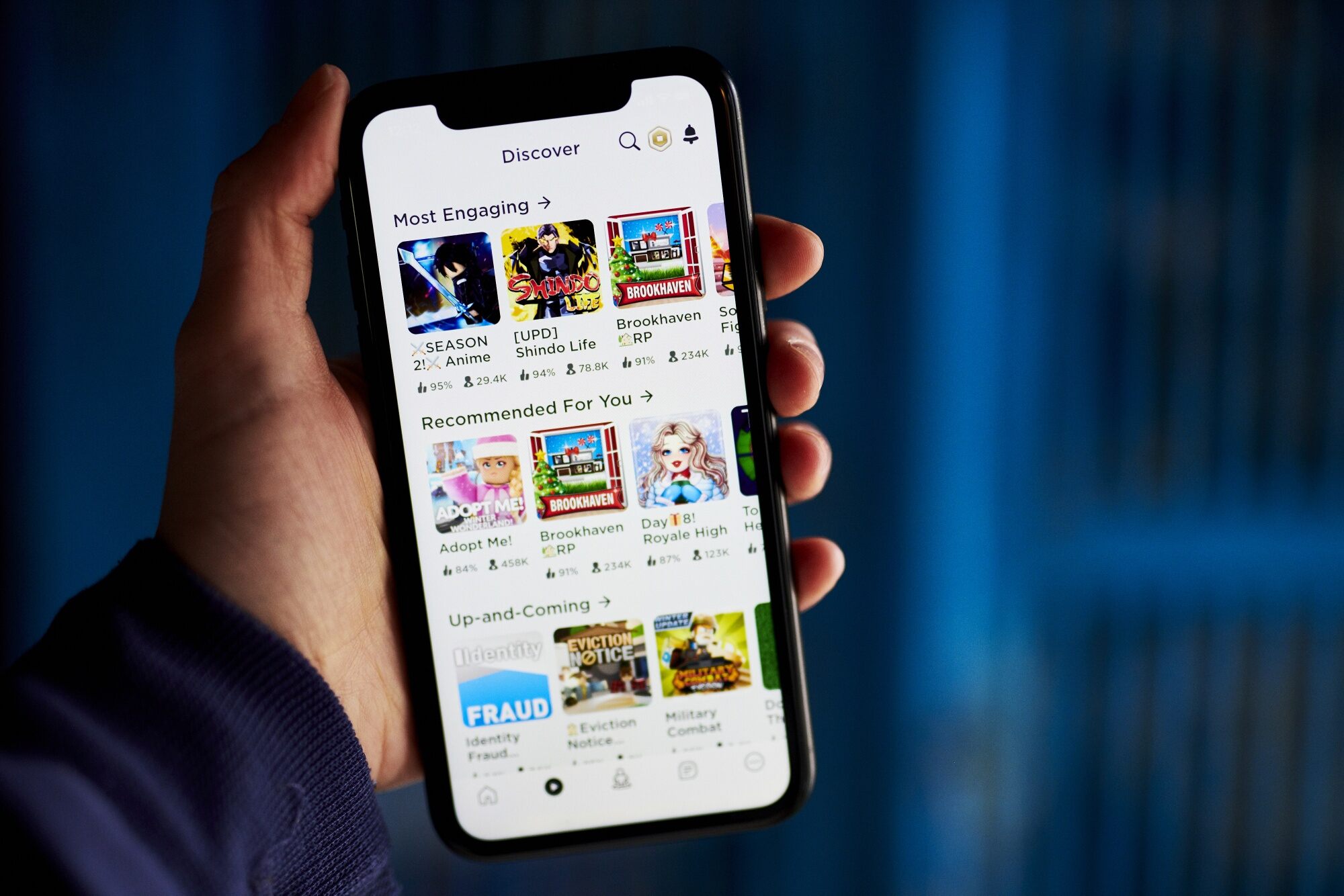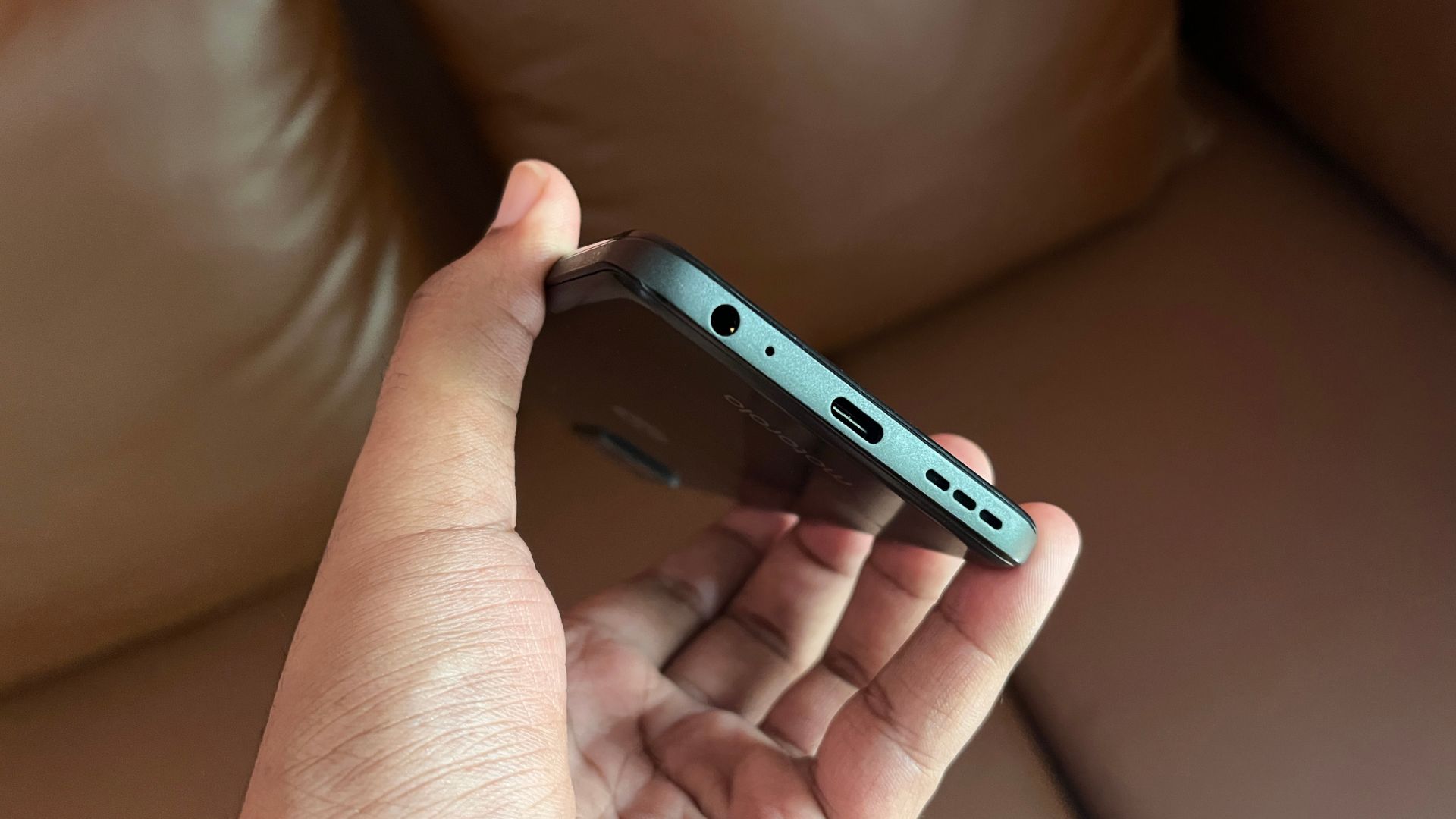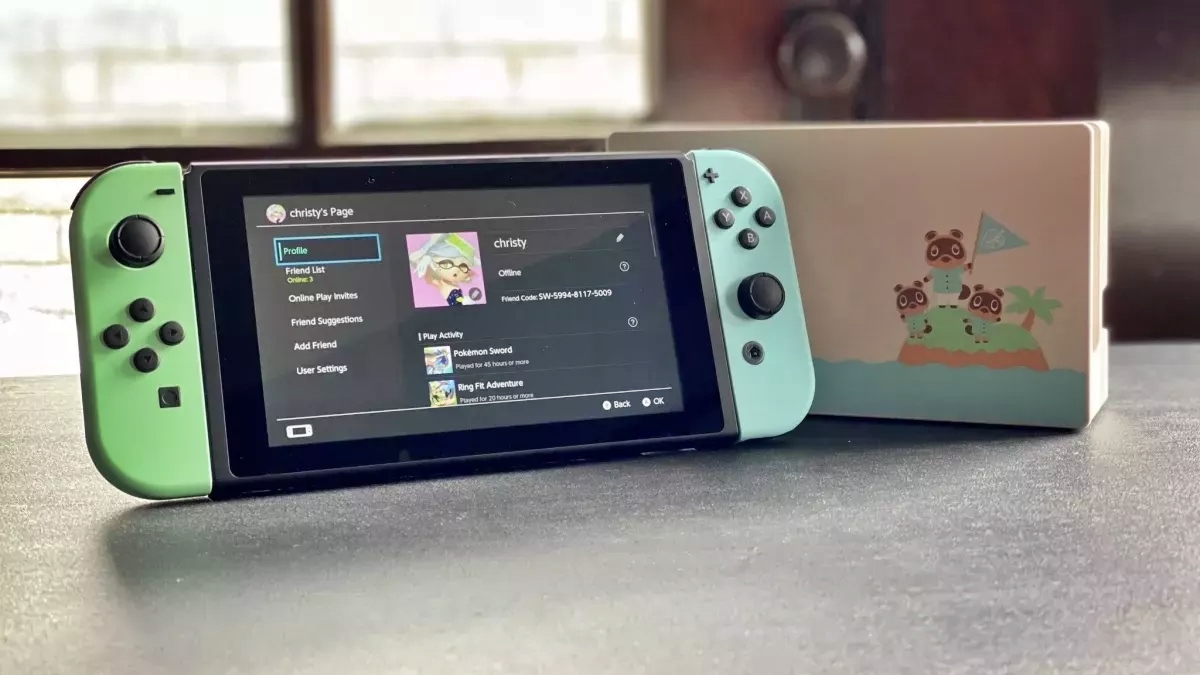
Guides and troubleshooting articles focused on using voice communication features on your phone, whether through dedicated apps or integrated into games. This page is for anyone who wants to set up, manage, or fix voice chat on their mobile device, covering popular platforms like Discord, Roblox, and Fortnite, as well as connecting to other hardware like the Nintendo Switch.
The articles here solve real-world problems grouped into a few clear themes. One major theme is getting voice chat to actually work, with specific fixes for when your headset isn't working on Fortnite or why your mic isn't working on Discord Mobile. Another theme is setup and access, including guides on how to use voice chat in Roblox Mobile and how to get Roblox VC with a phone number. A third theme covers control and connection, such as how to mute someone on Discord mobile and PC, and how to connect your phone to a Nintendo Switch for cross-device chat.
These articles help you do specific things: troubleshoot a silent headset mid-game, verify your Discord mic permissions on a phone, link your phone number to unlock Roblox voice chat, or pair your phone with a Switch for party chat. They also cover broader mobile gameplay tips for Roblox and a dedicated guide for using Discord’s voice chat on a mobile device. Whether you are fixing a sudden audio issue or setting up a new chat feature, these articles provide direct, actionable steps.