Account and privacy setup for Roblox mobile
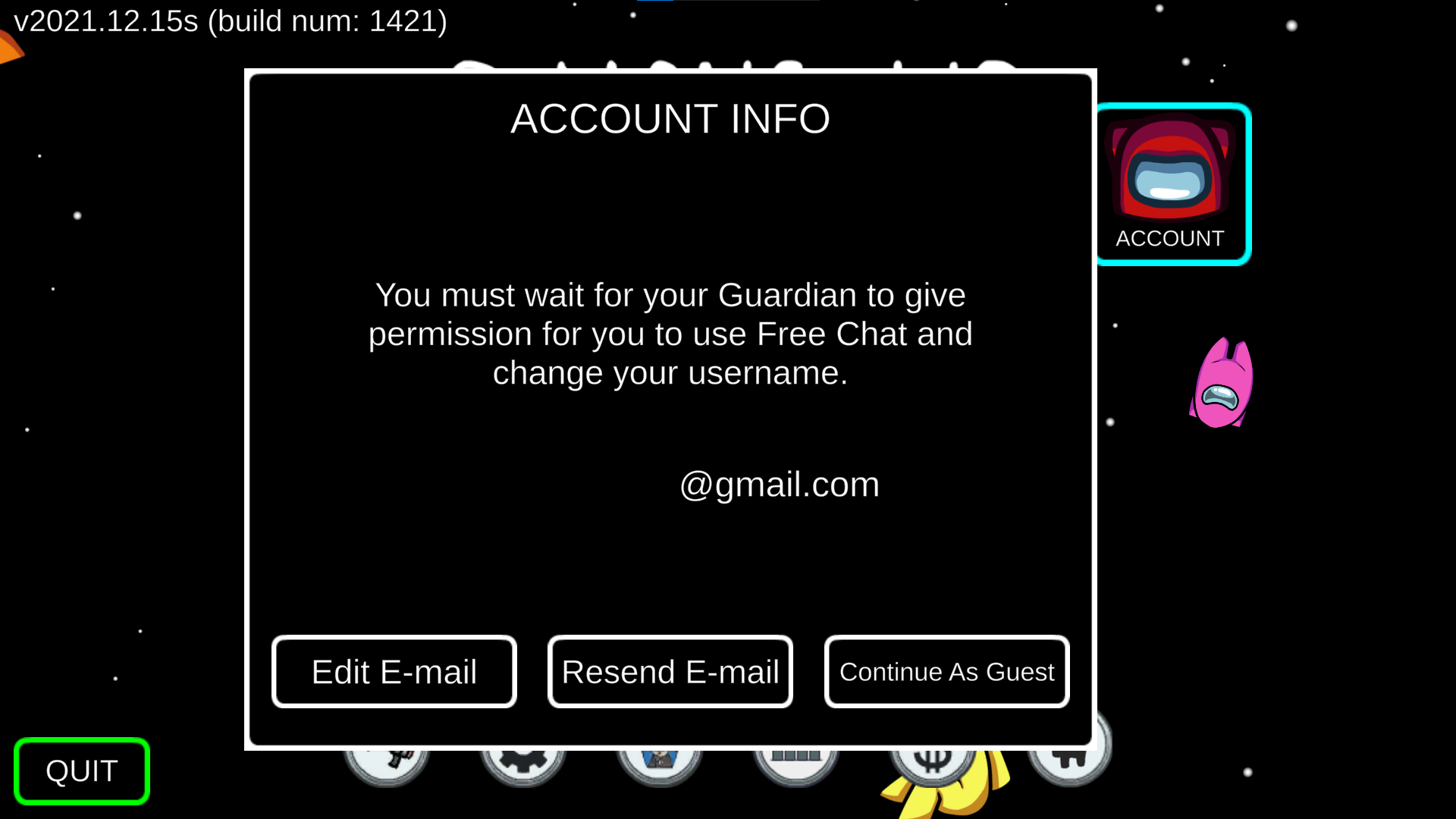
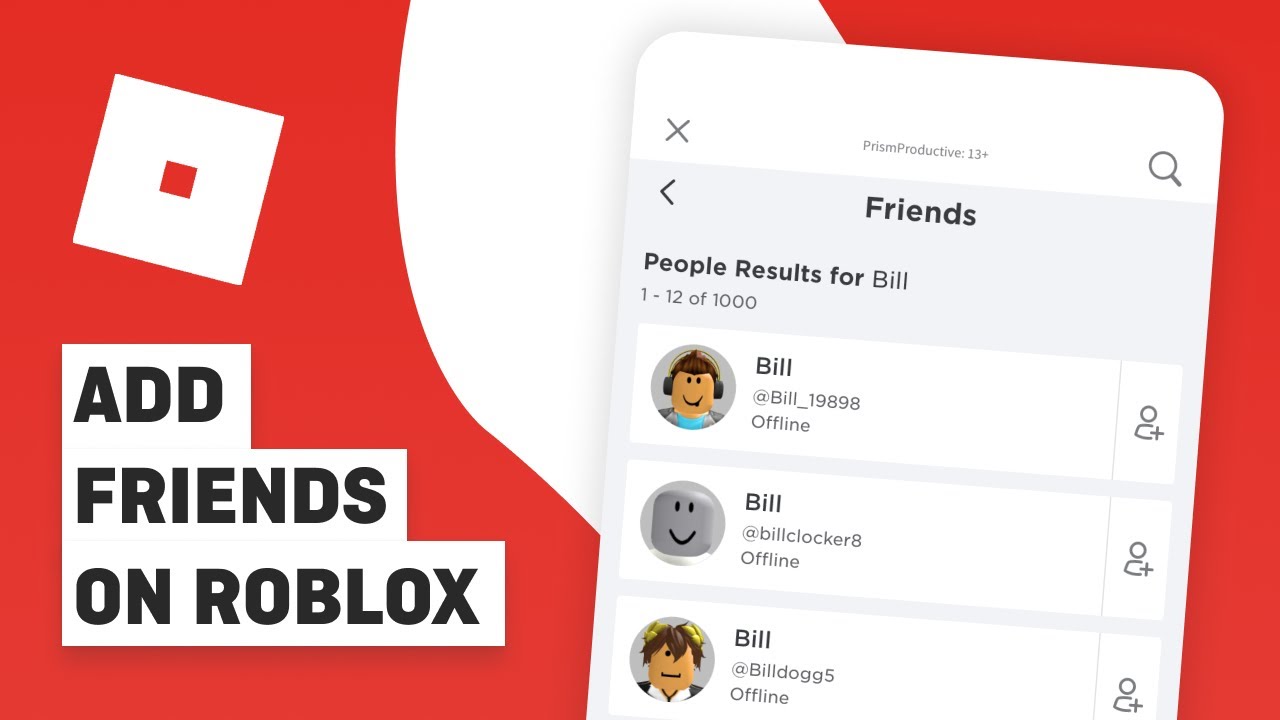
Before you try any advanced Roblox mobile tips, lock down the basics so your identity stays exactly how you want it. To change your display name on Roblox mobile, open the app and tap More, then Account Info; the Change Display Name button sits right there, and the new name will appear separately from your permanent username. If you need to add friends on Roblox mobile, head into More and tap Friends, then use the search icon at the top to find their exact username and hit Add. Managing your visibility is just as important, and the mobile path is accessible through the settings. You can appear offline on Roblox while playing mobile by going to More, then Settings, where Roblox documents visibility controls. There is no dedicated menu switch for what is a Roblox noob and how to be one [ultimate guide], as a “noob” is simply a community term for a fresh player, not a documented account mode or setting you can toggle from your phone.
Social features and communication
Communicating with other players on mobile goes beyond the chat box. The first step for many is setting up voice chat. To use voice chat in Roblox mobile, open the app and go to Settings, then navigate to the Privacy settings where you can enable voice chat. This option only appears if your account has passed age verification on the Roblox platform.
If you want to send Robux to a friend, the standard mobile app does not include a direct peer-to-peer transfer button. The workaround that actually functions is having them list a simple item like a T-shirt in their group or catalog for you to purchase, which credits them the Robux after the marketplace takes its cut.
Before you can trade items in Roblox mobile, you need to enable trading in your account settings. Once that prerequisite is locked in, you can negotiate and accept trades from your phone’s browser.
For finding people to play with, the 20 best Roblox Discord servers you should join in 2022 may be a way to connect with traders and voice-chat groups. You will need the Discord app installed separately, since Roblox does not host those communities itself.
Customizing your avatar
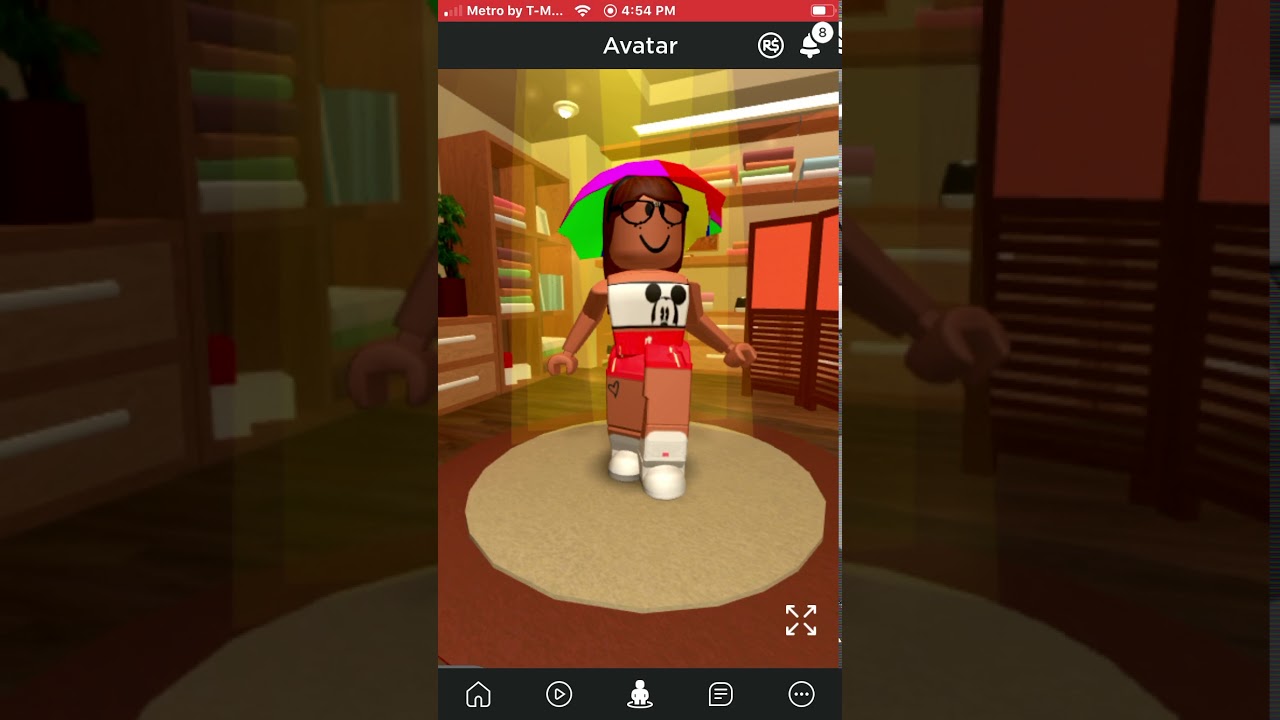
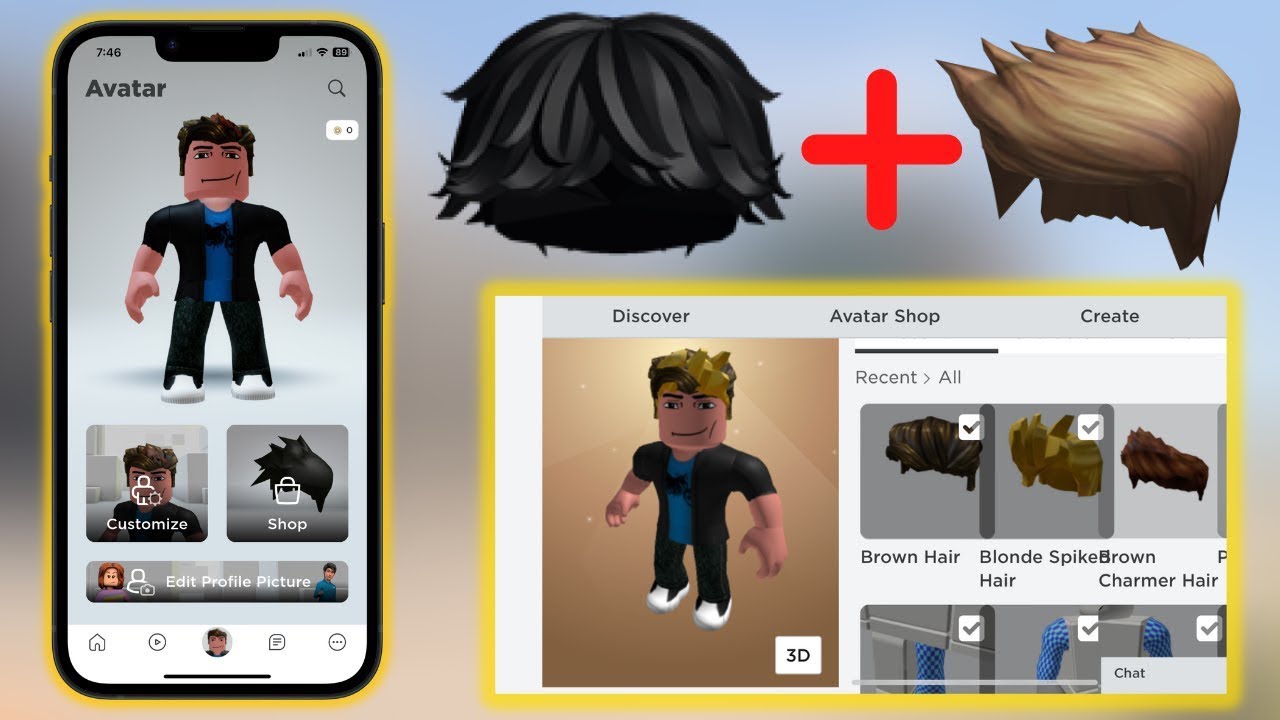
Once you tap the Me tab and open Customize, you can swap clothing, body parts, and animations from your inventory. The standard app limits you to one item per slot by default, and layering extra gear requires a completely different approach. How to wear multiple face accessories on Roblox mobile and how to wear 2 face accessories on Roblox mobile are not possible through the mobile editor itself. The combined look only persists on your phone after you have saved the layered setup from a PC. Also see wear multiple hairs on Roblox mobile 2022 and change your height in Roblox on mobile, neither of which appear in official help or confirmed app controls. To keep a look you have assembled, you can save outfits on Roblox mobile by tapping the Costumes tab and selecting Create Costume, which stores your current combination for quick swapping later. The process for delete outfits in Roblox mobile remains absent from official documentation.
Creating and uploading items
If you want to make your own decal in Roblox on mobile, you will not find the upload tool inside the app itself. Open your phone’s browser, head to the Creator Dashboard, and navigate to the Decals section to reach the Upload Asset button. The same browser-based workflow applies when you need to upload clothes on Roblox mobile, so go to the Creator Dashboard and use the Avatar Items section to upload your T-Shirt, Shirt, or Pants image file. Since both paths rely on the Creator Hub rather than a built-in mobile editor, you can complete them from any modern phone browser without installing extra software. The key prerequisite is that you are working entirely outside the Roblox app, so make sure you are logged into the correct account in your mobile browser before you start uploading.
Controls and input methods
Before you try to use shift lock on Roblox mobile, open the game you want to play and look for a small Shift Lock icon in the bottom-right corner of the screen. This feature is not a standard app toggle. It only appears when a specific game's developer has chosen to build it in. If the icon is missing, that experience simply does not support the mode, and no phone setting will force it to work. You need to turn on shift lock on Roblox mobile for better camera control during movement.
A similar dependency on outside setup applies when you want to use keyboard on Roblox mobile. Keyboard support is only explicitly documented for Android, so iPhone users may not be able to use a keyboard within the app. On a compatible Android phone or tablet, connecting a keyboard via USB or Bluetooth should let it work in supported experiences. Roblox does not publish a list of which games respond to key presses, however.
When you add gamepad controls on Roblox, the situation is more consistent across platforms. Roblox has enabled controller support in the app for phones and tablets. Pair your controller through your device's Bluetooth menu before launching Roblox, then join an experience to see if it is recognized.
None of these input methods comes with a detailed compatibility chart inside the app. As a result, the fastest way to know if your setup will work is to test it in a popular title like an obby or a driving game, where keyboard and controller support is most common.
Performance and graphics tweaks
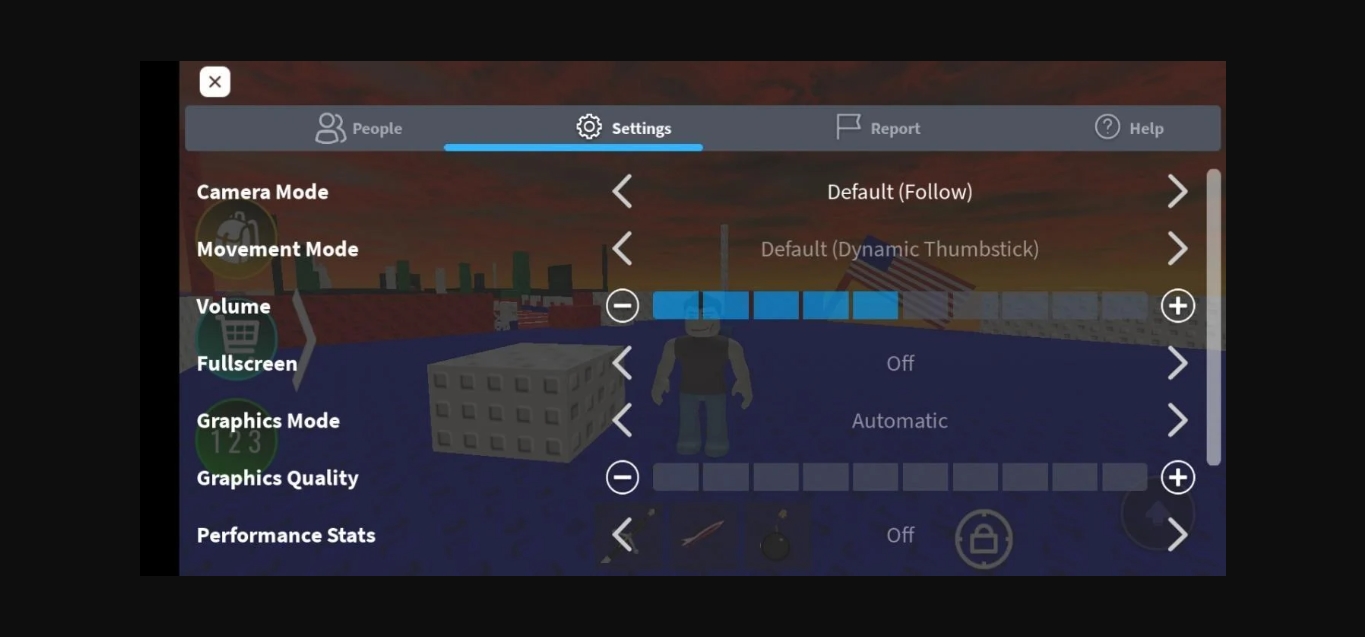
When an experience starts to stutter, the fastest built‑in fix is to open the in‑game menu, tap Settings, switch Graphics Mode to Manual, and drag the Graphics Quality slider to the left. If that alone does not keep the frame rate steady, closing any other power‑hungry apps running in the background is also recommended. For players determined to not lag in Roblox mobile, the stock app offers no further hidden switches, which is why many community workarounds rely on tools the app itself cannot provide.
You will see guides that promise you can use Roblox FPS unlocker [your ultimate guide] to push past the default cap, but no official Roblox FPS unlocker for mobile is documented in the retrieved Roblox documentation. You are venturing into third‑party territory that may require a PC to configure before any change reaches your handset. The same split between in‑app controls and outside setup appears when creators try to get Roblox shaders on mobile, as no sanctioned shader toggle exists in the iOS or Android app.
Oddly enough, the reverse trick is what some builders chase when they want to get Roblox to look like mobile on Windows. A similar gap shows up if you try to get Btroblox on mobile.
Fixing common mobile glitches
When the view suddenly freezes or tears, the quickest first move to fix Roblox mobile screen glitch is to force-stop the app and clear its local cache, since a corrupted temporary file is often the culprit. If that leaves the camera stuck inside a wall or spinning uncontrollably, the community workaround to fix Roblox mobile camera glitch is to open the in-experience settings menu and change camera or movement settings there, as switching briefly to a fixed perspective can jolt the view back to normal. For players who find the entire interface skewed as if they are wearing a headset, the issue is usually a leftover virtual-reality flag. You can turn off Roblox VR by opening the in-game settings and toggling VR off, which stops the app from rendering a split-screen view on a flat handset. The precise menu path can shift between Android and iOS.
Gameplay actions and exploits
Pulling off precise in-game moves on a phone often means working around the touchscreen’s limitations. If you need to drop items in Roblox mobile, be aware that there is no universal button for it; in some experiences you may be able to open your backpack, press and hold an item, then drag it off the menu, while other games rely on a dedicated Drop control placed on the screen by the developer. Reading the article on how to drop items in Roblox mobile will show you the specific methods for each game type.
The gap between what is possible and what feels like a shortcut leads some players to search for ways to hack on Roblox mobile. No official Roblox help page documents a supported method for injecting scripts or bypassing core mechanics, and any tool promising mobile exploits exists outside Roblox’s rules, risking consequences such as warnings, temporary suspensions, or permanent account bans while exposing your device to malware. You would want the article on how to hack on Roblox mobile to understand exactly why those unofficial methods are dangerous and how they fail to work as advertised.
Before you chase a glitch or an unfair advantage, check whether the move you want is actually locked behind a PC-only setup, as many tricks that look like phone hacks are just desktop configurations carrying over to your handset.
Frequently Asked Questions
How do I enable voice chat on Roblox mobile?
Open the app and go to Settings, then Privacy and content restrictions, then Communication, and toggle on "Use microphone to chat with voice." This option only appears if your account is age-verified as 13 or older through phone number, ID, or facial age estimation.
How do I upload a T-shirt from my phone?
Open your phone's browser and go to the Creator Dashboard, then navigate to Avatar Items and the Classics tab. Drag your image into the upload box or tap Upload Asset, set the type to T-Shirt, and fill in the name and description.
How do I clear the Roblox cache on my phone?
Force-stop the Roblox app through your device's system settings, then find the app's storage menu and tap Clear Cache. A corrupted temporary file is often the culprit behind screen freezes or tearing, and clearing it is the quickest first fix.