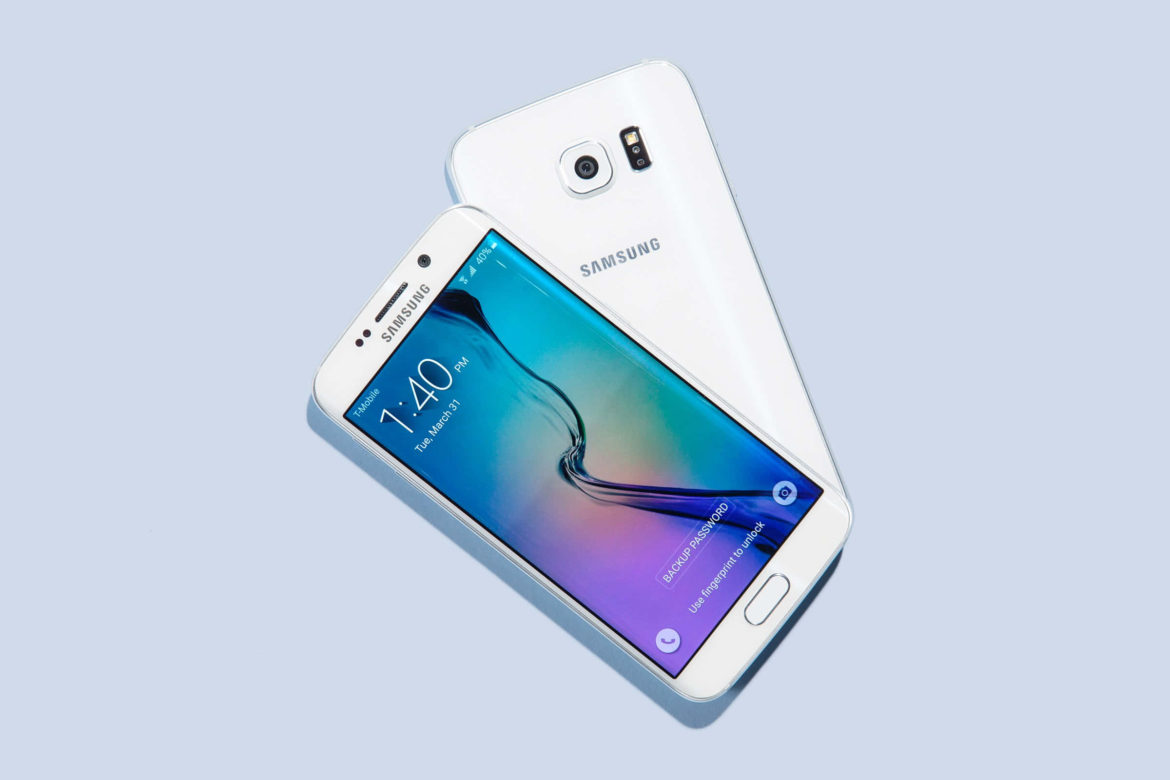
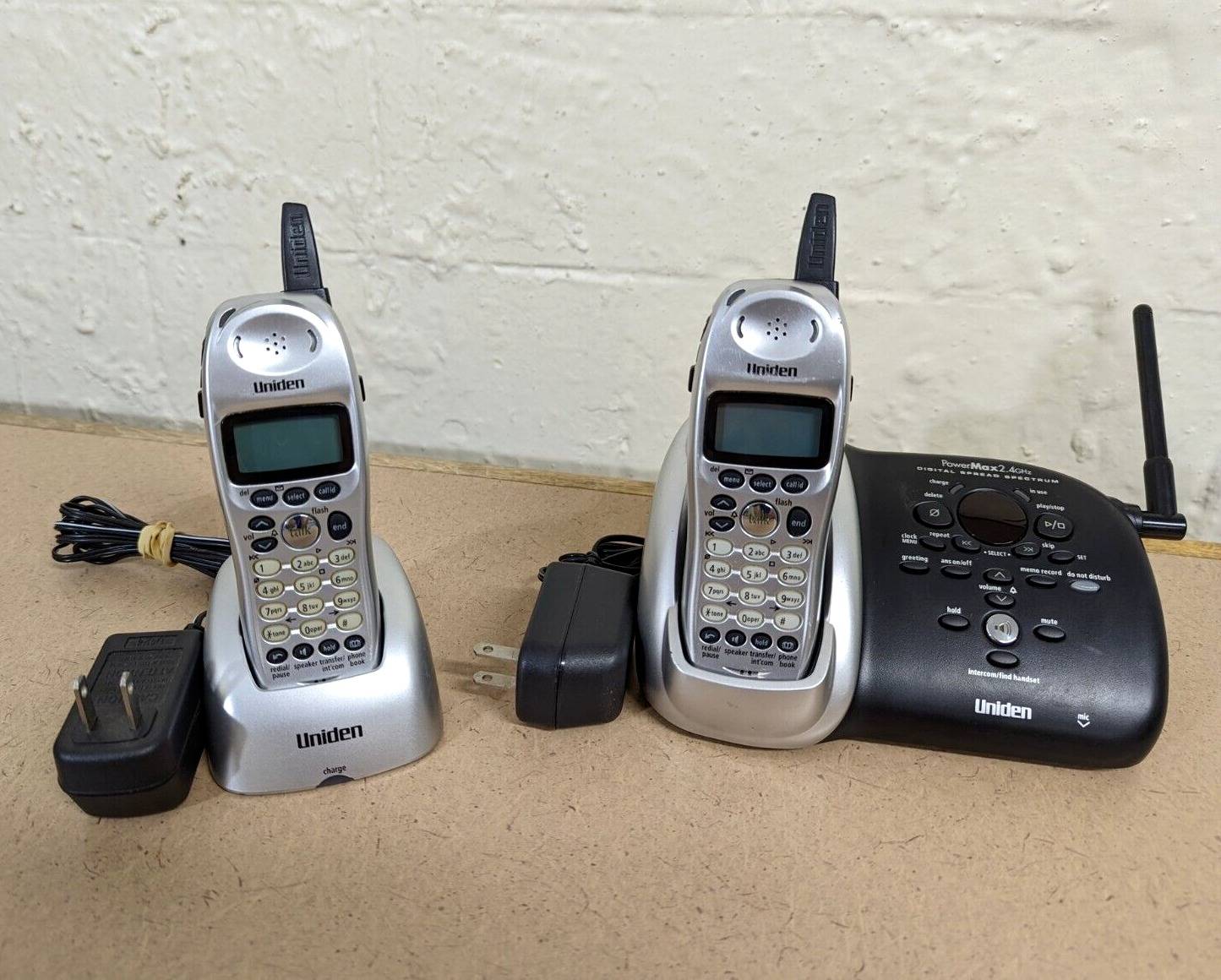
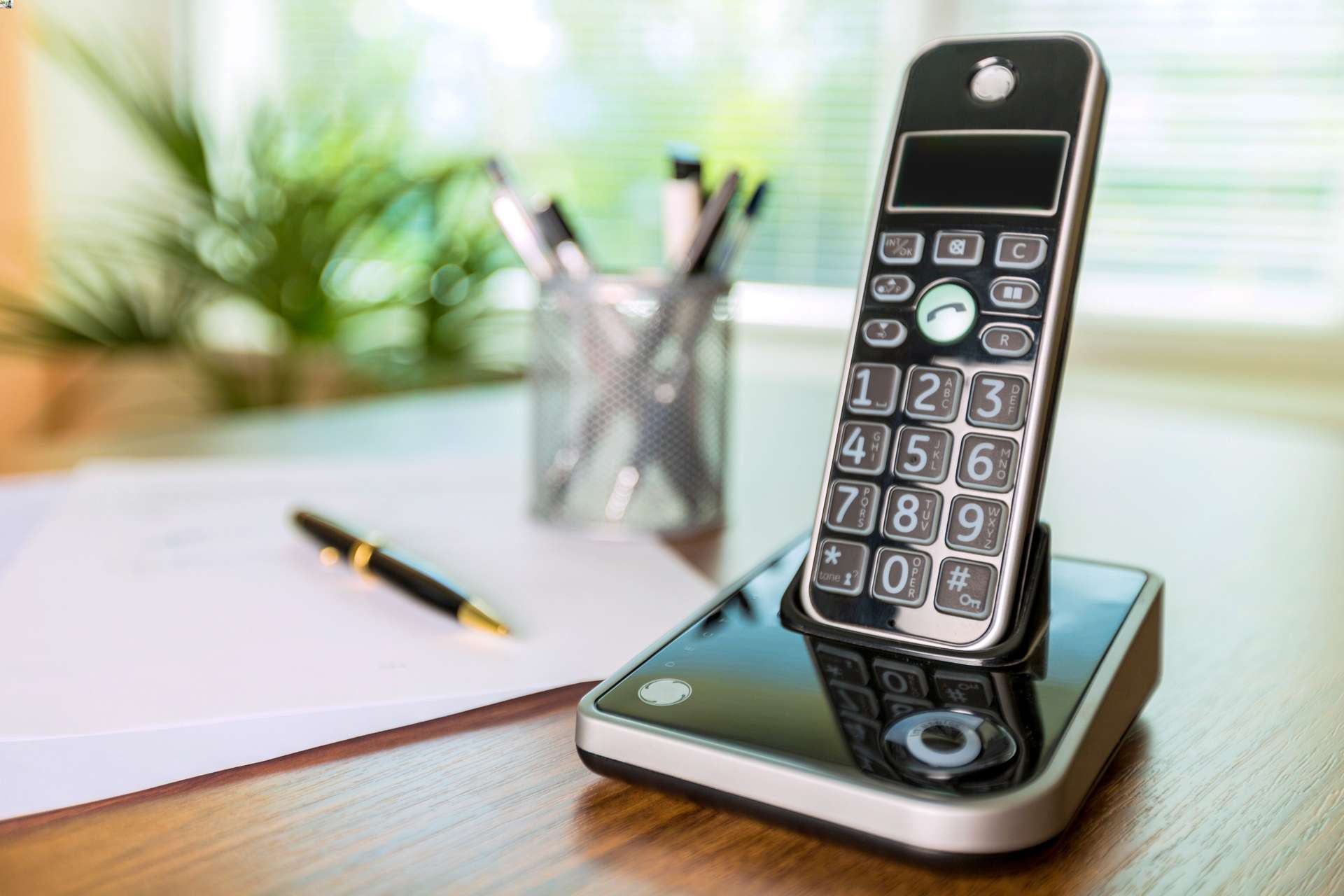
This tag collects all of CellularNews’s articles about voicemail, covering the basics of setting it up, troubleshooting when it stops working, and managing your greetings and inbox. It is for anyone who uses a phone, whether that is a modern Android or iPhone, a TCL flip phone, a Yealink office desk set, or a home phone service from AT&T or Xfinity, and needs clear, step-by-step help without the jargon.

The articles here solve real problems grouped into a few clear themes. One major group helps you set up and personalize your voicemail, with guides on how to set up voicemail on a Samsung phone, a TCL flip phone, or a Consumer Cellular line, as well as how to change your voicemail greeting on a Yealink phone. Another theme is troubleshooting when calls skip your ringing phone entirely, with articles like Why Is My Phone Going Straight To Voicemail and How To Stop My Android Phone From Going Straight To Voicemail. A third group covers checking and clearing your inbox, including how to check voicemail on T-Mobile, how to empty voicemail on an Android phone, and how to listen to my voicemail from another phone.

You will also find specific guides for using Google Voice as a voicemail system, including how to use Google Voice without a phone number and how to forward calls from a cell phone to Google Voice. Whether you need to know if an Android blocked you, change the number of rings on an iPhone, or access voicemail on a Polycom phone, these articles give you the direct steps to get it done.
How To Change Number Of Rings On IPhone

You cannot change the number of rings on iPhone through any iPhone setting, because the carrier controls how long your phone rings before sending a call to voicemail. The only...

How To Turn Off Voicemail On Android

You cannot turn off voicemail on Android using a single universal setting because carrier voicemail is a network-level service, not a device feature. To turn off voicemail android, you must...

How To Change Your Voicemail On Android

To change voicemail on Android, you need to know which voicemail system you use because Android has no universal voicemail greeting setting. The steps differ depending on whether you use...

How To Access Voicemail On Android

To access voicemail on Android, open the Phone app and look for the voicemail tab or icon. If visual voicemail is supported by your carrier and device, you can tap...

How To Use Google Voice On Android

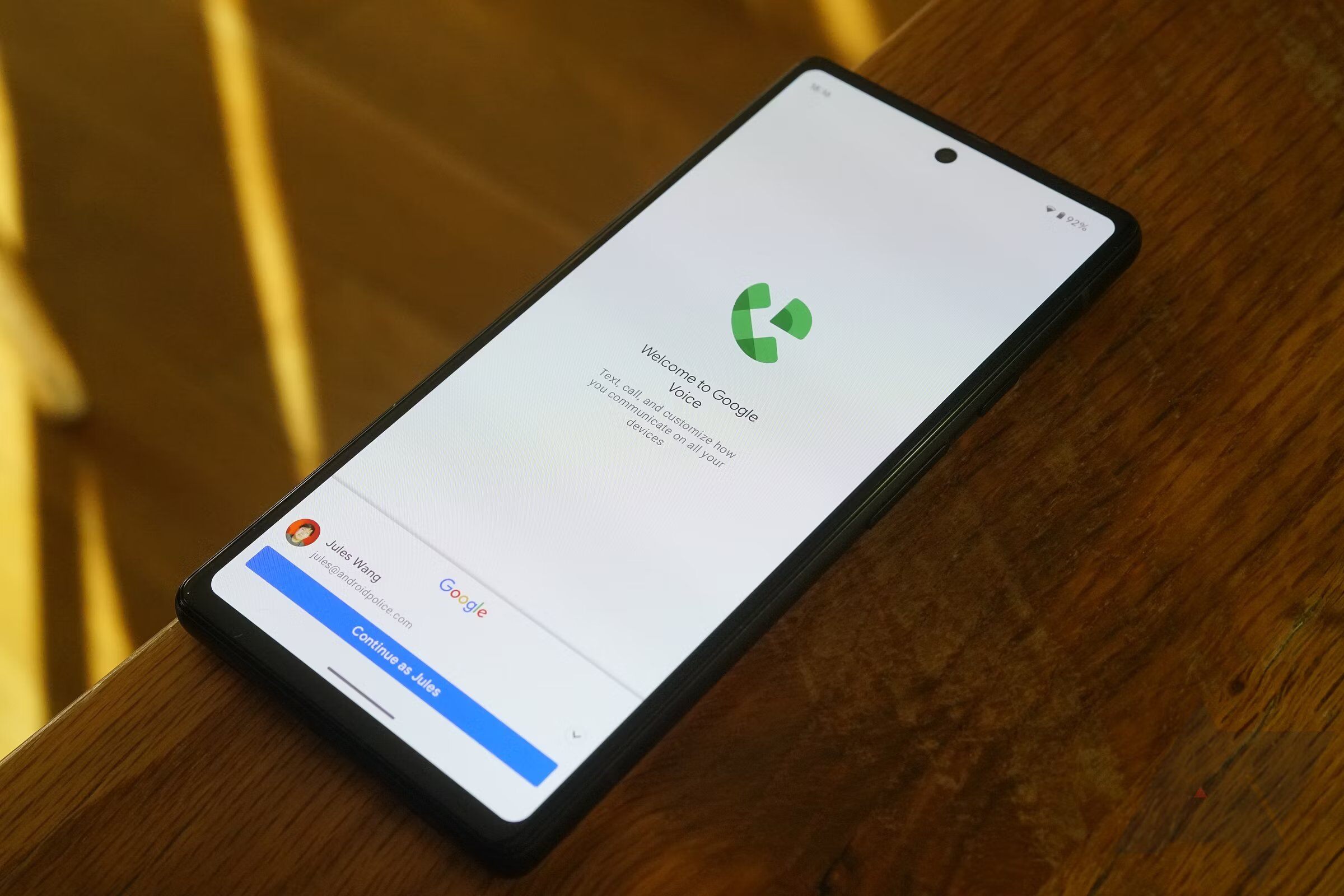
To use Google Voice on Android, download the Google Voice app from Google Play, open it, and sign in to your Google account. Once signed in, you can link a...

How To Set Up Voicemail On An Android Phone

To set up voicemail on Android, you use the built-in Phone app, Google Voice, or Google Fi, depending on your carrier and device. Because Android voicemail setup varies by carrier,...

How To Know If An Android Blocked You

To know if an Android blocked you, you must rely on clues rather than a direct notification, because Android does not send a "you are blocked" alert. The signs below,...

How To Empty Phone Mailbox

To empty your phone mailbox, open the Phone app and delete voicemail messages individually. The exact steps depend on your device and operating system, but the core action is the...

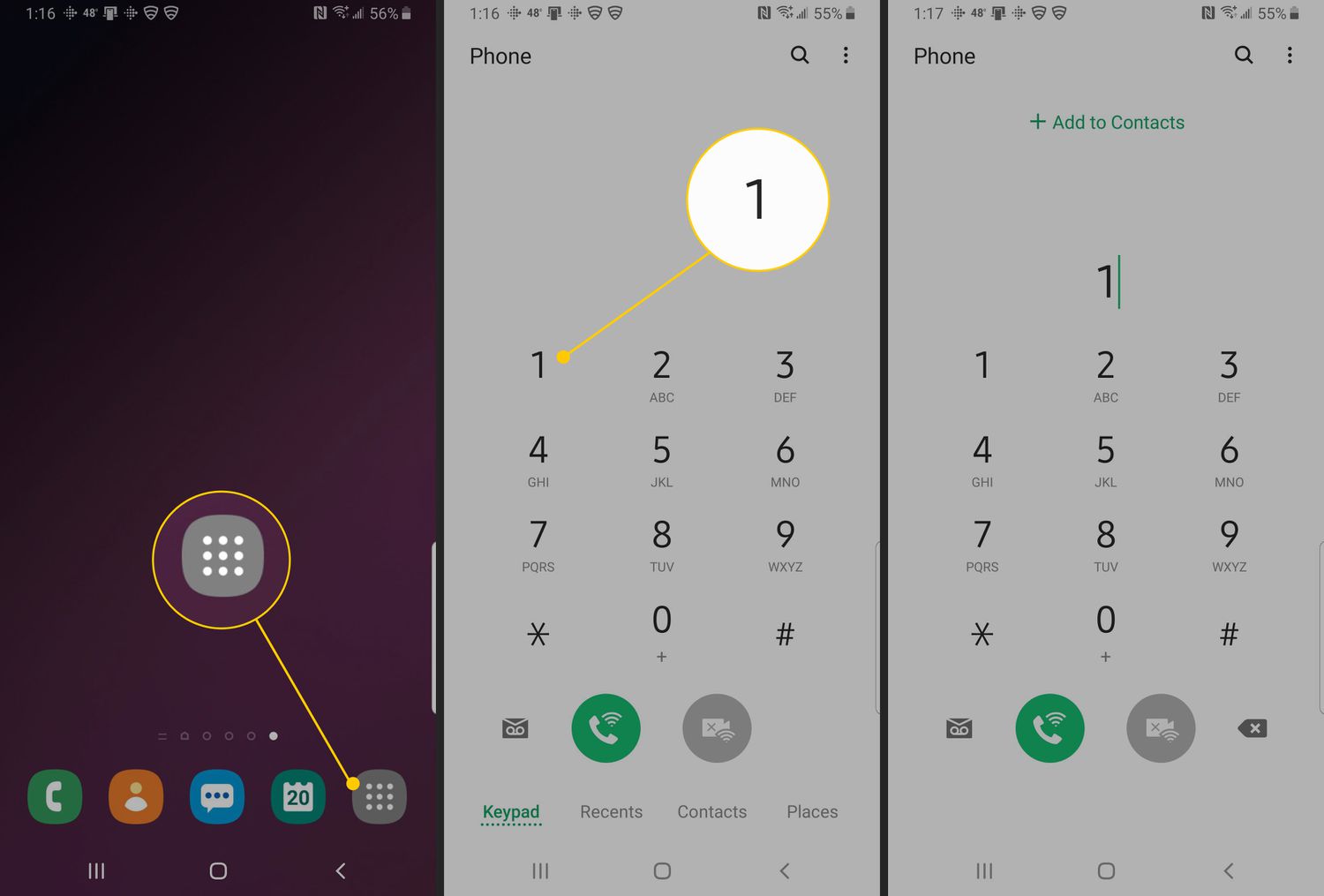
How To Empty Voicemail On Samsung Phone

To empty voicemail on a Samsung phone, open the Phone app, then long-press the 1 key to call your carrier’s voicemail system. Once connected, tap Keypad and follow the voice...

How To Empty Voicemail On Android Phone

To empty voicemail on Android, you need to delete messages using either the Visual Voicemail app in your Phone app or by calling your carrier's voicemail service. A full voicemail...