Practical guides for anyone who wants to customize the look of their phone, smartwatch, or game console. These articles are written for everyday users, whether you have an iPhone, an Android device, an Apple Watch, a PS4, or an Xbox One, who want to change their screen backgrounds, lock screens, or themes without needing technical expertise.
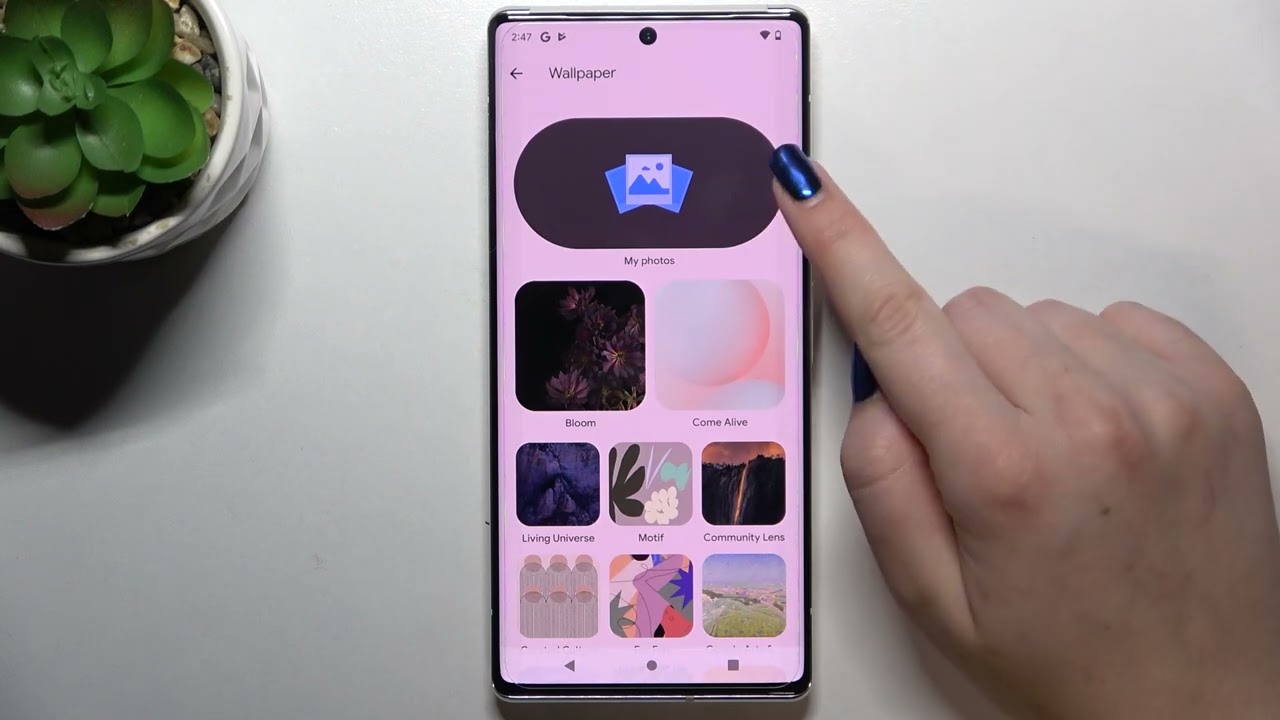
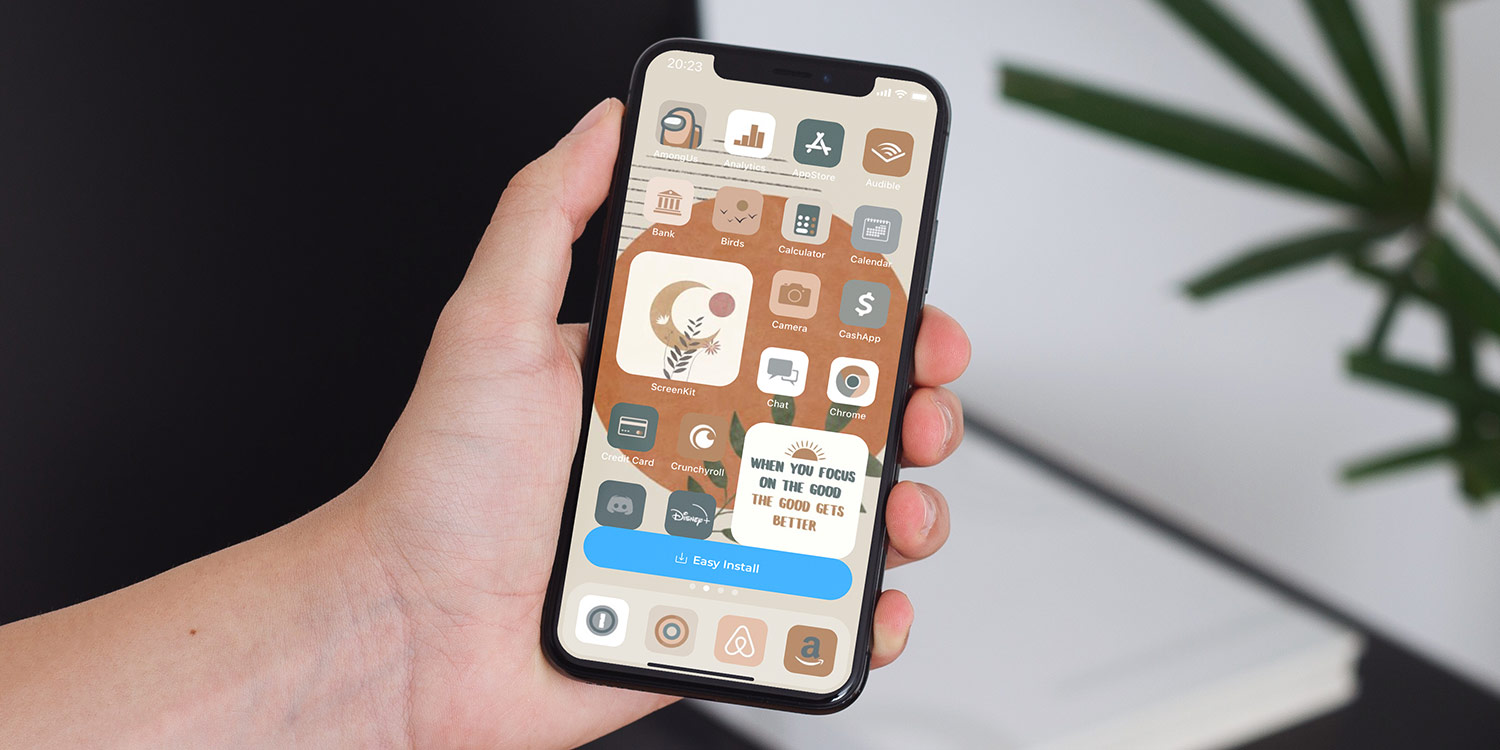
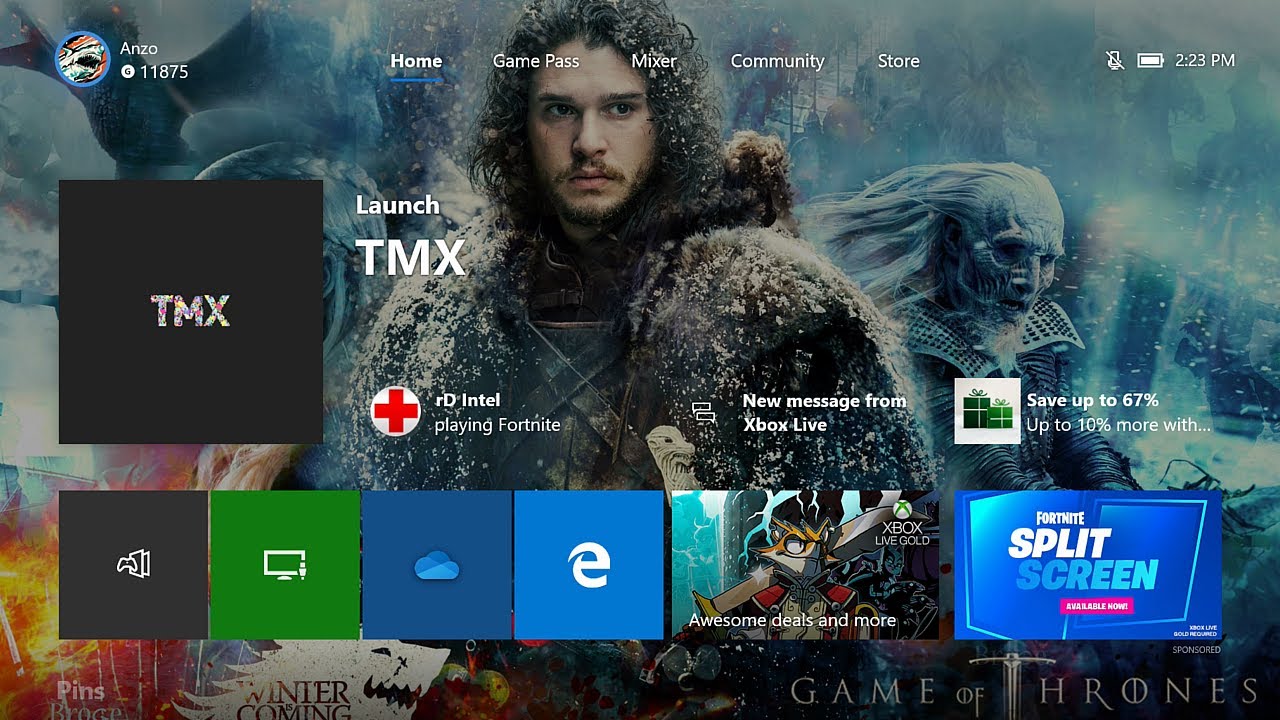
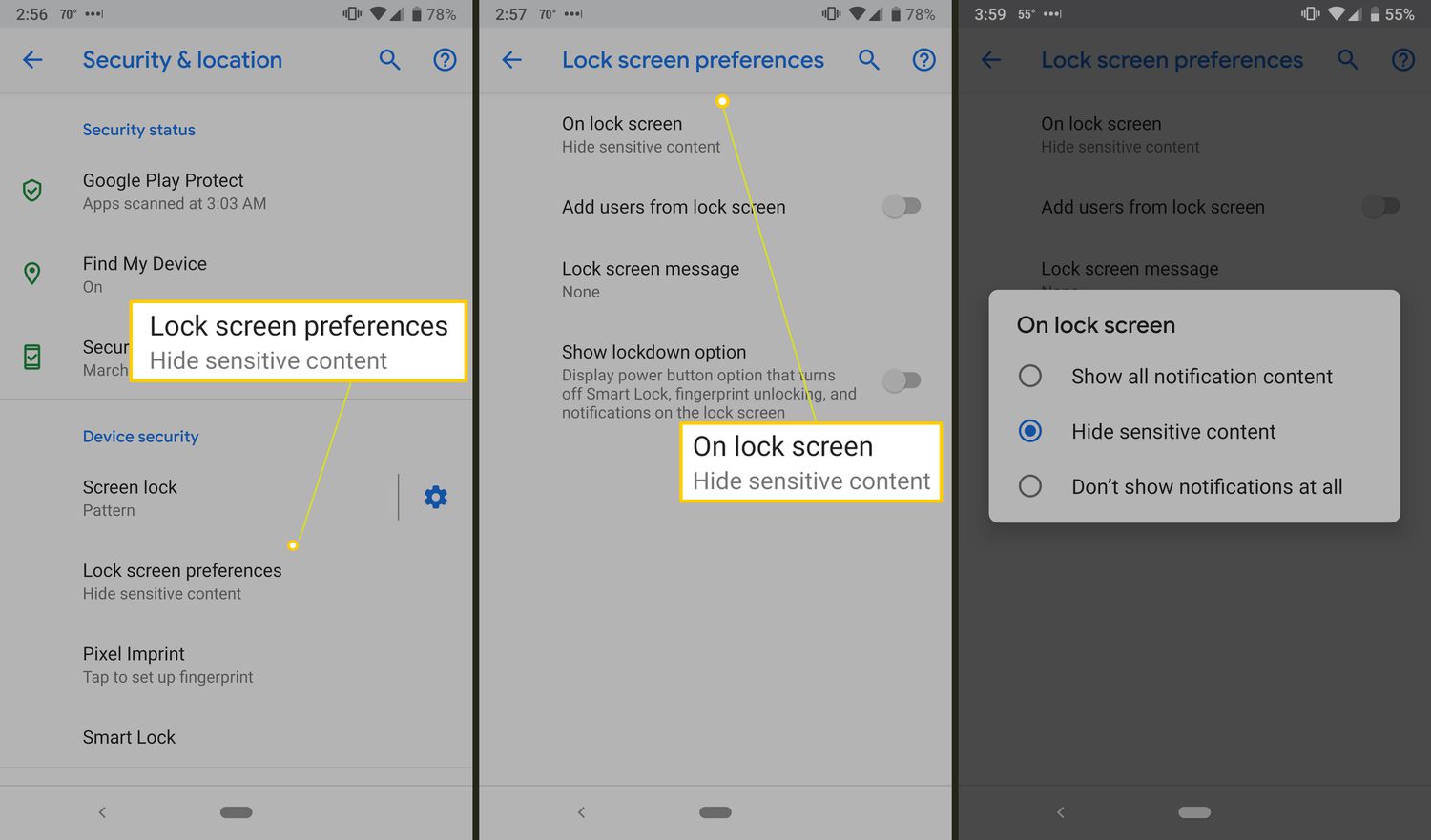
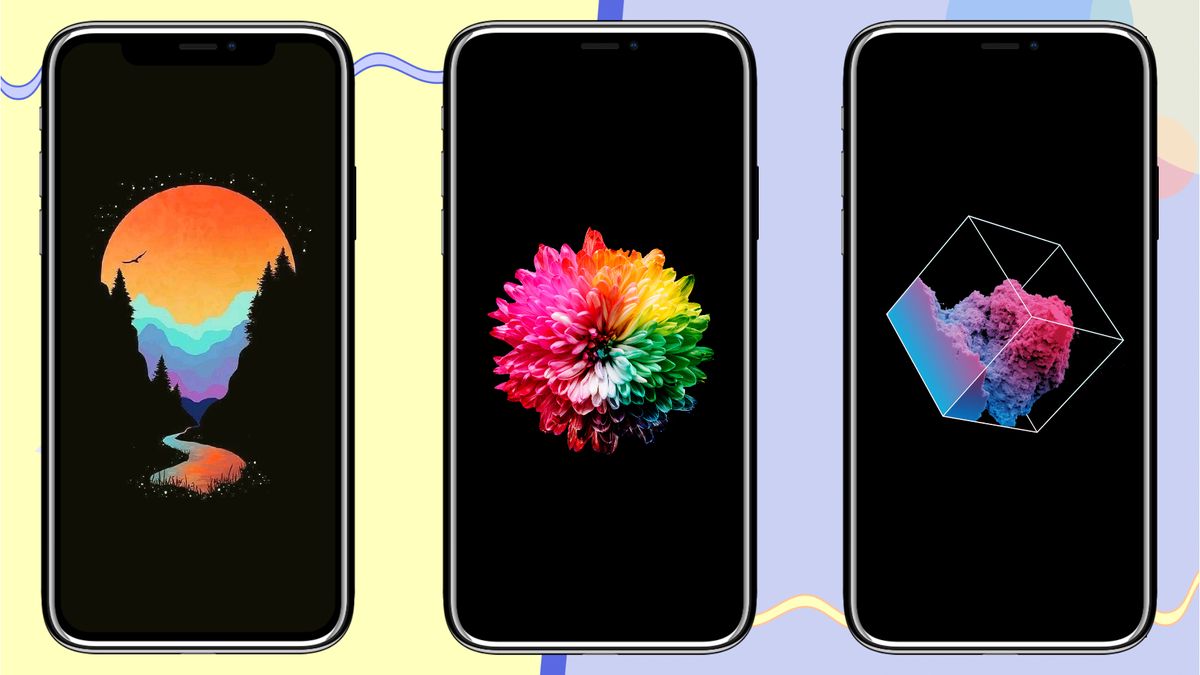
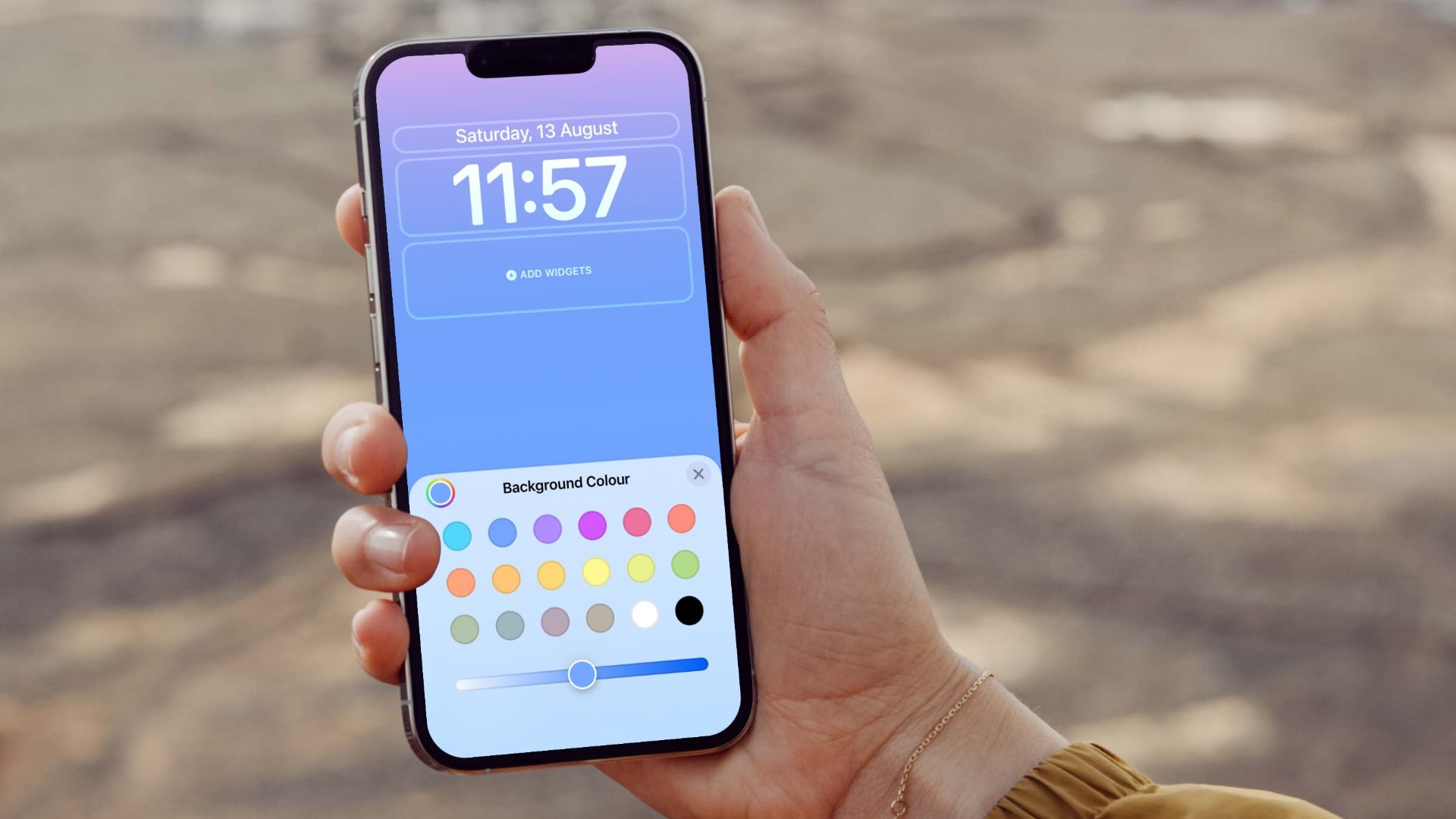
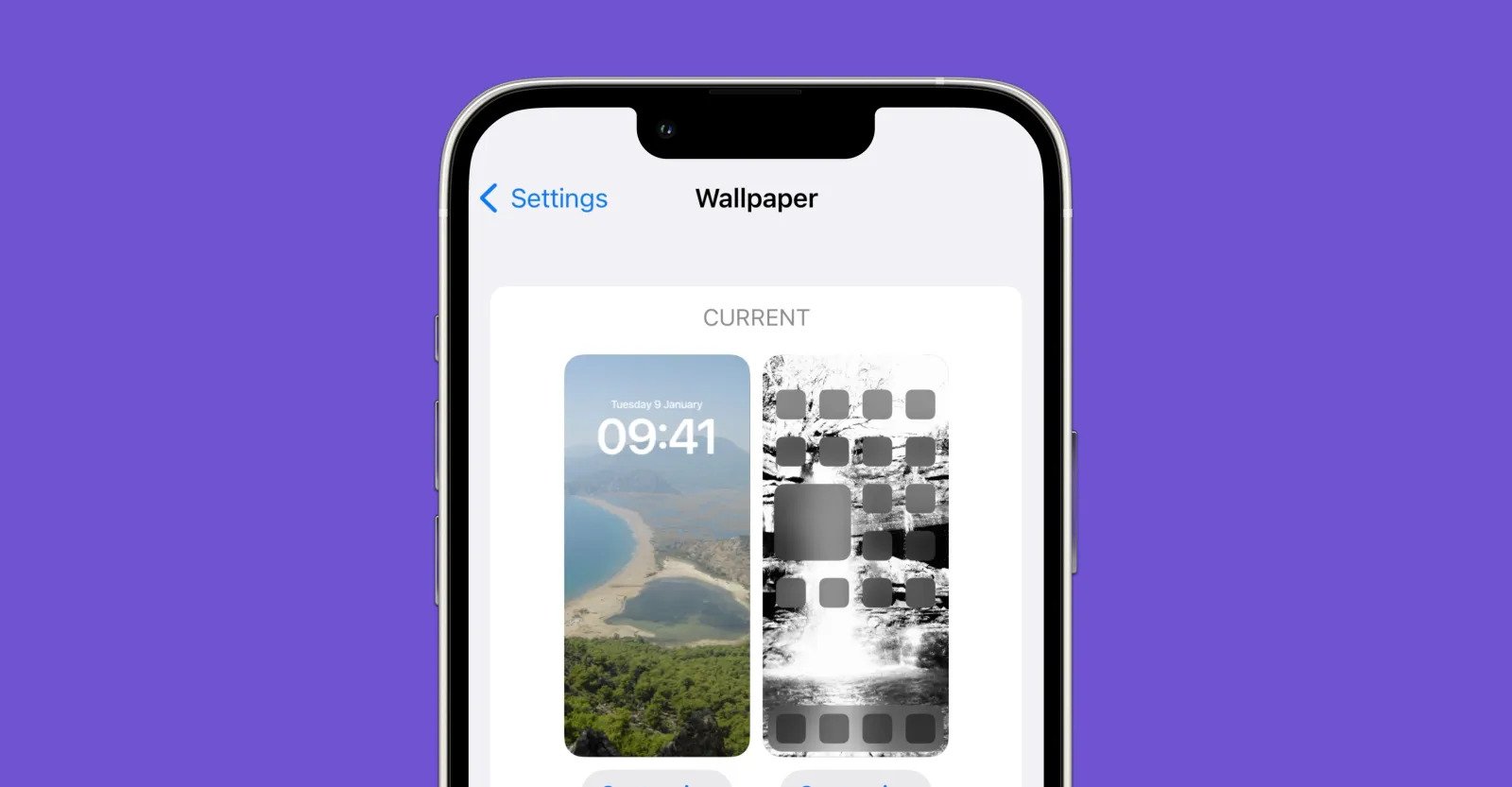
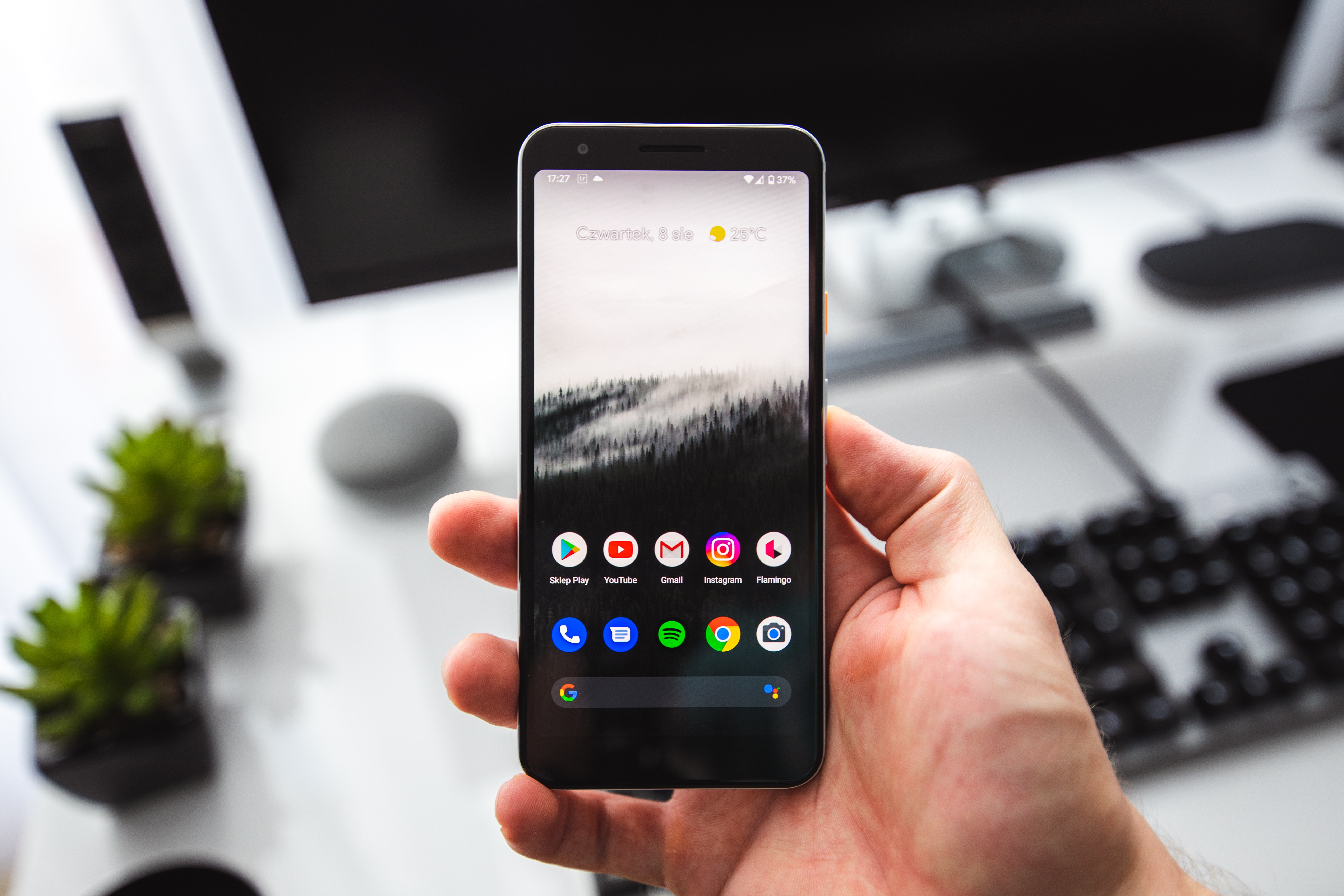
The articles solve a range of common customization problems. One clear theme is switching between static and dynamic wallpapers, including how to turn a video into a Live Photo on iOS or Android, and how to change the wallpaper on an Android phone or a Google phone. Another theme is adjusting lock screens and themes, with guides on changing the lock screen on an iPhone to a gradient color in iOS 16, changing the lock screen on Android, and changing the theme on an iPhone 13. A third theme covers setting backgrounds from your phone onto other devices, such as putting a picture on your PS4 background or your Xbox One background directly from your phone.
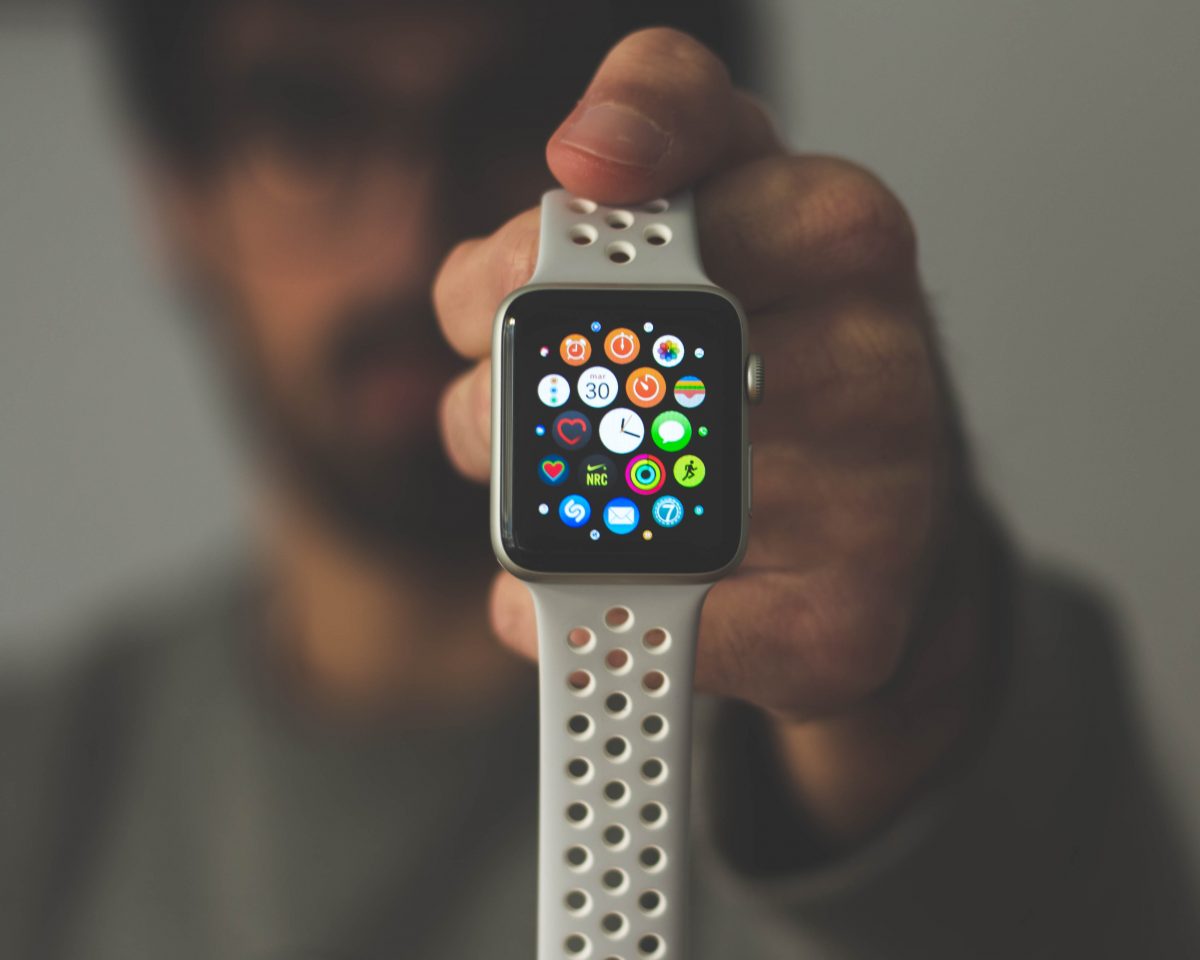
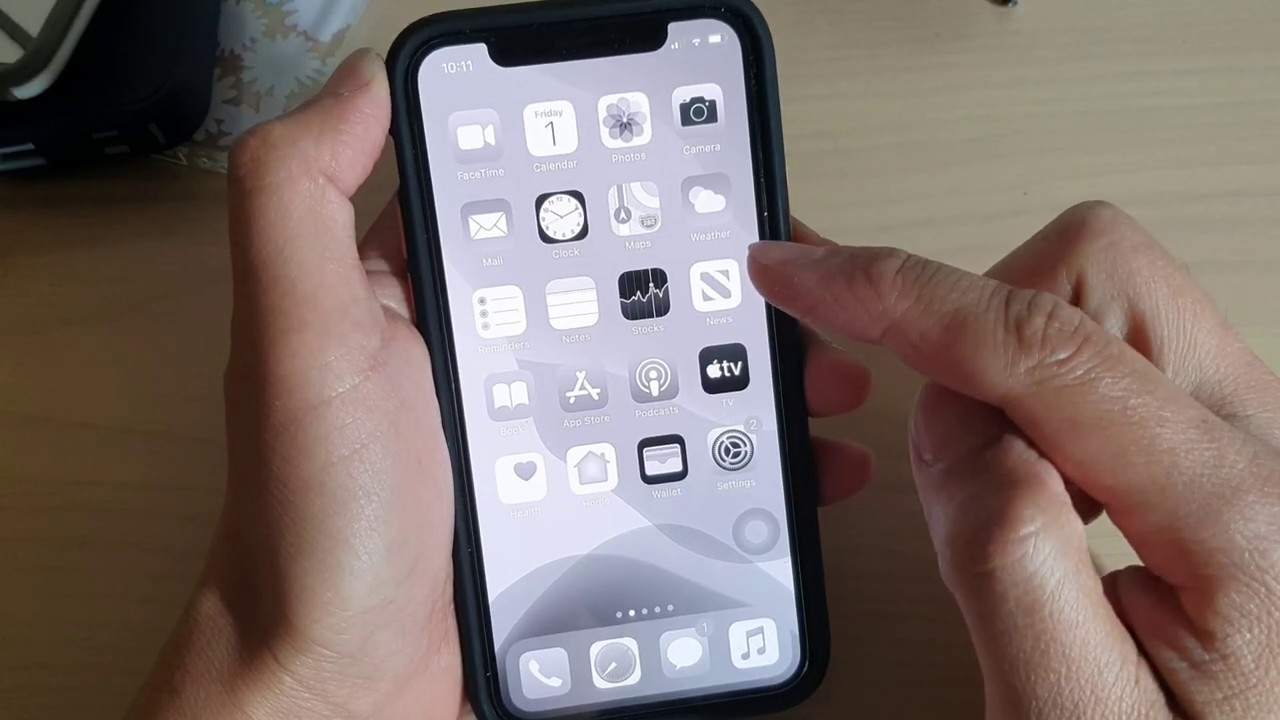
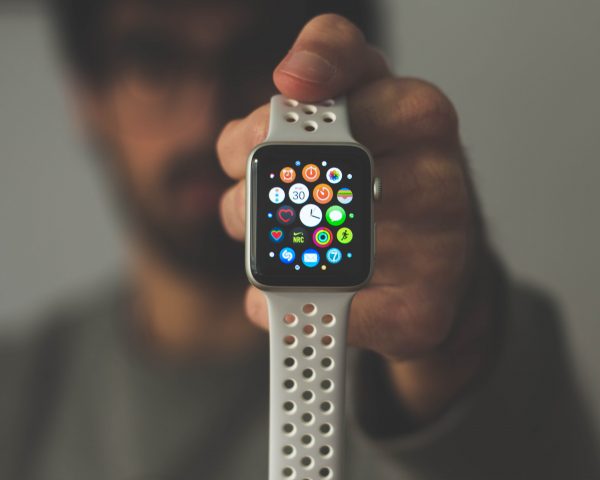
Specific topics you will find include step-by-step instructions for changing the Apple Watch wallpaper in three steps, making a wallpaper for your phone from scratch, and changing the background from black to white on an iPhone 11. Whether you want to update your Apple Watch face, apply a gradient lock screen, or transfer a photo to your console, these articles help you get the job done quickly.