Practical guides and how-to articles for anyone using a smartphone, tablet, or computer to manage their online accounts and settings. This content is designed for everyday users who want to solve common digital tasks without digging through confusing menus or support forums.
The articles here address two main kinds of problems. First, several guides help you control your viewing and shopping history, such as learning how to see and manage your Netflix watch history or how to hide orders on Amazon. Second, a number of pieces focus on account and device management, including how to sign out of all Xbox consoles from your phone, how to delete cookies on a Samsung phone, and how to change your phone number on Ticketmaster. You will also find straightforward instructions for redeeming a Roblox gift card, accessing an Amped Wireless range extender, and understanding what an address bar is, alongside tips for the Kindle Paperwhite and a guide for watching ABC shows through the ABC app.
To change phone number on Ticketmaster, you must first sign in to your account through a desktop or mobile web browser and verify your current number with a one-time code...
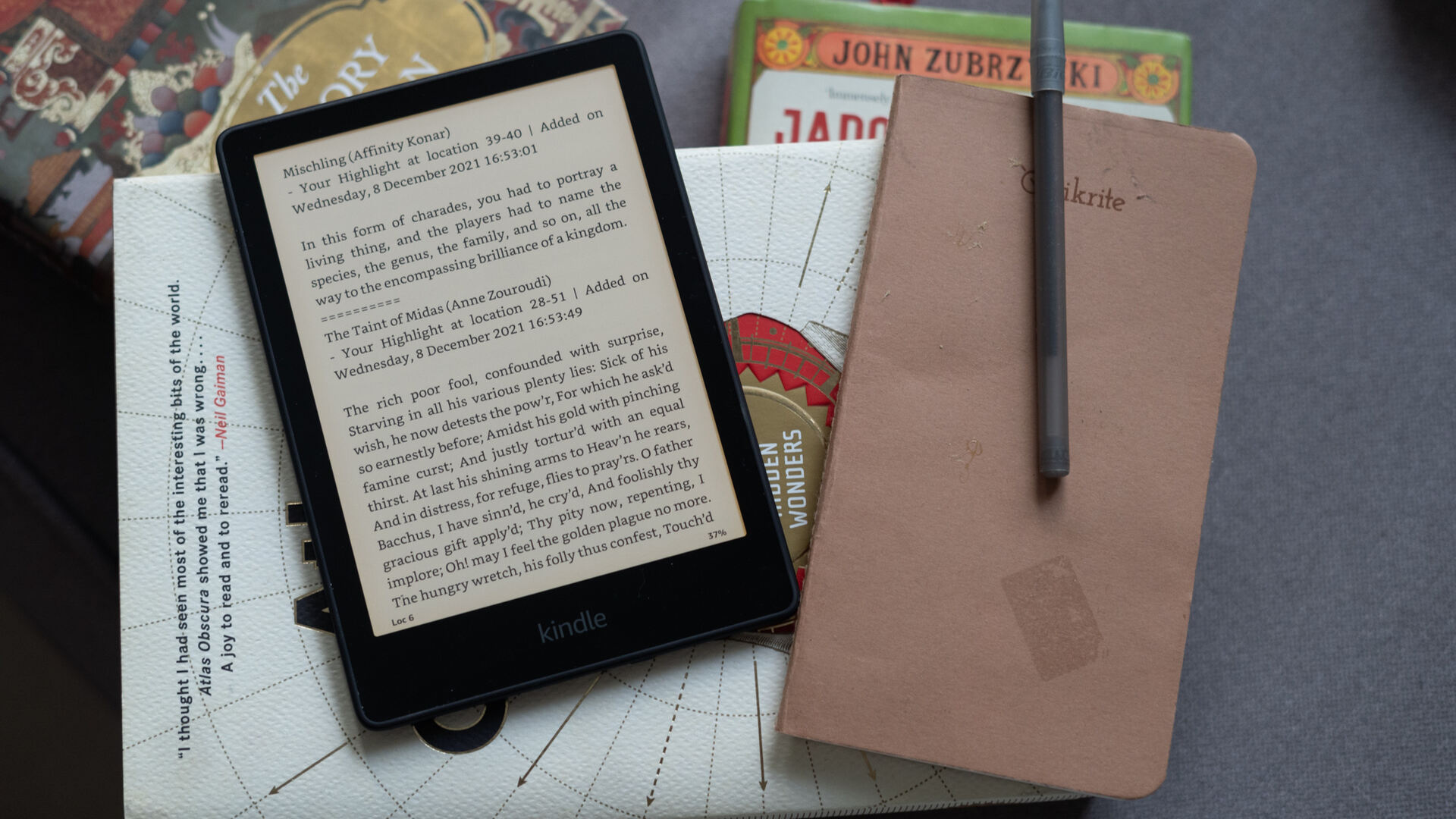
Essential Kindle Paperwhite tips and tricks for every reader One of the most surprising kindle paperwhite tips and tricks is that your device hides a fully functional web browser, accessible...
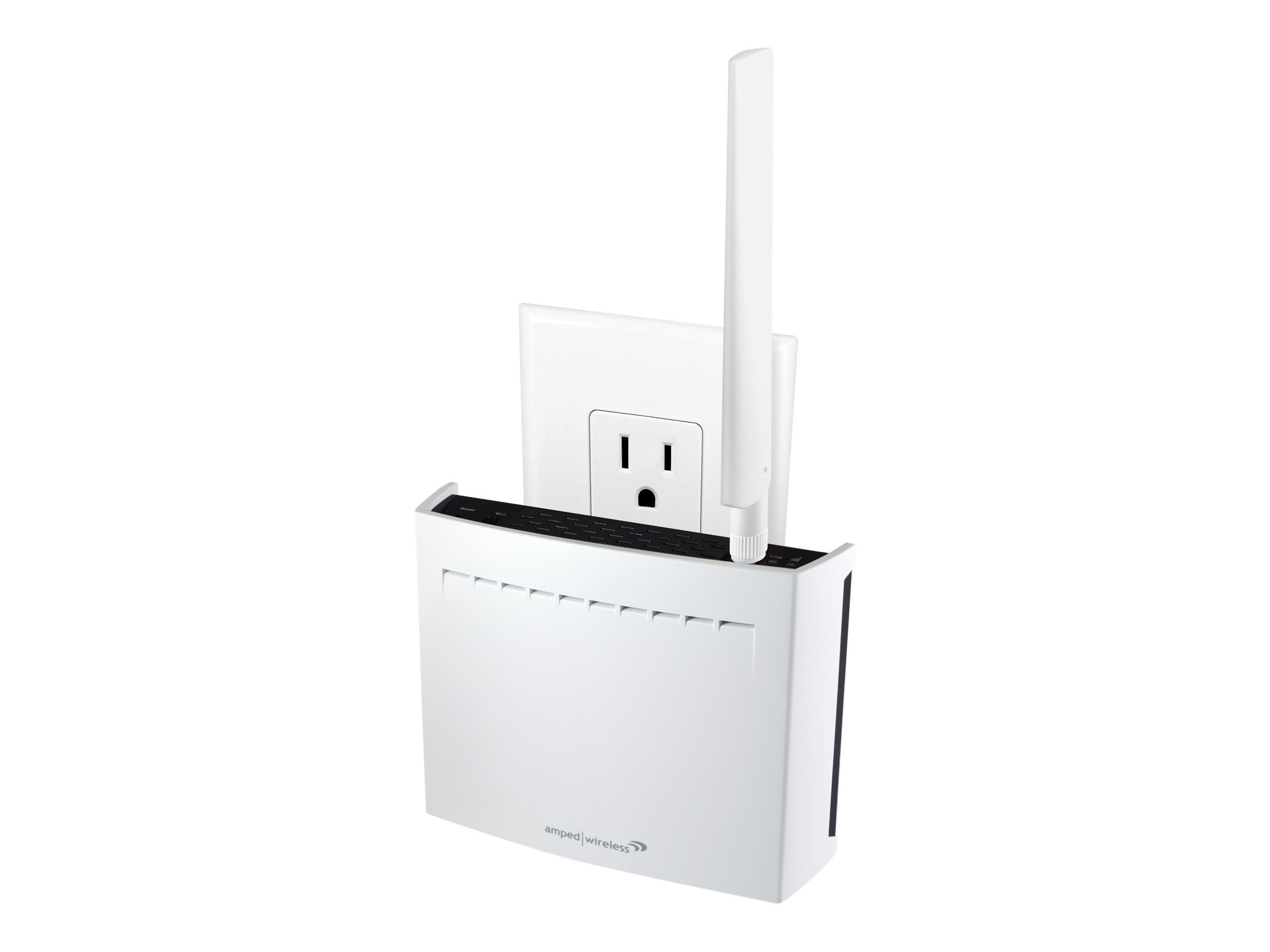
To access an Amped Wireless range extender, you must first connect your phone, tablet, or PC to the extender's Wi‑Fi network, then open a web browser and go to setup.ampedwireless.com....
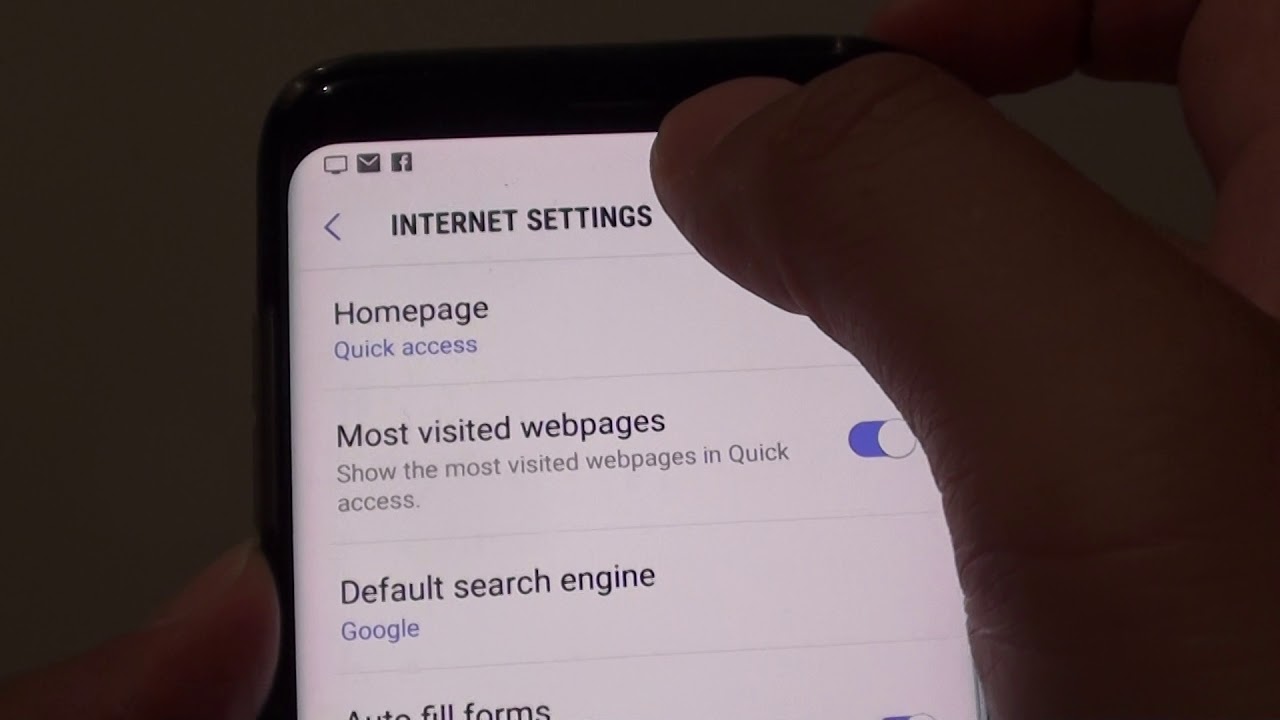
To delete cookies on your Samsung phone, open your web browser and navigate to its settings menu, as the exact steps depend on whether you use Samsung Internet or Google...
To sign out of all Xbox consoles from your phone, you must remove the console from your Microsoft account using a mobile web browser. This is the only verified method,...
The address bar is the browser field where you type or paste a web address or search term. It is your primary gateway to the internet, acting as the control...
To redeem a Roblox gift card, open your preferred web browser and go to the official Roblox redemption page at Roblox.com/redeem. Log in to the Roblox account where you want...
To hide orders on Amazon, you must archive them using a web browser or a mobile browser set to desktop mode, as the Amazon app does not support this feature....
Your Netflix watch history is the complete list of every movie and episode you have streamed on the platform, accessible only through a web browser. To see and manage your...
The ABC app was discontinued on mobile devices and Connected TV platforms on September 23, 2024, and ABC.com is now the official streaming home for full episodes, live TV, and...