The Wi-Fi tag on CellularNews collects articles focused on connecting devices, managing network settings, and troubleshooting wireless issues, specifically for smartphone users and those integrating phones with other gadgets like TVs, game consoles, and smart home devices. Whether you are a casual user trying to stream content or a gamer looking to cast your phone screen, these guides are designed to help you get things working without unnecessary complexity.

The articles here solve practical problems grouped into two main themes. The first is connectivity and casting, where you can learn how to connect your phone to a TV, cast an iPhone or Android device to a screen, and stream mobile games or VR content. The second theme is network and device troubleshooting, covering topics like resetting network settings, fixing YouTube videos that won’t play, understanding why Roblox is not working, and dealing with Apple CarPlay failures. You will also find explanations for specific issues such as what “No Location Found” means on an iPhone and whether Ring cameras work without Wi-Fi.

Beyond solving problems, these articles help you perform specific tasks. You can learn how to use a mobile hotspot without data, change your IP address, transfer files from Android to Android, or set up a Ring light. For gamers, there are guides on using the Steam Link app, connecting a VR headset to a PC, and using your phone as a Just Dance controller. The collection also covers practical comparisons like 4G versus Wi-Fi speed and how to use a cellphone without a service provider, giving you clear steps for everyday mobile and wireless needs.
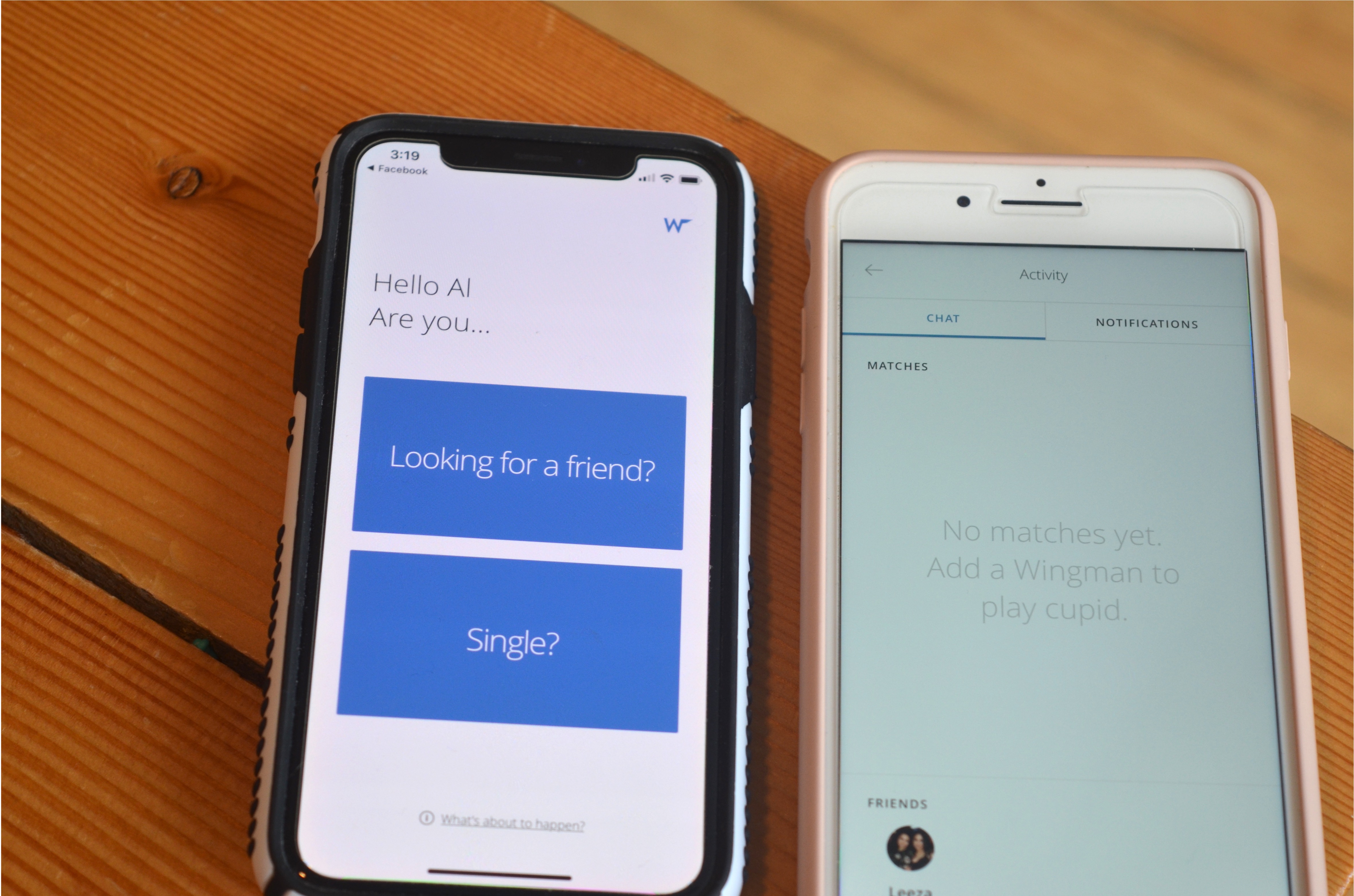
What Is T-Mobile Wingman WiFi

T-Mobile Wingman WiFi is not a standalone product or service you can activate, but rather a device profile tied to T-Mobile's in-flight texting and Wi-Fi service. If you see "TMobileWingman"...

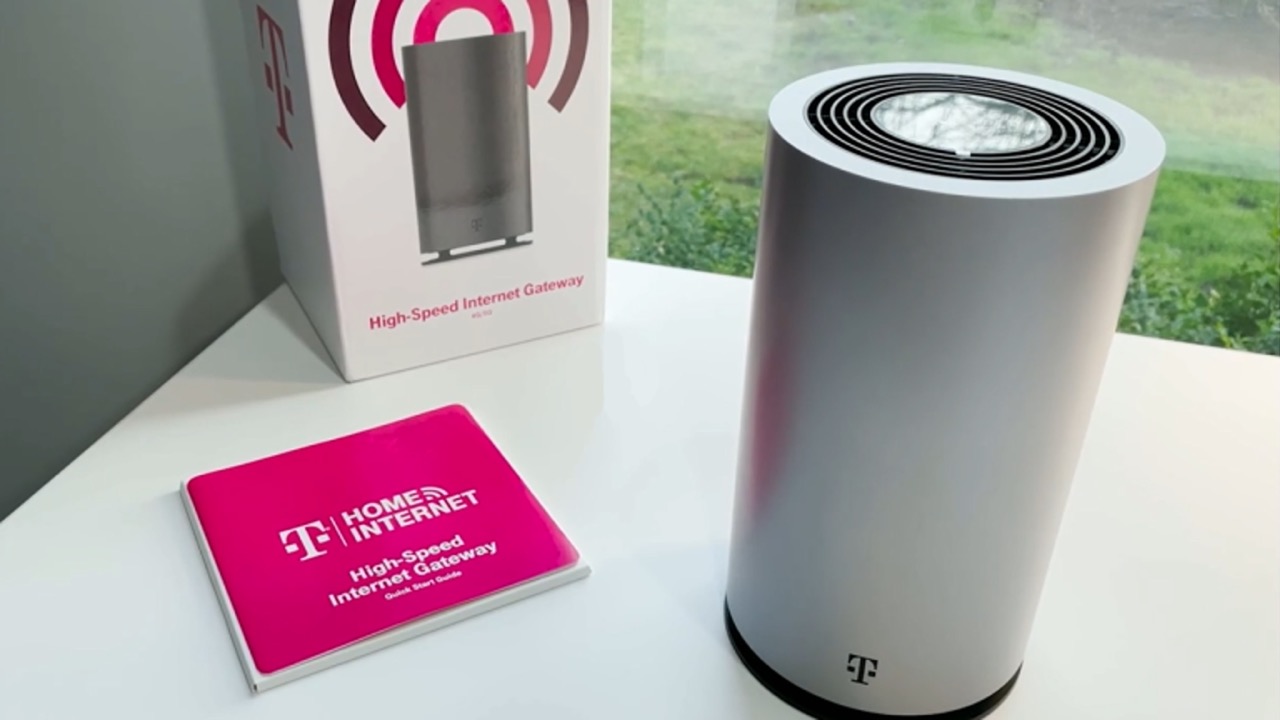
Why Isn't My T-Mobile Home Internet Working

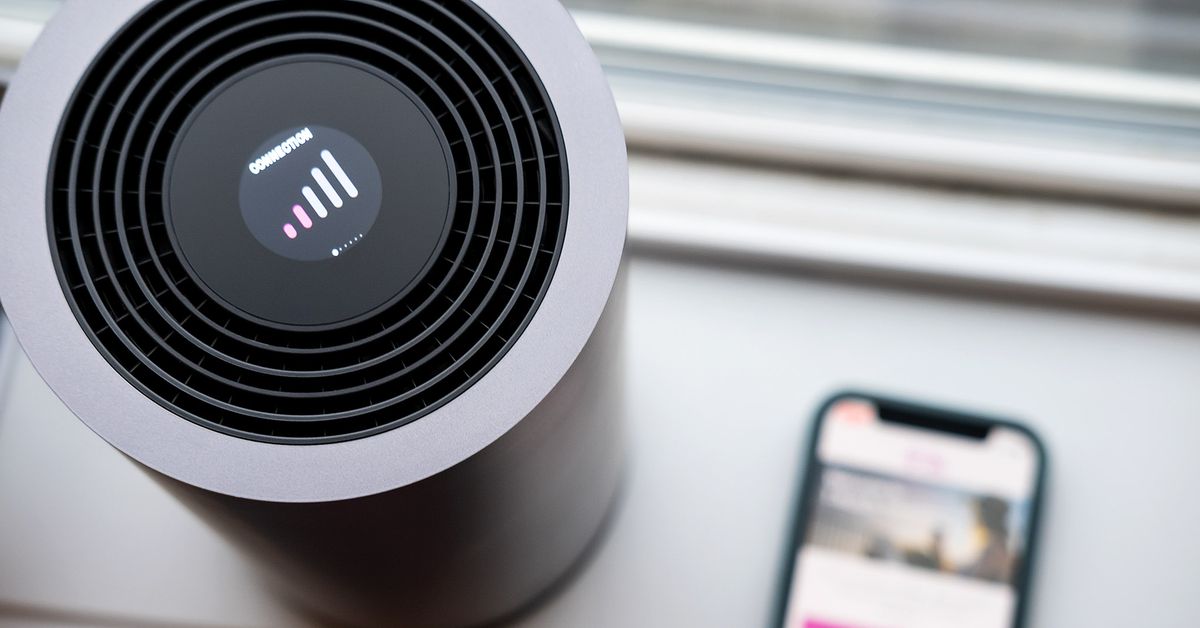
If your T-Mobile Home Internet is not working, start by checking the gateway's physical setup and performing a power cycle. This is the most common fix for a connection that...

How To Find T-Mobile WiFi Password

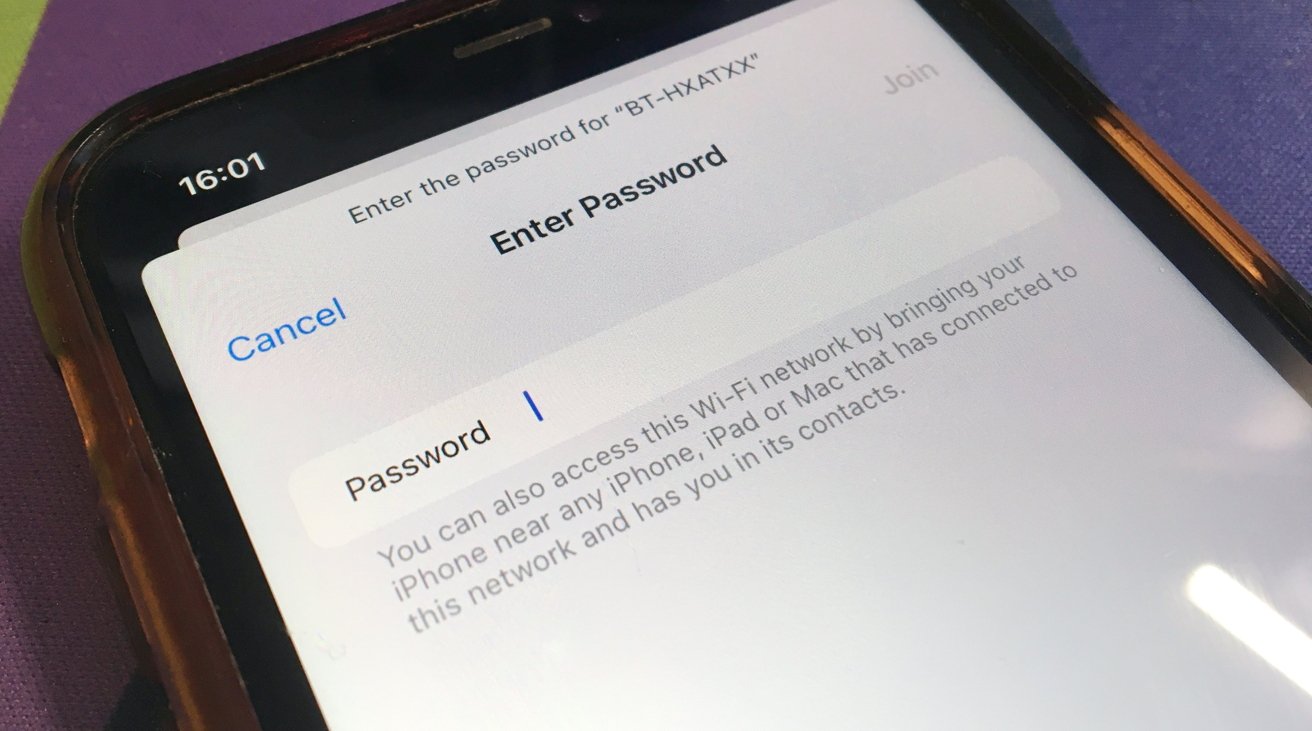
The quickest way to find your T-Mobile WiFi password is to look at the physical device itself. For a T-Mobile Home Internet gateway, the default network name (SSID) and password...

How To Use T-Mobile In-Flight WiFi

To use T-Mobile in-flight WiFi, enable Airplane Mode on your device, turn on Wi-Fi, and connect to the airline’s network. Then, open your browser, sign into your airline loyalty account,...

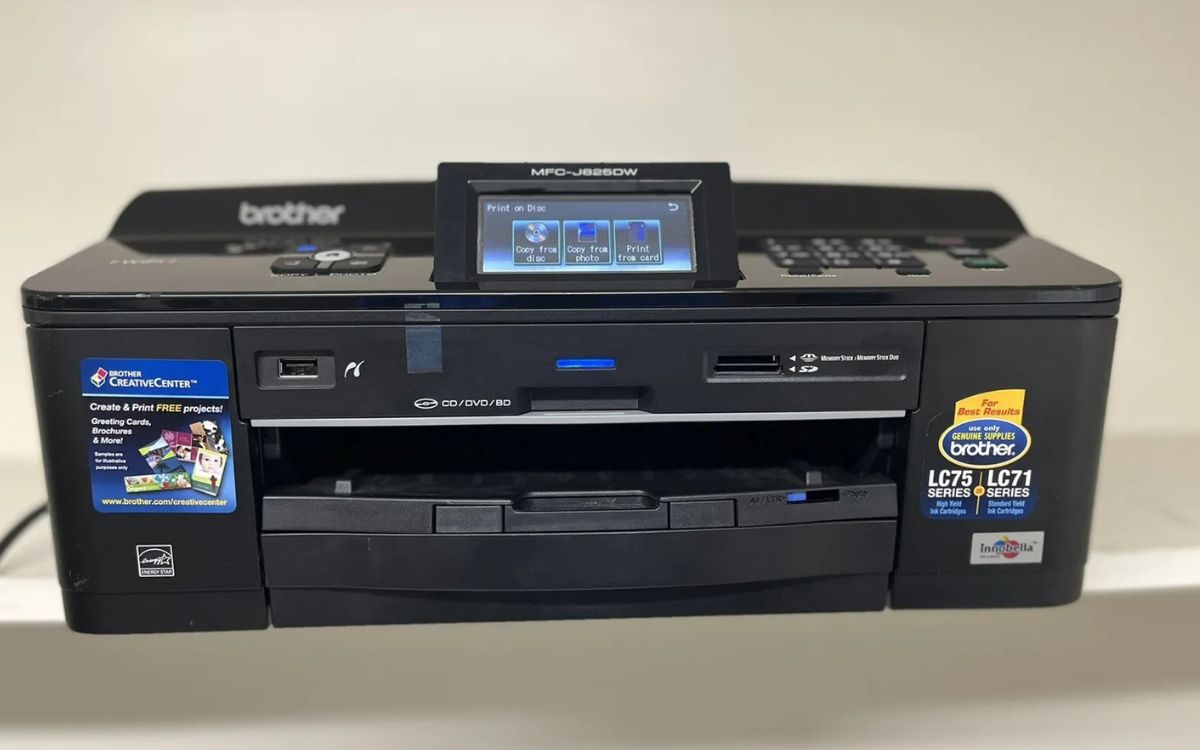
How To Print With Mobile

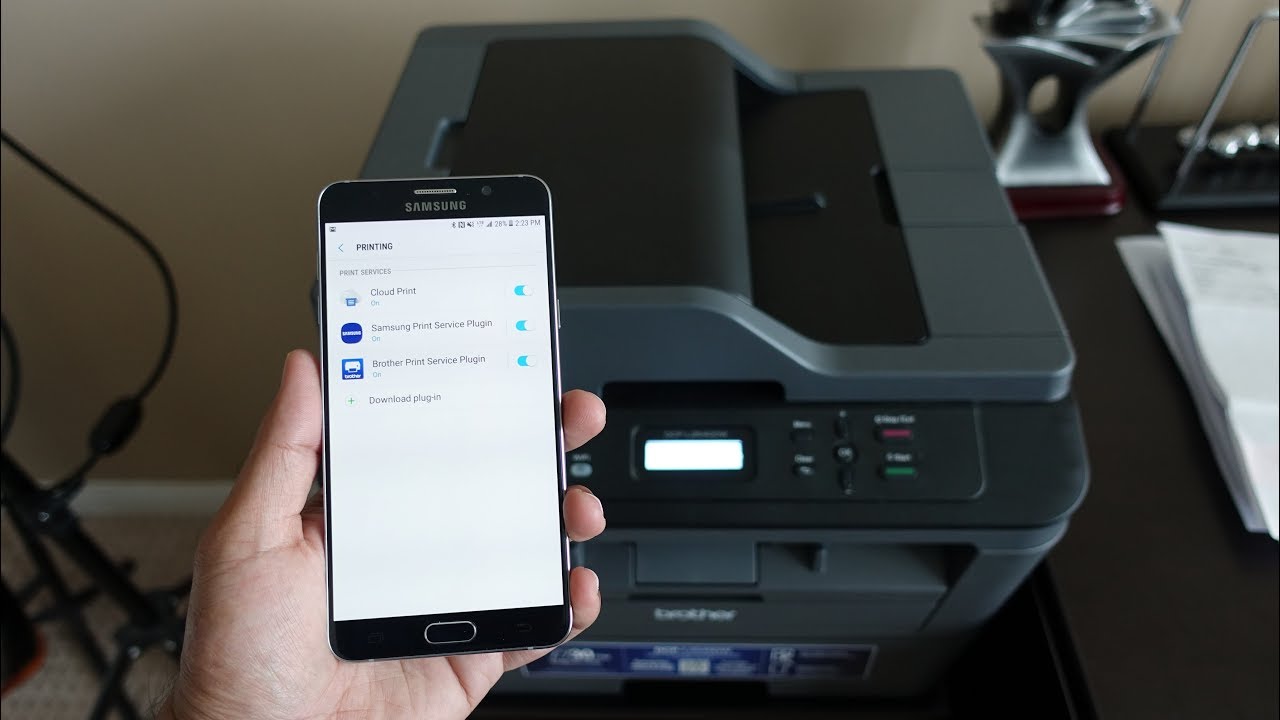
To print with mobile, use AirPrint on an iPhone or the built-in print service on an Android phone over a shared Wi-Fi network. This is the standard, driver-free method built...

Why Does My T-Mobile WiFi Keep Disconnecting

If your T-Mobile WiFi keeps disconnecting, the problem is almost always on the phone or router side, not a network outage. The most common causes are a wrong Wi‑Fi password,...

How To Connect Mobile Hotspot To PS3

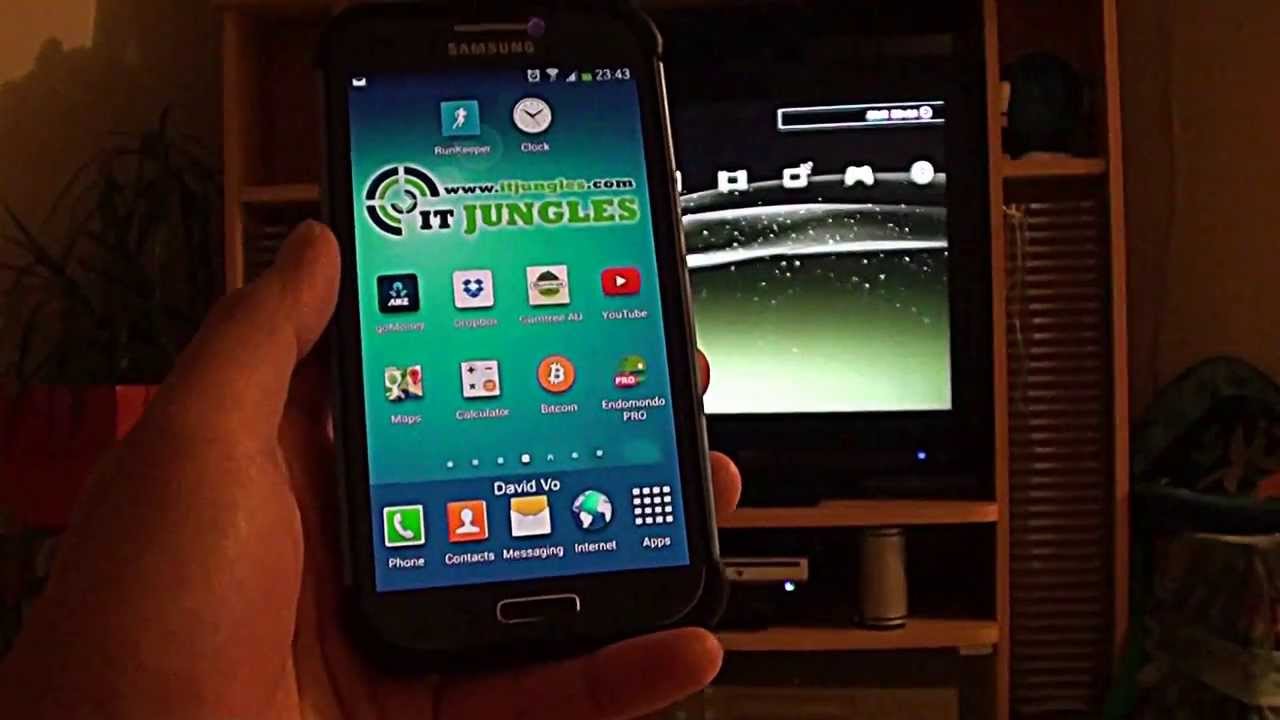
To connect a mobile hotspot to PS3, you turn your phone into a portable Wi‑Fi router and then set the console to join that network. This lets you play online...

How To Turn Off T-Mobile Home Internet WiFi

To turn off T-Mobile Home Internet WiFi, open the T-Life app on your phone and disable each Wi‑Fi band individually, this is the only official method. Users typically disable the...

Spectrum Mobile: Which Network Does It Use?

Spectrum Mobile uses Verizon's 4G LTE and 5G networks for its cellular coverage, operating as a mobile virtual network operator (MVNO) that also provides unlimited access to Spectrum WiFi access...

What Is T-Mobile 5G Gateway

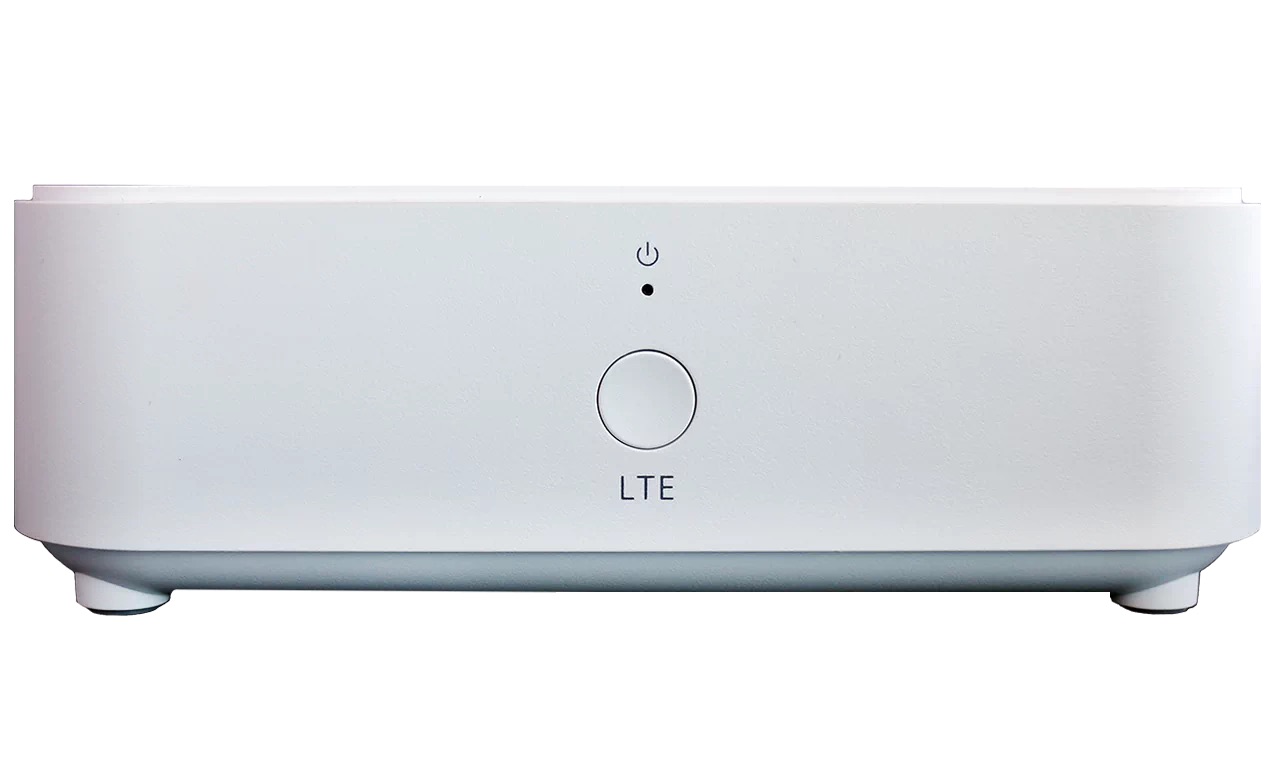
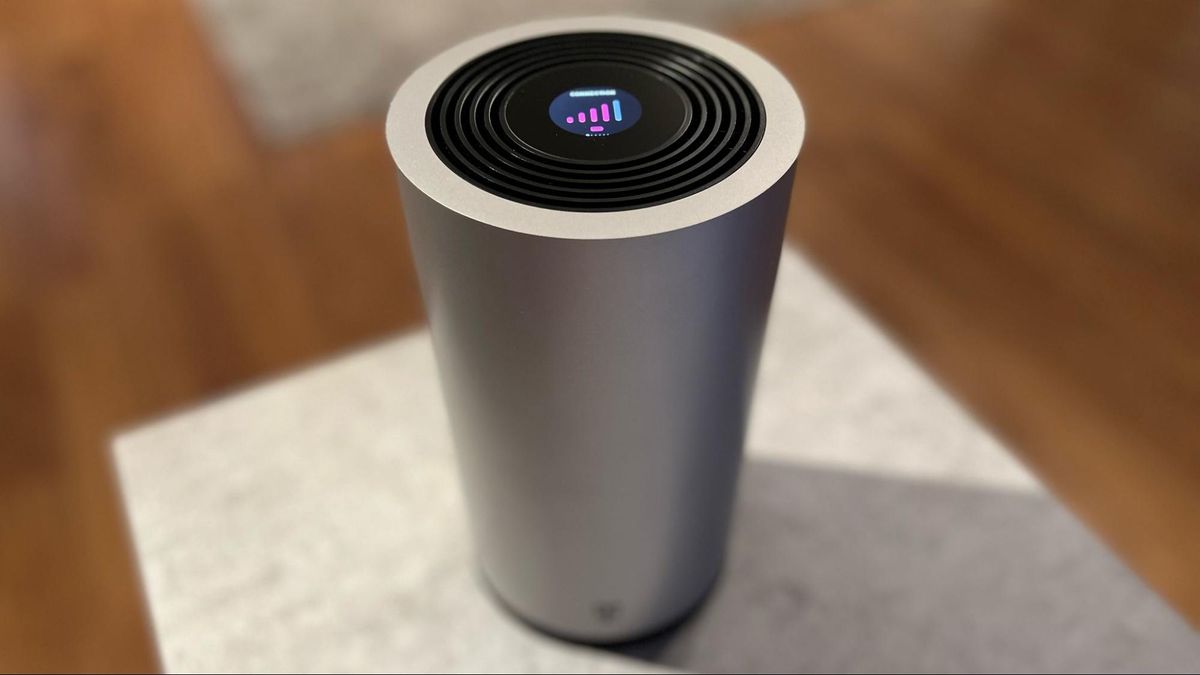
The T-Mobile 5G Gateway is the hardware device that powers T-Mobile Home Internet, acting as a bridge that converts T-Mobile's 5G cellular signal into a Wi-Fi network for your home....

How Do I Connect My Printer To T-Mobile Internet

To connect your printer to T-Mobile Internet, you need to manually join your printer to the T-Mobile gateway's Wi-Fi network using the network name (SSID) and password. This is because...