The Wi-Fi tag on CellularNews collects articles focused on connecting devices, managing network settings, and troubleshooting wireless issues, specifically for smartphone users and those integrating phones with other gadgets like TVs, game consoles, and smart home devices. Whether you are a casual user trying to stream content or a gamer looking to cast your phone screen, these guides are designed to help you get things working without unnecessary complexity.

The articles here solve practical problems grouped into two main themes. The first is connectivity and casting, where you can learn how to connect your phone to a TV, cast an iPhone or Android device to a screen, and stream mobile games or VR content. The second theme is network and device troubleshooting, covering topics like resetting network settings, fixing YouTube videos that won’t play, understanding why Roblox is not working, and dealing with Apple CarPlay failures. You will also find explanations for specific issues such as what “No Location Found” means on an iPhone and whether Ring cameras work without Wi-Fi.

Beyond solving problems, these articles help you perform specific tasks. You can learn how to use a mobile hotspot without data, change your IP address, transfer files from Android to Android, or set up a Ring light. For gamers, there are guides on using the Steam Link app, connecting a VR headset to a PC, and using your phone as a Just Dance controller. The collection also covers practical comparisons like 4G versus Wi-Fi speed and how to use a cellphone without a service provider, giving you clear steps for everyday mobile and wireless needs.
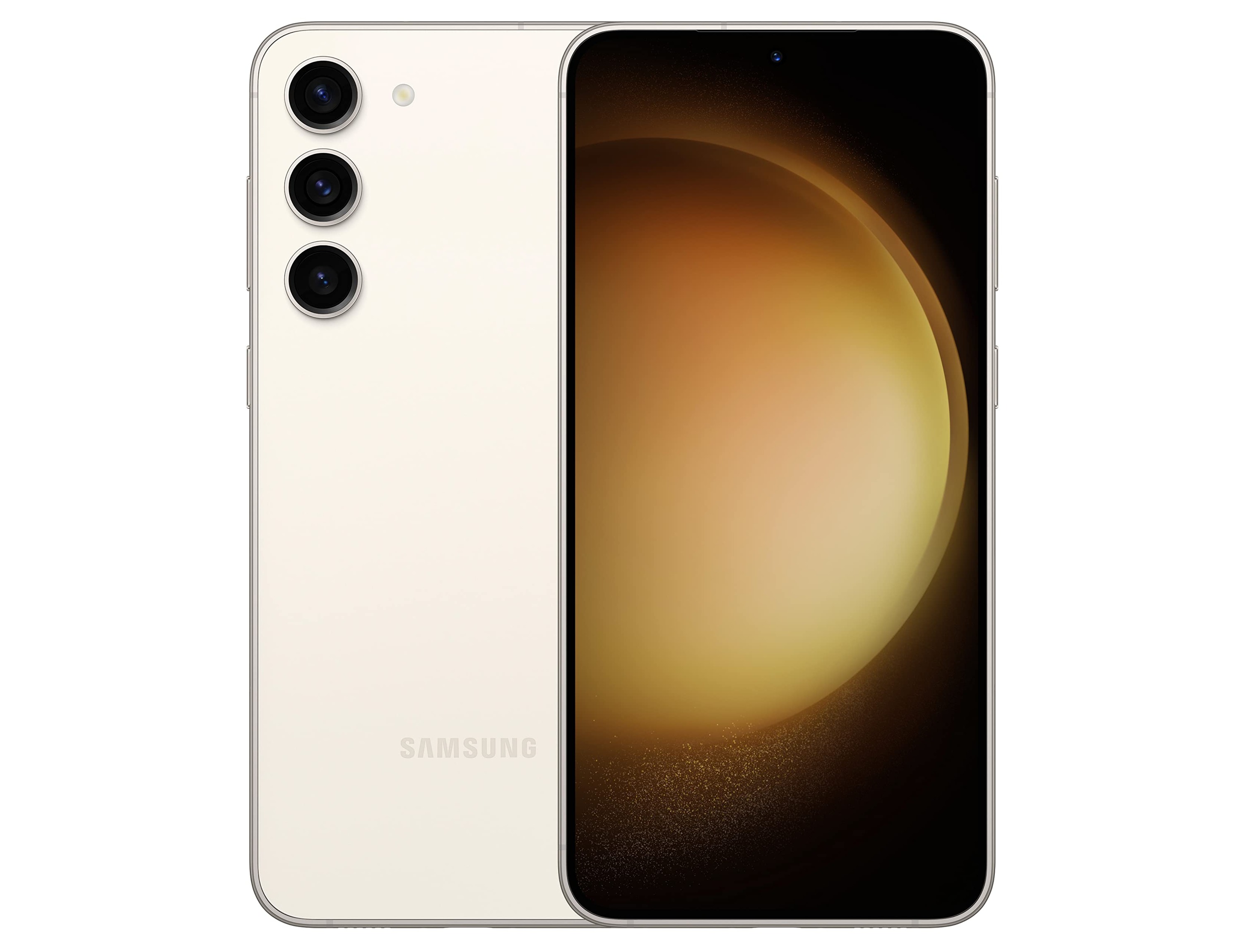
How To Use Hotspot On Samsung

To use hotspot on Samsung, turn your phone into a portable Wi‑Fi network that shares its mobile data with other devices like laptops, tablets, or friends' phones. The first step...

How To Reset A Dongle

To reset a dongle or mobile hotspot, you typically use a factory-reset button on the device or a reset option in its web interface or settings menu. The exact steps...

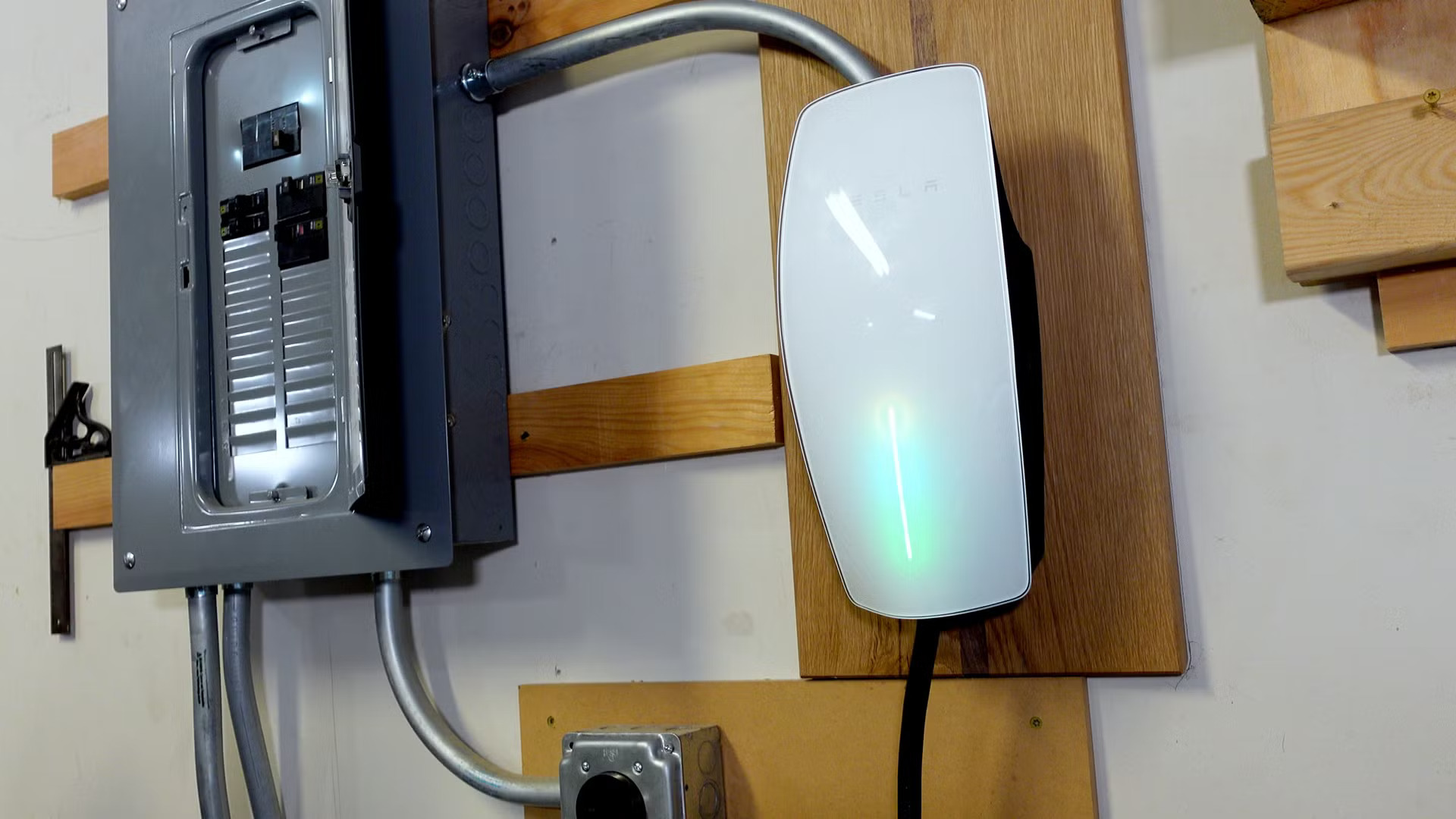
How To Install Tesla Wall Connector

To install a Tesla Wall Connector safely and in compliance with code, you will follow a step-by-step process from gathering tools through testing and Wi‑Fi setup. Before you install a...

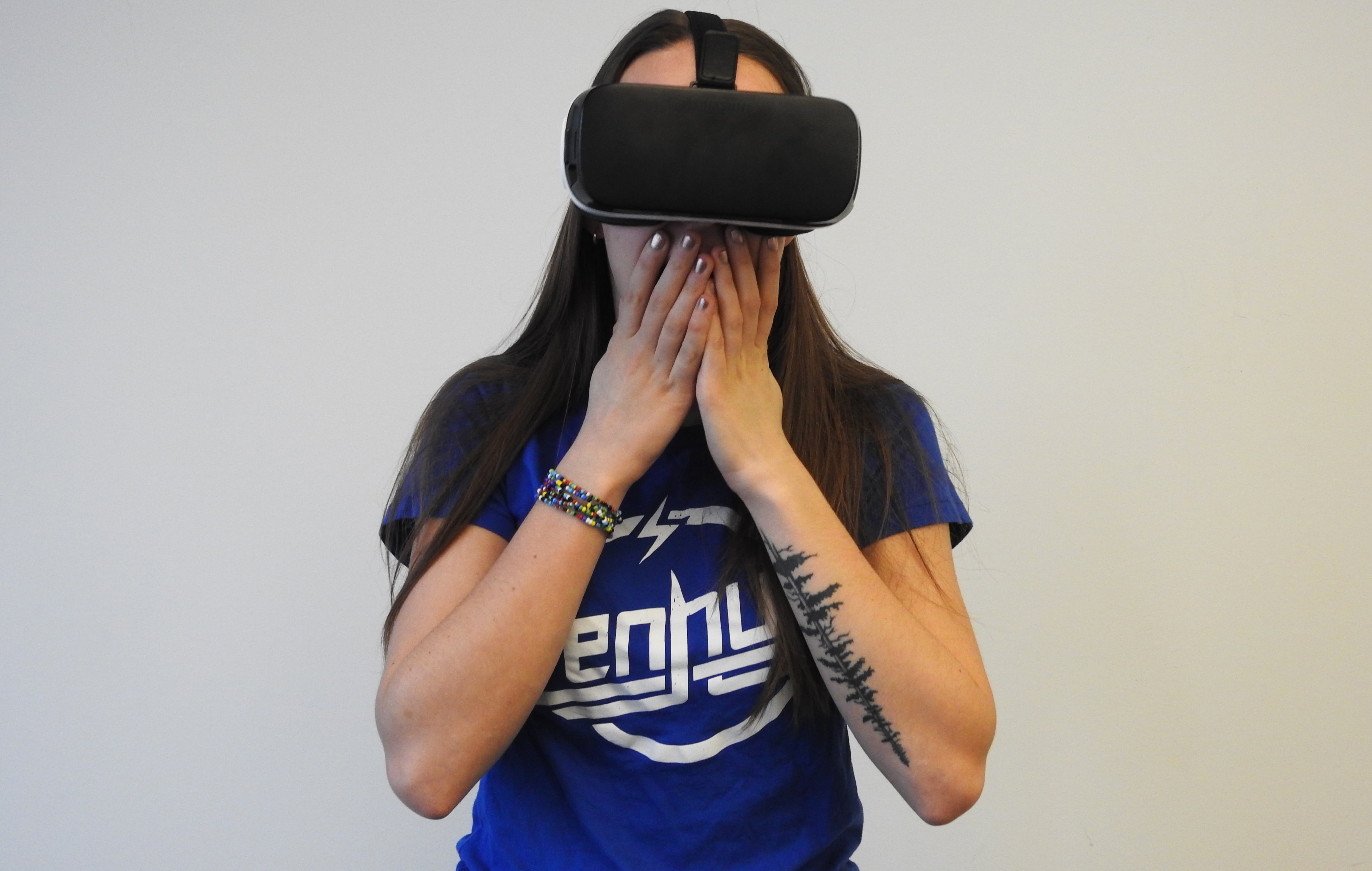
Why Is My VR Headset Not Working

When your VR headset is not working, the most common causes are power issues, loose cable connections, outdated software or drivers, or tracking problems. Start by restarting your VR headset,...

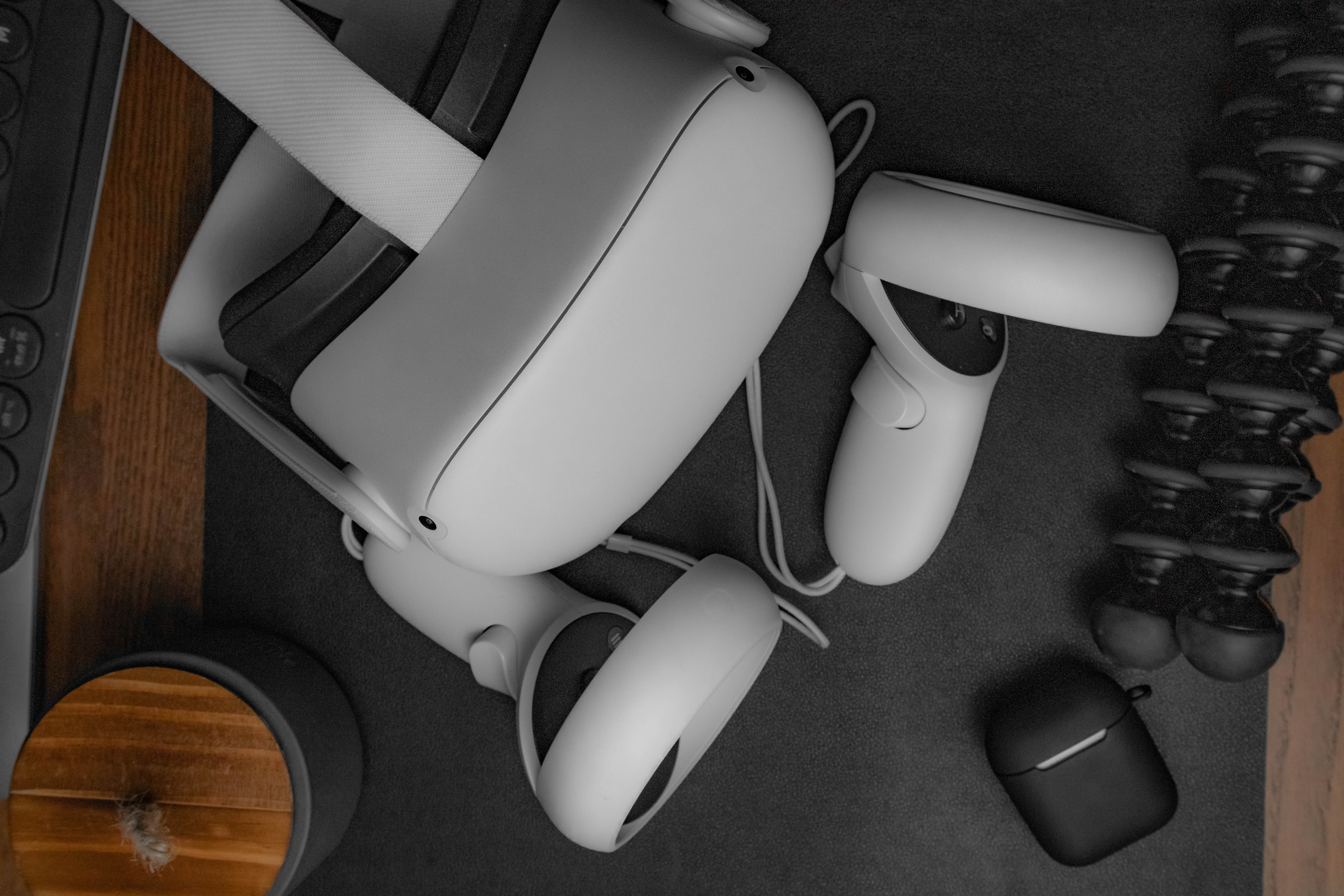
How To Stream VR

To stream VR from Quest, you need to cast your headset's view to a screen for a live audience or stream it to platforms like Twitch and YouTube. There are...

How To Cast VR To Roku Tv

You cannot cast VR to Roku TV directly, because Roku TVs do not natively support the casting protocol used by Meta Quest headsets. To cast VR to Roku TV, you...

How To Connect VR To Pc

To connect VR to a PC, you must first identify your specific headset model, as the connection method varies by brand. Connecting a Meta Quest headset with a cable Download...

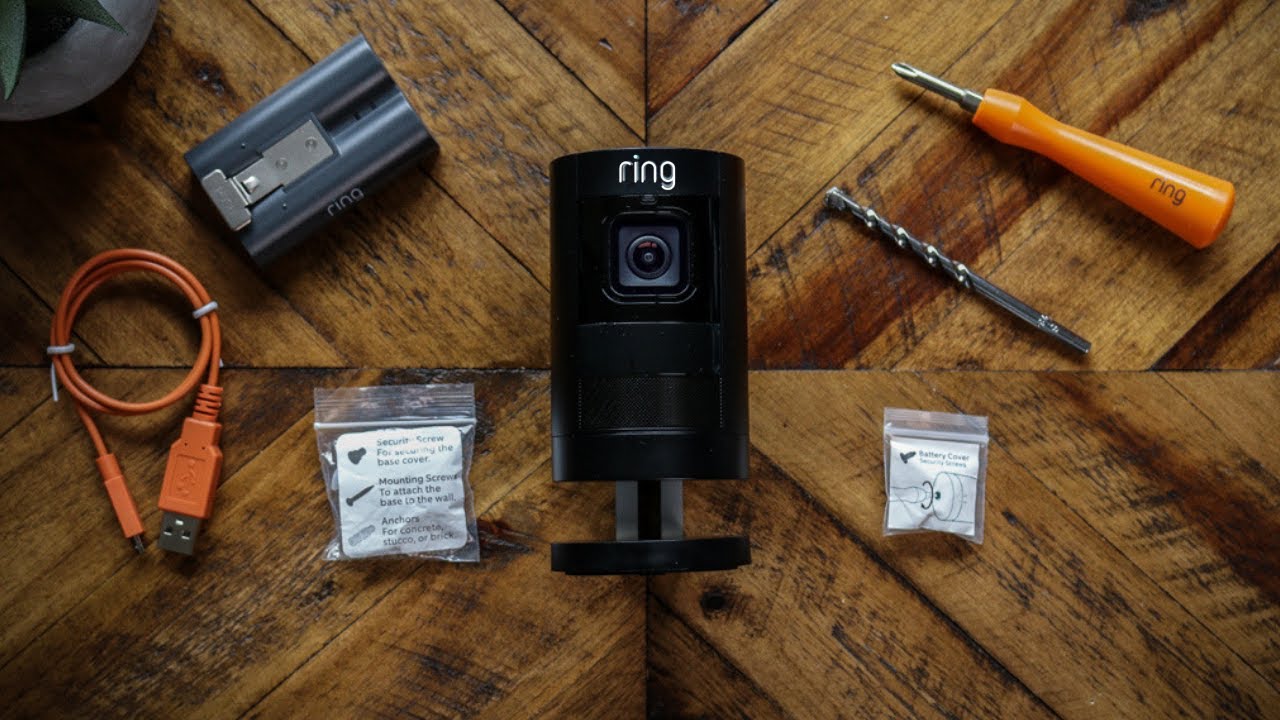
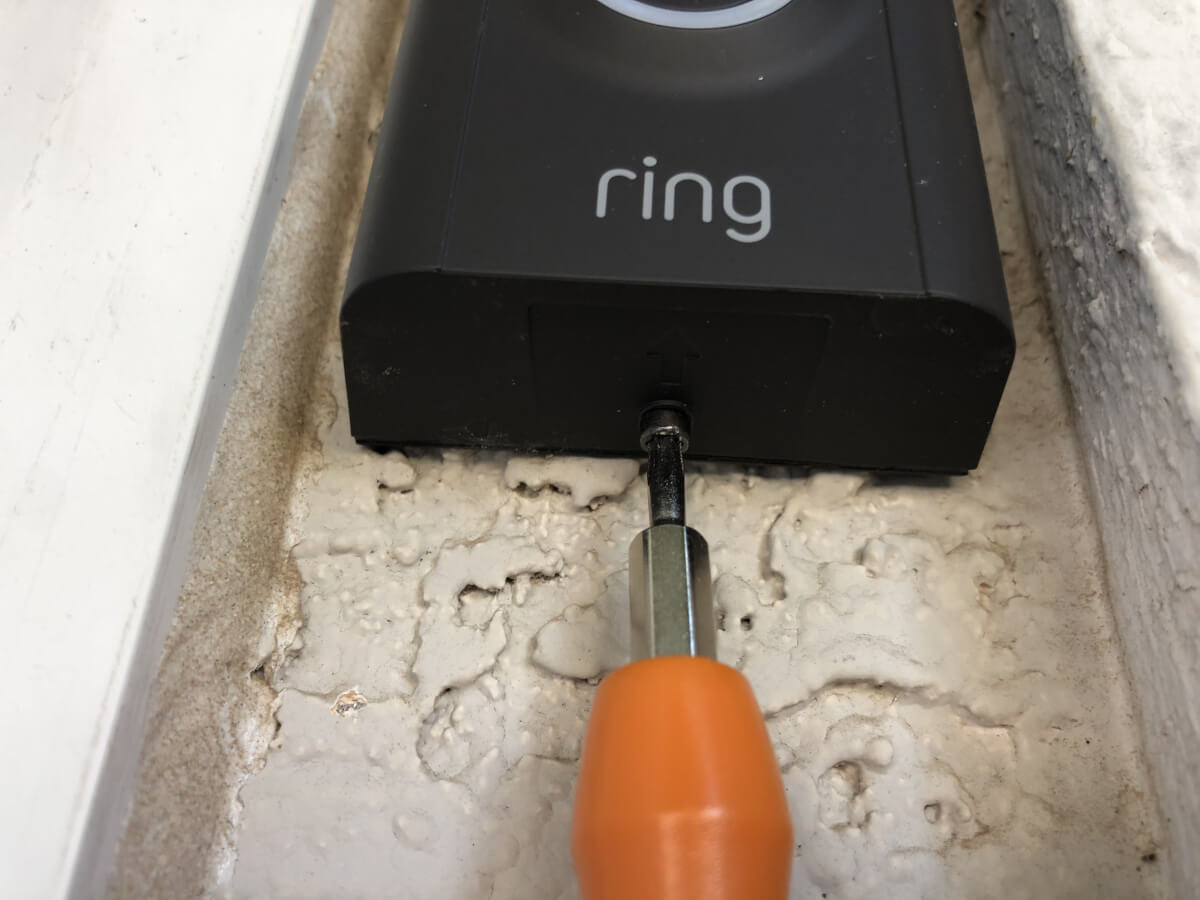
How Long Does A Ring Doorbell Battery Last

Ring doorbell battery life typically lasts between 6 and 12 months on a single charge under normal use, though real-world performance varies significantly based on activity, settings, and weather. Understanding...

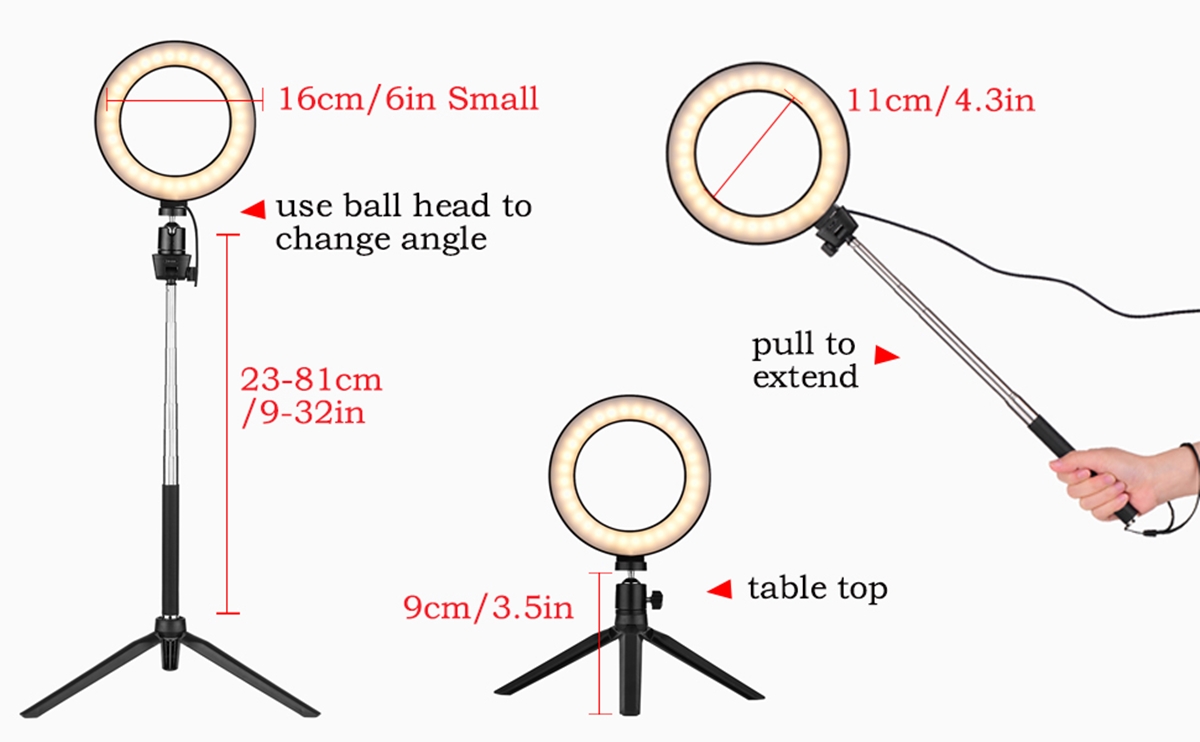
How To Set Up A Ring Light

To set up a ring light for flawless photos and videos, you need to follow one of two main paths: physically assemble and position any ring light, or pair a...

How To Turn On Location On Android

To turn on location on Android, open the Settings app and go to Location, then switch on Use location. This enables your device to provide location data to apps like...