Practical guides for anyone who uses widgets on their phone or tablet, whether you are an iPhone or Android user, or just trying to manage the clutter on your lock screen and home screen. These articles are written for everyday owners who want to customize their device, fix a battery drain, or simply understand what a widget is doing.
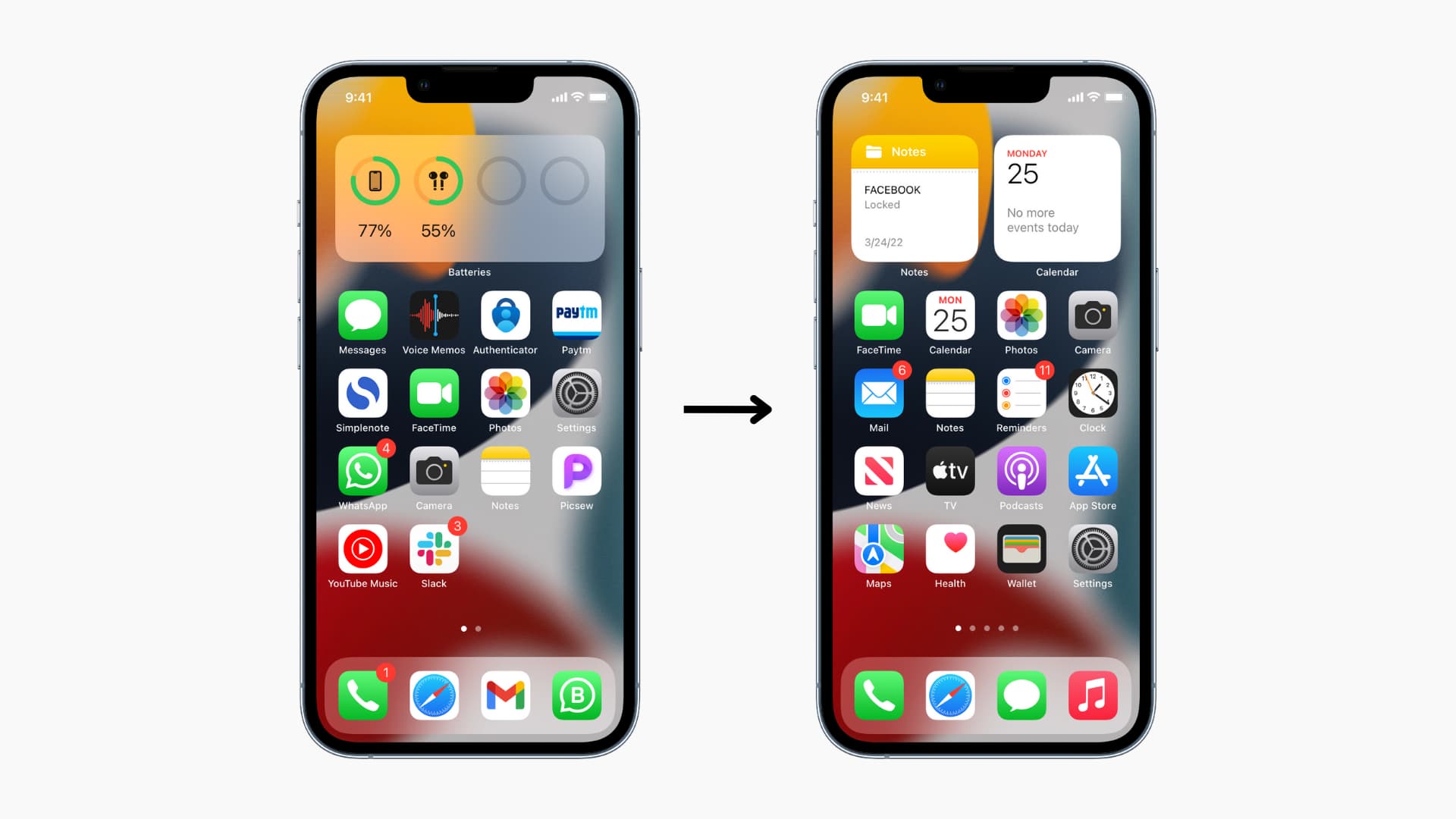
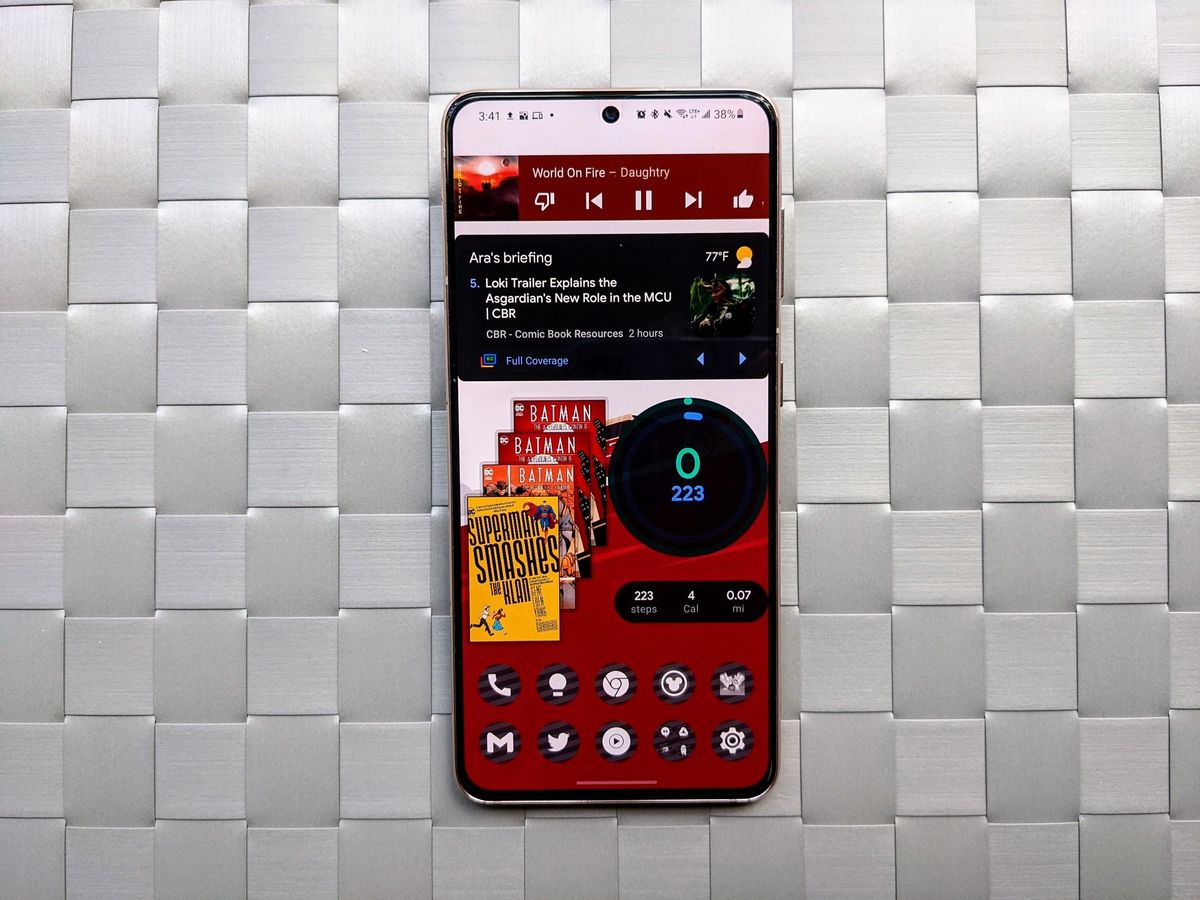
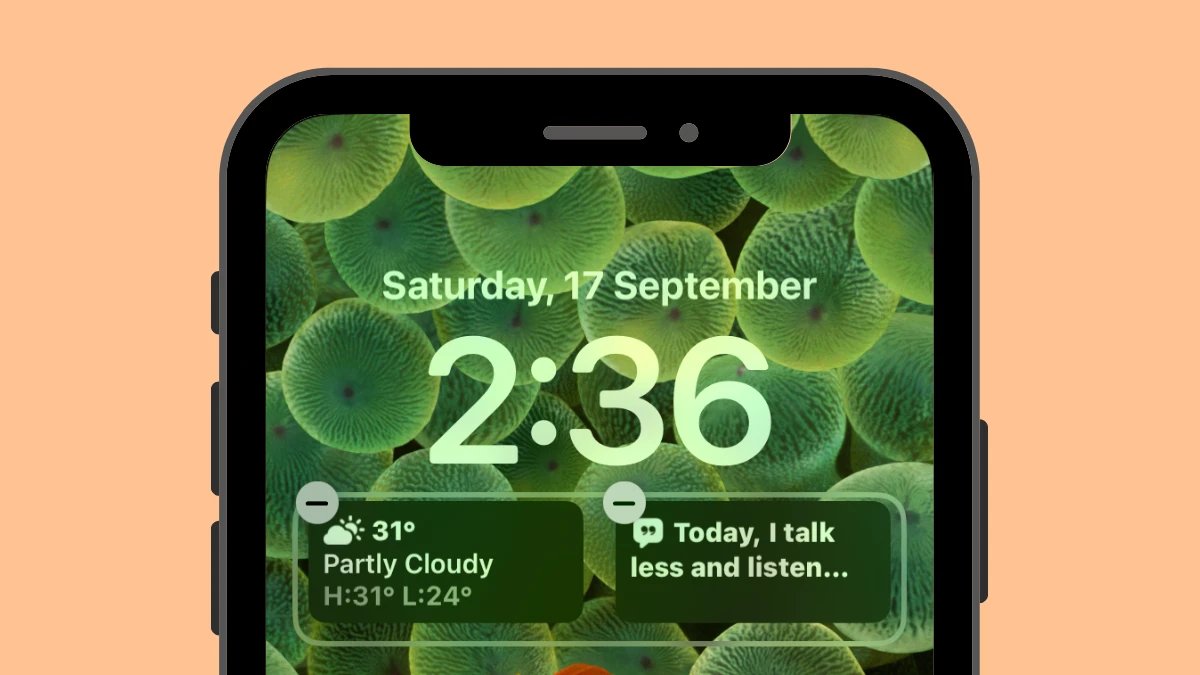
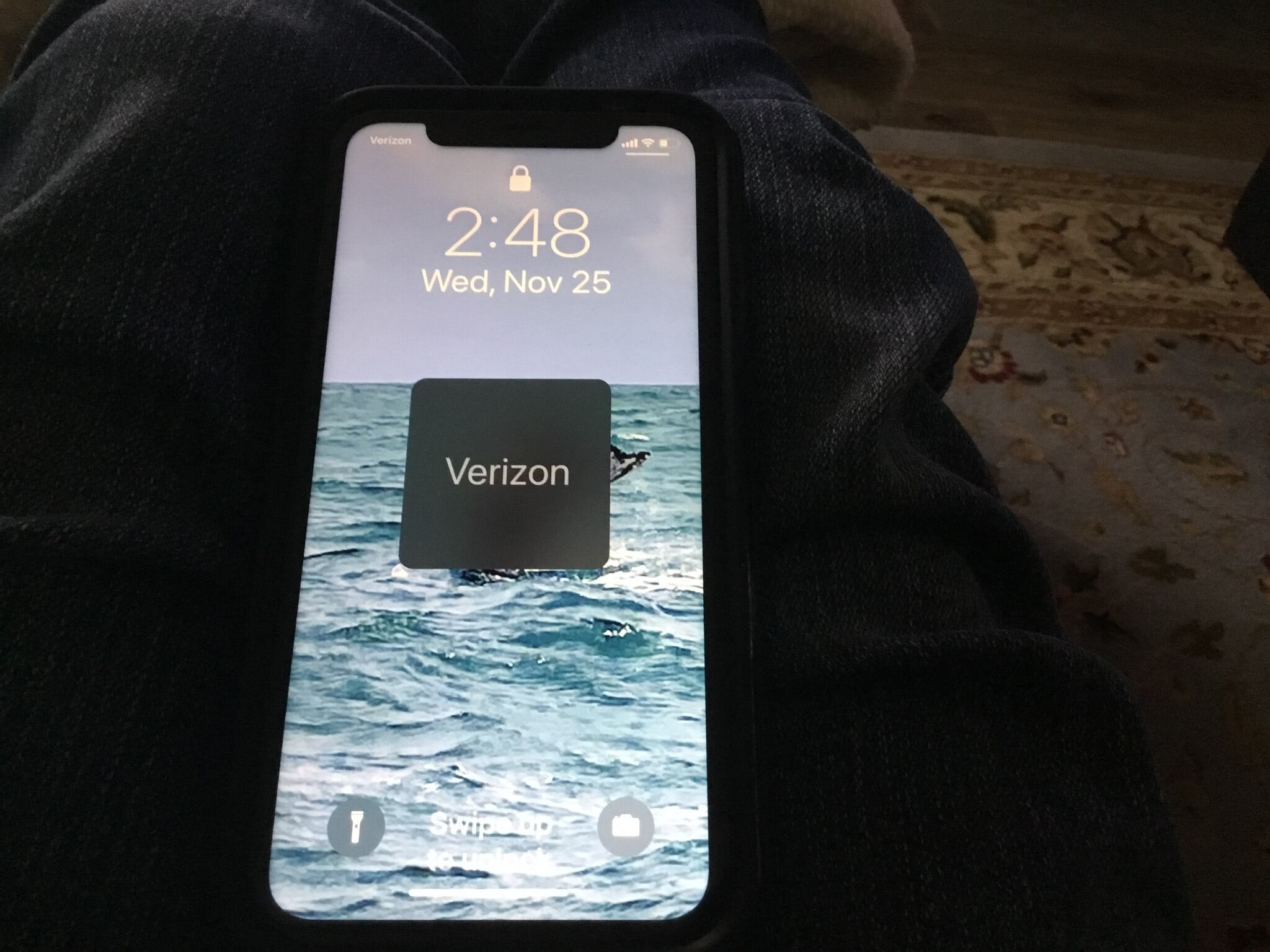
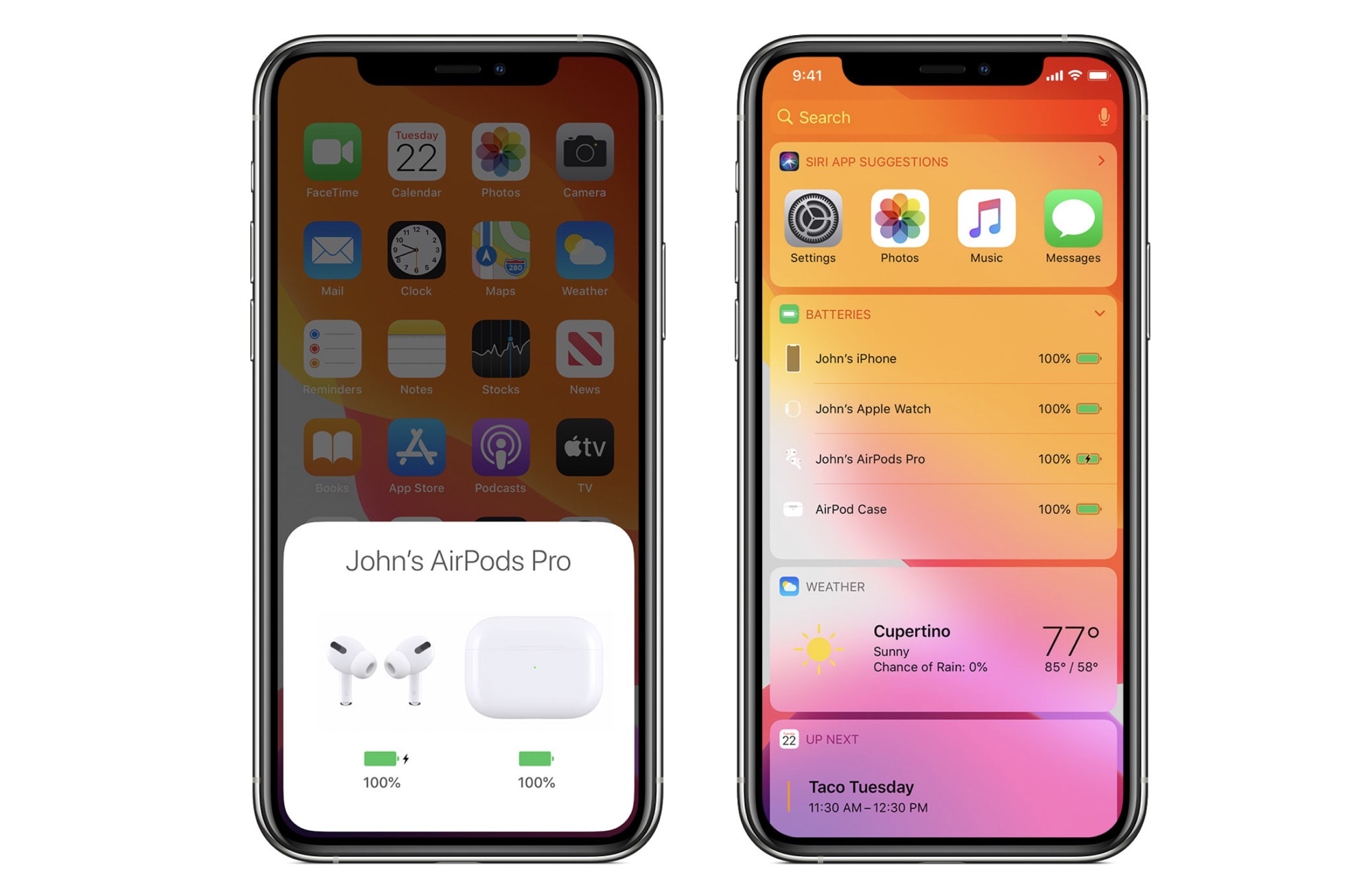
The articles here solve problems that fall into two main themes: adding and removing widgets, and managing their impact on performance. For example, you can learn how to add an AirPod battery widget to your iPhone, or how to remove widgets from Android entirely if you prefer a cleaner look. Several guides also tackle the battery life side of things, such as saving your iPad and iPhone battery when widgets are draining it too fast. Other articles help you control what appears on your screen, like getting rid of the Verizon Wireless text on your lock screen or putting the phone icon back on your home screen.
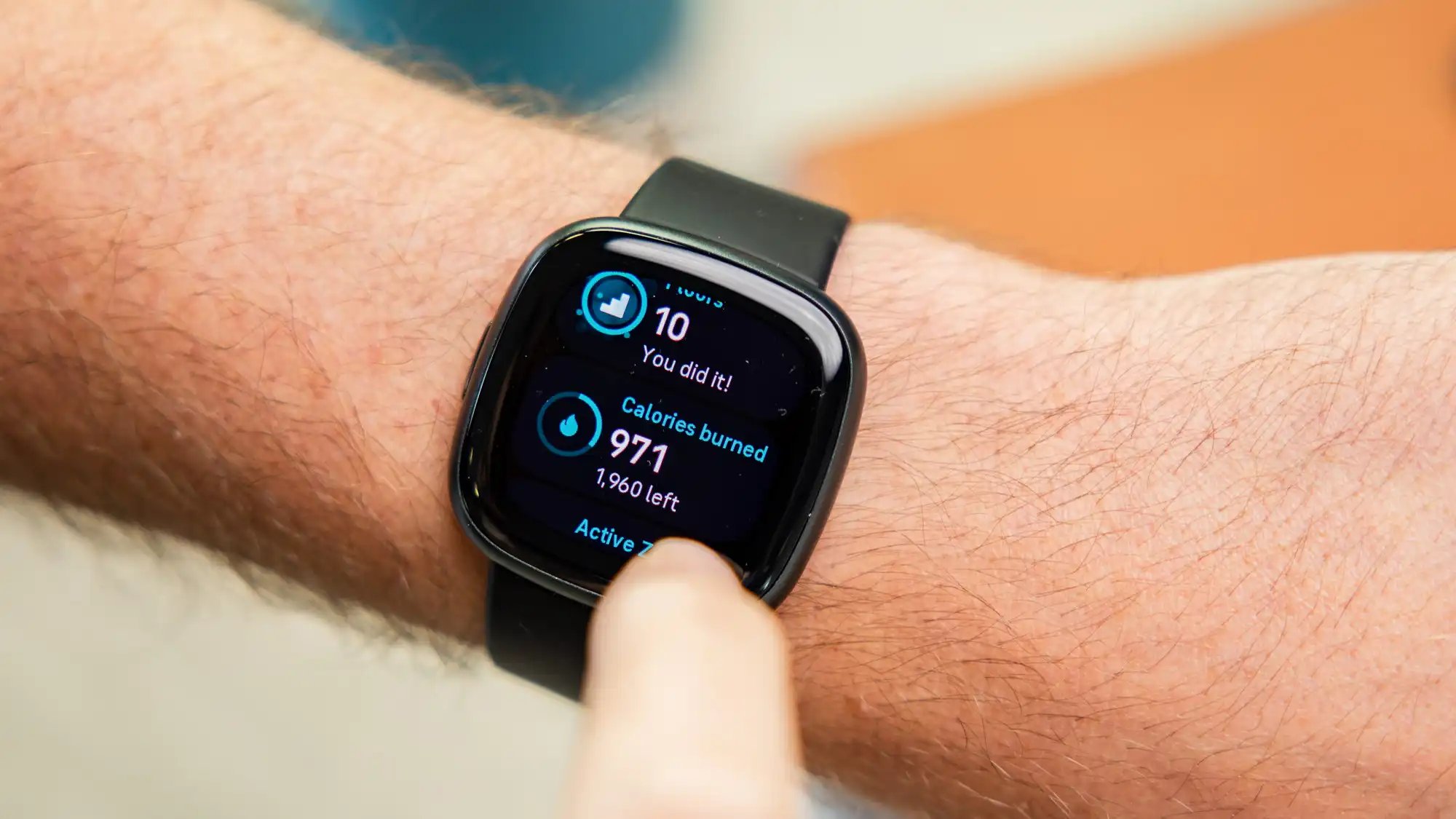
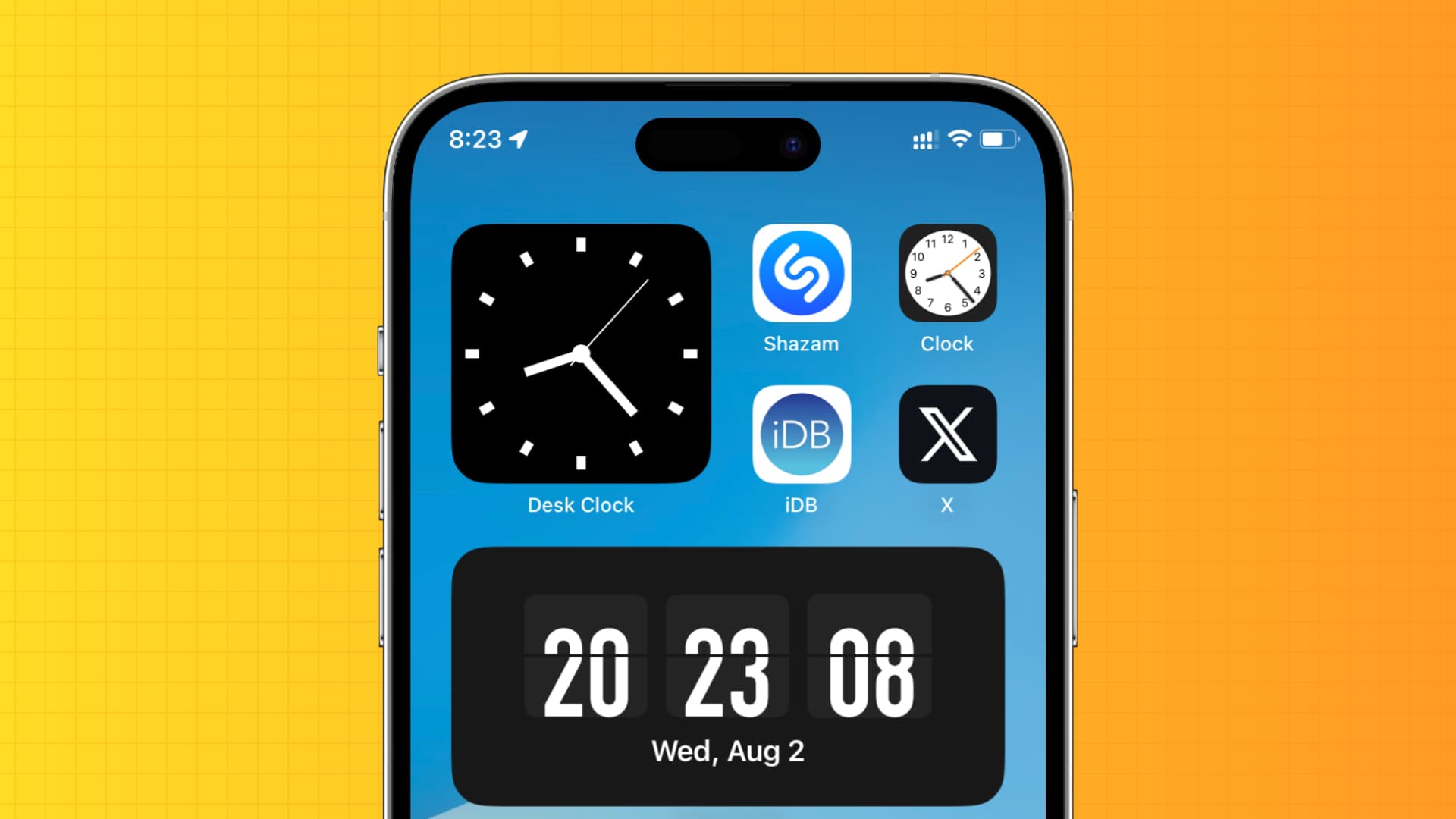
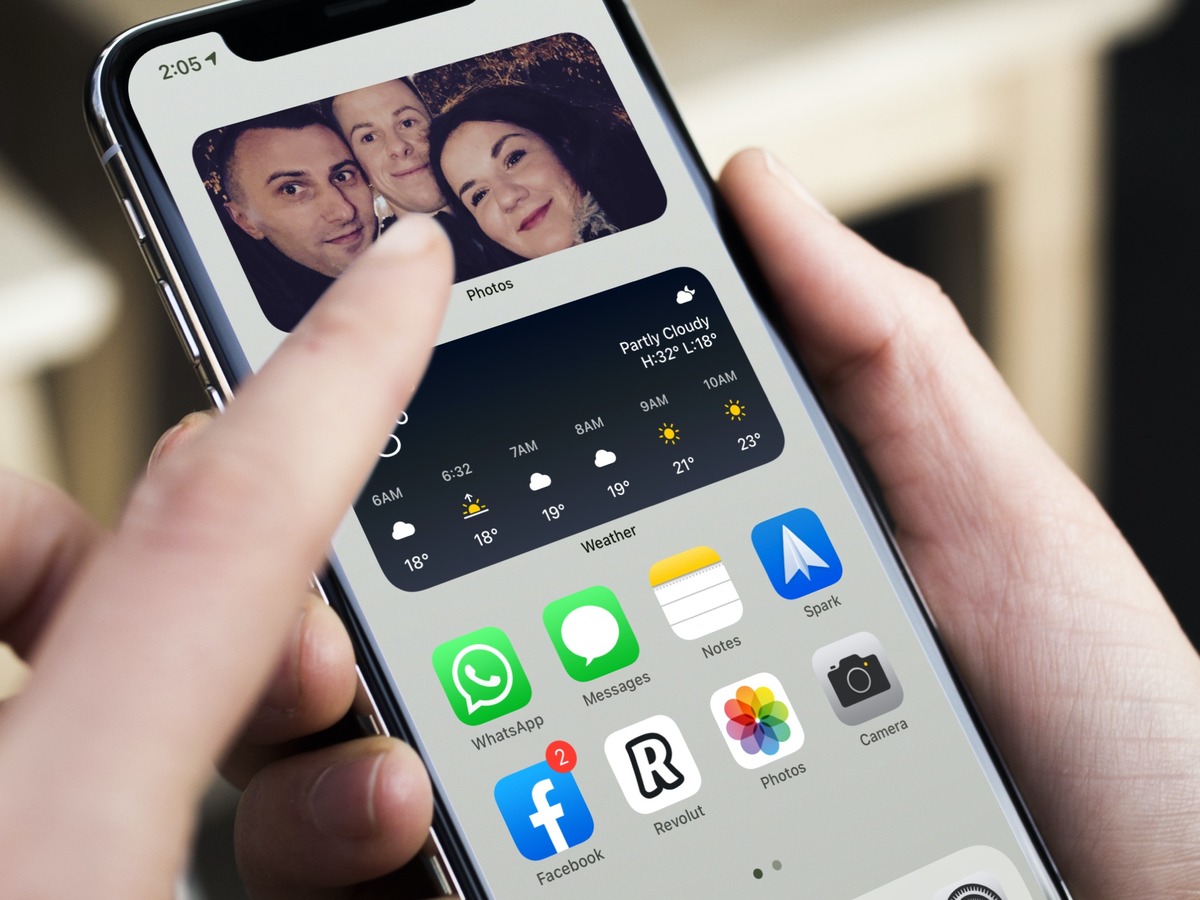
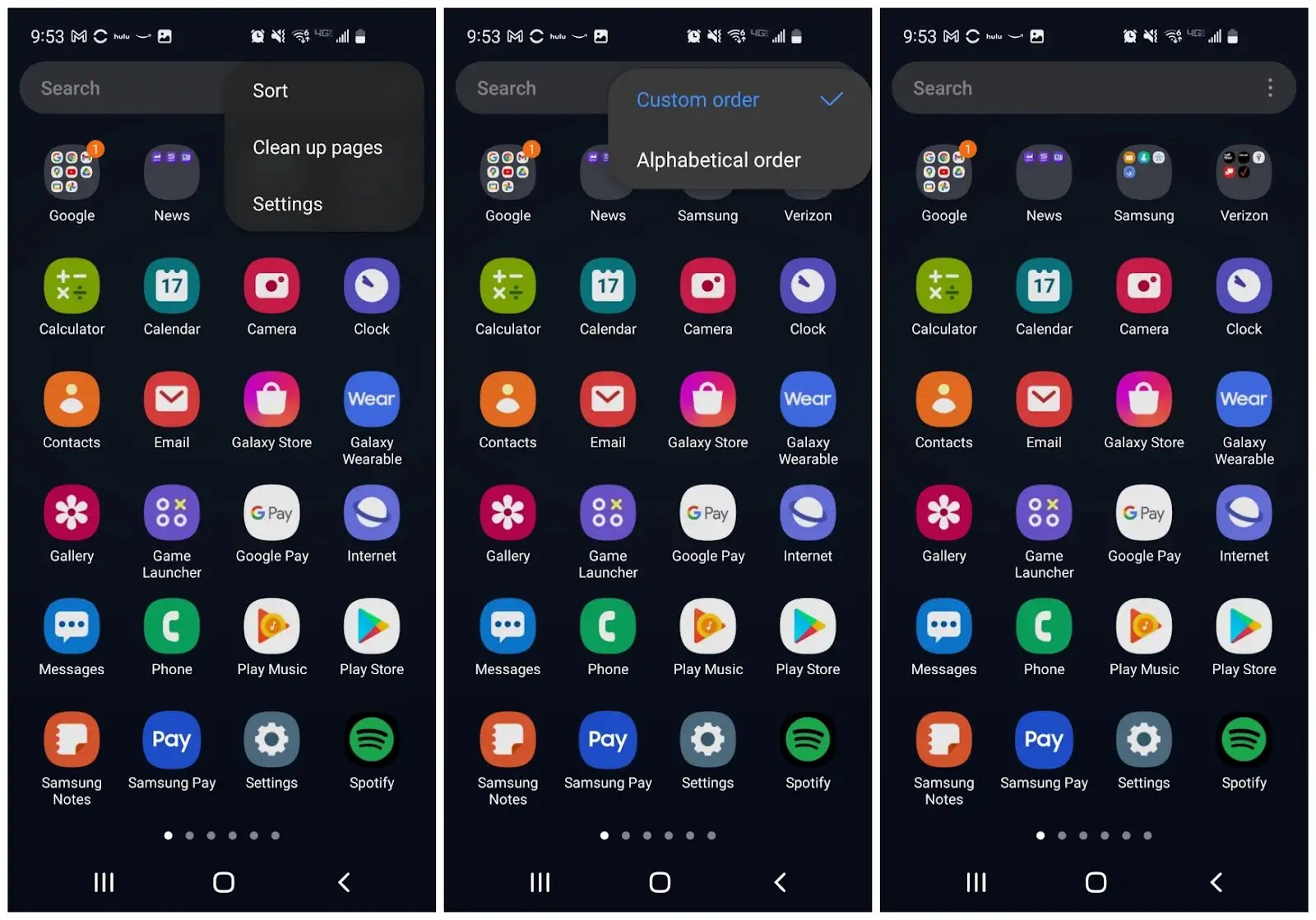
Beyond widgets themselves, the tag covers related home screen and app settings. You can find help arranging apps on Android, adding featured photos on iPhone, or showing seconds on your iPhone clock. There is even a guide for why your Fitbit app is only showing calories, a reminder that widget and app behavior often overlap. Each article gives clear, step-by-step instructions so you can make your phone work the way you want.