This tag collects articles about the nuts and bolts of wireless connectivity, written for anyone who uses a phone, tablet, printer, or home network and needs practical, step-by-step help. Whether you are a senior learning the basics of your flip phone or a home user trying to get a stubborn printer online, these guides are designed to solve real, everyday connection problems.
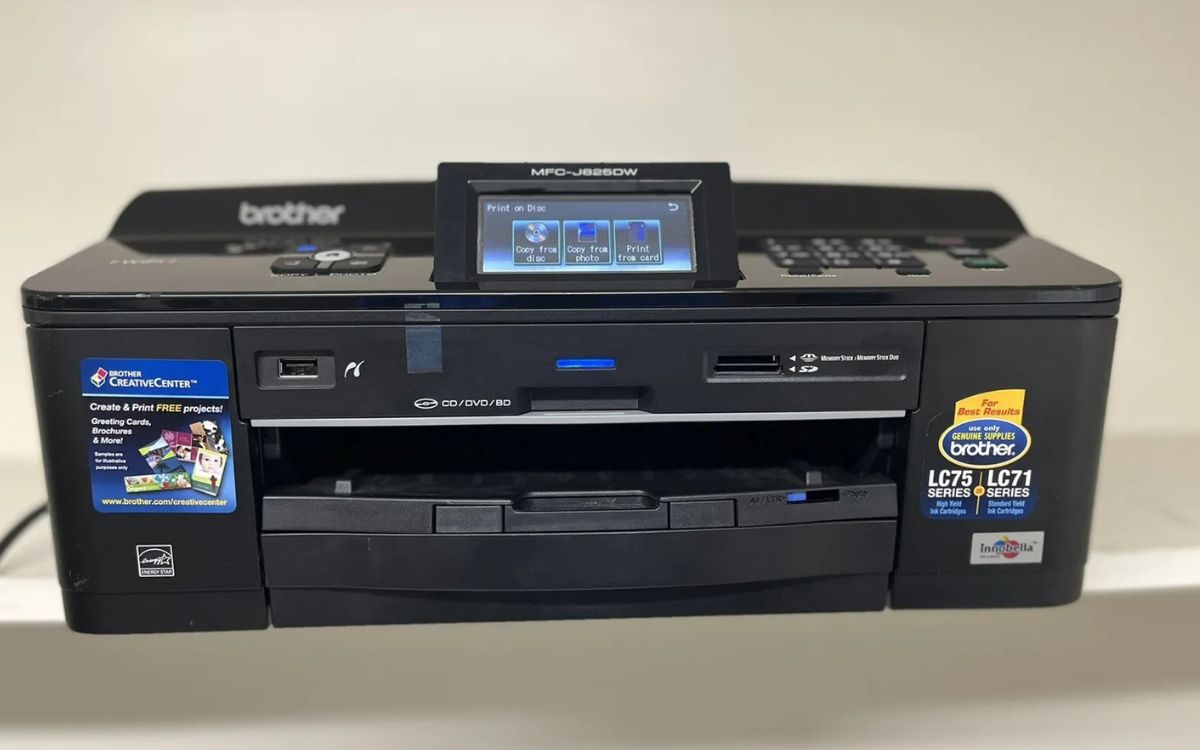
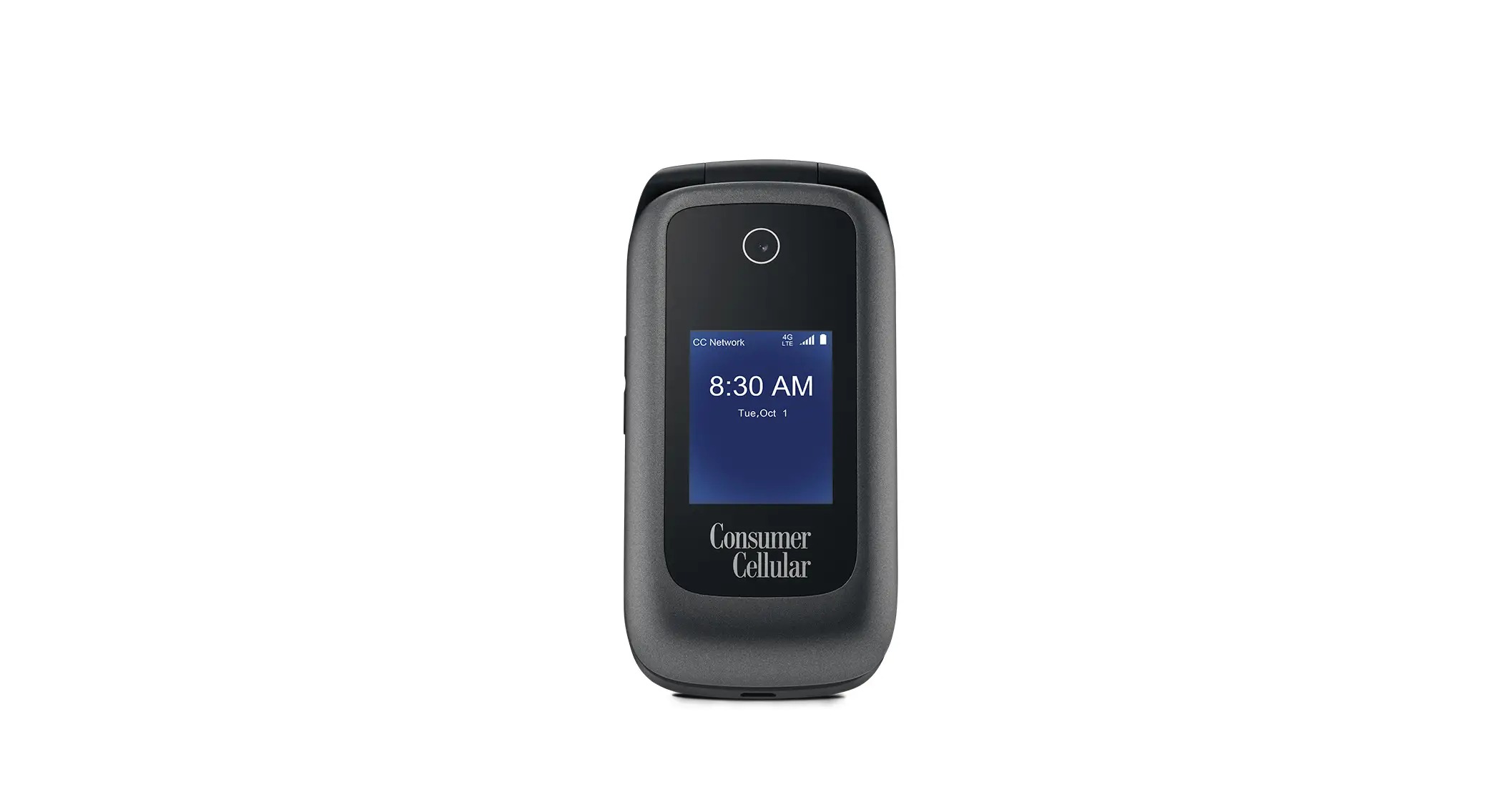
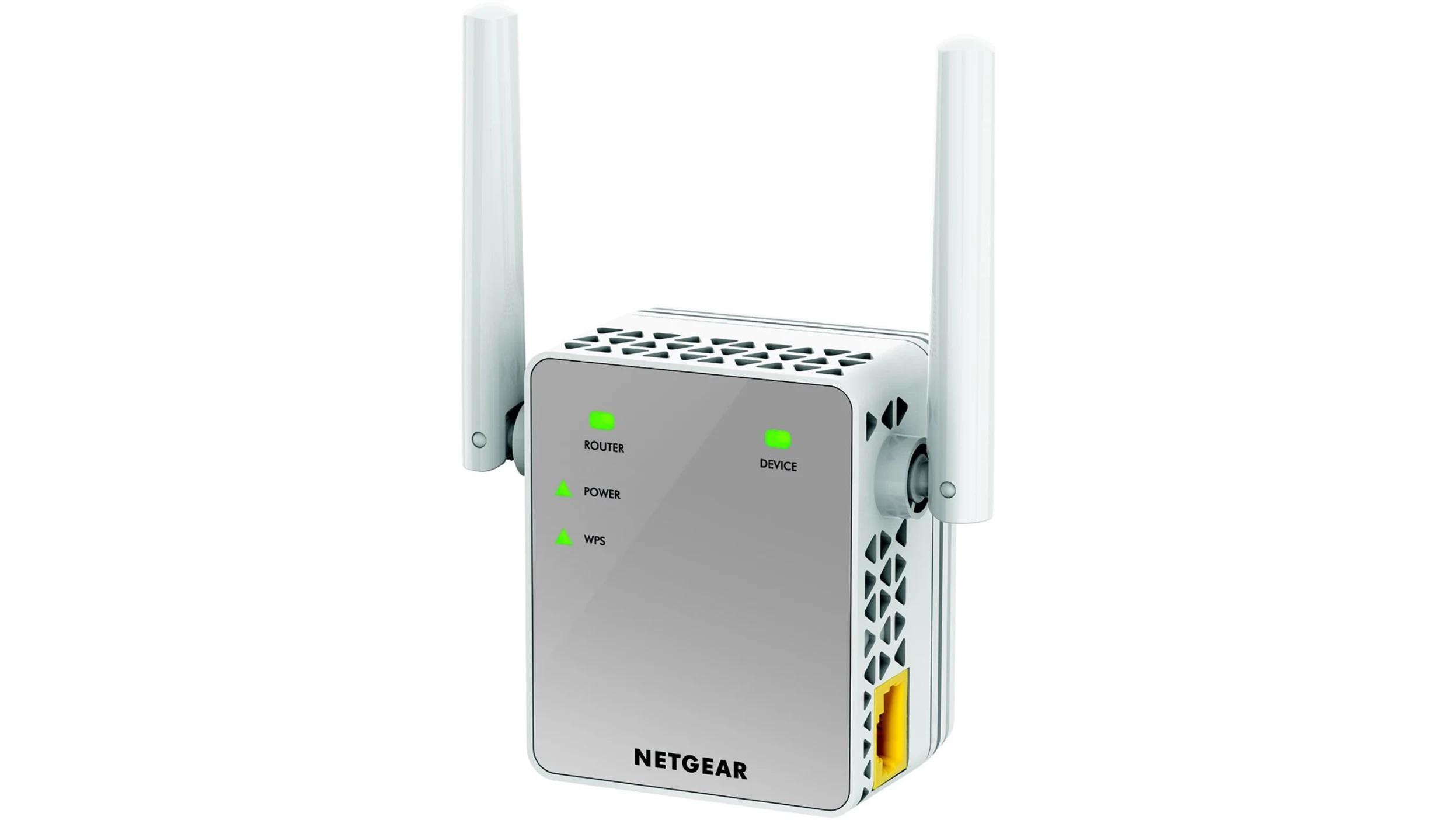
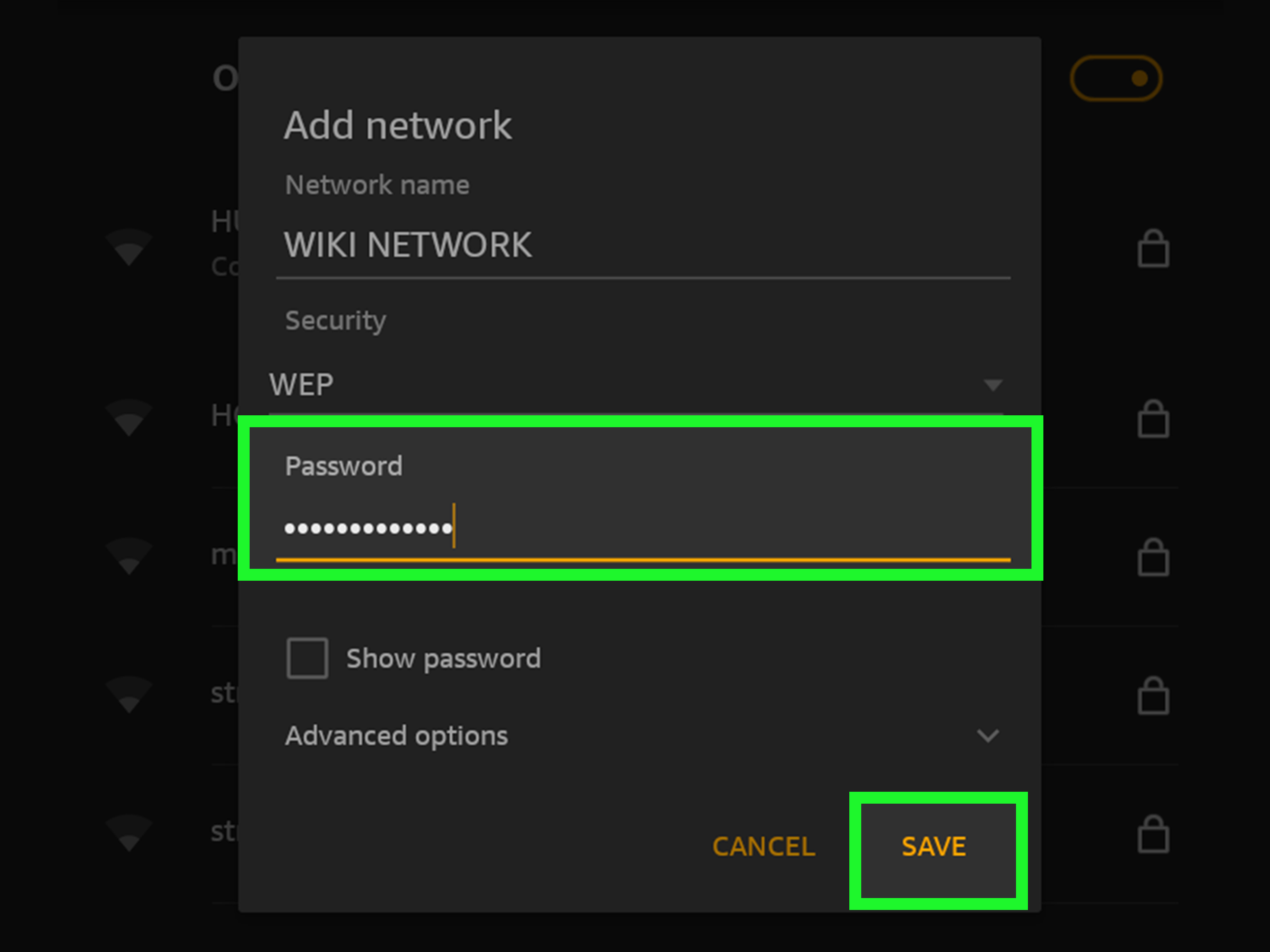
The articles here address two main themes. The first is understanding and managing your device's wireless state, covering core concepts like what a mobile network actually is and what it means for a device to be Wi-Fi enabled, alongside specific fixes like how to turn off airplane mode on a Consumer Cellular flip phone. The second theme is the hands-on process of connecting devices to a network. This includes getting a Brother printer or an HP 1102W printer onto your wireless network, linking a Kindle Fire to Wi-Fi, and setting up a Netgear wireless extender to boost your signal. There is also a general guide on setting up wireless connections from scratch.
These articles help the reader perform specific actions: they explain how to toggle a phone out of airplane mode, walk through the steps to add a printer to a home network, and show how to connect a tablet or extender to an existing Wi-Fi signal. The focus is always on clear, actionable steps to get a device online and working.