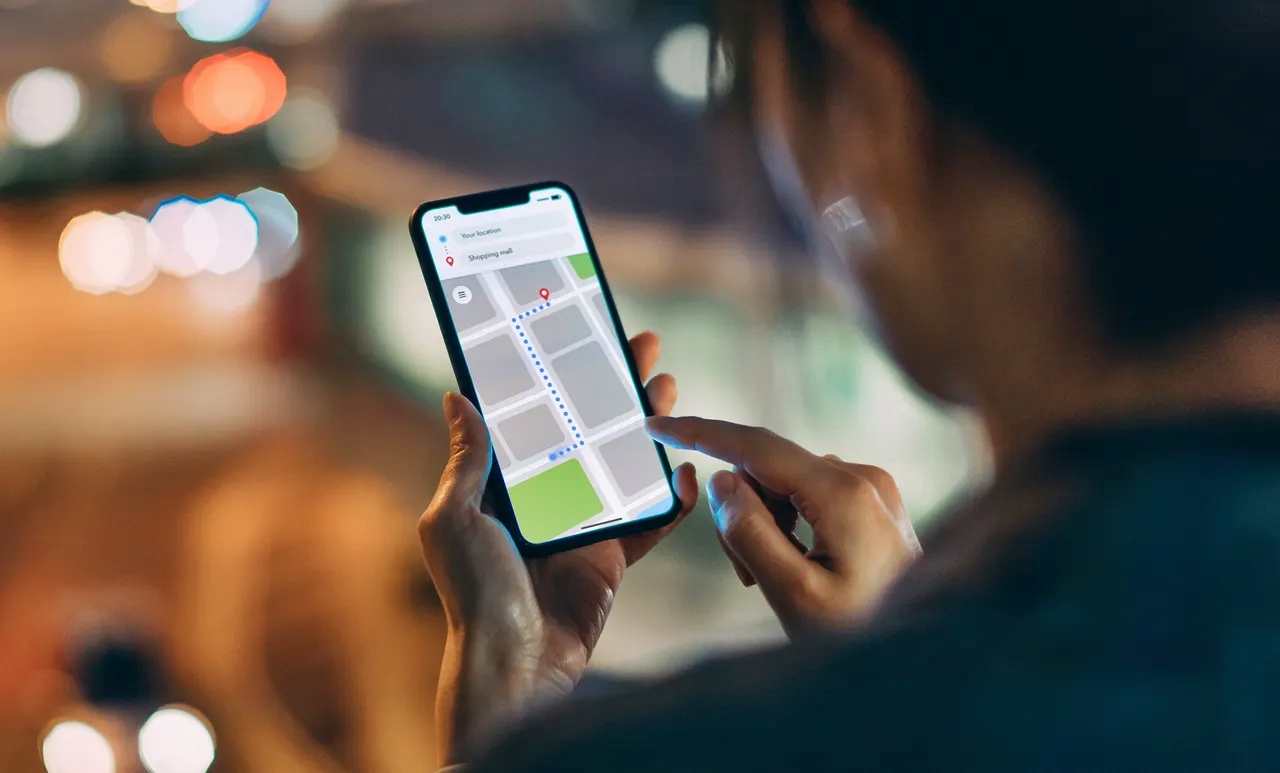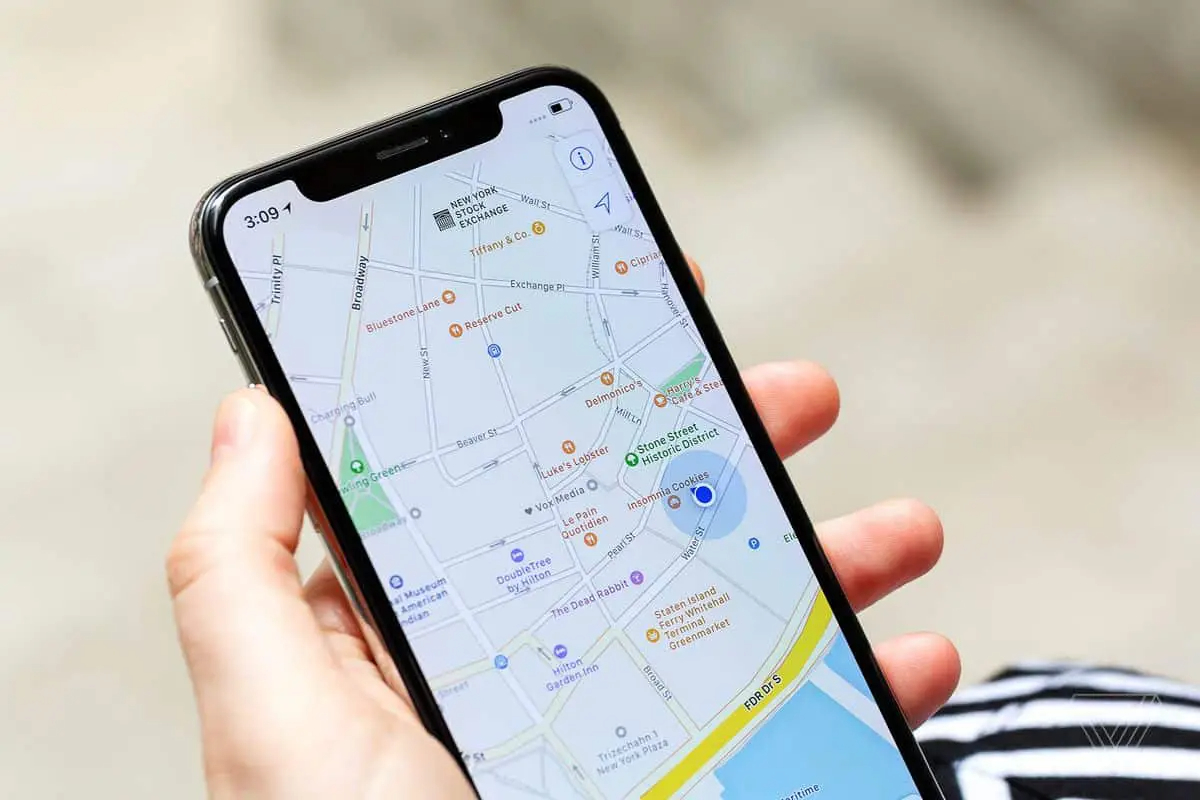
To ping a phone means to make your own linked device ring so you can find it when it's lost or misplaced. This is done through Apple's Find My or Google's Find My Device, not by sending a signal to an arbitrary phone number.
What it means to ping a phone
For consumers, "pinging a phone" refers exclusively to using a service like Find My (on iPhone) or Find My Device (on Android) to trigger a sound on a device that is already linked to your account. It is not a method for looking up phone numbers or tracking someone else's device. The feature requires the device to be connected to your account and the relevant tracking service to have been enabled before the device was lost.
How to ping your iPhone
- Open the Find My app on another Apple device or on the web.
- Tap the Devices tab at the bottom of the screen.
- Tap the name of the device you want to ping.
- Tap Play Sound. The device will play a sound, even if it is set to silent.
If you do not have access to another Apple device, you can use the web at iCloud.com/find. Sign in with your Apple ID, select the device, and click Play Sound. An online device will play the sound immediately; an offline device will play the sound as soon as it reconnects to the internet.
How to ping your iPhone from an Apple Watch
- Press the side button on your Apple Watch to open Control Center.
- Tap the iPhone icon in the bottom-right corner. Your paired iPhone will play a sound, helping you locate it.
How to ping your Android phone
- Go to android.com/find on any device or computer.
- Sign in with the Google account linked to your phone.
- Select the device you want to ping from the list.
- Tap Ring. The phone will ring at full volume for five minutes, even if it is set to Do Not Disturb.
You can also use a voice command through a Nest device: say "Hey Google, find my phone" or "ring my phone." The Google Assistant will ring your linked Android device. On Android, you can say "Hey Google, find my Pixel" or "ring my headphones" to ring a device through a Nest device.
What you need before you can ping your phone
To ping a device, it must already be linked to your account (Apple ID or Google account). Find My (iPhone) or Find My Device (Android) must have been turned on before the device was lost. Find My supports iPhone, iPad, iPod touch, Mac, Apple Watch, AirPods, and Beats headphones. The device also needs an internet connection to play a sound immediately; if it is offline, the sound will play when it reconnects.
What pinging a phone cannot do
You cannot ping an arbitrary phone number. The feature only works on devices that are already linked to your account. You cannot track someone else's device, and you cannot locate a phone that was never linked to your account or that had Find My or Find My Device disabled. Capabilities like sending a signal to any phone number are restricted to carriers and emergency services.
Frequently Asked Questions
Can I ping a phone number that is not mine?
No. The consumer "ping" feature only works on devices you own and have linked to your account. There is no documented way to send a ping to an arbitrary phone number using standard iPhone or Android features.
Does pinging a phone work if the device is offline?
On iPhone, if the device is offline, Find My can show its last known location but will not play a sound until it reconnects to the internet. If the device is offline, Find My can show the location but does not play a sound until it reconnects. On Android, the Ring command will work when the device is offline only if it has a recent connection; otherwise, it will ring the next time it comes online.
Will pinging a phone drain the battery?
No. The ping itself is a very brief signal that does not significantly affect battery life. The sound plays for a short duration (up to five minutes on Android) and then stops automatically.
Is pinging a phone the same as tracking its location?
No. Pinging makes the device ring so you can find it by sound. Location tracking shows the device's position on a map, which is a separate feature in Find My and Find My Device.
Can I ping my phone from a computer?
Yes. For iPhone, use iCloud.com/find. For Android, use android.com/find. Both work from any web browser after signing in to your account.
Related reading: How To Ping Cell Phone Location and How To Erase Data From Lost Phone Using IMEI.