To ping a cell phone location means using the phone's built-in location service, Apple's Find My or Google's Find My Device, to show its approximate location on a map or play a sound, not a secret tracking method. This is the official, legal way to locate a lost or misplaced phone, and it requires the device to have been set up before it went missing.
What it means to ping a cell phone location
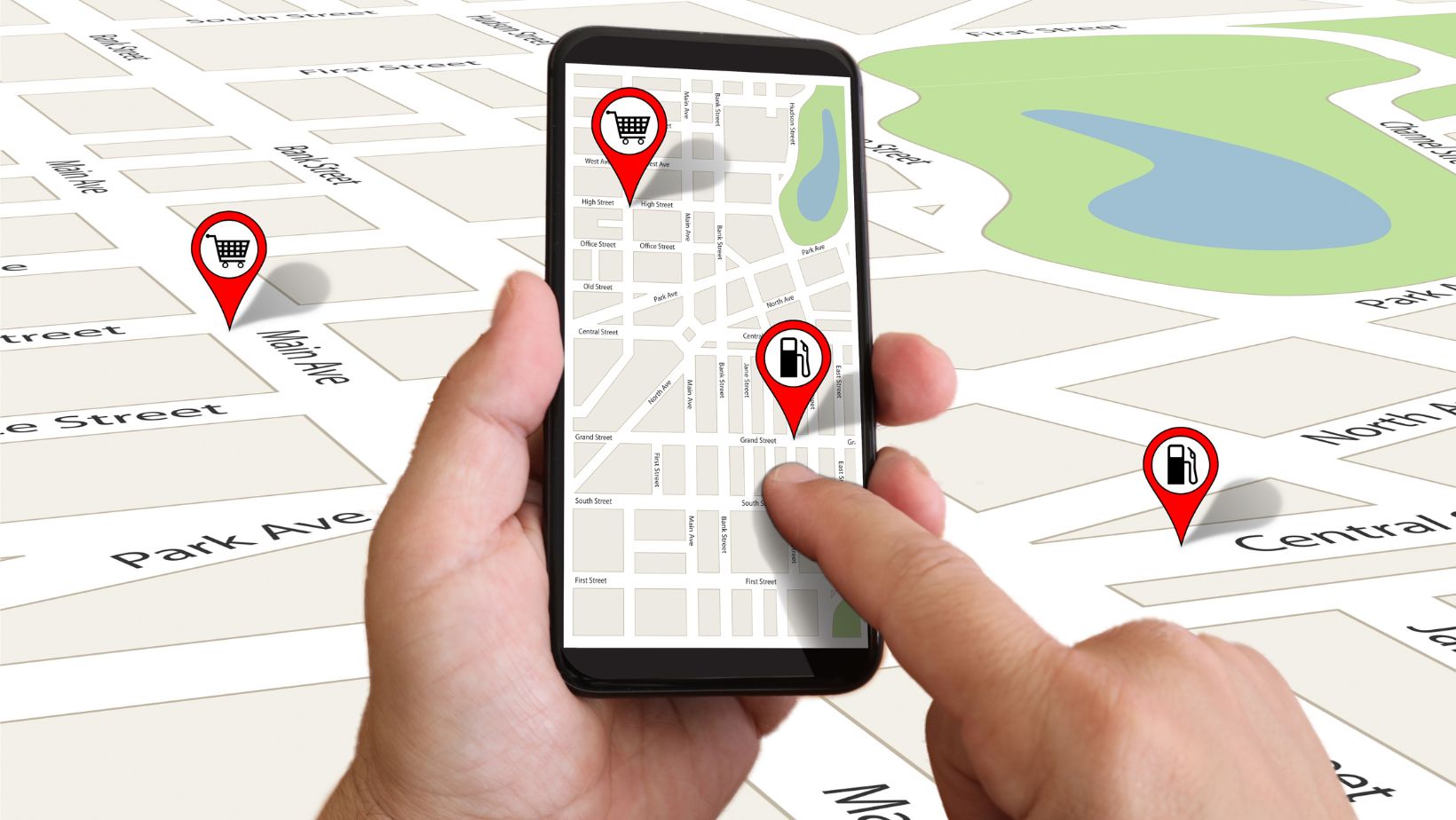
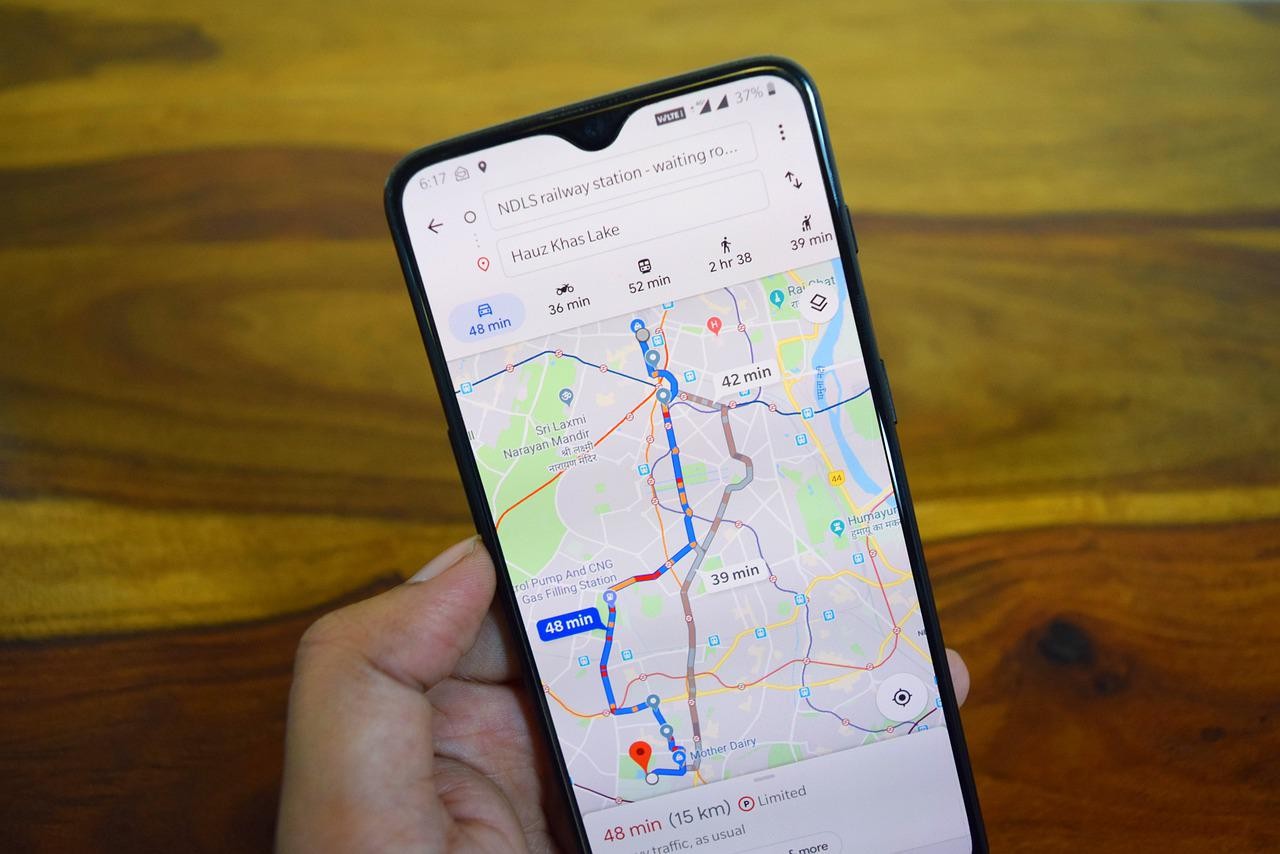
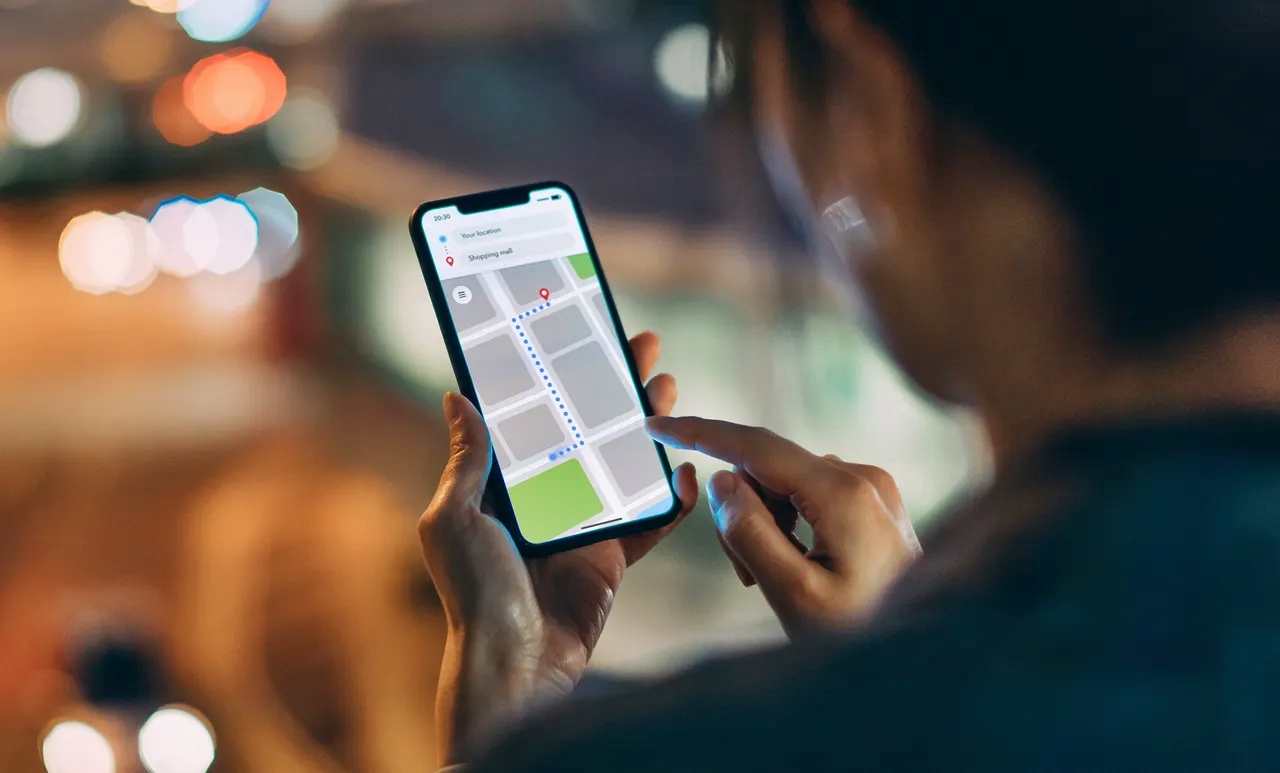
“Pinging” a cell phone in this context does not involve sending a literal network signal. Instead, it refers to using a location service to show a phone on a map or play a sound. Apple’s Find My can locate supported Apple devices, and Google’s services can locate or share location for supported Android devices and accounts. Exact menus and limits vary by platform, device, and whether the device was set up before it was lost. This is not a method for secretly tracking a phone location; it is designed for finding your own devices or sharing location with people you choose.
How to ping an iPhone location with Find My
To locate a lost iPhone, iPad, Mac, Apple Watch, AirPods, or Beats product, use the Find My app on another Apple device or iCloud.com/find. Apple says Find My can locate iPhone, iPad, iPod touch, Mac, Apple Watch, AirPods, and Beats headphones; iCloud.com also lists AirPods and Beats products and shows an approximate location.
- Open the Find My app on another Apple device.
- Tap Devices.
- Tap the name of the device you want to locate.
- If you do not have the app, go to iCloud.com/find and sign in to your Apple Account.
- On iCloud.com, select the device from the list; if it can be located it appears on the map, and if not, Offline appears below the device name.
From there, Apple says you can tap Directions to open the location in Maps, Play Sound if you are close, and on supported hardware tap Find Nearby for distance and direction. Apple also says you can select Notify me when found to get an email when the device comes online again.
How to ping an Android location with Find My Device
For Android, Google’s official path is the Find My Device app for your own devices, and Google location sharing for people you choose. Google's location sharing help says sharing is tied to a Google account and can be managed through Google app settings and Maps location-sharing screens.
- Open the Find My Device app on another device or visit the website.
- Select the device or accessory you want to locate.
- View its location on the map, or use options like Play Sound.
- Google's Android help for Find My Device sharing says you can share a device through the app by selecting the accessory or device, then using 'Share device' or 'Settings,' depending on the screen shown.
This allows sharing a live location with chosen people, which is a separate feature from finding a lost device.
Requirements and limits for pinging a phone
For Apple, you must turn on Find My before the device is lost. Apple says Find My shows the current location if the device can be located, or the last known location if it cannot. Apple's iCloud page says the last known location is displayed for up to 24 hours, and you can choose 'Notify me when found.' Apple’s Mac help page says a device’s location might not be found if more than 7 days have passed since its last location was sent to Apple. For Android, Google’s help pages similarly require device setup and account access for location sharing features. Without these prerequisites, pinging the phone’s location will not work.
Frequently Asked Questions
Can I ping someone else's phone without them knowing?
No. Pinging a phone using official tools like Find My or Find My Device requires the device owner’s Apple Account or Google Account credentials and the device to have been set up for location sharing beforehand. Secretly tracking a phone location without consent is not possible through these methods and may be illegal.
What if the phone is offline or cannot be located?
On Android, the last known location may be shown if the device was recently online. If more than 7 days have passed since an Apple device’s last location was sent, the location may no longer be available.
Is pinging a phone location legal?
Yes, using Find My or Find My Device to locate your own lost phone is legal. Tracking another person’s phone without their consent typically requires a court order or proper authorization, except in emergency situations where immediate action is necessary to protect lives or property.
Related reading: How To Erase Data From Lost Phone Using IMEI and How Do You Ping A Phone Number.