






You cannot hide your phone number on WhatsApp using any built-in privacy setting. The only reliable way to hide your phone number on WhatsApp is to register the app with a secondary or virtual phone number instead of your real one.
Can you hide your phone number on WhatsApp?
WhatsApp does not offer a built-in feature to hide your phone number from your contacts or from participants in individual or group chats. Your phone number has always been visible in your profile and to everyone in any chat or group you join. This is a common misconception: adjusting settings for Last Seen, Profile Photo, or About does not hide your phone number itself. The only current solution is to use a workaround that keeps your real number off the platform entirely.
The only workaround: use a virtual phone number
To maintain privacy for your personal number, you can register your WhatsApp account with a secondary or virtual phone number, such as one obtained through Google Voice. This keeps your real phone number private because the virtual number is what appears on your profile and in chats.
- Choose a virtual phone number service and install its app on your device.
- Follow the app's instructions to obtain a virtual number and verify your account.
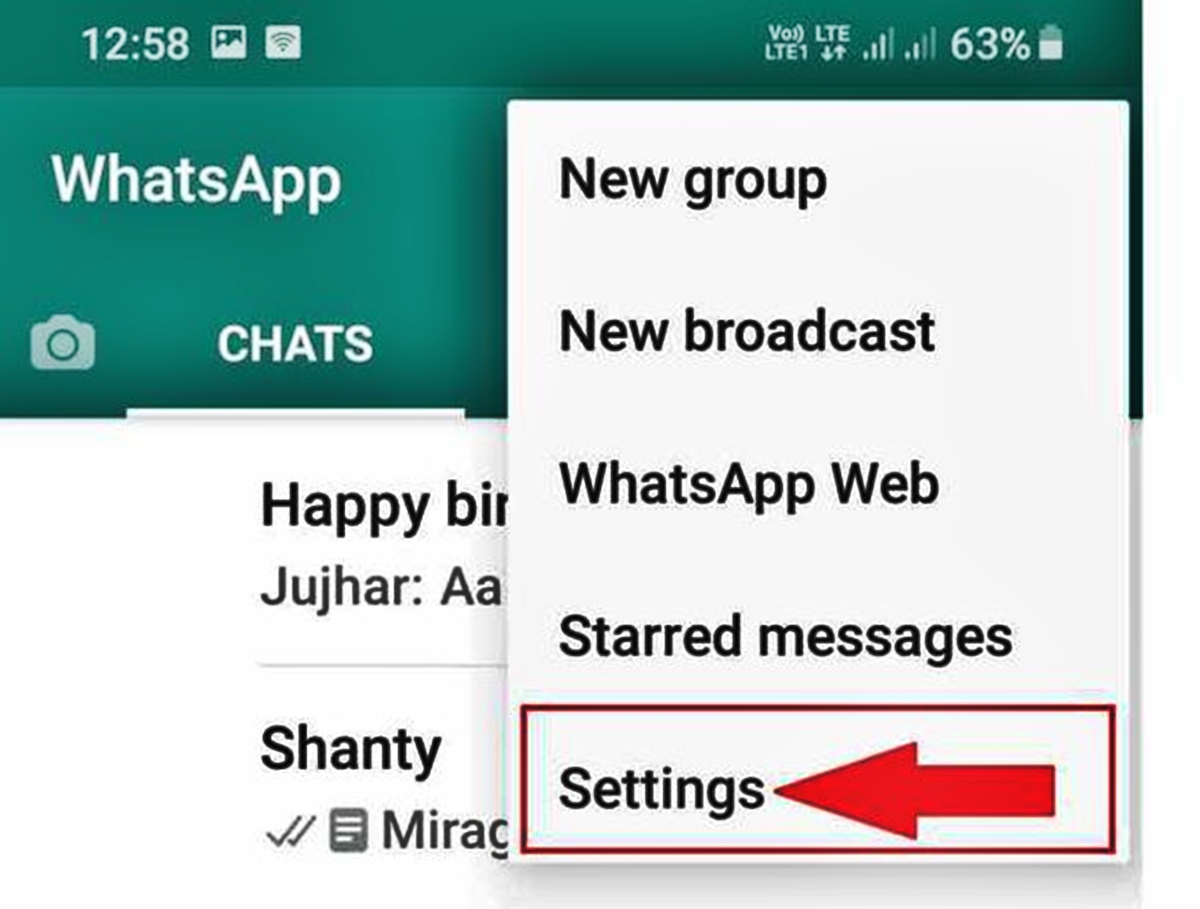
- Open WhatsApp and go to Settings, then Account, then select the option to change your phone number.
- Enter the virtual number when prompted. Complete the verification process using the code sent to that virtual number.
- Your virtual number now acts as your WhatsApp number, hiding your actual phone number from all contacts and group participants.
This method gives you the privacy you need, and if you ever need to call someone back from your virtual line, you can use a service that lets you call back in 5 easy ways, like those found in guides on Private Numbers: How to Call Back in 5 Easy Ways.
What WhatsApp's privacy settings actually control
WhatsApp's privacy settings under Settings > Account > Privacy let you control who sees your Last Seen, Profile Photo, and About information. You can set each of these to "Everyone," "My Contacts," or "Nobody." However, none of these settings hide your phone number. Your phone number remains visible to anyone you chat with or who sees you in a group, regardless of how you adjust these options. Do not waste time on these settings if your goal is to hide your number. When blocking unknown contacts, the setting is found under WhatsApp Settings > Account > Privacy > 'Block unknown contacts' or 'Block unknown numbers'.
How WhatsApp handles your number in communities and business chats
In WhatsApp Communities, your phone number is only visible to community admins and to people who have saved you as a contact. Other community members who have not saved your number cannot see it. When you initiate a chat with a business through a Facebook or Instagram ad, your phone number may be hidden by default, and you are given the option to choose whether to share it. However, if a business already possesses your phone number from a previous interaction, you cannot hide it from them.
What about WhatsApp's username feature?
WhatsApp is developing a username feature that will allow users to hide their phone numbers by communicating through a unique username instead. This feature is expected to roll out in a future update. Once available, it will provide a built-in way to hide your phone number without needing a virtual number. Until that feature is officially released, the virtual number workaround remains the only method to keep your real number private.
Frequently Asked Questions
Will hiding my phone number affect my ability to make calls or send messages?
No. Whether you use a virtual number or the future username feature, your ability to make calls and send messages to your contacts will not be affected.
Can I hide my phone number from everyone but still use WhatsApp normally?
Yes, by registering with a virtual number, you can use WhatsApp normally while your real phone number remains hidden from all contacts and group participants.
Is it possible to hide my phone number while keeping my profile photo visible?
Yes. Privacy settings for your profile photo are separate from your phone number. You can set your profile photo to be visible to your contacts while using a virtual number to hide your real phone number.
Does blocking unknown contacts hide my phone number?
No. Blocking unknown contacts prevents them from messaging you, but your phone number remains visible in any existing chats or groups you share with them.
Can I hide my phone number on WhatsApp without using a virtual number?
Not currently. Until the username feature is released, the only way to hide your phone number is to use a secondary or virtual phone number for registration.
Can I hide my phone number on WhatsApp without hiding my profile photo or status?
Yes, you can hide your phone number on WhatsApp while still keeping your profile photo and status visible to your contacts.













