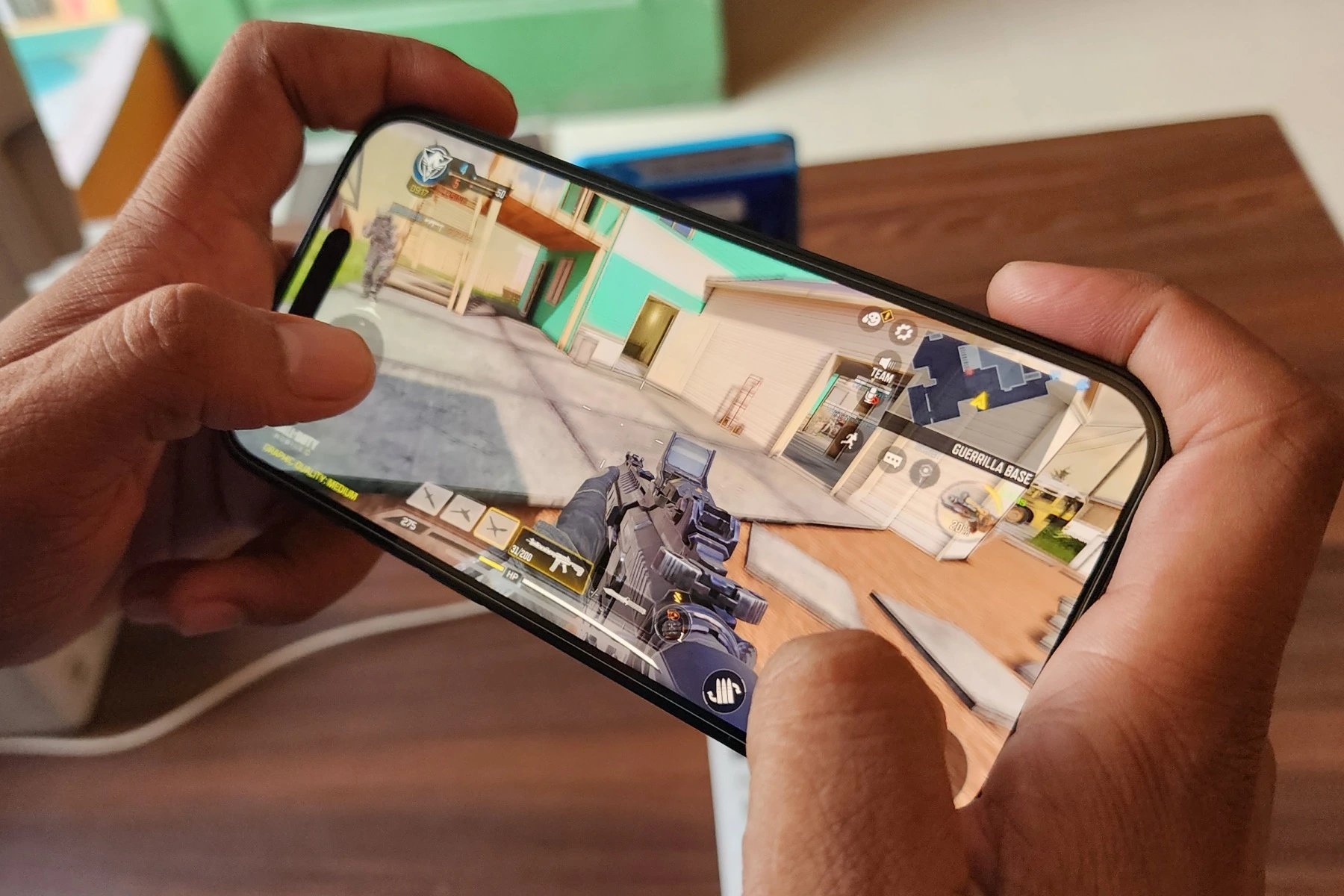
To move faster in Call of Duty Mobile, the primary method is to master the on-screen virtual control stick. Speed in COD Mobile comes from using this stick correctly, not from a hidden menu setting or a single piece of equipment.
How to move faster in call of duty mobile with controls
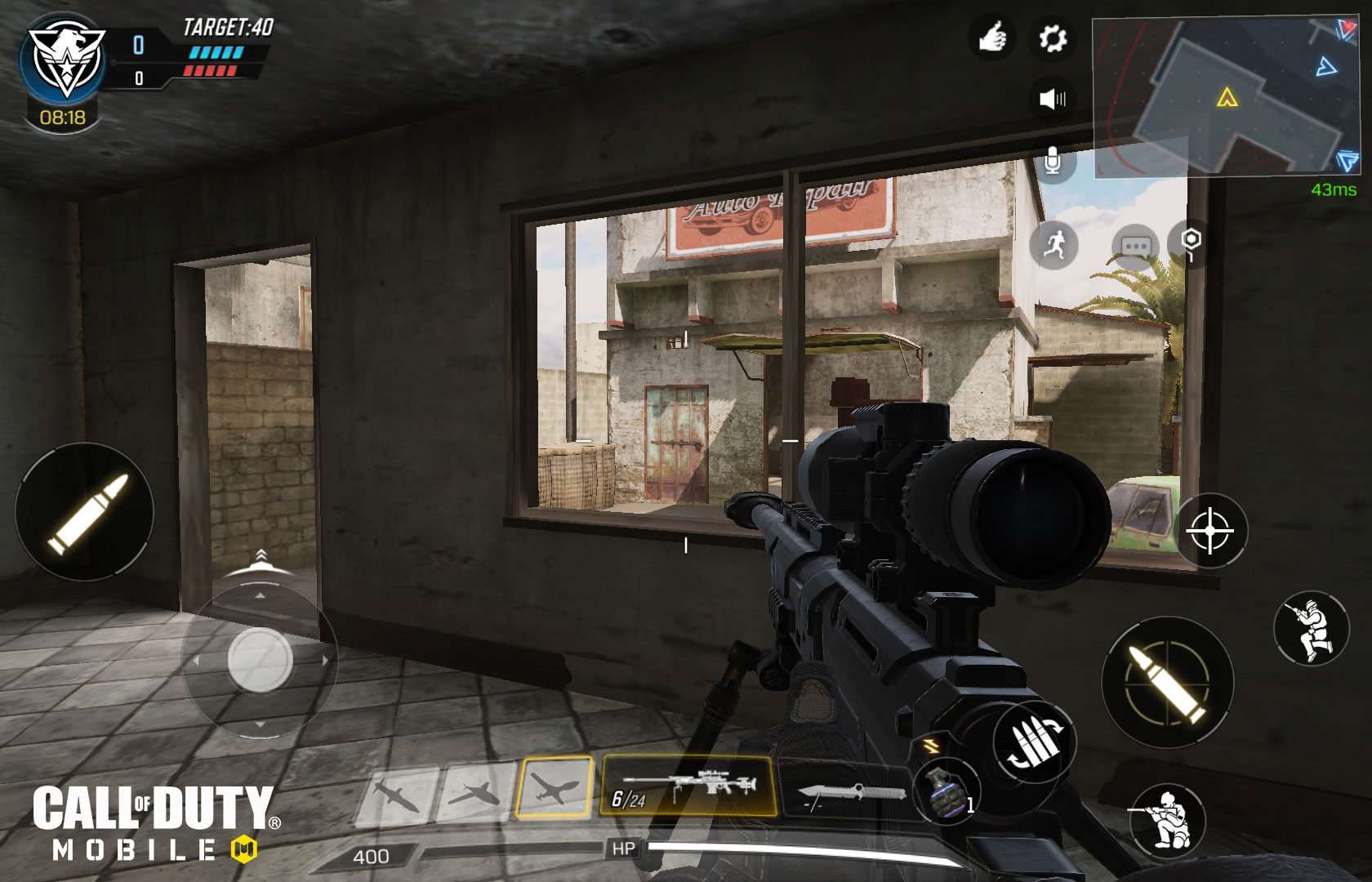
The virtual control stick is located in the bottom-left area of your screen. This is the only officially documented movement mechanic. Pushing the stick forward moves your soldier forward. Dragging it left or right makes your soldier strafe in that direction. Pulling the stick back makes your soldier back-pedal while still facing forward. No separate “movement speed” setting, sprint toggle path, or movement multiplier menu is documented in the official control pages.
Tips for moving efficiently with the control stick
- Strafe with purpose. Avoid random or predictable patterns. Mix short and long strafes, change directions unpredictably, and vary your speed to make it harder for opponents to aim at you.
- Combine forward movement with lateral dodges. While pushing forward, quickly drag the stick left or right to sidestep incoming fire. This keeps you advancing while making you a harder target.
- Use cover effectively. Move from one piece of cover to another using the control stick, minimizing the time you spend in open areas. Objects like walls, crates, and buildings reduce your exposure.
- Customize your controls. Adjust the game's control settings to suit your playstyle. Experiment with different sensitivities and layouts until you find settings that feel comfortable for executing strafing and movement techniques.
- Use the "Gyroscope" feature: enable it in game settings to tilt your device for more control over lateral movement while strafing.
- Master the sliding mechanic: swipe downwards on the screen while moving to evade fire and quickly change positions.
- Practice drop-shotting: tap the crouch button while firing to drop to the ground, making your hitbox harder to hit.
- Incorporate jump shots: jumping and shooting simultaneously adds unpredictability and helps dodge bullets.
- Bunny Hopping: jumping repeatedly while moving forward makes you a difficult target and maintains momentum.
- Wall Running: sprint towards a wall at an angle and jump onto it to gain height or escape fire on certain maps.
- Tactical Sprint: double-tap the sprint button to activate a faster sprint mode for covering ground quickly, though you cannot aim or fire.
Optimizing your device for smooth gameplay
Responsive movement depends on the game running smoothly. The verified minimum requirements are Android devices with at least 2 GB RAM running Android 6.0 or later, and iOS devices with at least 2 GB RAM running iOS 15.0 or later. Meeting these specifications ensures the game can process your control stick inputs without lag or stutter, which is essential for fast, competitive play.
Choosing the right loadout for mobility
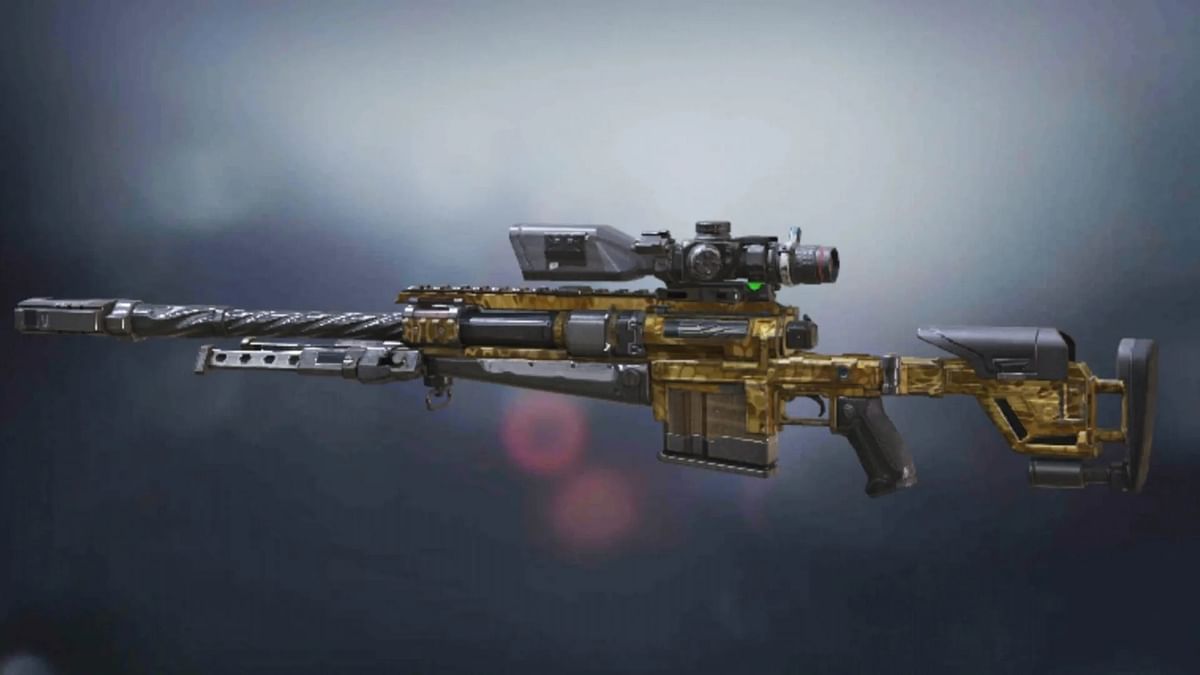
While no official page documents exact mobility loadout categories, attachment effects, or weapon-and-perk combinations for faster movement, you can still build a loadout that supports speed. Focus on lightweight weapons like SMGs or certain assault rifles that allow quicker movement. Equip attachments that improve aim-down-sight speed and reload times without adding weight. Consider perks like Lightweight, which is known to boost movement speed, and Dead Silence to reduce footstep noise while moving. When exploring COD Mobile weapon unlocks, prioritize those that fit a mobile, aggressive playstyle. Remember that no official source confirms equipment items that directly increase movement speed, so treat any claims about speed-boosting gear as unverified.
- Grappling Hook: some characters and loadouts come with a grappling hook to quickly traverse the map and reach vantage points.
- Smoke Grenades: deploy to create cover for undetected movement or to confuse opponents while repositioning.
- Operator Skills: certain skills like the Purifier offer swift movement while attacking, and the Transform Shield can provide speed-boosting cover.
Frequently Asked Questions
What is the official movement control?
The official movement control is the virtual control stick on the lower-left side of the screen. This is the only documented mechanic for moving your soldier.
How do you strafe?
To strafe, drag the virtual control stick left or right. This moves your soldier laterally while still facing forward.
What devices are supported?
Is there a specific menu setting for movement speed?
No. Movement speed is controlled entirely through the virtual control stick and your loadout choices.
Are there carrier-specific movement settings?
No. The movement mechanic is the same on-screen control stick for all devices that meet the minimum requirements.
Can I play Call of Duty Mobile on my iPhone?
Yes, it is available for iPhone users via the App Store.
Is Call of Duty Mobile free to play?
Yes, it is free to play with optional in-app purchases.
For the wider topic, see COD Mobile weapon unlocks.
Related reading: How To Shoot In Call Of Duty Mobile and How To Get Cp In Call Of Duty Mobile.