






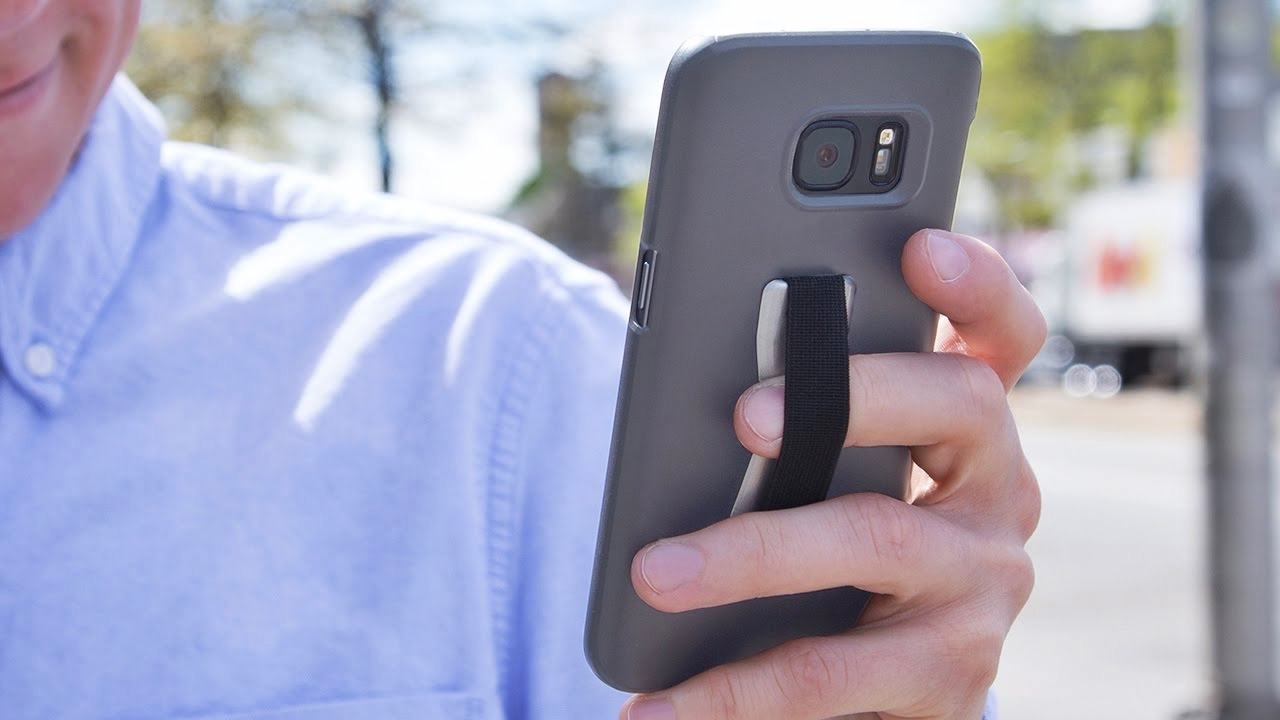
How to hold phone correctly depends less on a specific grip and more on using built-in software that brings the screen within thumb reach.
How to hold phone: what the official guides actually say
No official Apple, Google, or Samsung help page gives a formal “how to hold your phone” grip method. The documented practical guidance is to use the operating system’s one-handed feature that moves content lower on the screen. This is the only documented way to improve one-handed holding comfort on these platforms.
Use Reachability on iPhone for one-handed holding
- Go to Settings > Accessibility > Touch, then turn on Reachability.
- On an iPhone with Face ID, swipe down on the bottom edge of the screen to lower the top half of the screen.
- On an iPhone with a Home button, lightly double-tap the Home button to lower the top half of the screen.
- With VoiceOver on, swipe up from the bottom of the screen with one finger, then, without lifting your finger, swipe down.
- To return to full screen, tap the upper half of the screen.
Reachability applies when using iPhone in portrait orientation only.
Turn on One-handed mode on Android phones
- Open the Settings app and search for One-handed mode.
- Turn on Use One-handed mode.
- When One-handed mode is on, you can use one hand to pull down from the upper half of the screen to reach notifications, app content, and other information more easily.
Samsung Galaxy One-handed mode and One Hand Operation +
- Navigate to Settings > Advanced features > One-handed mode.
- Activate One-handed mode by swiping down on the center of the bottom edge of the screen or by double-tapping the home button, depending on the action selected.
One Hand Operation + works on smartphones and tablets, while One-handed mode is only accessible on smartphones. Samsung's UK help page states One Hand Operation + is for smartphones and tablets, but One-handed mode is only accessible on smartphones.
Tips to avoid strain while holding your phone
Take regular breaks to rest your hand and wrist. Avoid covering the top or sides of the phone where antennas are located, as this can weaken signal reception. Use the software features above to reduce stretching and reaching across the screen. For those who want a physical grip aid, consider accessories such as a Popsocket, a Popsocket installation and repair service can help you attach or fix one securely. If you prefer wireless charging compatibility, a MagSafe Popsocket is designed to attach magnetically to compatible phones without blocking charging.
Frequently Asked Questions
Does holding my phone affect signal strength?
Yes, covering the phone’s antenna with your hand can weaken signal reception, potentially reducing call quality or internet speeds. Adjust your grip or use hands-free options to avoid this.
Do I need a phone case for a better grip?
A case can improve grip and provide drop protection, but it is not required for proper holding technique. Many people find a textured or grippy case helpful, while others prefer using software features alone.
How do I return to full screen after using Reachability or One-handed mode?
On iPhone, tap the upper half of the screen. On Android, tap the upper half of the screen or swipe back up, depending on your device. The screen returns to its normal size immediately.
Can I use Reachability in landscape orientation?
No, Reachability works only in portrait orientation on iPhone. In landscape, you may need to adjust your grip or use two hands.
Is One-handed mode available on all Android phones?
One-handed mode is a standard Android Accessibility feature, but availability depends on the device manufacturer and Android version. Samsung Galaxy phones have their own One-handed mode under Advanced features.













