Understanding popsocket installation and magnetic options
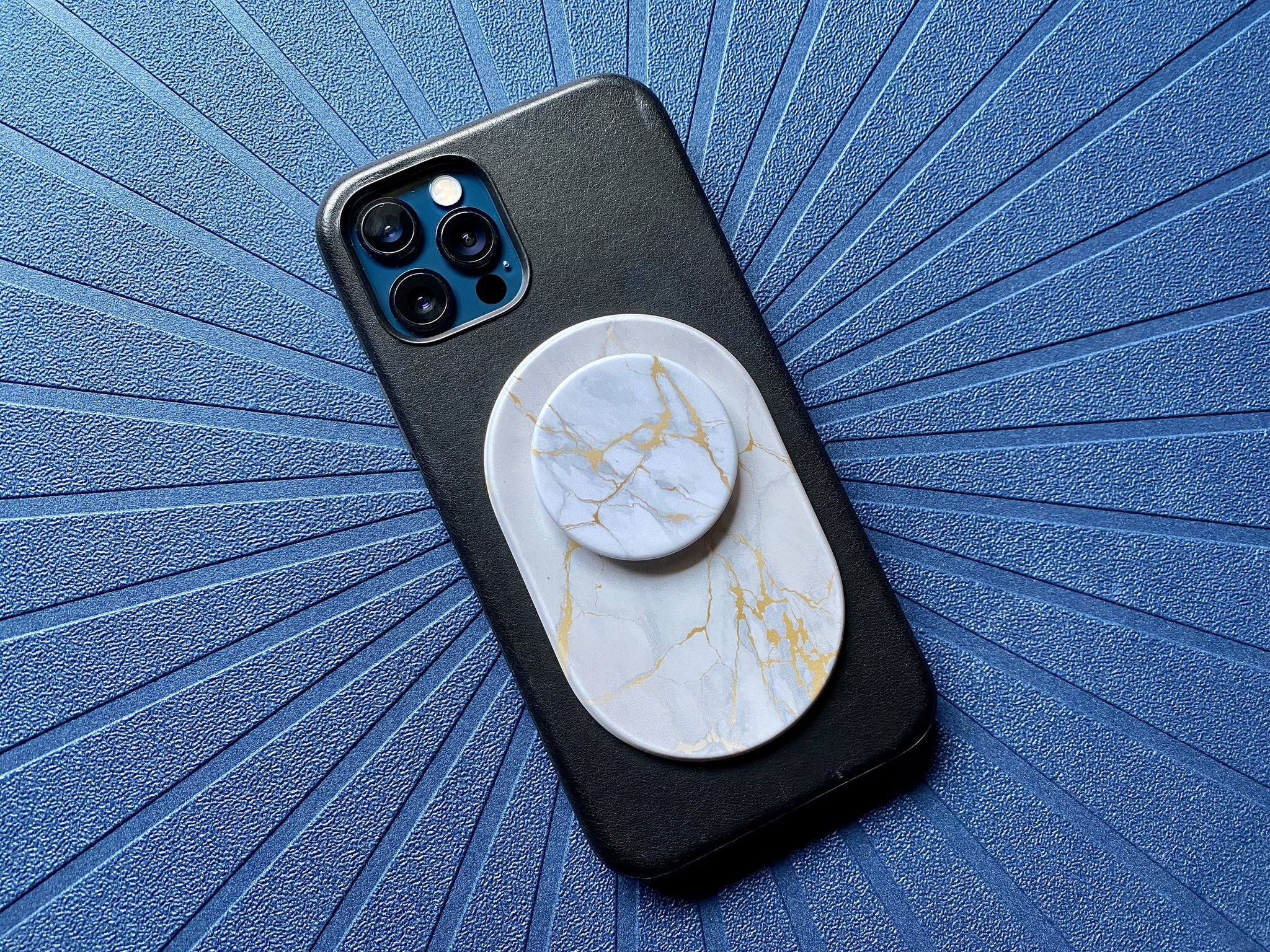
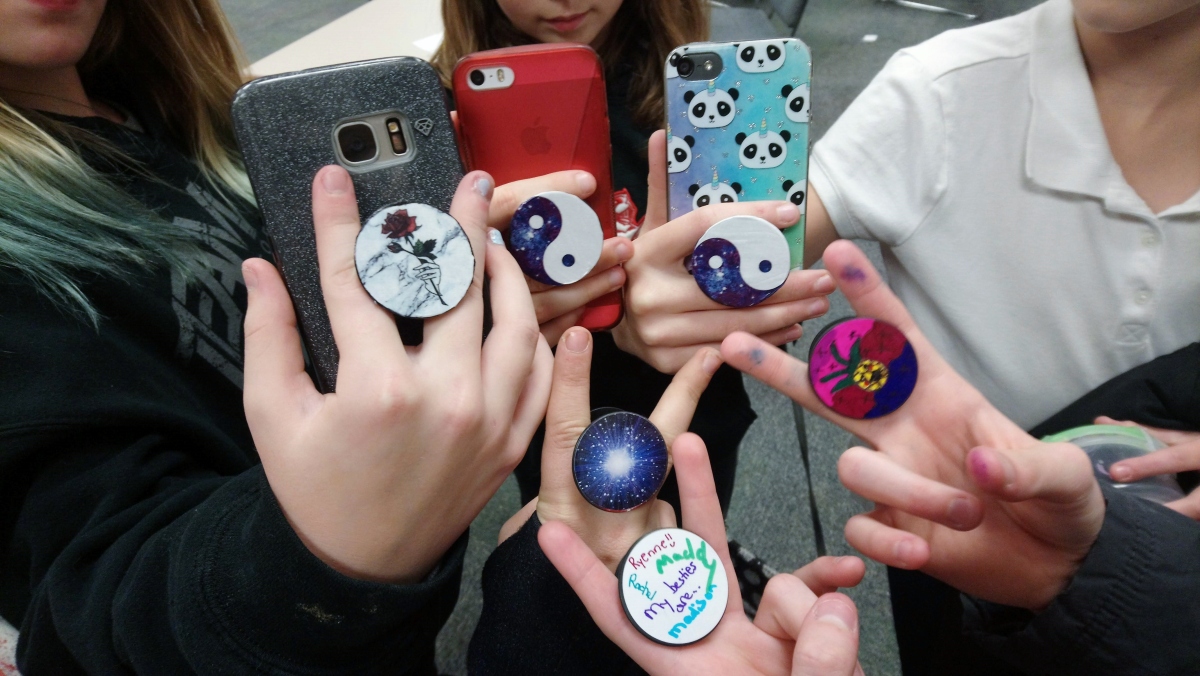
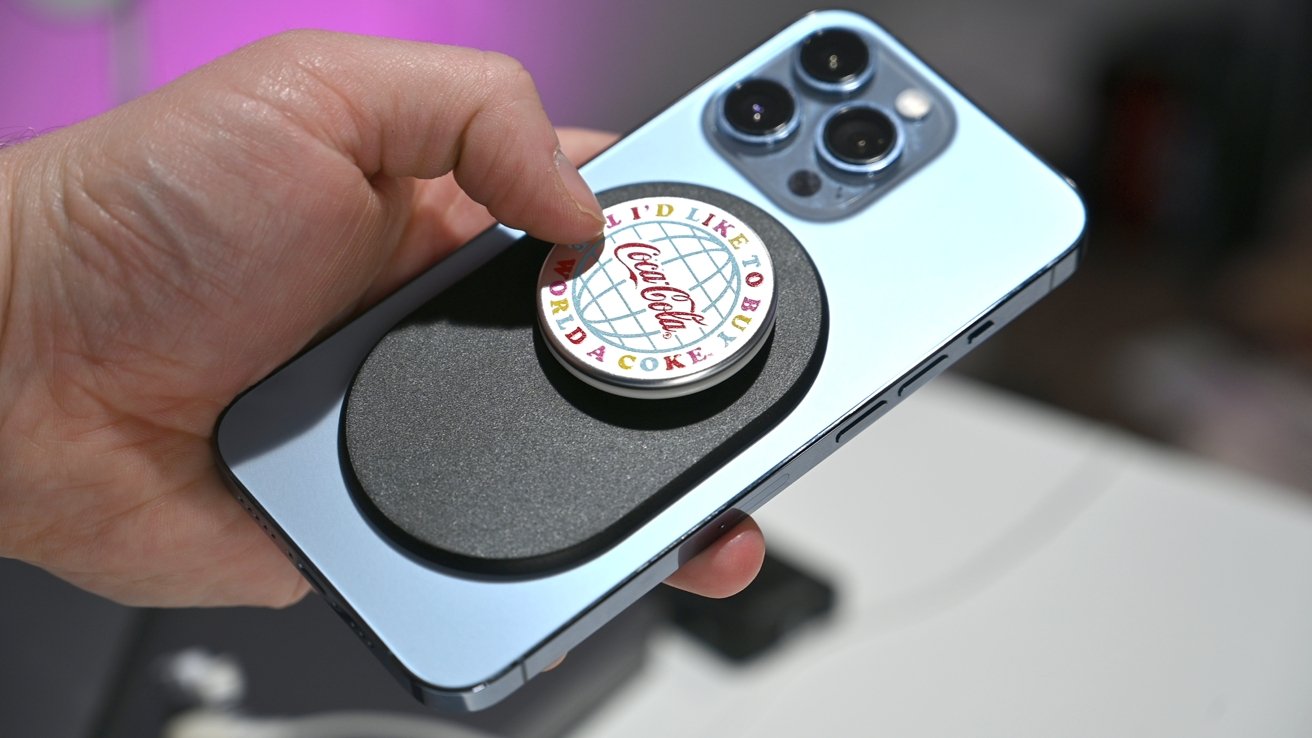
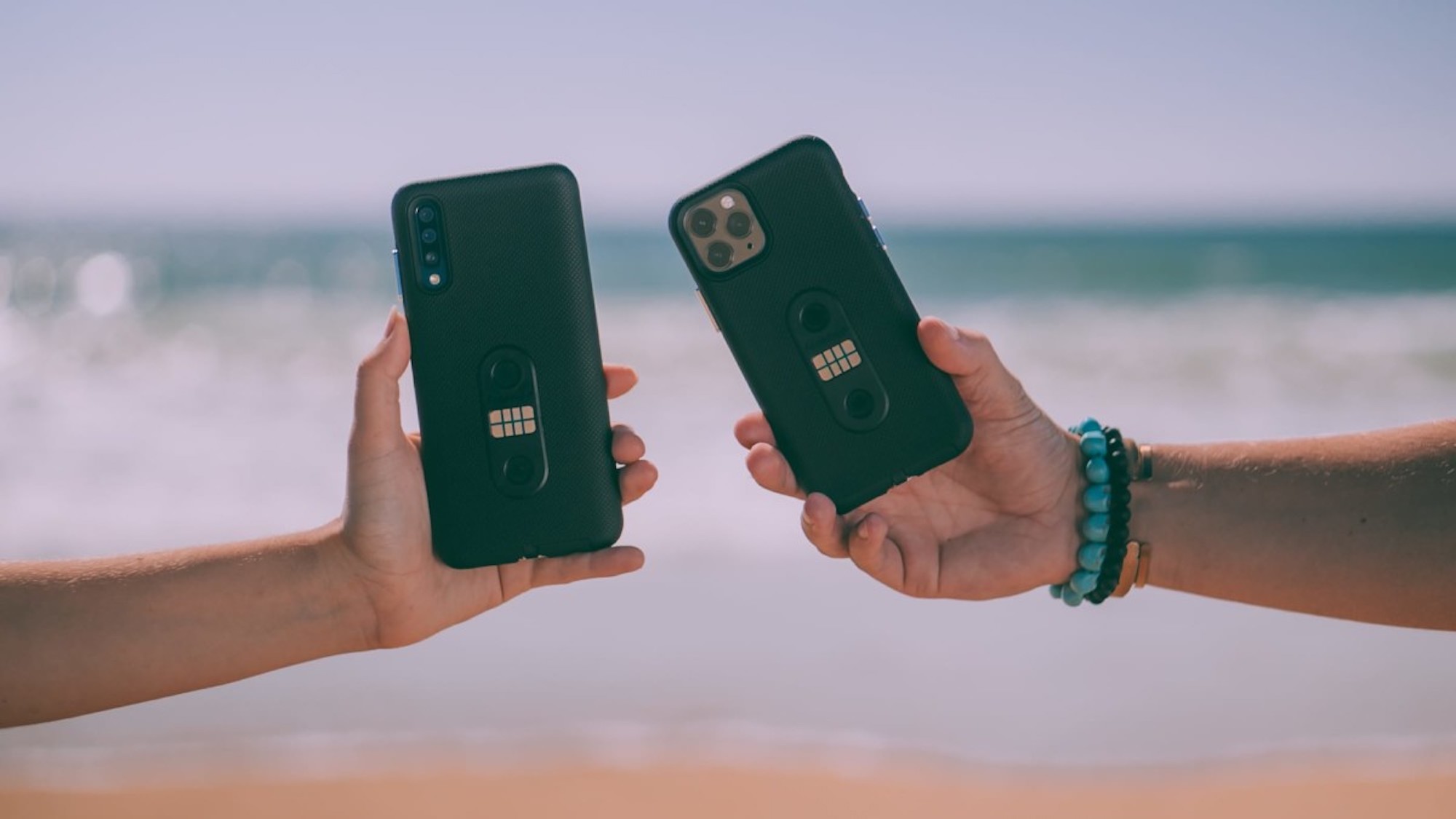
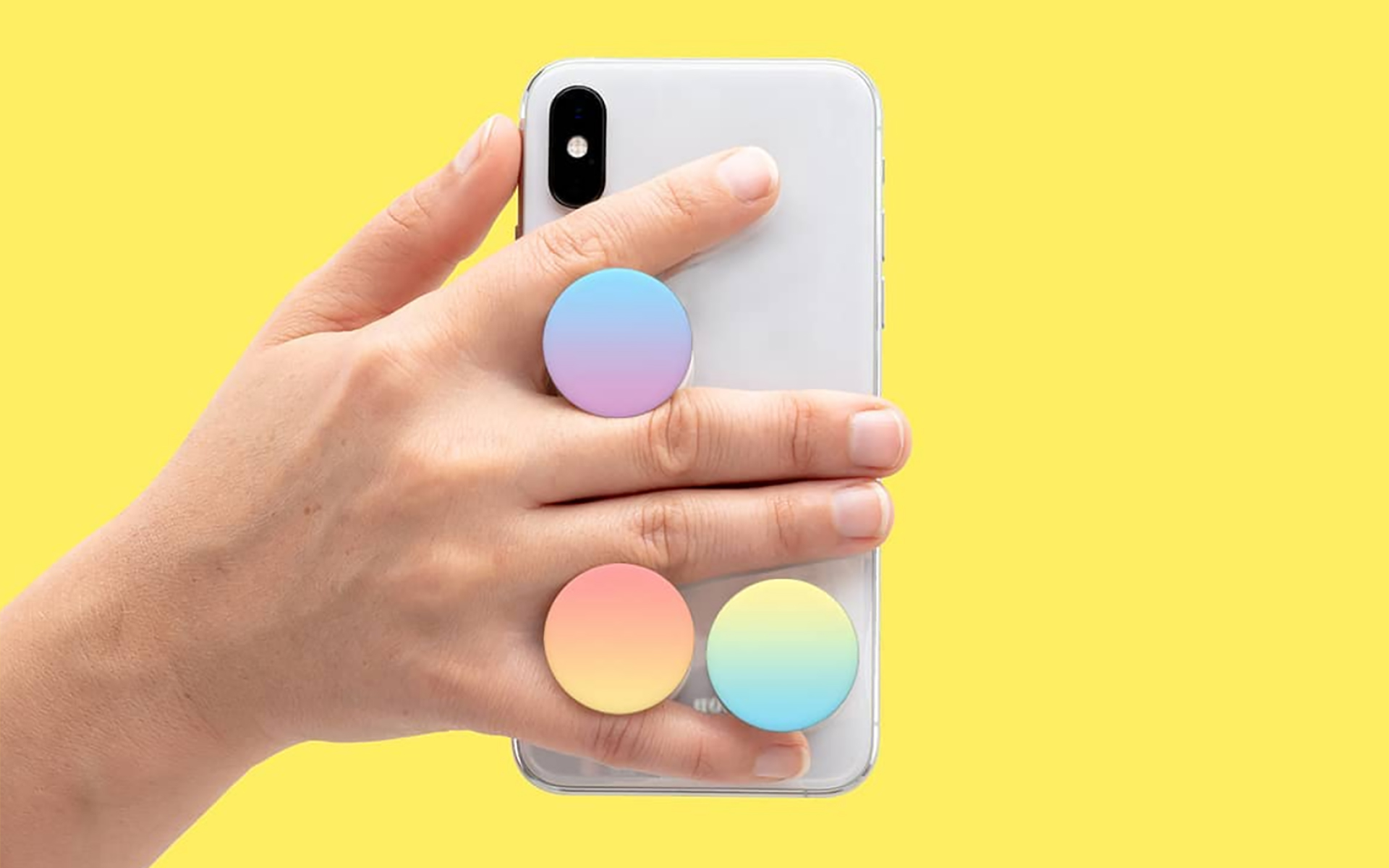
Before you start any popsocket installation, understand the PopSocket phone grip basics. It is a collapsible disc that sticks to your device, letting you slide your fingers behind it for a more secure hold or pop it out as a media stand. The classic version uses a reusable adhesive gel pad, and surface texture matters more than most people expect. Smooth, hard polycarbonate cases let the bond cure fully, while silicone, heavily textured, or soft-touch finishes often prevent proper attachment and the grip can peel away within days. If you prefer a removable option or use wireless charging daily, a magsafe popsocket solves both problems by snapping onto a MagSafe-compatible case with magnets instead of glue, so you can pull it off instantly when you set the phone on a charger. That setup requires a magnetic phone case with magnets or a magnetic ring so accessories can snap on, align, and lock in place without sticky pads. One concern that comes up frequently is magnet strength and phone damage risk, but MagSafe magnets are safe for phones and the accessory can attach without documented harm to your device's components or data.
Buying and making your own
If you need to get a popsocket, the official shop carries magnetic grips, cases, wallets, chargers, and mounts that form a complete MagSafe ecosystem. The classic adhesive style is still widely available. Phone cases with integrated grips reduce the surface-compatibility guesswork significantly. Before committing to a permanent bond, keep in mind that the inventor of the PopSocket created a product that relies on a perfectly smooth, non-porous surface to cure correctly. Many cases simply do not meet that bar. For a fully removable approach, you can make popsocket magnetic by using the official Magnetic Adapter Ring. This thin metal ring sticks to the outside of a non-MagSafe or Android case. It creates a secure attachment point for any MagSafe accessory, including grips and wallets that use this attraction method. Placement is straightforward. The ring must bond fully before you clip anything onto it. If you want to make your phone case magnetic, the same adapter ring does the job. It will not work on silicone or heavily textured cases. When you are ready to gather DIY Popsocket materials for a custom project, just remember that whatever you create still faces the same adhesion rules as any stick-on accessory.
Installing a popsocket the right way
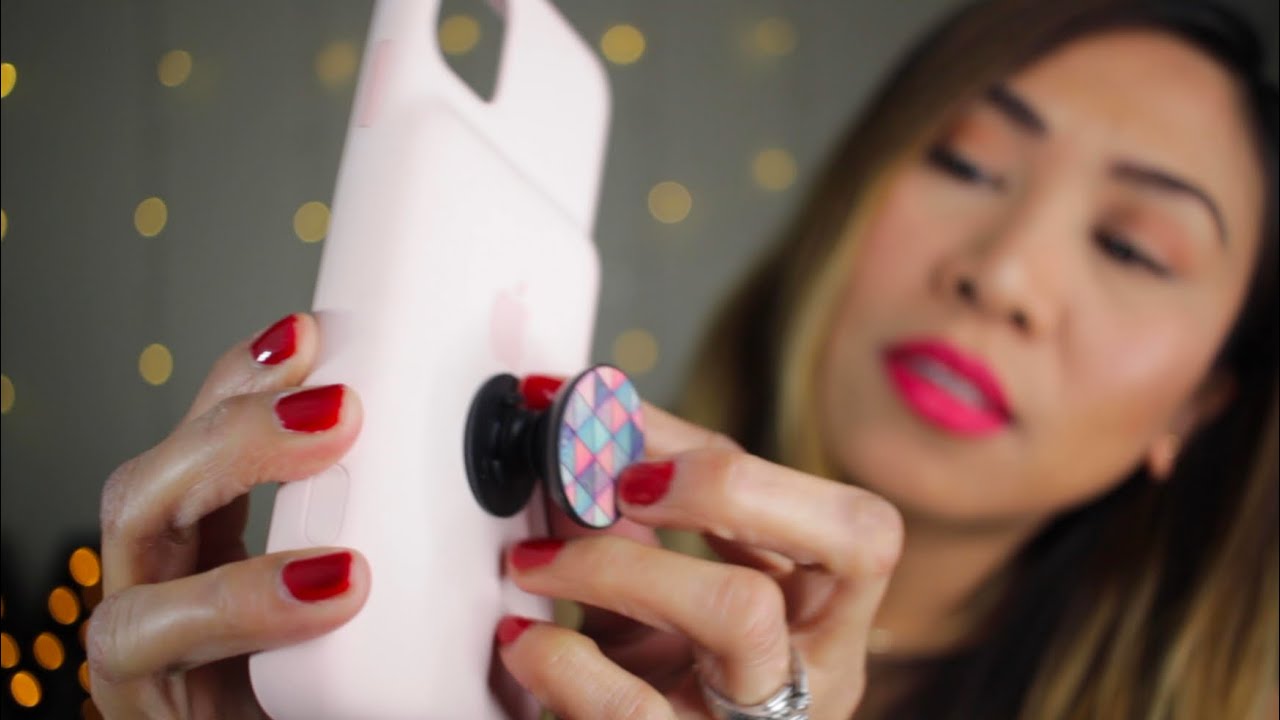
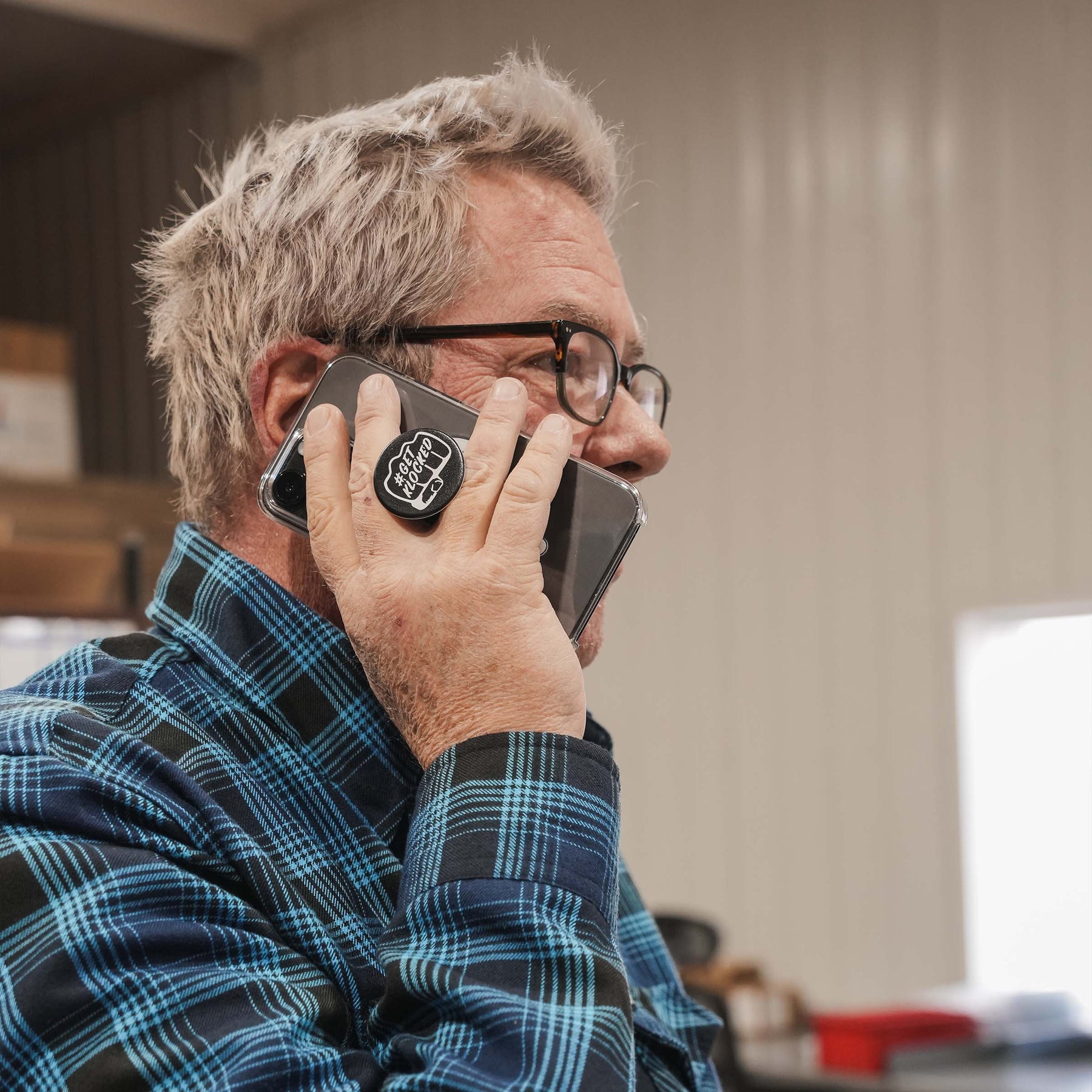
Getting the placement right matters just as much as the surface you stick it to. When you install popsocket on phone backs, experiment with placement so it balances in your hand whether you are scrolling vertically or watching something in landscape. If you use a MagSafe case, you can use magsafe popsocket grips that attach magnetically and pull off in a second for charging; the attraction is strong enough that the grip will not slide around during normal use yet still detaches cleanly whenever you need it to. If you put a popsocket on your Kindle, you may want to experiment with placement to find what feels balanced so the weight rests in your palm rather than straining your wrist during long reading sessions. Once it is attached, the proper way to hold a phone with a PopSocket is to slide two fingers, usually your middle and ring fingers, on either side of the collapsed disc, letting your pinky relax instead of bearing the full weight of the device.
Reattaching and repositioning
When a grip falls off, first check whether the bonding pad is still clean and intact. If the gel pad has not collected dust or lint, you can often put a popsocket back on by pressing it firmly onto the same smooth spot for about a minute, then leave it untouched for several hours so the bond can re-form. This only works on hard, non-porous surfaces; a silicone or textured case will reject the bond again almost immediately. If the pad is dirty, rinse it with cold water and let it air-dry for about 10 minutes, and the tackiness usually returns enough for a second attempt.
Deciding to move my popsocket to a different spot or a new case requires patience to avoid tearing the gel. Slide a piece of dental floss or a thin plastic card behind the base and work it around slowly until the grip separates without stretching. The same bonding layer can be reused if you protect it from debris during the transfer. Before you try to get popsocket glue off your phone case after a move, let the case cool down so the residue is less gummy, then roll it away with your fingertip or dab it with a bit of isopropyl alcohol on a cloth. Avoid scraping with anything metal, which will scuff the case and create texture problems that make any future sticky grip even less likely to hold.
Fixing and taking apart popsockets
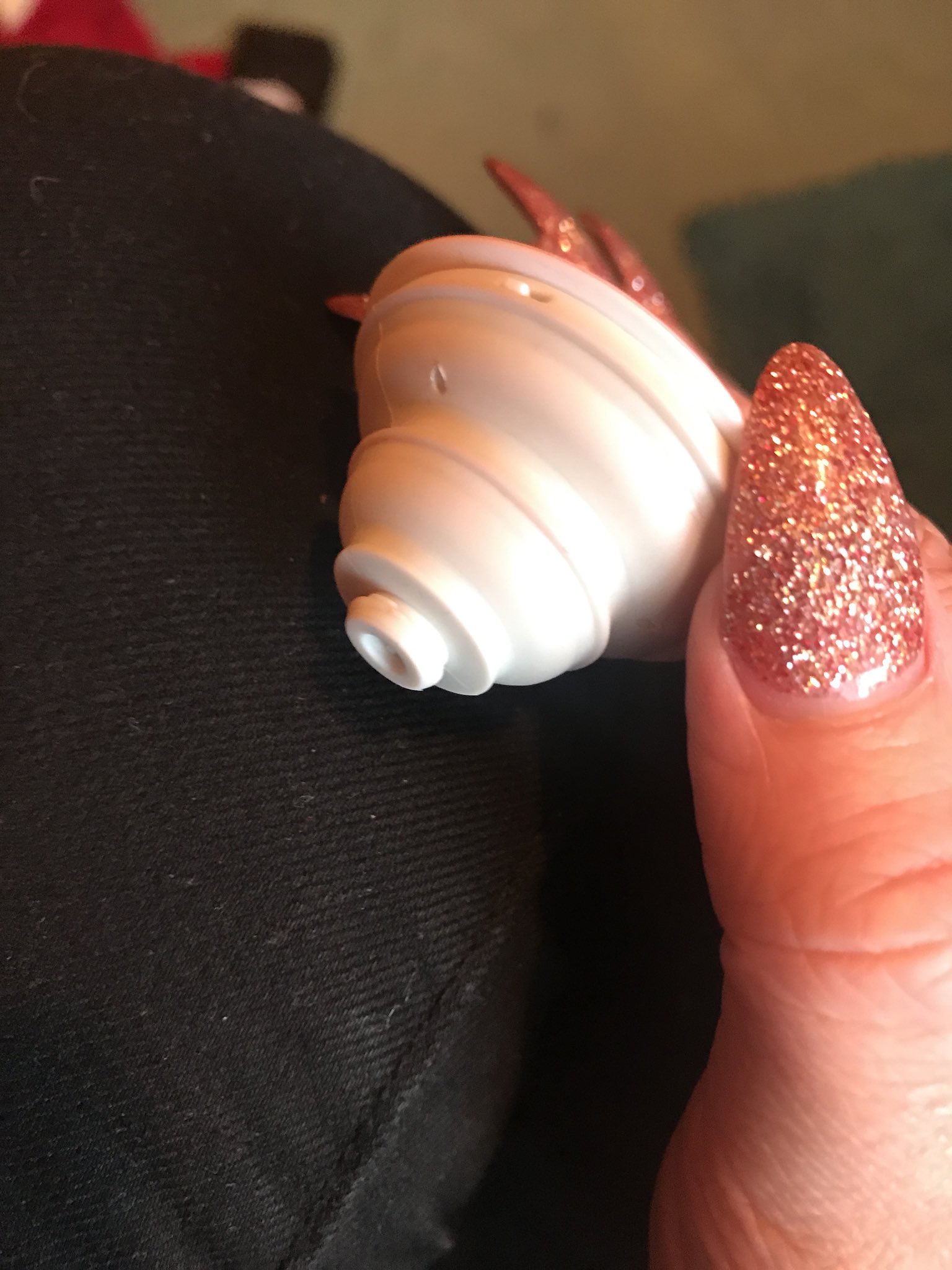
When a standard grip won't stay put, the most common culprit is a textured or soft-touch case that prevents the bonding layer from forming a lasting hold. Before you attempt to fix a popsocket that has fallen off, inspect the gel pad for lint and rinse it with cold water if needed, letting it air-dry for 10-15 minutes so the tackiness returns. The same surface rules apply when you need to fix a Spinpop popsocket, though the swappable top adds a layer of complexity because the twisting mechanism itself can loosen over time. To access that internal connection, you may be able to open a Spinpop popsocket by prying the decorative cap away from the base with a thin tool, exposing the locking collar underneath. The process of disassembling a PopSocket is deliberately simple on most models, relying on a snap-fit construction that separates with steady, even pressure rather than hidden screws or glue. Work slowly around the seam and avoid bending any plastic tabs, since a cracked collar will never hold the top securely again.
Adding straps and alternative phone holders
If your case lacks the perfectly smooth surface that a PopSocket demands, switching to a strap-based system sidesteps the adhesive problem entirely. You can often attach a wrist strap to phone case models that have dedicated lanyard cutouts built into the frame. This approach threads the cord through a small reinforced slot rather than relying on any sticky pad. For iPhones, some compatible cases include small openings on the bottom corners that can serve as attachment points when you attach a phone strap. The connectors simply click into place without worrying about texture or curvature interfering with the bond. This mechanical connection stays secure on silicone, leather, and heavily textured backs that would reject a gel pad within hours.
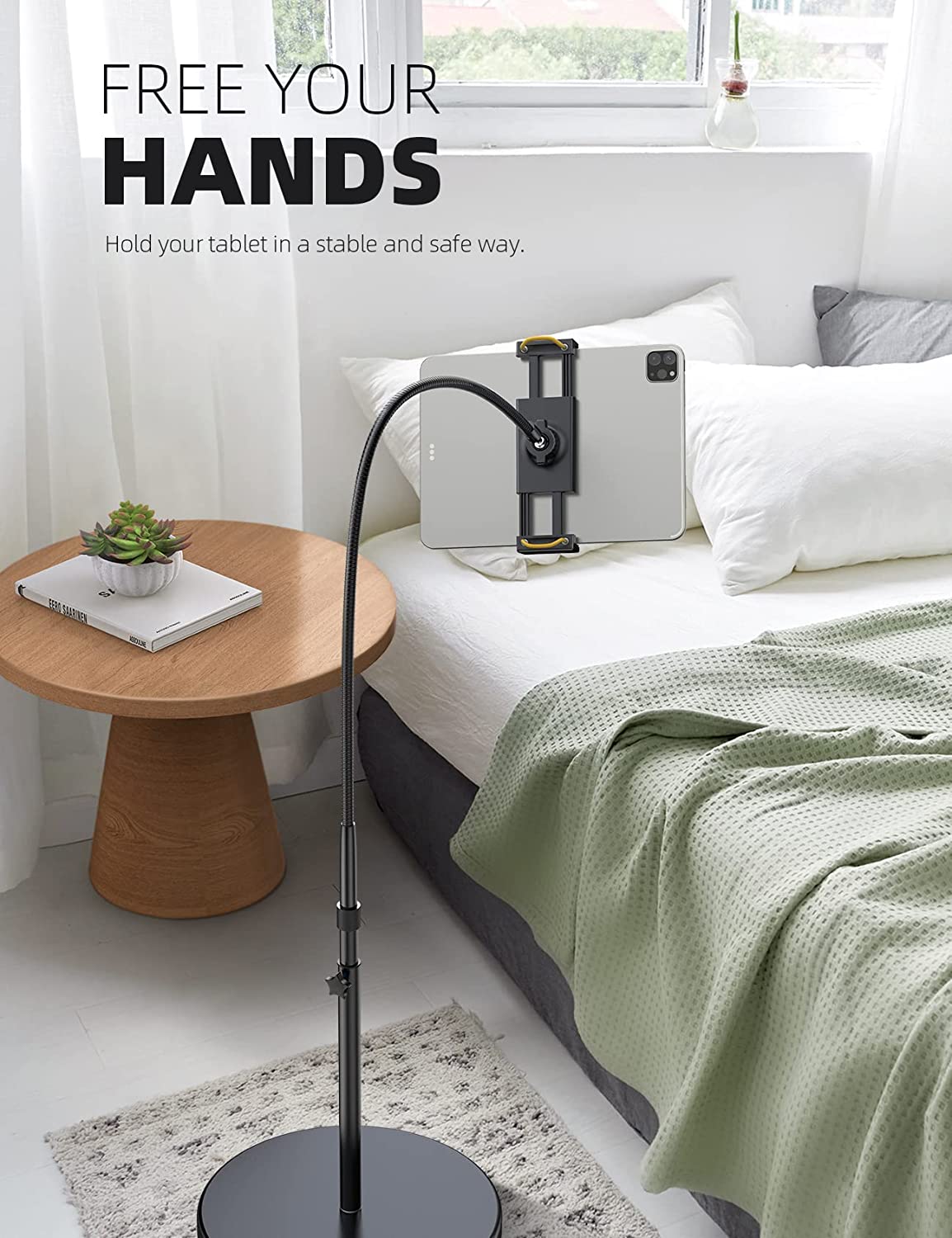
When you want to keep the phone completely off your hands, a different category of holder becomes practical. The roundup of the 11 best bed phone holders lazy people should own includes clamp-style arms that grip a headboard. It also features flexible gooseneck mounts that hover the screen above your face. These designs eliminate the need for any case-mounted accessory at all. The support structure shifts away from the phone’s back surface and onto a piece of furniture. This means the material of your case becomes irrelevant to stability. For a low-tech project with kids, you can even make a tin can phone and learn that the string-and-can acoustic principle has nothing to do with modern mounting. The activity does teach why tension and a clean connection point matter in any setup that relies on physical contact to transmit force or sound.
Frequently Asked Questions
How long does the Magnetic Adapter Ring need to bond before use?
PopSockets says the adapter ring must bond for at least 24 hours before you attach any MagSafe accessory. Place it on the exterior of the case and leave it untouched during that curing period so the adhesive sets fully.
Can I attach a wrist strap to any iPhone case?
No. Apple documents that the wrist strap connects through small openings on the bottom corners of a compatible iPhone case. Cases without those built-in lanyard cutouts cannot accept the strap connectors.
What surface does a classic PopSocket adhesive not stick to?
The gel pad will not bond to silicone, heavily textured cases, most TPU cases, or soft-touch finishes. It requires a smooth, hard, non-porous surface like polycarbonate to cure correctly and hold long-term.
Does the MagSafe PopSocket block wireless charging?
The MagSafe PopSocket is designed to be removable, so you pull it off when setting the phone on a charger. The classic adhesive version may block wireless charging because it stays permanently attached to the back of the device.
Can I put a Magnetic Adapter Ring directly on a bare phone?
PopSockets says the adapter ring is not compatible with bare devices. It must be placed on the outside of a case, and it works best on cases without a non-slip or anti-fingerprint coating.