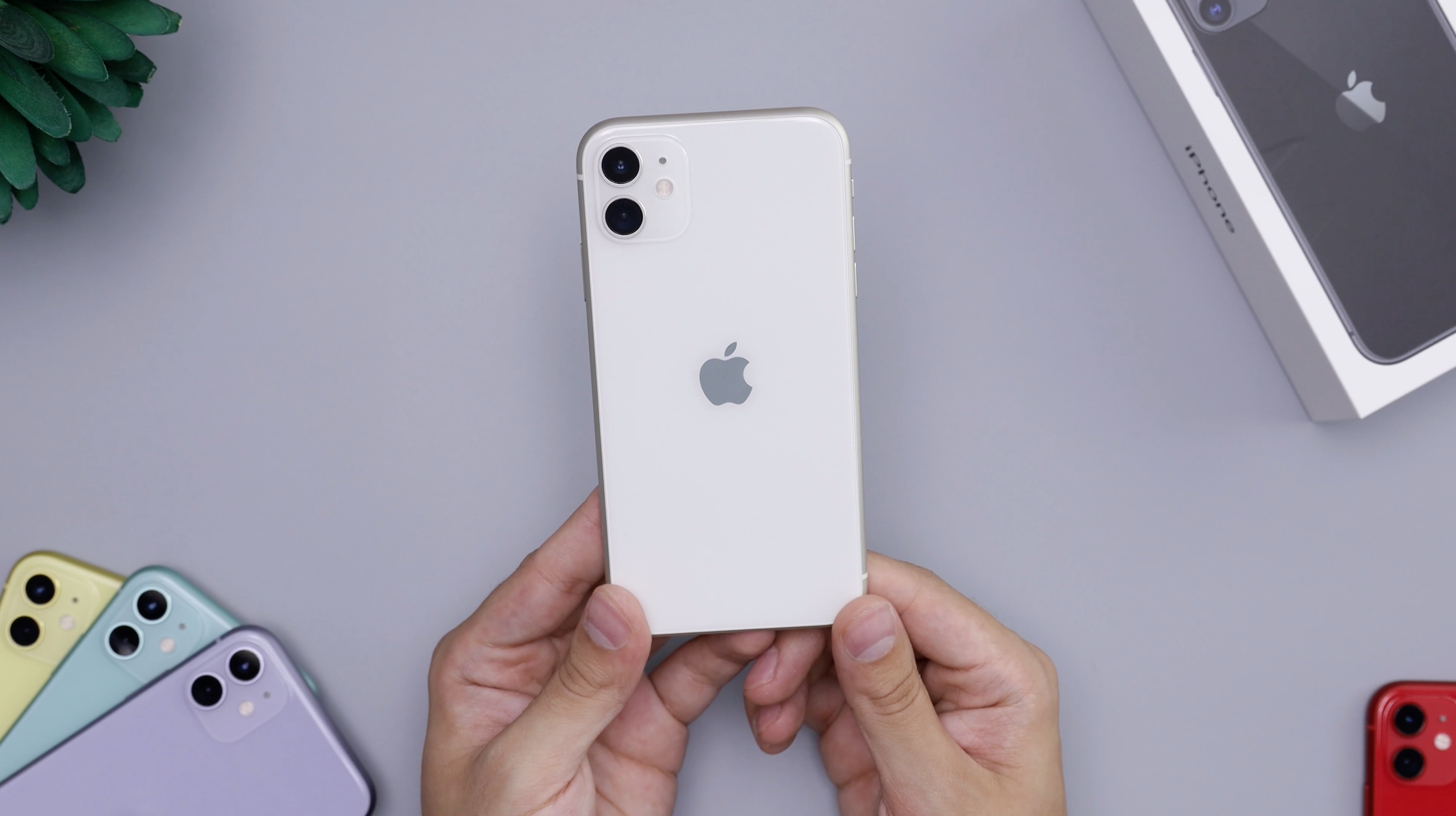
The correct word for cell phone depends on where you are and what you mean. The general, internationally understood term is mobile phone, while cell phone is the common term in U.S. English, and cellular is used only as a label in Apple's iPhone settings, not as a name for the device itself.
Definition of a cell phone
A cell phone, also known as a mobile phone, is a portable wireless telephone that works by radio and connects through a cellular network. It is a handheld electronic device that uses cellular towers to transmit voice calls, text messages, and data. Modern cell phones consist of a microprocessor, memory, a display screen, speakers, a microphone, and an operating system, all powered by a rechargeable battery. While the term "cell phone" derives from the cellular network infrastructure that divides coverage areas into small geographical cells, the device itself is defined by its ability to make and receive calls wirelessly through that network.
Various names for cell phones in different regions
Regional terminology varies widely. In British English, the standard term is mobile phone, often shortened to "mobile." In U.S. English, the standard term is cell phone. In Australia, New Zealand, and South Africa, "mobile phone" is the prevalent term. In India, "mobile" is the most common term. In Japan, the term "keitai" (short for "keitai denwa," meaning portable telephone) is used. These variations reflect cultural and linguistic preferences, but all refer to the same category of device.
Why Apple calls it 'Cellular' on iPhone
Apple uses the label Cellular specifically for the settings menu on iPhone, not as a synonym for the device itself. On an iPhone, you go to Settings > Cellular to manage your network connections. For example, to turn cellular data on or off, you open Settings > Cellular > Cellular Data. On some iPhones with multiple SIMs, go to Settings > Cellular > Cellular Data and choose the line first. To manage data-saving behavior, you tap Data Mode and choose Low Data Mode. To control app-by-app access, you go to Settings > Cellular and turn Cellular Data on or off for individual apps or services. To set up service, an iPhone needs a physical SIM or eSIM, and you go to Settings > Cellular and tap Set Up Cellular or Add eSIM. For APN editing, Apple documents Settings > Cellular > Cellular Data Network on iPhone and iPad, if the carrier allows it. Apple’s cellular settings guidance applies to iPhone and, in the APN document, to iPhone and iPad with cellular service. Apple notes that 5G, LTE, 4G, and 3G on GSM cellular networks support simultaneous voice and data, while other cellular connections may not allow internet use during a call unless Wi‑Fi is available. Apple says Data Roaming lets you use internet access when outside your carrier’s network and can be turned off to avoid roaming charges. Apple says some options vary by carrier and region, including Enable or disable 4G/LTE and Voice & Data (VoLTE). This menu label is specific to Apple's interface and does not replace the device name "iPhone" or "mobile phone."
Cell phone vs. smartphone: what's the difference?
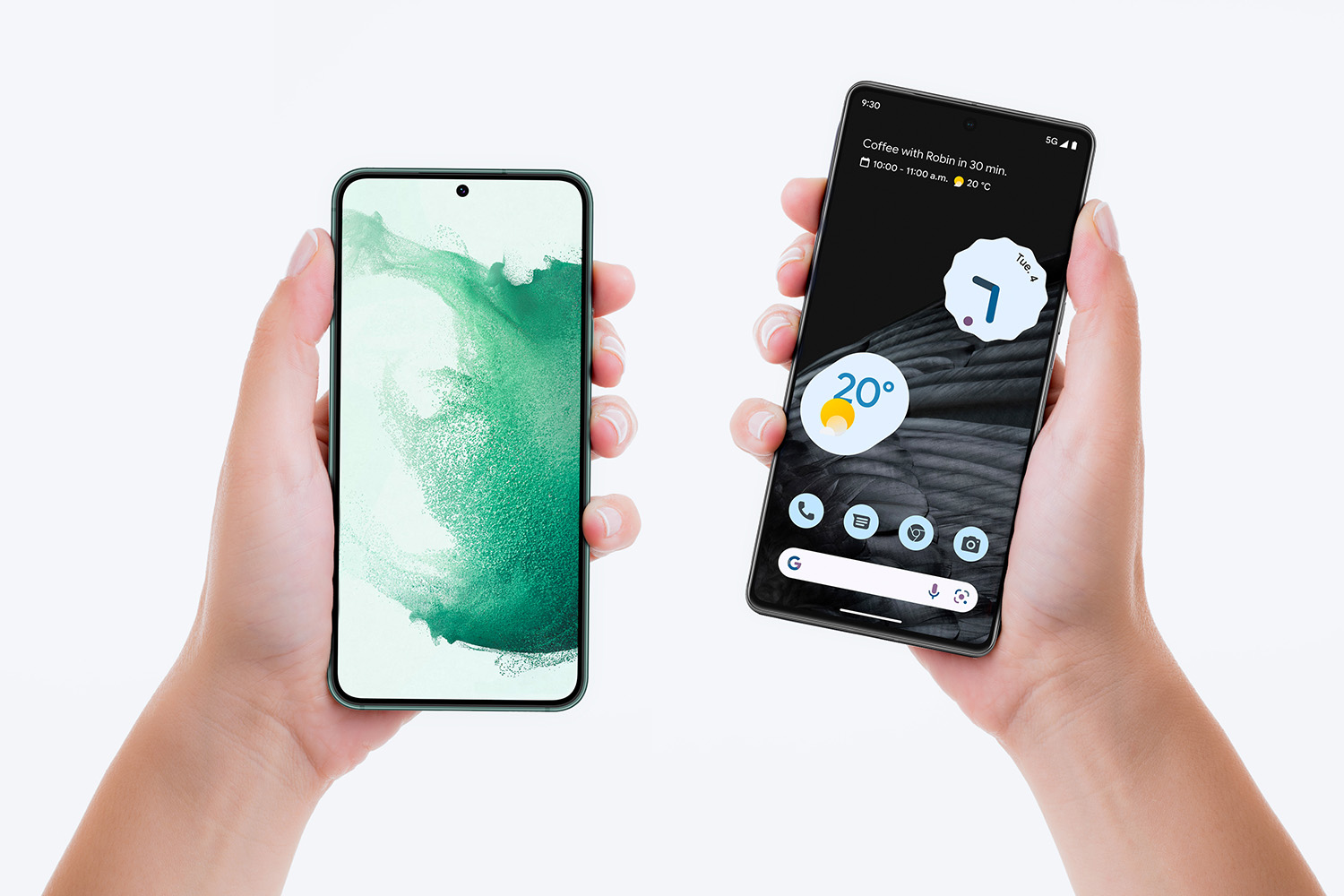
The term smartphone refers to a device's advanced capabilities, while cell phone or mobile phone refers to the device category itself. A smartphone is a type of cell phone that can connect to the internet, run applications, and perform tasks beyond basic voice calls and text messages. All smartphones are cell phones, but not all cell phones are smartphones. The distinction lies in the operating system, processing power, and access to an app store, which allow smartphones to function as mini-computers. Understanding these mobile phone basics helps clarify why the terminology matters when choosing a device.
Frequently Asked Questions
Can I use my cell phone abroad?
Most modern cell phones can be used abroad, but you need to check with your service provider. You may need to enable international roaming or purchase a local SIM card in the country you are visiting. Be aware of any additional charges or limitations that may apply.
How do I choose the right cell phone for my needs?
Consider factors like operating system (iOS or Android), budget, camera quality, storage capacity, battery life, and specific features you require. Researching different models, reading reviews, and comparing specifications will help you make an informed decision.
How can I prolong the battery life of my cell phone?
Lower the screen brightness or use automatic brightness adjustment. Close unused apps and disable unnecessary background processes. Turn off Wi-Fi, Bluetooth, and GPS when not in use, and enable battery-saving mode if available.
Is there a difference between a cell phone and a mobile phone?
No, "cell phone" and "mobile phone" refer to the same device category. "Cell phone" is the common term in U.S. English, while "mobile phone" is the standard term in British English and many other regions. Both are correct and widely understood.
For the wider topic, see mobile phone basics.
Related reading: What Is A Mobile.