The wireless band that powers most everyday phone connectivity, from Wi-Fi networks to peripheral devices. This page is for anyone troubleshooting a connection issue, setting up a new gadget, or trying to understand why their phone or hotspot behaves differently on this specific frequency. The articles here solve real-world problems you might face when dealing with devices that rely on the 2.4 GHz band.
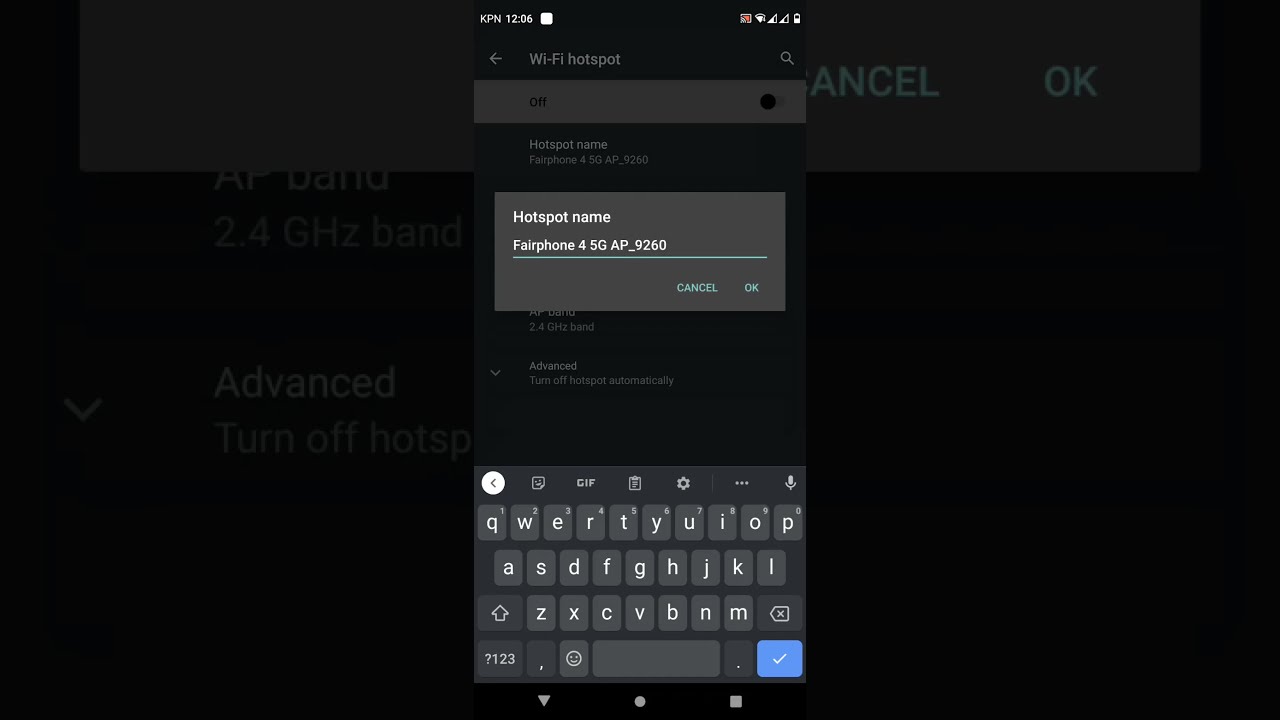
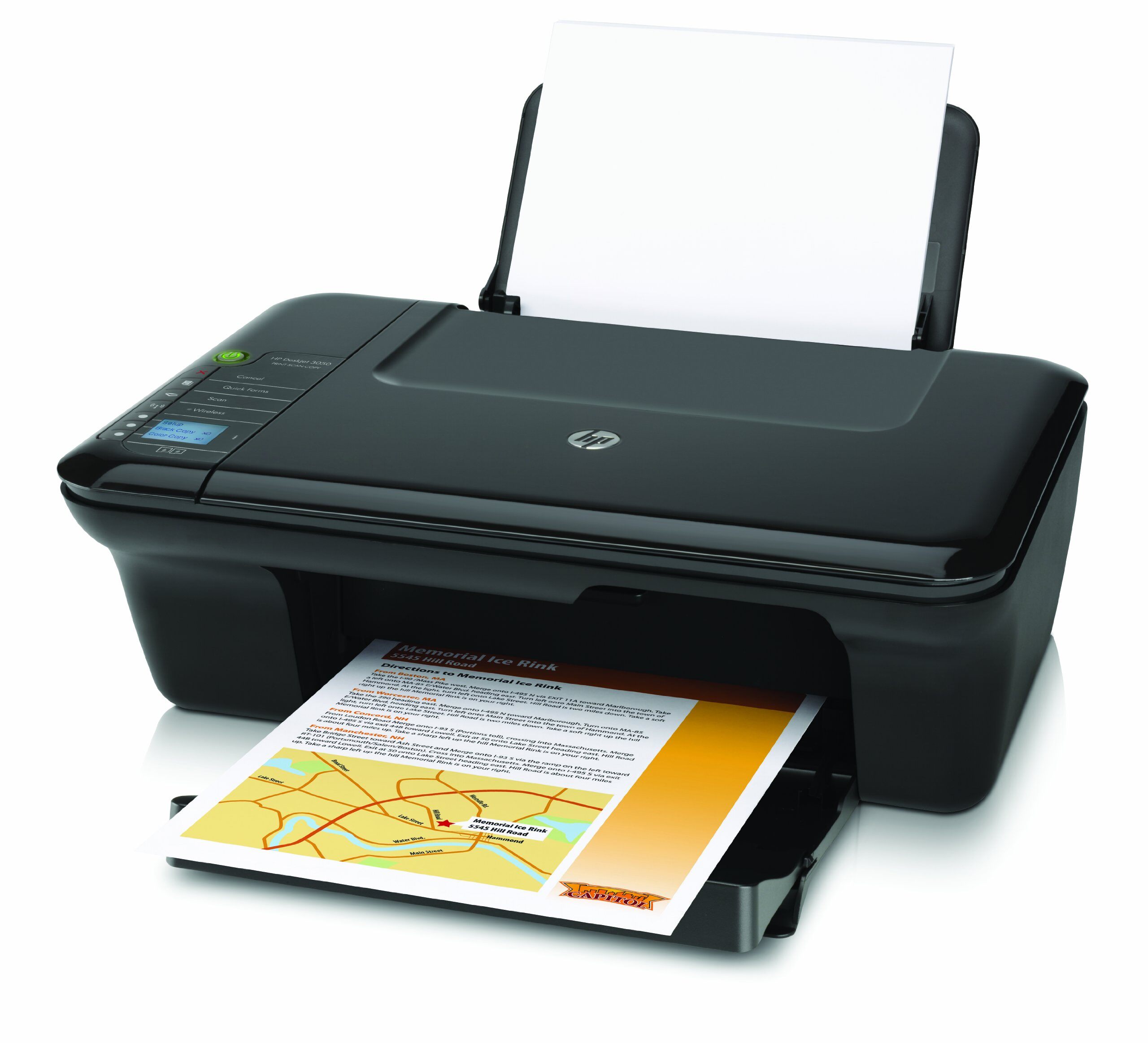
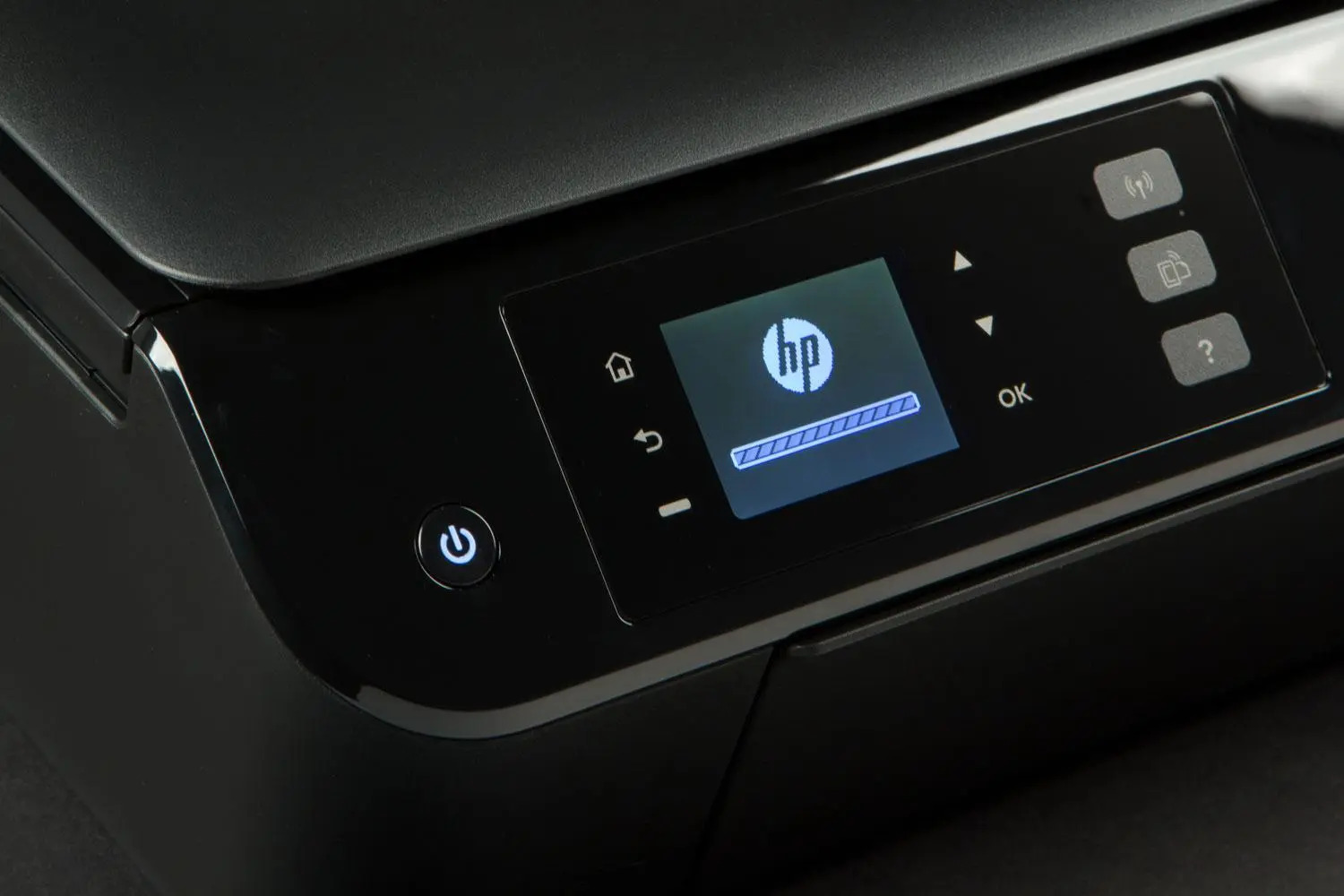
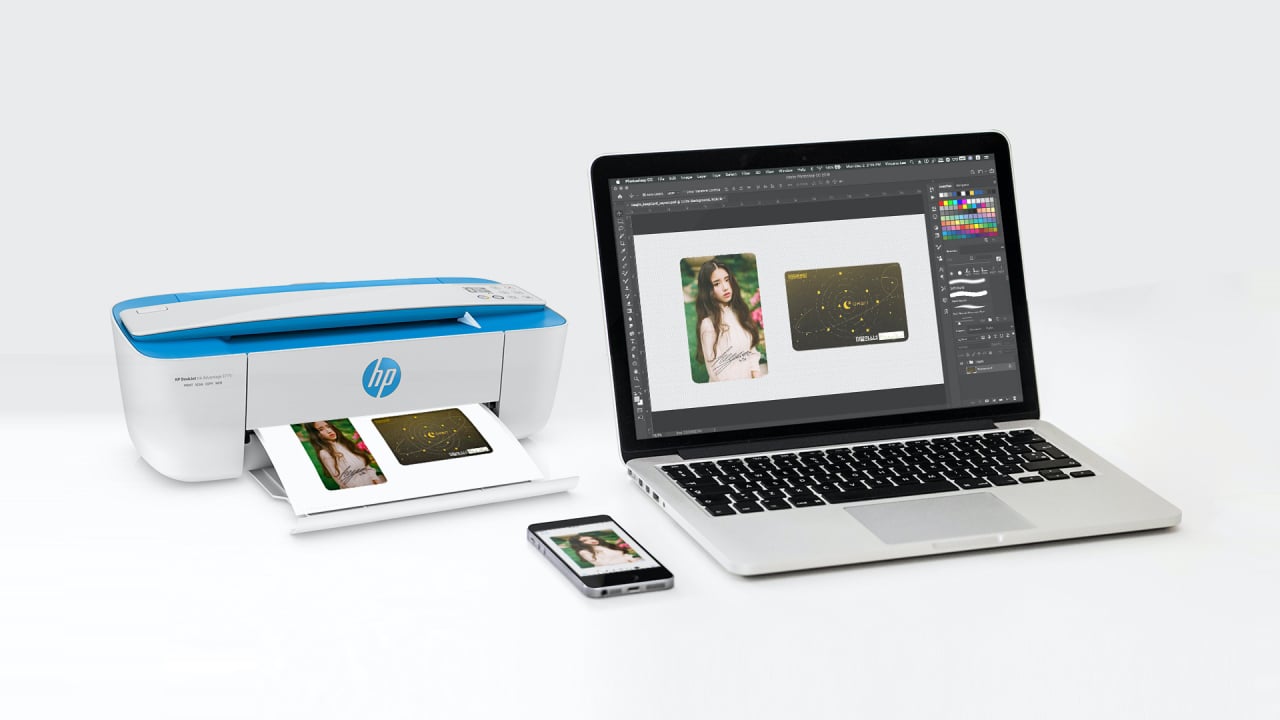
The articles fall into two main themes. First, there are guides for reconnecting or pairing devices that have lost their original dongle or wireless link, such as "What To Do If I Lost My Mouse Dongle" and "How To Connect A Wireless Guitar Hero Guitar To PC Without Dongle." Second, a large group of articles helps you set up printers and smart home gear that only work on 2.4 GHz networks, including "How To Set Up HP 3700 Wireless Printer," "How To Install A Wireless Thermostat," and "How To Connect Envy 4500 Wireless." Finally, several articles explain hotspot settings that force a 2.4 GHz connection, like "What Is Maximize Compatibility Hotspot" and "What Is AP Band In Hotspot," which help you avoid compatibility problems with older devices.
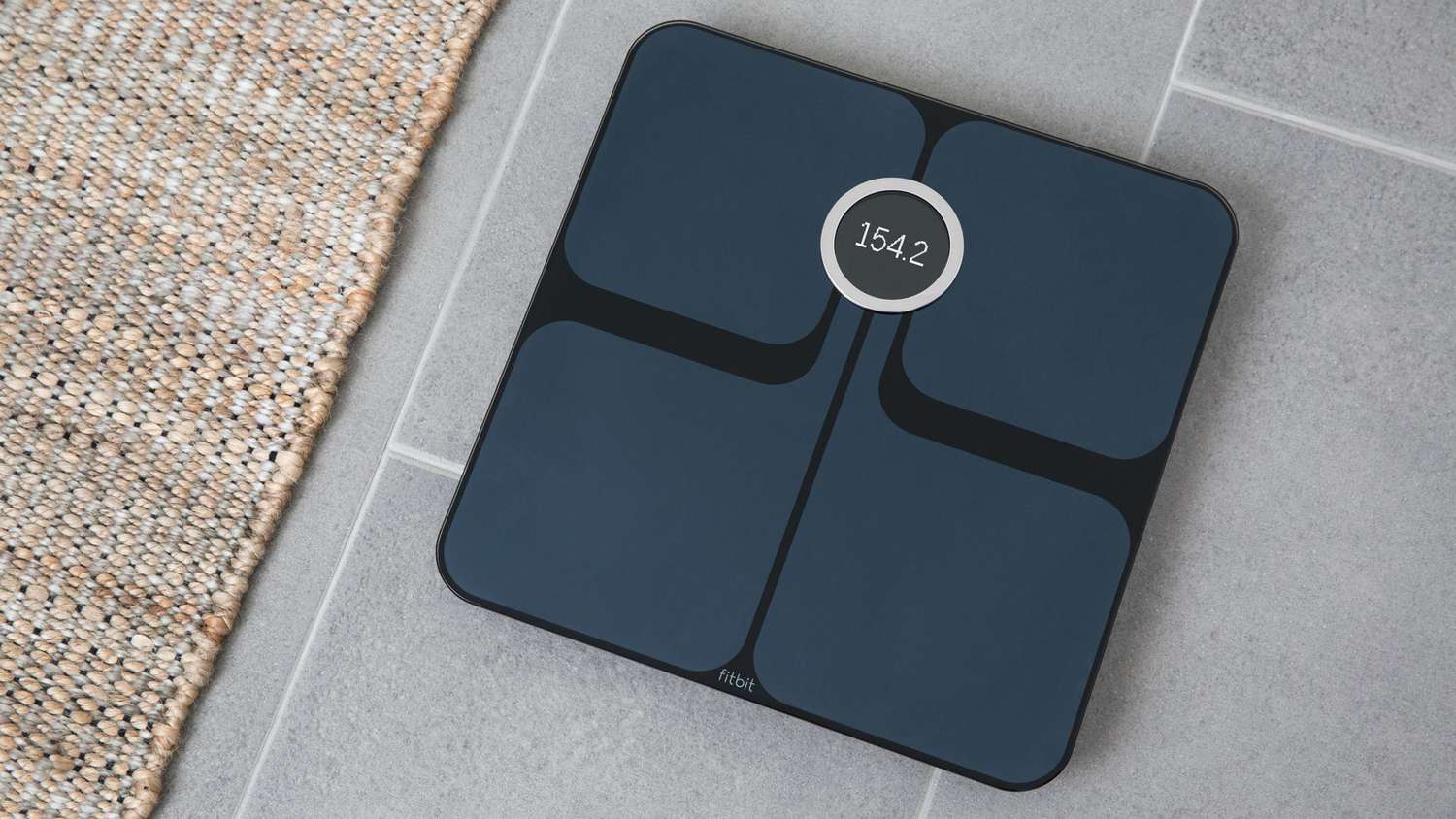
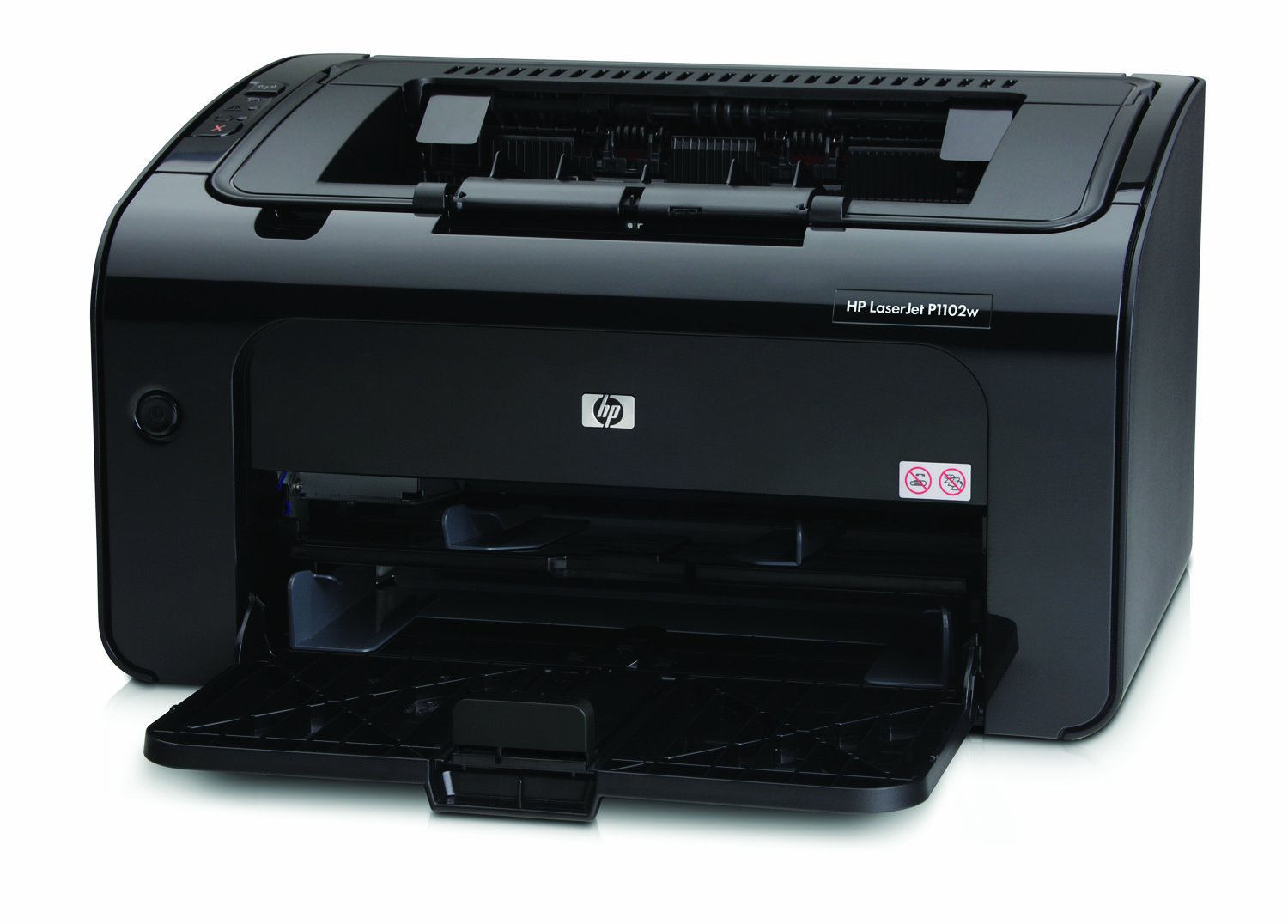
Whether you need to switch your Samsung phone to 2.4 GHz Wi-Fi, install an HP LaserJet P1102W wirelessly, or change the Wi-Fi on a Fitbit Aria, these articles give you the step-by-step instructions to get the job done. They focus on practical fixes and settings adjustments, not theory.