Start here: app

All topics →

This tag collects articles about apps, the software that powers your phone’s most useful features. Whether you are a new smartphone owner, a driver trying to earn money, or someone setting up a new gadget, these guides are written for anyone who wants to make their phone do more without getting stuck on technical details.

The articles here solve practical, everyday problems. One group focuses on using popular services and platforms: you can learn how Uber Eats works for both users and drivers, how to save outfits in Roblox Mobile, and how to use ChatGPT on your iPhone or Android. Another set of guides helps you connect accessories and smart devices to your phone, for example, how to connect a Bose wireless speaker, how to set up a cellular trail camera, or how to install a wireless Ring doorbell. A third theme covers account management and troubleshooting, including how to create a T-Mobile ID, how to see phone calls on Verizon, and how to turn off Android Auto.

These articles help you do specific things: connect a Skullcandy headset, hack a Bluetooth speaker with Android, add a second phone to Blink, or find a lost Fitbit watch. They also cover basics like what an app actually is and how to save Reels to your phone. Each guide is a straightforward walkthrough for a real task you might face today.
Fitbit Troubleshooting

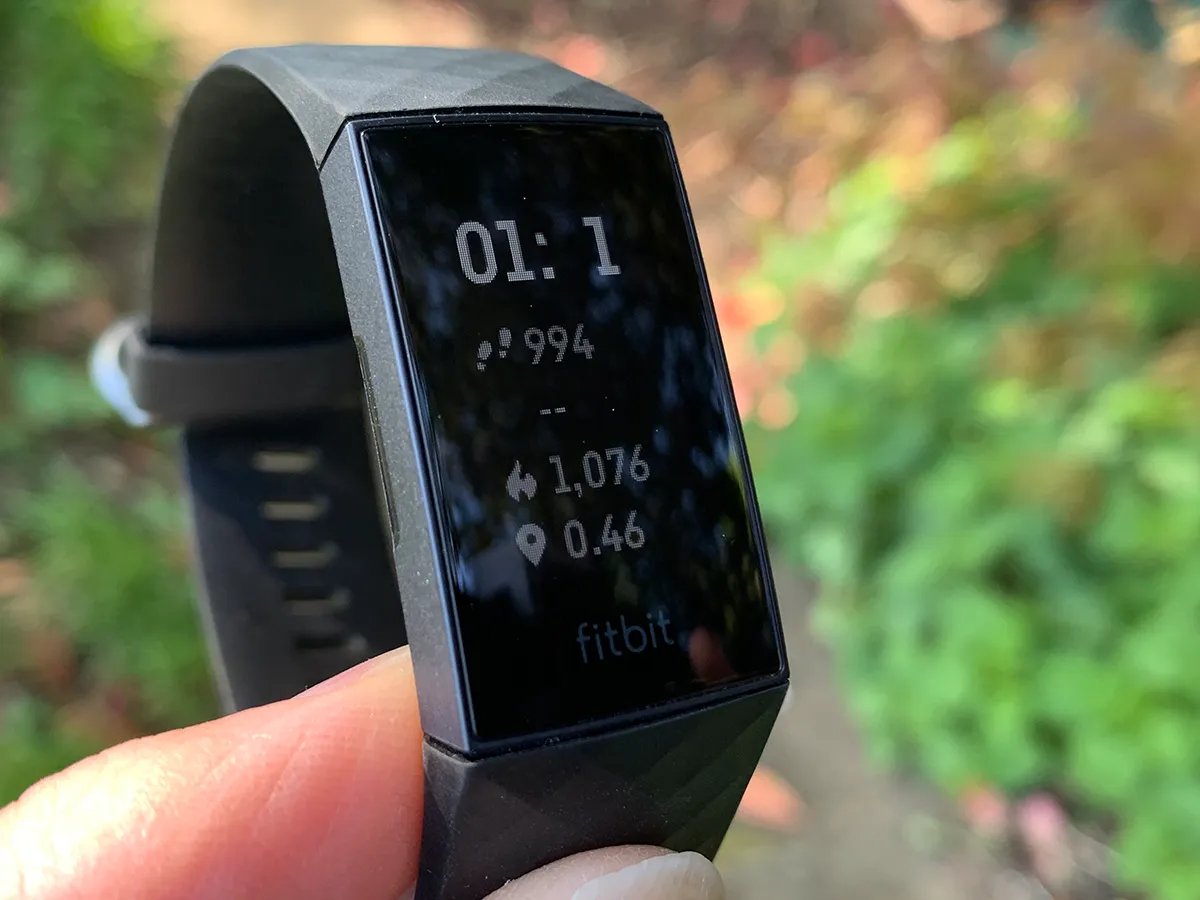
Fitbit troubleshooting: getting started and basic setup Getting the fundamentals right often prevents the Fitbit troubleshooting problems that send people searching for fixes later. A snug but comfortable fit keeps...

How To Use Mobile Money Transfer

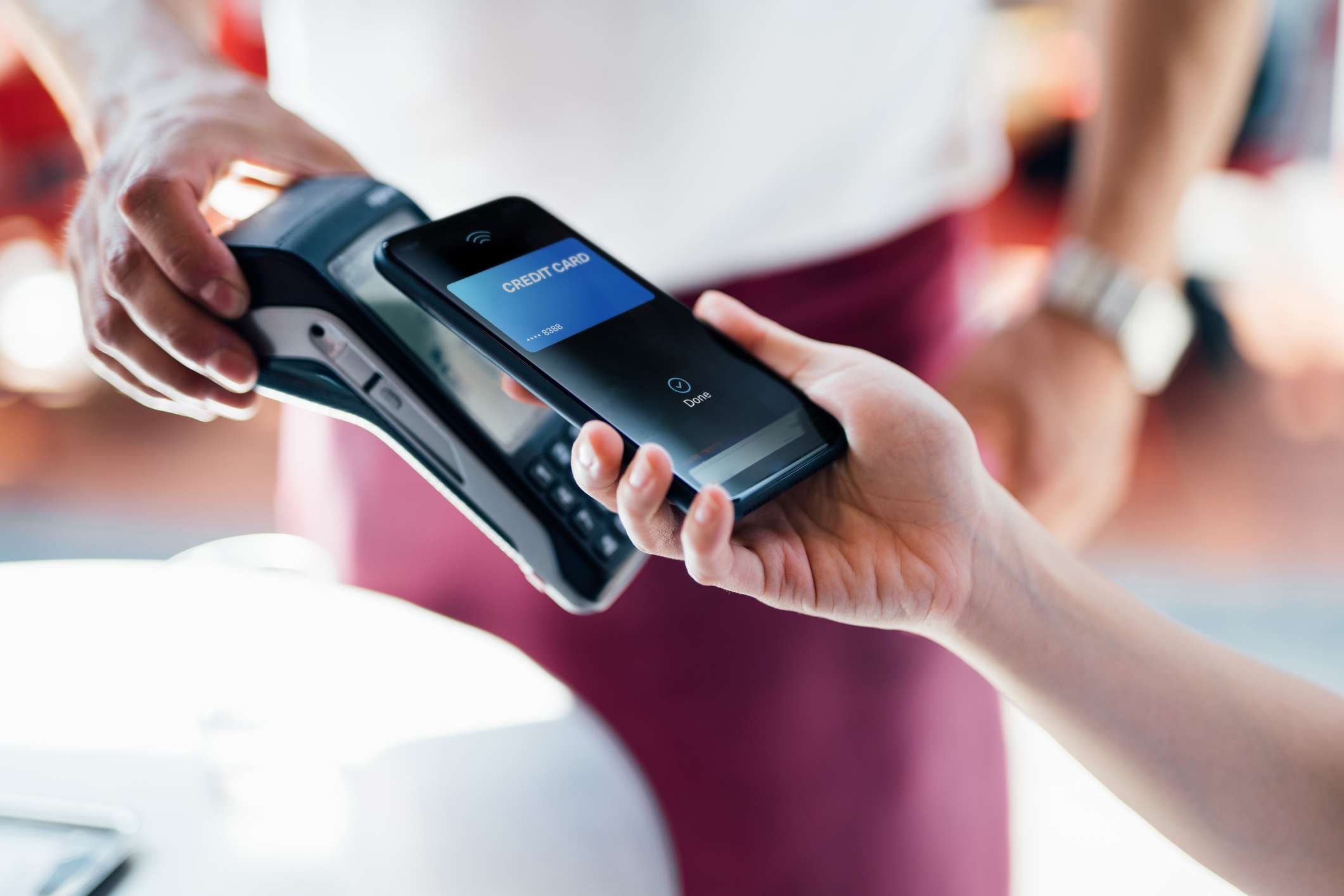
Western Union mobile money transfer lets you send and receive funds directly from your smartphone. To get started, download the Western Union app from the Apple App Store on iPhone...

How To Find My Fitbit Watch

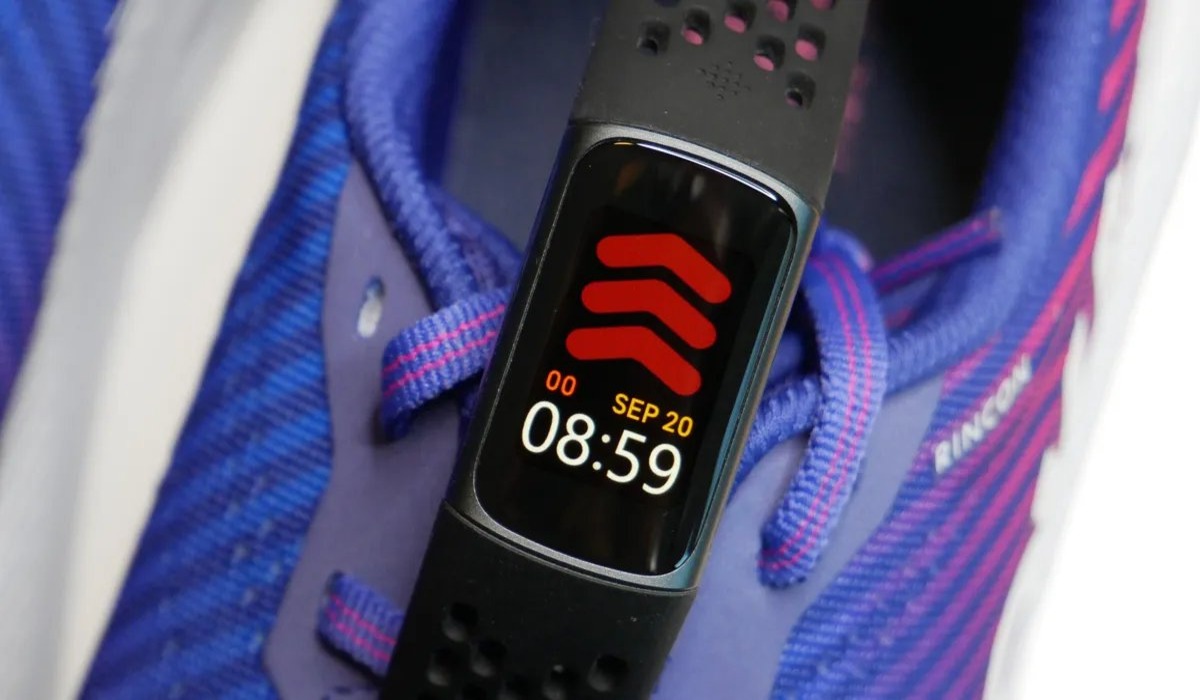
To find my Fitbit watch, start by checking your immediate surroundings and retracing your steps, then open the Fitbit app to see when the device last synced. If it synced...

How To Connect Skullcandy Headset

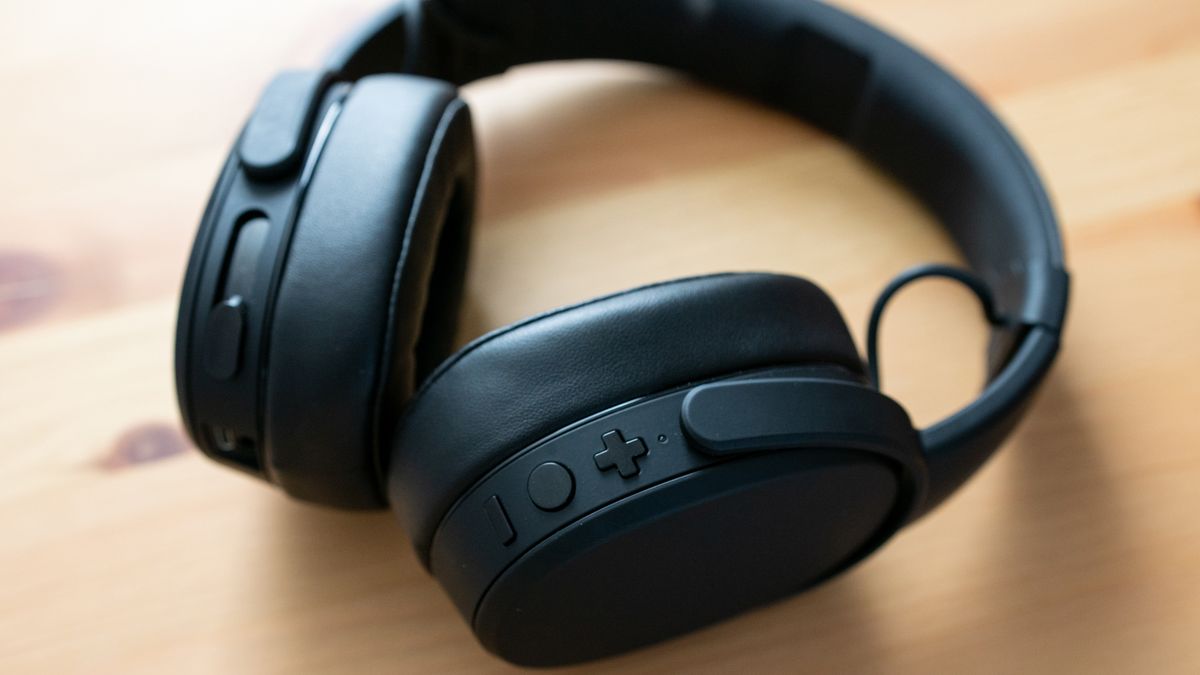
To connect a Skullcandy headset, you must first pair it in your phone’s Bluetooth settings before ever opening the Skullcandy app. This is the critical prerequisite for a successful connection,...

How To Add A Second Phone To Blink

To add a second phone to Blink, simply install the Blink Home Monitor app on the new device and sign in using the existing Blink account email and password. This...

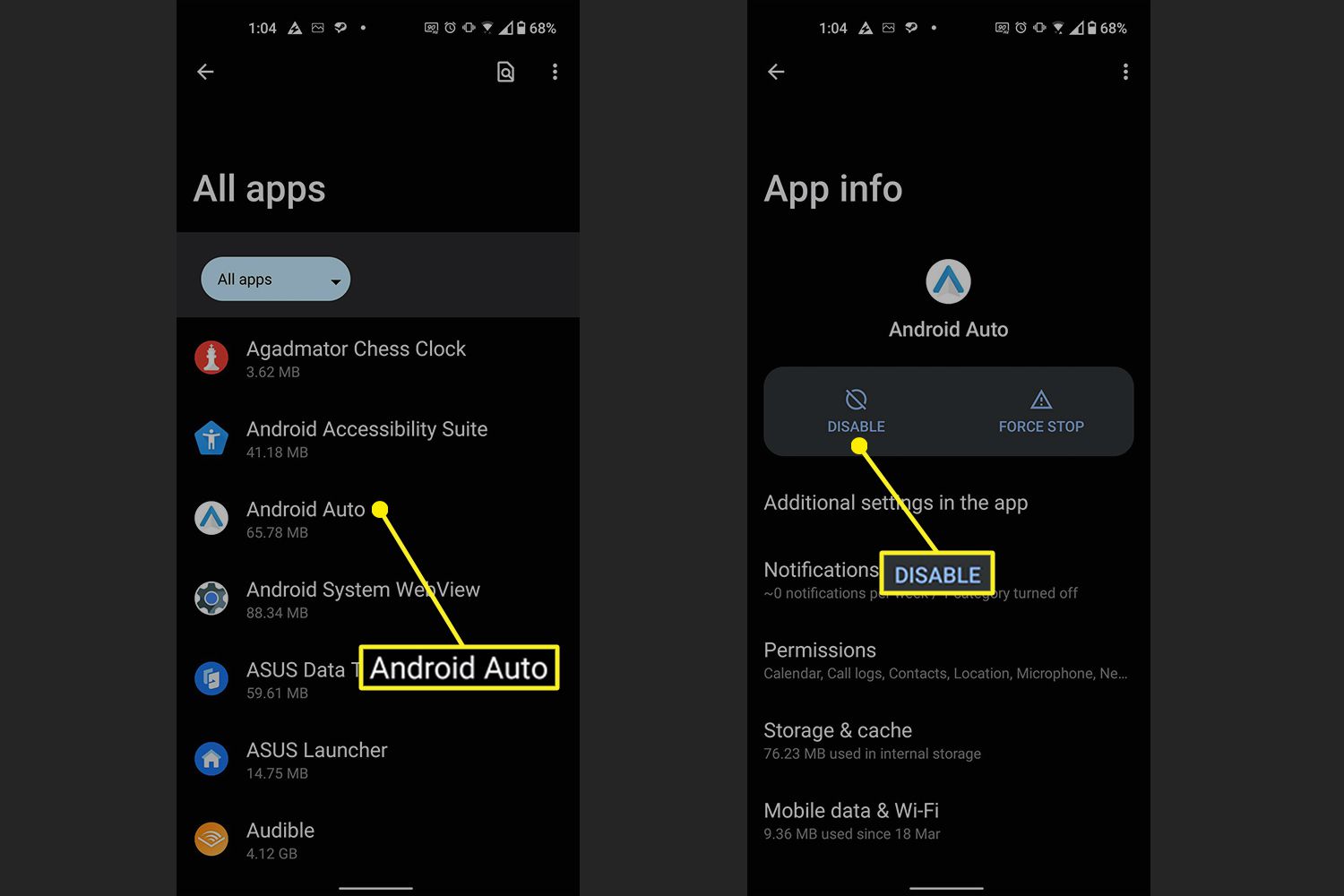
How To Turn Off Android Auto

To turn off Android Auto, you can disable the app through your phone's Settings, the Google app, or your car's display. This stops the feature from automatically launching when you...