The Apple tag on CellularNews collects articles for anyone who owns or uses an iPhone, iPad, AirPods, or other Apple accessories. Whether you are a long-time Apple user or just starting out, this page brings together practical guides that help you solve everyday problems, maintain your gear, and understand how your devices work.

The articles here address three main types of issues. First, there are guides for troubleshooting and fixing common hardware problems, like what to do if you lose one AirPod, how to find a dead AirPod, or how to dry an iPhone Lightning connector. Second, you will find advice on accessories and care, including how to remove a Paperlike screen protector, how to wash a phone case, and how to get sand out of your phone charger hole. Third, several articles cover iOS software and settings, such as how to downgrade iOS using SHSH2 blobs, when iOS 15.4 came out, and what the orange dot on an iPhone means. Specific topics you can explore include how to tell your AirPod generation, how to check an AirTag battery, and how to attach a wrist strap to a phone case.

These articles help you take action: fix a broken accessory, clean your gear, update or downgrade your software, and make informed decisions about buying refurbished phones or applying student discounts. The goal is straightforward help for real-world Apple device ownership.
What Is The Black Bar At The Top Of IPhone 14

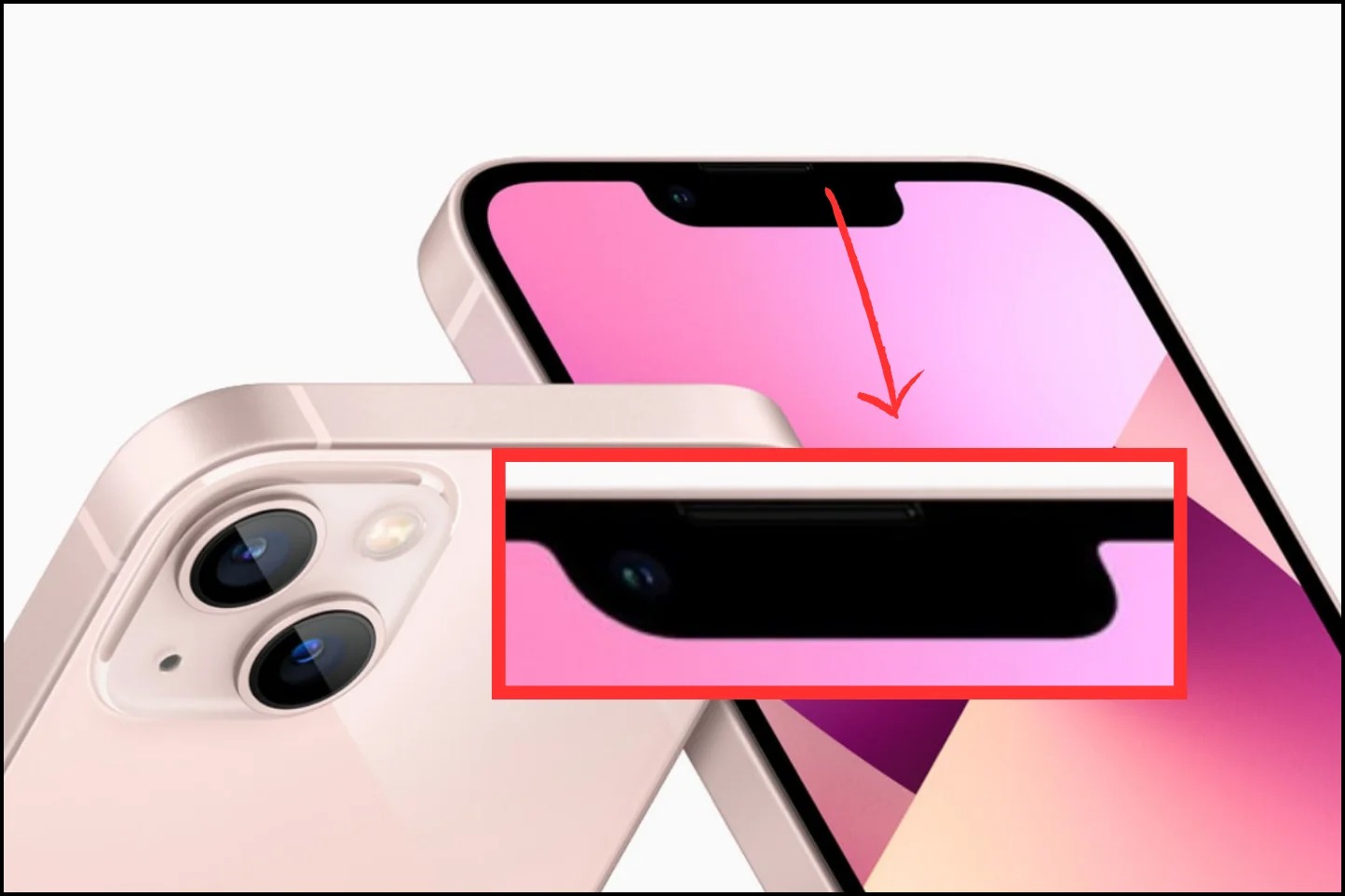
The black bar on iPhone 14 is called the Dynamic Island, a pill-shaped cutout exclusive to the iPhone 14 Pro and iPhone 14 Pro Max that replaces the traditional notch....

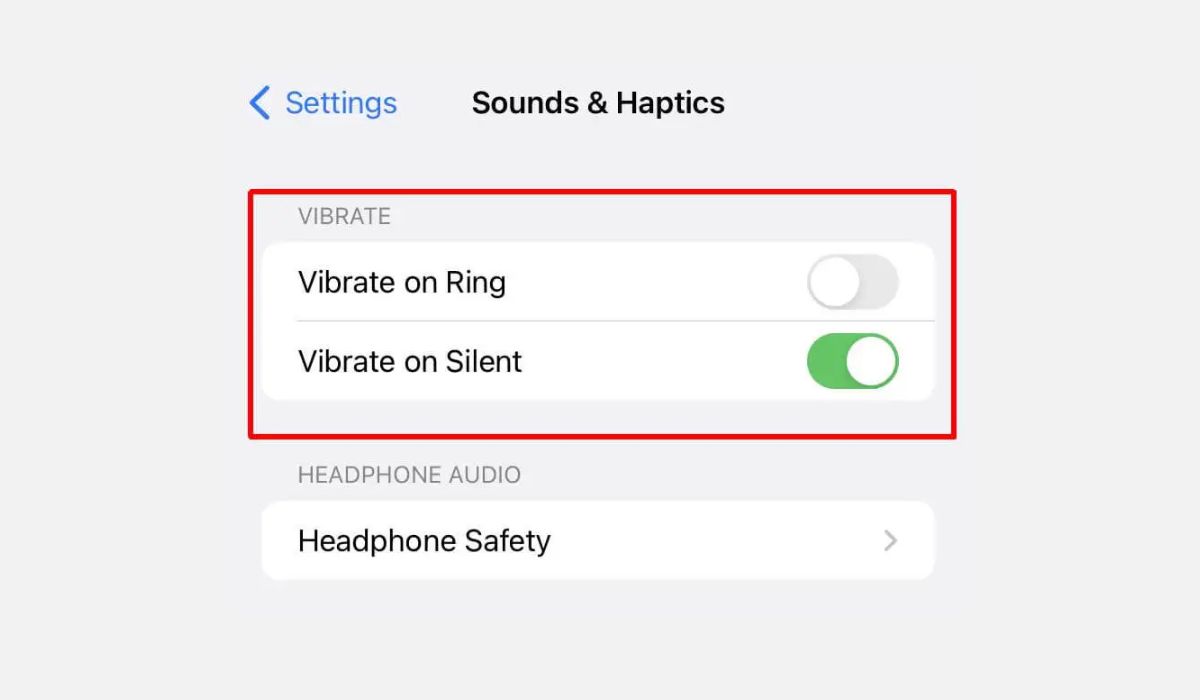
How Do You Put IPhone 14 On Vibrate

To put iPhone 14 on vibrate, flip the Ring/Silent switch on the left side of the phone toward the back of the device. This turns on Silent mode, and by...

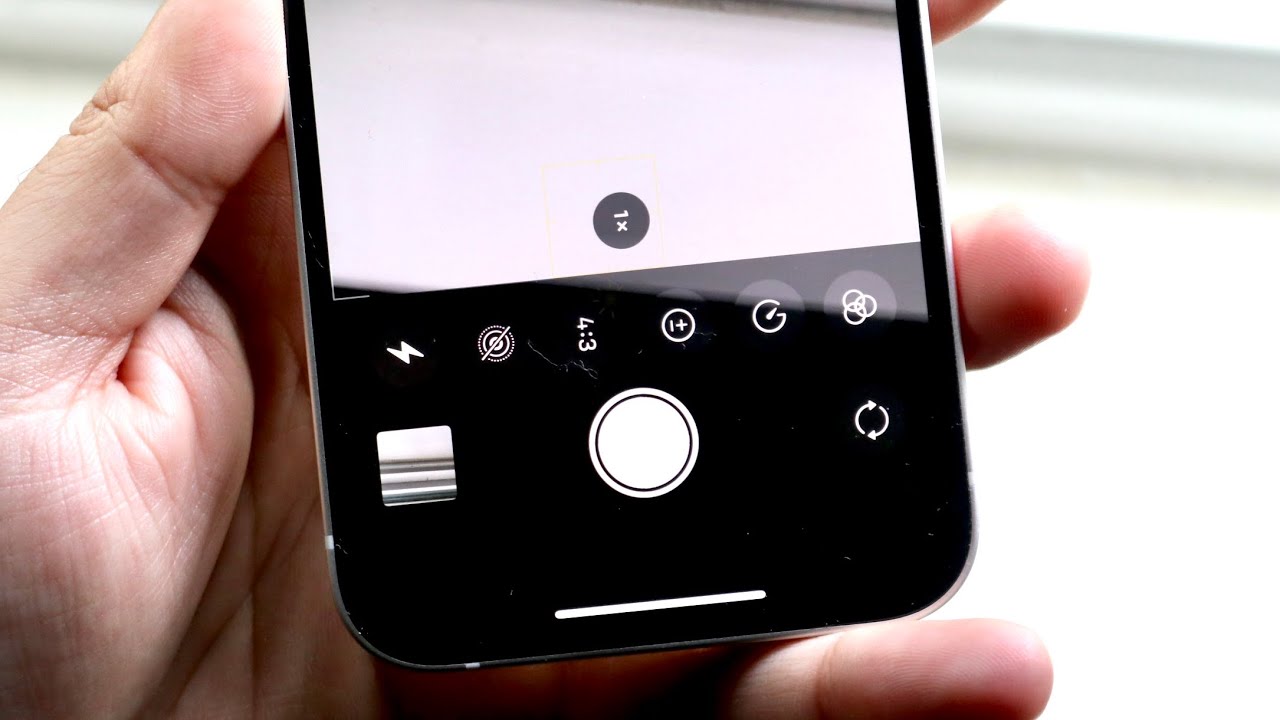
How To Set Timer On Photo IPhone 13

To set a timer on photo iPhone 13, open the Camera app, stay in Photo or Portrait mode, and tap the up-arrow menu at the top or swipe up from...

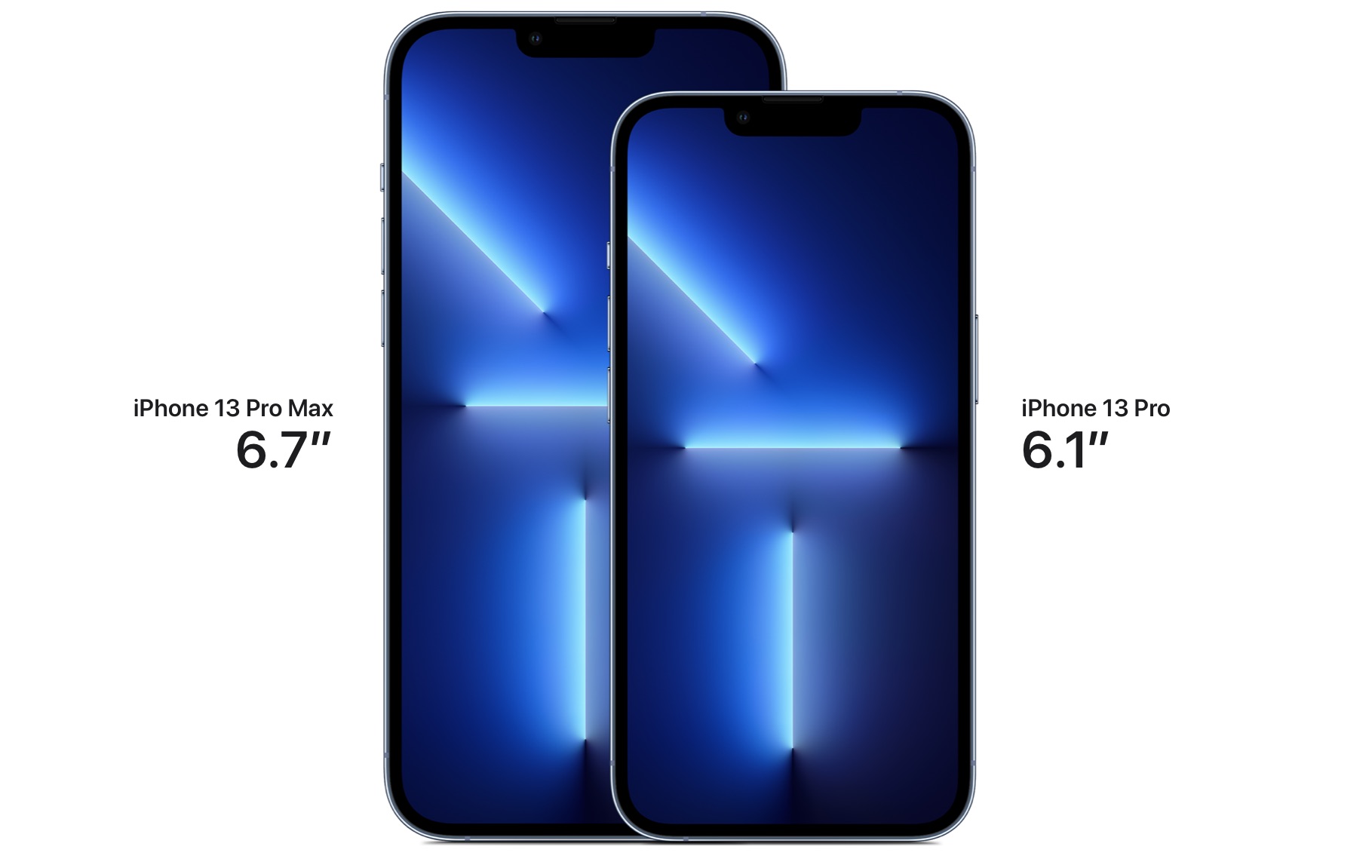
How Tall Is An IPhone 13 Pro Max In Inches

The iPhone 13 Pro Max is exactly 6.33 inches tall. According to Apple's official technical specifications, this is the precise height of the device, which also measures 160.8 millimeters. Exact...

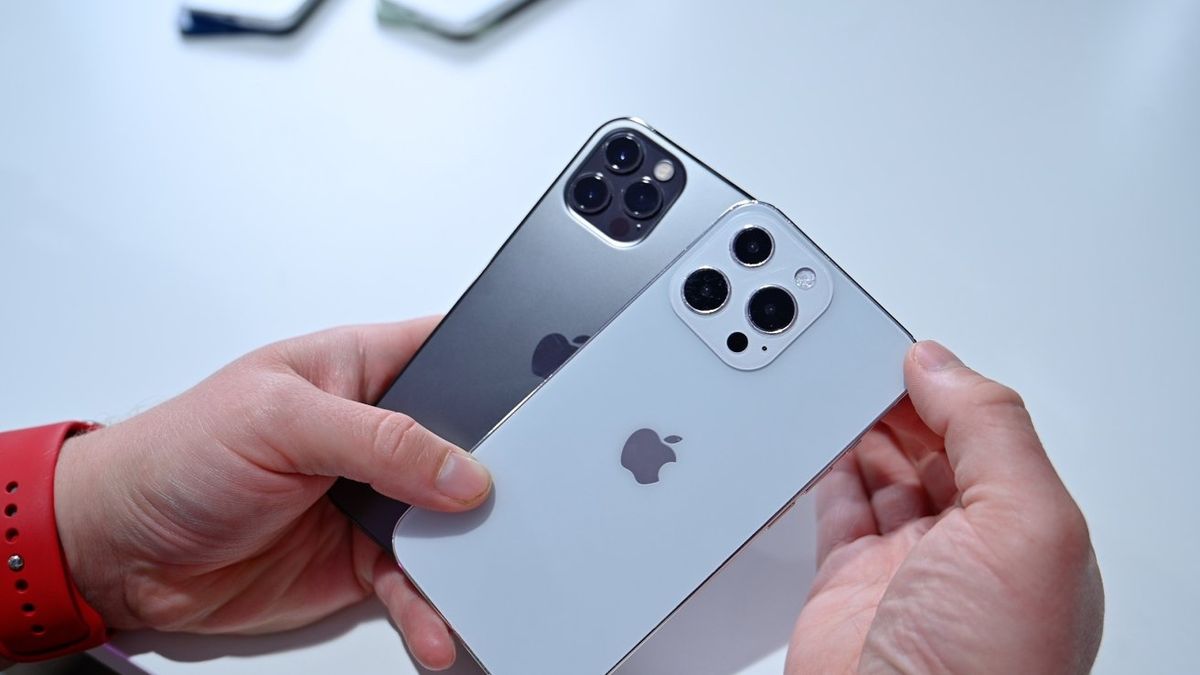
What Is The 3Rd Camera On IPhone 13 Pro

The third camera on the iPhone 13 Pro is the Telephoto lens, part of Apple's Pro 12MP camera system. Understanding what is the 3rd camera on iPhone 13 Pro directly...

Where Is Speaker On IPhone 13

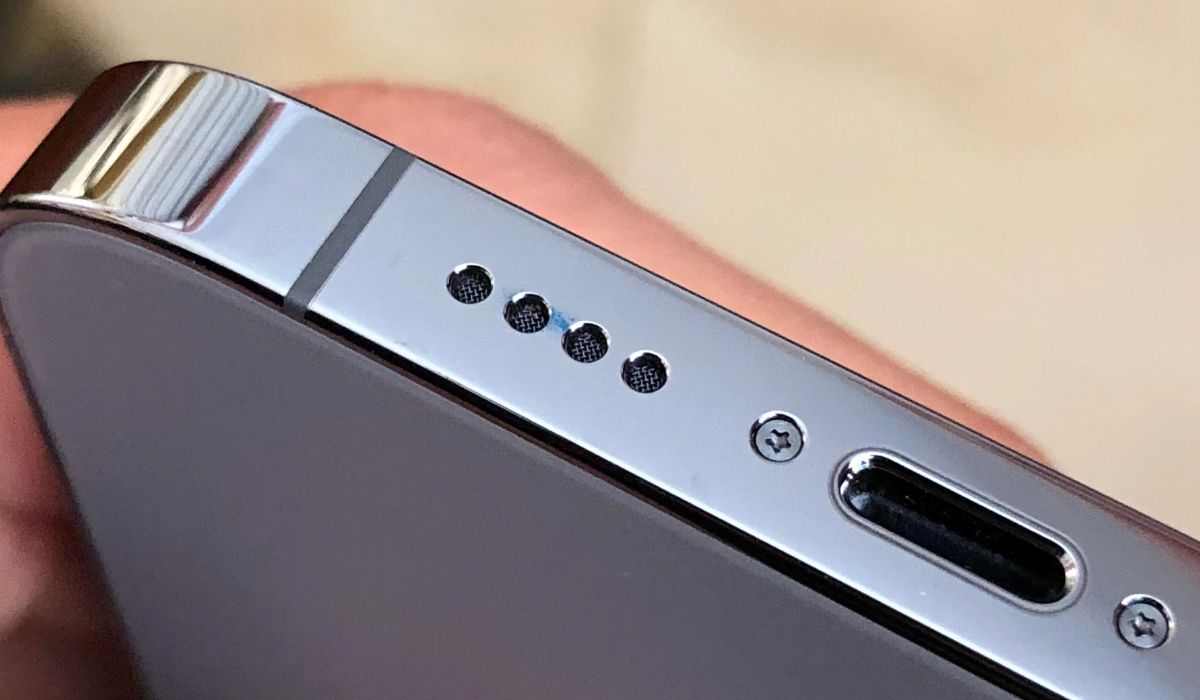
If you're wondering where is speaker on iPhone 13, it has two locations: a top earpiece speaker used for phone calls and a bottom-firing speaker on the right edge of...

How To Get Water Out Of Your IPhone 13

To get water out of your iPhone 13, immediately disconnect any cable or accessory and unplug it from both the iPhone and the power adapter. Then, tap the iPhone gently...

How To Turn On 120Hz On IPhone 13

You cannot manually turn on 120Hz on an iPhone 13. The 120Hz ProMotion display is an automatic feature exclusive to the iPhone 13 Pro and iPhone 13 Pro Max, meaning...

What Is The Button On The Side Of The IPhone 13

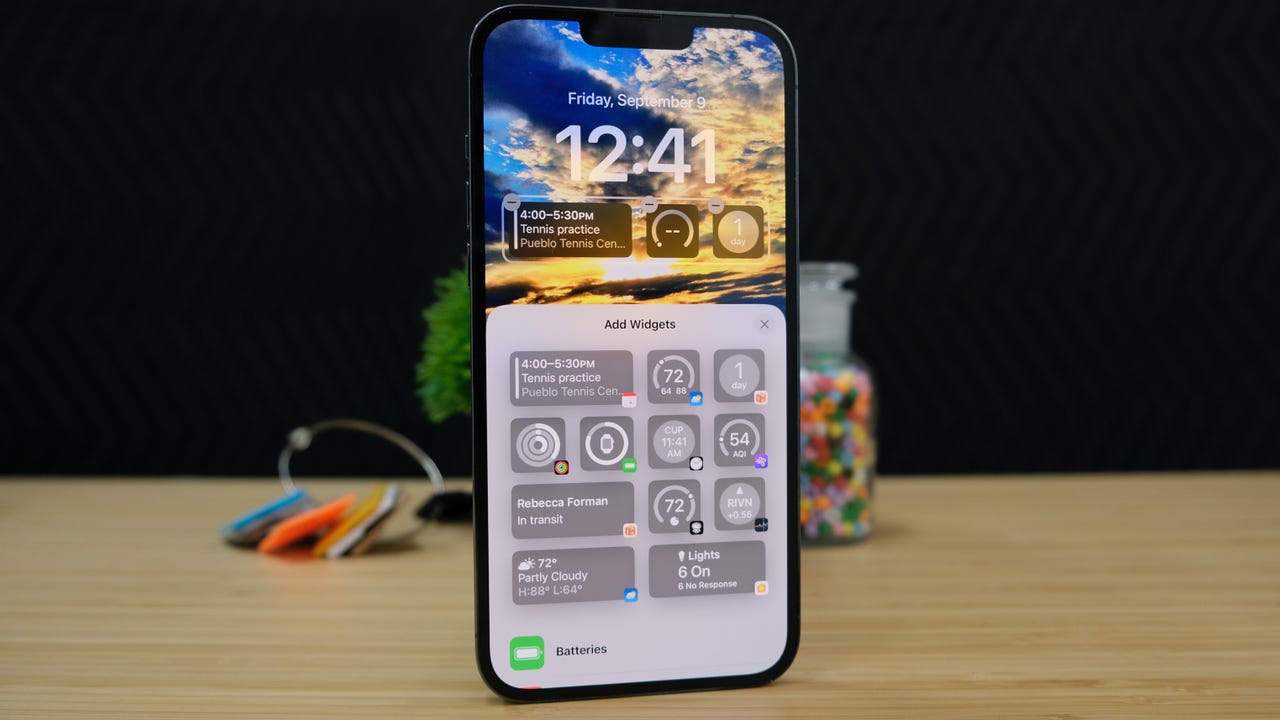
The button on the side of the iPhone 13 is the Side button, and it is your device's primary physical control for power, Siri, Apple Pay, and emergency features. Understanding...

How Tall Is An IPhone 13

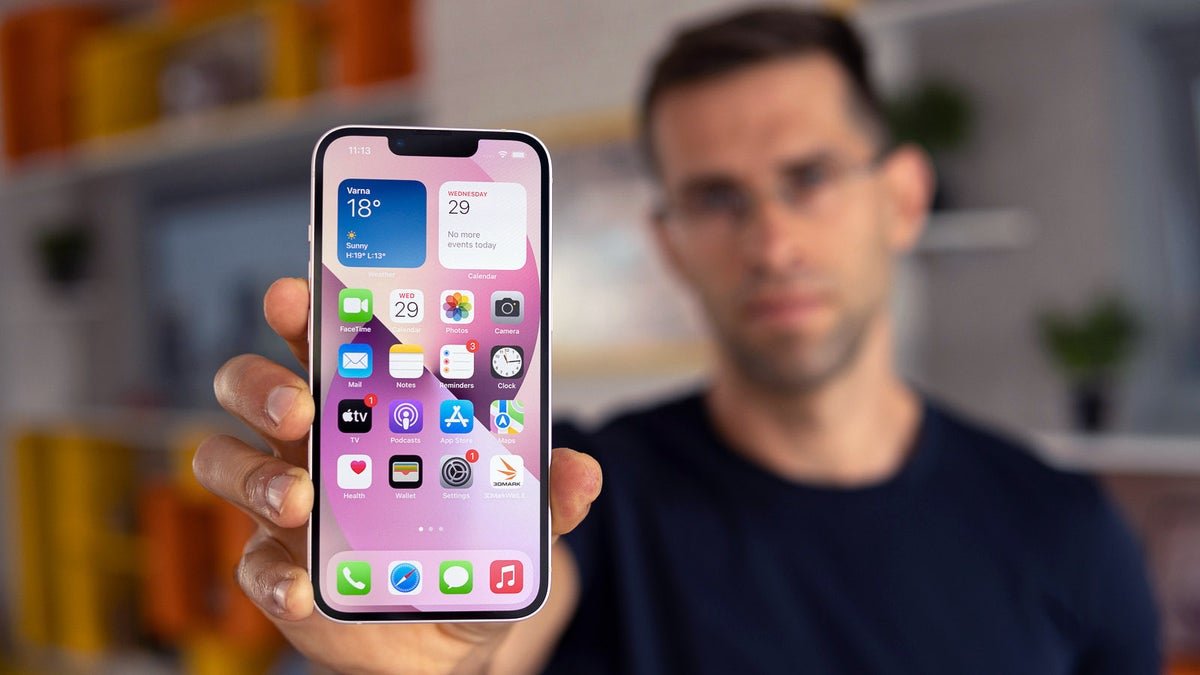
The iPhone 13 is 5.78 inches tall, or 146.7 mm, according to Apple’s official technical specifications. That is the exact height of the standard iPhone 13, providing the precise measurement...