Protecting, transferring, and wiping data on phones, tablets, and related devices. This page is for anyone who needs practical, step-by-step instructions for managing their device's information, whether they are switching to a new phone, cleaning an old one, or trying to recover lost files.
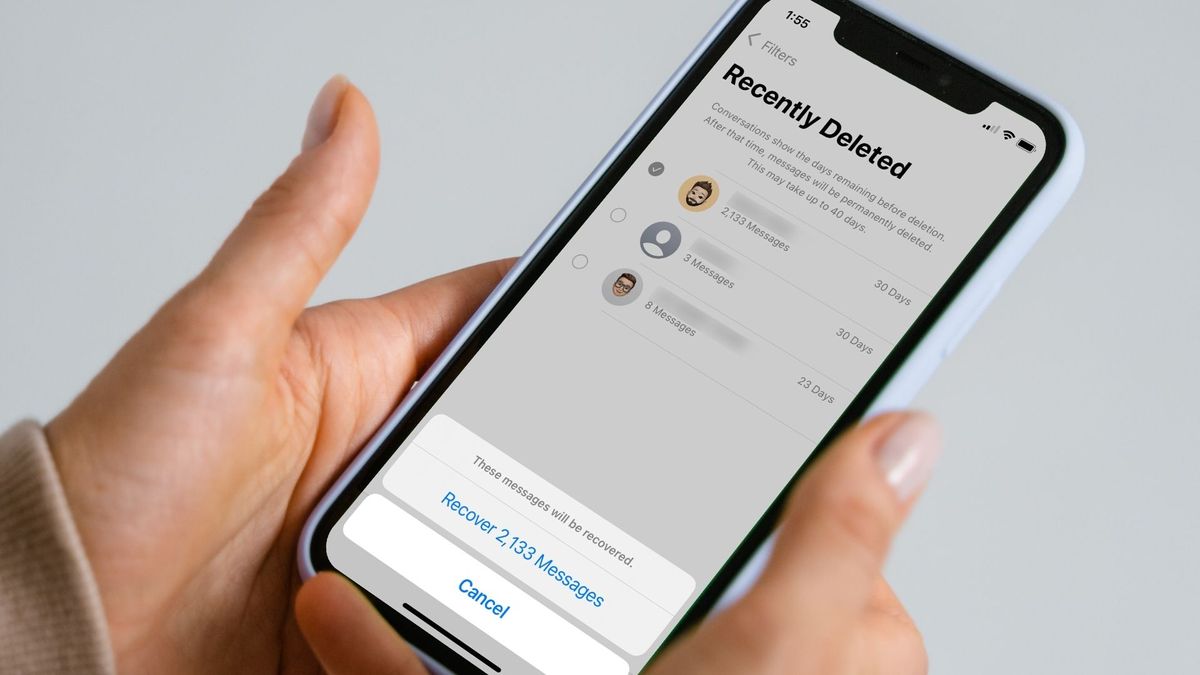
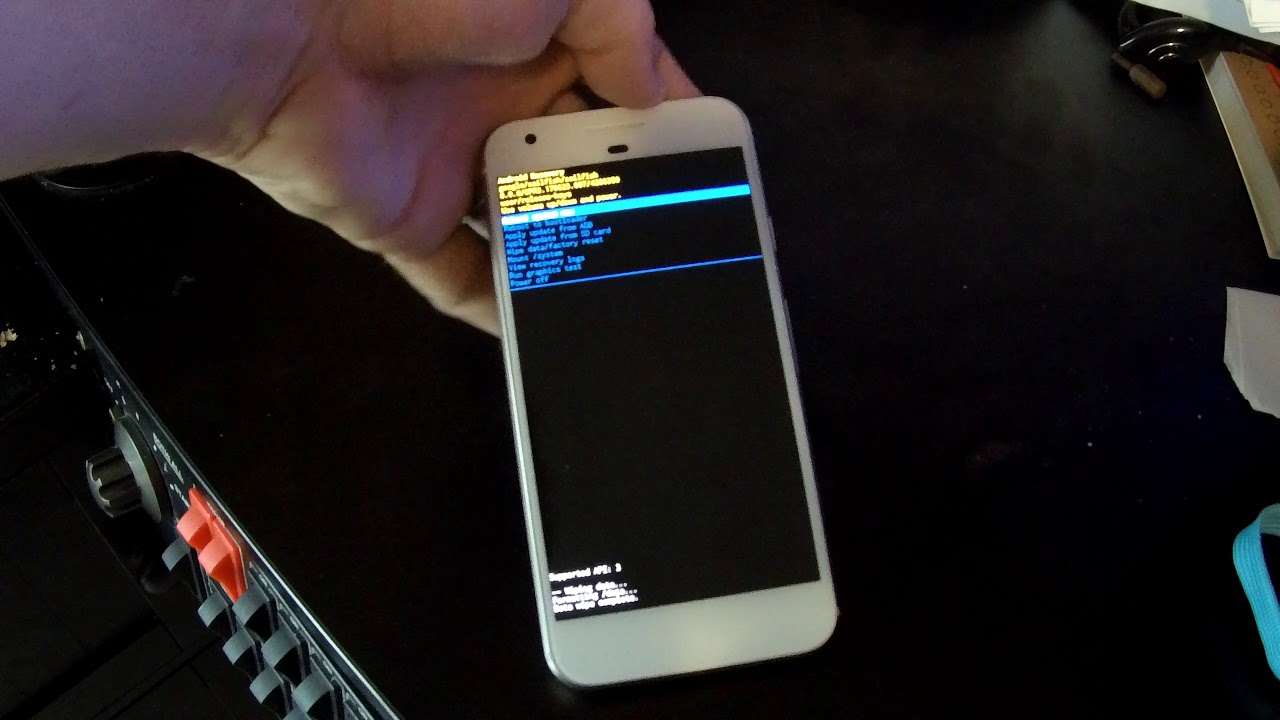
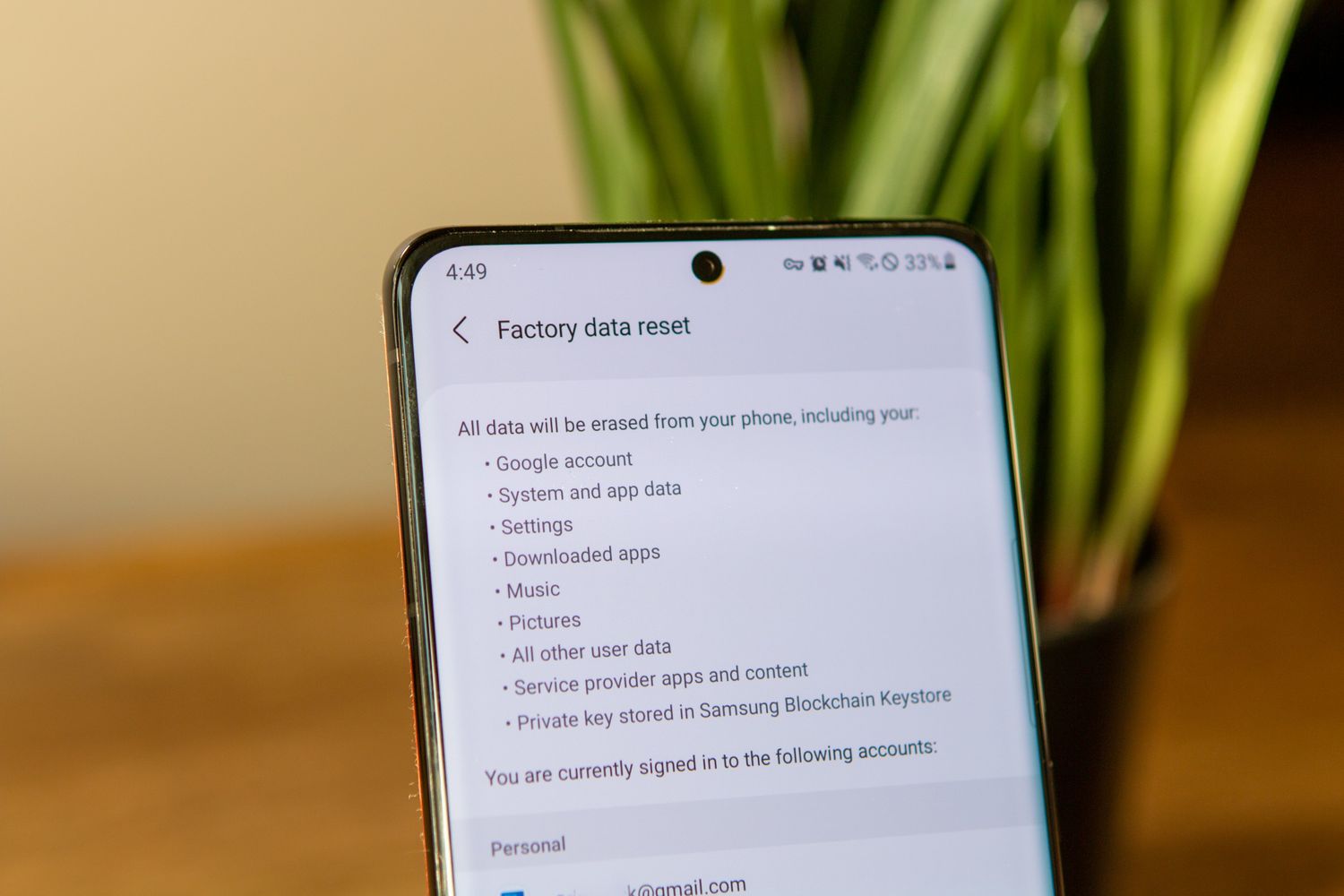
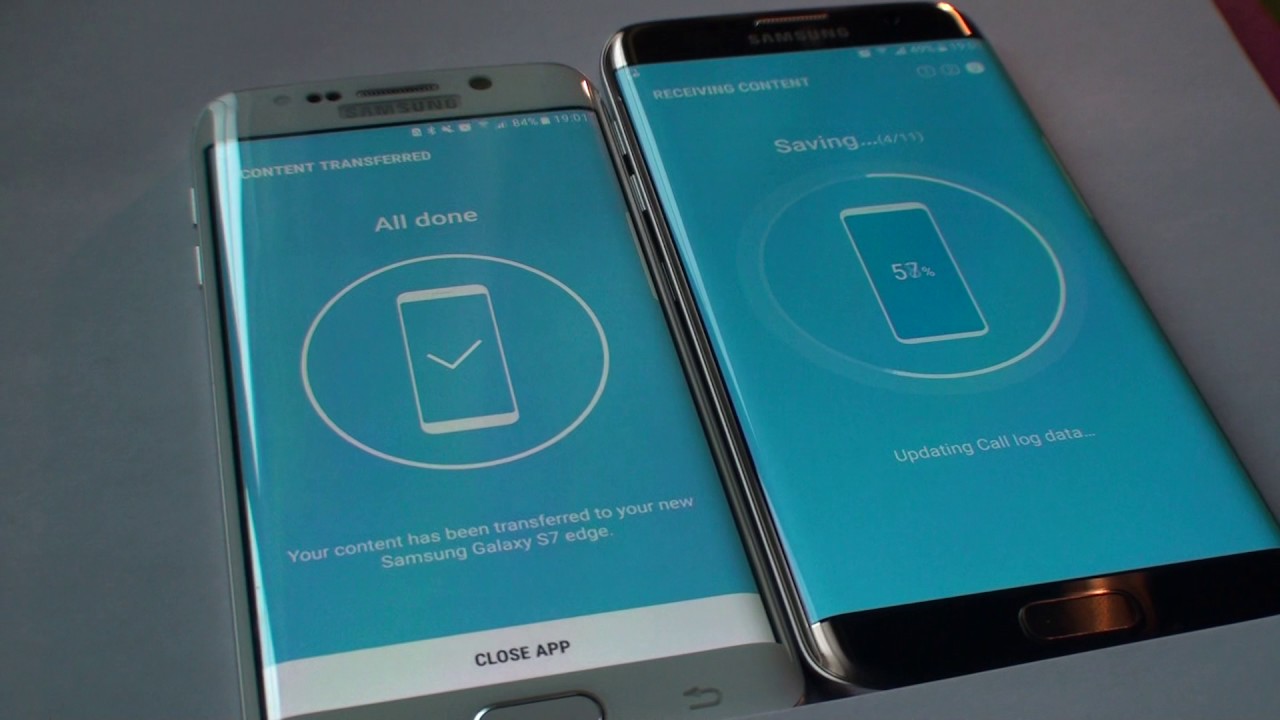
The articles here solve problems in three main areas. First, they help with recovery and restoration, such as retrieving deleted WhatsApp messages on both Android and iPhone, recovering a deleted phone number, or finding where your Sony Xperia backups are saved. Second, they cover moving data between devices, including how to transfer data from one Samsung phone to another, save TikTok drafts when getting a new phone, and set a new phone as your main Google phone. Third, they provide clear steps for factory resets and erasing devices, with specific guides for TCL, T-Mobile, Blu, Kyocera, Qlink Hot Pepper, Motorola, AT&T, and Samsung Galaxy models like the S8, S21, and S21 Ultra.
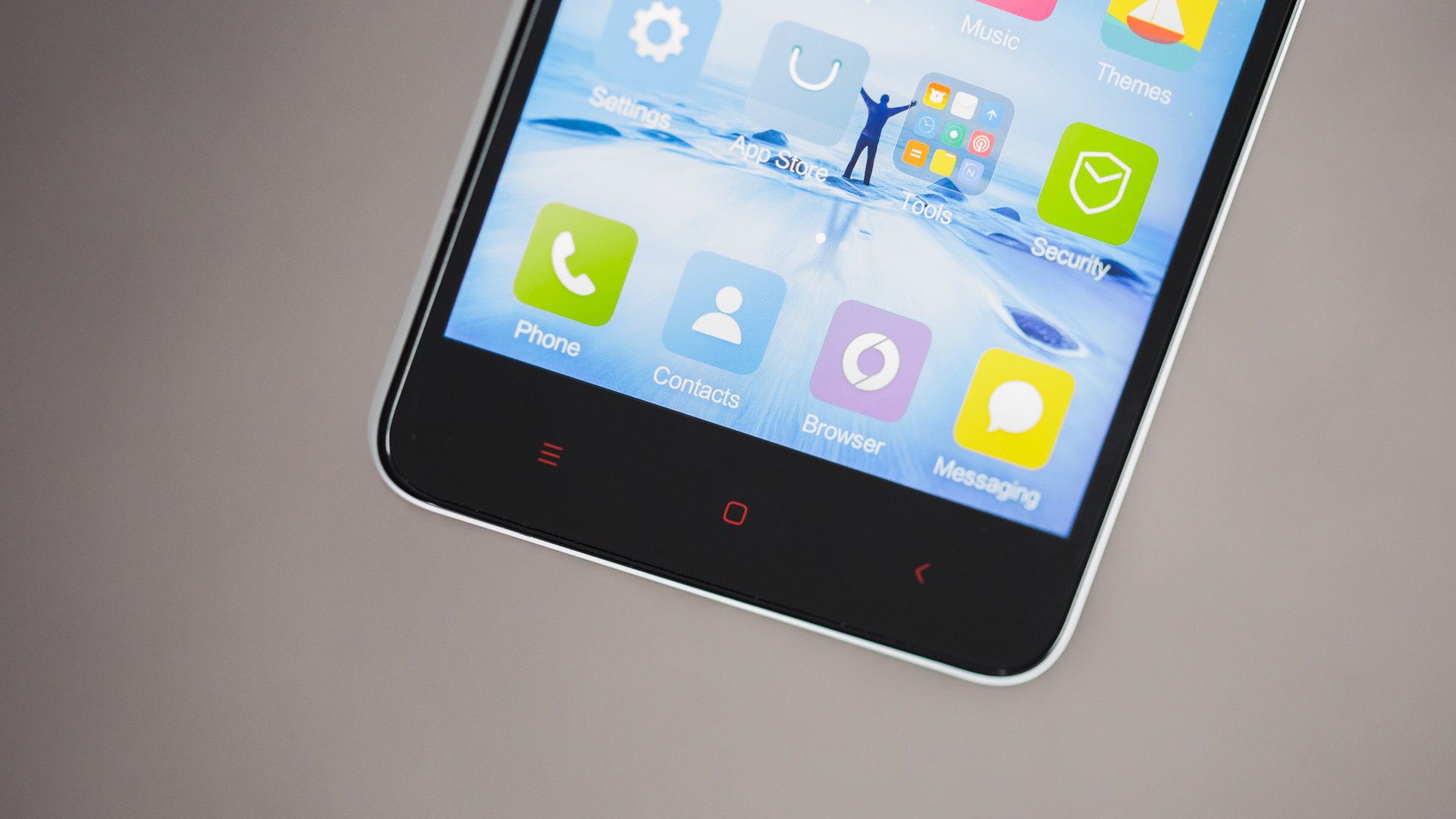
Across these themes, the articles help you do real tasks: back up Samsung Notes, reconnect Duo Mobile, disconnect an Apple Watch from an old phone, export contacts from a Redmi Note 2, and restore Procreate drawings. Whether you need to see when your phone was last backed up or factory reset a Walmart work phone, the instructions are here to get the job done.