Welcome to the Battery tag on CellularNews. This collection is for anyone who owns a mobile phone, a power bank, or wireless earbuds and needs practical, no-nonsense answers about keeping them powered. Whether you are troubleshooting a charging issue, figuring out how to use a new accessory, or just curious about the technology behind your phone’s battery, these articles are written to help you solve real-world problems.

The articles here break down into a few clear themes. One major group focuses on power banks and portable chargers: you will find straightforward guides on how to charge a Romoss or Anker power bank for the first time, how to turn on a Miady power bank, and how to tell if a Belkin power bank is actually charging. Another set of articles tackles wireless and device-specific charging, explaining how wireless charging works on a phone, how to charge a selfie stick, and what to do when you need to find a dead Apple Watch or a dead AirPod. A third theme covers general phone charger knowledge, including what type of phone charger you need, how a cell phone charger works, and how to protect your phone charger cord from damage.

In short, this tag helps you do things like charge a 20000mAh power bank efficiently, understand what a 4000mAh rating actually means, add the AirPod battery widget to your phone, and even learn who invented the first cell phone charger. No fluff, just the steps and facts you need.
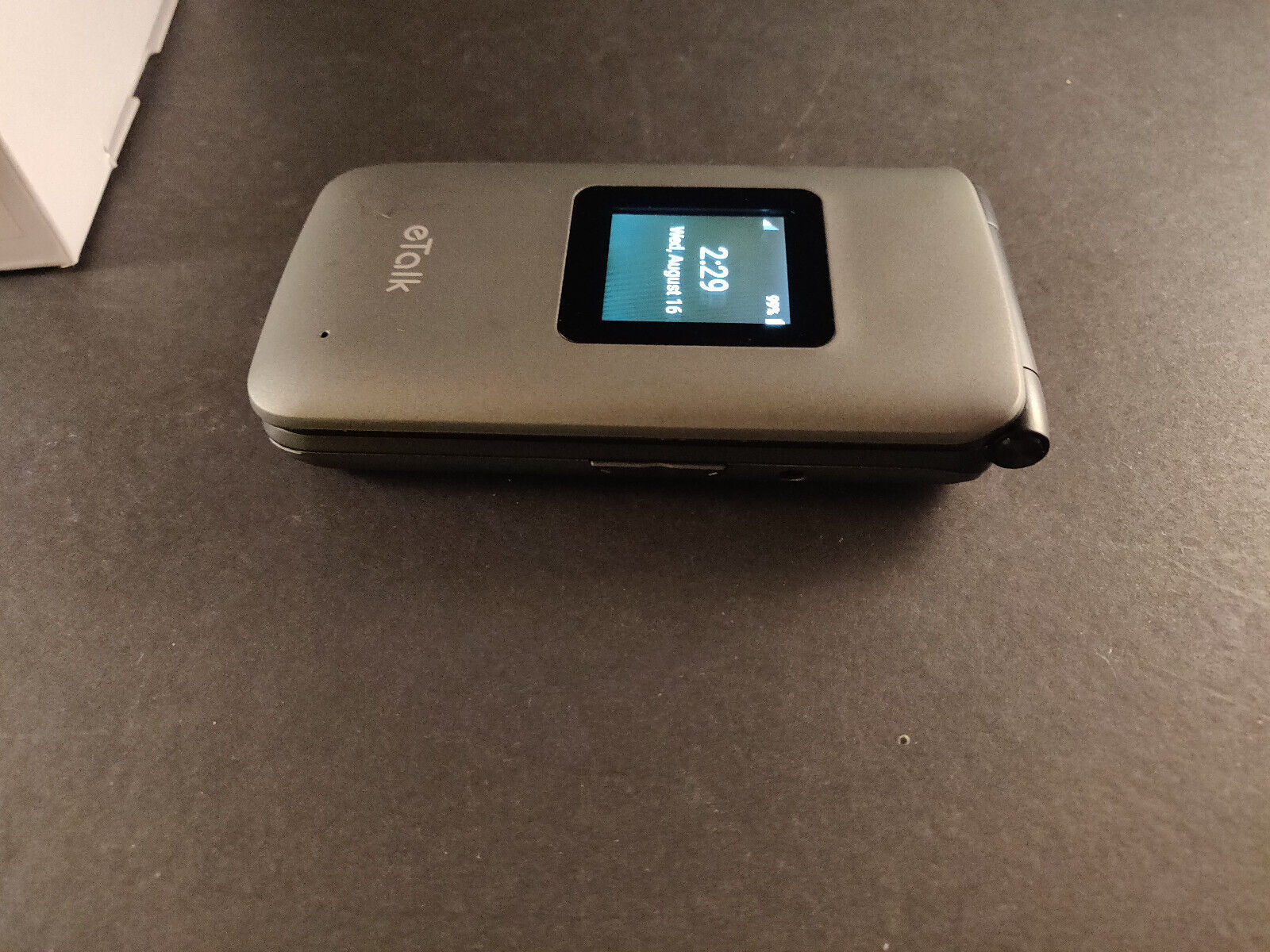
How To Turn On ETalk Flip Phone

To turn on an eTalk flip phone, press and hold the End/Power key until the screen lights up. Before the first use, charge the phone fully using the USB/charger port...

How To Turn On Flip Phone

To turn on a flip phone, first ensure the battery is charged and properly inserted, then press and hold the power button until the screen lights up. How to turn...

How To Turn On Motorola Phone

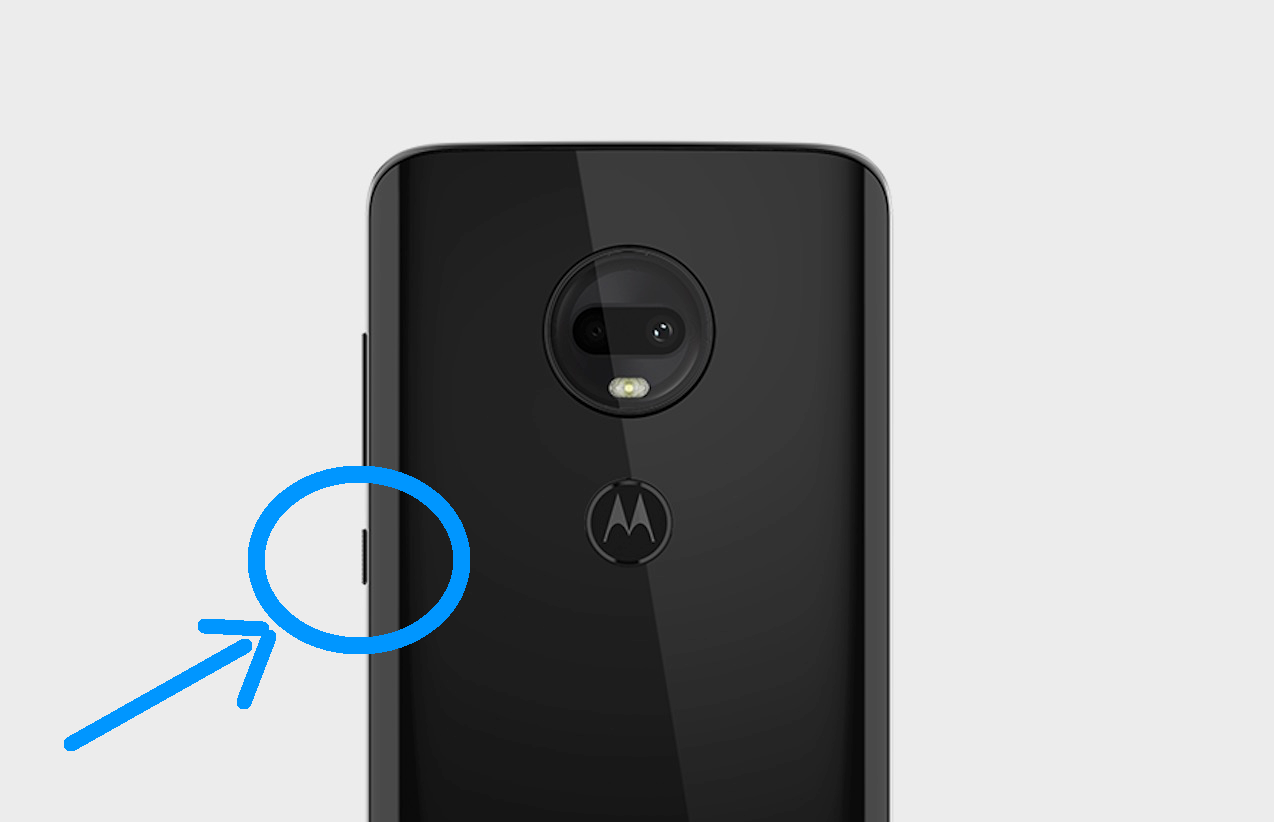
To turn on a Motorola phone, press and hold the Power button located on the side or top of the device for 5-7 seconds until the Motorola logo appears and...

How To Unfreeze A Jitterbug Flip Phone

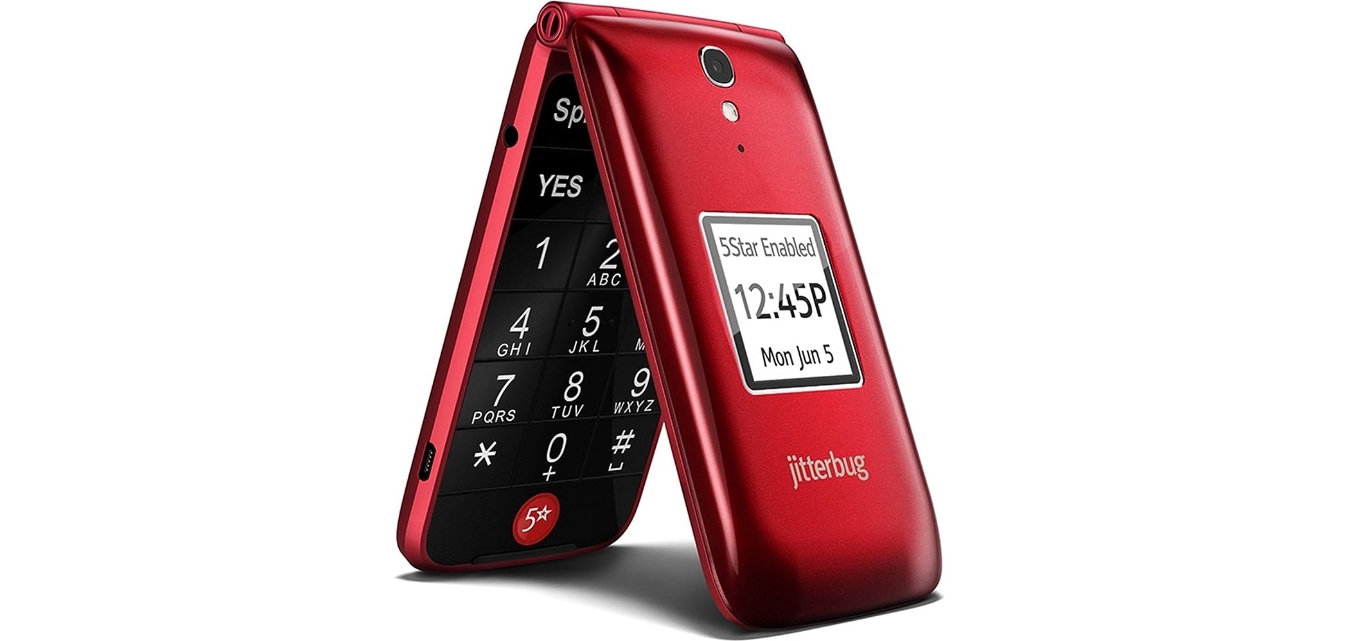
To unfreeze a Jitterbug Flip phone, the only confirmed safe step is to perform a restart by holding the power button. This action can resolve temporary software glitches without risking...

How To Unfreeze A Motorola Phone

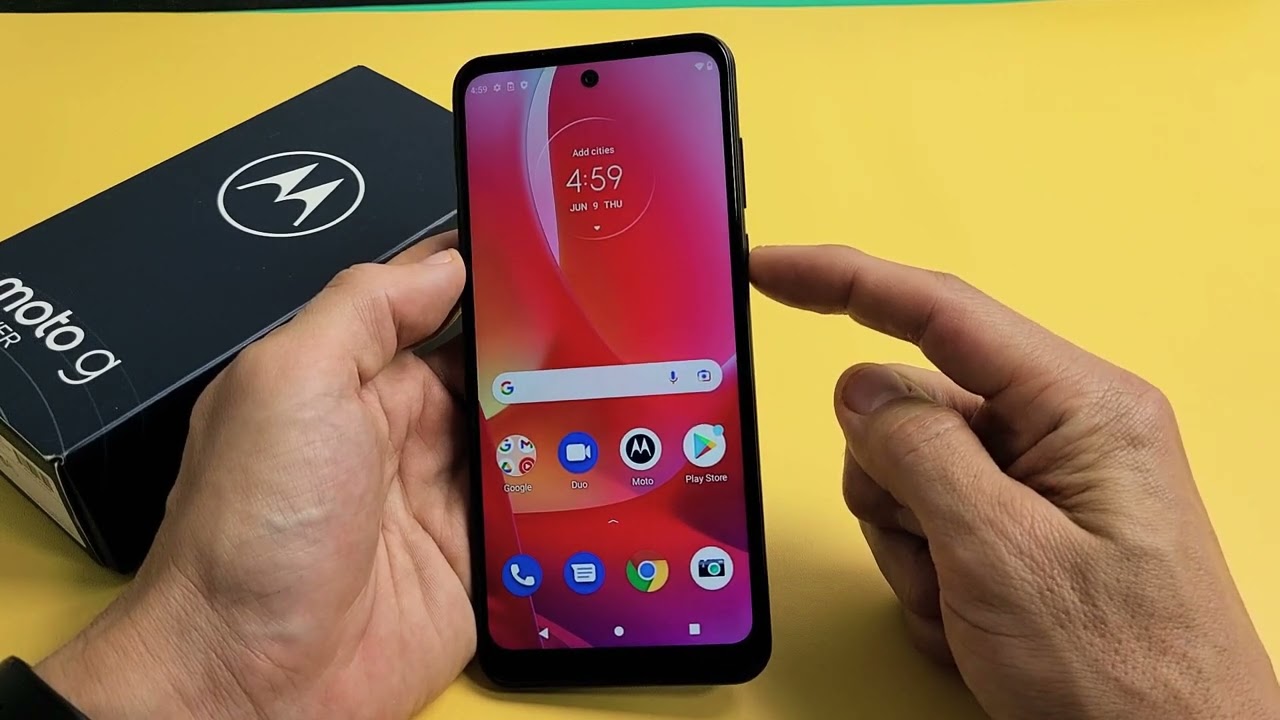
To unfreeze a Motorola phone, perform a force restart by pressing and holding the Power button for approximately 10 to 30 seconds. This is the quickest and most reliable method...

How To Charge Phone With Potato

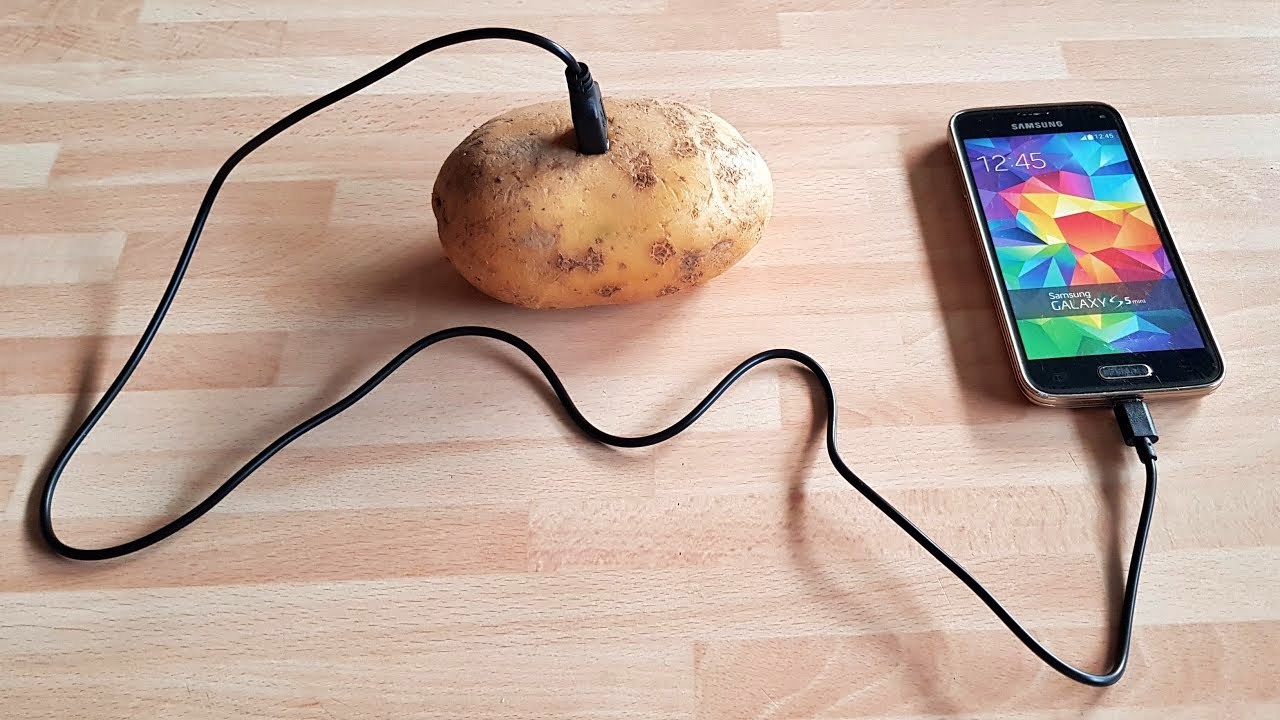
You cannot charge a modern smartphone with a potato, but the classic potato battery experiment is a real and educational way to demonstrate basic electrochemistry. While the science is sound,...

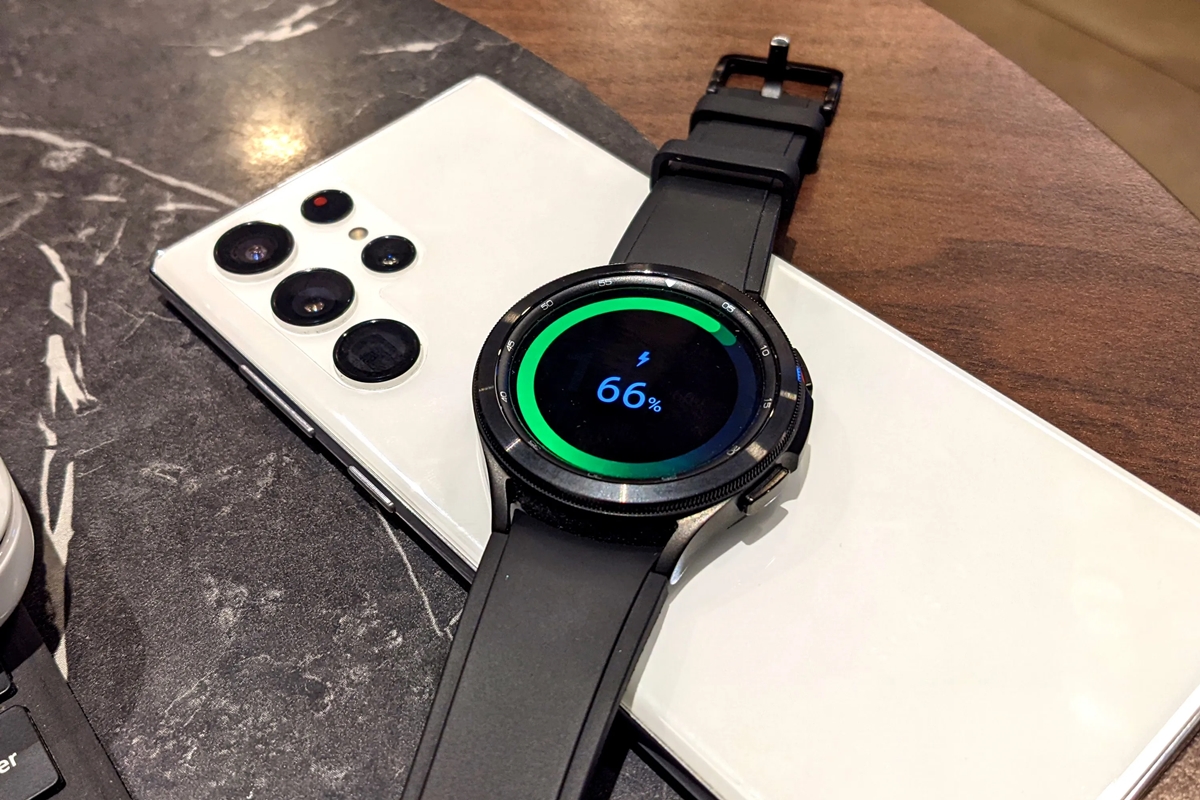
How To Charge Samsung Watch With Phone

You can charge a Samsung watch with a phone by using the phone's Wireless PowerShare feature, which lets you place the watch on the back of a compatible Galaxy phone...

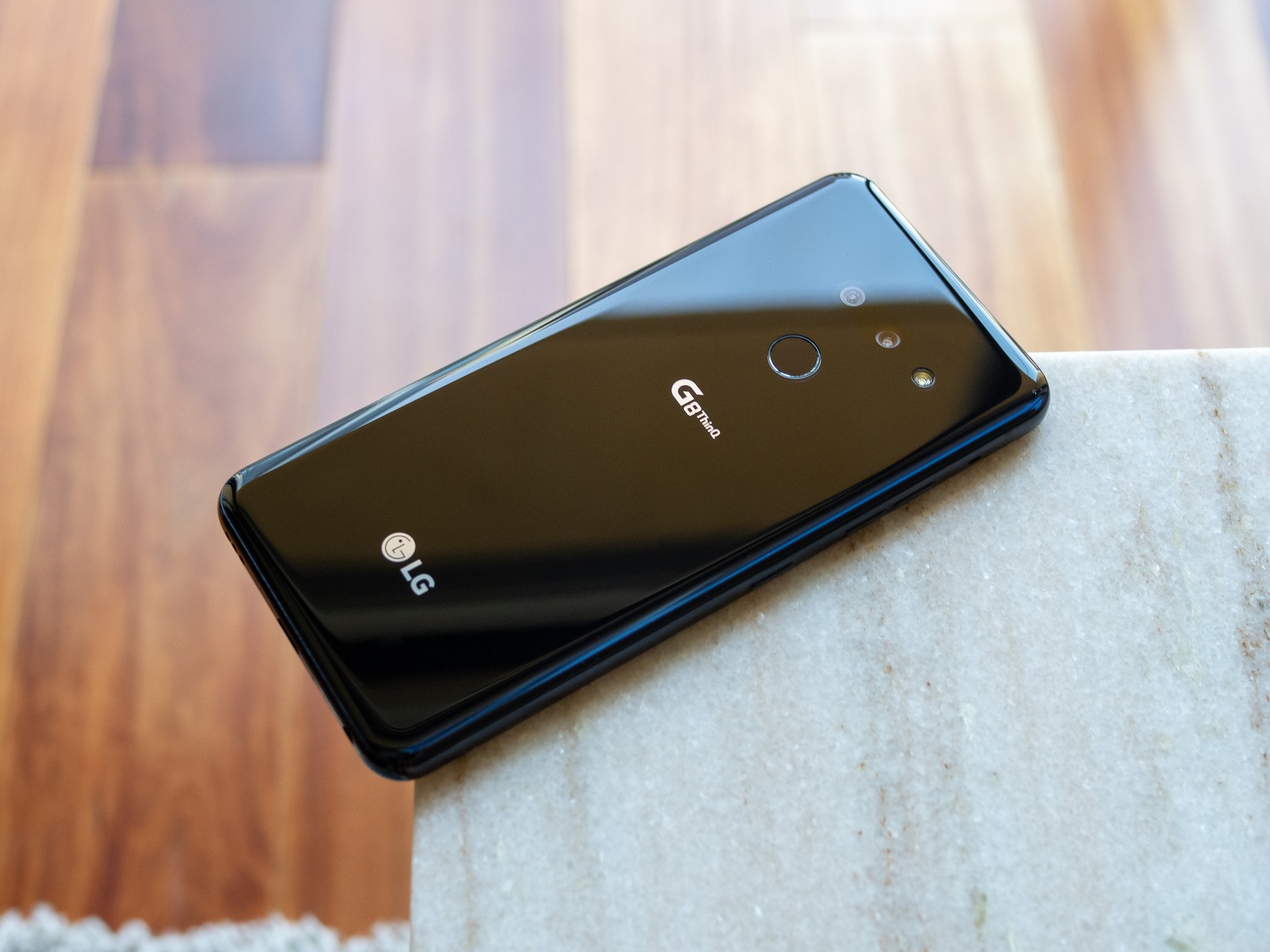
How To Use LG Android Phone

To use an LG Android phone, start by inserting your SIM card, charging the battery, and powering on the device to follow the on-screen setup wizard. This wizard guides you...

What Is An Electronic Textile (E-Textile)?

An electronic textile, or e-textile, is a textile with electronics integrated into it, so the fabric can sense, communicate, heat, light, or otherwise perform electronic functions. This integration can happen...

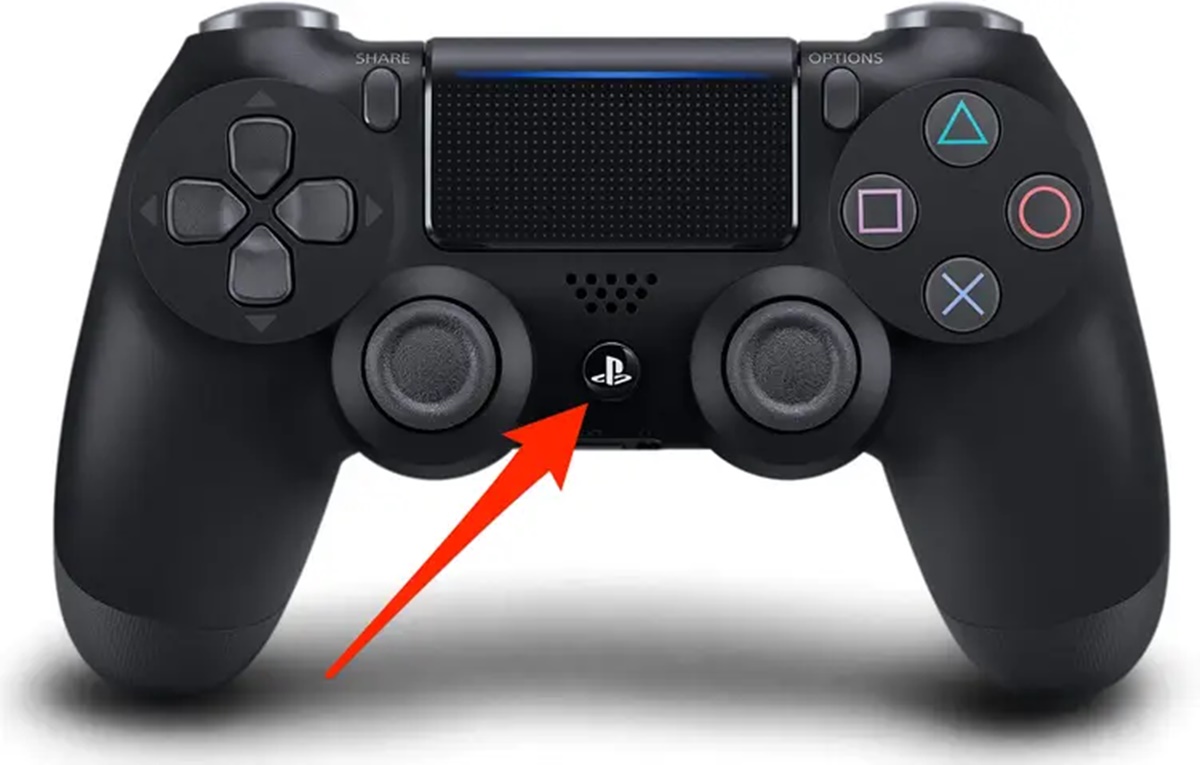
How To Turn Off Gamepad

To turn off a gamepad, you need to stop it from sending input to its host device, which you can do by disconnecting it via Bluetooth, unplugging its USB cable,...