Welcome to the Battery tag on CellularNews. This collection is for anyone who owns a mobile phone, a power bank, or wireless earbuds and needs practical, no-nonsense answers about keeping them powered. Whether you are troubleshooting a charging issue, figuring out how to use a new accessory, or just curious about the technology behind your phone’s battery, these articles are written to help you solve real-world problems.

The articles here break down into a few clear themes. One major group focuses on power banks and portable chargers: you will find straightforward guides on how to charge a Romoss or Anker power bank for the first time, how to turn on a Miady power bank, and how to tell if a Belkin power bank is actually charging. Another set of articles tackles wireless and device-specific charging, explaining how wireless charging works on a phone, how to charge a selfie stick, and what to do when you need to find a dead Apple Watch or a dead AirPod. A third theme covers general phone charger knowledge, including what type of phone charger you need, how a cell phone charger works, and how to protect your phone charger cord from damage.

In short, this tag helps you do things like charge a 20000mAh power bank efficiently, understand what a 4000mAh rating actually means, add the AirPod battery widget to your phone, and even learn who invented the first cell phone charger. No fluff, just the steps and facts you need.
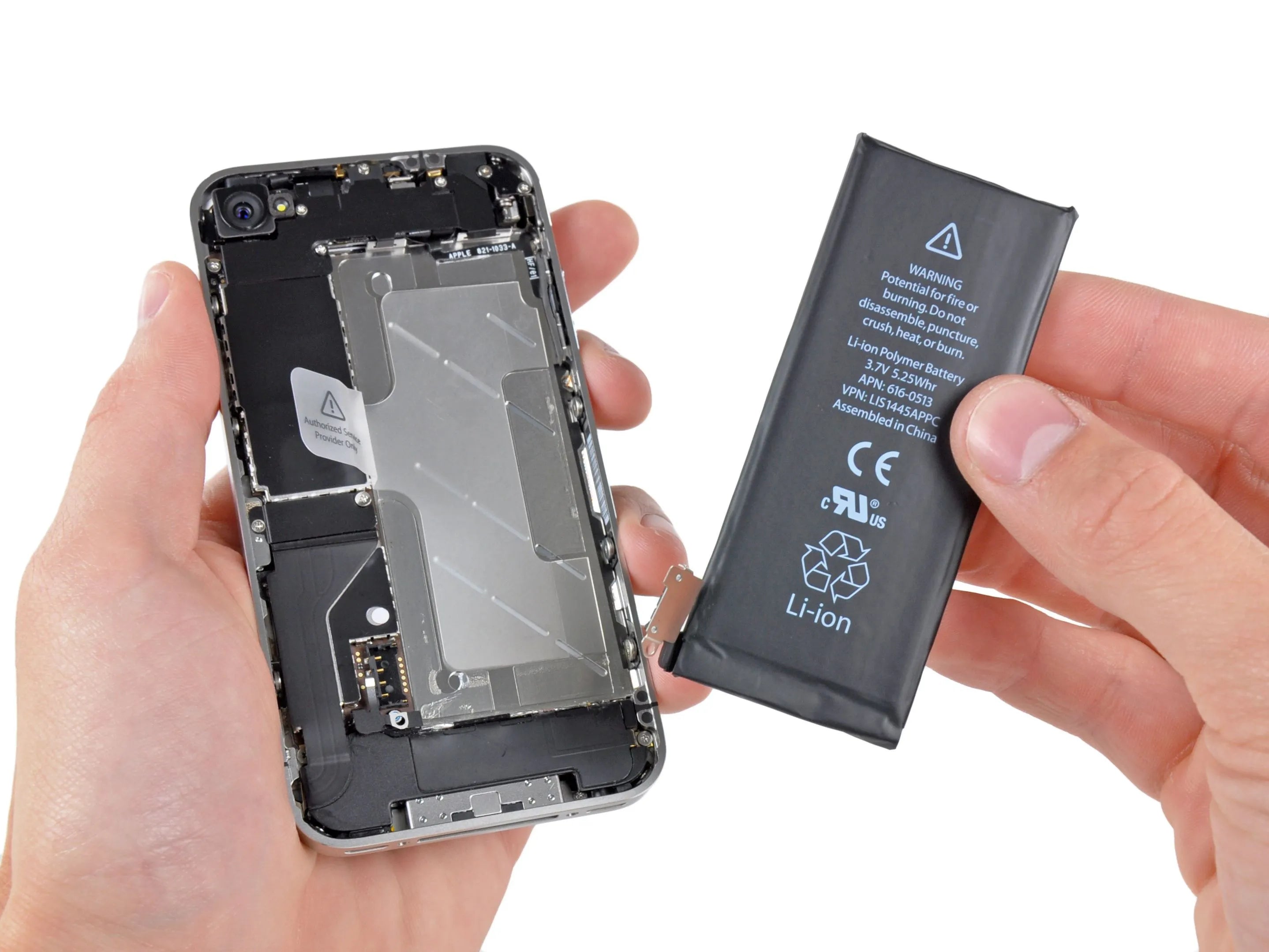
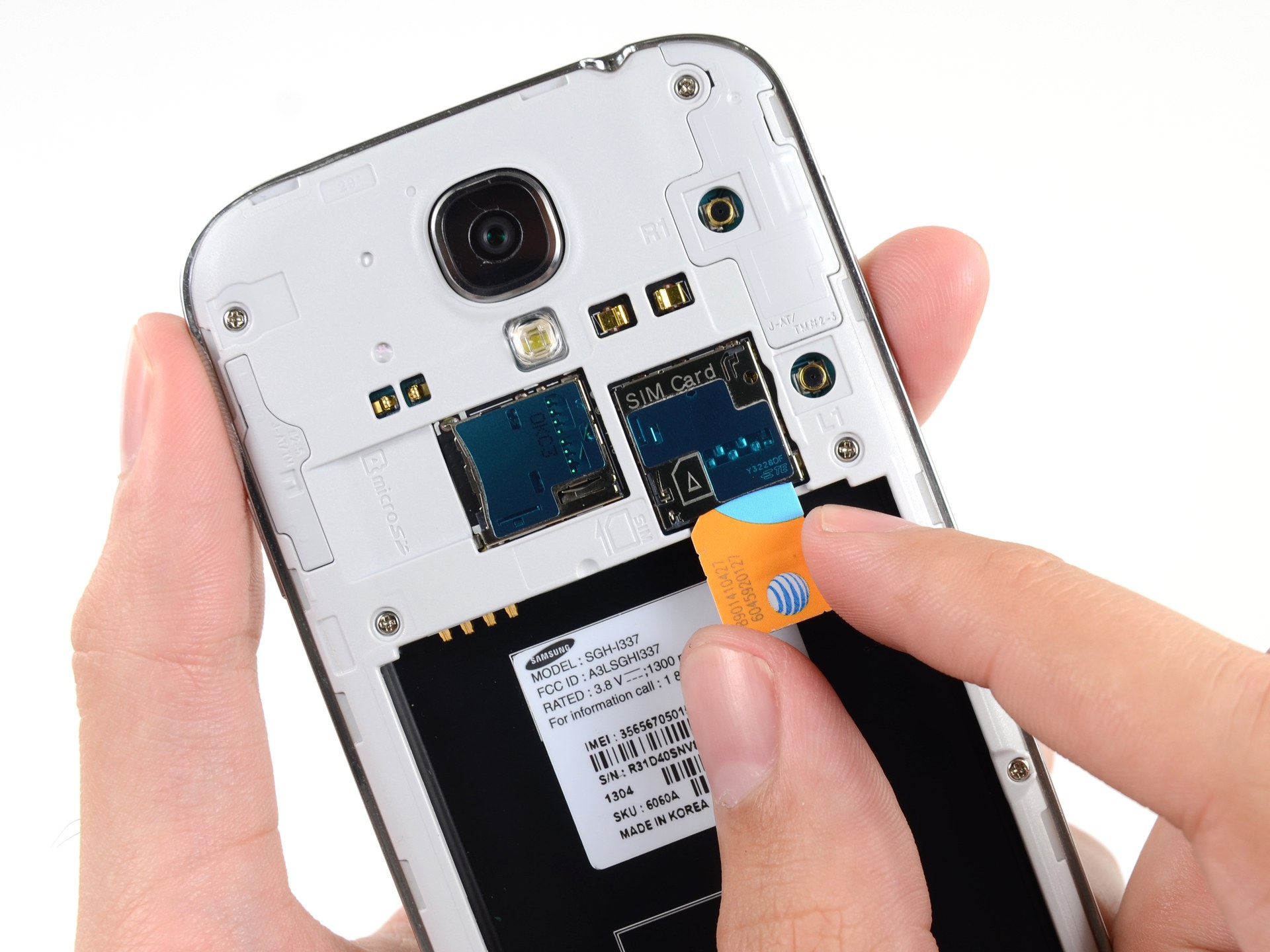
How To Remove Battery From Android Phone

To remove battery from android phone, you first need to know why you are doing it and whether your phone even allows it. Most modern Android phones have sealed, non-removable...

How To Reset A Nokia Phone

To reset a Nokia phone, you can choose between a soft restart that keeps all your data or a factory reset that erases everything. A soft reset is the first...

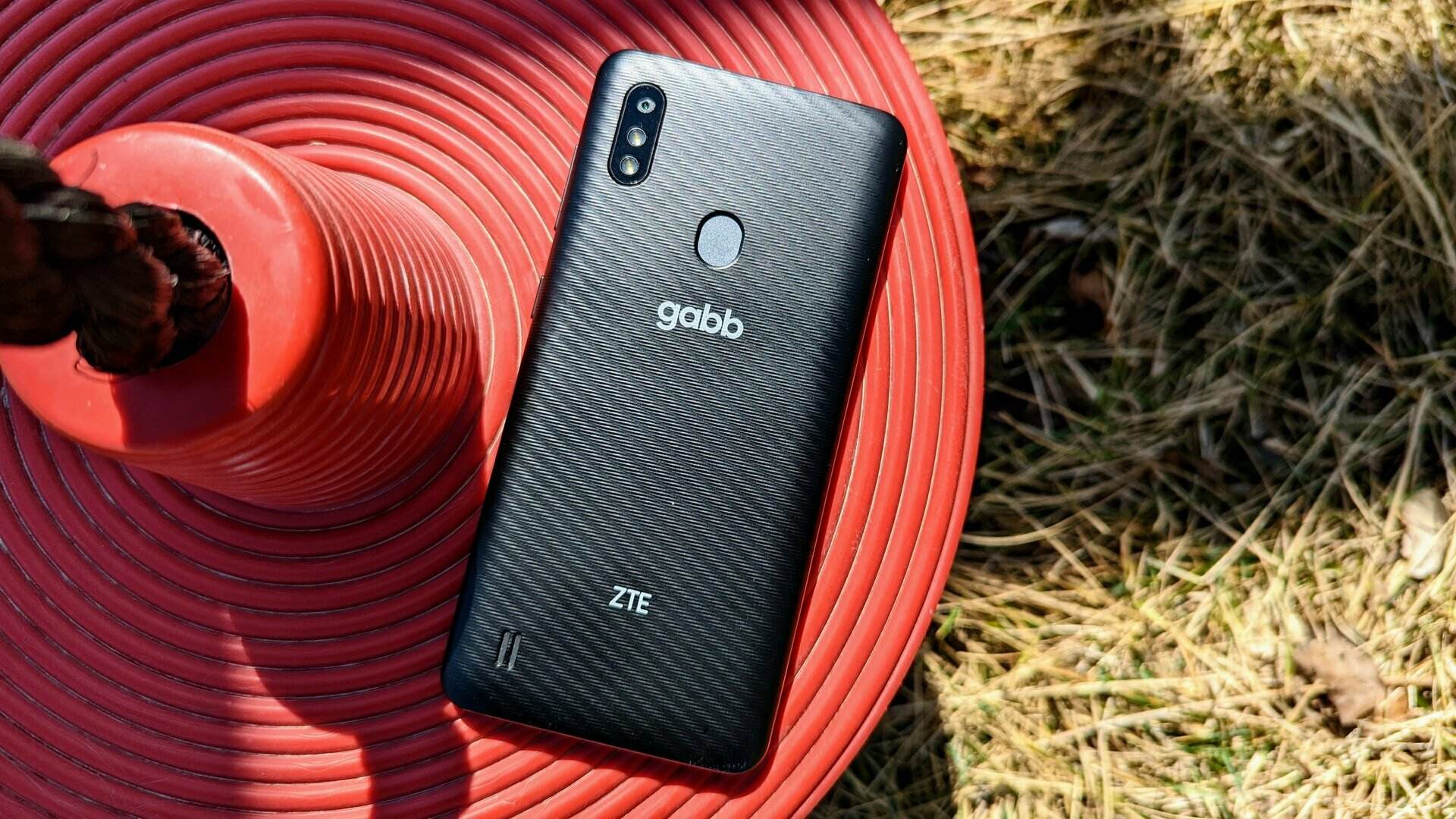
How To Set Up Gabb Phone

To set up a Gabb Phone for your child, you must start at Gabb's official activation portal on your computer or phone browser, not by tapping through the phone's built-in...

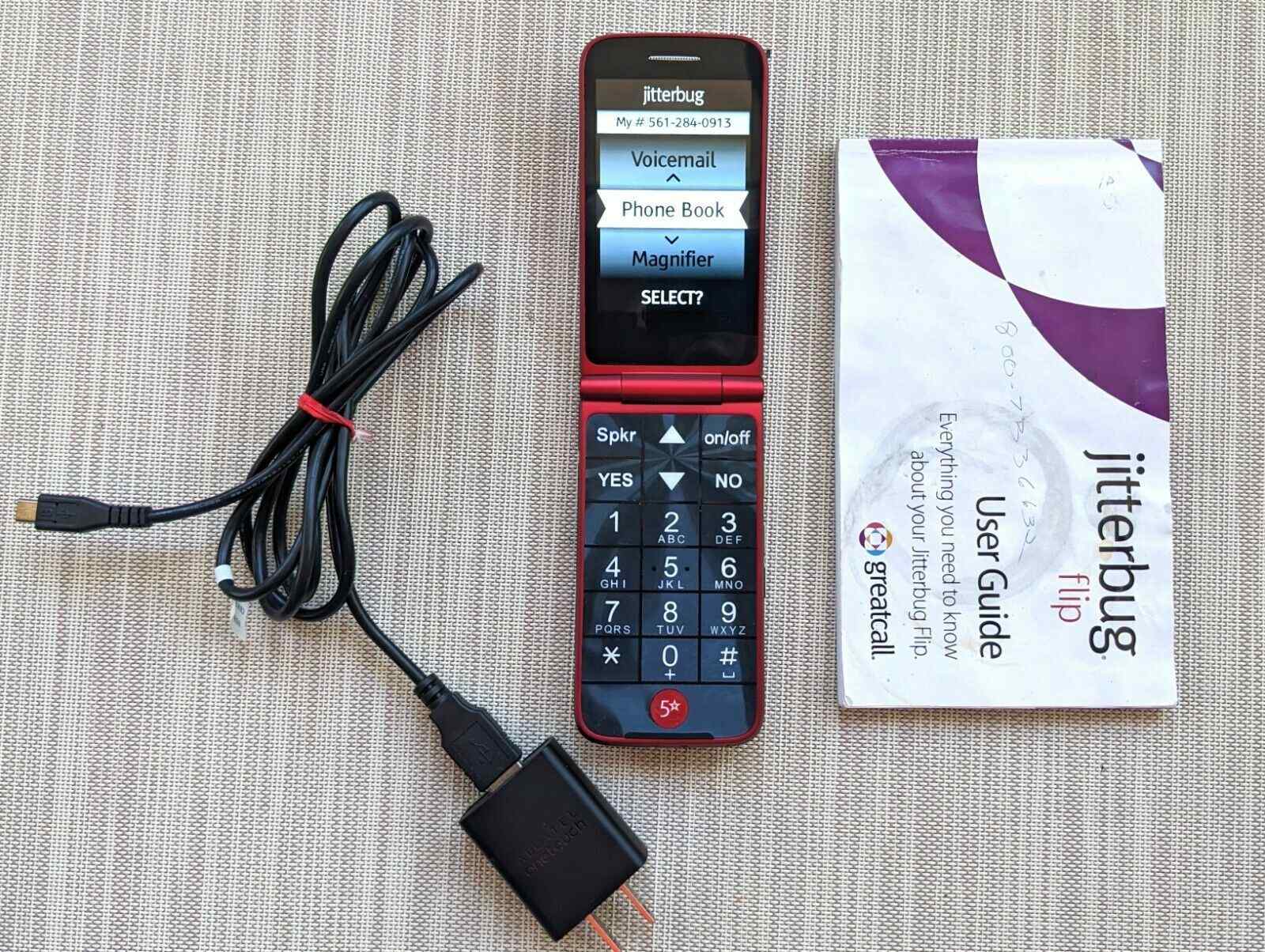
How To Set Up Jitterbug Flip Phone

To set up Jitterbug flip phone, you must first activate it by creating a Lively account online at Lively.com/Activate or by calling 1-888-900-1367. Online activation costs $25, while activating over...

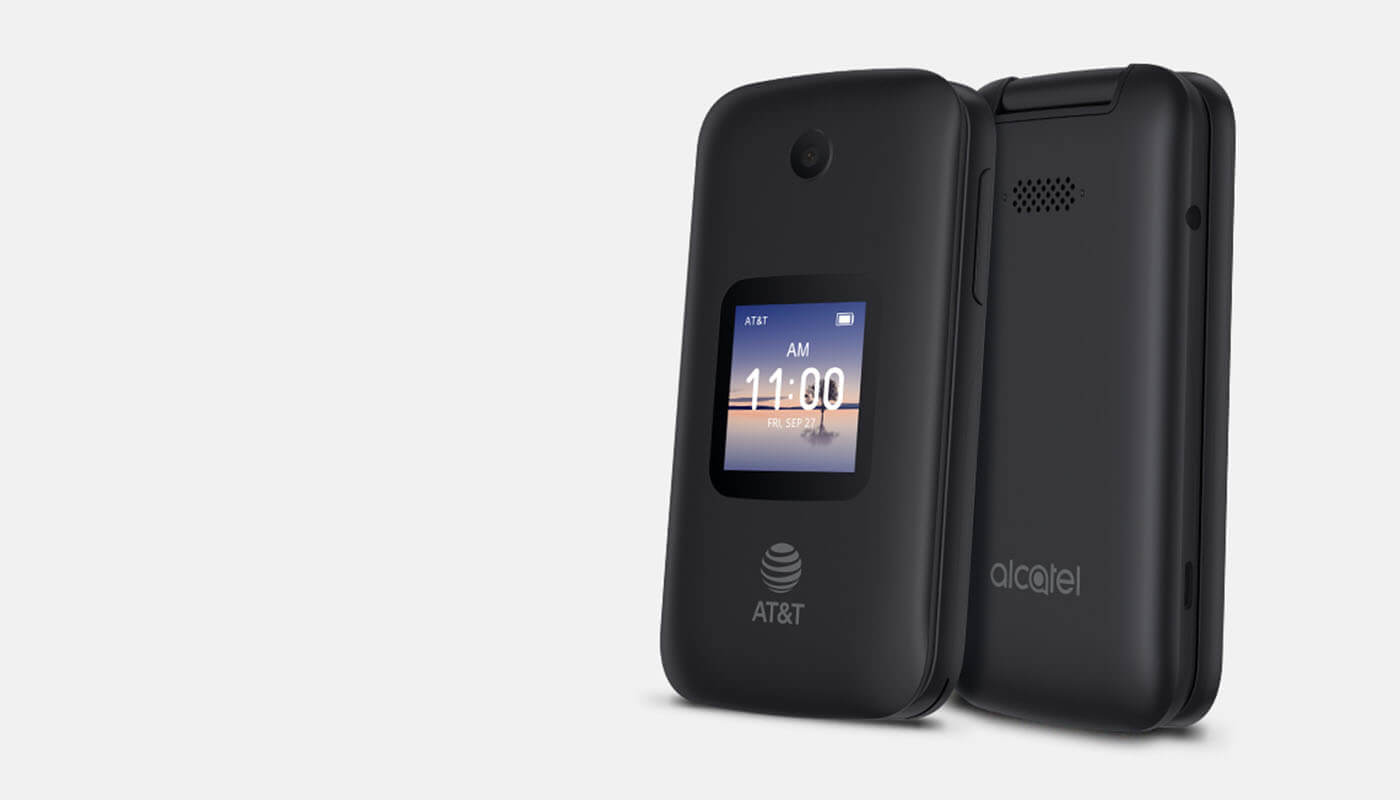
How To Turn On Alcatel Flip Phone

To turn on an Alcatel flip phone, press and hold the End/Power key (or the Power/Back/Hang up button on the AT&T SmartFlip) until the screen lights up or the phone...

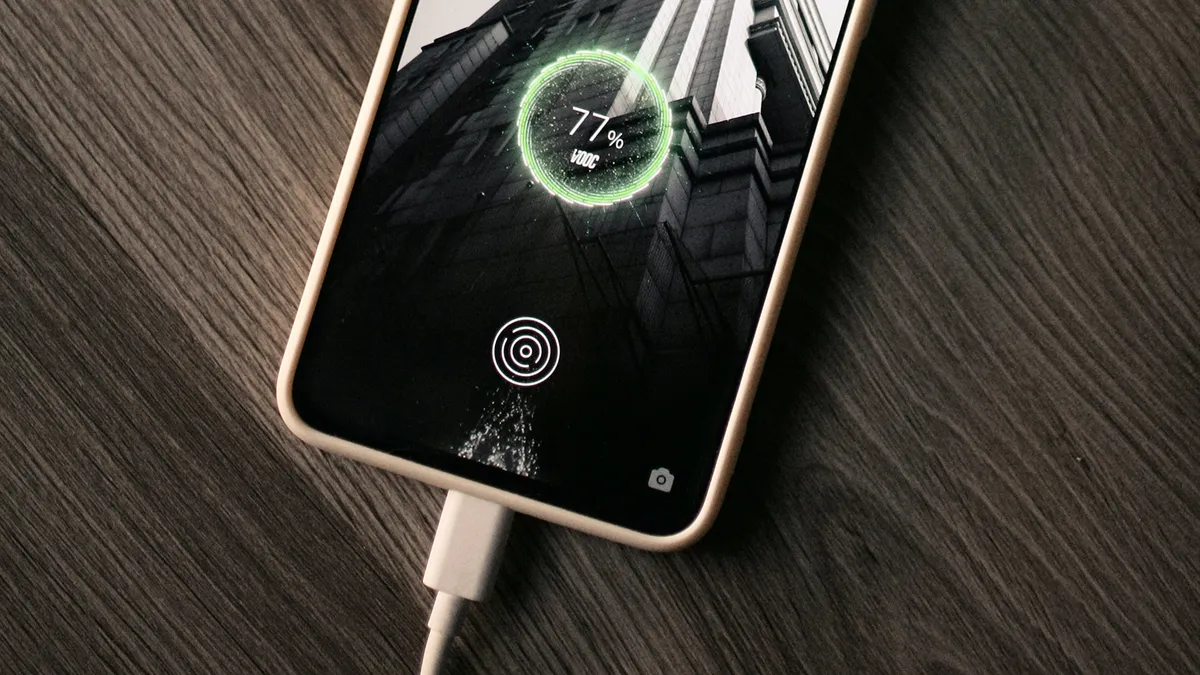
How To Tell If Phone Is Charging

To tell if your phone is charging, plug it in and look for the charging icon on the battery indicator in the status bar; a lightning bolt symbol or similar...

How To Track A Dead Phone

Yes, you can track a dead phone, but only if you enabled the necessary settings before it lost power. For iPhones, the Find My network can show a last known...

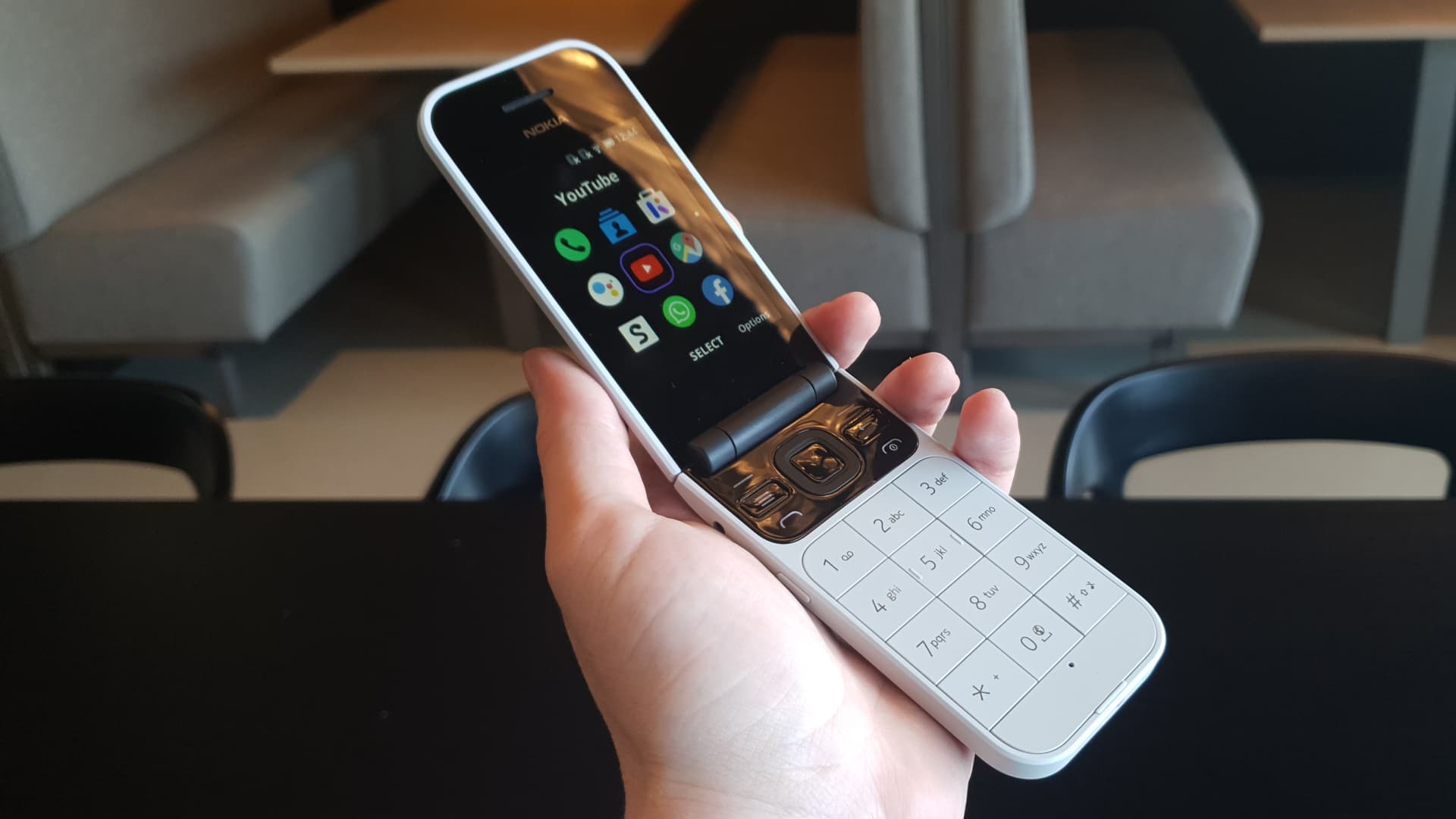
How To Turn Off Nokia Flip Phone

To turn off a Nokia flip phone, press and hold the Power or End key, then select Power off from the on-screen menu and confirm if prompted. This simple hardware-button...

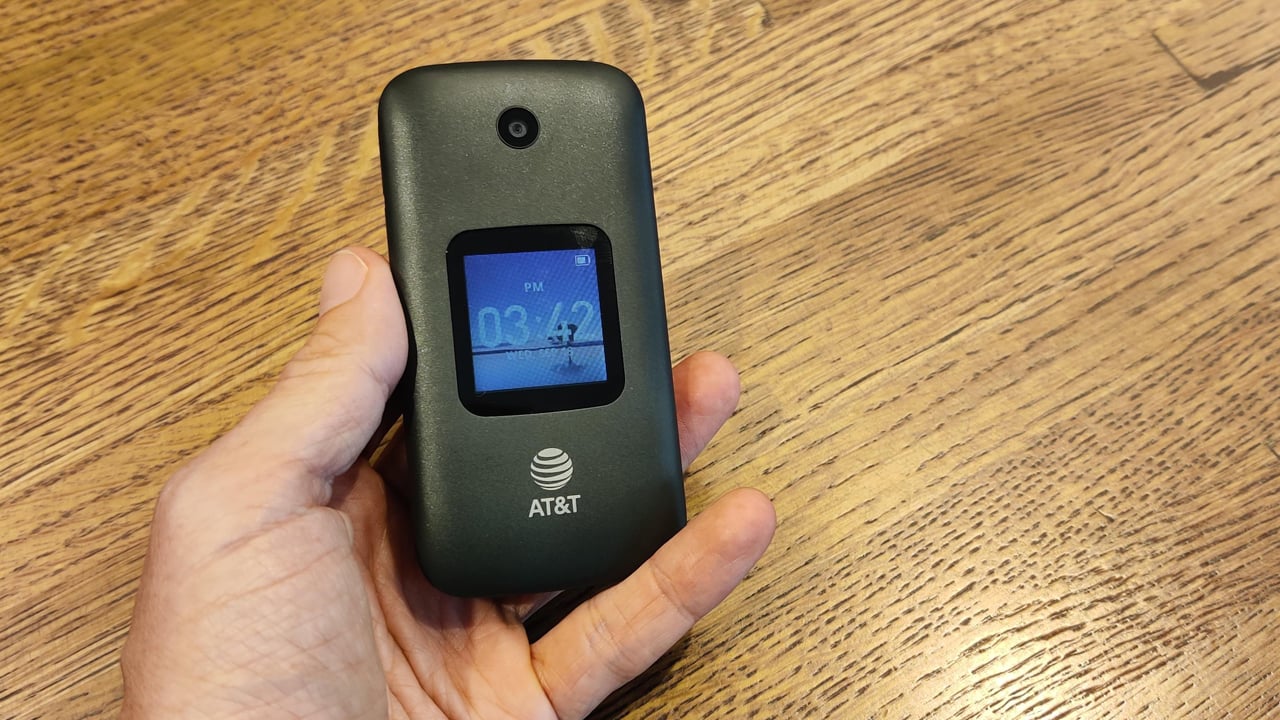
How To Turn On AT&T Flip Phone

To turn on an AT&T flip phone, press and hold the phone’s power key until the screen lights up. The exact button name and location vary by model, but the...