Start here: battery

All topics →

Welcome to the Battery tag on CellularNews. This collection is for anyone who owns a mobile phone, a power bank, or wireless earbuds and needs practical, no-nonsense answers about keeping them powered. Whether you are troubleshooting a charging issue, figuring out how to use a new accessory, or just curious about the technology behind your phone’s battery, these articles are written to help you solve real-world problems.

The articles here break down into a few clear themes. One major group focuses on power banks and portable chargers: you will find straightforward guides on how to charge a Romoss or Anker power bank for the first time, how to turn on a Miady power bank, and how to tell if a Belkin power bank is actually charging. Another set of articles tackles wireless and device-specific charging, explaining how wireless charging works on a phone, how to charge a selfie stick, and what to do when you need to find a dead Apple Watch or a dead AirPod. A third theme covers general phone charger knowledge, including what type of phone charger you need, how a cell phone charger works, and how to protect your phone charger cord from damage.

In short, this tag helps you do things like charge a 20000mAh power bank efficiently, understand what a 4000mAh rating actually means, add the AirPod battery widget to your phone, and even learn who invented the first cell phone charger. No fluff, just the steps and facts you need.
AA, AAA and Standard Battery Specifications

Battery specifications: voltage, capacity and terminology Understanding battery specifications is essential before you test or buy, because labels mix up size, chemistry, and electrical output, which are not the same...

Power Bank Usage and Selection

First, understand what a power bank is and how to use it Learning how to use a power bank starts with understanding the basics: a power bank is a portable...

Gamepad Setup and Troubleshooting

Understand your hardware for gamepad setup A smooth gamepad setup starts with understanding your hardware. Before you change any settings, it helps to recognize what you are holding. Most controllers...

Troubleshooting Wireless Earbuds

Wireless earbuds troubleshooting: power and basic controls Wireless earbuds troubleshooting often starts with power because most models turn on automatically when you lift them from the charging case. They shut...

How To Turn Off Google Phone

To turn off your Google phone, press and hold the power button until the power menu appears, then tap "Power off." This is the primary method for physically powering down...

Why Did My Google Phone Turn Red?

If your Google phone screen turned red, the cause is almost always one of three documented issues: a completely drained battery, a software glitch, or a display hardware problem. Why...

How To Turn On IPhone 11 Wireless Charging

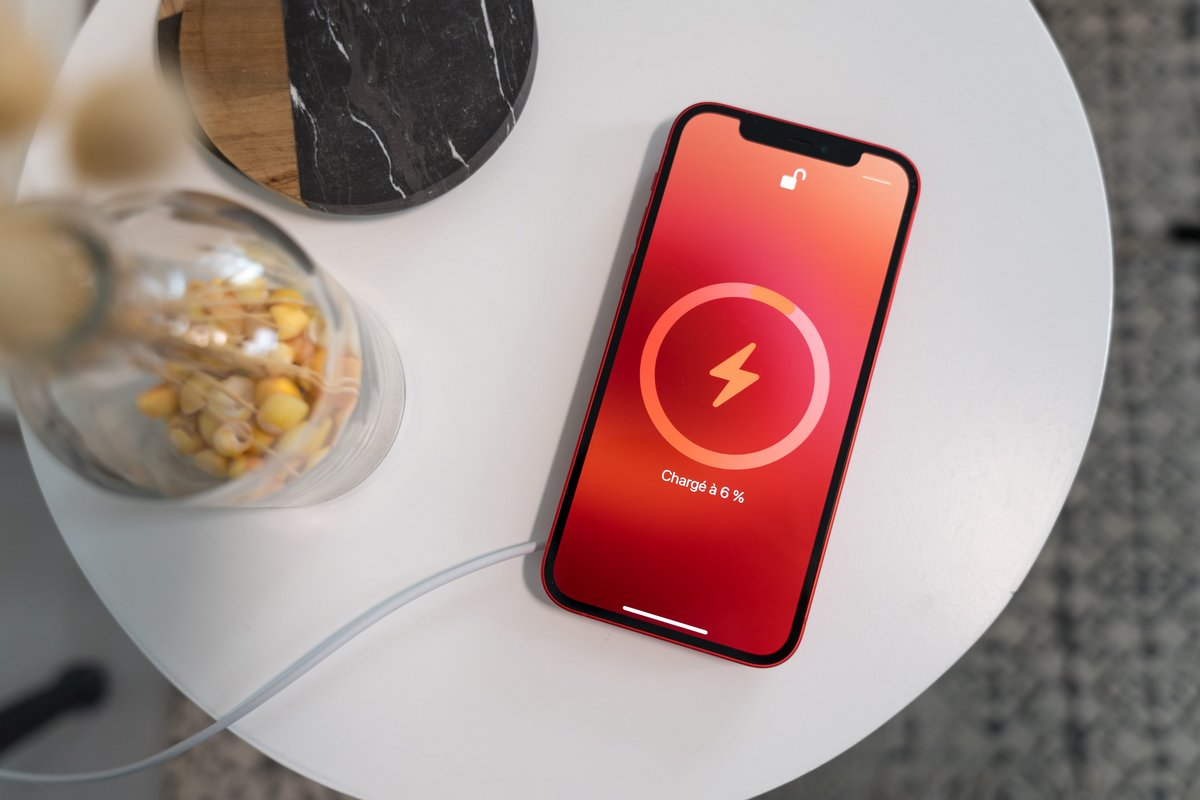
To turn on iPhone 11 wireless charging, you do not need to enable any setting, toggle, or menu, the feature is always active and starts automatically the moment you place...

What Is A Moto G Play

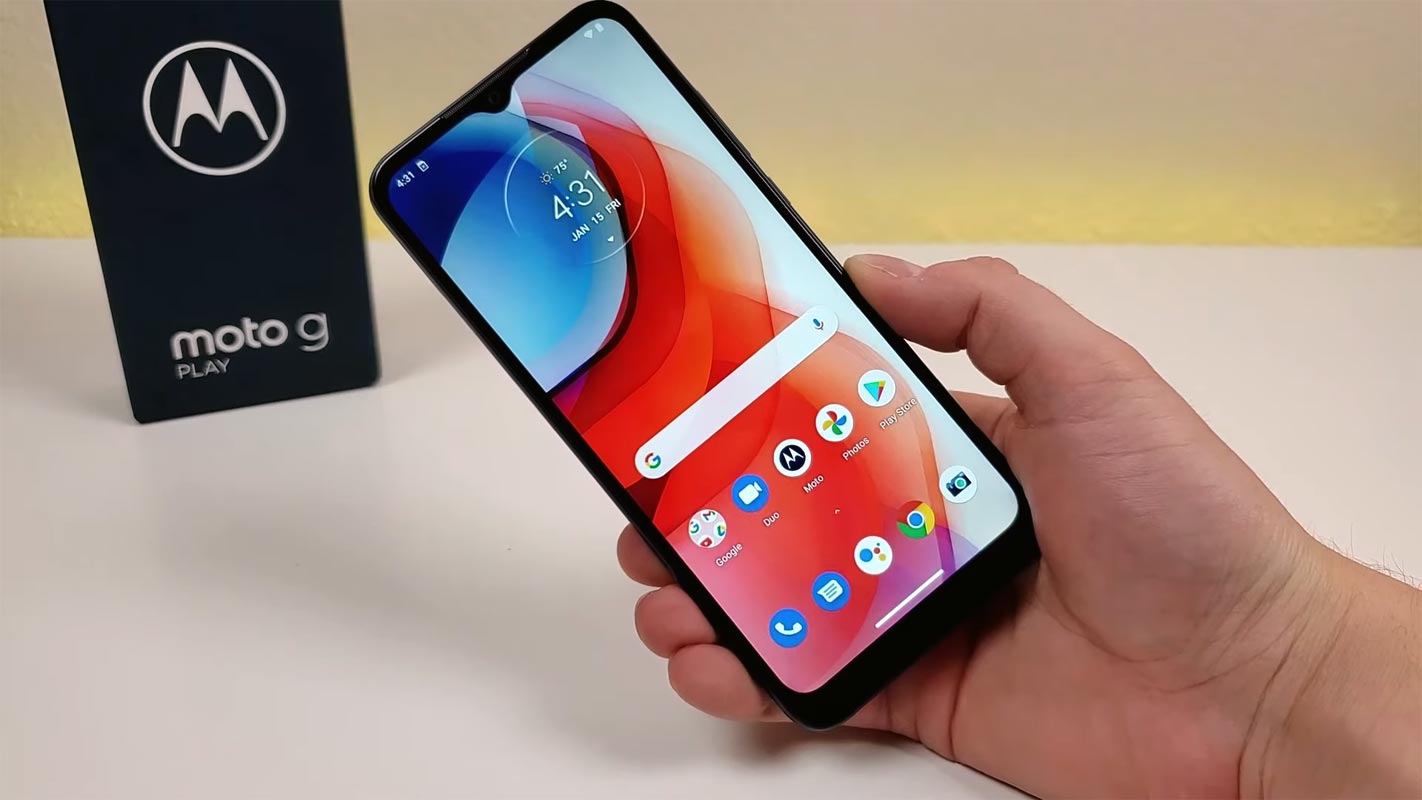
The Moto G Play is Motorola's annual budget phone line, and the current moto g play 2026 model features a 6.7-inch display and a 5,200 mAh battery. It is designed...

How To Factory Reset Motorola Edge

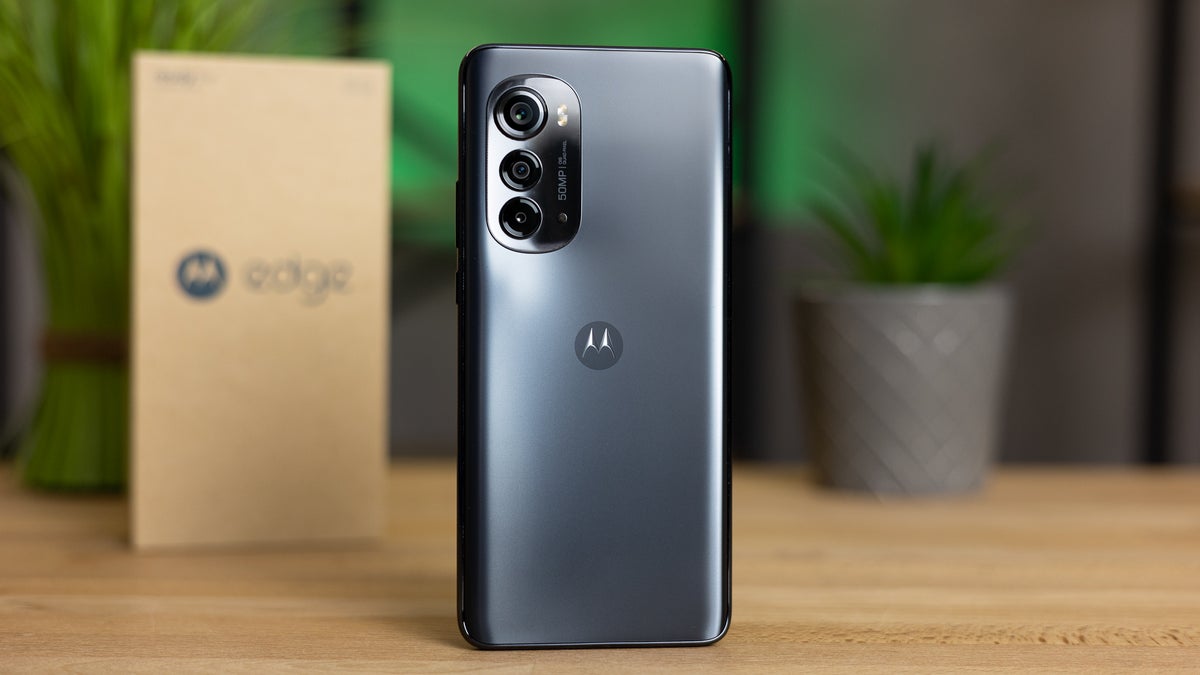
To factory reset a Motorola Edge, you can use either the Settings menu or a hardware-key combination, and both methods will erase all data and restore the phone to its...

How To Restart Galaxy S21 Ultra

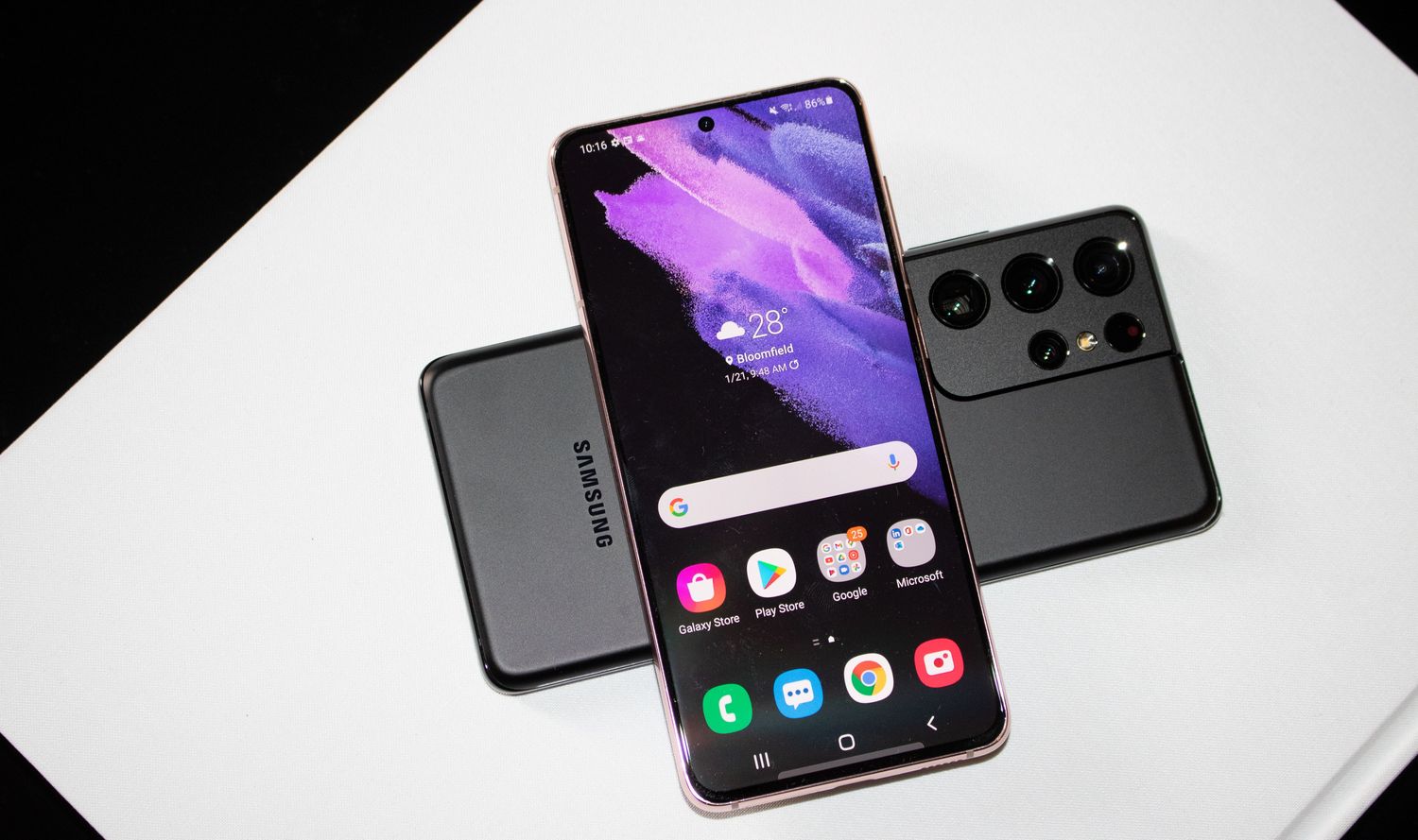
To restart your Galaxy S21 Ultra, press and hold Volume down and Side at the same time until the power menu appears, then tap Restart and confirm by tapping Restart...

How To Set Up A Moto G Phone

To set up a Moto G phone, you need to charge it, insert your SIM card, and then follow the on-screen Android setup flow to connect to Wi-Fi and finish...