Welcome to the Battery tag on CellularNews. This collection is for anyone who owns a mobile phone, a power bank, or wireless earbuds and needs practical, no-nonsense answers about keeping them powered. Whether you are troubleshooting a charging issue, figuring out how to use a new accessory, or just curious about the technology behind your phone’s battery, these articles are written to help you solve real-world problems.

The articles here break down into a few clear themes. One major group focuses on power banks and portable chargers: you will find straightforward guides on how to charge a Romoss or Anker power bank for the first time, how to turn on a Miady power bank, and how to tell if a Belkin power bank is actually charging. Another set of articles tackles wireless and device-specific charging, explaining how wireless charging works on a phone, how to charge a selfie stick, and what to do when you need to find a dead Apple Watch or a dead AirPod. A third theme covers general phone charger knowledge, including what type of phone charger you need, how a cell phone charger works, and how to protect your phone charger cord from damage.

In short, this tag helps you do things like charge a 20000mAh power bank efficiently, understand what a 4000mAh rating actually means, add the AirPod battery widget to your phone, and even learn who invented the first cell phone charger. No fluff, just the steps and facts you need.
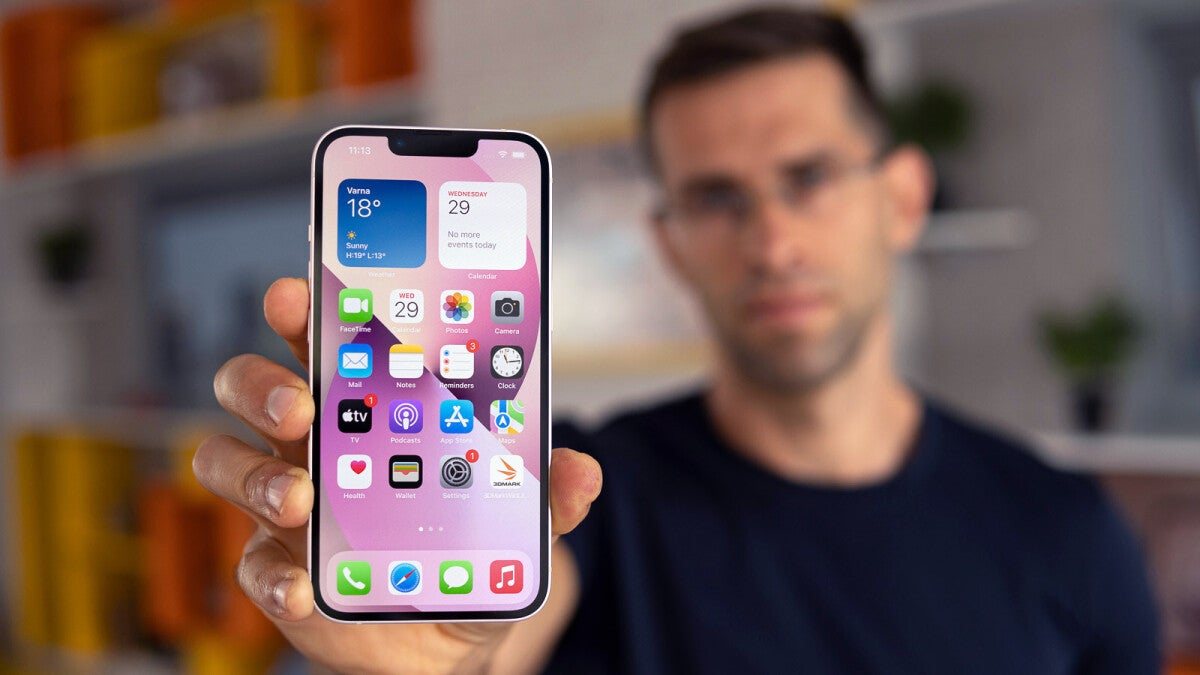
How To Change Your Battery Color On IPhone 13

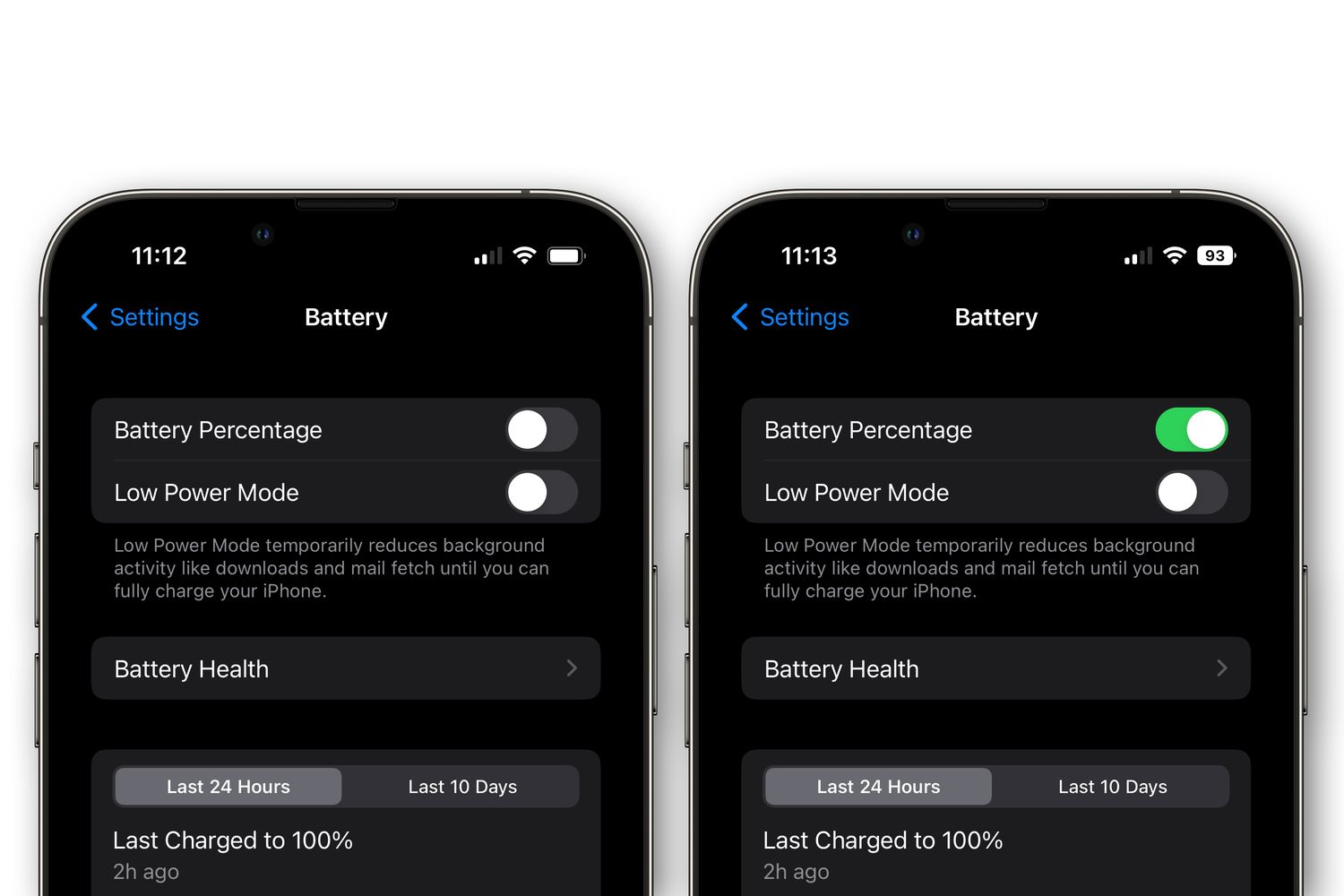
To change battery color on iPhone 13, you need to know that the only system-level battery color change is the yellow indicator that appears when Low Power Mode is enabled....

Why Is My IPhone 13 Pro Max So Hot

If your iPhone 13 Pro Max feels unusually hot, the heat is most often caused by charging (especially while using the phone), high ambient temperature or direct sunlight, or the...

Why Is My IPhone 13 Being Slow

If you’re wondering why is my iPhone 13 being slow, the most common causes are low storage space, background activity, and other factors Apple has documented. Why is my iPhone...

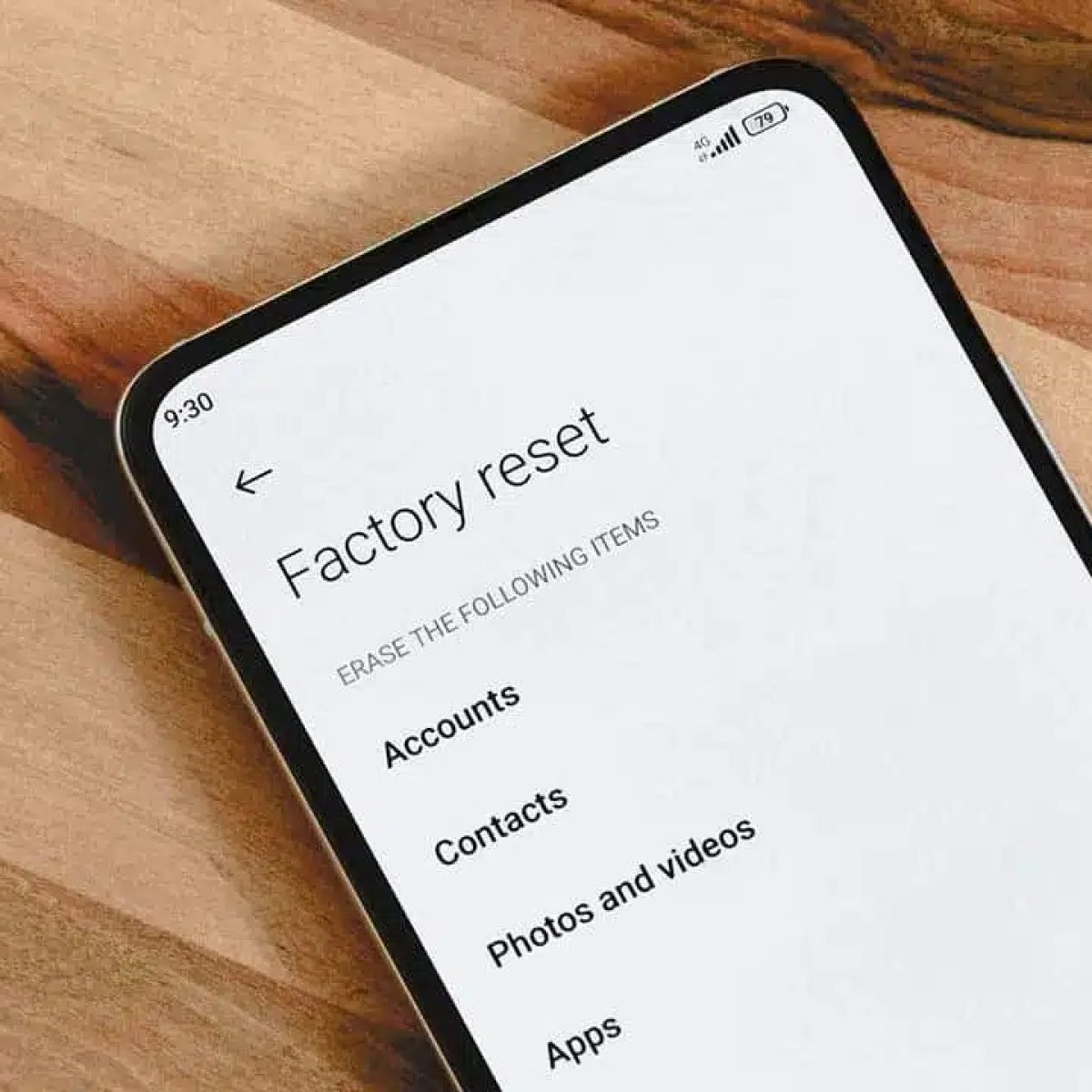
How To Factory Reset Moto G Power 2022

To factory reset Moto G Power 2022, open Settings, go to System > Reset options > Erase all data (factory reset), and tap Reset Phone. If the phone is locked...

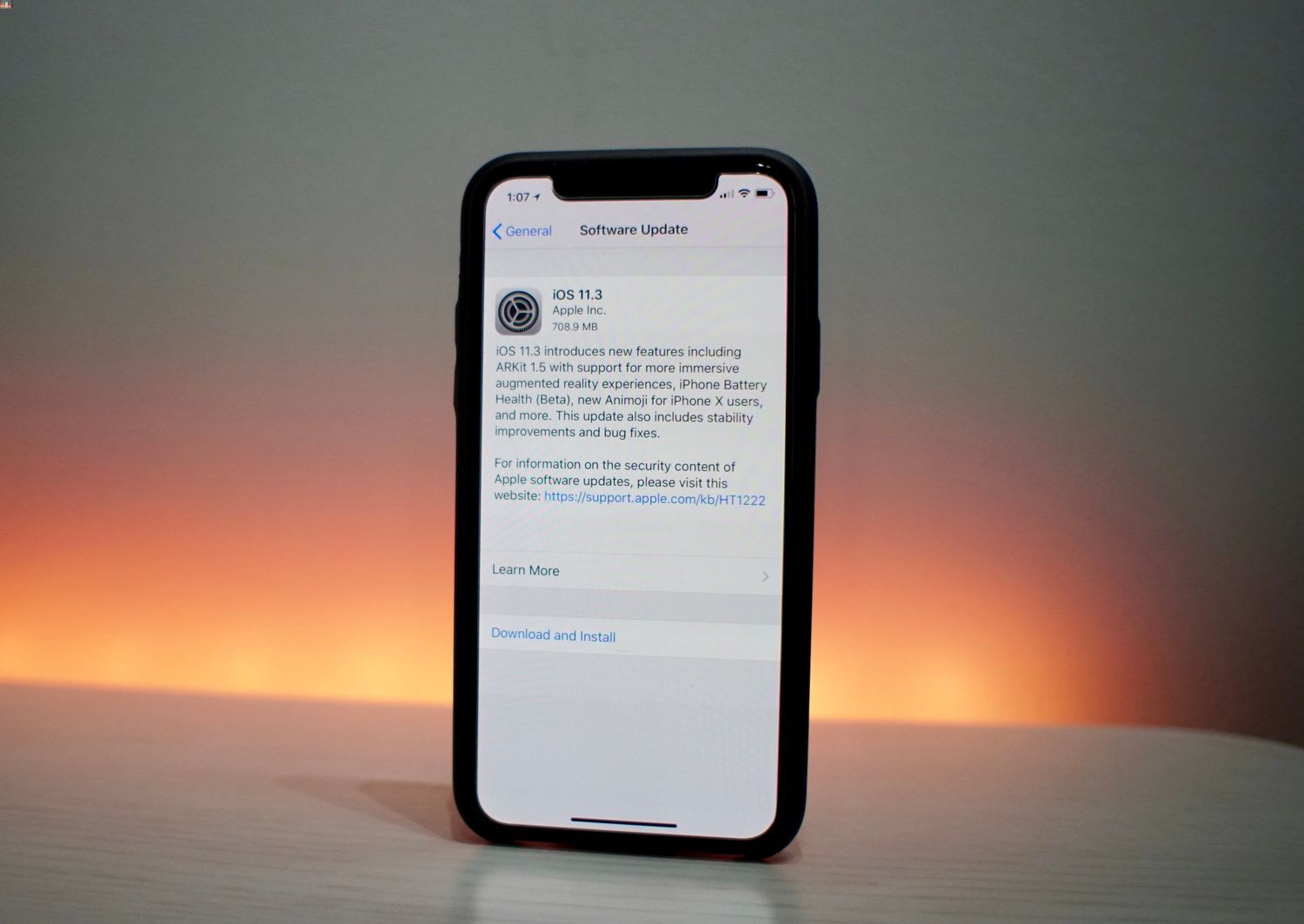
How To Disable iPhone Performance Throttling In iOS 11.3

To disable iPhone performance throttling in iOS 11.3, open Settings, tap Battery, tap Battery Health, and turn off the performance-management feature if it appears. This toggle only shows up after...

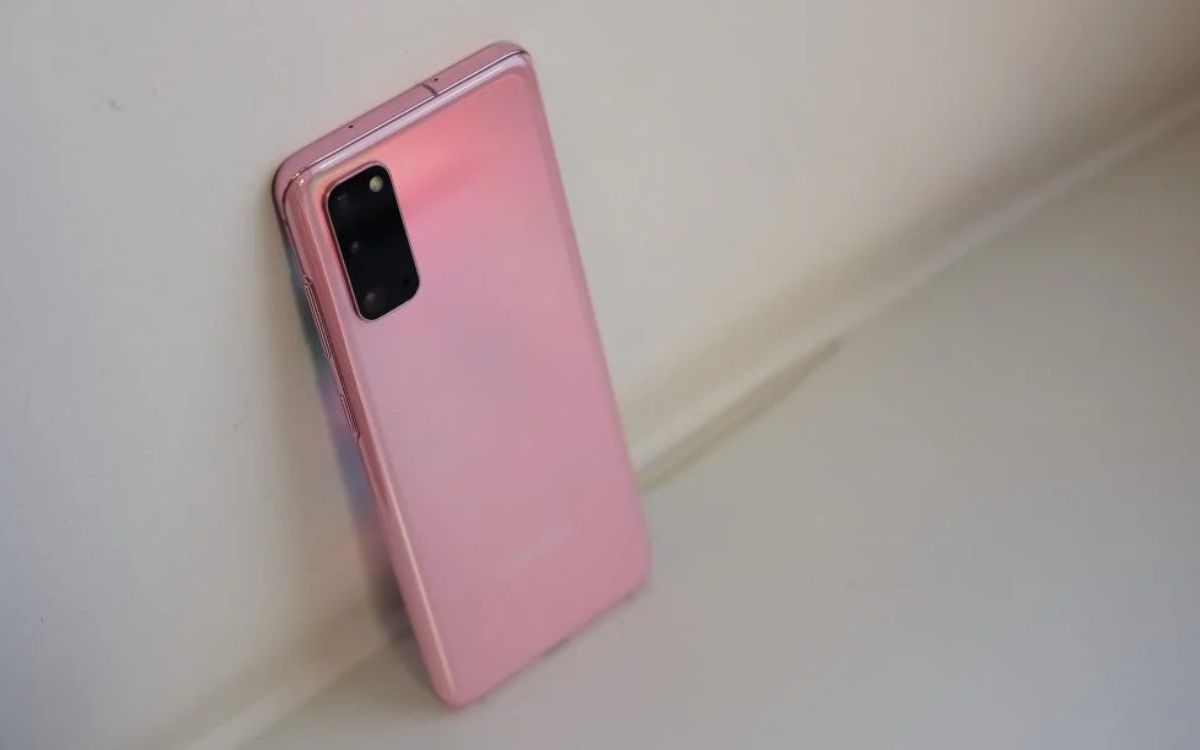
How To Open Samsung S20 Phone

To open your Samsung S20 phone, press and hold the Side button until the Samsung logo appears. What 'opening' your Samsung S20 really means When you search for "how to...

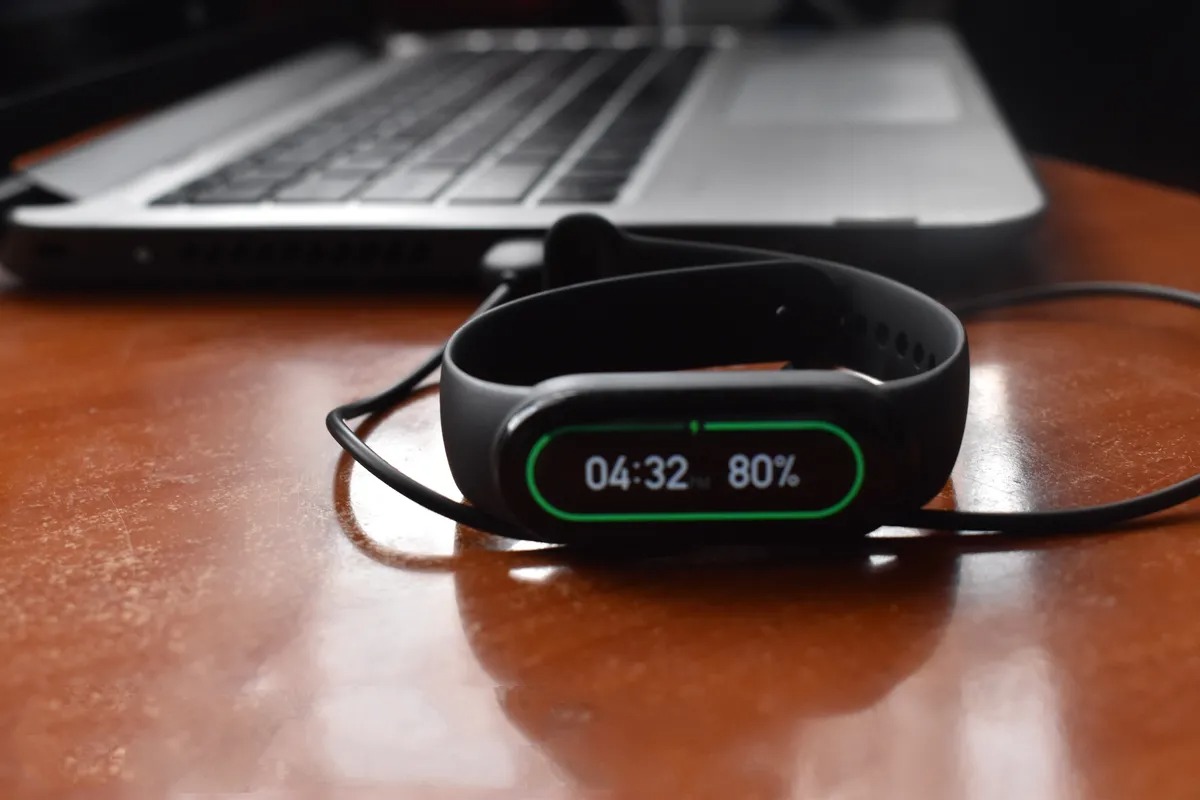
How To Turn On Xiaomi Mi Band

To turn on a Xiaomi Mi Band that is off because the battery drained, simply connect it to its charger and wait; the band will turn on automatically once it...

Why Do Stylus Pens Need To Be Charged?

Only active stylus pens with internal electronics need to be charged. Passive capacitive styluses, which simply mimic the electrical properties of a human finger, require no power at all, which...