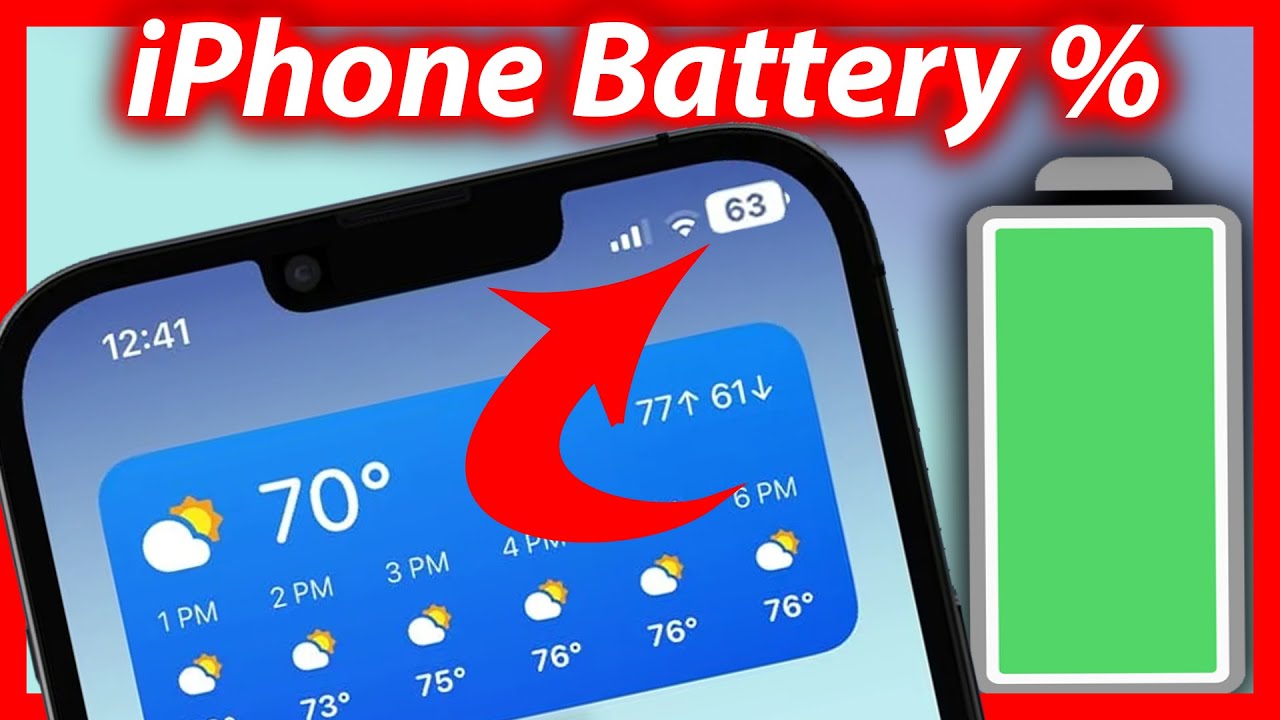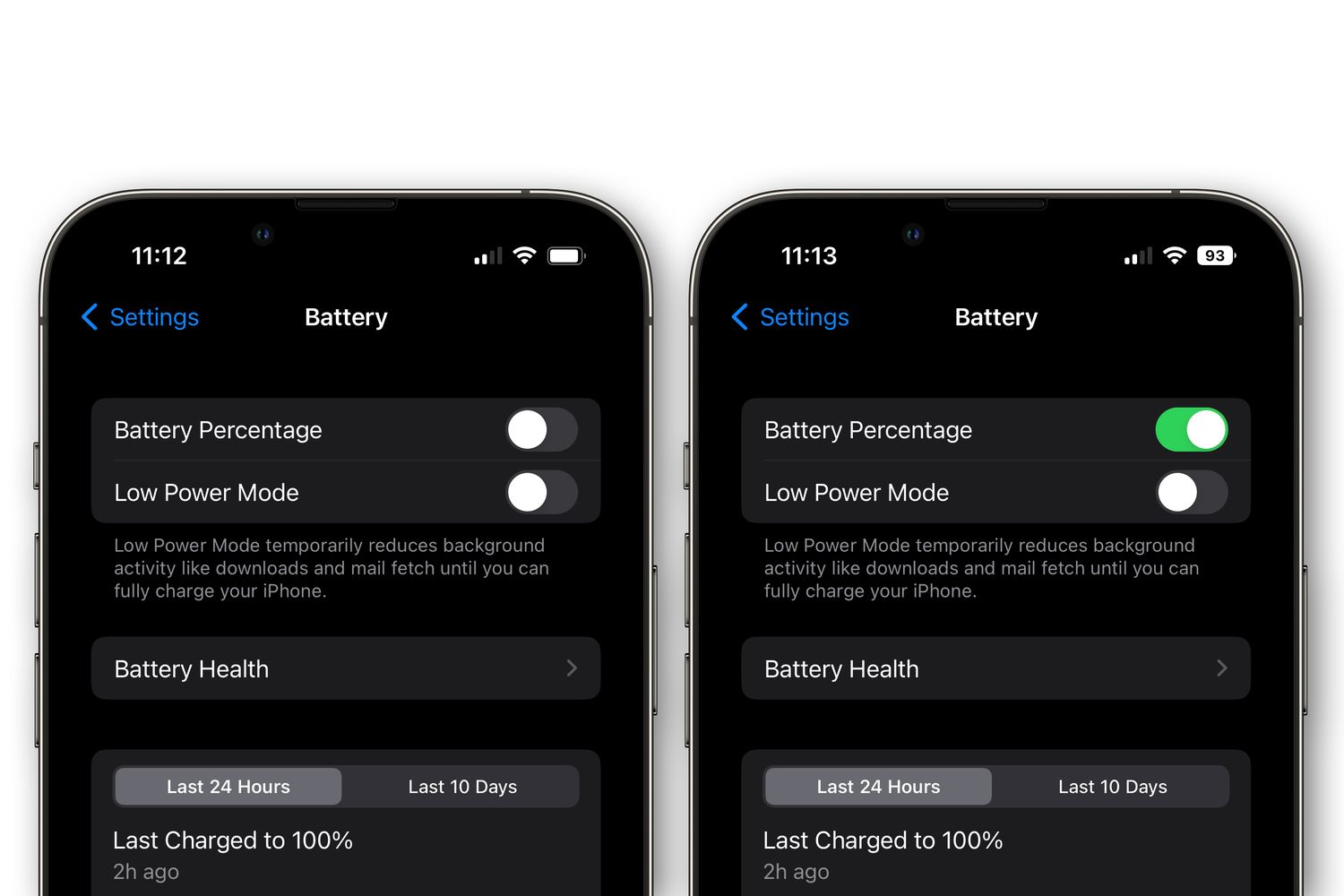
To change battery color on iPhone 13, you need to know that the only system-level battery color change is the yellow indicator that appears when Low Power Mode is enabled. This is not a customization feature, it is a built-in alert that your phone has automatically reduced power consumption.
Why your iPhone 13 battery color changed to yellow
If you see a yellow battery icon in the status bar of your iPhone 13, it means Low Power Mode is turned on. This is the only time the battery icon changes color as part of the operating system. The yellow color is designed to remind you that power-saving features are active. Many users notice this change after their battery drops to 20% or 10%, when iOS prompts them to enable Low Power Mode.
How to turn off Low Power Mode and restore your battery color
Backup your device before making changes, in case something goes wrong. Turning off Low Power Mode returns the battery icon to its default color. Follow these steps:
- Open the Settings app on your iPhone 13.
- Tap Battery.
- Toggle the switch next to Low Power Mode to the off position.
Once you do this, the battery icon will immediately revert from yellow to its standard color.
Add a Low Power Mode toggle to Control Center for quick access
If you want to quickly turn Low Power Mode on or off, and therefore control the battery color change, you can add a dedicated toggle to Control Center. This saves you from digging into Settings each time.
- Go to Settings > Control Center.
- Scroll down to find Low Power Mode in the list of available controls.
- Tap the green plus (+) icon next to it.
Now, when you open Control Center, you will see a battery icon button. Tapping it instantly enables or disables Low Power Mode, which also changes the battery color back and forth.
What happens when Low Power Mode is on
Low Power Mode extends battery life by temporarily reducing background activity and visual performance. When it is active, your iPhone 13 limits 5G connectivity for certain tasks, reduces display brightness, lowers the refresh rate on ProMotion screens, pauses iCloud Photos syncing, stops automatic downloads, and reduces email fetch frequency. It also minimizes visual effects and animations. The yellow battery icon is simply a visual cue that these power-saving measures are in effect. Adjusting brightness and display color is one of the ways Low Power Mode conserves energy, but you can manually override the brightness setting at any time. Using third-party apps may consume additional system resources and impact battery life.
Frequently Asked Questions
Can I change the battery icon to any color I want?
No. Without jailbreaking your iPhone 13, there is no native or approved third-party method to change the battery icon to a custom color. The only color change the system supports is the yellow Low Power Mode indicator. Third-party apps that claim to change the battery icon color typically cannot modify the system status bar on a non-jailbroken device. The Accessibility > Display & Text Size > Color Filters > Color Tint method changes the entire display color, not just the battery icon. Third-party apps like Battery Widget Reborn, Power Battery, and Battery Saver are named as options some users try for customization.
Does changing the battery cover or case change the icon color?
No. A colored battery cover or protective case changes the physical appearance of your iPhone 13's exterior, but it has no effect on the software battery icon displayed on the screen. If you want to personalize the look of your device, a case is a safe option that does not affect system settings.
Will jailbreaking my iPhone 13 let me change the battery color?
Yes, jailbreak tweaks such as PowerColor allow you to customize the battery icon color, including gradients and animated effects. However, jailbreaking voids your warranty, can introduce security vulnerabilities, and may cause system instability. Proceed only if you understand these risks.
Why does my battery icon turn yellow even when I don't enable Low Power Mode?
If you tap "Enable" in the prompt, the icon turns yellow.
Does the yellow battery icon affect performance?
The yellow icon itself does not affect performance, it is just a visual indicator. The actual performance changes come from the power-saving features that Low Power Mode activates, such as reduced brightness and background activity. You can use your phone normally while the icon is yellow, but some features will be limited.
Related reading: How To Change Theme On IPhone 13 and How To Change Caller ID On IPhone 14.