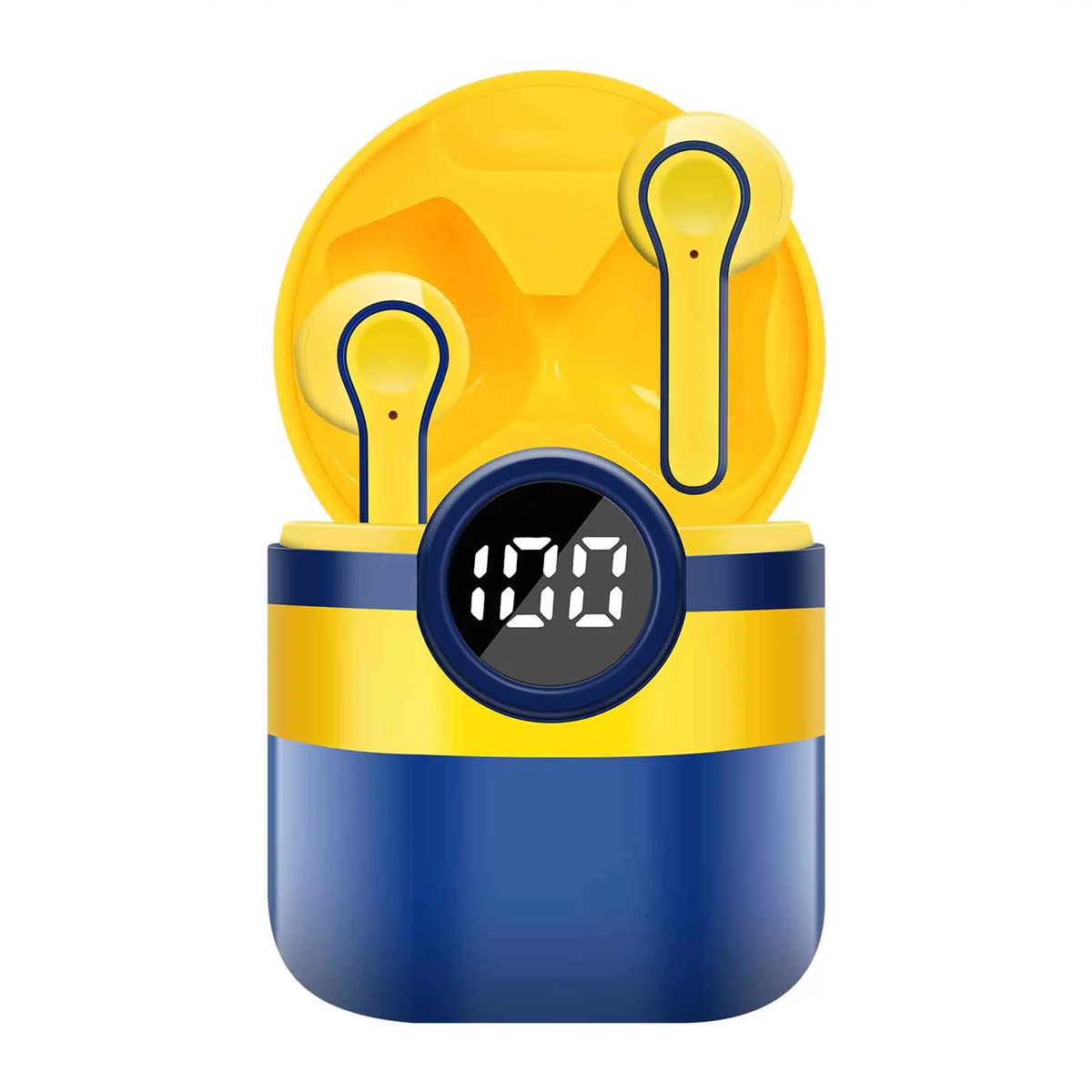
The Bluetooth tag on CellularNews collects guides and troubleshooting articles focused on connecting wireless devices to phones, tablets, and other electronics. This content is for anyone who owns a smartphone, whether Android or iPhone, and needs practical help pairing accessories or solving common connection problems.

The articles address two main themes. The first is connecting everyday accessories like selfie sticks, wireless earbuds, and game controllers to mobile devices. For example, you can learn how to pair a Yunteng or Atumtek selfie stick, how to use a PS4 controller on Apex Mobile, or how to connect Beats wireless earbuds to an Android phone. The second theme is multi-speaker audio setups, with guides on how to play music through two Bluetooth speakers, how to link two JBL speakers together, and how to pair Bluetooth speakers to Alexa or a TV. Several articles also cover fixes for when things go wrong, such as when Apple CarPlay stops working or when your phone isn't ringing.

These articles help the reader perform specific tasks: pair a new accessory, connect multiple speakers for stereo sound, reset network settings to fix Bluetooth issues, or use apps like Steam Link to play PC games on a mobile screen. Whether you are setting up a selfie stick for the first time or trying to get your AirPods working correctly, the guides provide clear, step-by-step instructions to get your devices talking to each other.
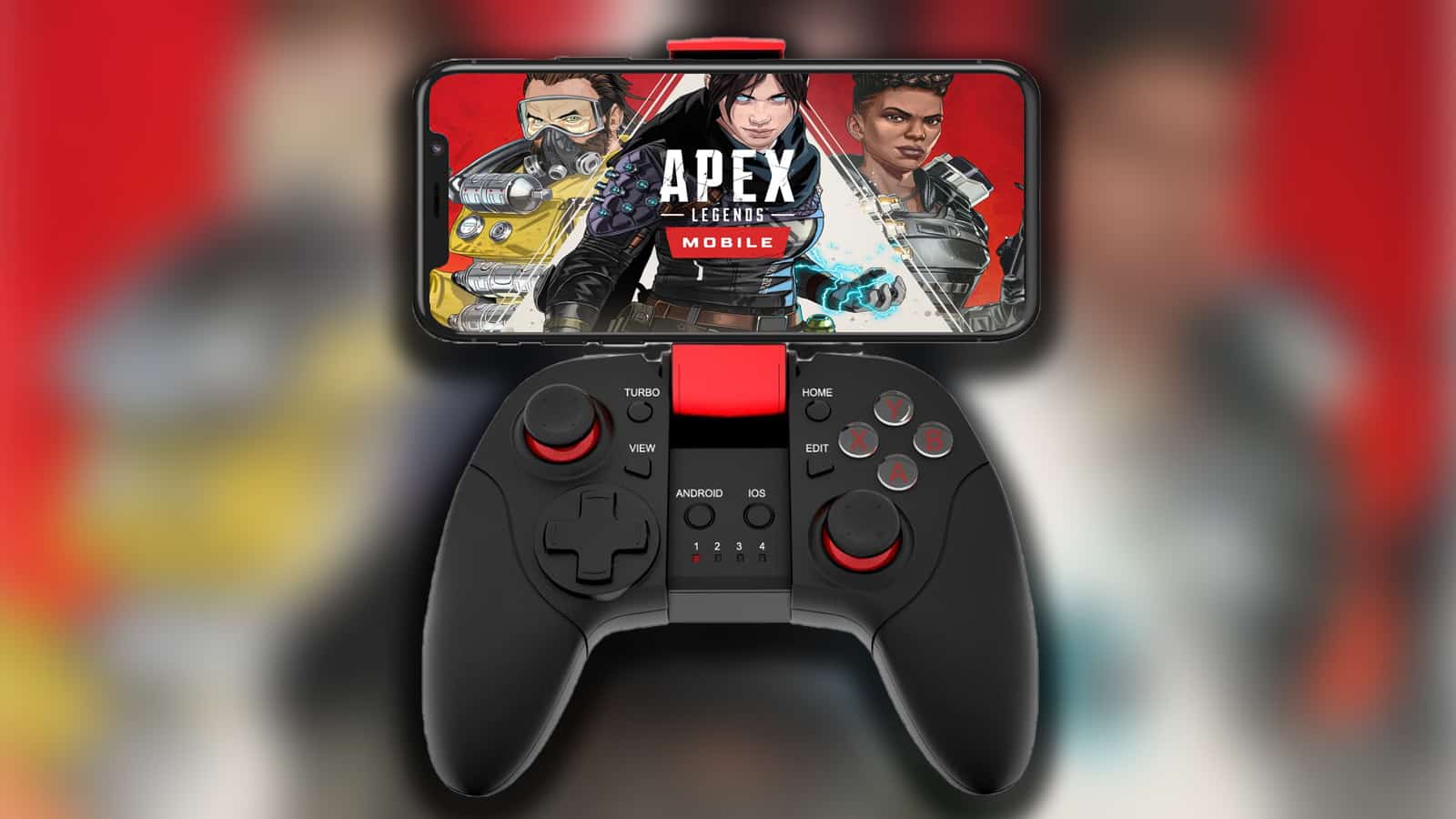
How To Connect Controller To Apex Mobile

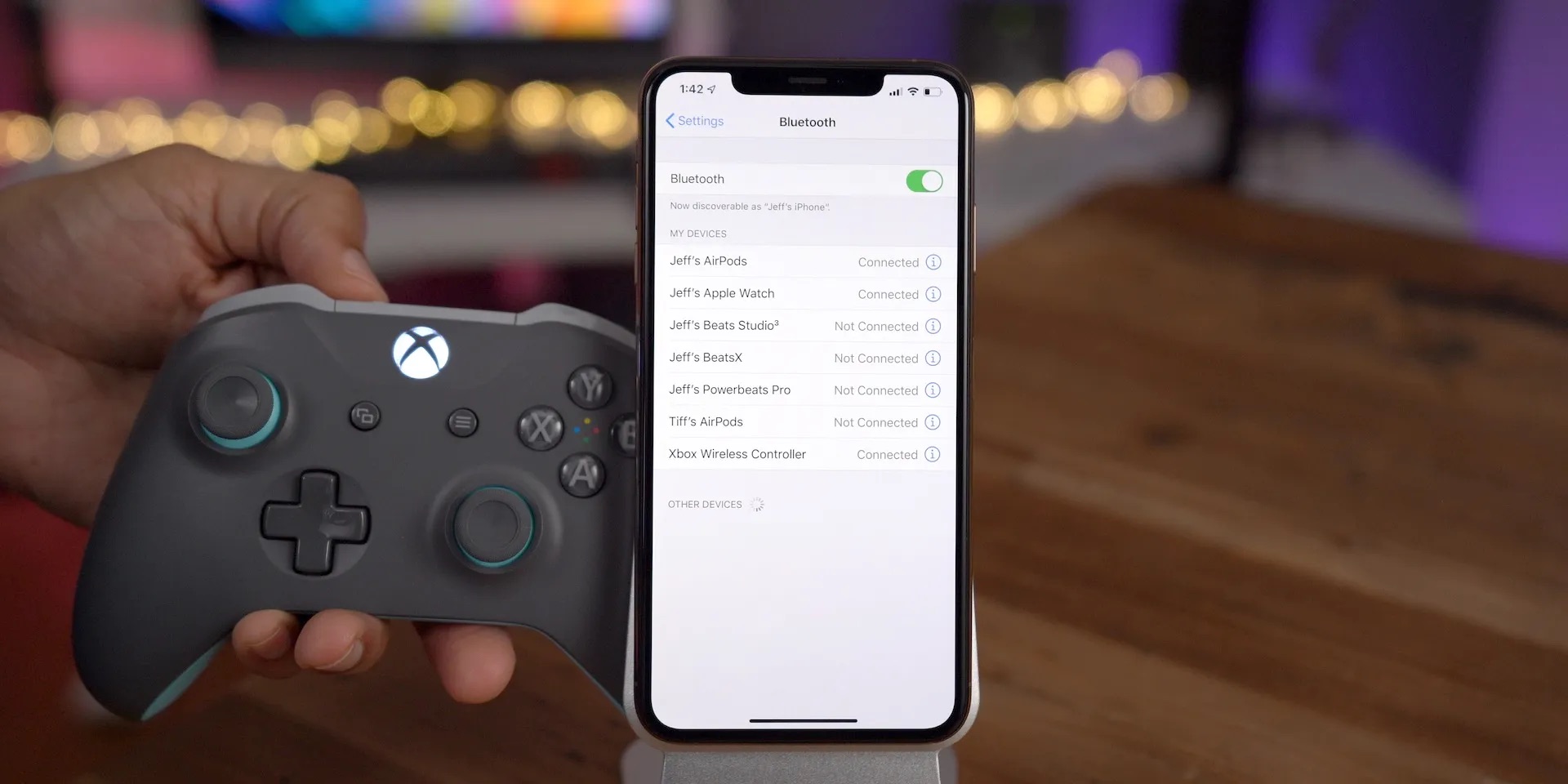
To connect a controller to Apex Legends Mobile, pair your Bluetooth controller in your phone's system settings, then open the game. Controllers only work during gameplay, not in the game's...

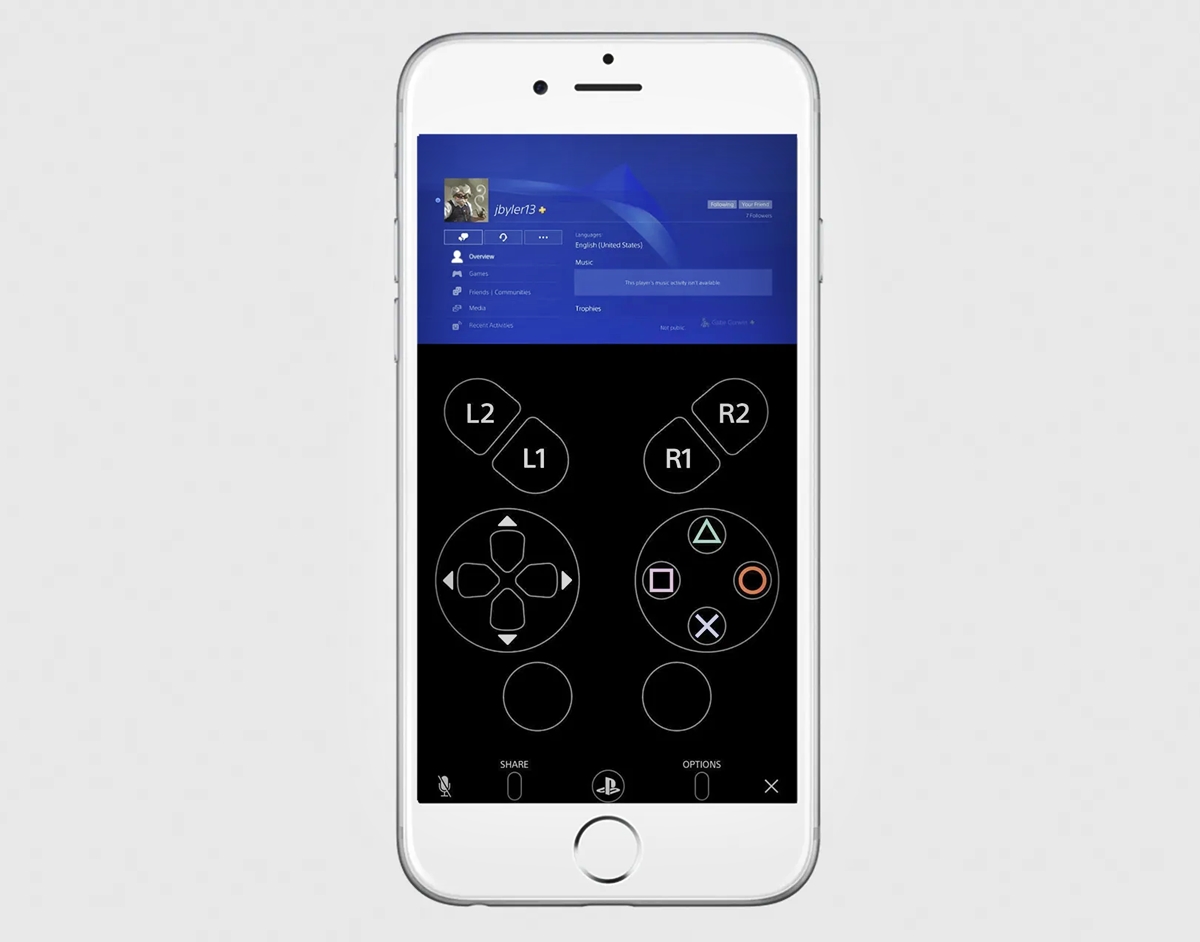
How To Use Phone As Xbox Controller

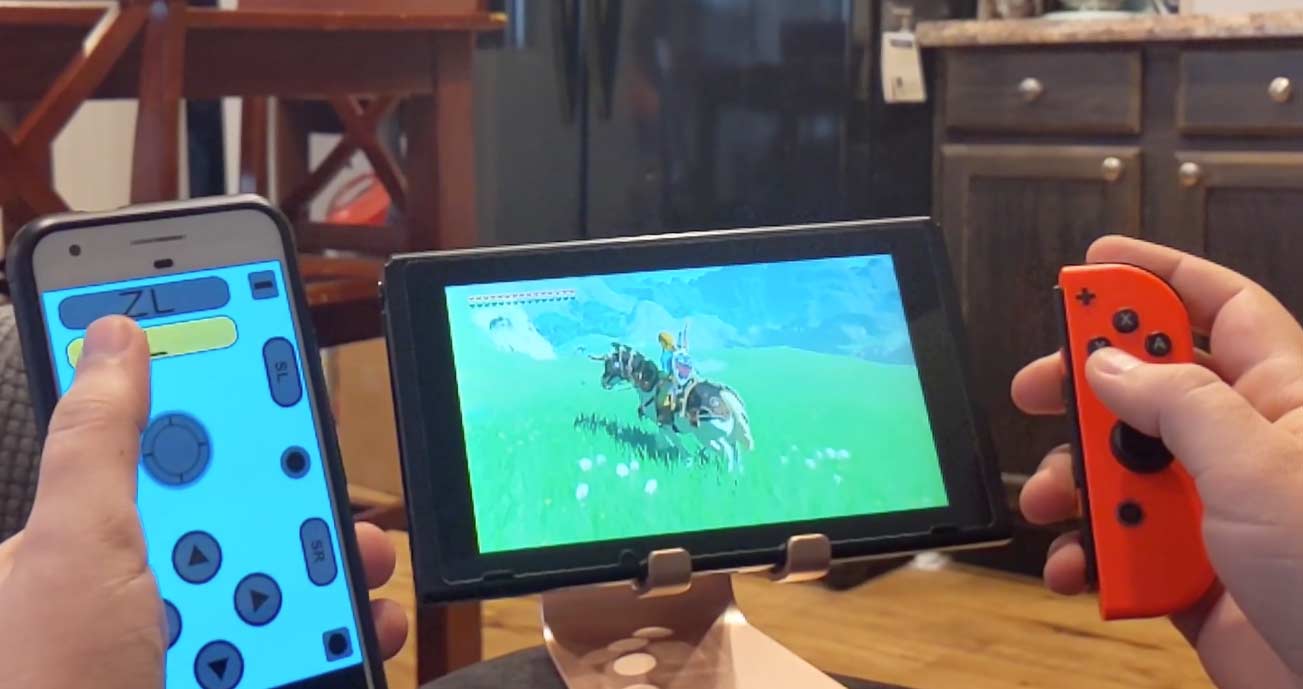
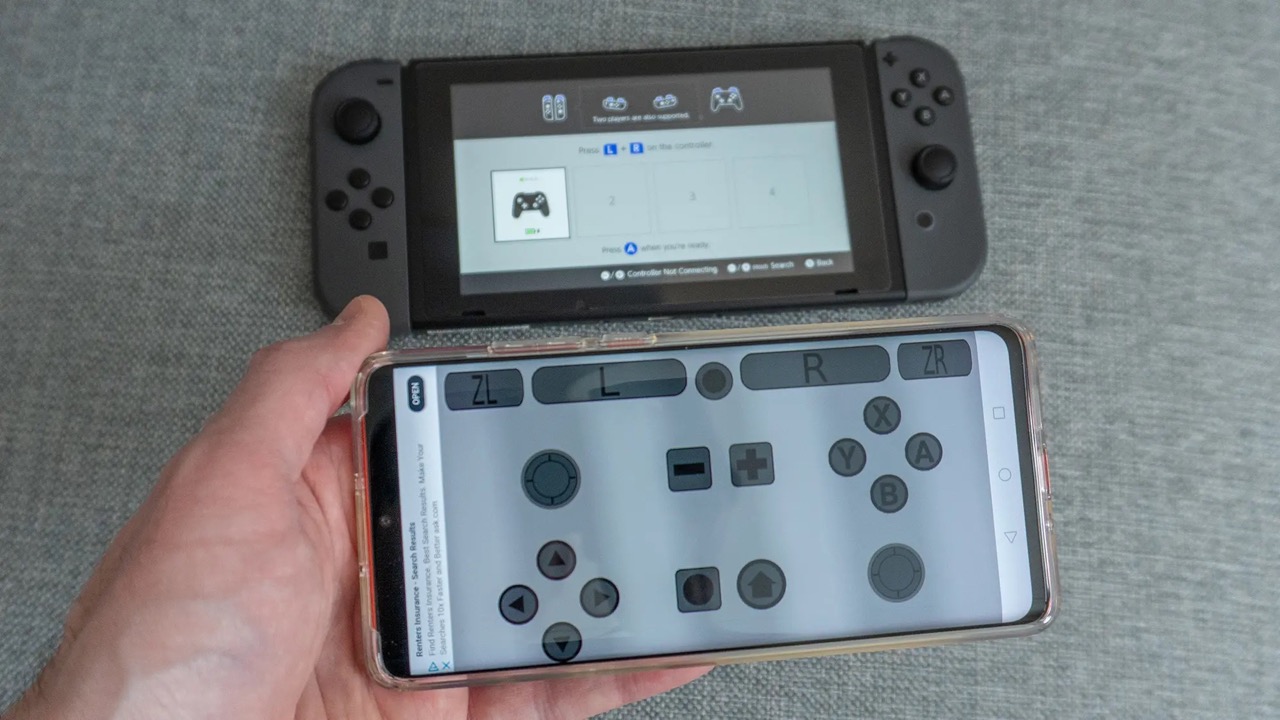
You can use your phone as an Xbox controller through two official methods: Xbox Cloud Gaming with touch controls, or remote play from your console, both accessed via a browser....

How To Use Your Phone As A Controller

You can use your phone as a controller by connecting a compatible game controller to your iPhone or Android device. On iPhone, Apple provides a documented setup path through Bluetooth...

What Is Auto-Answer?

Auto-answer calls on iPhone is an accessibility feature that automatically answers incoming phone and FaceTime calls after a delay you set, routing the audio to your chosen device. This lets...

How To Change The Name Of Your IPhone

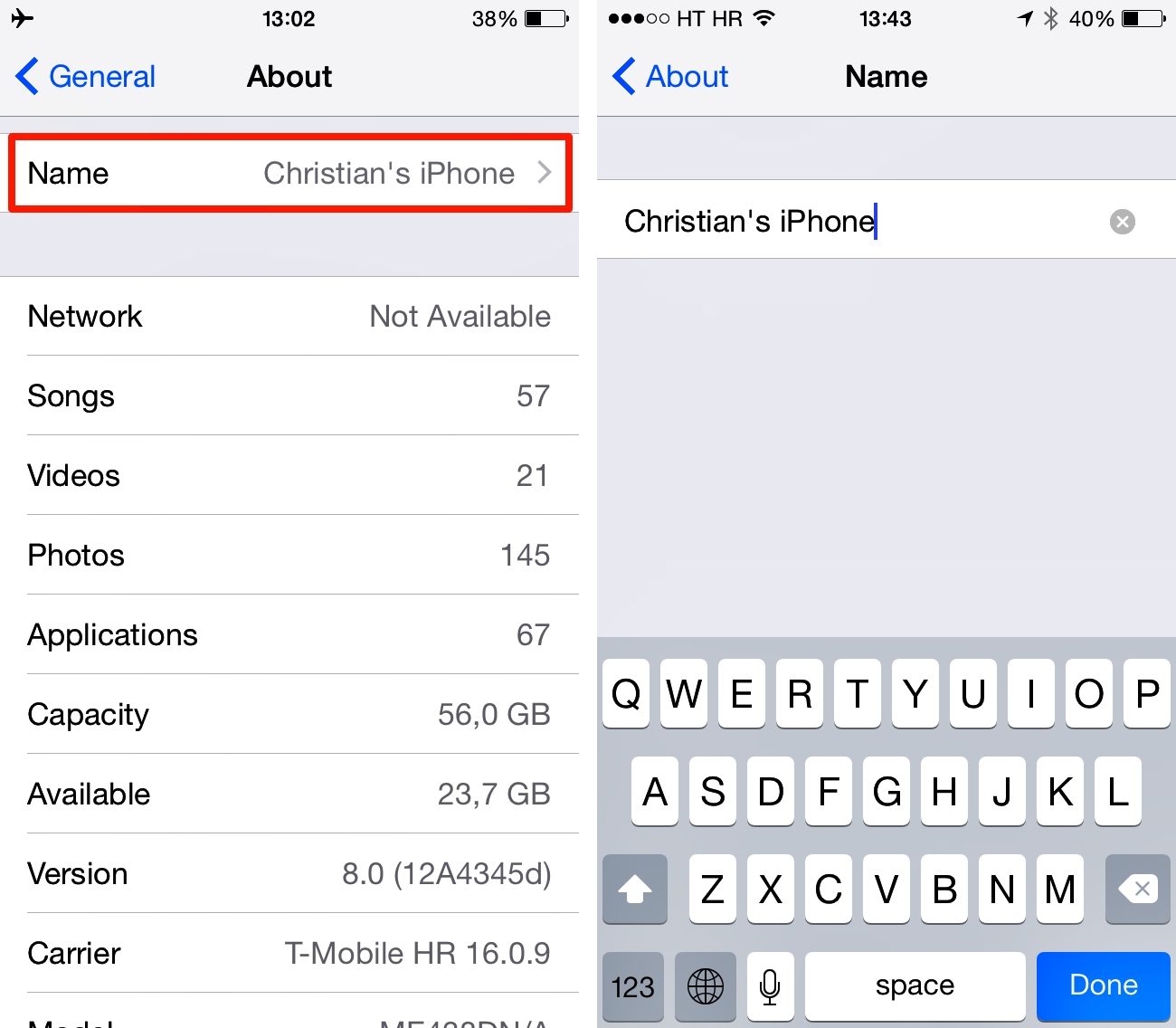
To change the name of your iPhone, open the Settings app, tap General, tap About, tap Name, enter a new name, and tap Done. This is the single, Apple-documented method...

What Is Discoverable Mode?

Bluetooth discoverable mode is a temporary state that makes your device visible to other Bluetooth-enabled devices so they can find and initiate a connection for pairing. Its primary purpose is...

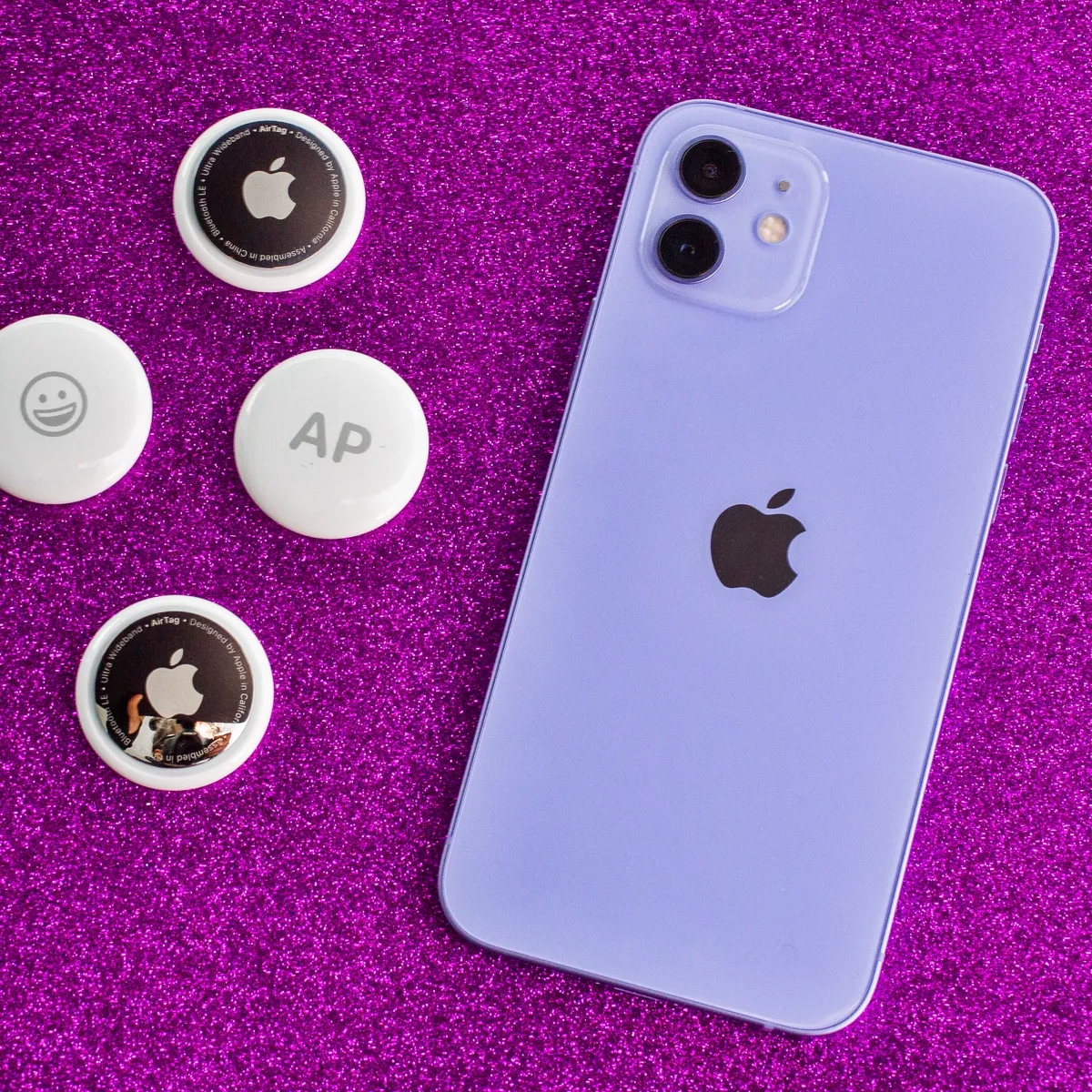
Lost AirTag? Here's What To Do

If you have a lost AirTag, open the Find My app immediately, tap Items, and select your AirTag to see its location. If it is within Bluetooth range, tap Play...

What Is A Key?

A key is a tool or piece of information that unlocks, grants access, or uniquely identifies something. This definition spans physical objects like metal keys for locks, digital credentials like...