This tag page collects all of CellularNews’s articles about Boost Mobile, designed for current and prospective customers who need clear, step-by-step guidance on managing their prepaid service. Whether you are troubleshooting a device, switching carriers, or simply trying to understand your plan’s features, these articles address the practical questions that come up day to day.

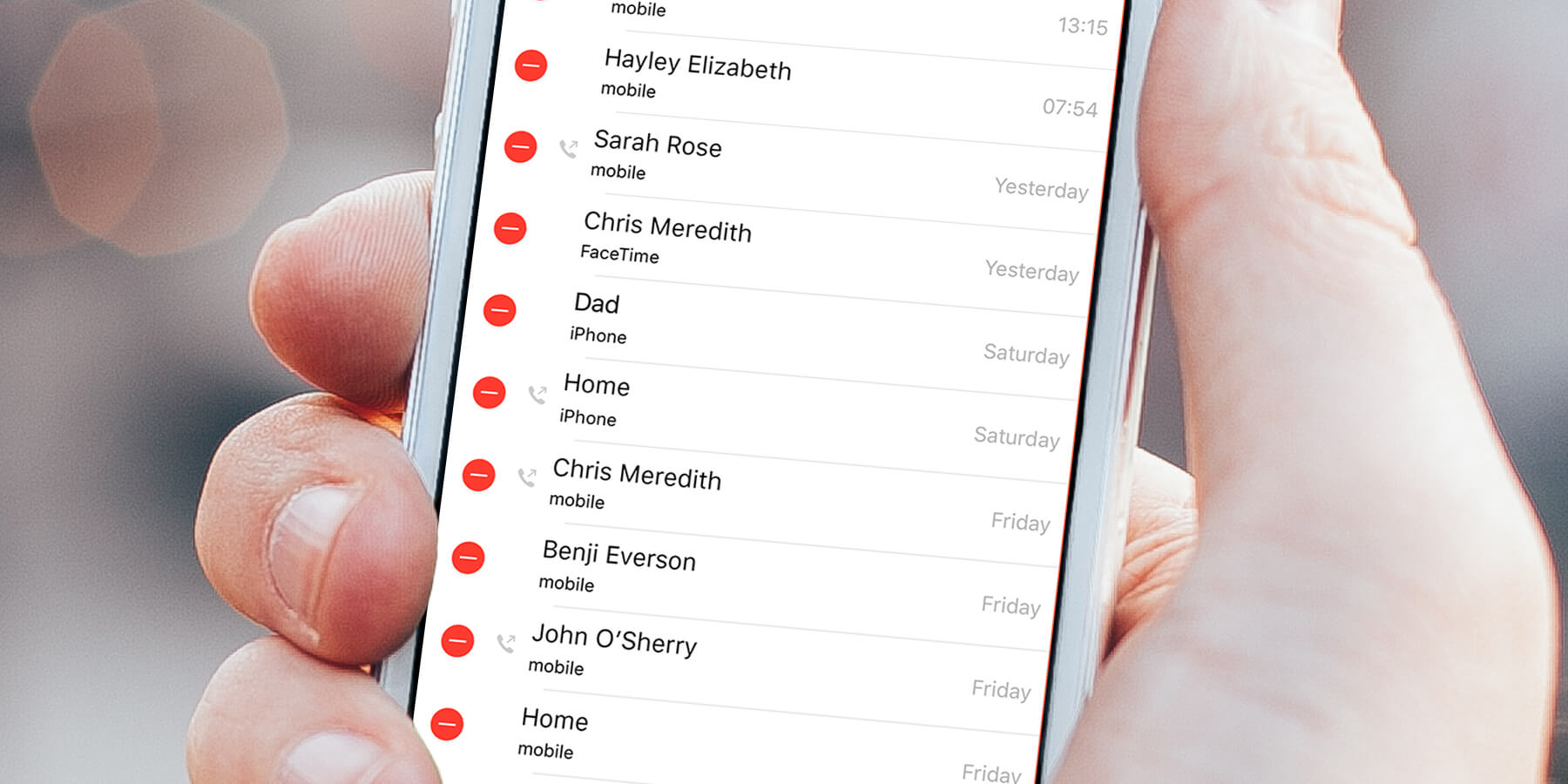
The articles fall into two main areas: account and billing management, and device and network setup. For billing, you will find instructions on how to pay your Boost Mobile bill for free, how to pay by phone, how to stop auto pay, and even how to pay someone else’s bill. For device and network tasks, the guides cover how to unlock a Boost Mobile phone, how to add a line, how to set up voicemail, how to turn on international roaming, and how to check your call history. Several articles also explain how Boost Mobile’s hotspot works and how to get more hotspot data.

Other topics help you navigate the logistics of the service, such as what time Boost Mobile stores open and close, how long it takes to ship phones, and which phones are compatible with Boost Mobile SIM cards. You can also learn how to find your account number, how to get a transfer PIN, and how to upgrade your phone. These straightforward guides are meant to help you take action, pay a bill, switch phones, or activate a feature, without guesswork.
How To Sign Up For Boost Mobile

To sign up for Boost Mobile, start your activation at boostmobile.com/start or in the Boost Mobile app. You can also call an Activation Specialist at (866) 957-8278, available every day...

How To Get An Extension On Boost Mobile

If you need more time to pay your Boost Mobile bill and want to avoid immediate service suspension, the official solution is a Boost Mobile payment extension. This formal program...

How To Deactivate A Boost Mobile Phone

To deactivate a Boost Mobile phone, you must call Boost Customer Care at 833-502-6678 to cancel your line and stop billing. There is no self-service button, app menu, or online...

How To Unlock Boost Mobile Phone

To unlock a Boost Mobile phone, you generally don't need to do anything, Boost Mobile automatically unlocks eligible devices remotely within two business days of them becoming eligible. This official,...

How To Add More Hotspot Data Boost Mobile

To add more hotspot data on Boost Mobile, you can purchase additional high-speed data through your online account, the Boost Mobile app, or by contacting Boost Customer Care. Since hotspot...

Who Owns Boost Mobile Now

Boost Mobile is now owned by EchoStar Corporation, effective from the merger with DISH Network on December 31, 2023. If you are looking for who owns Boost Mobile now, the...

What Time Does Boost Mobile Open

Boost Mobile opening hours vary by location, so there is no single time every store opens. To find the exact boost mobile opening hours for the store you plan to...