To sign up for Boost Mobile, start your activation at boostmobile.com/start or in the Boost Mobile app. You can also call an Activation Specialist at (866) 957-8278, available every day from 8 a.m. to midnight ET.
How to sign up for Boost Mobile: the quick-start guide
Boost Mobile offers two official starting points for activation: the website at boostmobile.com/start and the Boost Mobile app. Both methods walk you through the same core steps to set up your service. If you prefer speaking with someone, call an Activation Specialist at (866) 957-8278. Specialists are available every day from 8 a.m. to midnight ET.
What you need before you begin
Before you start the sign-up process, gather the following:
- A compatible device, Boost Mobile supports both iPhone and Android phones. For eSIM activation, the Google Play listing for Boost Mobile says it is for compatible devices only.
- If you are bringing your own Android phone, you must download the Boost Config App to update device settings.
- A Wi-Fi connection for the initial setup steps.
- Your device software must be up to date. Check for the latest operating system version before proceeding.
Activate a new Boost Mobile device
Boost’s setup page covers both iPhone and Android during device upgrades. For a new iPhone or Android device, Boost’s upgrade flow says to power on the phone, connect to Wi‑Fi, and update to the latest software before continuing.
iPhone activation
On iPhone, Boost says to follow the on-screen setup, but select SKIP for prompts about transferring cellular settings or setting up eSIM because that is handled in the Boost Mobile app.
Android activation
After updating your software, proceed with the on-screen setup. The Boost Mobile app will guide you through the remaining steps.
Bring your own phone (BYOD) to Boost Mobile
For Android BYOD activation, Boost specifically says the Boost Config App is needed to update device settings. This app ensures your phone is properly configured for Boost Mobile services. Once installed, open the Boost Mobile app and follow this path: Settings → Device Setup → Manage under the appropriate line → Change Phone. In the Boost Mobile app, tap Settings → Device Setup → Manage under the appropriate line → Change Phone. This flow handles the device setup for your existing phone.
Get help with activation
If you run into any issues, call an Activation Specialist at (866) 957-8278. You can also use the Boost Mobile app to manage your account and contact customer support. The Boost Mobile app is documented for activate your line, manage your account, and contact customer support. The app lets you activate your line, manage your account, and pay your bill. The account page says you can scan a QR code to download the Boost Mobile app and use it to manage your account and pay your bill. If you need to pay my Boost Mobile bill for free, you can do so through the app or your online account, no fees are charged for those payment methods.
Frequently Asked Questions
Can I sign up for Boost Mobile without a credit card?
Yes. Boost Mobile offers multiple payment options including cash payments at authorized retail locations. You are not required to use a credit card to start service.
How long does activation take?
Activation is usually complete within a few minutes after you finish the on-screen steps. In some cases, it may take up to an hour for the network to fully recognize your device.
What if my phone is not compatible with Boost Mobile?
Boost Mobile provides a compatibility checker on its website. If your phone is not compatible, you can purchase a new device from Boost Mobile or choose a different phone that works on the network.
Can I keep my current phone number?
Yes. During activation, you can choose to port your existing number from another carrier. Have your account number and PIN from your previous carrier ready.
Do I need a SIM card for activation?
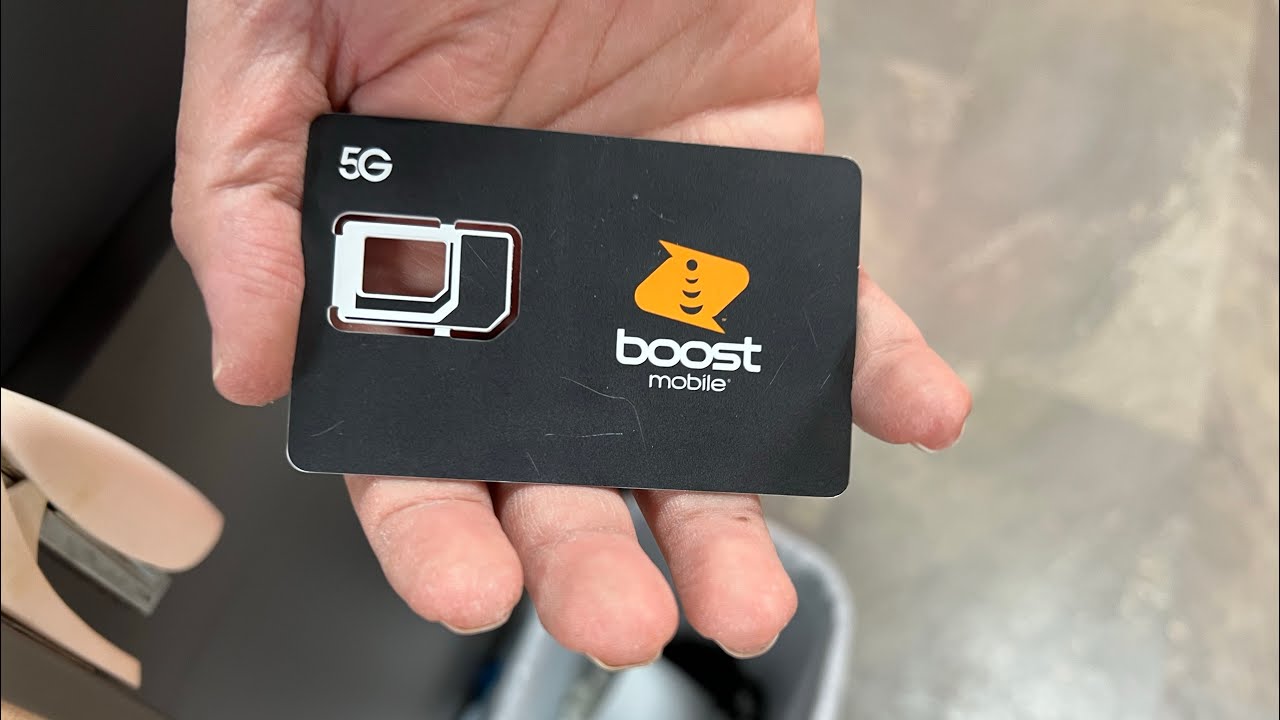
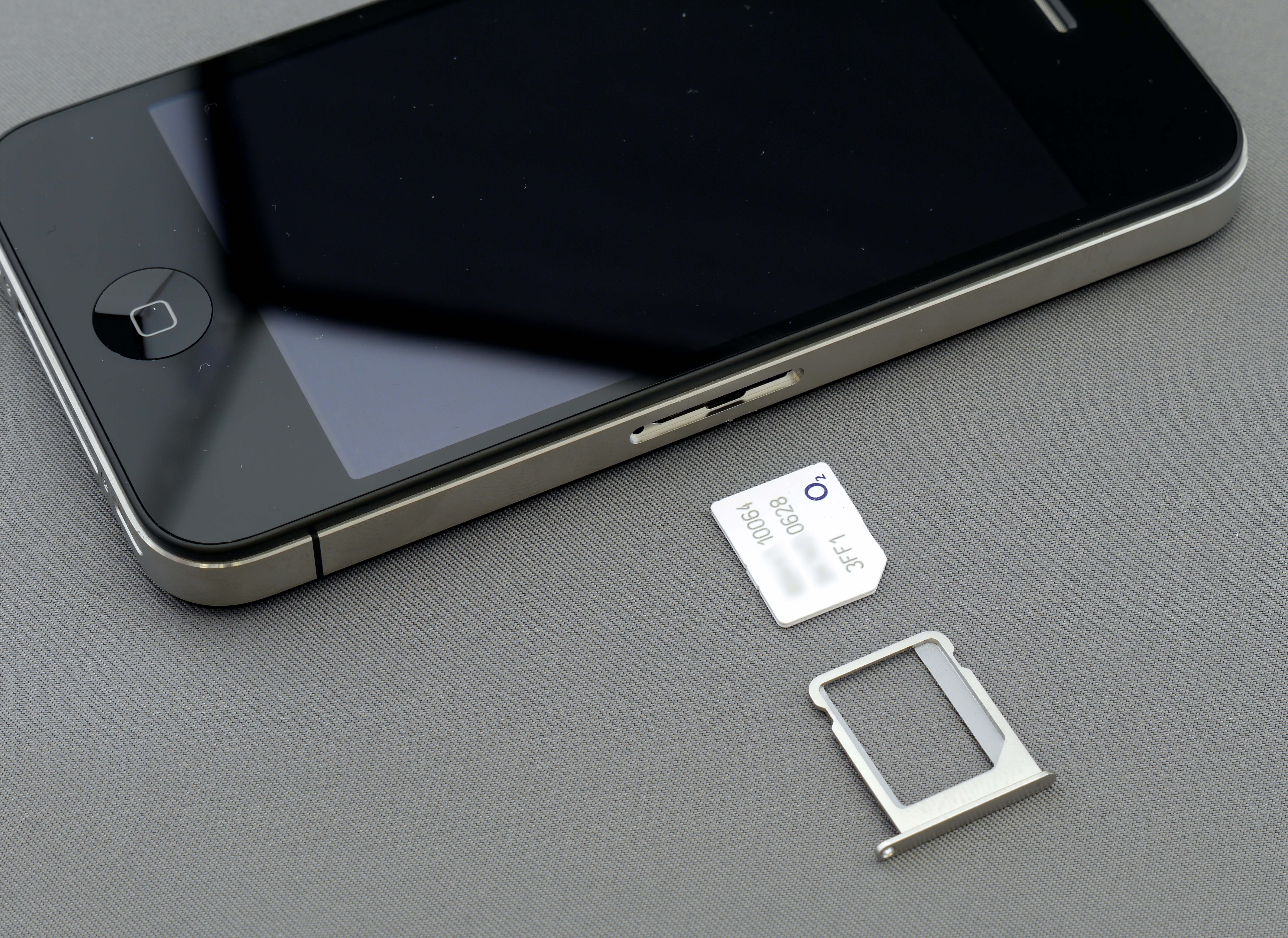
New Boost Mobile devices typically come with a SIM card pre-installed. For BYOD activation, you may need to insert a Boost Mobile SIM card into your phone.
Readers comparing a separate eSIM can browse uPhone eSIM plans and verify destination coverage, data allowance, and validity before buying.
More eSIM resources: Browse our eSIM guides and troubleshooting resources for compatibility, setup, travel-data and account-safety advice.
Related reading: How To Upgrade Your Phone With Boost Mobile.