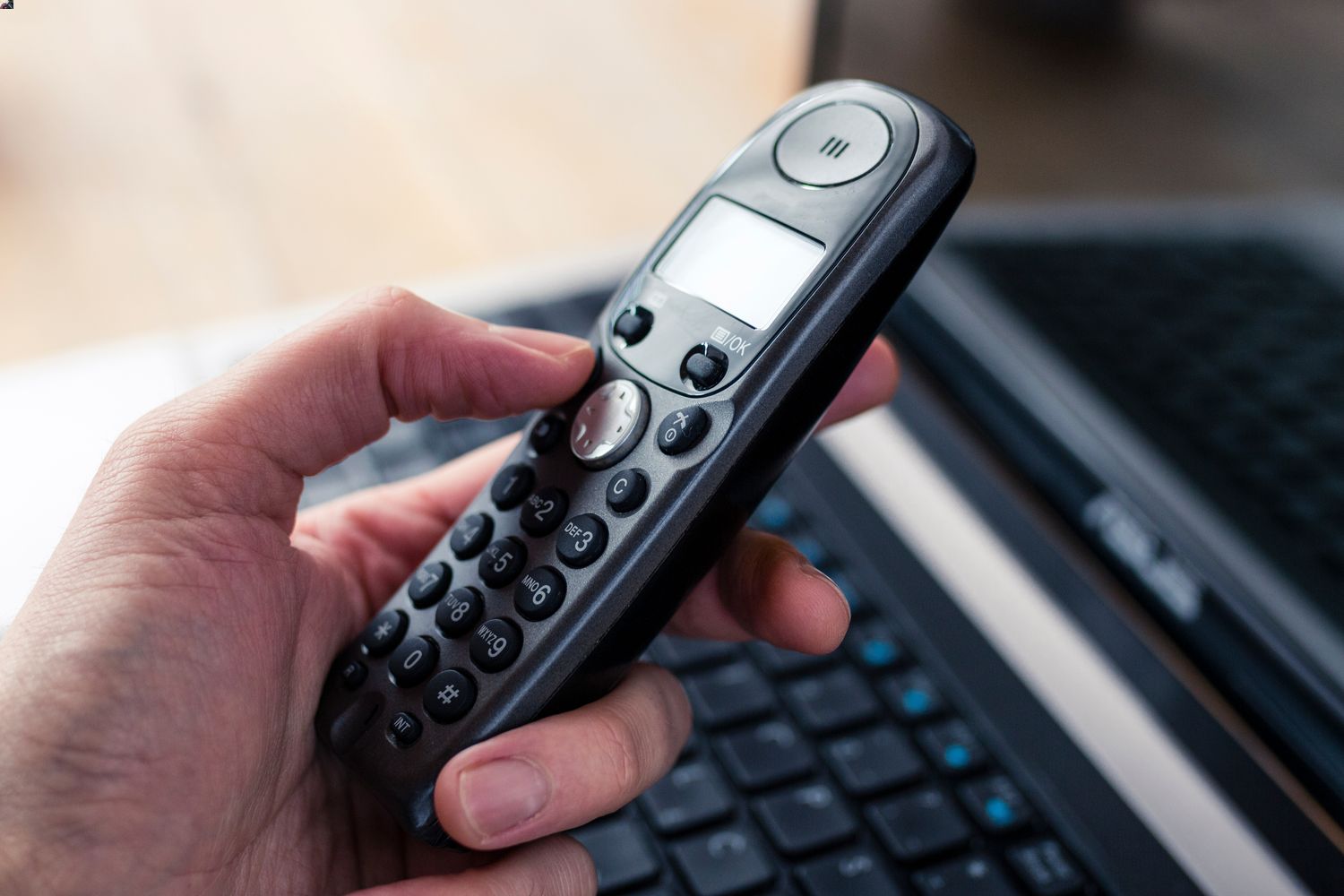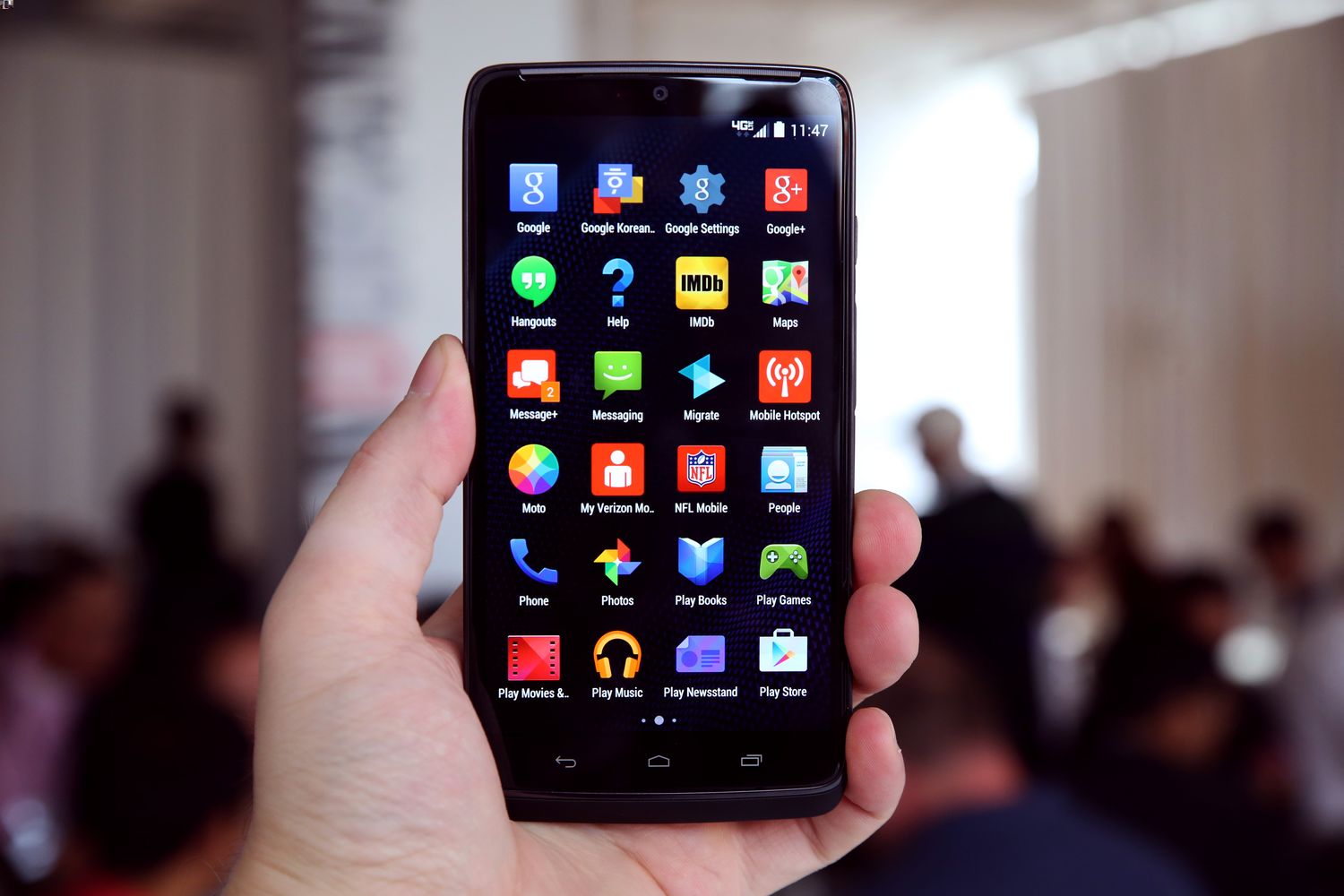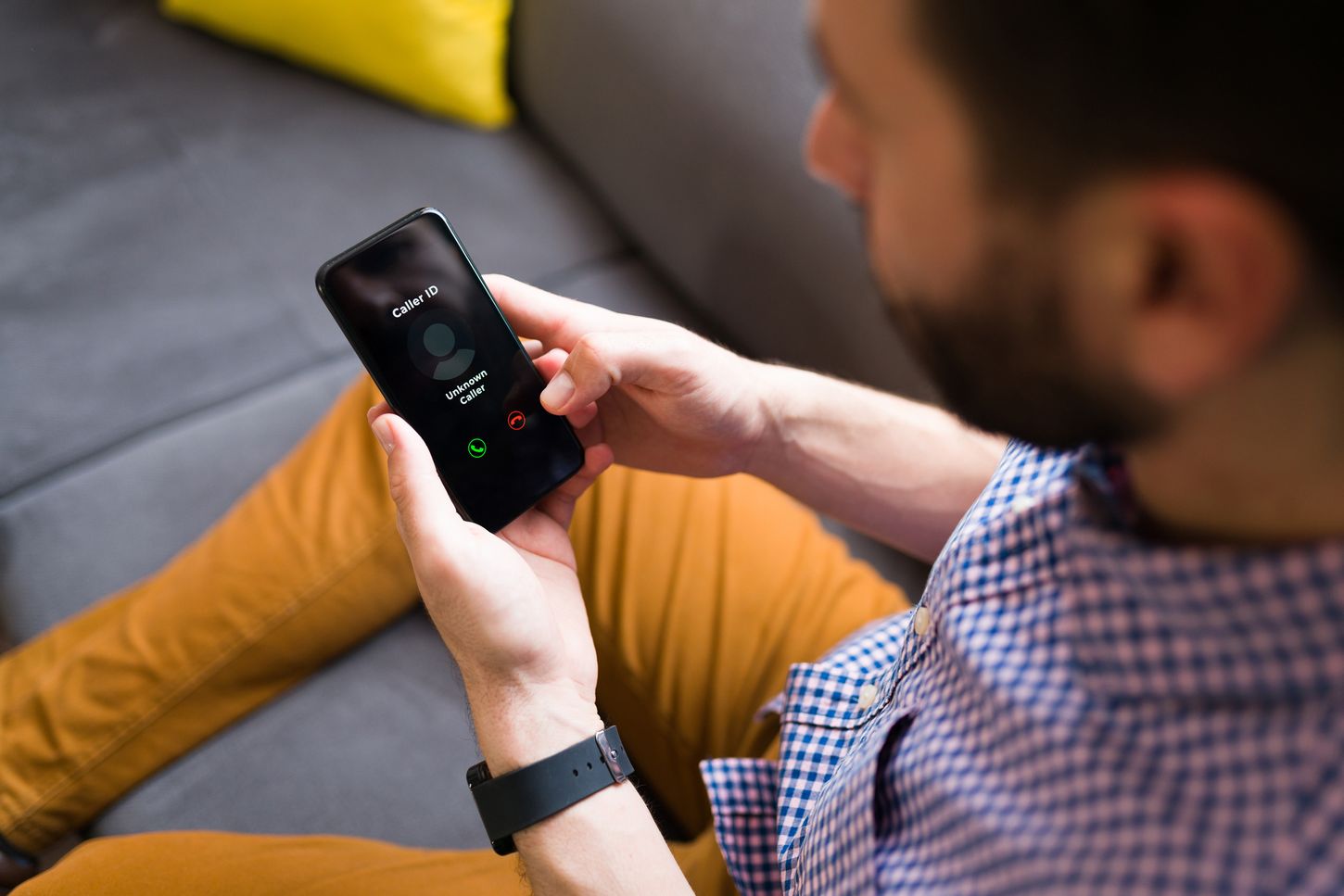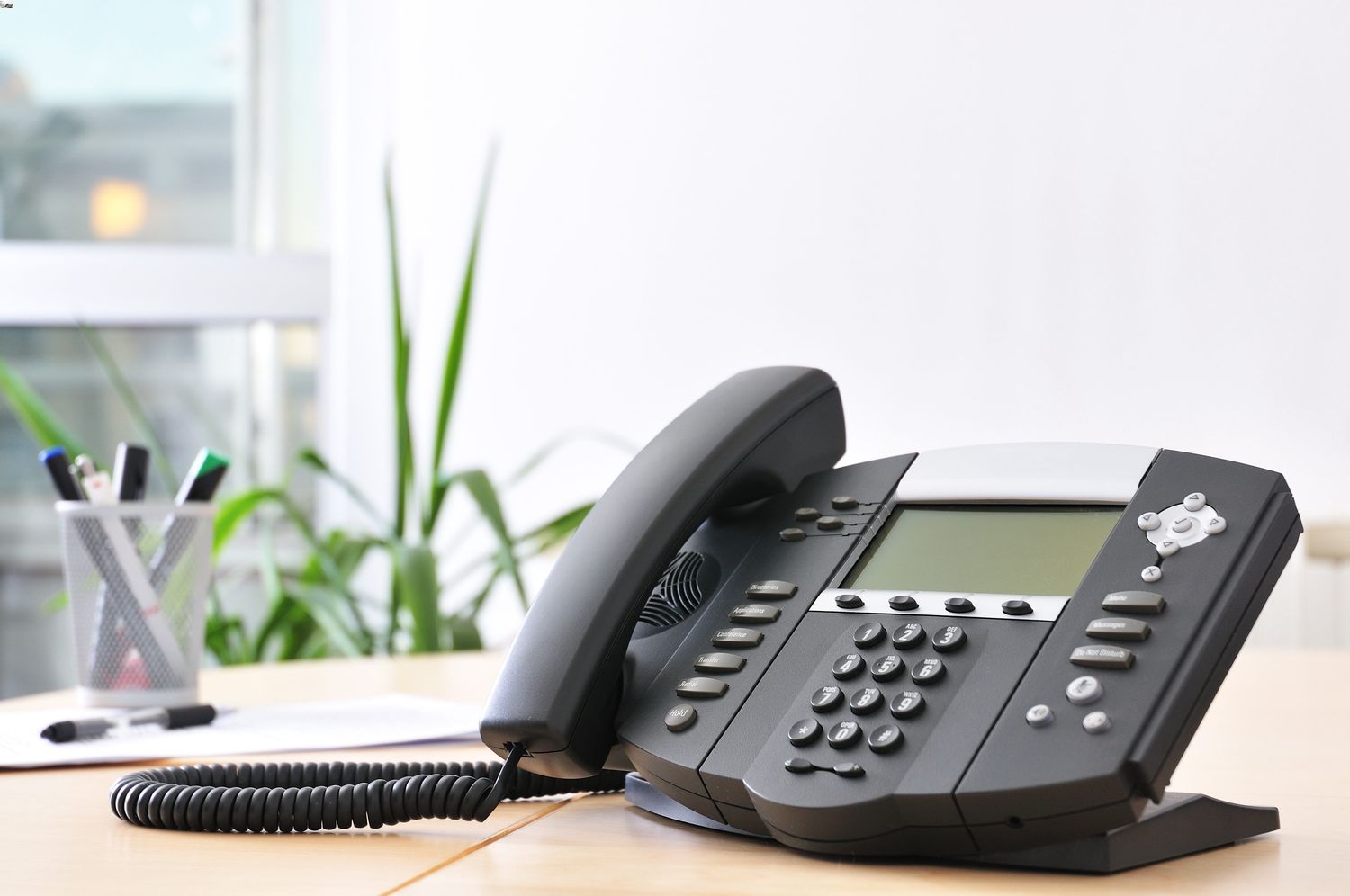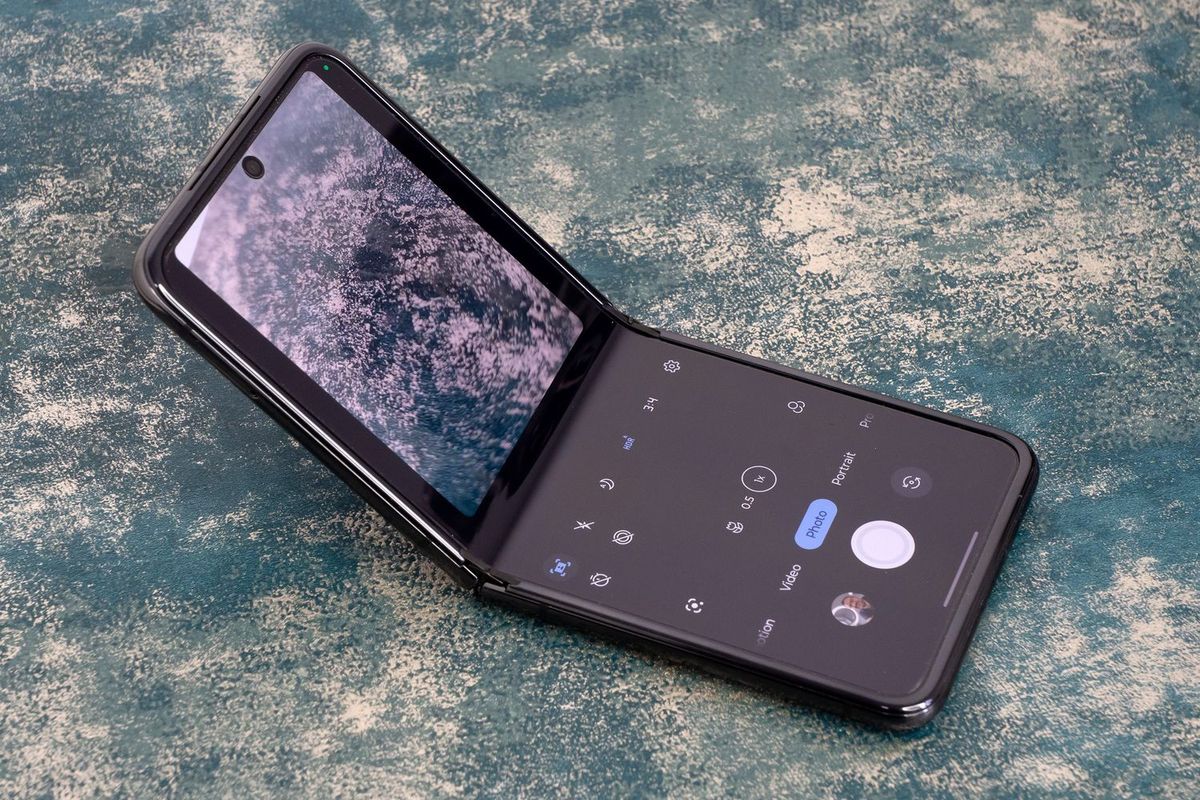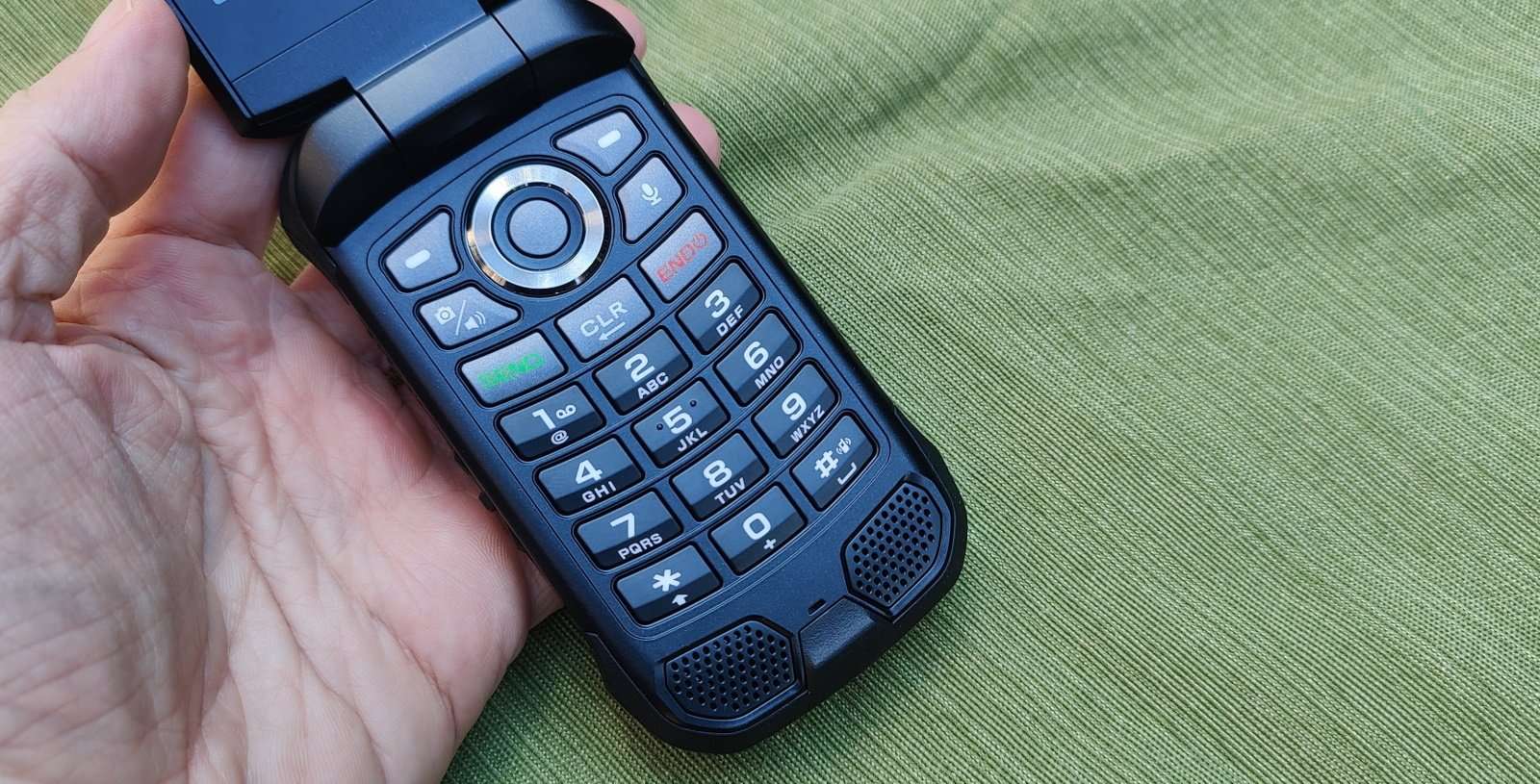
The call blocking tag page at CellularNews collects straightforward guides for anyone who needs to stop unwanted calls or manage their phone’s contact list. Whether you use a modern smartphone, a flip phone, a landline, or a desk phone like a Polycom, these articles are written to help you solve specific blocking and unblocking problems without extra fluff.
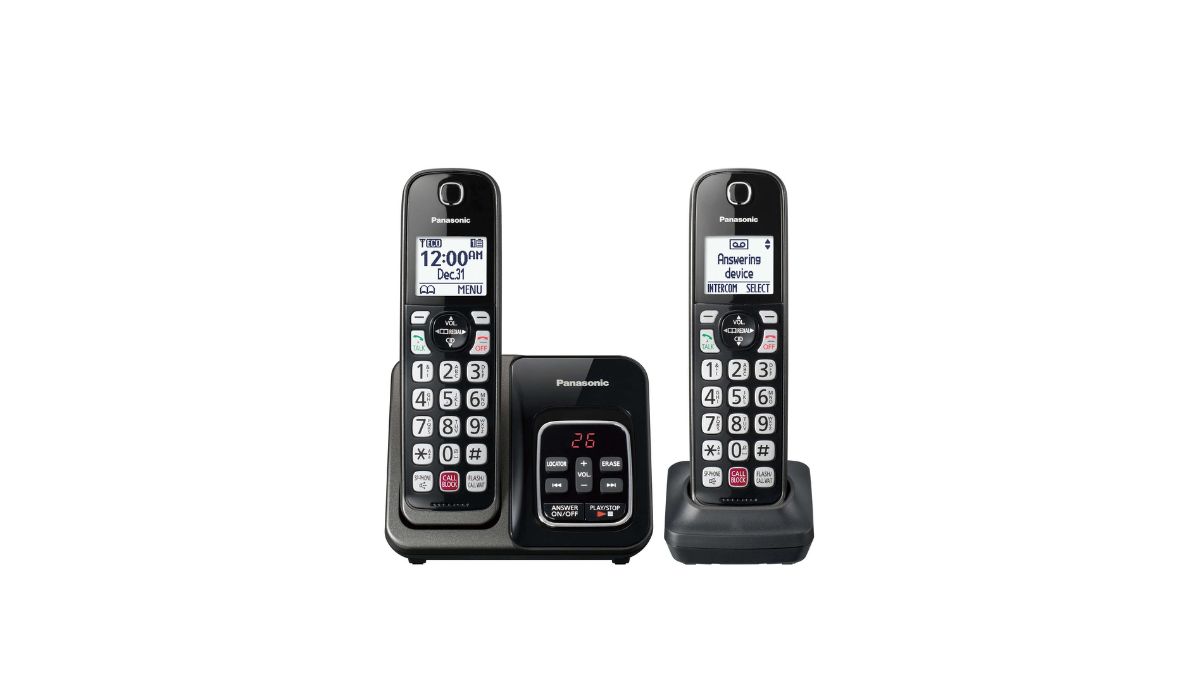
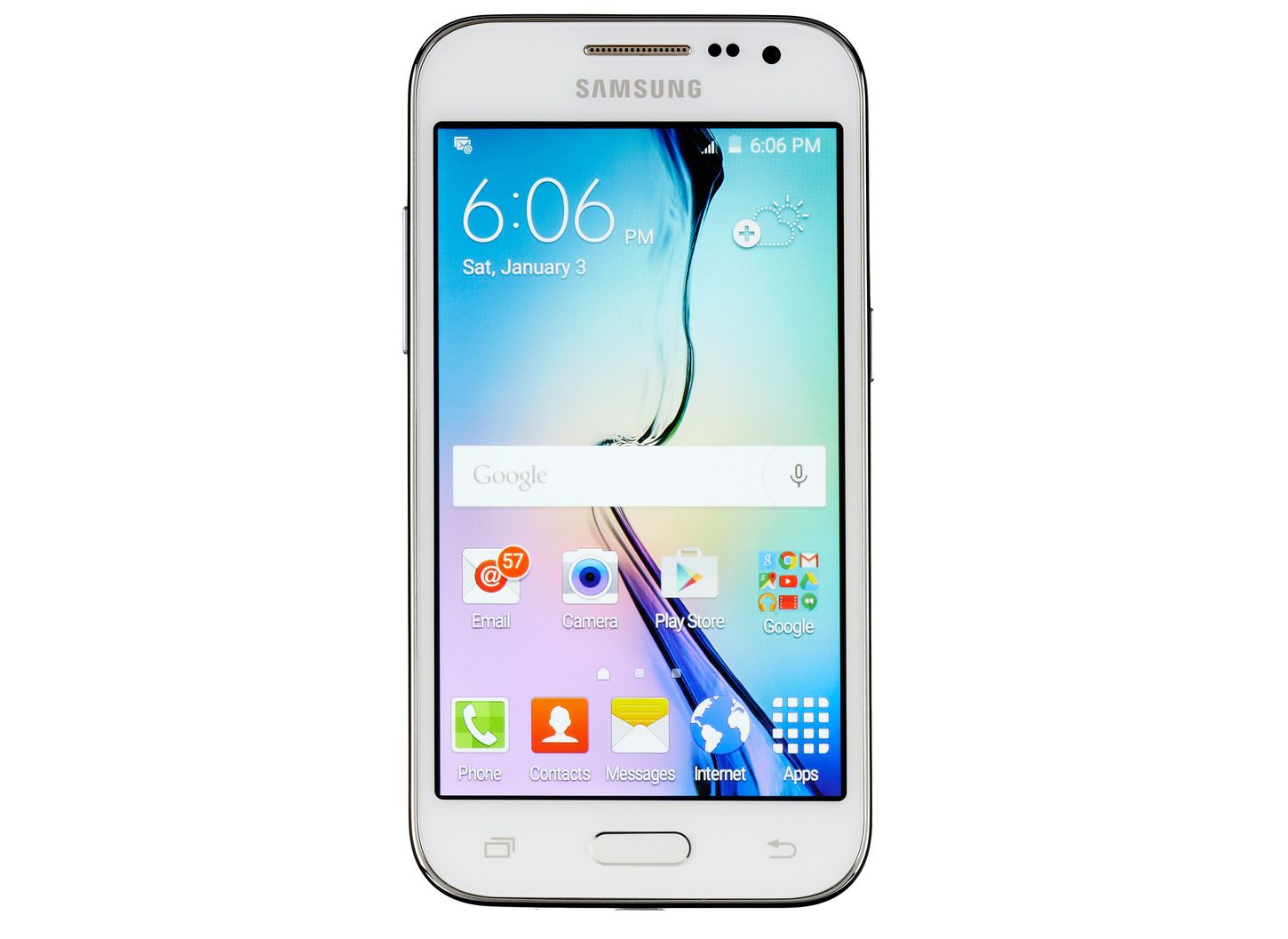
The articles fall into a few clear themes. Many focus on blocking scam and spam calls, such as stopping "Scam Likely" calls on T‑Mobile or Android, or finding a spoofed phone number. Others address the simple but common task of blocking or unblocking a specific number, whether on a Verizon Wireless line, a Cox landline, or a Samsung Galaxy Core Prime with Straight Talk. A third group covers unblocking numbers you previously blocked, with guides for Panasonic phones, AT&T landlines, and Spectrum landlines.
You will find instructions for blocking calls on a Jitterbug smartphone, a Kyocera flip phone, or a Motorola Razr V3, as well as for using carrier apps like the T‑Mobile app. The collection also includes how to block private numbers on a Samsung S20 and how to manage call blocking on Comcast landlines. Each article is a direct, no‑nonsense fix for the phone you actually have.