To block a phone number on Comcast landline, lift the receiver, listen for the dial tone, press *60, and follow the voice prompts to add the number to your block list. You can also use the Xfinity Voice Call Blocking Settings page online to manage blocked numbers with your Xfinity ID and password.
How to block a phone number on Comcast landline with *60
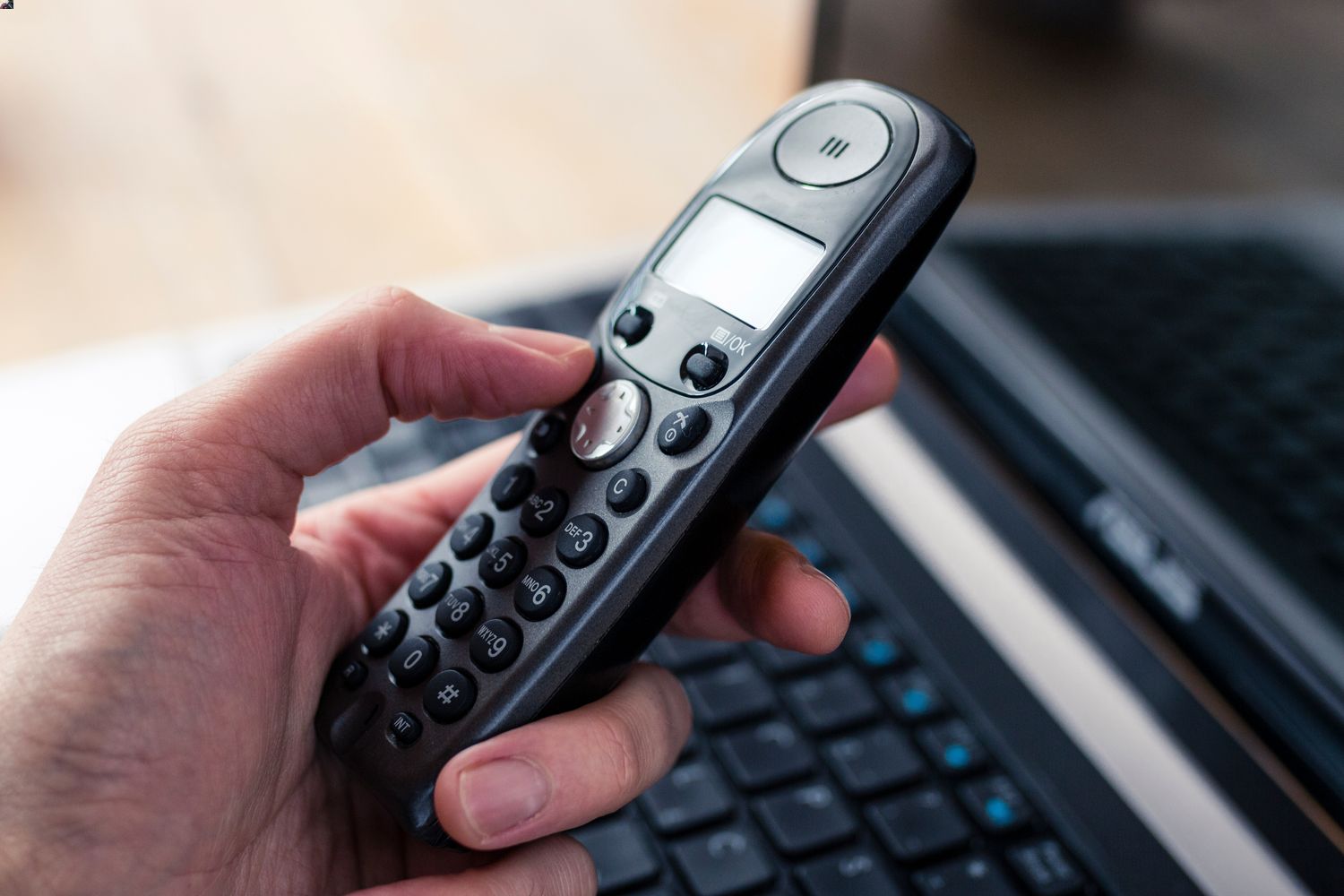
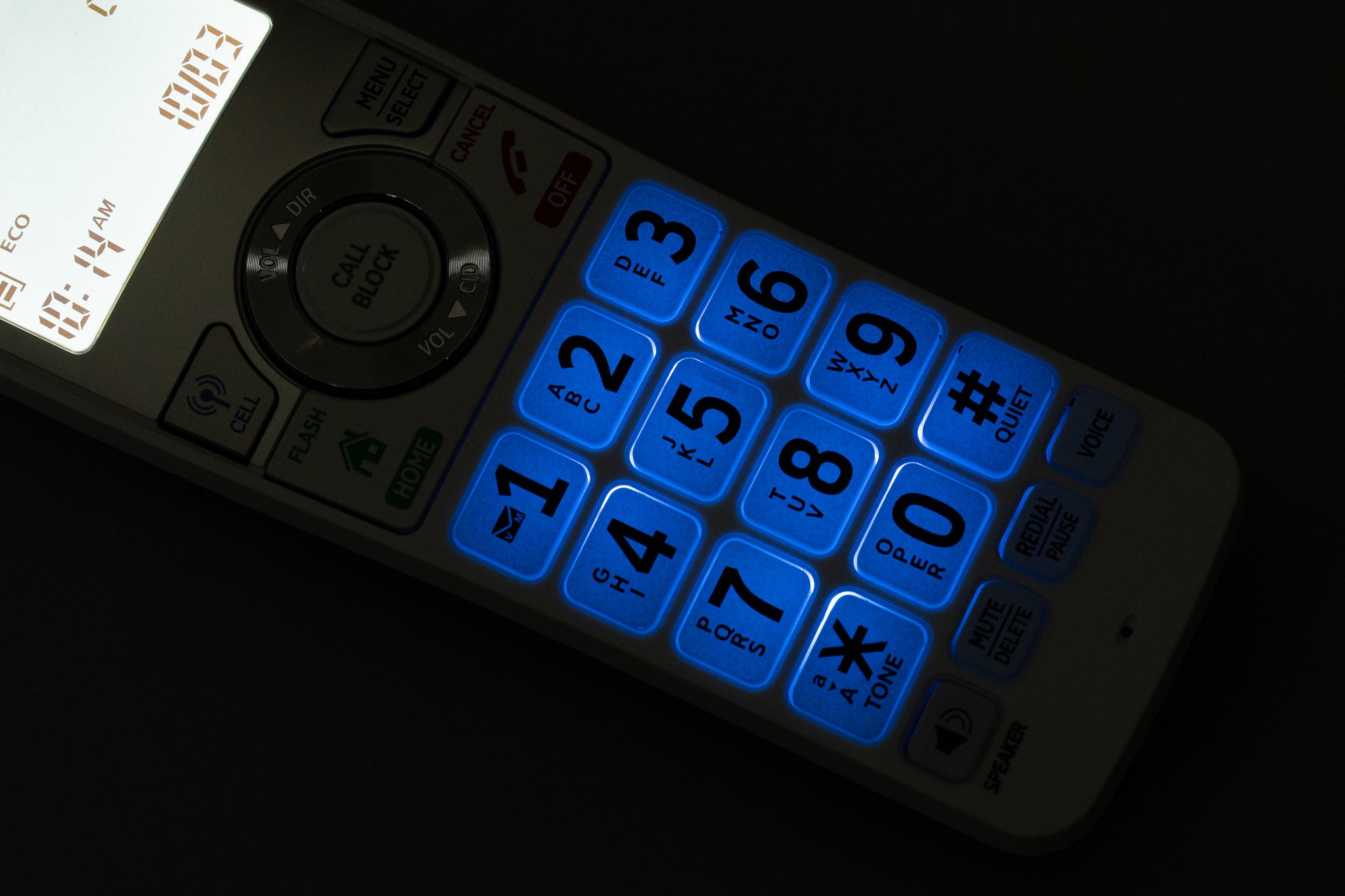
The fastest way to block a phone number on Comcast landline is by using the *60 call screening feature directly from your home phone. This method lets you add, delete, or review blocked numbers without needing to log into an account.
- Lift the receiver and wait for the dial tone.
- Press *60 on your keypad.
- Follow the voice prompts to activate the feature and add, delete, or review numbers on your block list.
When you add a number through *60, enter the full 10-digit number including the area code. Long-distance numbers may be added to the list as well, so you can block unwanted callers regardless of where they are calling from.
How to block a number using the Xfinity Voice Call Blocking Settings page
If you prefer managing your call blocking features from a computer or mobile browser, the Xfinity Voice Call Blocking Settings page gives you a visual interface for blocking calls and numbers. This is especially useful if you want to see your entire block list at a glance or make multiple changes at once.
- Go to the Xfinity Voice Call Blocking Settings page and sign in with your Xfinity ID and password.
- If your account has Xfinity Voice only, sign in with your Xfinity Voice telephone number and voicemail password instead.
- Enter the 10-digit telephone number you want to block, including the area code.
- Click Add to place the number on your block list.
To remove a number from your block list, click the trash icon next to the existing number. You can also check Block Anonymous Calls on this page to enable Anonymous Call Rejection, which prevents calls with blocked caller ID from ringing through.
Managing your blocked numbers list
You can review and manage your blocked numbers list using either the *60 voice menu or the online settings page. Both methods give you control over which numbers are blocked and allow you to make changes as your needs evolve.
If you need to unblock phone number on landline, simply access your block list through either method and remove the number. The *60 voice menu lets you hear your current blocked numbers and delete them by following the prompts, while the online page shows your list visually with a trash icon for each entry.
Long-distance numbers may be added to your block list, so you are not limited to blocking local callers. You can also block a caller directly from Call History or Voicemail by selecting Block Caller and then Confirm.
What Comcast automatically blocks for you
Comcast provides some call blocking protections automatically on all Xfinity Voice lines. The service blocks 900/976 numbers, and this block cannot be removed. Xfinity also blocks 700/500 numbers automatically, and that block cannot be removed. Anonymous Call Rejection is enabled by default, which rejects calls that have blocked caller name or number information.
These automatic protections work alongside the Call Screening feature you control through *60 or the online settings page. Call Blocking and Anonymous Call Rejection are separate features in Voice settings, so you can manage them independently depending on the level of protection you want.
Getting help with Comcast call blocking
If the *60 feature or the online settings page are not working as expected, Comcast customer service can assist with troubleshooting. They can help you verify that Call Screening is active on your account, walk you through the steps again, or investigate any errors you encounter while managing your block list.
For additional account management tasks like learning how to check voicemail on Xfinity home phone, the same customer service channels can point you to the right settings and resources for your specific plan.
Frequently Asked Questions
Does blocking a number on Comcast landline notify the caller?
No, the caller is not notified that their number has been blocked. The call simply does not ring through to your home phone, and the caller has no way of knowing the block is in place.
How many numbers can I block on my Comcast landline?
Comcast does not publicly document a specific limit for the number of entries on your block list. If you are concerned about hitting a limit, contact Comcast customer service to confirm the capacity for your specific plan.
Will blocked callers go to voicemail on my Comcast landline?
Blocked calls are rejected before they reach your voicemail. The caller will hear a message indicating the call cannot be completed, and no voicemail will be left on your account.
Can I block a number from my Comcast call history?
This adds the number to your block list without requiring you to enter it manually.