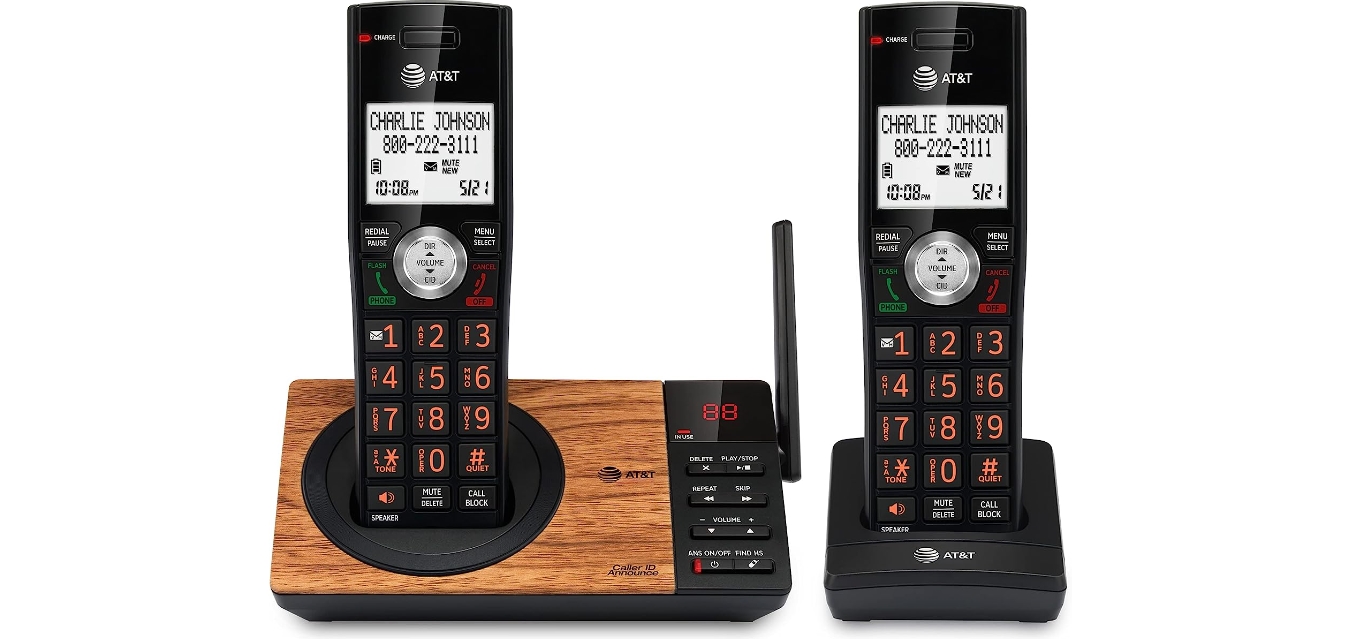
The call blocking tag page at CellularNews collects straightforward guides for anyone who needs to stop unwanted calls or manage their phone’s contact list. Whether you use a modern smartphone, a flip phone, a landline, or a desk phone like a Polycom, these articles are written to help you solve specific blocking and unblocking problems without extra fluff.

The articles fall into a few clear themes. Many focus on blocking scam and spam calls, such as stopping "Scam Likely" calls on T‑Mobile or Android, or finding a spoofed phone number. Others address the simple but common task of blocking or unblocking a specific number, whether on a Verizon Wireless line, a Cox landline, or a Samsung Galaxy Core Prime with Straight Talk. A third group covers unblocking numbers you previously blocked, with guides for Panasonic phones, AT&T landlines, and Spectrum landlines.

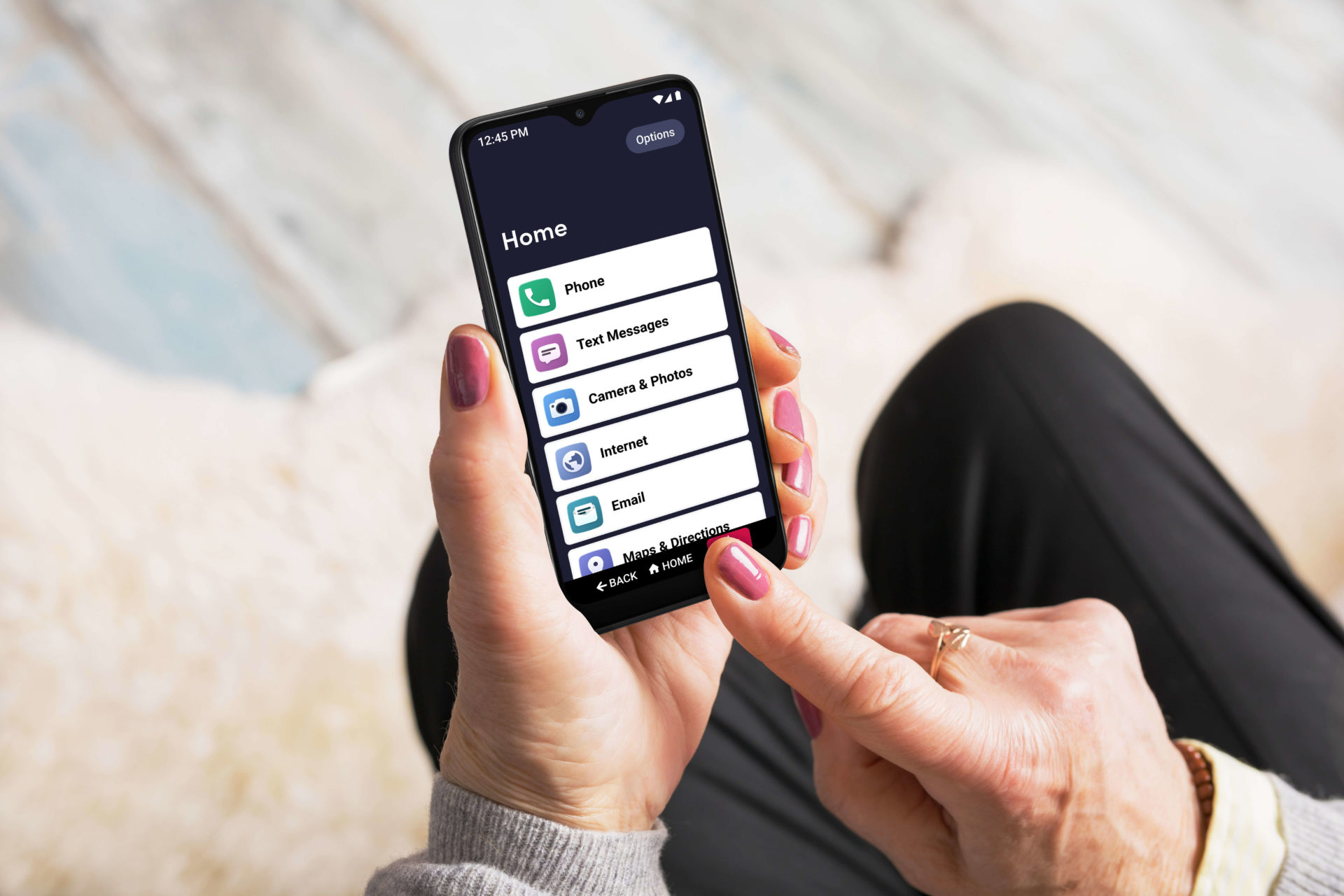
You will find instructions for blocking calls on a Jitterbug smartphone, a Kyocera flip phone, or a Motorola Razr V3, as well as for using carrier apps like the T‑Mobile app. The collection also includes how to block private numbers on a Samsung S20 and how to manage call blocking on Comcast landlines. Each article is a direct, no‑nonsense fix for the phone you actually have.

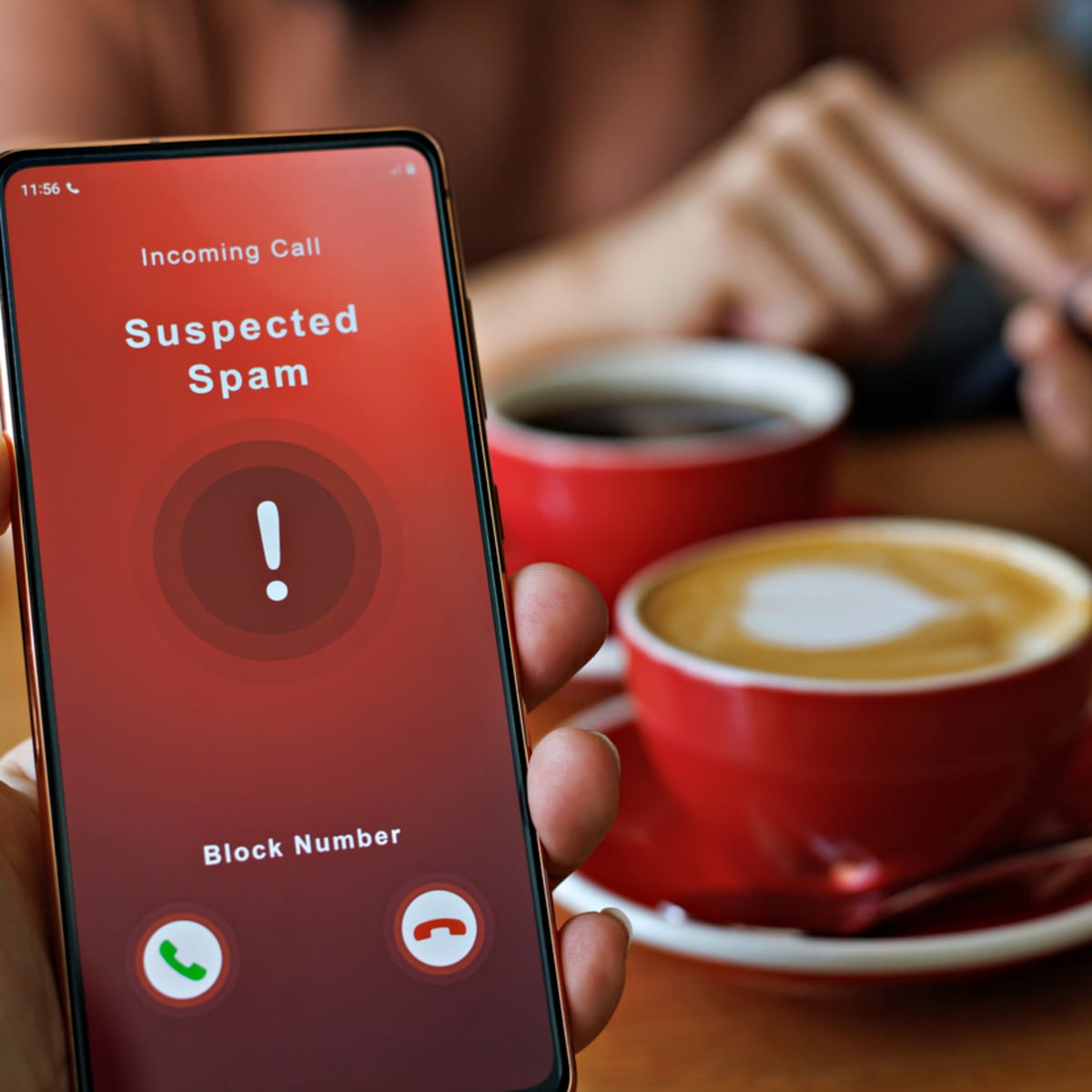
How To Block Phone Calls On Spectrum

To block phone calls on Spectrum, use the My Spectrum App or Spectrum.net for Spectrum Mobile, or the built-in call blocking features for Spectrum home phone service. Spectrum officially confirms...

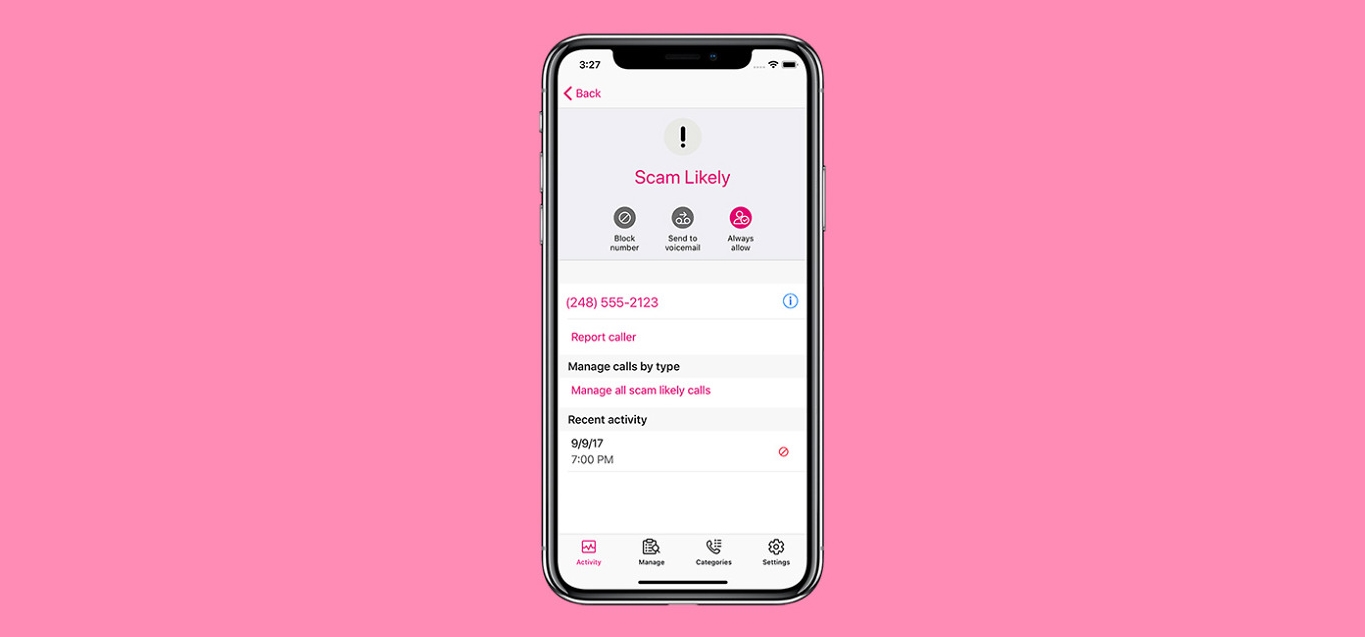
How To Stop Scam Likely Calls On Android

To stop scam likely calls on Android, you need to enable your device's built-in spam filtering features, which automatically block these fraudulent calls before they ring. The label "Scam Likely"...

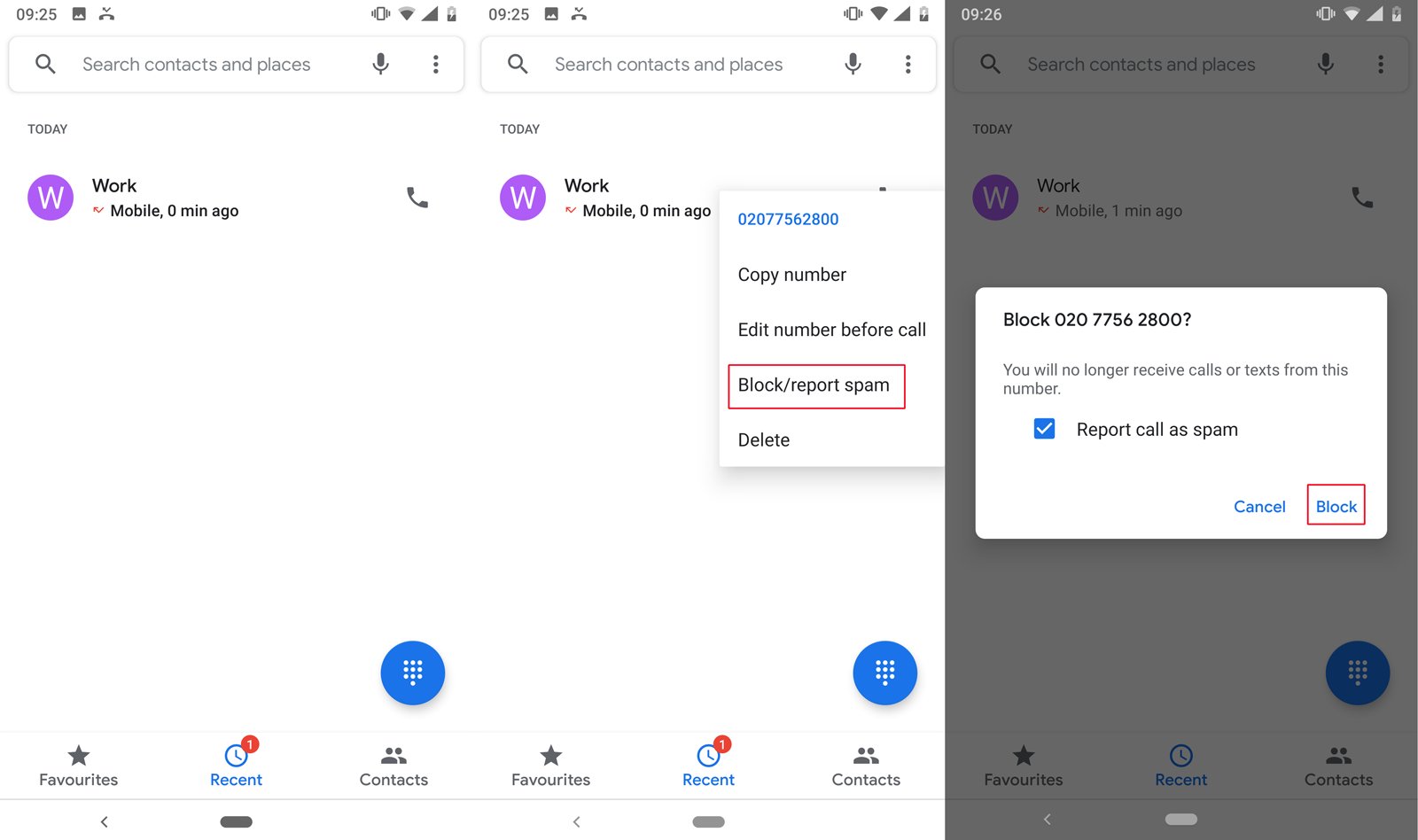
How To Block Number On Android

To block a number on Android, open the Phone app, go to the Recents tab, and long-press the number you want to block, then tap "Block/report spam." This is the...

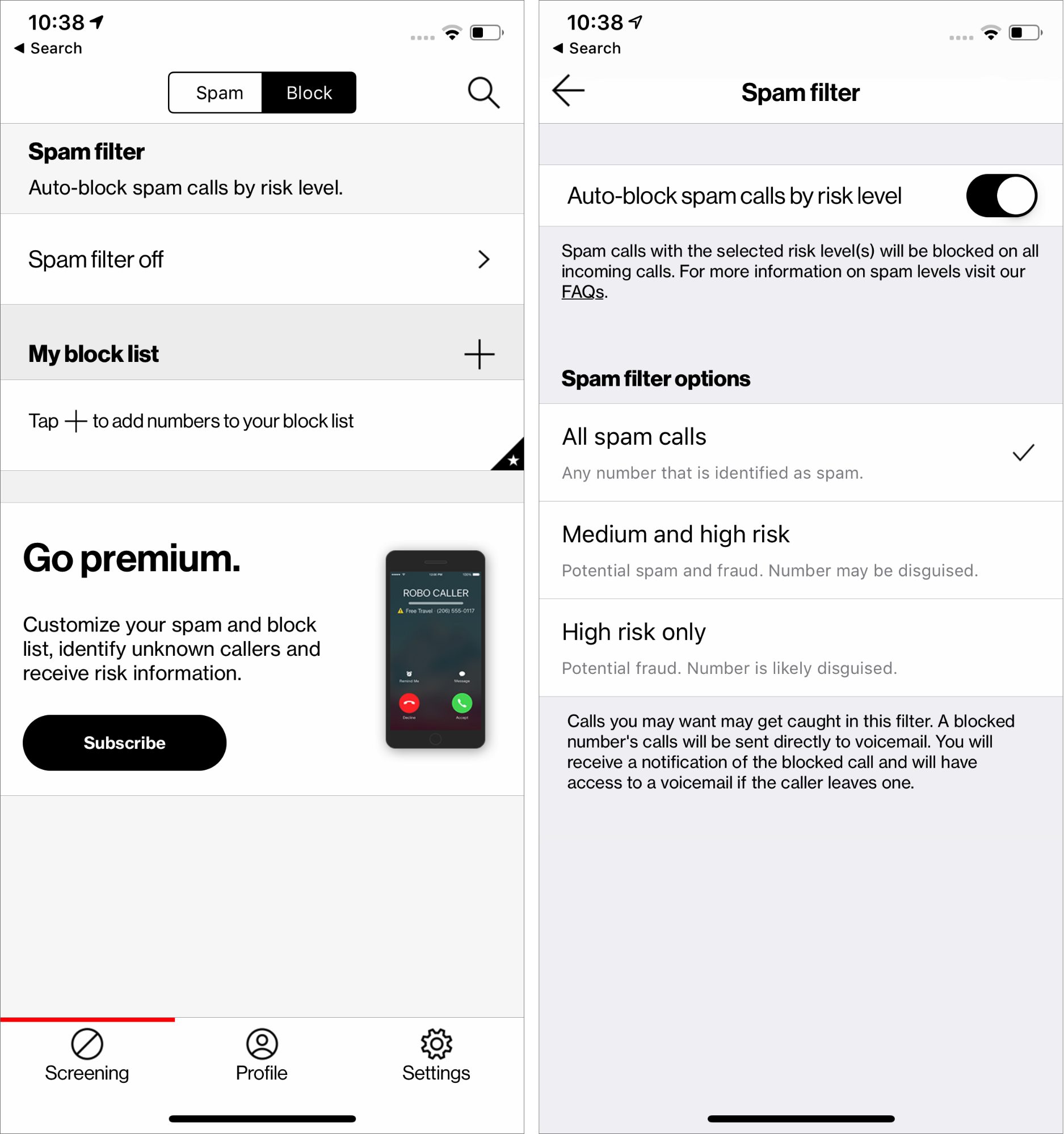
How To Block Calls With Verizon Wireless

To block calls with Verizon Wireless, you can use the free Verizon Call Filter app, block specific numbers through My Verizon, or use your device's built-in settings. Block calls with...

How To Block Calls With Consumer Cellular

Blocking calls with Consumer Cellular is done directly through your phone's built-in settings, not through your account. Whether you use an iPhone or Android, you can stop unwanted calls and...

How To Block A Number T-Mobile

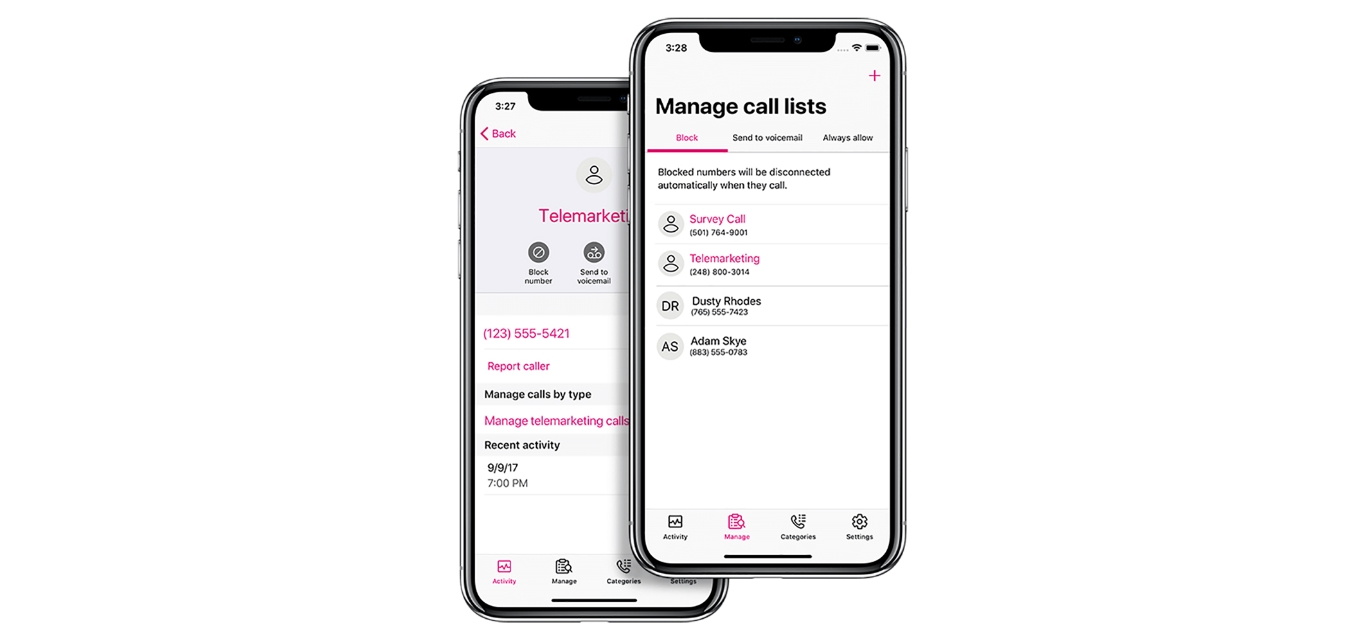
To block a number on T-Mobile, your best option is not a single carrier-side feature but one of three effective methods: using the free T-Mobile Scam Shield app for its...

How To Block A Number On T-Mobile App

To block a number on T-Mobile, you need the Scam Shield app, which is now accessible through the T-Life app. The free Scam Shield features only block "Scam Likely" calls;...