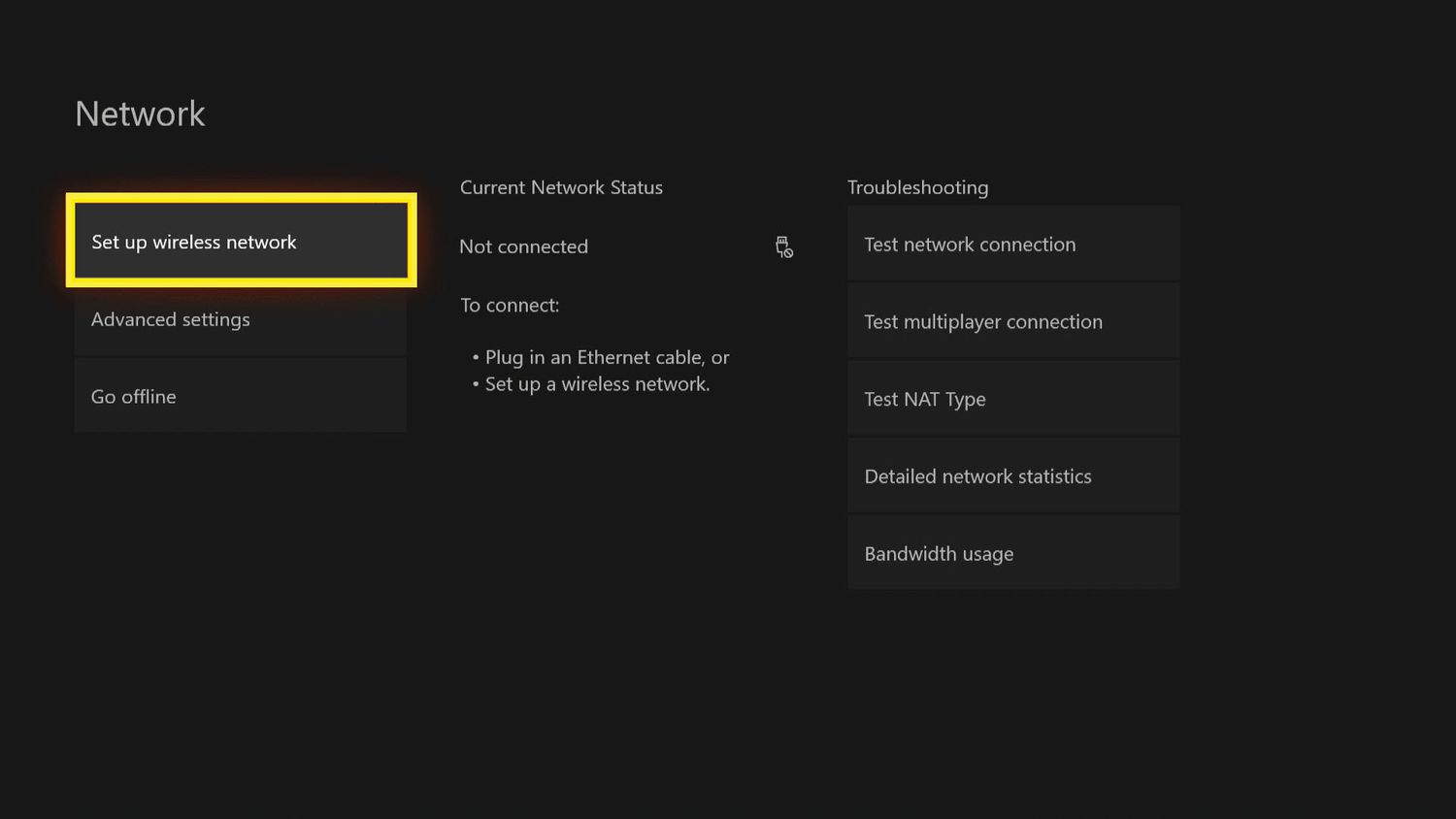
Guides for anyone who has ever tried to connect a device to public or hotel Wi-Fi, only to be stopped by a login screen that won't appear. These articles are for phone owners, console gamers, and smart TV users who need to bridge the gap between their device and a network that requires web-based authentication. The core problem is that many modern gadgets, like game consoles and streaming devices, lack a built-in browser to handle these sign-in pages, leaving users stuck.
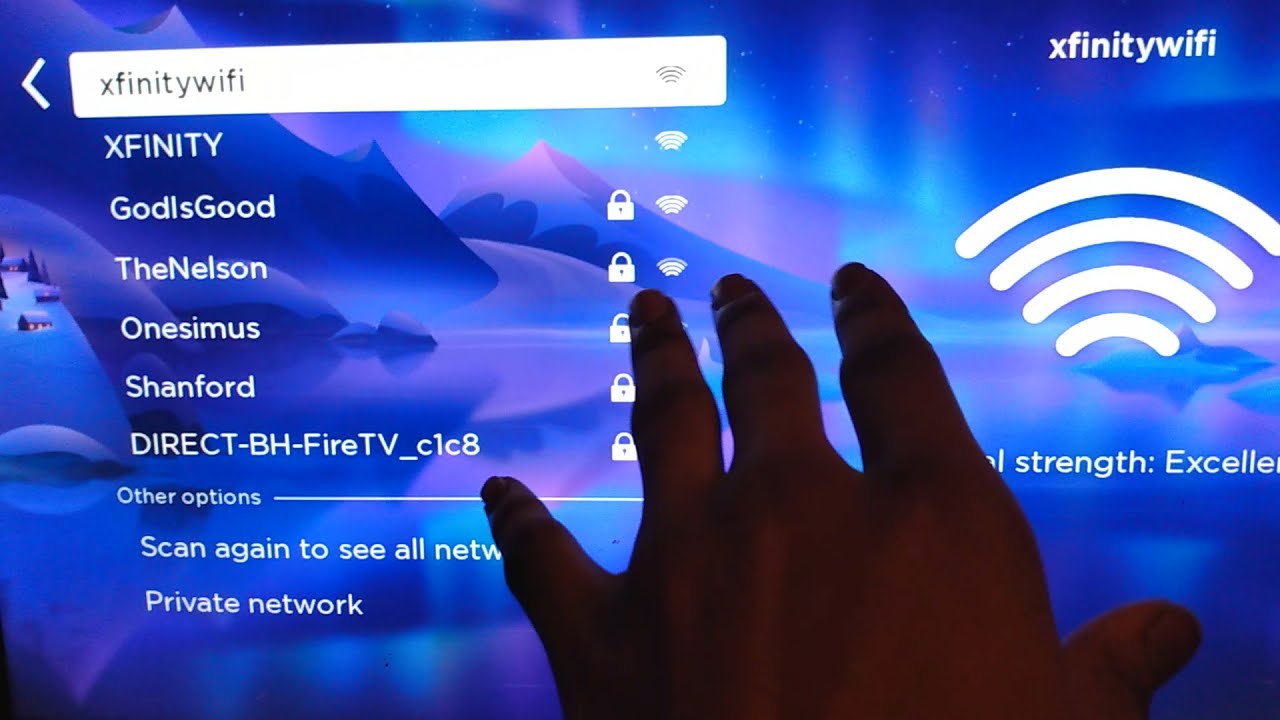
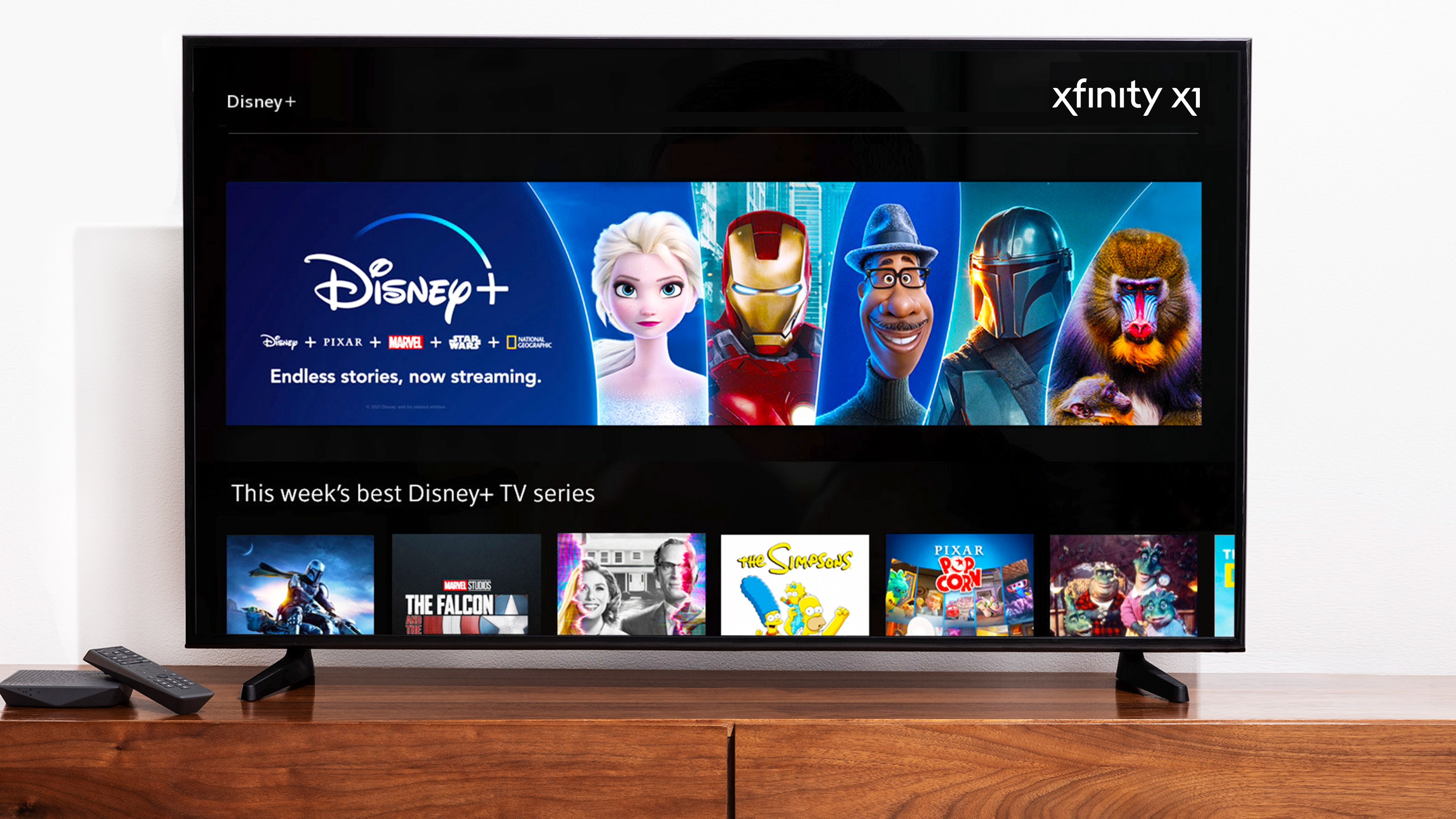
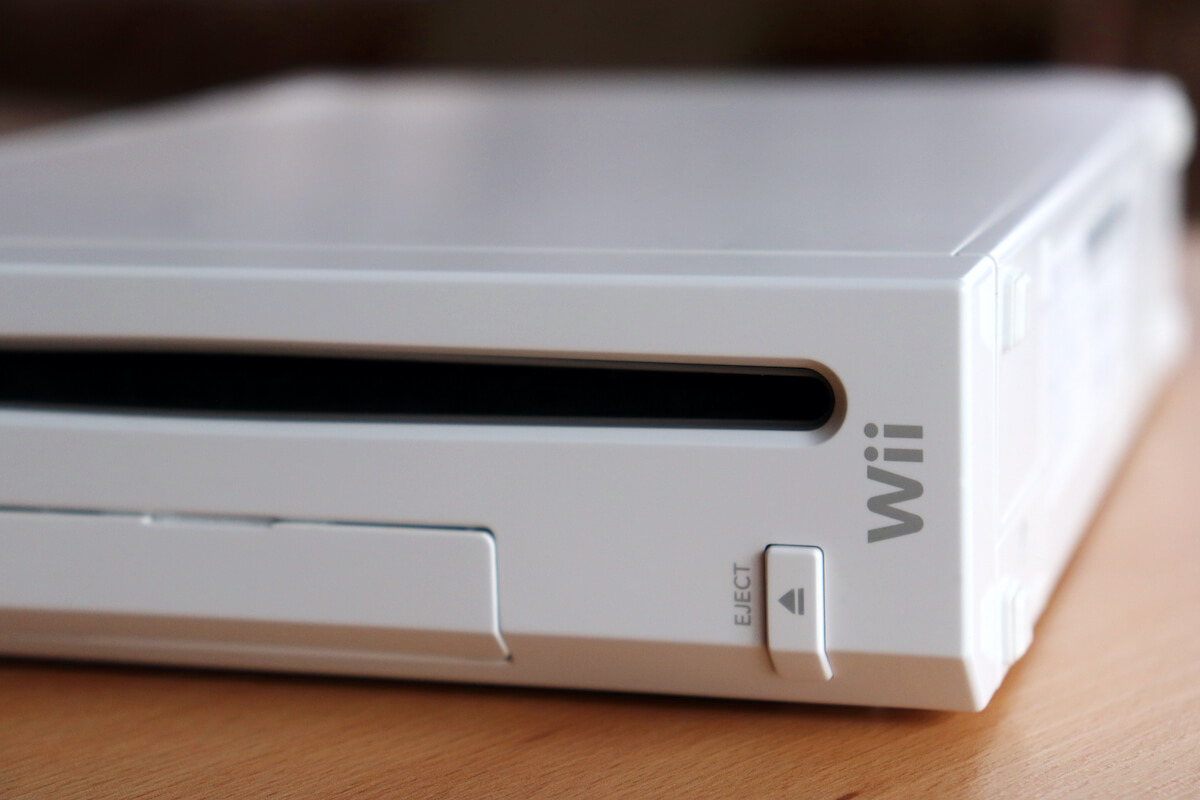
The articles here solve that frustration in two key ways. First, they cover how to use your phone as a bridge to authenticate other hardware, such as connecting a PS5 or Xbox Series X to hotel Wi-Fi or a Cox hotspot. Second, they focus on specific, stubborn network providers like Xfinity and Boingo, showing you the exact steps to get a Wii, Roku TV, or smart TV online when the captive portal refuses to load. Topics like “How To Authenticate PS5 Hotel Wi-Fi With Phone” and “How To Connect Roku TV To Xfinity Hotspot” walk you through sharing your phone’s connection or manually entering credentials, turning a dead-end network into a working link for your device.