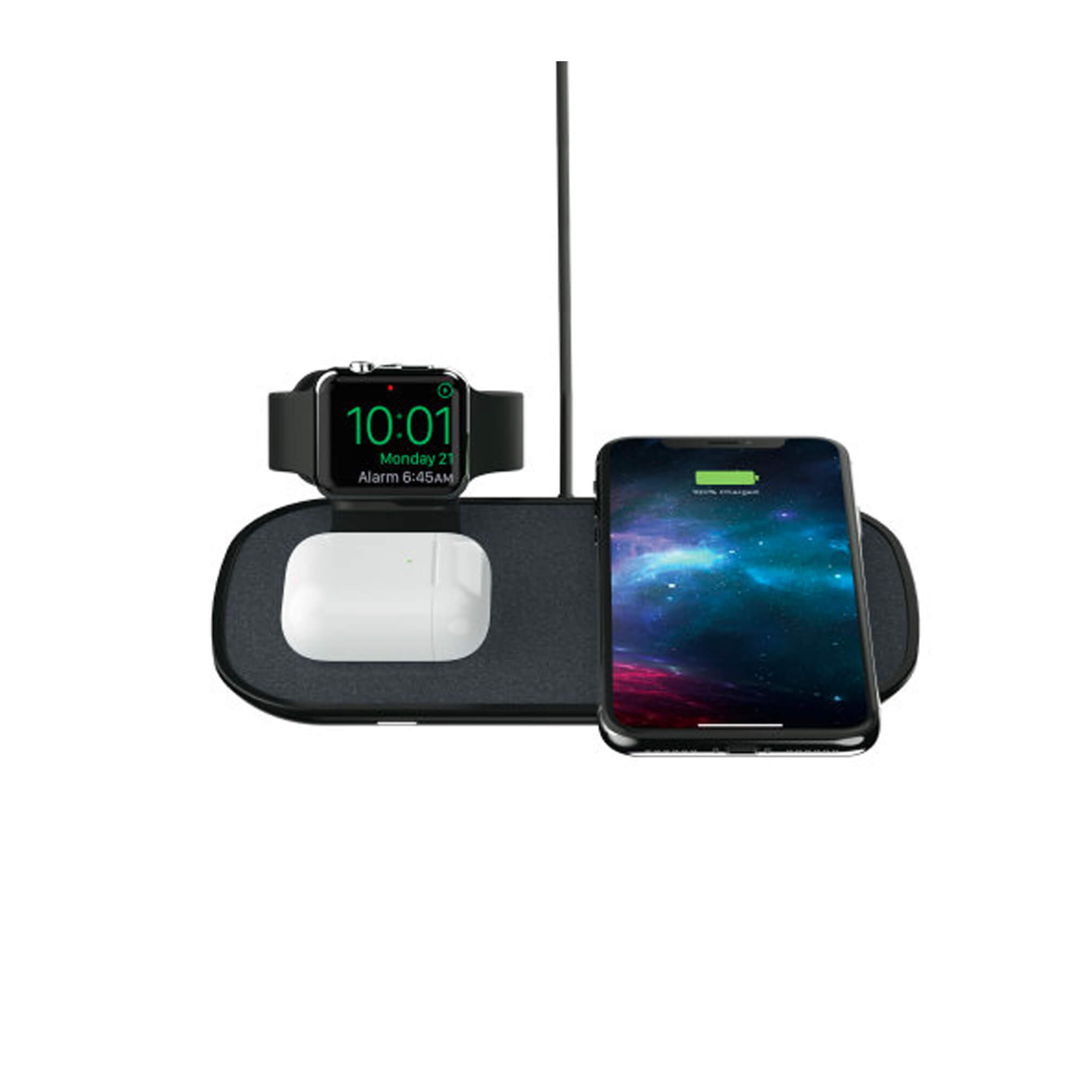
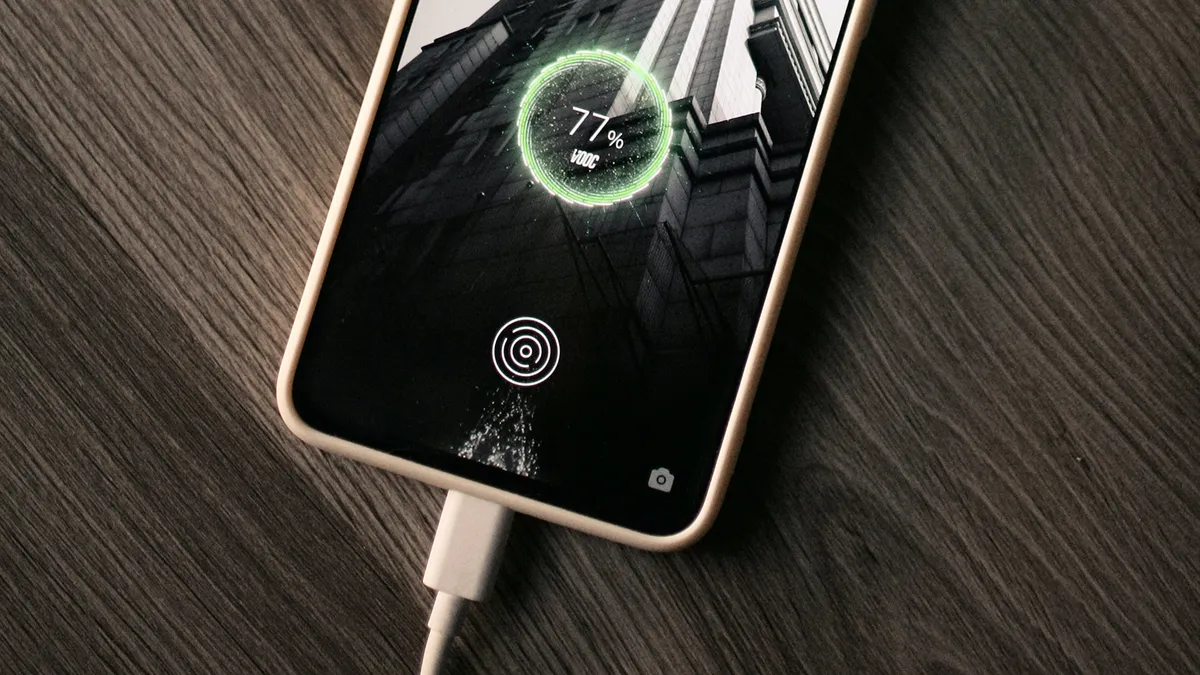
This tag collects guides and troubleshooting advice for anyone who owns a phone, portable charger, or other battery-powered device. Whether you are a new user trying to understand your first power bank or someone dealing with a finicky charging port, these articles are built to answer practical, everyday questions. The content focuses on real-world scenarios like figuring out how long a battery will last, what those blinking indicator lights mean, and how to handle charging accessories properly.
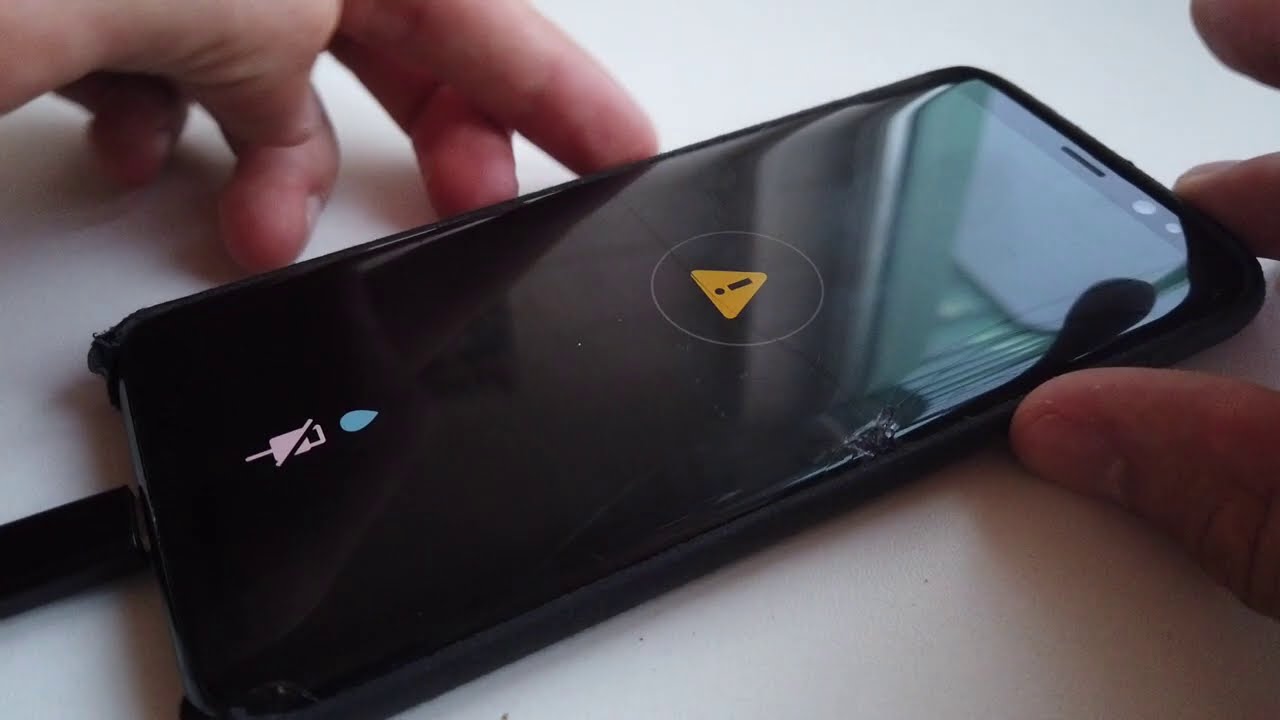
The articles naturally fall into two main themes. The first is power bank basics and comparisons, covering topics like how to charge specific models from Anker, Belkin, Romoss, and Miady, as well as understanding capacity terms like mAh. You will find answers to questions such as "How Long Will A 10000mAh Power Bank Last" and "Which Power Bank Is Better 10000mAh Or 20000mAh." The second theme involves troubleshooting connectors and device-specific charging problems, including how to dry an iPhone Lightning connector, what a "Liquid Detected" warning means, and how to charge a Chromebook with a phone charger or revive a battery that won't charge.
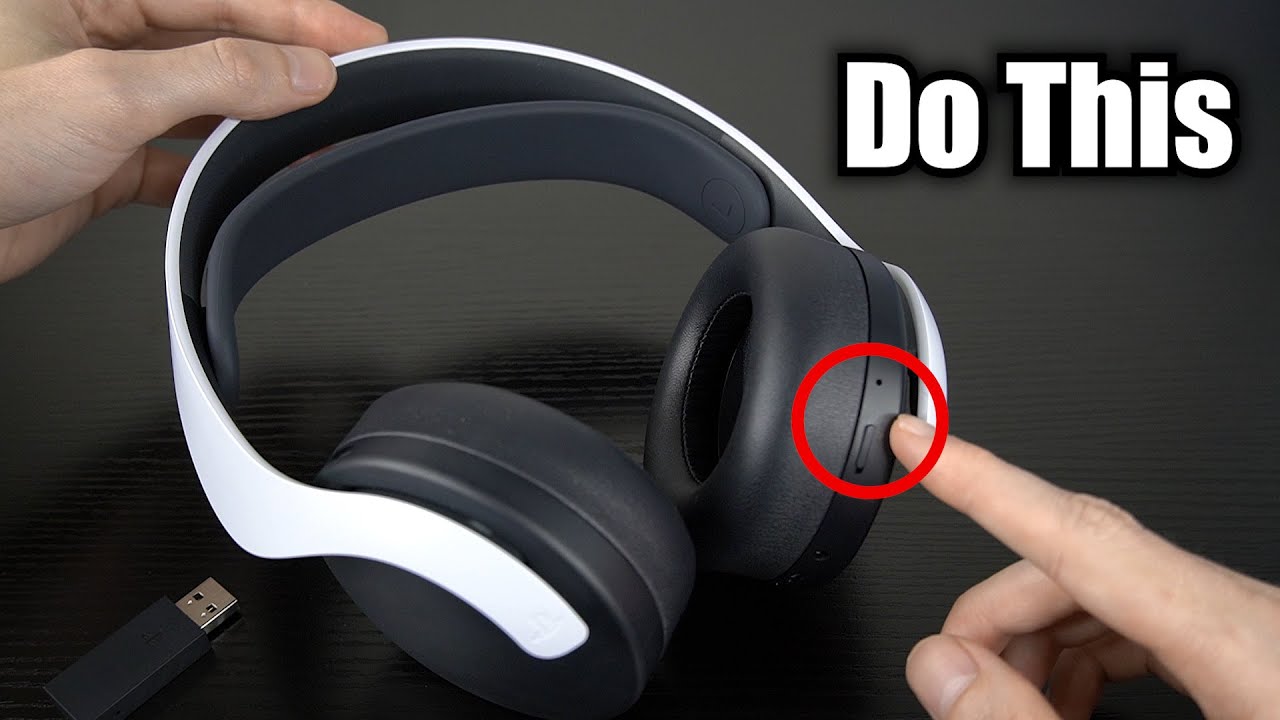
These articles help you perform specific actions: charge a device for the first time, interpret a ring light's blue color, extend battery life by managing optimized charging settings, and even charge wireless earbuds when you have lost the case. The goal is to provide clear, step-by-step help for common charging frustrations without unnecessary fluff.