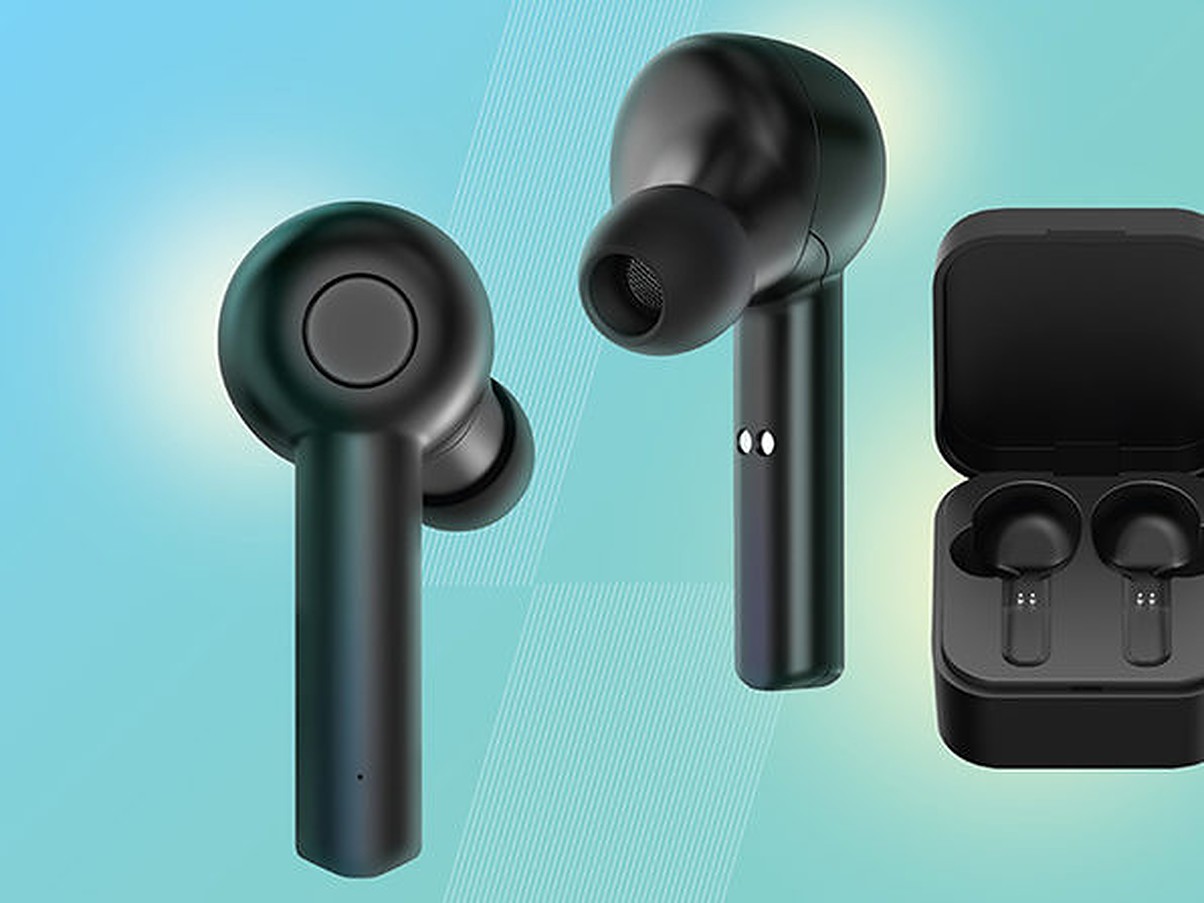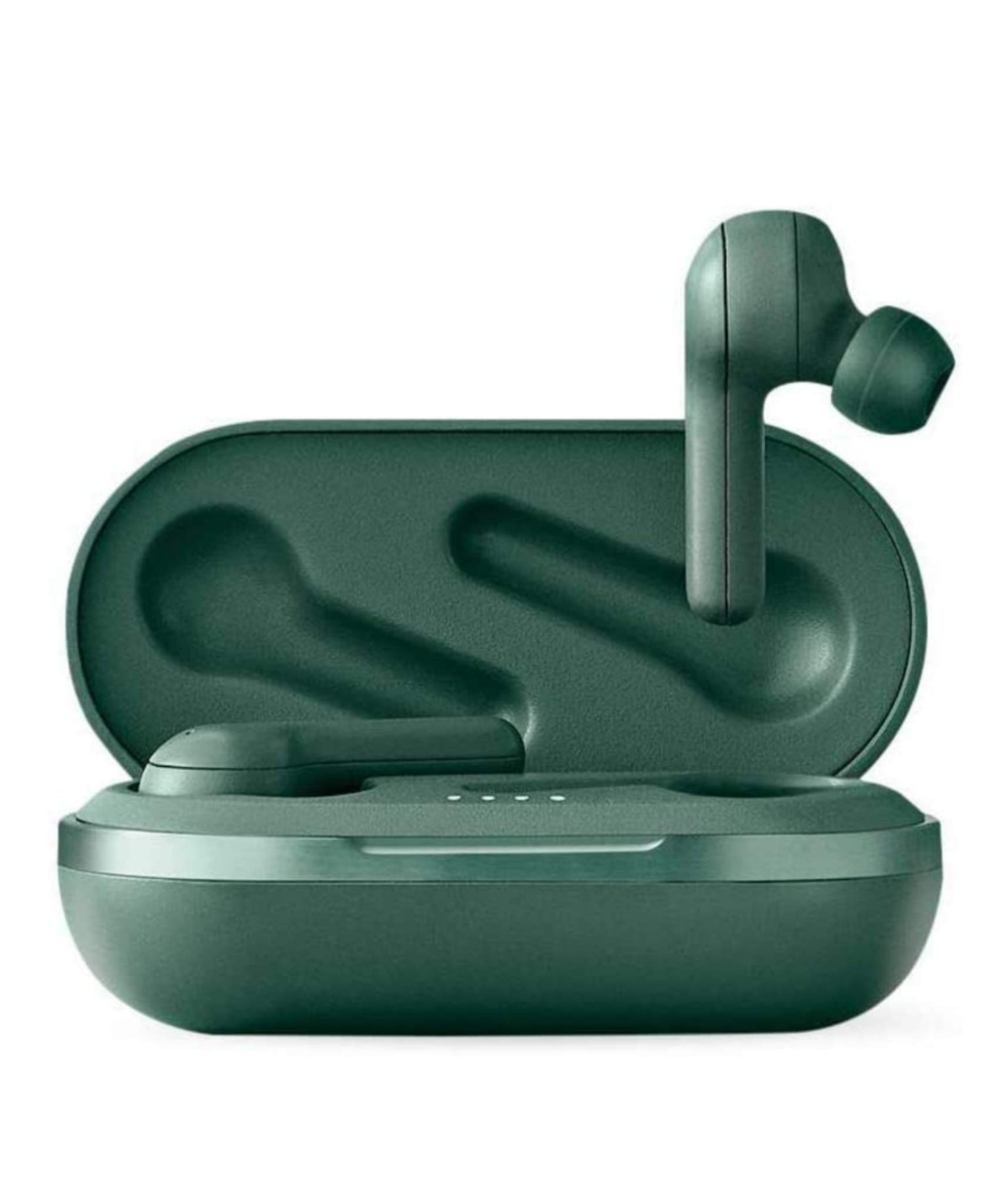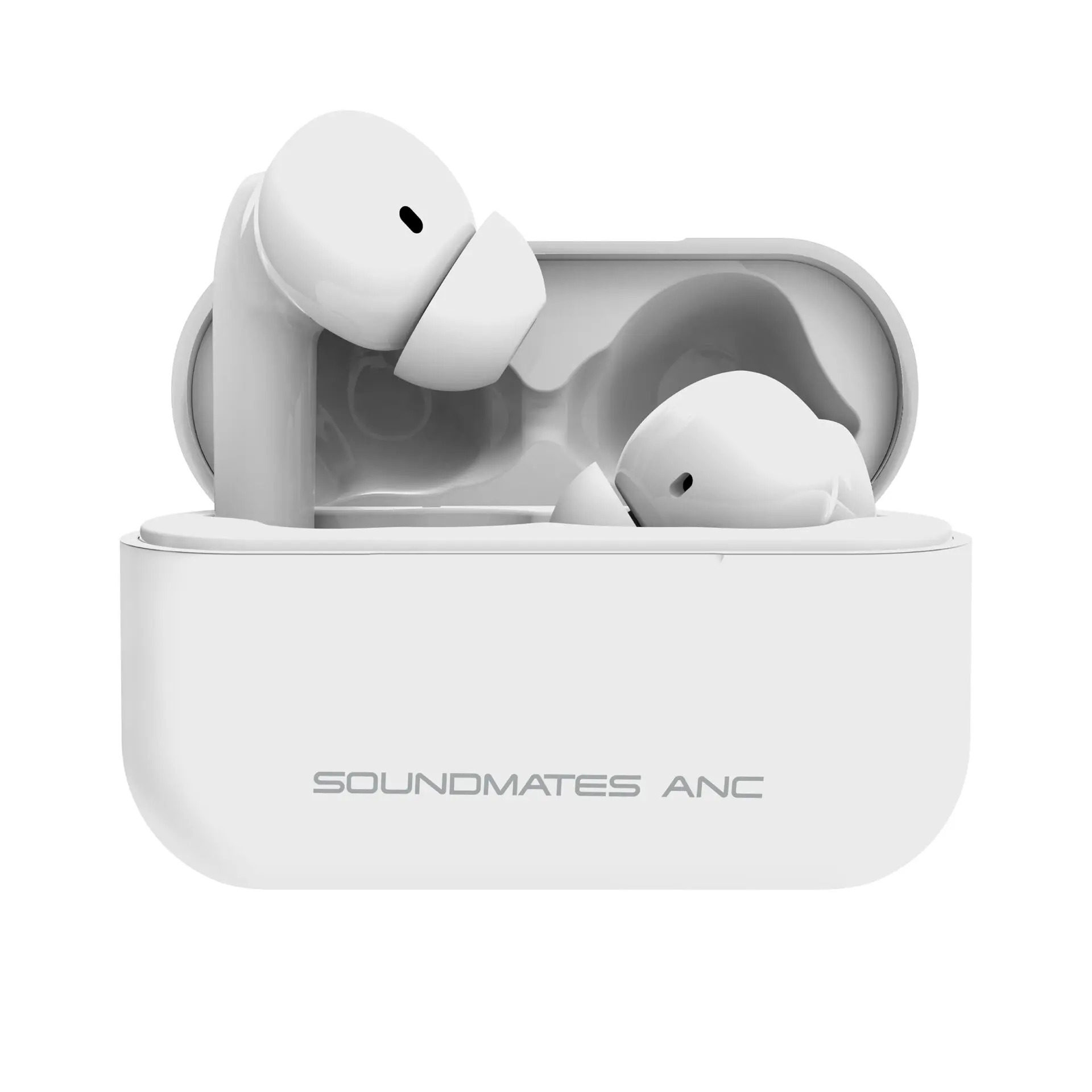
To connect Tzumi Sound Mates wireless earbuds, start by fully charging the earbuds in their case, then remove them and select the correct model name from your device's Bluetooth list. The exact pairing name varies by model, look for "SoundMates ANC," "Soundmates V2," "Tzumi SoundMates," or "Tzumi Soundmates Pro" depending on your version.
How to connect Tzumi Sound Mates wireless earbuds
Charge the earbuds
- Place both earbuds into the charging case, ensuring the gold charging contacts align with the pins inside.
- Close the case and connect the included USB cable to the case's charging port, then plug the other end into a USB power source.
- For SoundMates Pro ANC, the earbuds are fully charged when all 4 LED lights inside the case are solid green. If the case is left open, the LEDs may power-save and turn off; this does not mean the earbuds are uncharged. A steady red light typically means the earbuds are charging, and a blue light indicates they are fully charged, which may apply to non-Pro ANC models.
Pair and connect to your device
- Remove both earbuds from the charging case. They will power on automatically and begin pairing with each other.
- On your phone or other Bluetooth device, open the Bluetooth pairing list (typically found in the device's Settings menu under Bluetooth).
- Keep the earbuds within 3 feet of your device during pairing. This distance is specified for pairing only.
- From the list of available devices, tap the correct name for your model:
- SoundMates ANC
- Soundmates V2
- Tzumi SoundMates
- Tzumi Soundmates Pro
- After a successful connection, the earbuds will announce "Device Connected" or "Phone paired." If no device is connected within 5 minutes, the earbuds will switch off to save power.
Troubleshooting Tzumi Sound Mates connection issues
Earbuds not pairing or one earbud not working
If your earbuds fail to pair or only one earbud produces sound, begin by ensuring both earbuds are fully charged. Then, on your device, go to Bluetooth settings and forget or unpair any existing Tzumi Sound Mates entries. Place both earbuds back in the charging case, close it, wait a few seconds, then remove them again and retry pairing from your device's Bluetooth list.
How to perform a hard factory reset using the charging case button
For SoundMates Pro ANC, Tzumi provides a specific reset procedure. First, make sure the earbuds are fully charged. Press the button on the back of the charging case for about 10 seconds until the red light blinks 5 times. Place the earbud back in the case until the red light becomes solid. Remove the right earbud again and wait for the "power on" voice prompt, then do the same for the left earbud. After resetting, go to Bluetooth settings on your phone or smart device and look for "Tzumi Soundmates Pro" to pair again.
General connectivity troubleshooting
If you experience poor sound quality or intermittent connection, check that the earbuds are properly seated in your ears and that the audio ports are clean. Reduce the distance between the earbuds and your device, and avoid physical obstructions. If the controls become unresponsive, place the earbuds back in the charging case, close it, and remove them again to re-establish the connection.
Frequently Asked Questions
How do I control music playback and volume with Tzumi Sound Mates?
Tap the multi-function button on either earbud once to play or pause music. Double-tap to skip to the next track, and triple-tap to go back to the previous track. To adjust volume, tap and hold the multi-function button on the right earbud to increase volume, and on the left earbud to decrease volume.
How long does the battery last on Tzumi Sound Mates earbuds?
Battery life varies by usage and volume level, but on average the earbuds provide 3-4 hours of continuous playback on a single charge. The charging case recharges the earbuds multiple times, extending total listening time. Fully charge both the earbuds and the case before each use for optimal performance.
How do I re-pair my Tzumi Sound Mates after they have been connected to another device?
Place the earbuds back in the charging case, close it, then remove them. They will enter pairing mode automatically. On your new device, open the Bluetooth settings and select the correct model name from the list. If the earbuds do not appear, forget them from any previously paired device's Bluetooth list first.
Can I use only one earbud at a time?
Yes, you can use a single earbud for mono audio or phone calls. Remove the desired earbud from the case and it will connect to your device independently. The other earbud can remain in the charging case.
Why is there no sound coming from one earbud?
This usually indicates the earbuds are not properly paired with each other. If the issue persists, perform the factory reset procedure described in the troubleshooting section above.
For the wider topic, see pairing true wireless earbuds.
Related reading: How To Connect Tozo Wireless Earbuds and How To Connect Wireless Earbuds To Android.