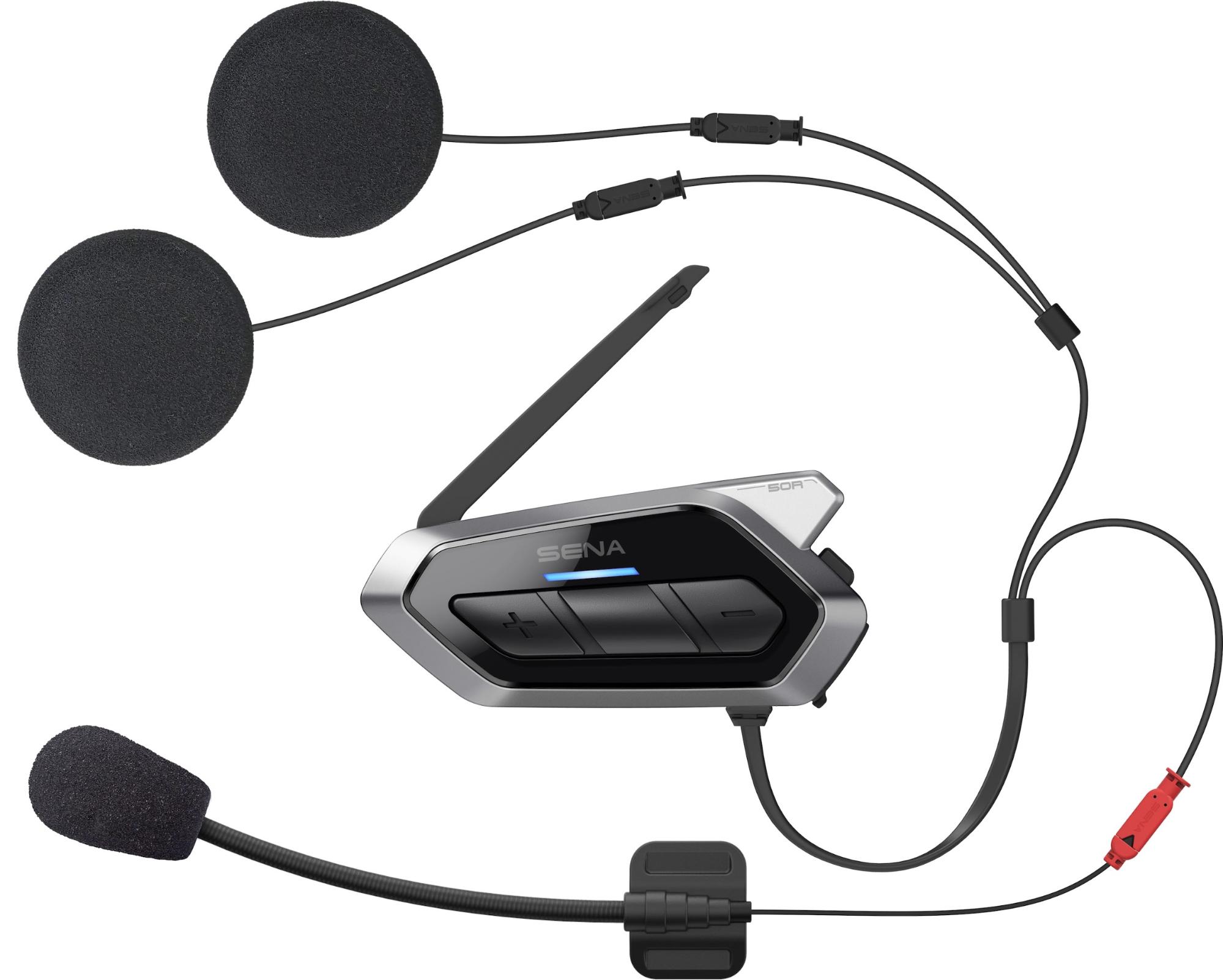
To turn on your Sena headset, press and hold the specific button combination for your model for about one second. You will hear an ascending series of beeps and a voice prompt saying "Hello," and a blue LED will illuminate to confirm the power-on.
How to turn on your Sena headset: the two main methods
The button combination you need depends on your headset model. For headsets like the SMH10, 50S, 10S, and 20S EVO, press and hold the Jog Dial and the Phone Button simultaneously for about one second. For other models, including the SF2 and some SRL series, press and hold the Center Button and the (+) Button at the same time for one second. In both cases, a successful power-on is confirmed by an ascending series of beeps, the voice prompt "Hello," and a blue LED light.
How to turn off your Sena headset
When powering off, a red LED will briefly appear before the headset completely shuts down, accompanied by descending beeps and often a "Goodbye" voice prompt.
Before you start: ensure a full charge
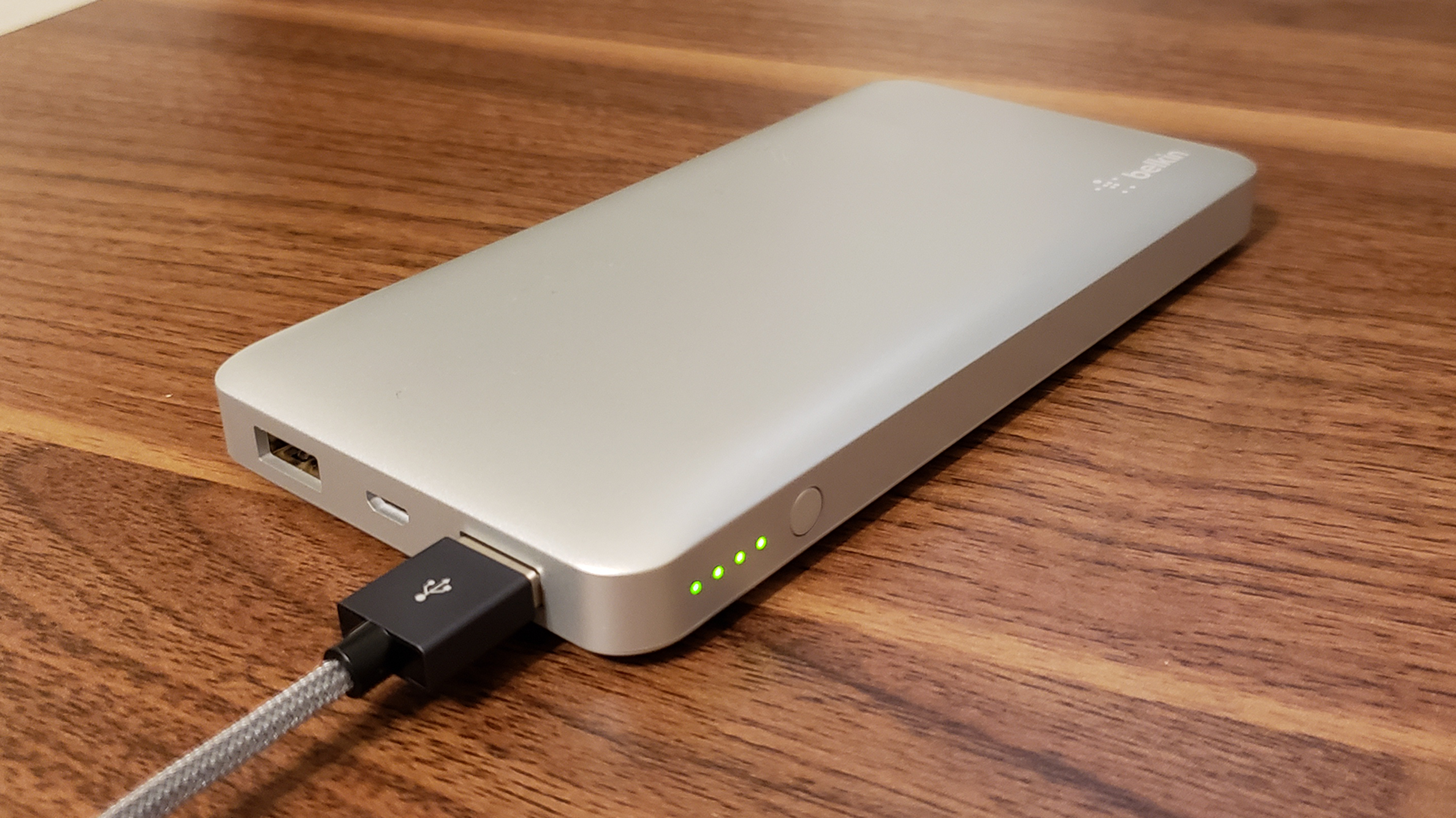
Before attempting to turn on your headset, ensure it is charged. Connect the charging cable to the headset and a power source. The LED indicator turns red while charging and blue when fully charged. A full charge for most Sena headsets takes approximately 2.5 hours.
Pairing your headset with a phone
Once your headset is on, enable Bluetooth on your phone and navigate to the Bluetooth settings menu. Select your Sena headset from the list of available devices to initiate pairing. Follow any on-screen prompts to complete the connection. After successful pairing, test the connection by playing audio or making a call.
Troubleshooting: what if it won't turn on?
If your Sena headset fails to turn on or is not working properly, perform a fault reset by gently pushing the pin-hole reset button located on the back of the main unit. To check the battery level, some models require you to press specific buttons (e.g., Center Button and (+) Button for several seconds after powering on) until you hear a voice prompt indicating high, medium, or low battery. For your general headset setup and use, always refer to these verified procedures before seeking further support.
Frequently Asked Questions
How do I turn on my Sena headset?
Press and hold the correct button combination for your model for about one second. For SMH10, 50S, 10S, and 20S EVO models, use the Jog Dial and Phone Button. For SF2 and some SRL series, use the Center Button and (+) Button.
What should I do if it doesn't turn on?
First, ensure the headset is fully charged (the LED should be blue when charging is complete). If it still won't turn on, perform a fault reset by gently pressing the pin-hole reset button on the back of the main unit.
How do I check the battery level on my Sena headset?
After powering on, press and hold the Center Button and the (+) Button for several seconds. You will hear a voice prompt announcing whether the battery is high, medium, or low.
How long does it take to fully charge a Sena headset?
Can I turn on my Sena headset using a smartphone app?
Sena offers smartphone apps for certain models that allow remote control. Check if your specific model is compatible with the Sena app for features like remote power-on and settings adjustment.
Related reading: How To Charge Quest 2 Headset.