Apple's Clean Energy Charging is an iPhone feature that uses a forecast of local grid carbon emissions to choose cleaner charging times, and it is available only in the United States with iOS 16.1 and later. If you want to disable it for faster or standard charging, you can turn off clean energy charging iPhone in your battery settings.
What clean energy charging iPhone means
Clean Energy Charging is an iPhone feature that reduces your carbon footprint by charging your device when the local power grid is using cleaner energy sources. When enabled, your iPhone receives a forecast of carbon emissions from the local grid and delays charging to times when lower-emission electricity is available.
How Apple's Clean Energy Charging works
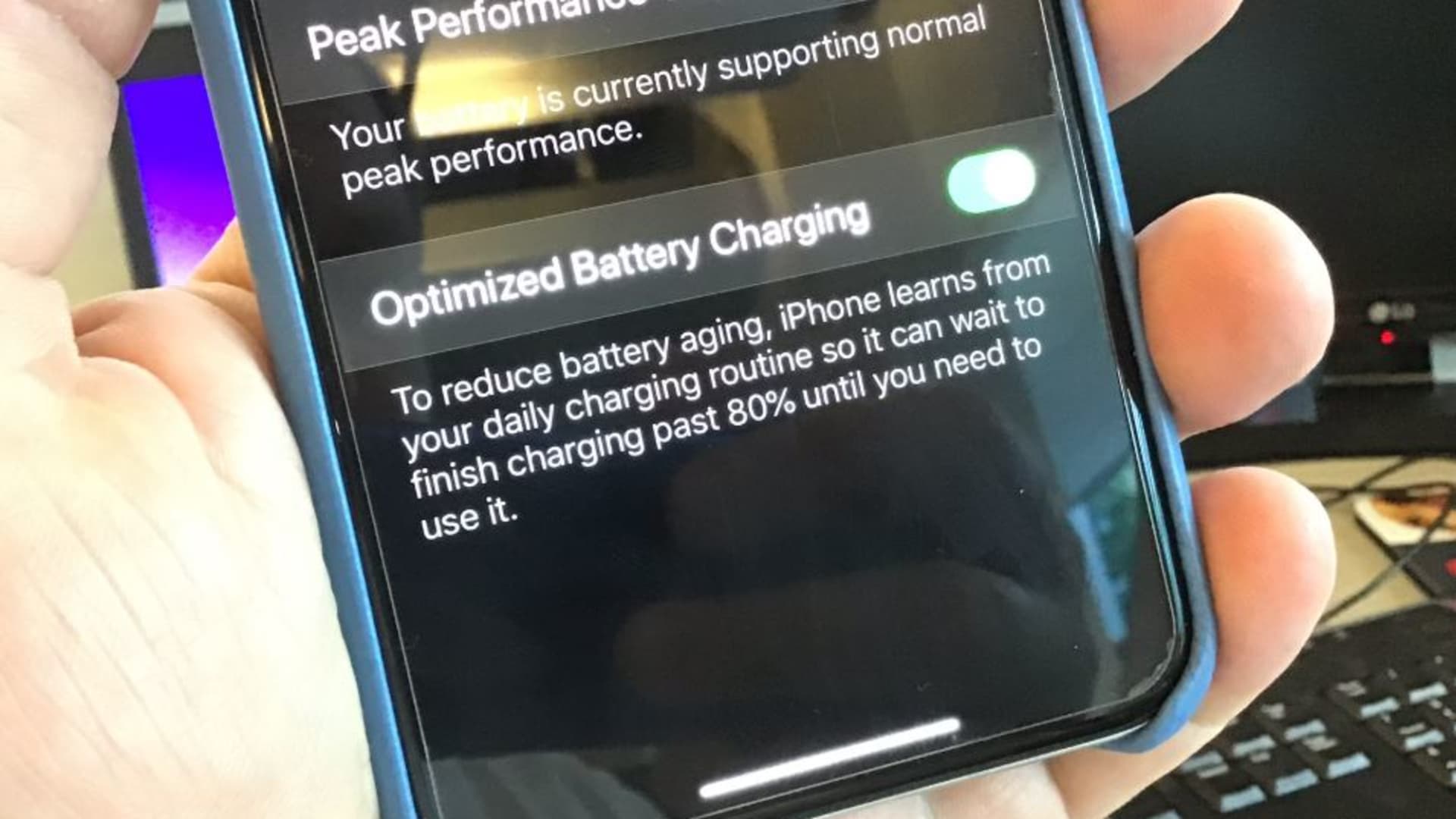
The feature is turned on by default when you set up your iPhone. To activate, it requires that Location Services, System Customization, and Significant Locations are all enabled (Settings > Privacy & Security > Location Services > System Services > Significant Locations). Significant Locations must be on, and Location Services and System Customization must also be on for activation. Clean Energy Charging only engages at locations where you spend the most time and regularly charge for long periods, such as your home or workplace. It works alongside Optimized Battery Charging to learn your daily charging routine and reduce battery aging. The feature may not engage when your charging habits are variable or when you are traveling.
How to turn off Clean Energy Charging on iPhone 14 or earlier
- Open Settings.
- Tap Battery.
- Tap Battery Health & Charging.
- Toggle off Clean Energy Charging.
How to turn off Clean Energy Charging on iPhone 15 or later
- Open Settings.
- Tap Battery.
- Tap Charging.
- Toggle off Clean Energy Charging, then choose an option (Turn Off Until Tomorrow or Turn Off).
How to temporarily override a charging pause
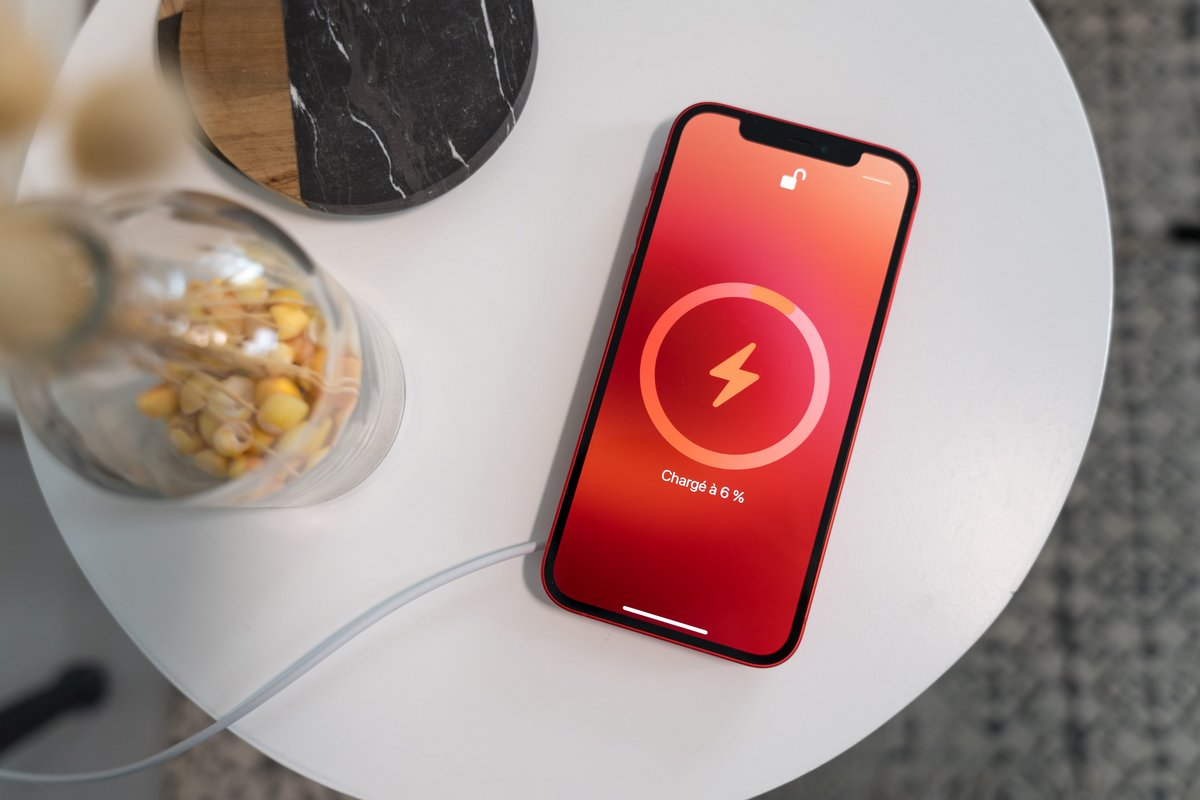
If Clean Energy Charging pauses charging, you can bypass the pause without turning the feature off permanently. Touch and hold the lock screen notification, then tap Resume Charging.
When Clean Energy Charging may not engage
It may not engage when your charging habits are variable, when you are traveling, or at locations where you do not spend significant time. Because the feature relies on location and routine data, it will remain inactive in those scenarios.
Frequently Asked Questions
Will turning off Clean Energy Charging affect my battery health?
No. Clean Energy Charging is separate from Optimized Battery Charging, which manages charging speed to reduce battery aging. You can turn off Clean Energy Charging without turning off optimized charging, so your battery health settings remain unchanged.
Does Clean Energy Charging work with any wireless charger?
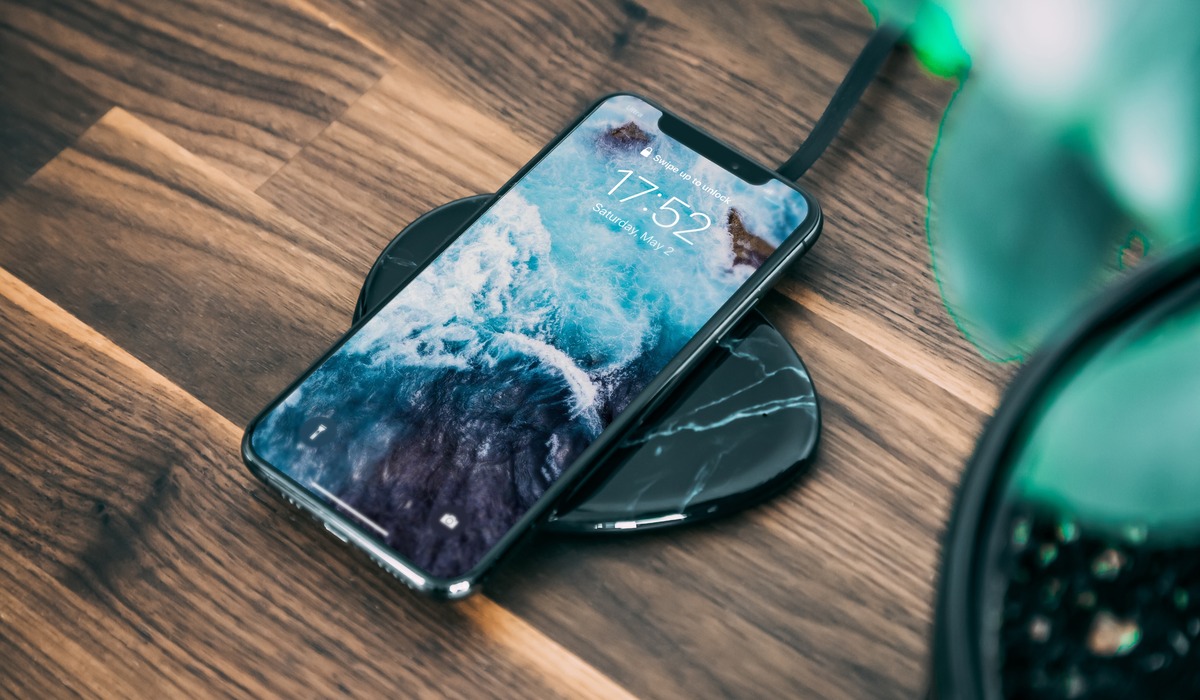
Yes, Clean Energy Charging works with any compatible charger, including a phone wireless charging setup. The feature controls when charging occurs, not how the power is delivered, so it functions with MagSafe, Qi, and wired chargers.
Why is Clean Energy Charging not showing in my settings?
Clean Energy Charging is only available in the United States on iPhones running iOS 16.1 or later. If you do not see the option, your device may be set to a different region or running an older version of iOS.
Can I use Clean Energy Charging if I travel outside the U.S.?
No. Apple documents Clean Energy Charging as a U.S.-only feature. Even if your iPhone is from the U.S., the feature will not engage when you are in another country.
Does Clean Energy Charging slow down charging?
It can. The feature may delay charging to times when the grid uses cleaner energy, which could mean your iPhone does not charge immediately when plugged in. You can override a pause by tapping Resume Charging on the lock screen.
Related reading: How To Dry Iphone Lightning Connector.