This tag collects articles focused on the Chrome browser and its mobile experience, specifically for Android users who want to manage their browsing data, privacy, and general app functionality. Whether you are a casual user or someone looking to tighten up your phone’s settings, these guides are designed to help you solve common, everyday problems without any technical jargon.
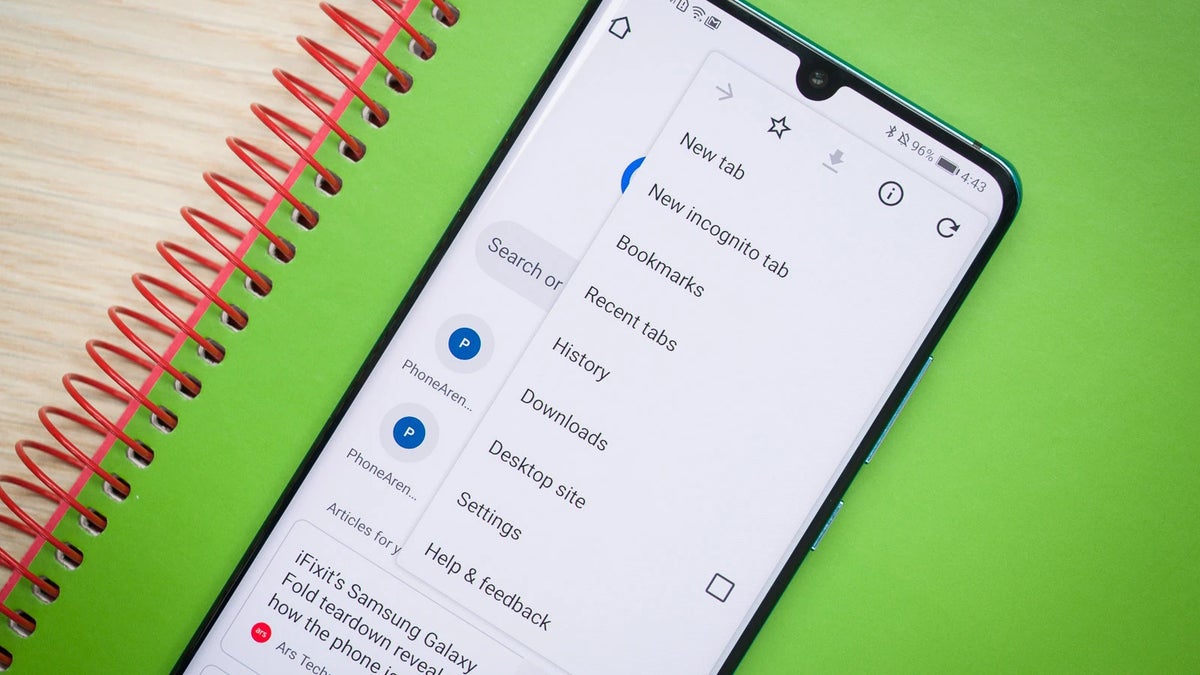
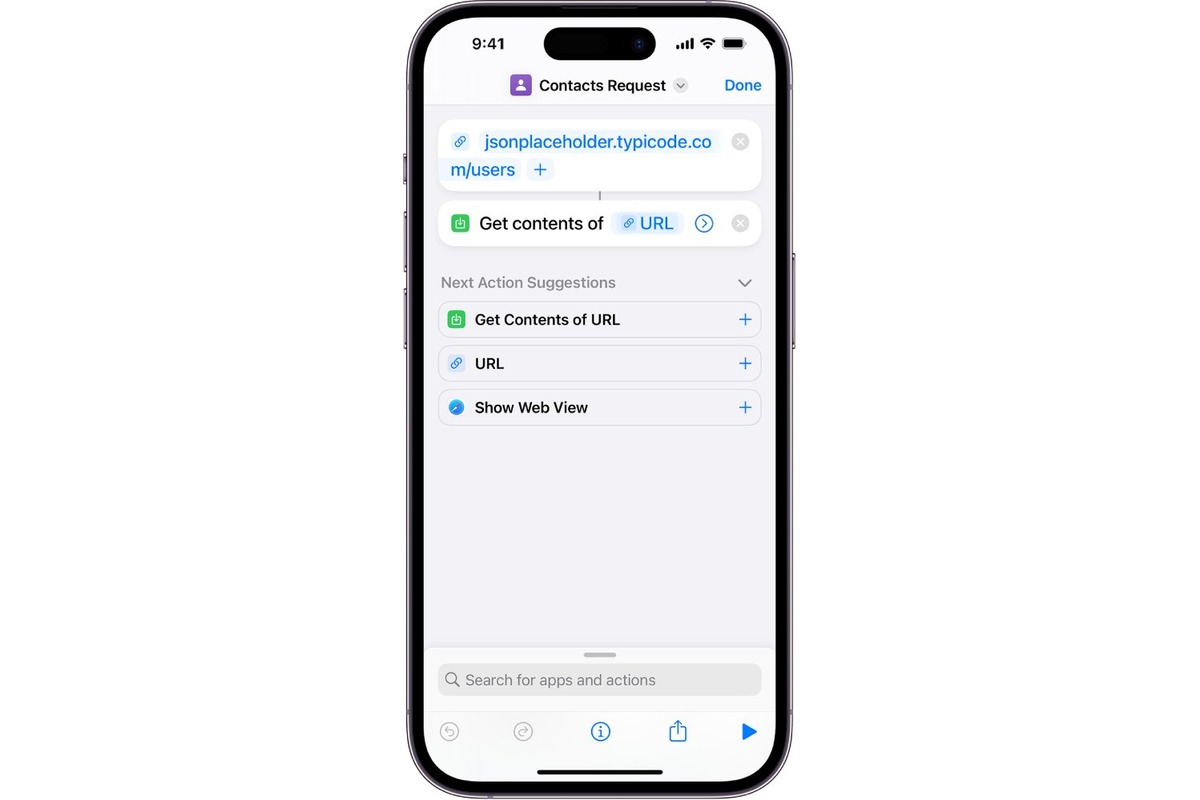
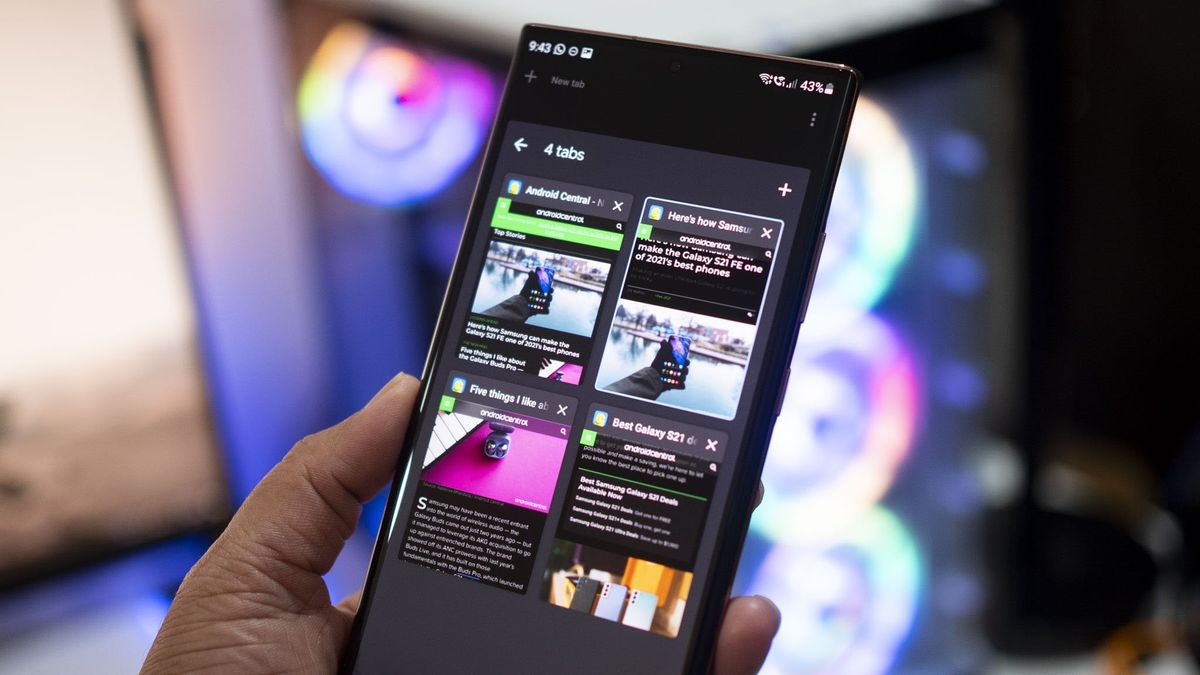
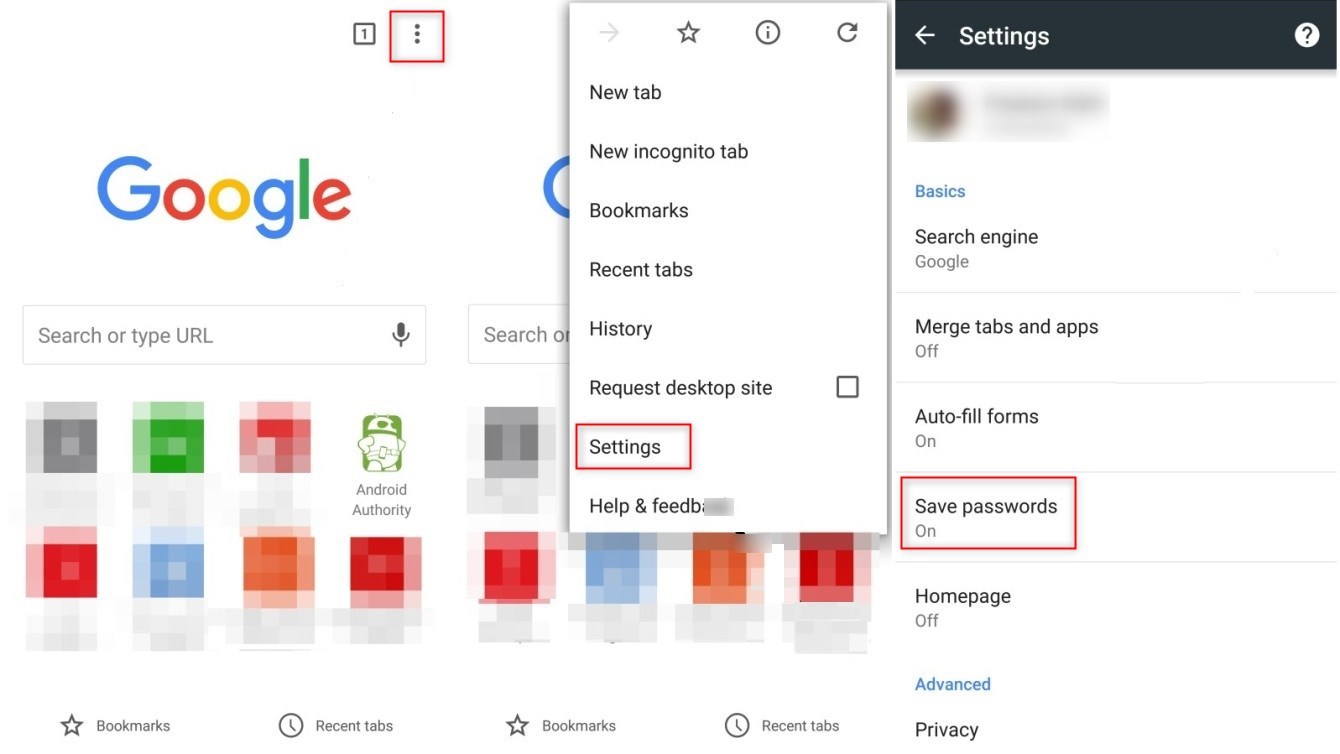
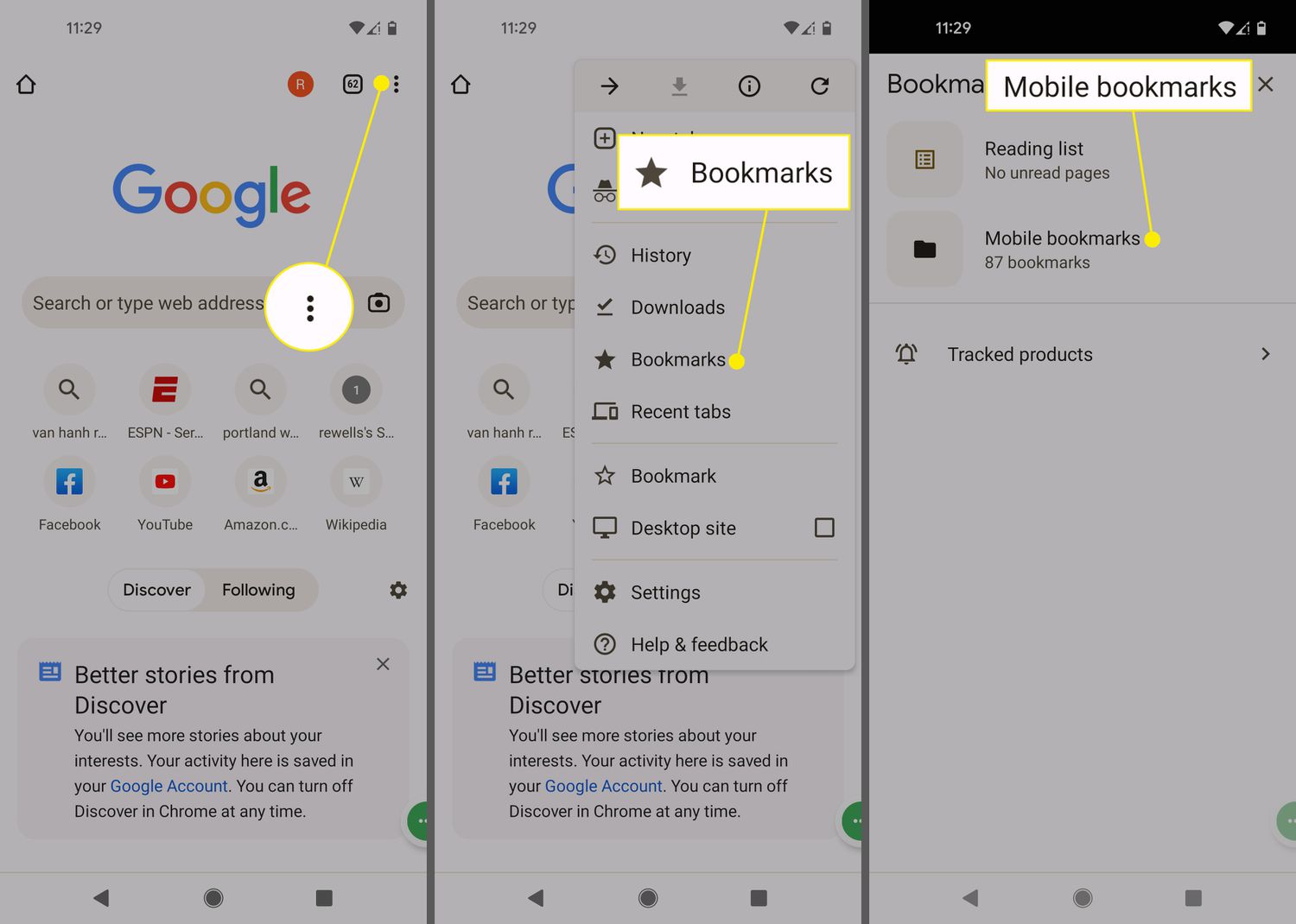
The articles here fall into a few clear themes. One major group deals with privacy and data management, showing you how to clear cookies on Android, view saved passwords, and even how to undo incognito mode if you accidentally closed a private session. Another set of articles focuses on practical navigation and organization, such as how to find your bookmarks on your phone, close tabs on an Android phone, and get to mobile bookmarks in Chrome. You will also find straightforward fixes for annoyances like pop-up ads on Android and tips for avoiding sketchy websites by checking a link’s URL before you click.
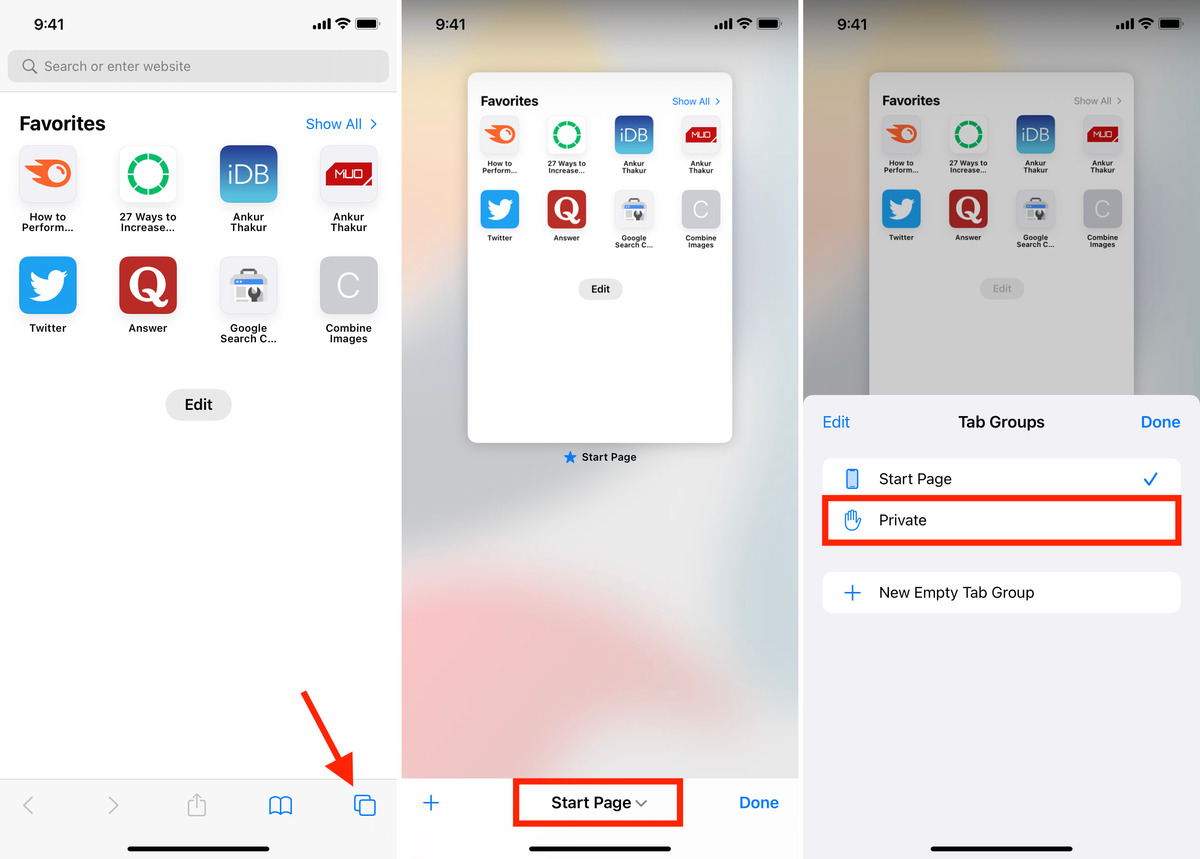
Specific topics covered include how to use extensions on Chrome mobile, how to make a PDF on your phone, and even how to turn on the camera on Omegle mobile. If you have ever needed to find a Roblox user ID on mobile or see your Gmail password in the mobile app, these articles provide the step-by-step instructions to get it done. Each piece is written to help you perform a specific action, from clearing your browsing history to accessing private tabs in Safari, all without hype or unnecessary fluff.