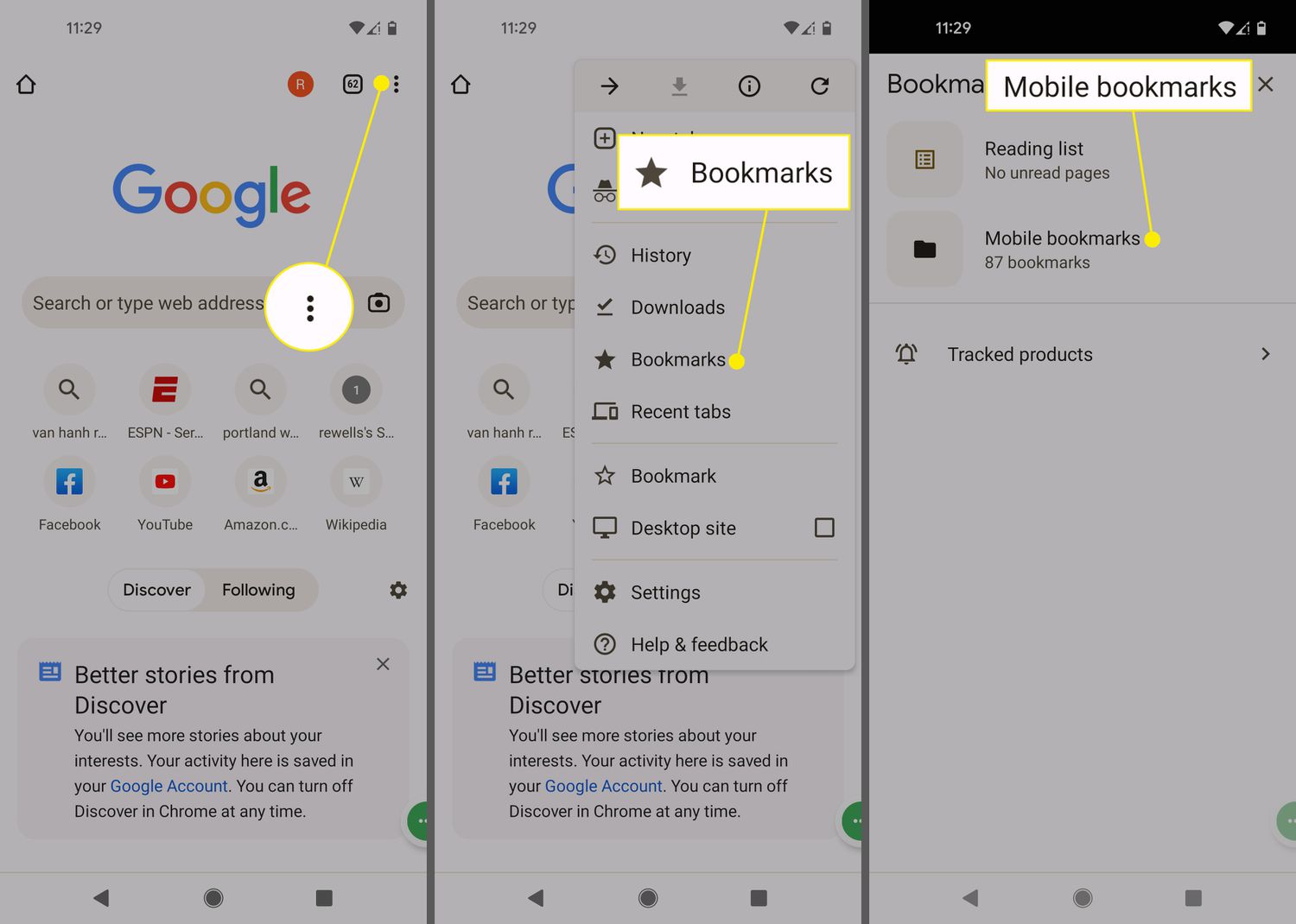
To find my bookmarks on my phone, on an iPhone, that means opening Safari and tapping the Bookmarks icon on the start page or in the top or bottom bar; on Android, open Chrome, tap the More menu (three dots), then tap Bookmarks.
Find bookmarks in Safari on iPhone
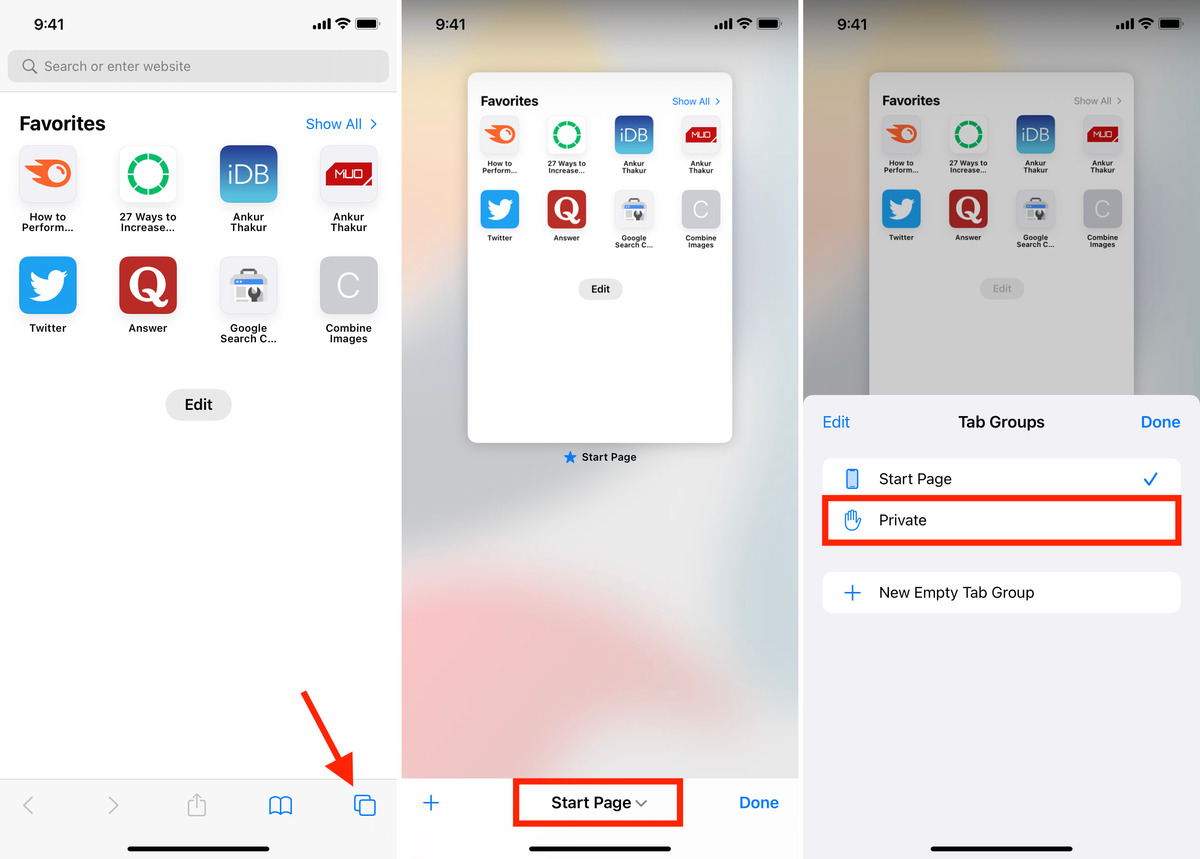
Open the Safari app. On the start page, tap the Bookmarks icon (it looks like an open book). If your Tabs layout is set to Top or Bottom, you can also tap the Bookmarks icon in the address bar.
To bookmark a new page while browsing, tap the Share icon (a square with an arrow), then tap “Add Bookmark to,” choose a location, and tap Save. If your Tabs layout is Bottom or Top, you can touch and hold the Share icon, then tap Add Bookmark.
Find bookmarks in Chrome on Android
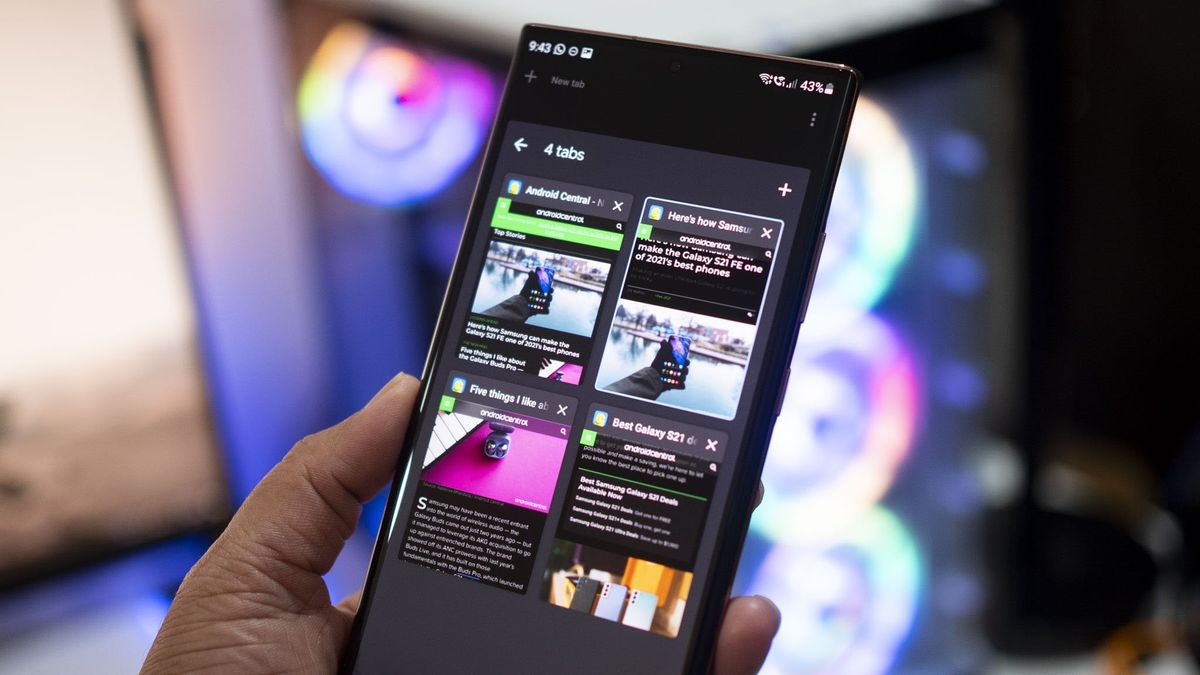
Open the Chrome app. Tap the More menu (three vertical dots) in the top-right corner, then tap Bookmarks. If your address bar is at the bottom of the screen, swipe up on the address bar first to reveal the More menu.
To add a new bookmark, tap More, then tap Add to bookmarks. To open a saved bookmark, go to More > Bookmarks, select the folder it’s in, and tap the bookmark.
Organize your bookmarks into folders
In Safari on iPhone, open the Bookmarks view and tap Edit. From here you can create a new folder, move a bookmark into a folder, delete bookmarks, rename them, or reorder them.
In Chrome on Android, after tapping Bookmarks, your bookmarks are shown by folder. If you recently opened a folder, Chrome opens the same folder again; use the Back button to reach other folders.
Sync bookmarks across your devices
For Apple devices, iCloud Bookmarks syncs Safari bookmarks only when devices are updated to iOS 11 or later, iPadOS 11 or later, and macOS Sierra 10.12.6 or later. To enable syncing on an iPhone or iPad, go to Settings > [your name] > iCloud > See All, then turn on Safari under Apps Using iCloud. Apple devices with iOS 10 or earlier or macOS Sierra 10.12.5 or earlier can keep existing bookmarks and create new ones, but those bookmarks will not sync.
For Android, Chrome Sync can be set from Menu > Settings > You and Google. Once signed in, your bookmarks sync across devices signed into the same Google account.
Frequently Asked Questions
How do I find bookmarks on a Samsung phone?
Open a web page in Samsung Internet and tap the bookmark button (star icon). Tapping the bookmark button turns it yellow. Tap the bookmark button again to see your saved web pages.
Can I search for a specific bookmark on my phone?
If you have many bookmarks, organizing them into folders is the recommended way to find them quickly.
How do I export bookmarks from my phone?
Some mobile browsers offer an export option in their settings, typically allowing you to save bookmarks as an HTML file. Check your browser’s settings menu for a bookmarks export or share option.
Will my bookmarks sync if I use an older iPhone or Mac?
Older devices can store bookmarks locally, but new bookmarks will not sync across devices.
How do I bookmark a page without using the share menu?
In Safari on iPhone with a Bottom or Top Tabs layout, touch and hold the Share icon, then tap Add Bookmark. In Chrome on Android, tap the More menu, then tap Add to bookmarks.
For the wider topic, see checking memory and storage capacity.
Related reading: How To Undo Incognito On Phone?.