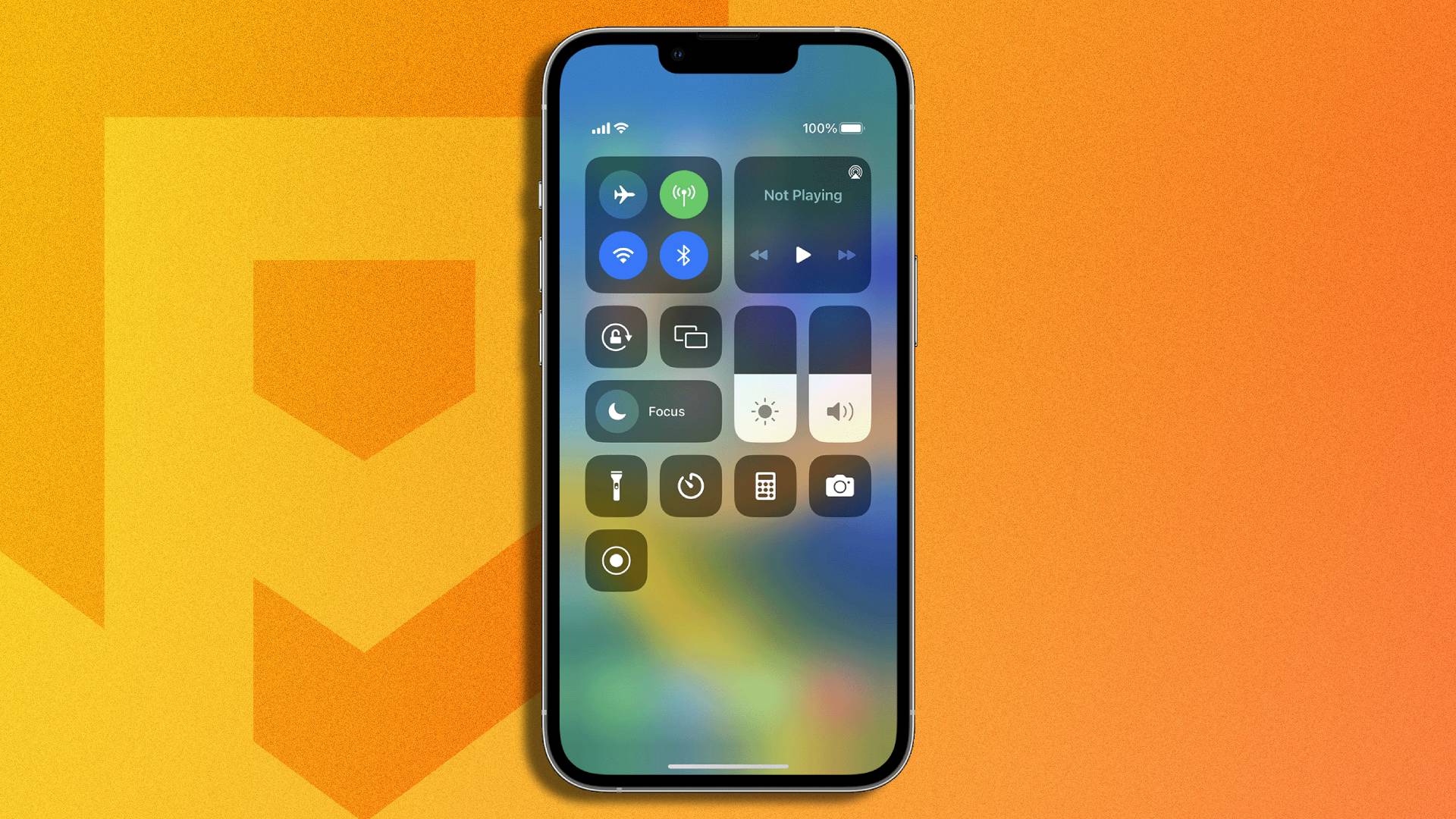
The Control Center tag on CellularNews collects our guides for customizing and troubleshooting the quick-access panel that lives at the heart of your iPhone and iPad experience. This page is for anyone who wants to take full command of their device’s most-used toggles, from fixing missing buttons to mastering hidden features.

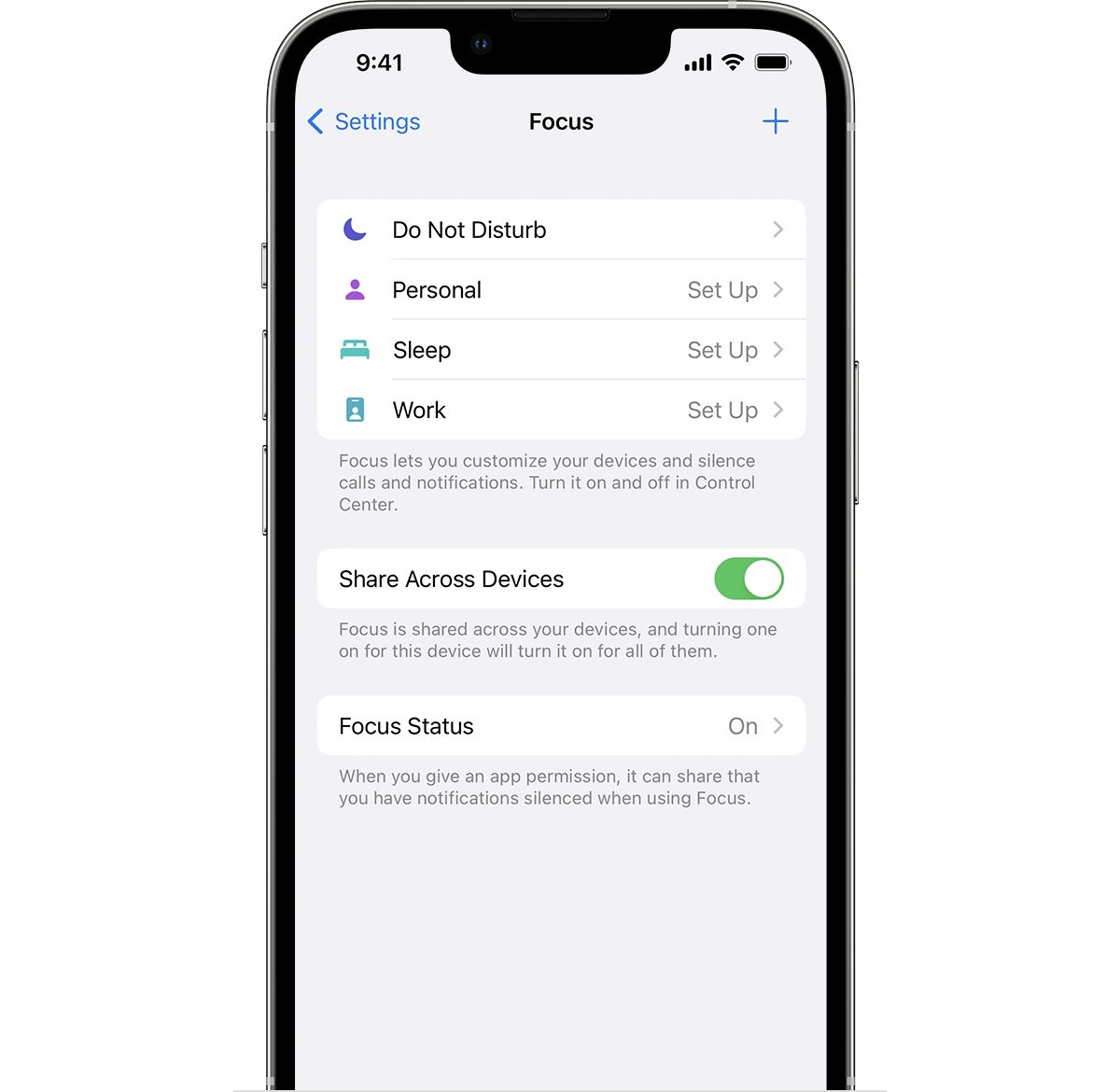
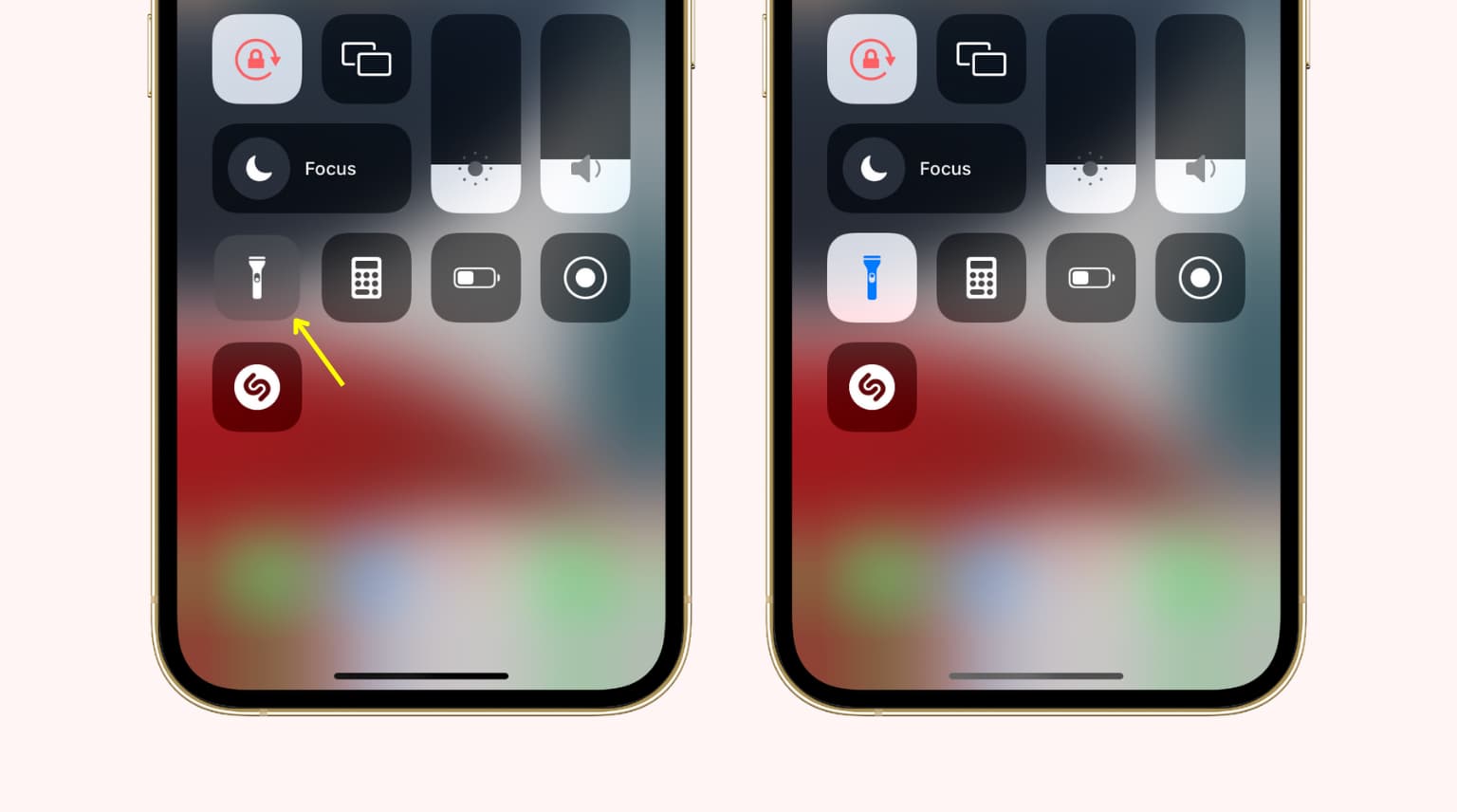
Many of the articles here solve two main kinds of problems: restoring lost or broken controls, and managing your phone’s audio and focus states. For example, if your flashlight has vanished from Control Center, we show you how to get it back. Other guides help you disable Focus, take your phone off Do Not Disturb mode, or put it into DND when you need quiet. On the audio side, you can learn how to switch between speakers and a headset, and why Bluetooth might keep turning on automatically.

Beyond fixes, these articles help you unlock capabilities you might not know your phone has. You can add accessibility features to the Control Center on iOS 13 and iPadOS, measure decibels, or use Shazam to identify a song playing in a video. Screen recording is covered for both the iPhone 14 Plus and the iPhone 11, and we explain what that blue dot at the top of your iPhone 11 screen means. Whether you need to brighten your display or unmirror your phone, these guides give you the direct steps to take control.
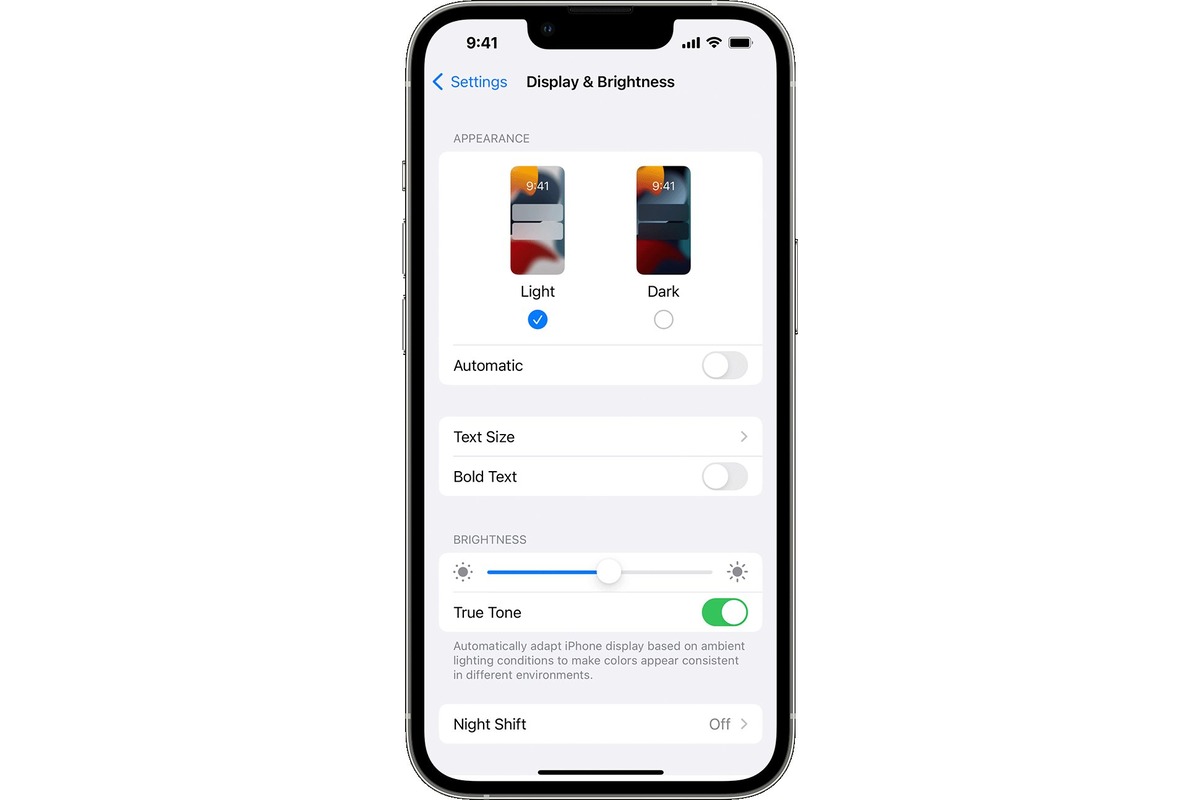
How To Brighten Screen On IPhone 11

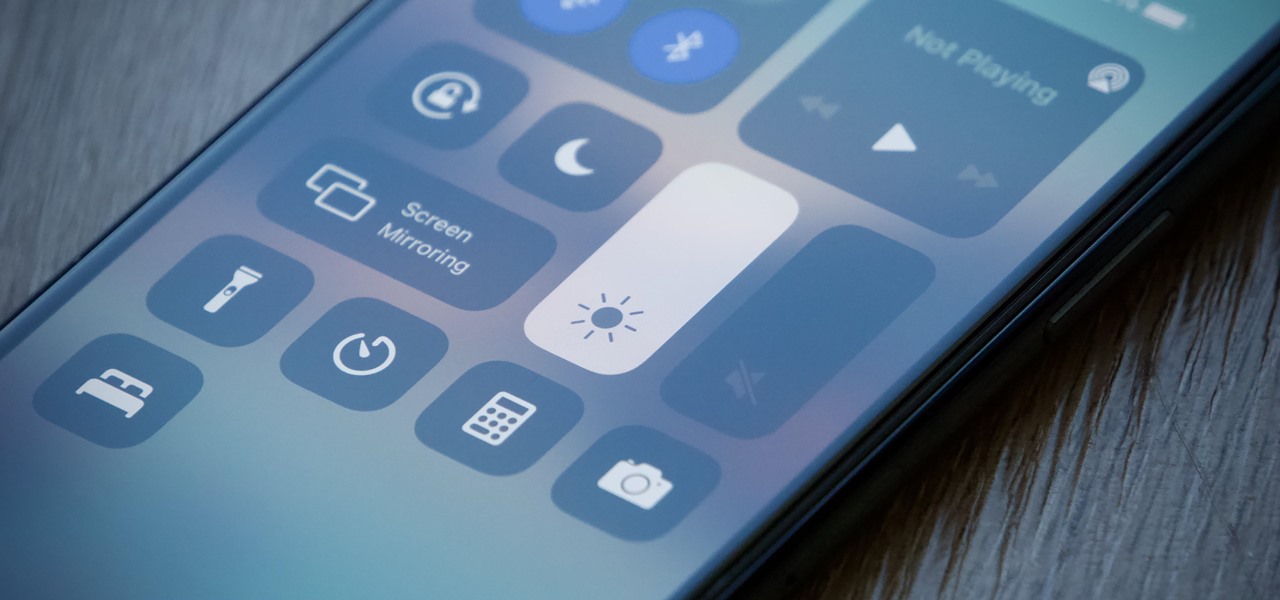
To quickly brighten your iPhone 11 screen, use the Control Center or the Settings app. The two primary methods to brighten screen on iPhone 11 are dragging the brightness bar...

IPhone 11 How To Record Screen

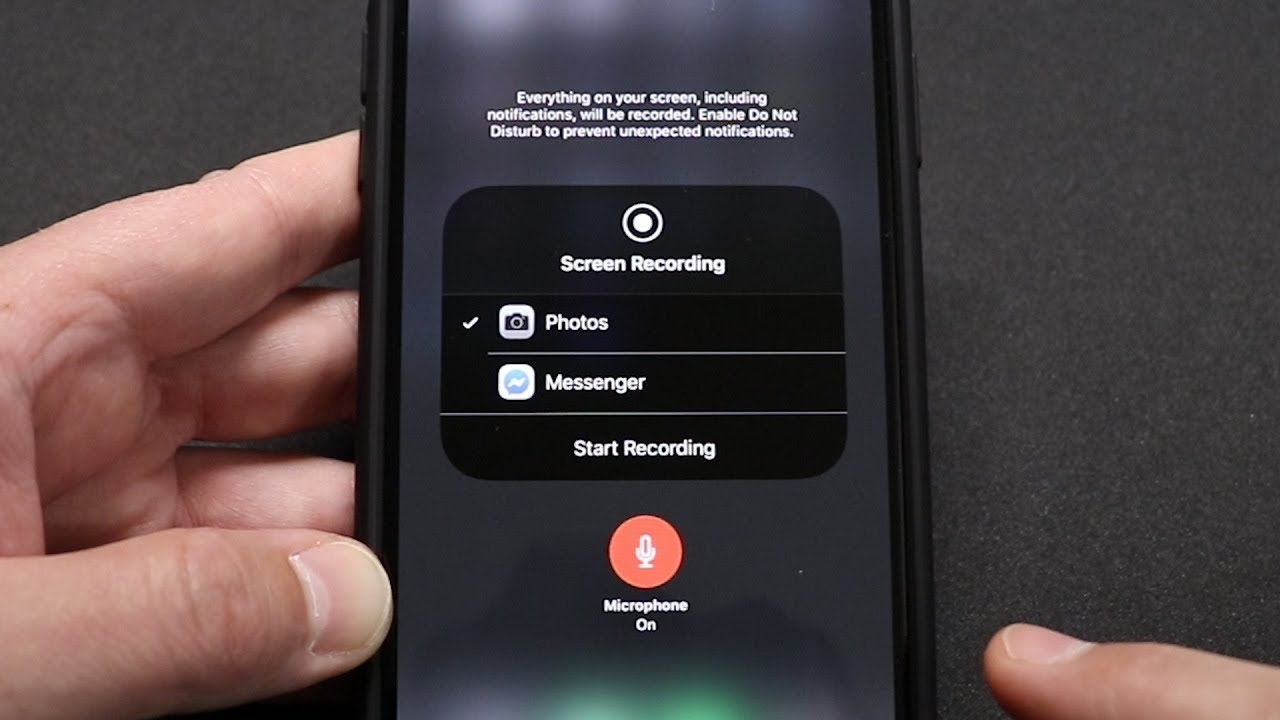
To record your iPhone 11 screen, use the built-in screen recording feature in Control Center, no third-party app is needed. The iPhone 11 record screen tool captures everything on your...

How Do I Screen Record On IPhone 14 Plus

To screen record on iPhone 14 Plus, swipe down from the top-right corner to open Control Center, then tap the gray Screen Recording button. After a 3-second countdown, your screen...

How To Use Shazam In IOS 14

To use Shazam on iPhone, the fastest way is through the Control Center shortcut built into iOS. This method lets you identify a song playing around you with a single...

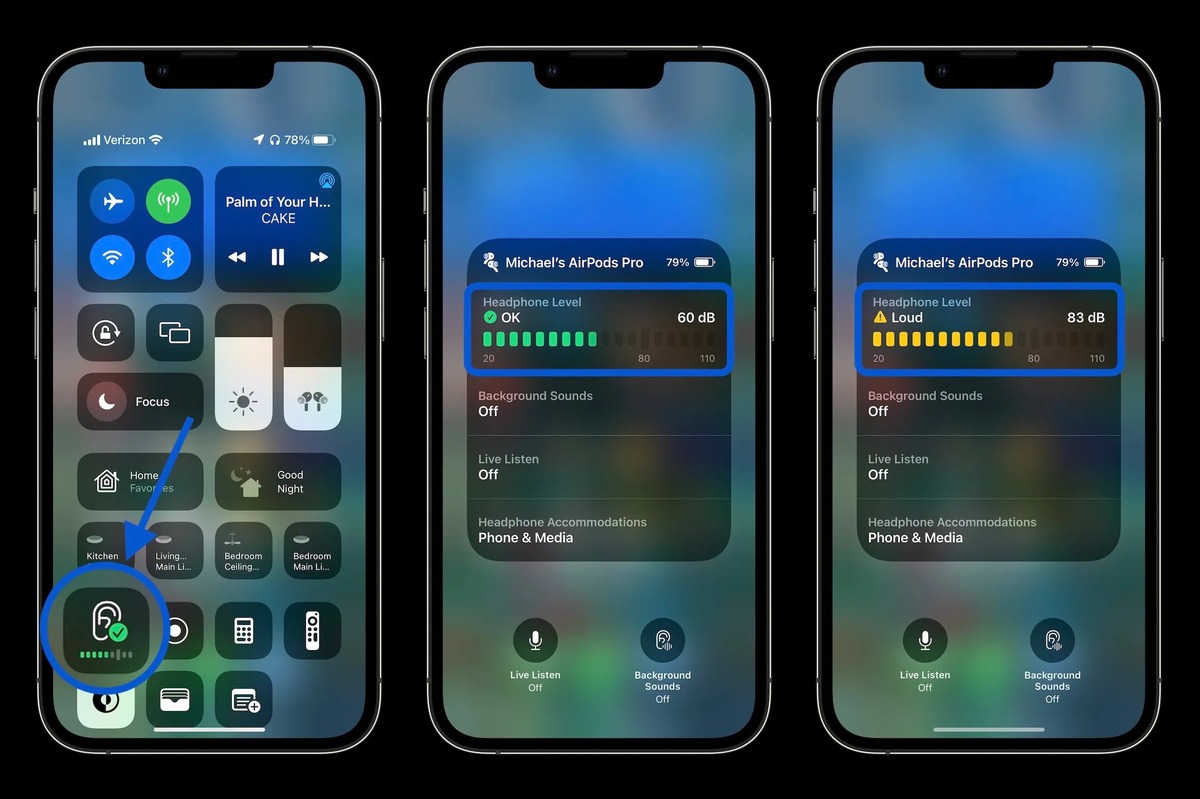
How To Measure Decibels On IPhone

To measure decibels on iPhone for headphone audio, open Control Center, tap the Hearing control, and read the Headphone Level meter in decibels. This built-in tool helps you monitor your...

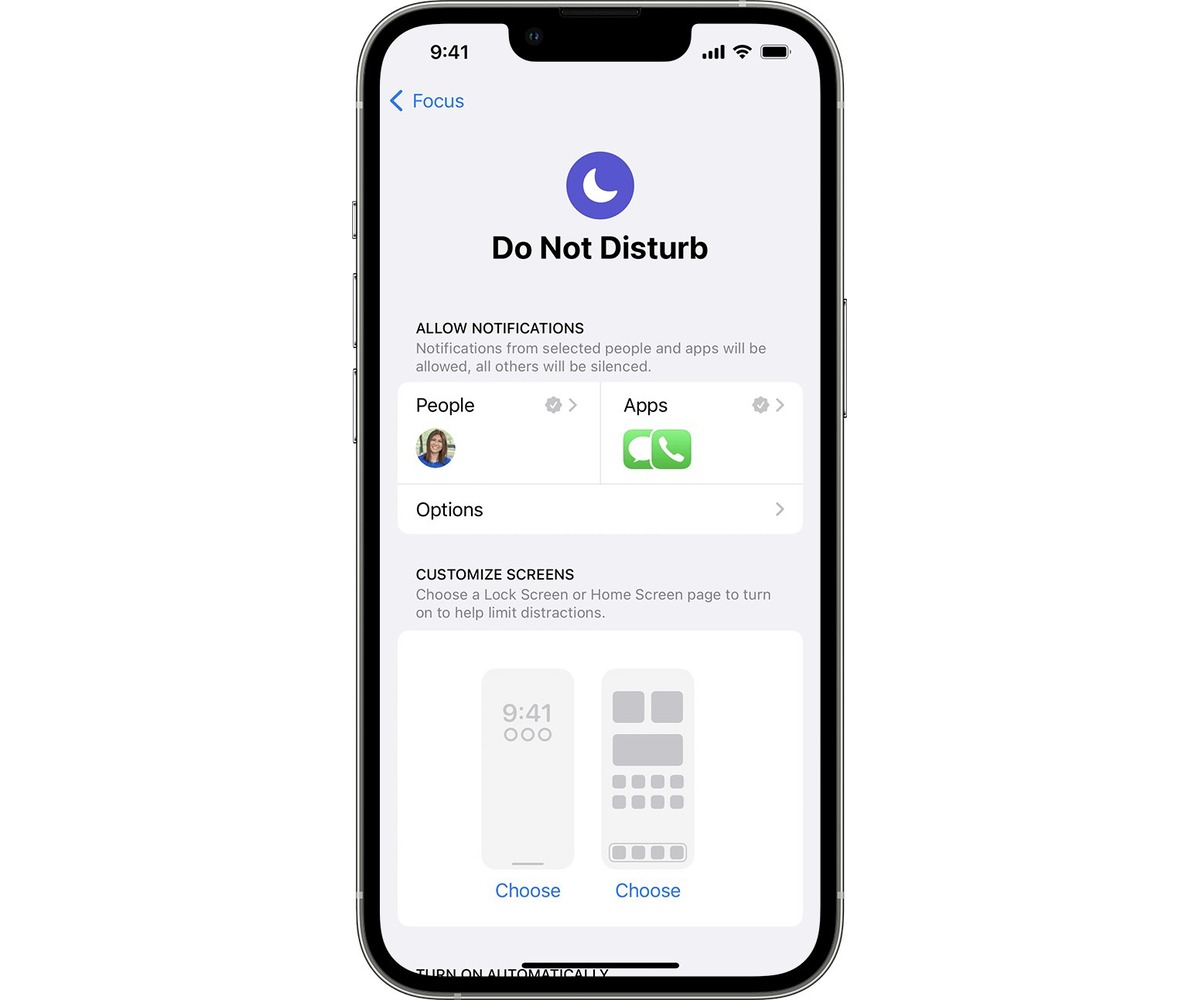
How To Put IPhone On Dnd

To put your iPhone on DND instantly, open Control Center and tap the crescent moon icon on the Focus button. This silences all calls, alerts, and notifications so your iPhone...

How To Brighten IPhone Screen

To brighten your iPhone screen quickly for better visibility in sunlight, use the Control Center brightness slider. This is the fastest method to manually brighten your iPhone screen and gain...

How To Disable Focus On IPhone

To disable focus on iPhone, open Control Center by swiping down from the top-right corner (on models with Face ID), tap Focus, then tap the active Focus to turn it...