This tag page collects every article on CellularNews about the Do Not Disturb (DND) feature and related notification controls across iPhones, Android phones, Samsung devices, and even smartwatches like the Fitbit. It is for anyone who has missed an important call, been confused by a silent phone, or wants to fine-tune when and how their device interrupts them.

The articles here solve two main kinds of problems. First, they help you understand and set up DND mode itself, for example, learning how to put an iPhone on DND, how to use Focus Mode on iPhone, or how to use Do Not Disturb mode in Android. Second, they tackle the frustrating side effects of notification settings, like why your phone is going straight to voicemail, why it isn’t ringing for calls or texts, or why your Fitbit keeps buzzing without showing notifications. A smaller group of articles also covers smartwatch-specific quirks, such as what DND mode on a Fitbit means and what the symbols on a Fitbit signify.

Whether you need to silence a Samsung phone, allow all calls on an iPhone, set your phone to ring only for specific contacts, or simply take your phone off DND, these guides give you clear steps to take control of your alerts. They also explain less obvious scenarios, like why your phone doesn’t ring when you’re playing a game or for Messenger calls, and how to call someone whose phone is on DND.


Why Doesn't My Android Phone Ring?

If your Android phone is not ringing, the cause is almost always a simple setting like Silent mode, Do Not Disturb, or a Bluetooth connection routing audio elsewhere. To fix...

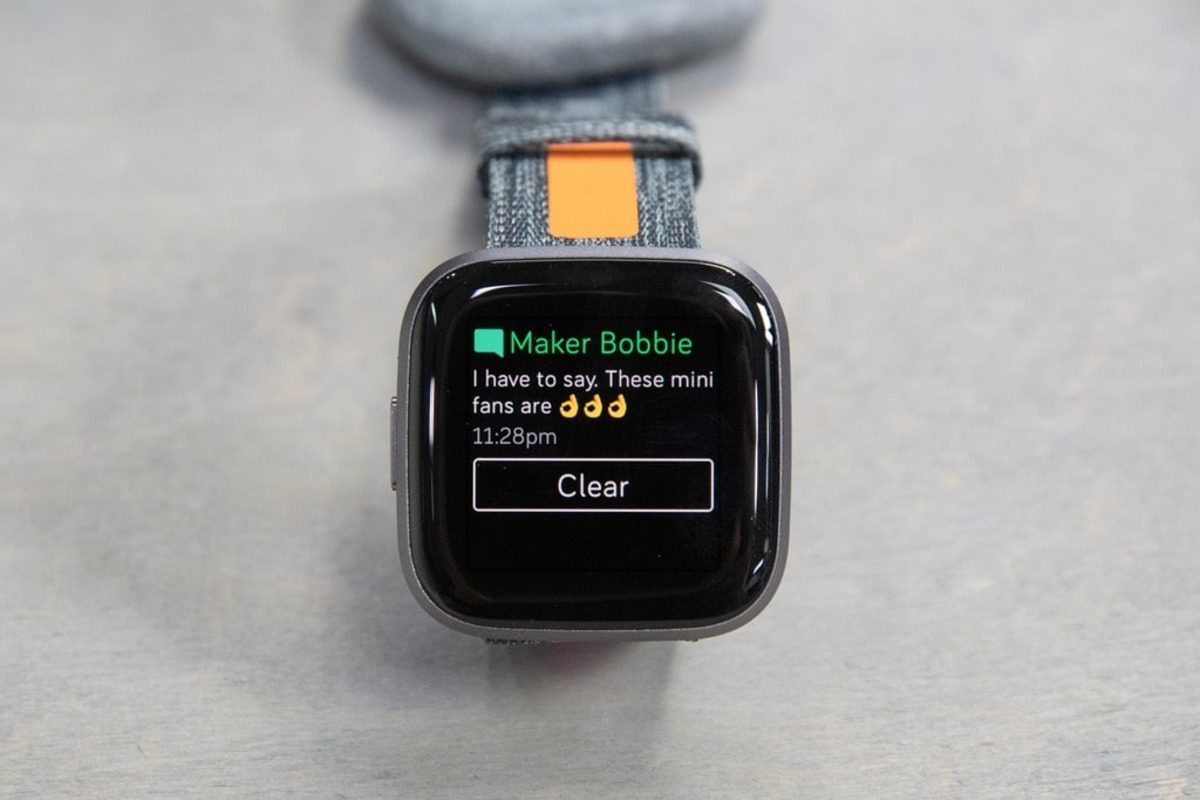
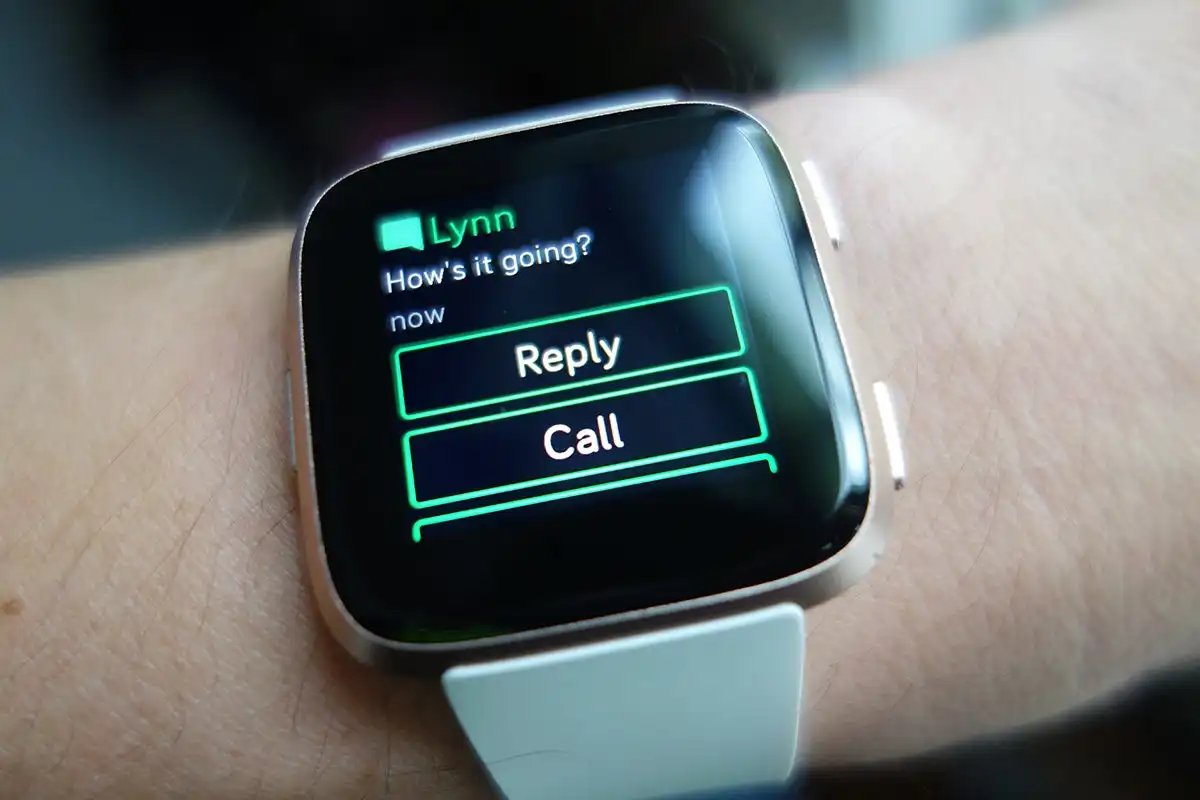
Why Does My Fitbit Keep Buzzing

Wondering why does my Fitbit keep buzzing? It’s because it is vibrating for notifications, reminders, alarms, or goal celebrations, and it is not silenced by Do Not Disturb, Sleep Mode,...

What Do The Symbols On Fitbit Mean

Fitbit symbols meaning: a quick guide to your screen's icons. The moon symbol puts your device into sleep mode, muting notifications and dimming the screen, while the battery icon with...

What Is DND Mode On Fitbit

DND mode on Fitbit, which stands for Do Not Disturb, is a manual setting that mutes all notifications, goal celebrations, and reminders so you can focus without interruptions. Whether you...

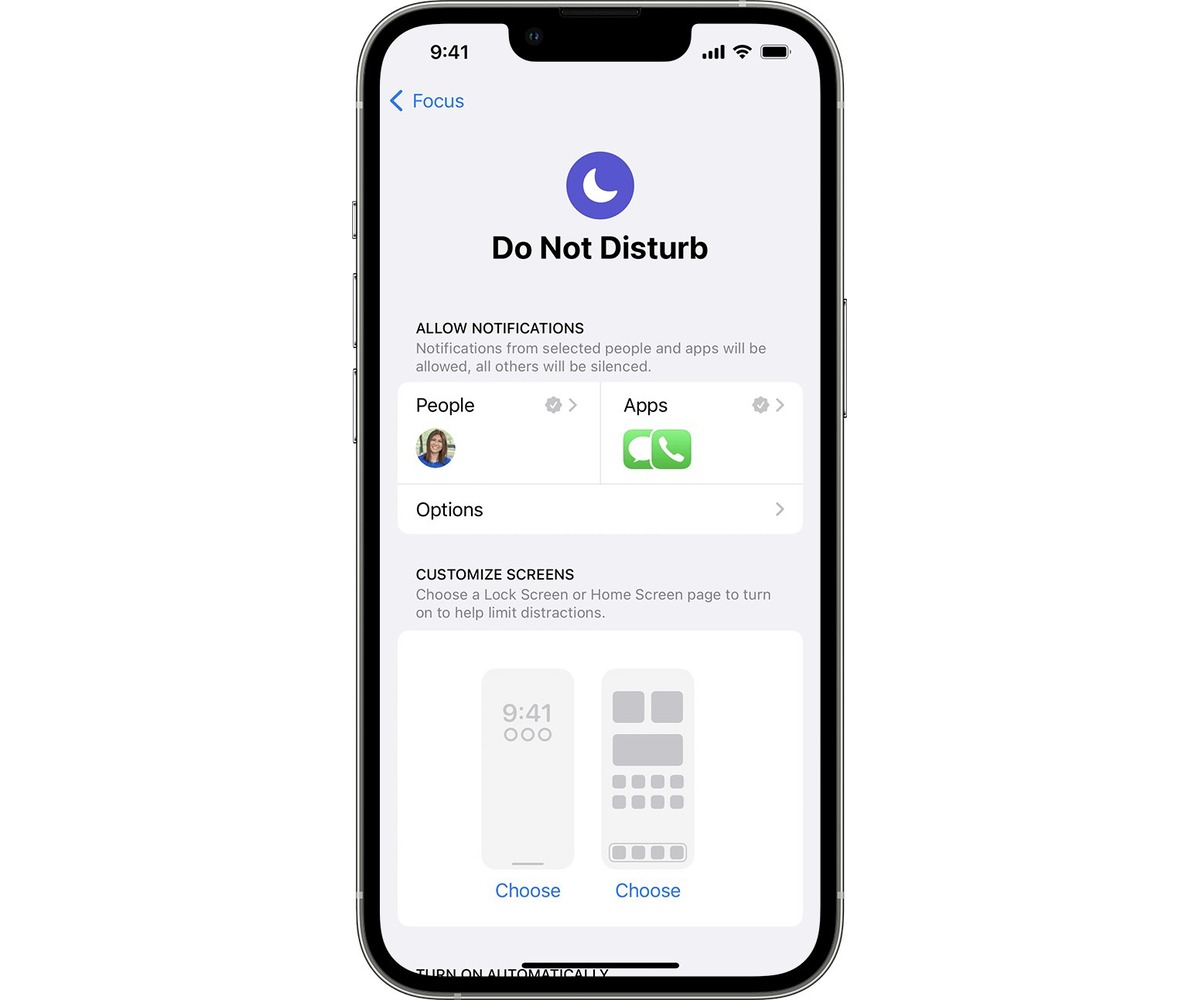
How To Put IPhone On Dnd

To put your iPhone on DND instantly, open Control Center and tap the crescent moon icon on the Focus button. This silences all calls, alerts, and notifications so your iPhone...

How To Allow All Calls On IPhone

To allow all calls on iPhone, you need to turn off Silence Unknown Callers in both the Phone and FaceTime settings, and disable Do Not Disturb mode. This ensures that...

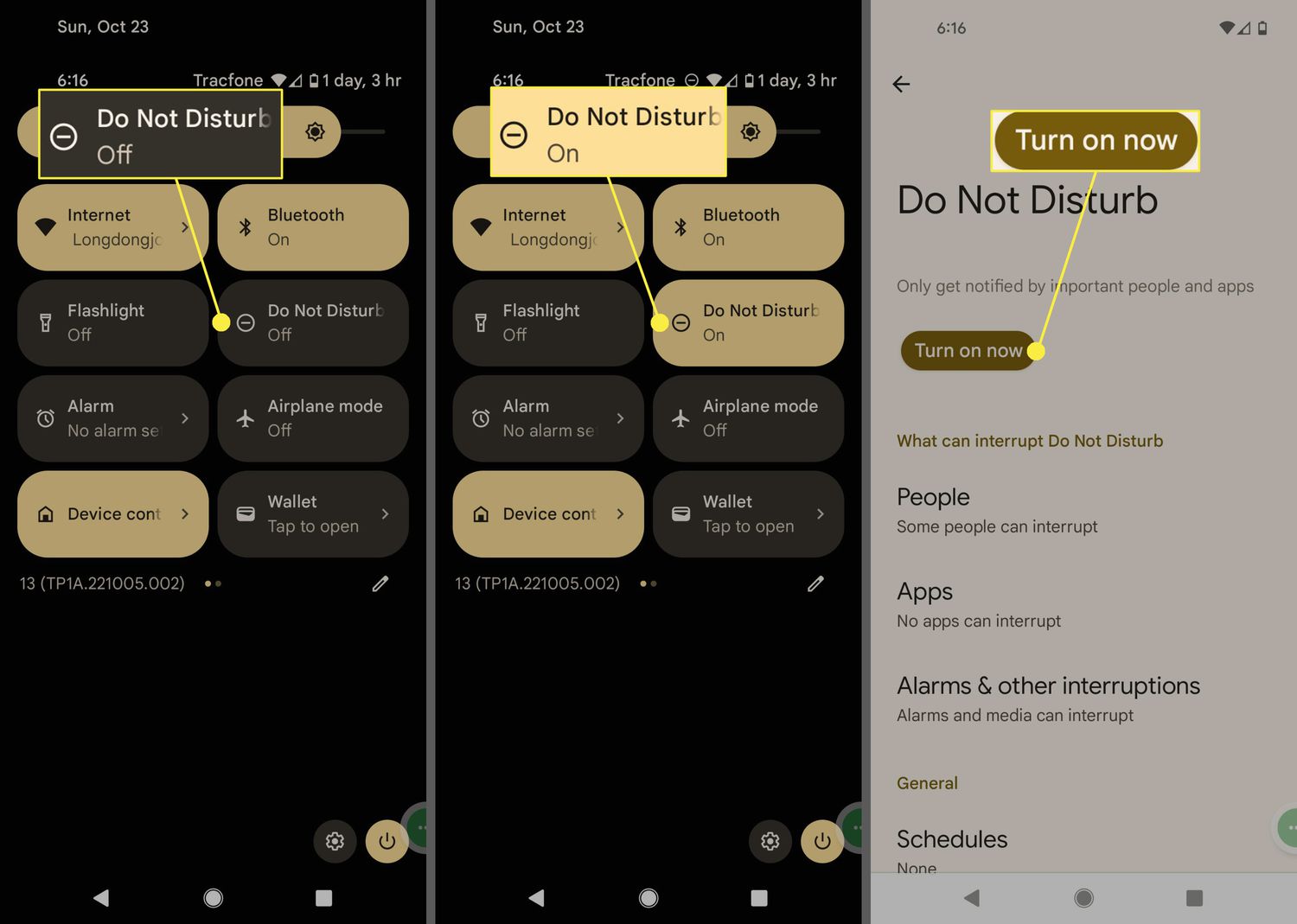
How To Silence Android Phone

To silence an Android phone quickly, use the Quick Settings panel to activate Do Not Disturb or press a physical volume button and tap the on-screen sound icon to cycle...