Guides and troubleshooting advice for anyone who uses a phone, laptop, or tablet with a dock, whether at a desk, at home, or on the go. These articles are written for everyday users, remote workers, and tech enthusiasts who need practical, step-by-step help connecting accessories or fixing common dock issues.
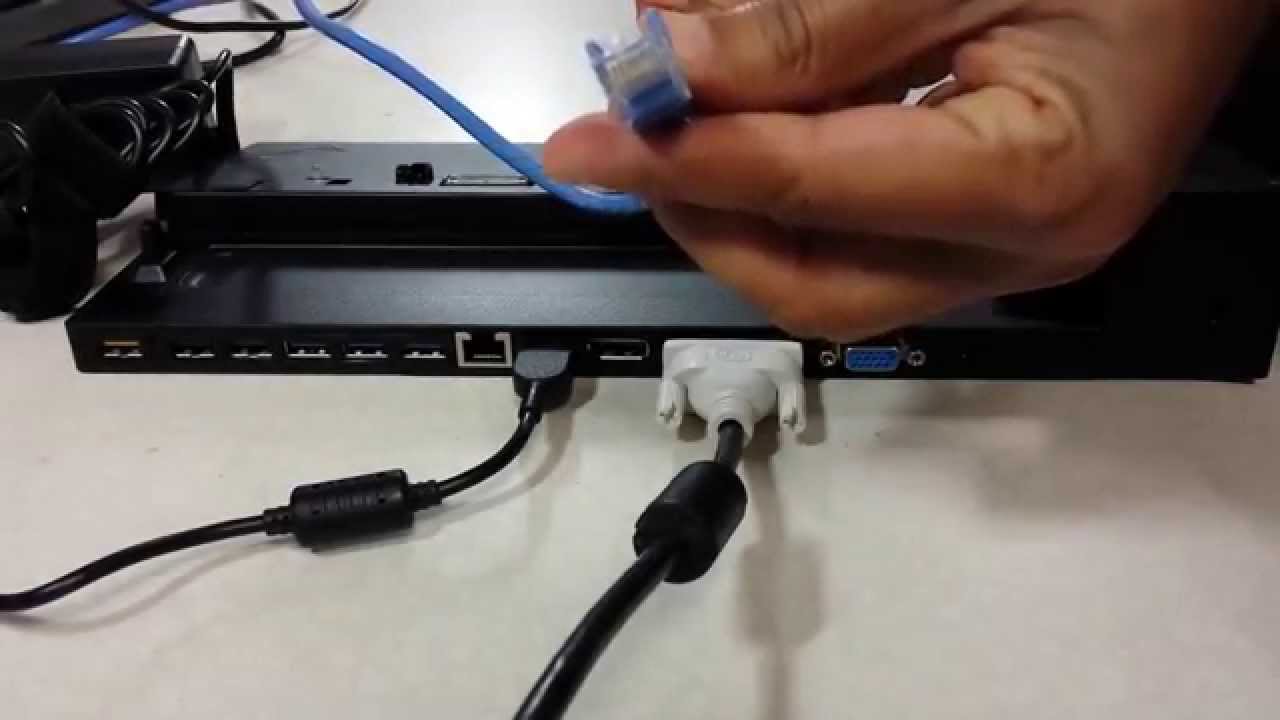
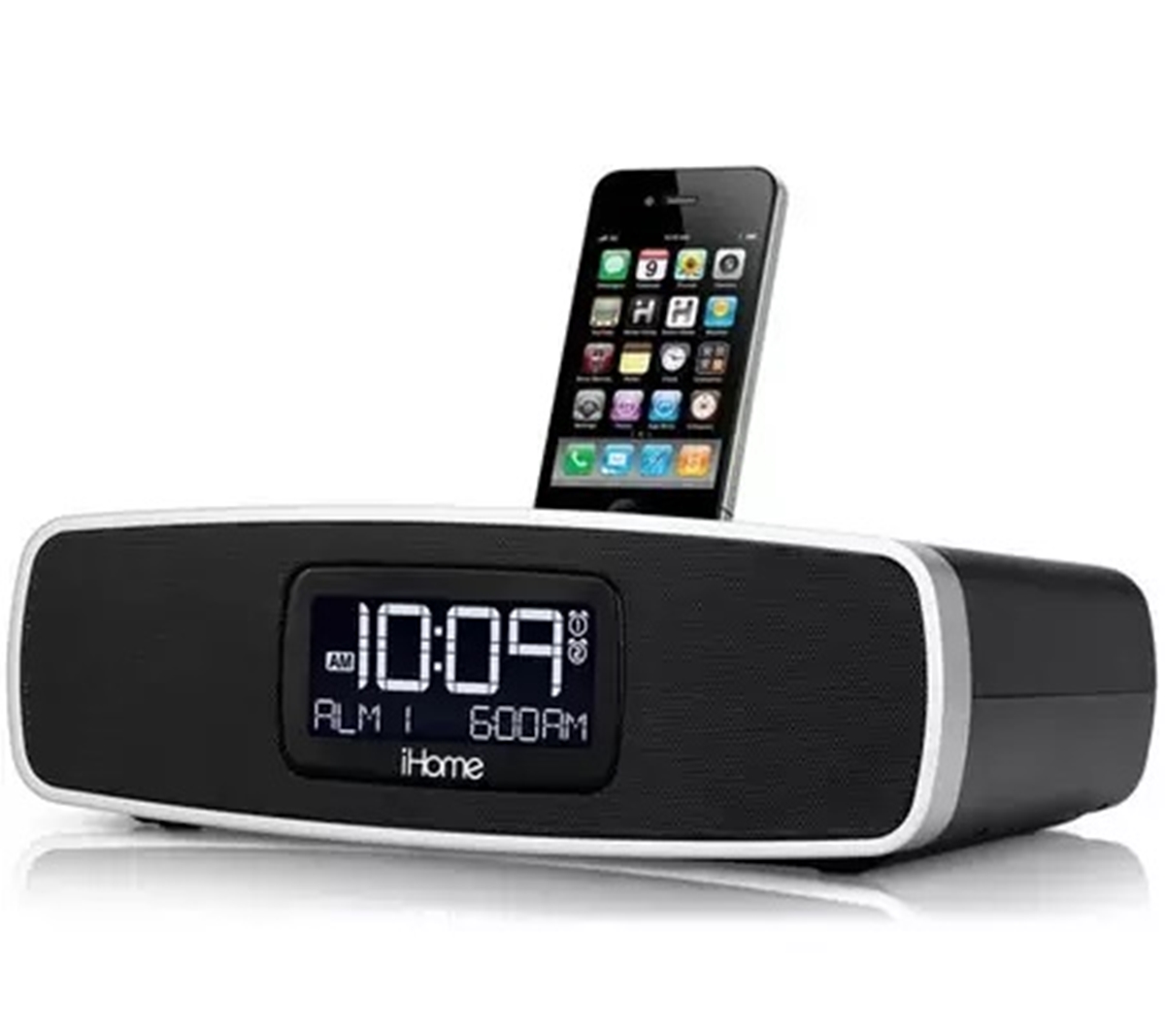
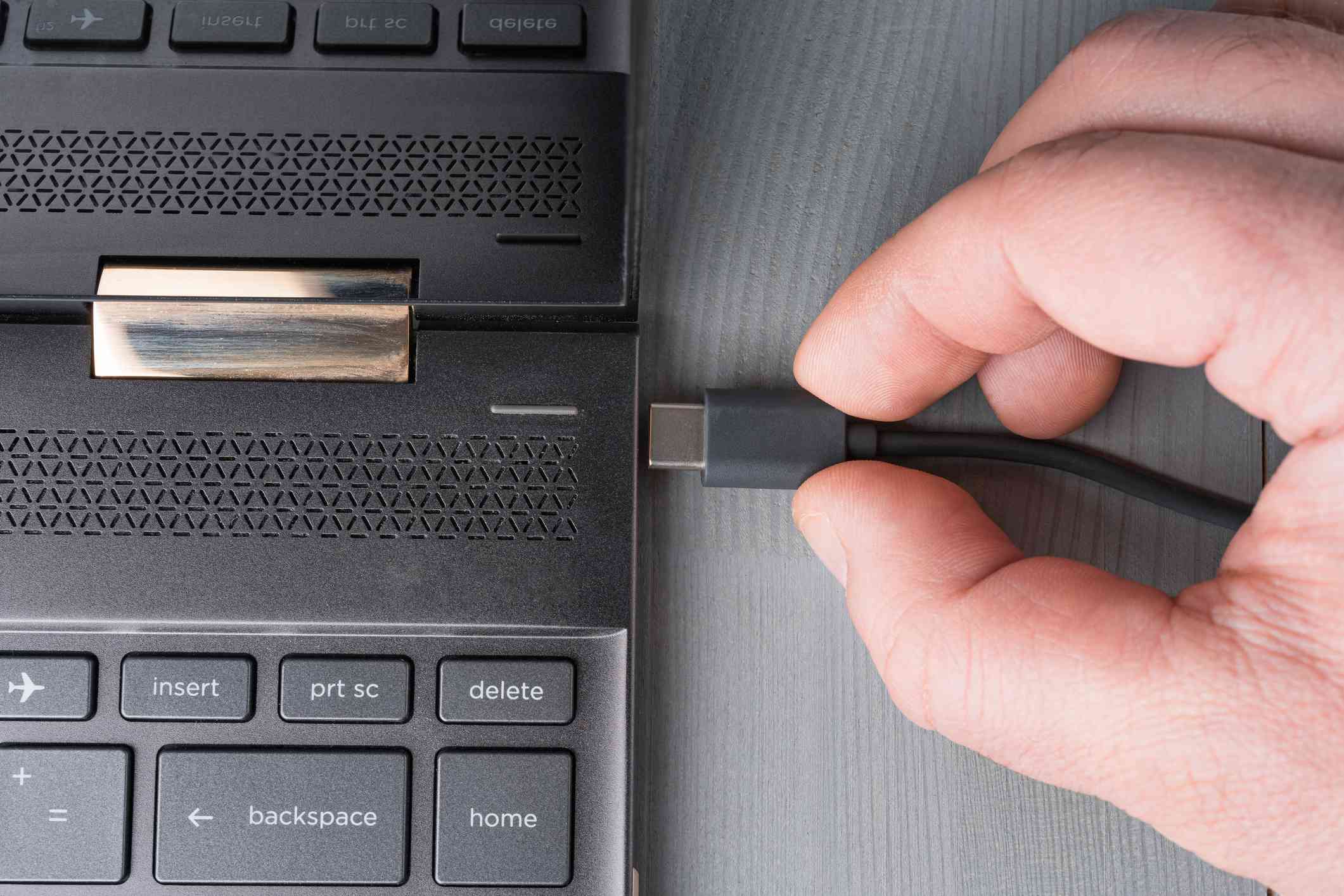
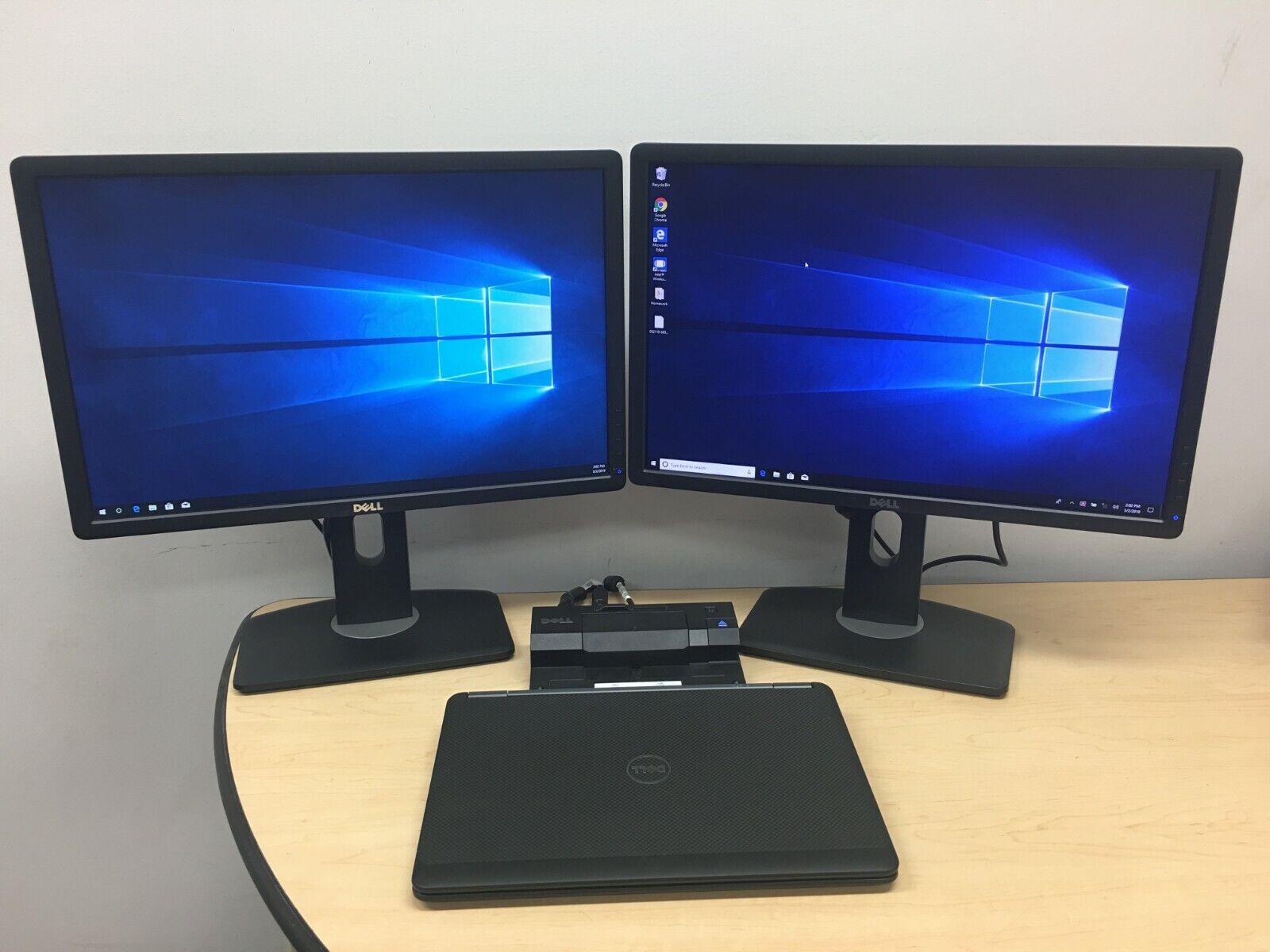
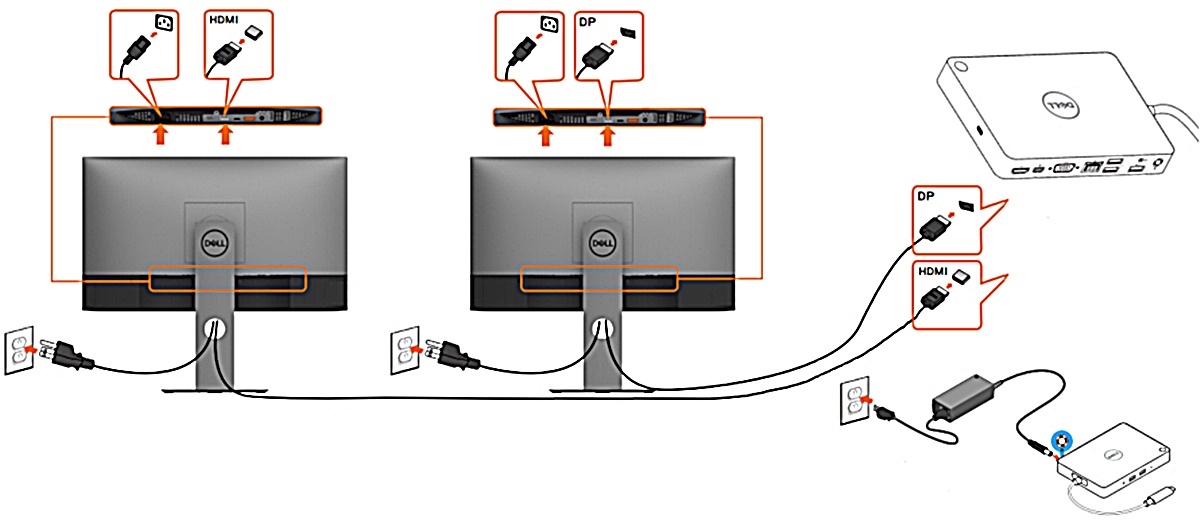
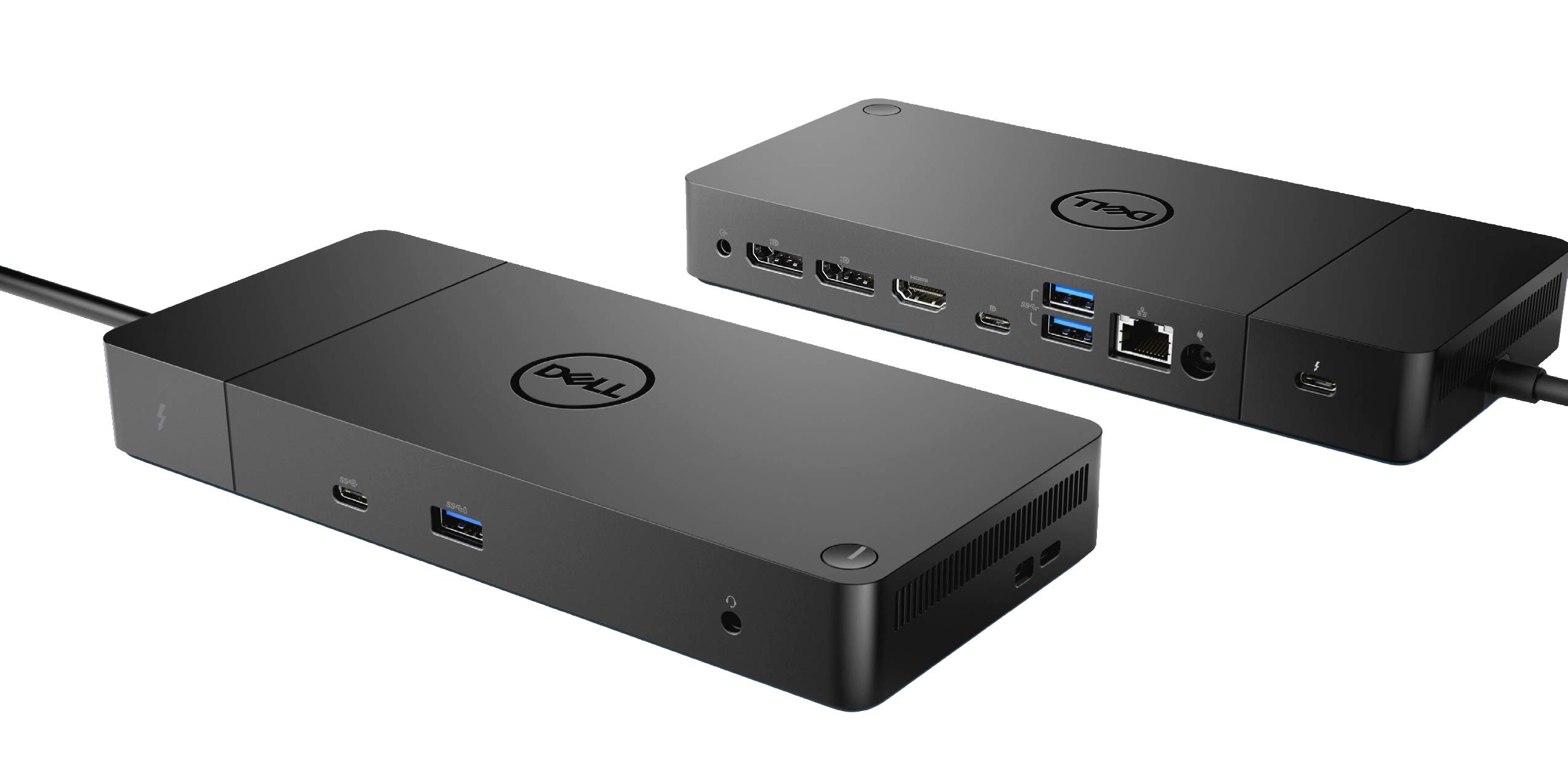
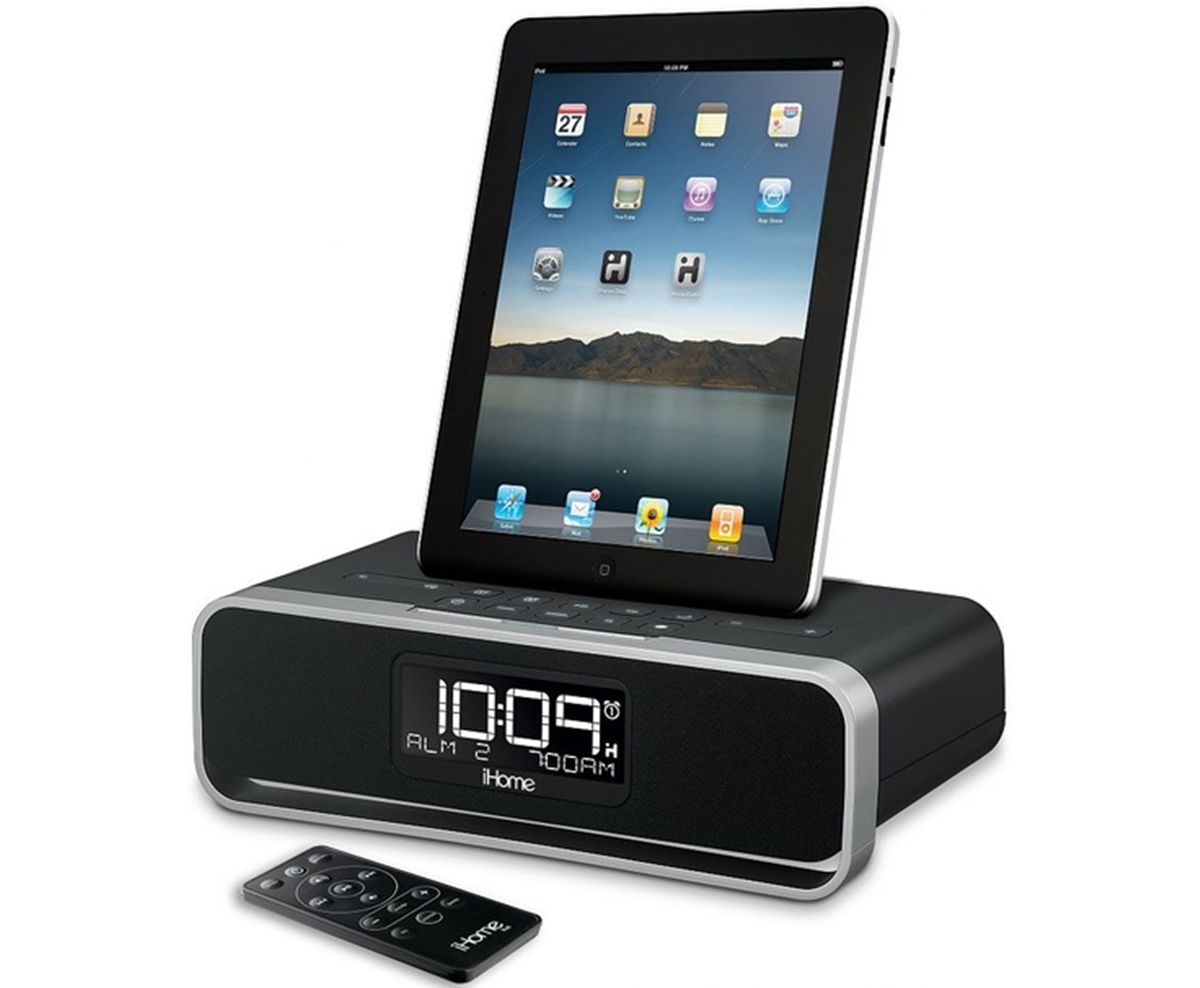
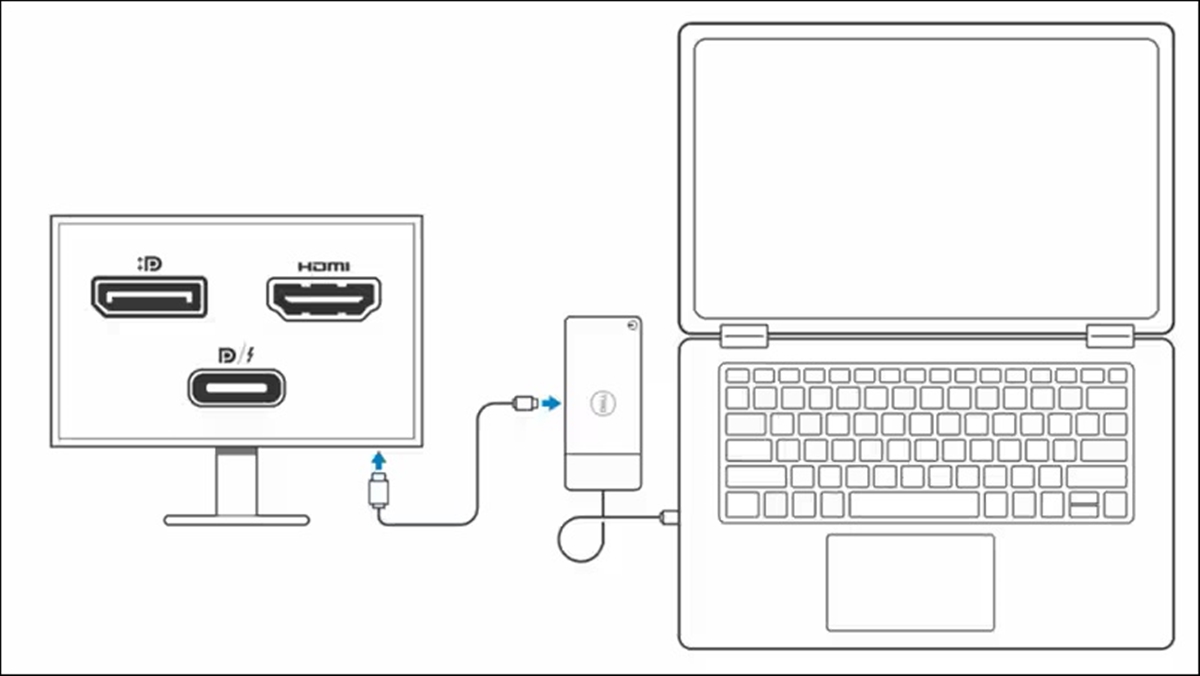
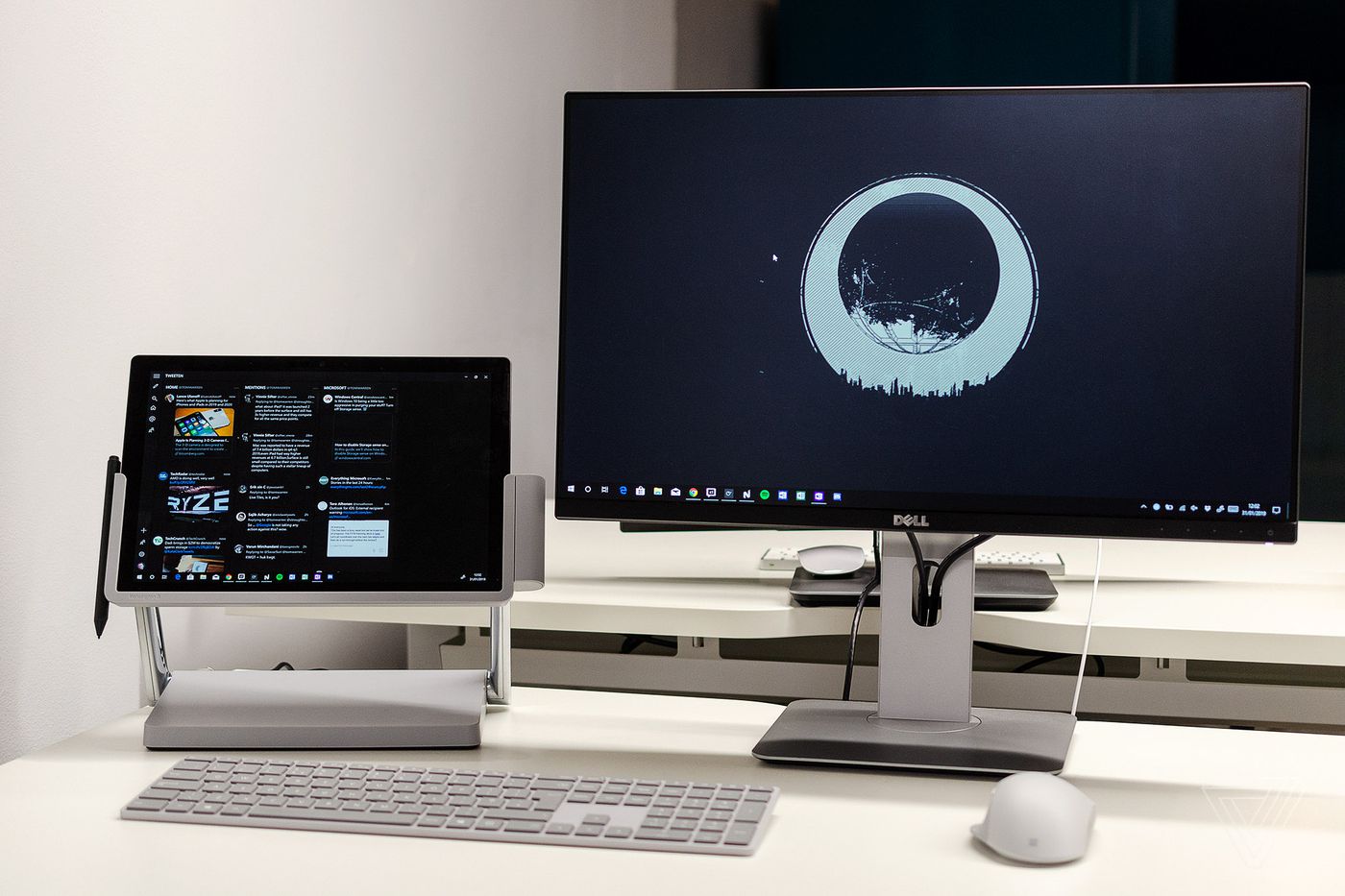
The content here focuses on two main themes: multi-monitor setup and device compatibility. For example, you can learn how to connect a Surface Pro with a docking station to two external monitors, or how to hook up two monitors to a ThinkPad docking station. There are also guides that address cross-brand connections, such as how to connect an HP laptop to a Dell docking station, and how to connect a ThinkPad docking station to your laptop. Another theme covers troubleshooting and basic operations, articles explain how to reset a Dell docking station, how to restart a docking station, and even how to set the time on an iHome docking station.
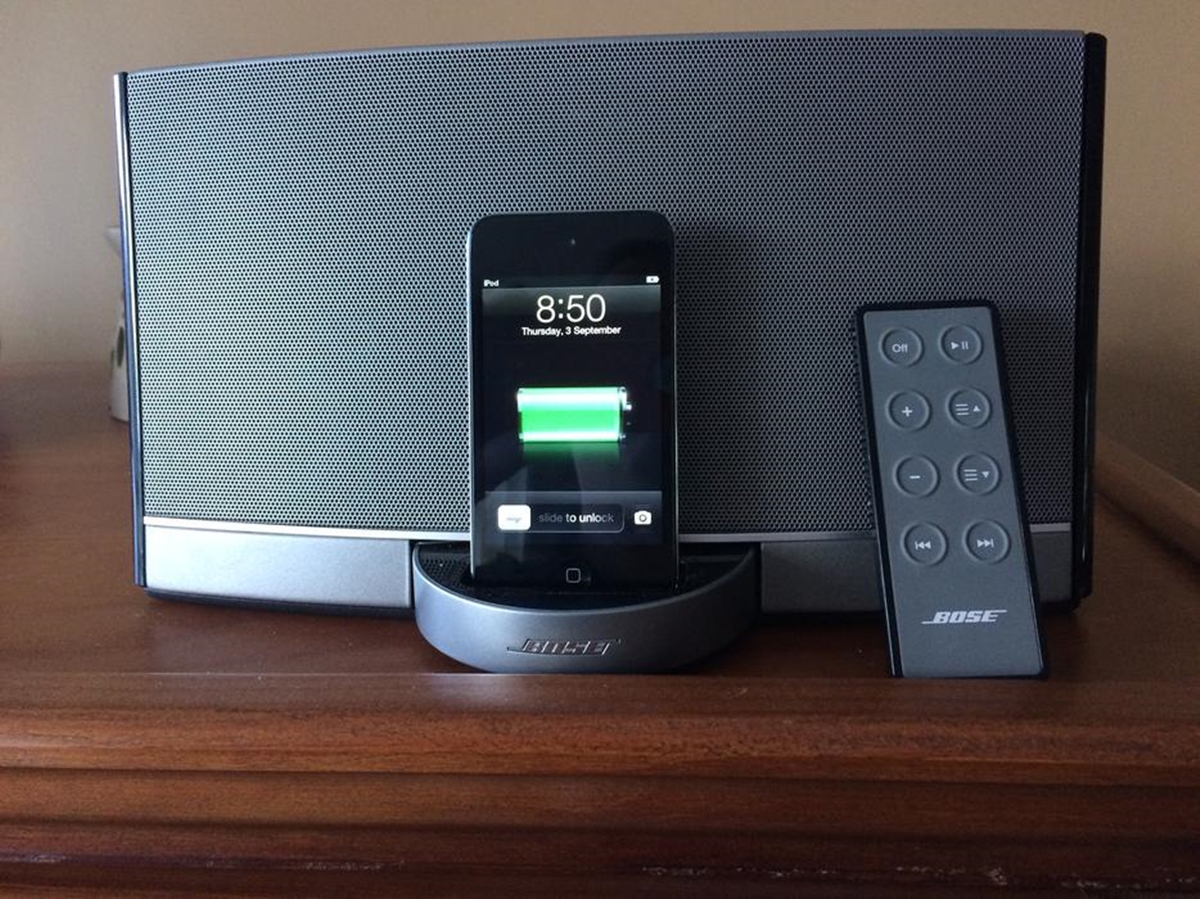
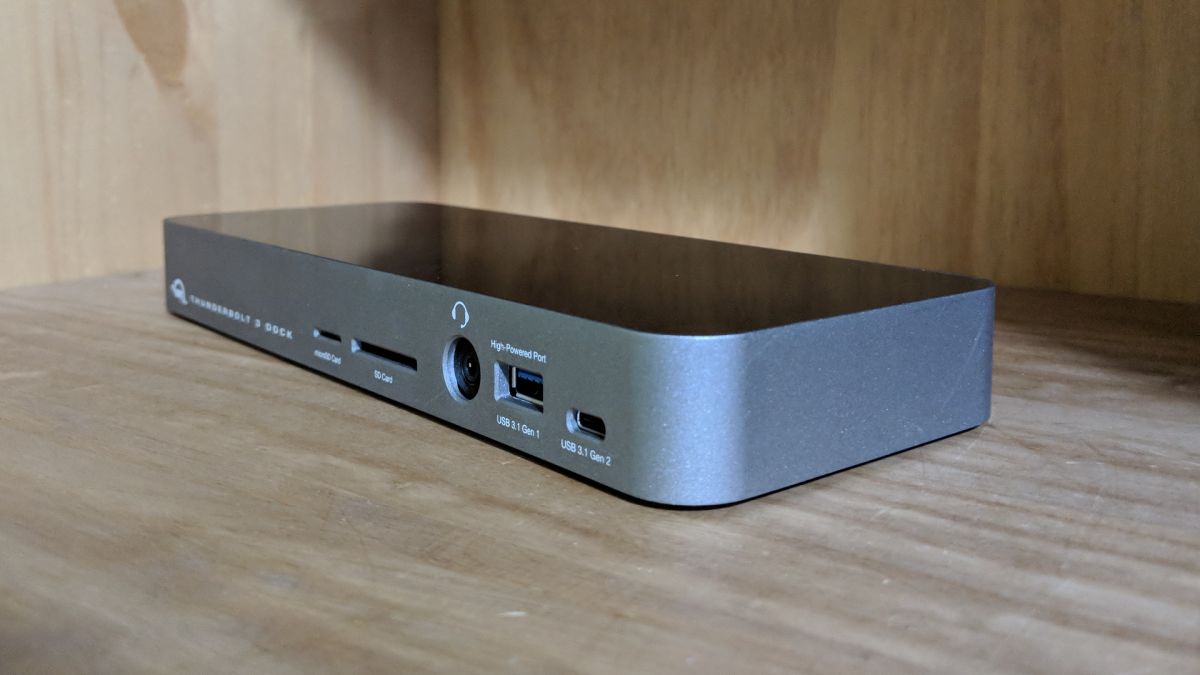
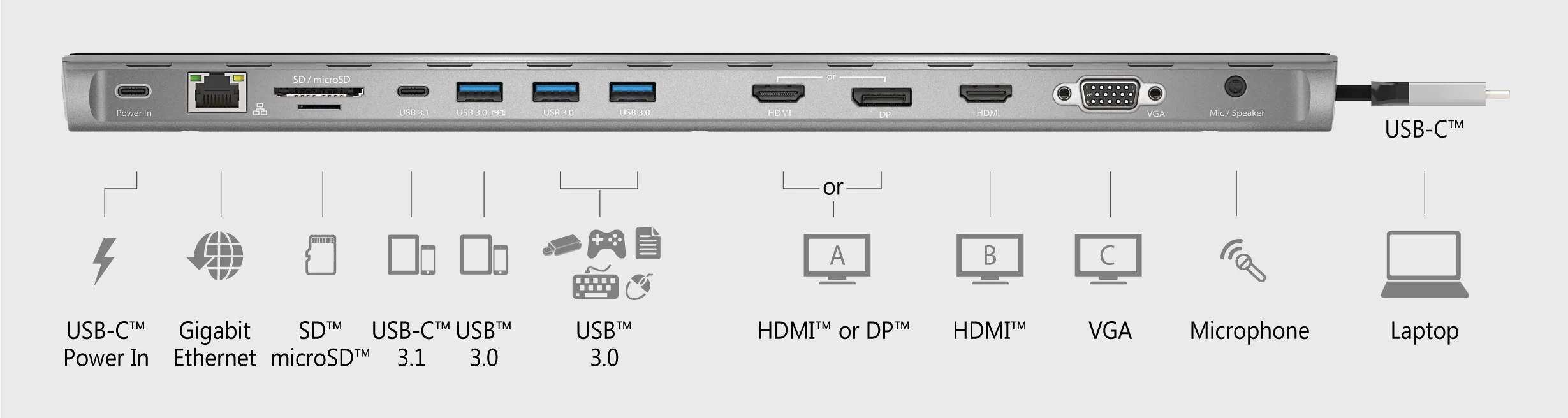
Specific topics in this collection include the cost of a docking station, how to use a Switch docking station, and how to set up a j5create dock. You will also find explanations of what an iHome docking station is and what a Dell docking station does, along with guides for connecting a Bose docking station to a TV and using an HP docking station for a laptop. Whether you are setting up a new dock or fixing an old one, these articles help you get your devices working together.