Guides and troubleshooting articles focused on wired network connections, specifically for readers who manage their home or office phone and internet setups. This content is aimed at anyone from a DIY network installer to a user trying to transition a wireless device to a stable wired connection, covering the physical cables, connectors, and router configurations that make Ethernet work.
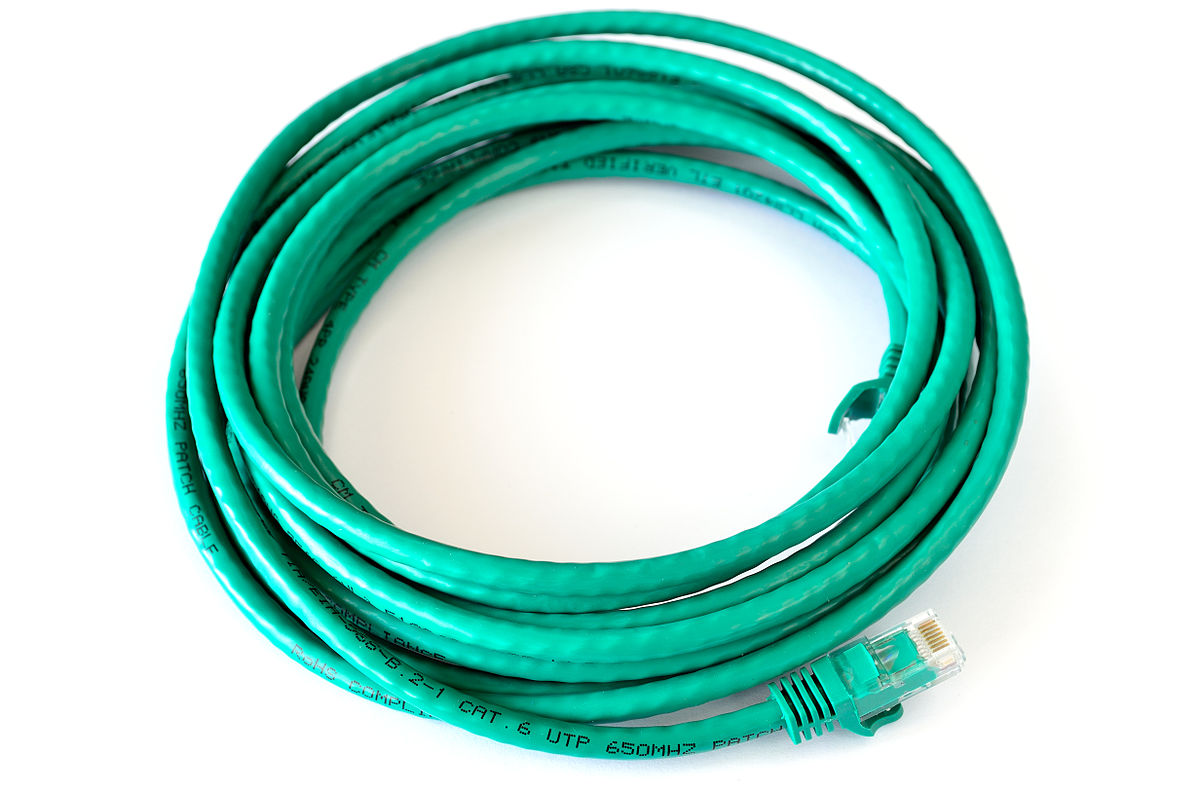
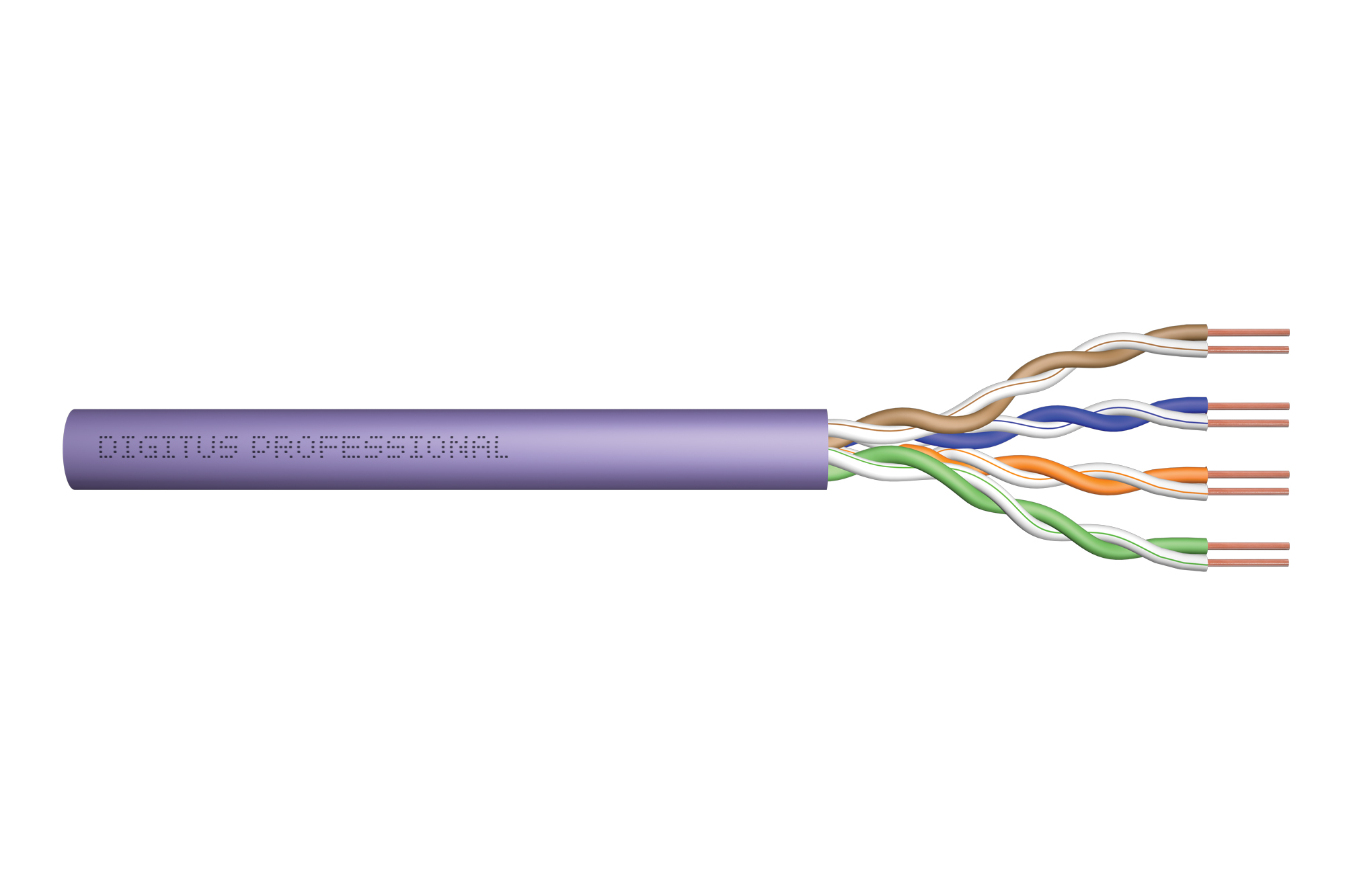
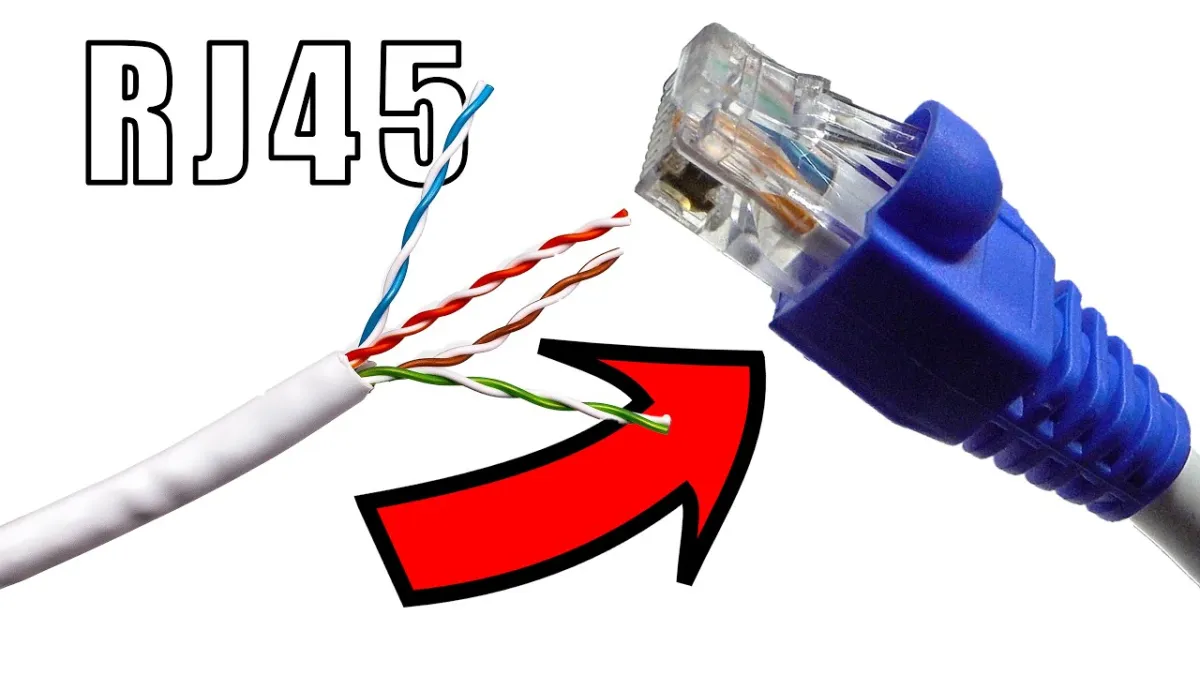
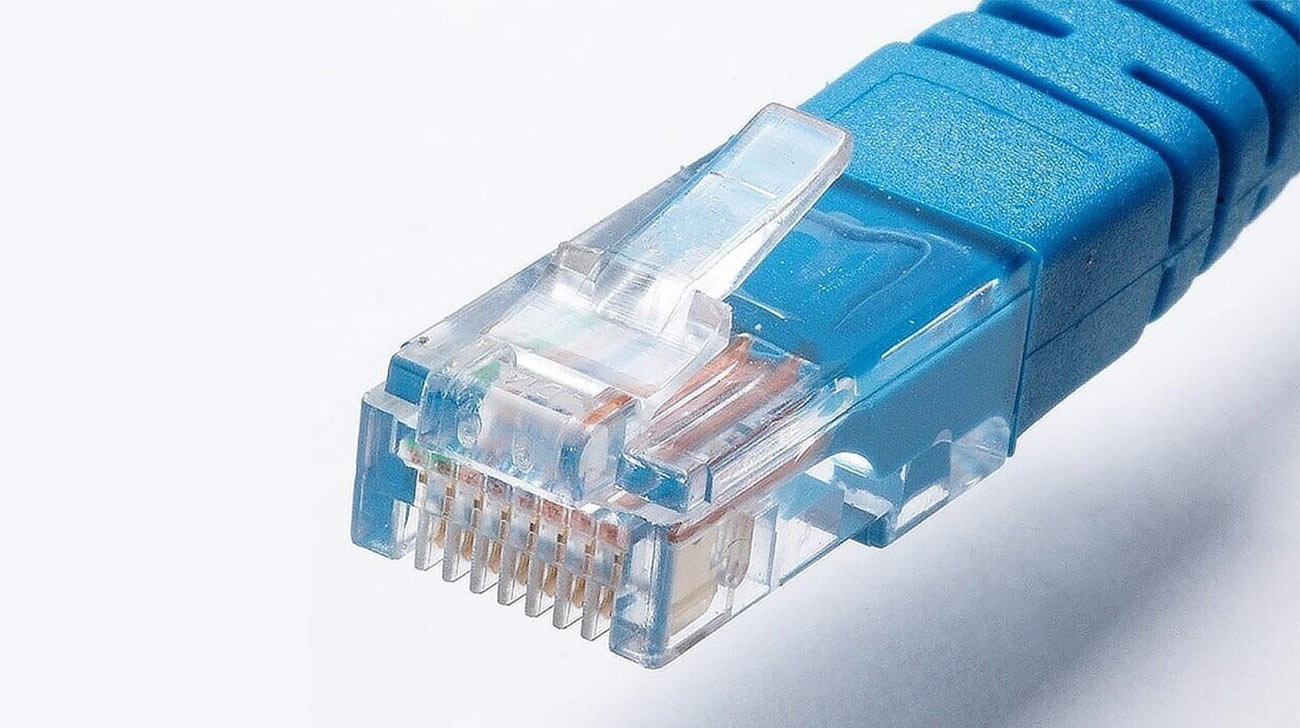
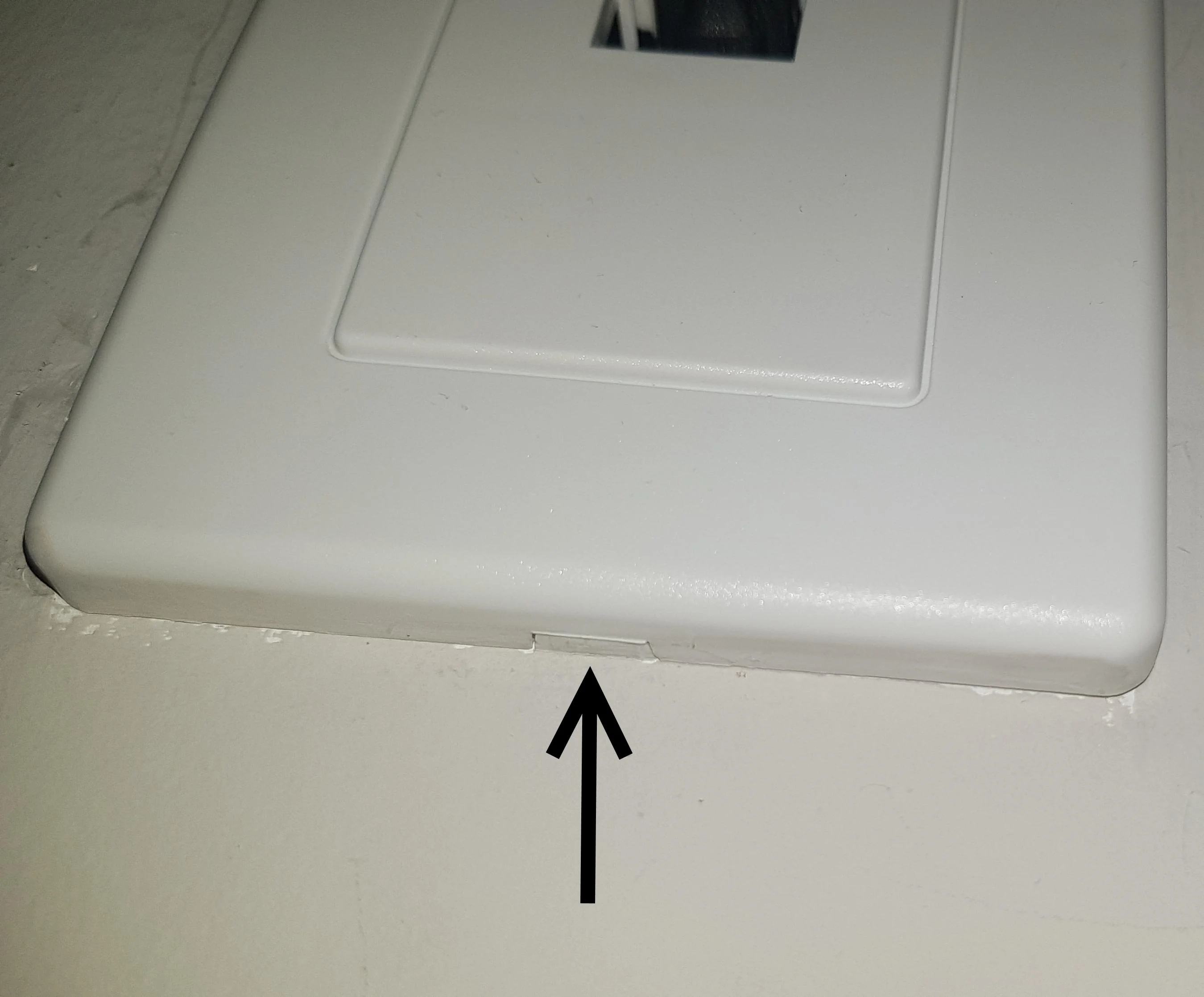
A major theme here is the hands-on work with Ethernet cabling and connectors. Articles help you perform specific tasks like attaching an RJ45 connector to a cable, removing a connector from a wall plate, or terminating a Cat6 cable with the correct connector type. These guides solve the practical problem of physically building or repairing a wired network link, from identifying which connector is used with twisted pair cable to installing a Cat6 connector properly.
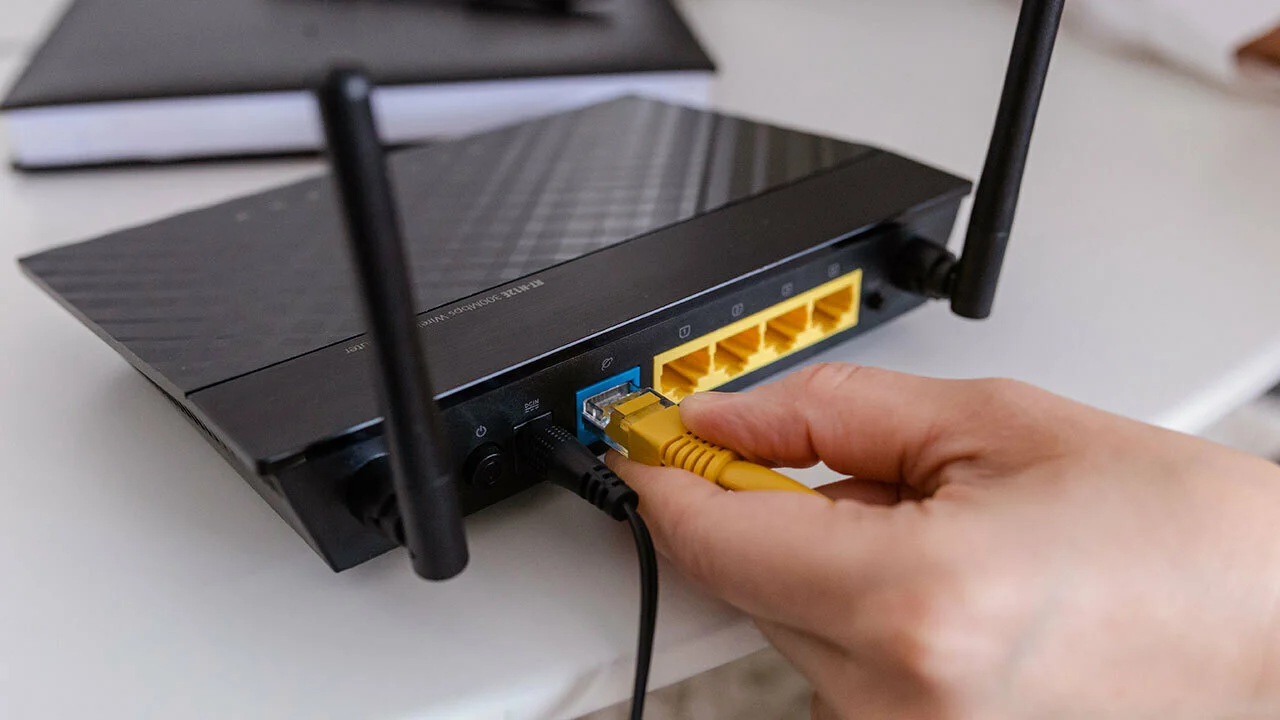
Another clear theme is bridging wired and wireless worlds, as well as configuring network devices. You can find help on how to make an Ethernet connection wireless, how to change to a wired connection from wireless, and how to pair two wireless routers. Specific device setup is also covered, including how to connect a Yealink phone to the network, how to set up a VoIP phone, and how to connect a T-Mobile internet gateway to a TV. These articles are designed to let you take control of your physical network infrastructure and get your devices communicating reliably.