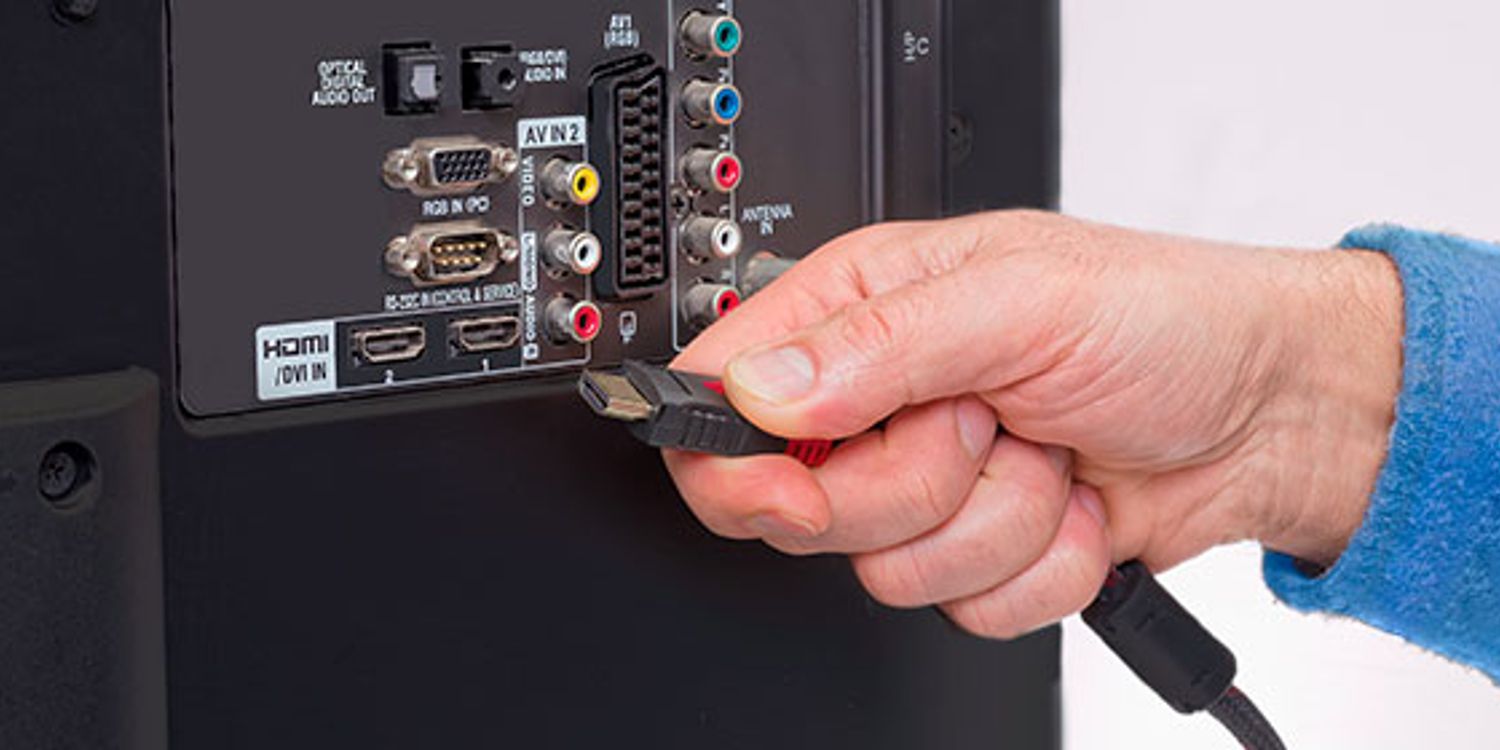
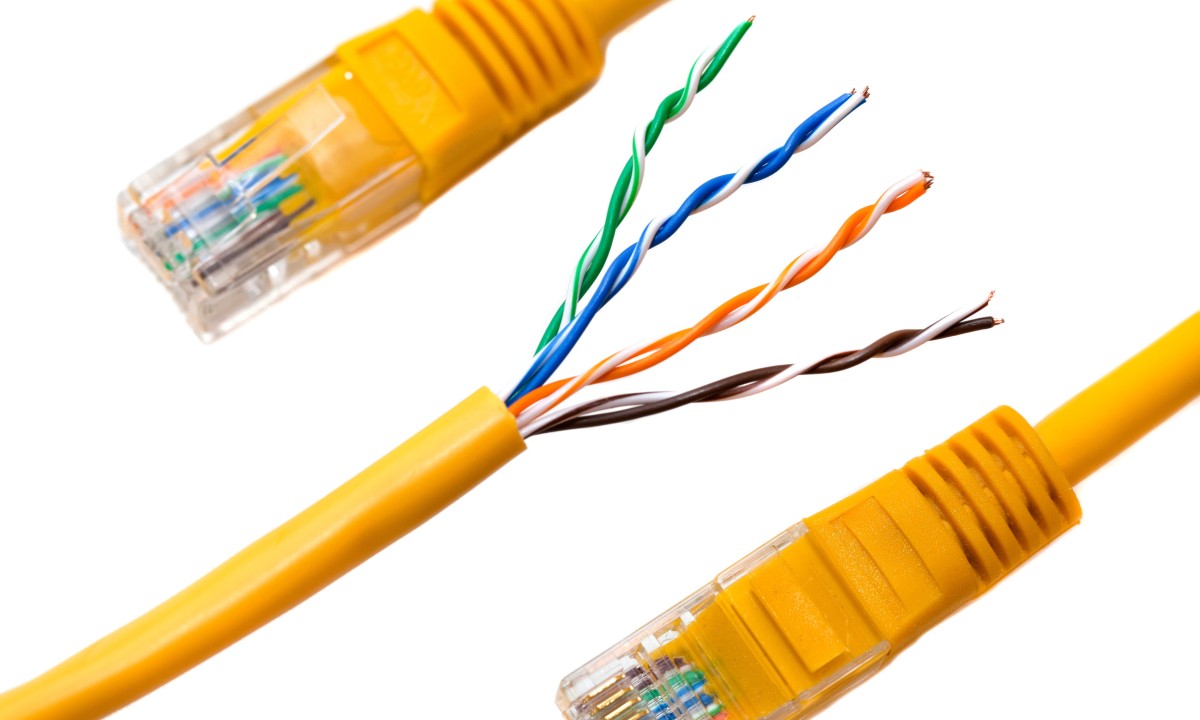
The Ethernet tag on CellularNews collects guides and troubleshooting articles focused on wired network connections, specifically for readers who manage their home or office phone and internet setups. This content is aimed at anyone from a DIY network installer to a user trying to transition a wireless device to a stable wired connection, covering the physical cables, connectors, and router configurations that make Ethernet work.

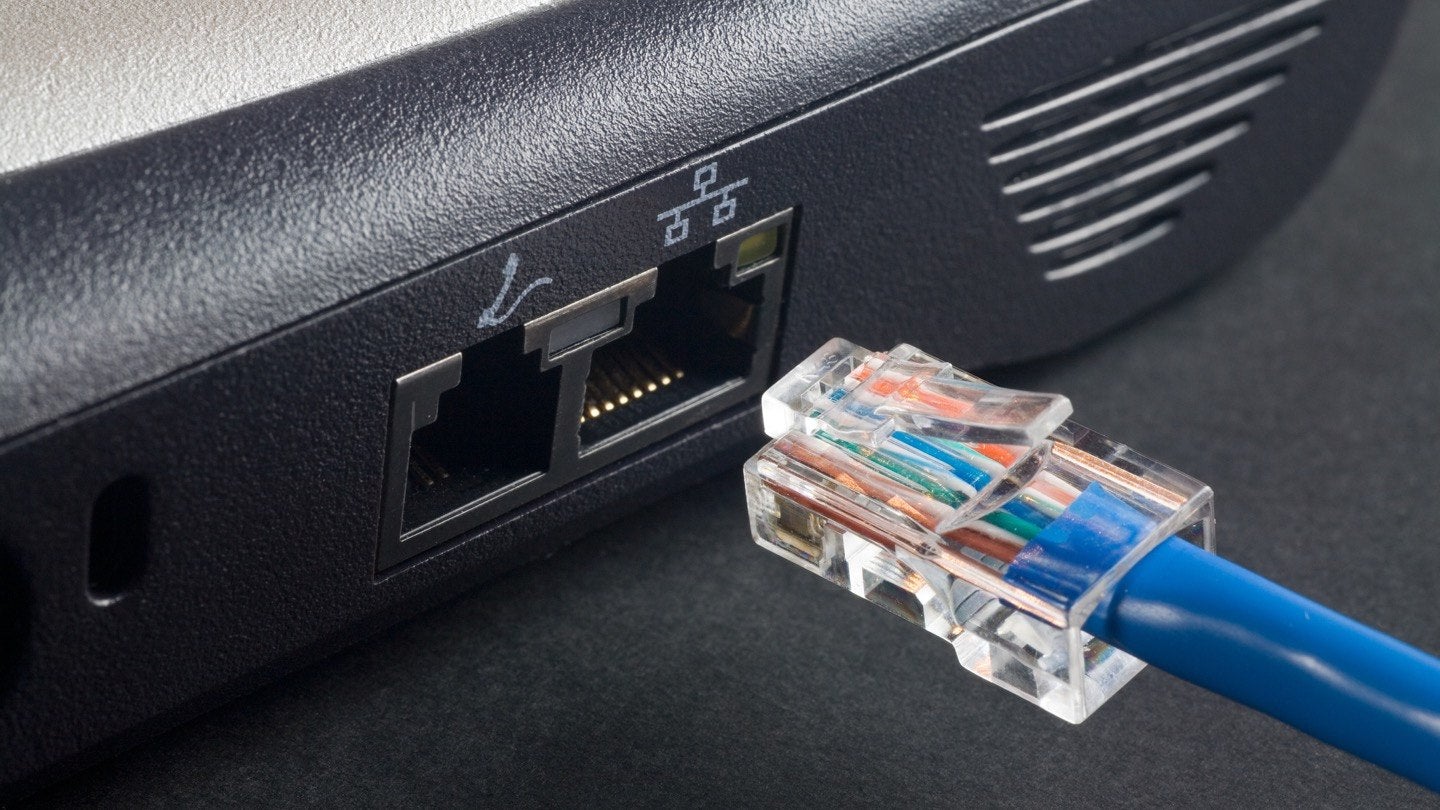
A major theme here is the hands-on work with Ethernet cabling and connectors. Articles help you perform specific tasks like attaching an RJ45 connector to a cable, removing a connector from a wall plate, or terminating a Cat6 cable with the correct connector type. These guides solve the practical problem of physically building or repairing a wired network link, from identifying which connector is used with twisted pair cable to installing a Cat6 connector properly.

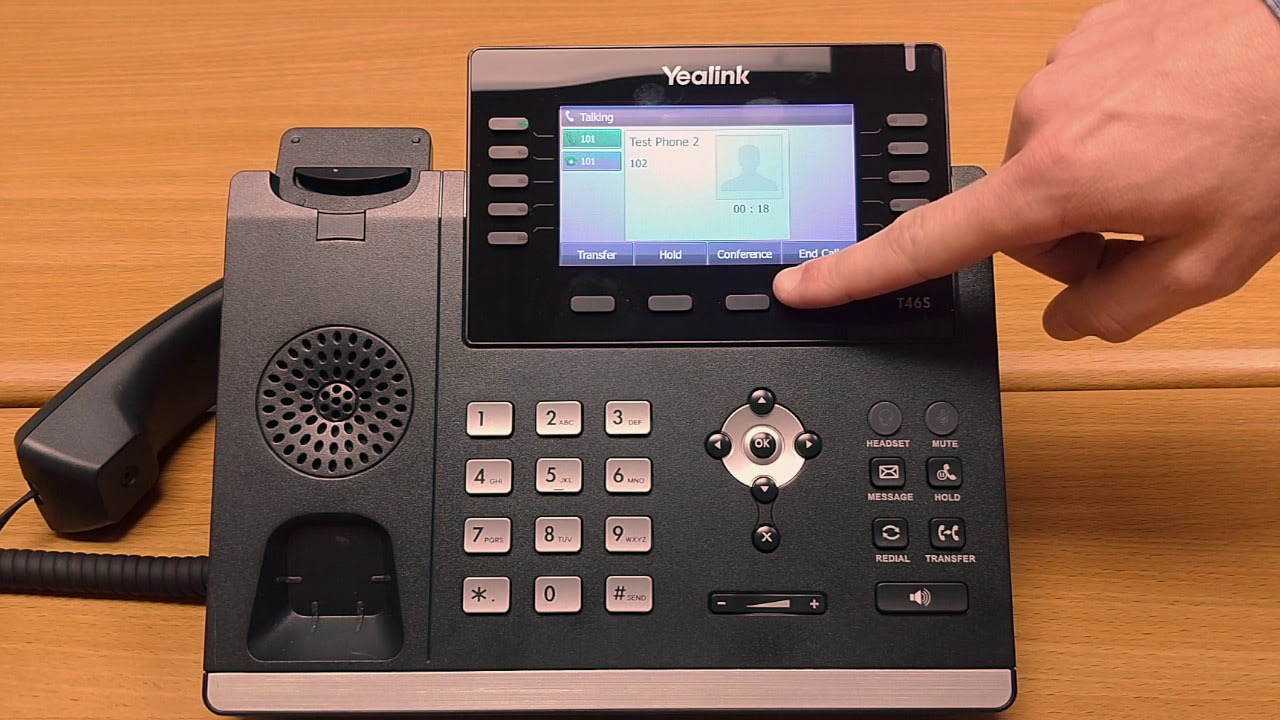
Another clear theme is bridging wired and wireless worlds, as well as configuring network devices. You can find help on how to make an Ethernet connection wireless, how to change to a wired connection from wireless, and how to pair two wireless routers. Specific device setup is also covered, including how to connect a Yealink phone to the network, how to set up a VoIP phone, and how to connect a T-Mobile internet gateway to a TV. These articles are designed to let you take control of your physical network infrastructure and get your devices communicating reliably.
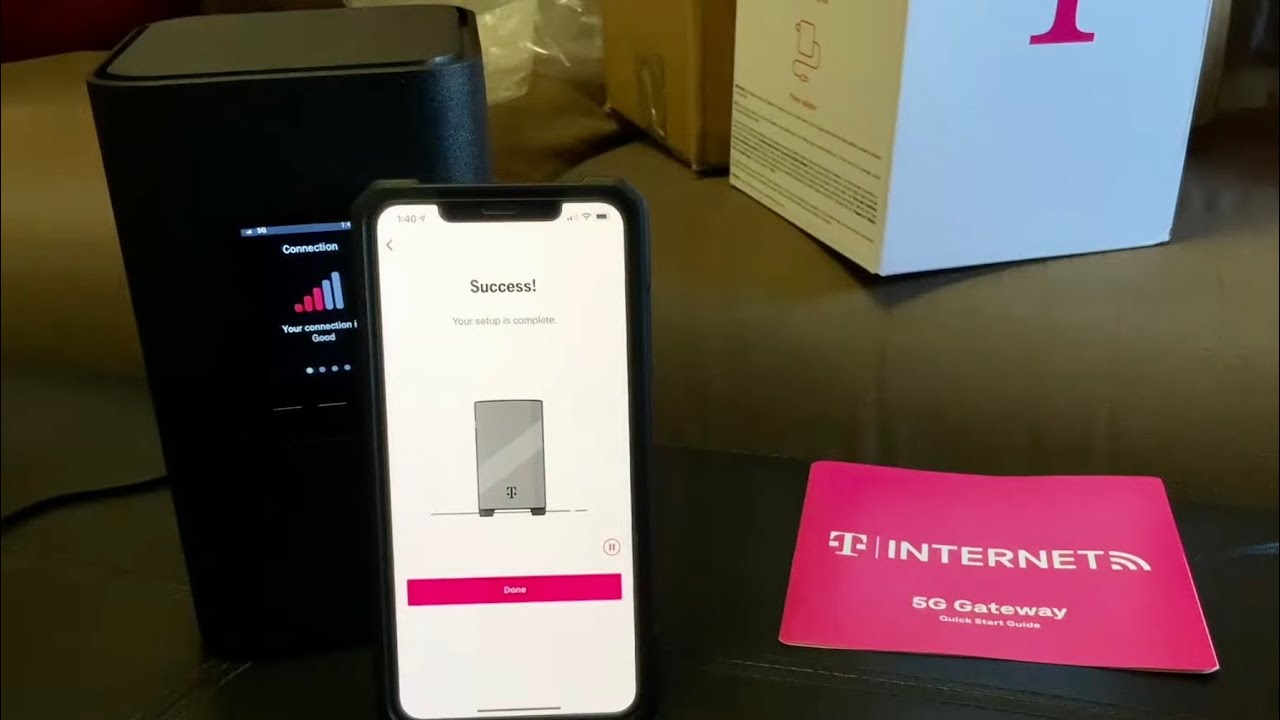
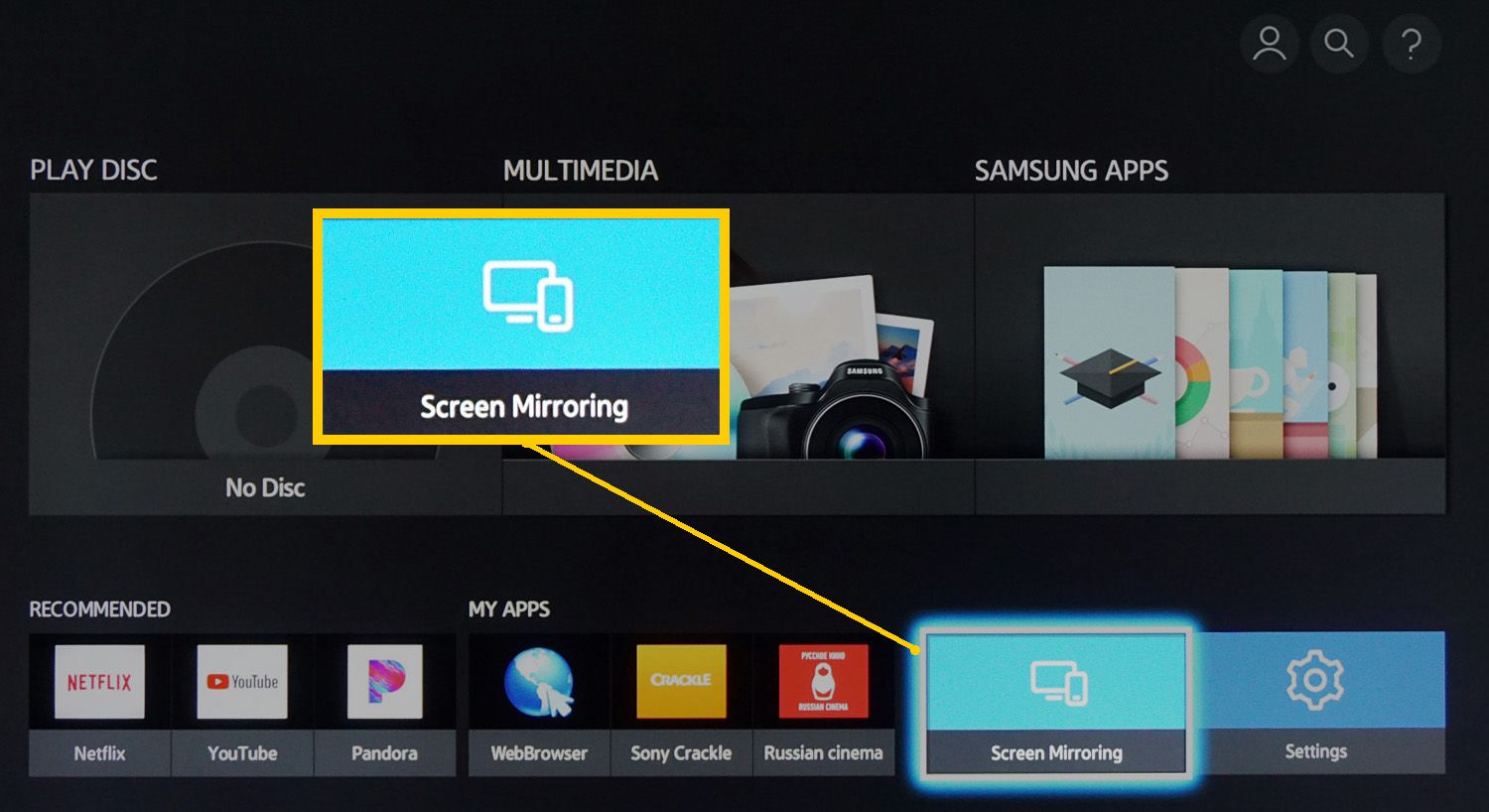
How To Connect T-Mobile Internet To TV

To connect T-Mobile internet to your TV, you can use either a Wi-Fi or Ethernet connection to link your T-Mobile Home Internet gateway directly to a smart TV or a...

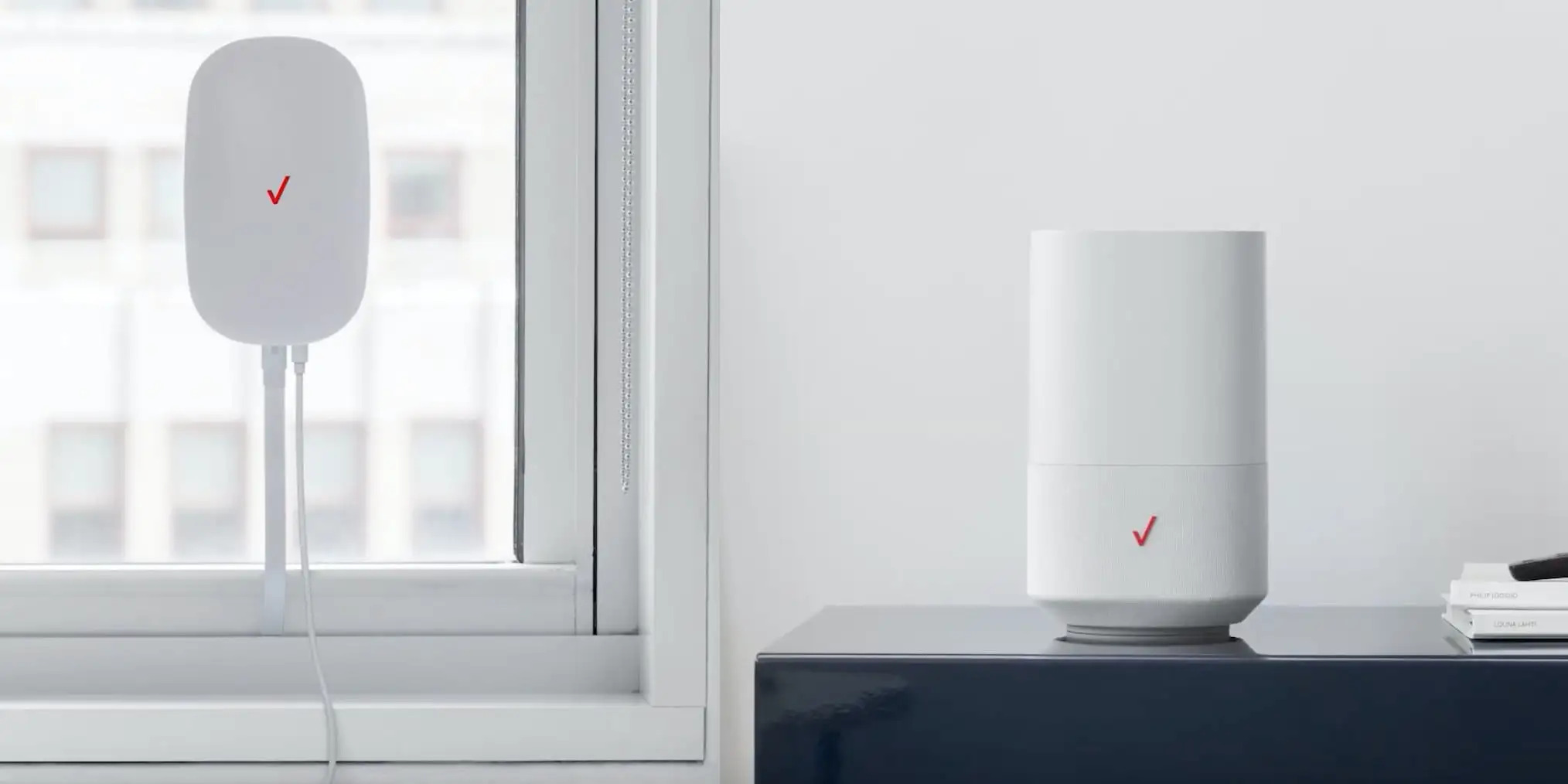
How To Set Up My Verizon Wireless Router

To set up your Verizon wireless router, connect the Ethernet cable from the router's WAN port to your internet source, plug the router into power, wait for the front light...

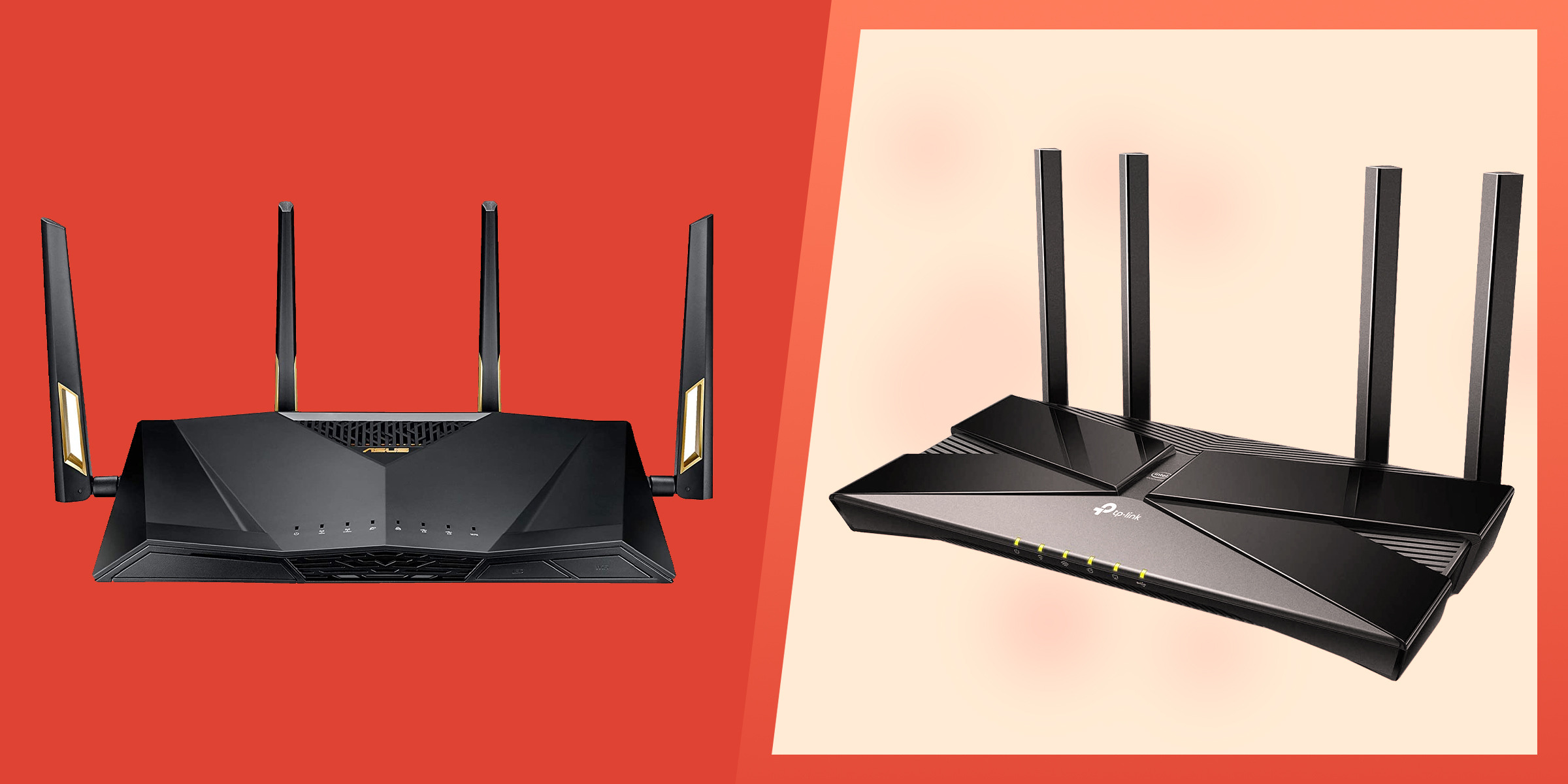
How To Pair Two Wireless Routers

To pair two wireless routers for extending home Wi-Fi coverage, the only reliable method is to connect the second router via Ethernet as an access point or use specific bridge...

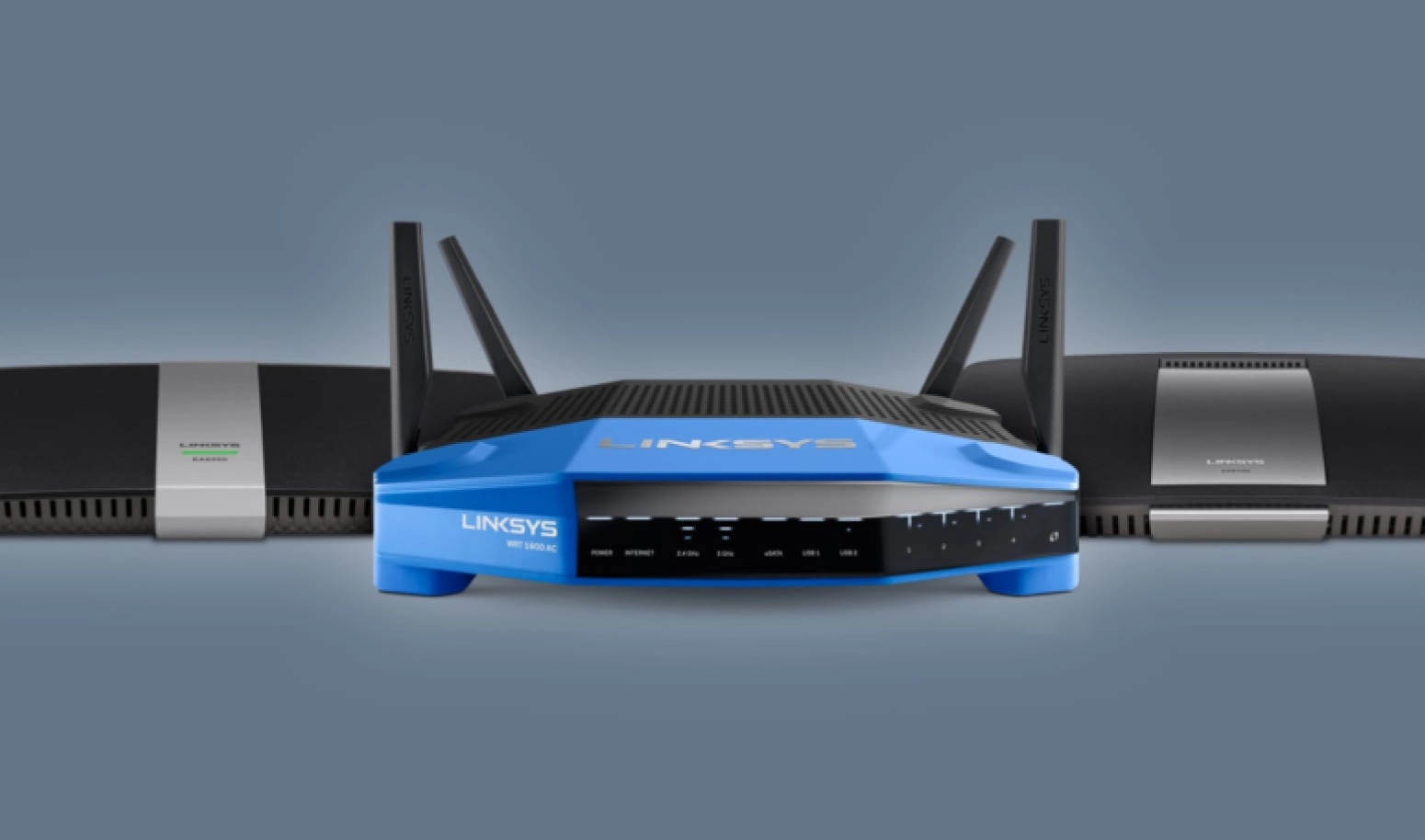
How To Connect Linksys Wireless Router

To connect a Linksys wireless router, first connect your modem to the router's yellow Internet port using an Ethernet cable, then plug in the router's power adapter and turn it...

How To Make Blu Ray Player Wireless

To make a Blu-ray player wireless, first check if it has built-in Wi‑Fi or an Ethernet port. If it has neither, you cannot make it wireless; a player must have...

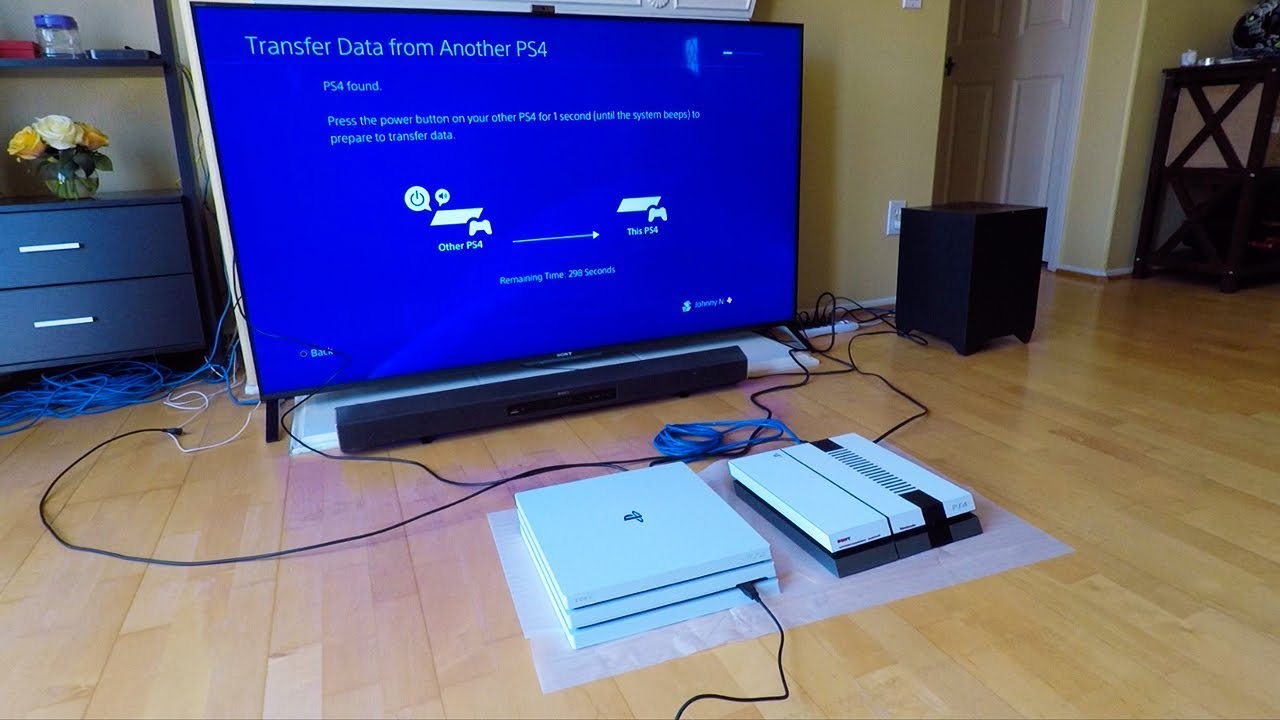
How To Transfer PS4 Data To Another PS4

To transfer PS4 data to another PS4, use the destination console's Settings > System > Transfer Data from Another PS4 and follow the on-screen prompts. This process moves your games,...

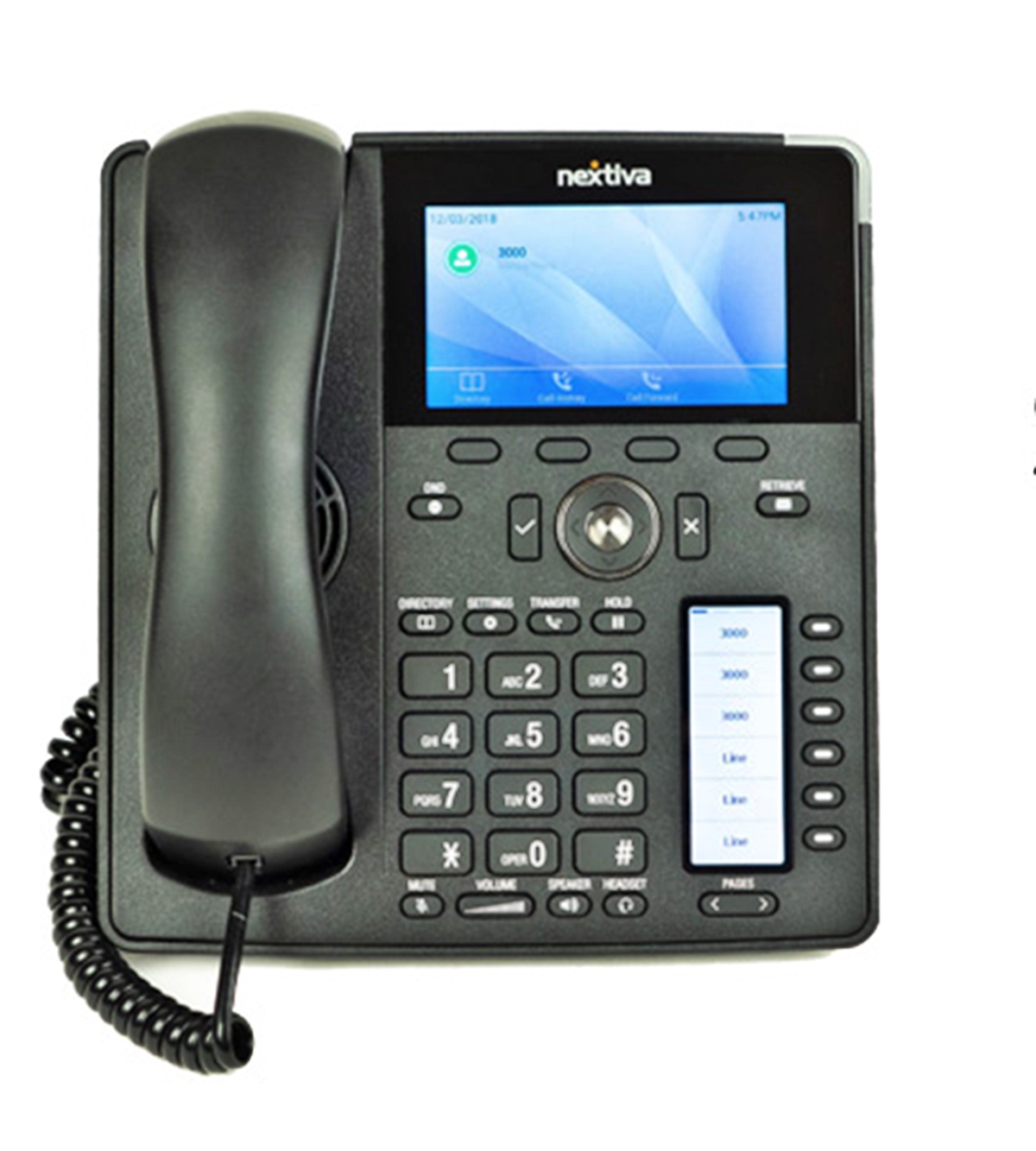
How To Set Up VoIP Phone

To set up a VoIP phone, you need to connect a VoIP-compatible device to your internet network and register it with a VoIP service provider, which then lets you make...