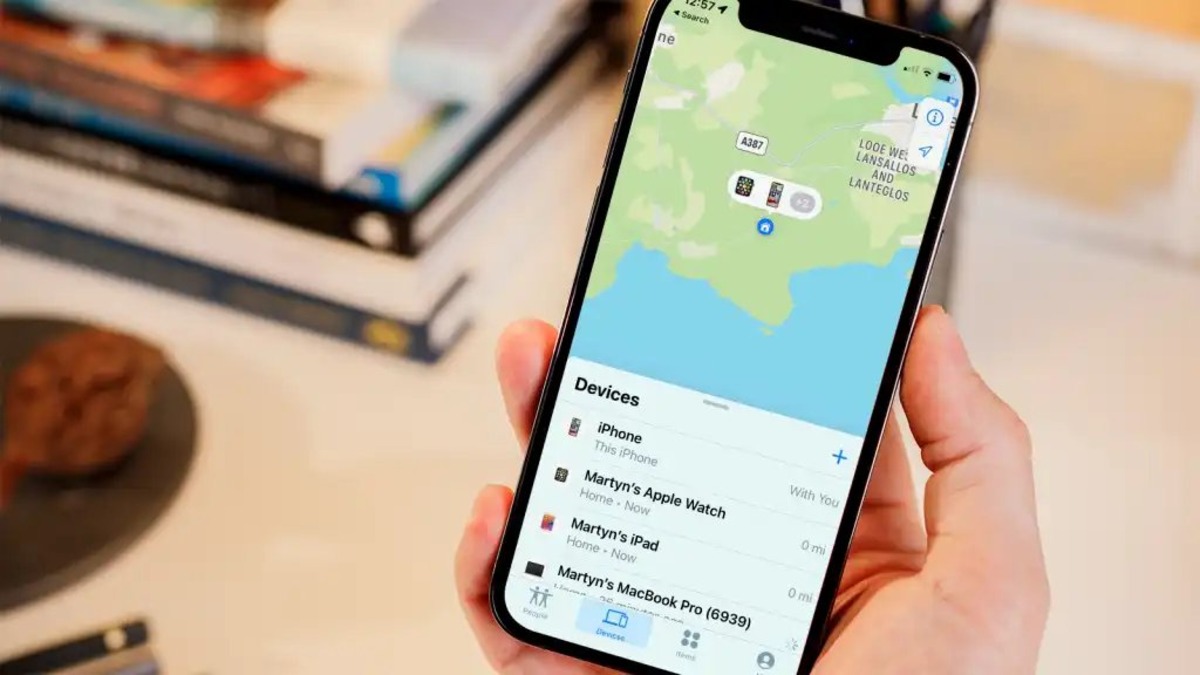
The "Find My" tag page on CellularNews collects guides and troubleshooting articles focused on Apple’s Find My network, third-party tracking apps, and carrier-based location services. This content is for anyone who owns an iPhone, iPad, Apple Watch, AirTag, or wireless headphones, as well as for users of major carriers like Verizon and T-Mobile who want to track a phone through their account.
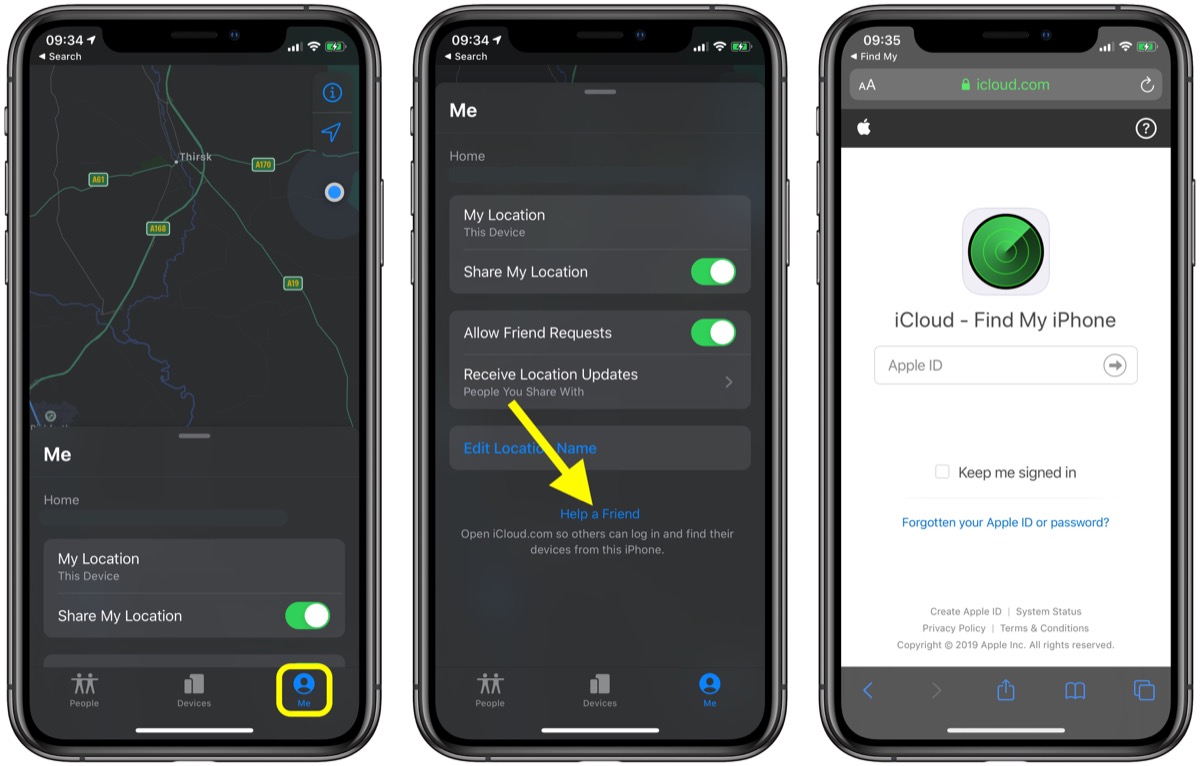
The articles solve two main kinds of problems. The first group helps you locate lost or dead devices, for example, you can learn how to find a dead Apple Watch, how to track a dead phone, or what to do when you lose a single AirPod. The second group deals with privacy, settings, and troubleshooting: you can find out what “No Location Found” means on an iPhone, how to pause your location in Find My iPhone, how to tell if someone is faking their location, and how to fix AirTags that won’t connect.
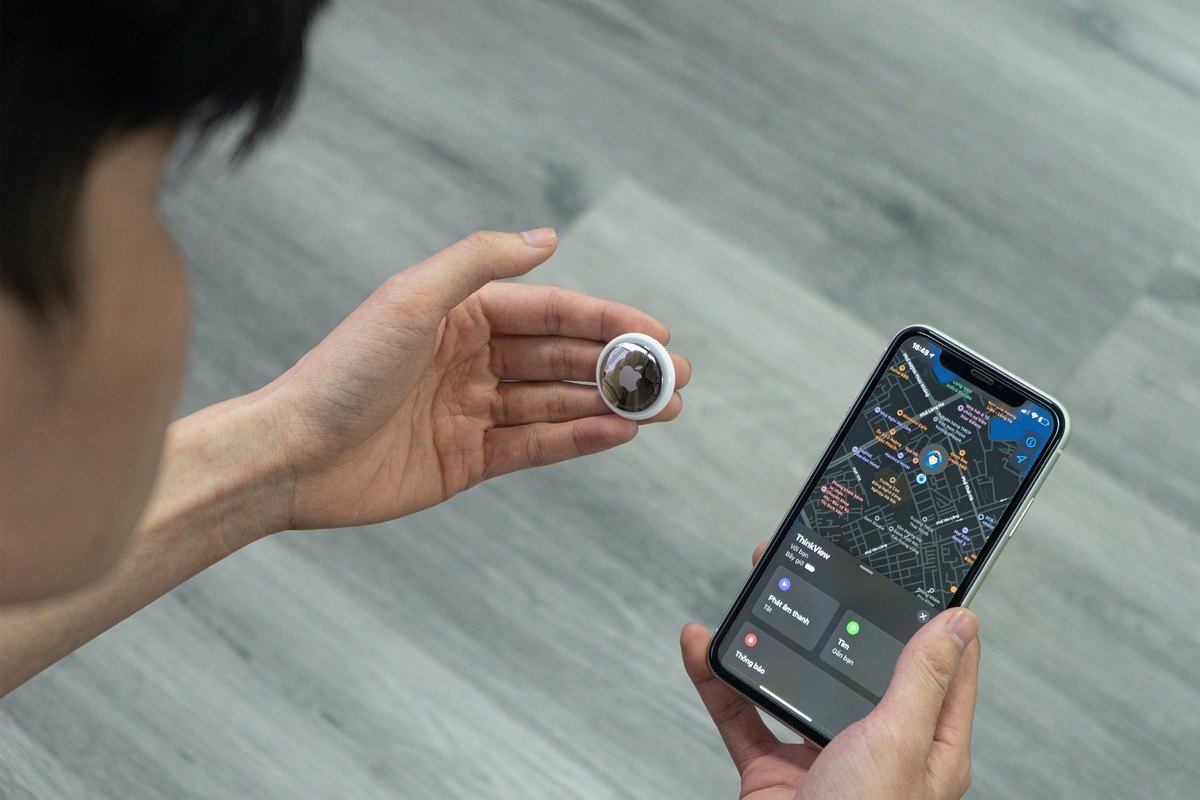
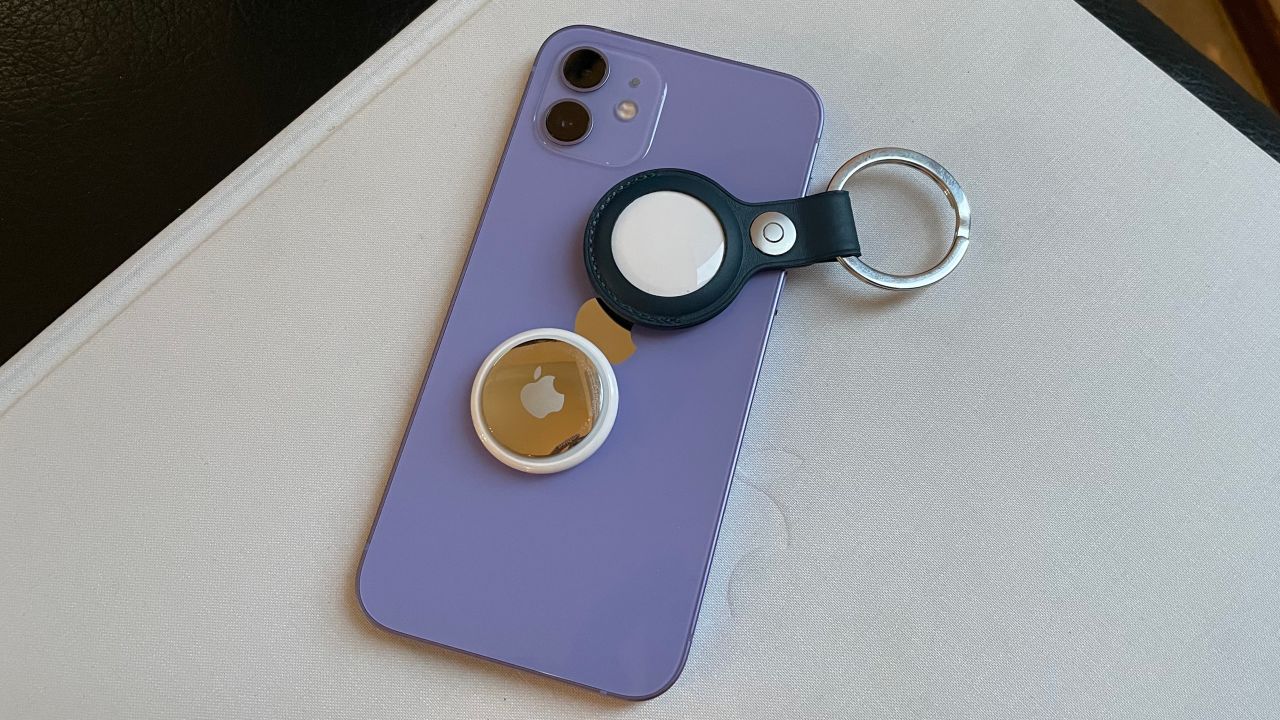
Specific topics covered include attaching an AirTag to a phone, changing an AirTag battery, pinging an iPhone from another iPhone, erasing data from a lost phone using its IMEI, and using an AirTag with an Android device. Whether you need to find a hidden cell phone in your house or understand why your GPS tracker says offline, these articles give you clear, step-by-step instructions for real-world situations.