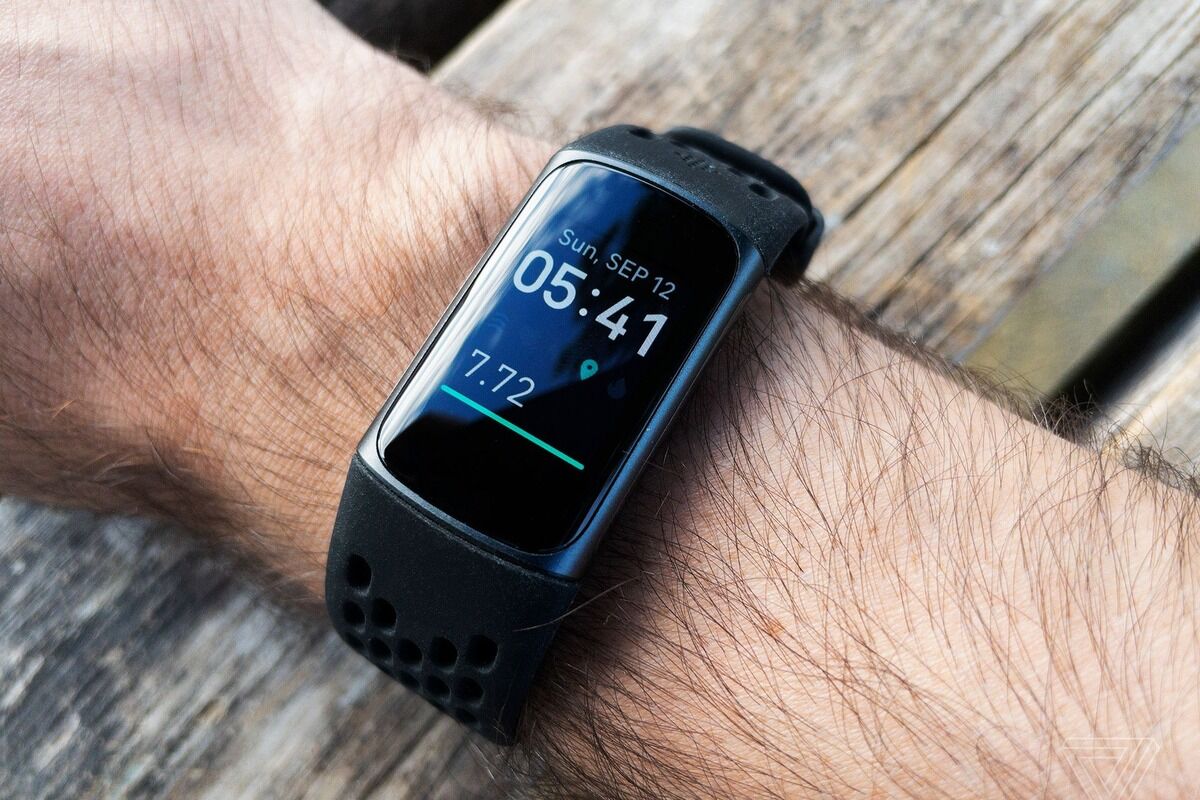
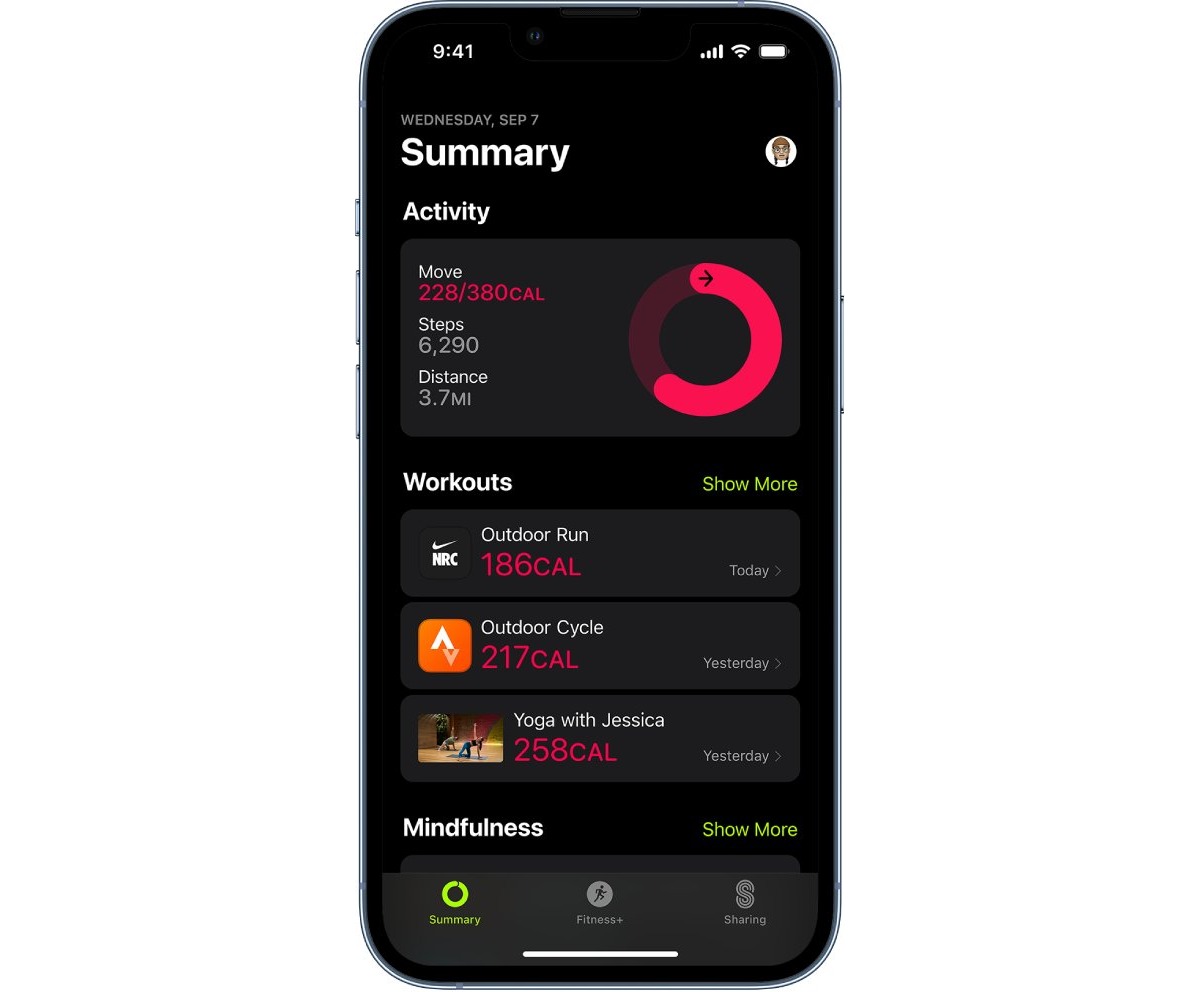
This tag collects our coverage of fitness tracking as it relates to the phones, wearables, and apps you already use. It is written for anyone who wants to use their smartphone or a connected device like a Fitbit to monitor activity, set goals, and make sense of the data those tools generate. Whether you are new to step counting or trying to sync multiple platforms together, these articles focus on the practical steps and settings that make fitness tracking work.

The articles here solve two main kinds of problems. First, they help you set up and use specific apps and wearables. You can learn how to track a run on an iPhone, how to add activities to a Fitbit, and how to measure 100 meters with just your phone. Second, they explain the features and data your devices show you. Articles like "What Is Pai On Fitbit," "What Is Fitbit Zone Minutes," and "What Does The Fire Symbol On Fitbit" decode those icons and metrics so you know what they actually mean. A third group of articles focuses on keeping everything connected, such as syncing a Peloton to a Fitbit or connecting a Fitbit to Google Fit.

Specific topics covered include a review of the Lose It! app, a look at what a wearable device is, and an overview of what a Fitbit Versa can do. You will also find guides on how to find friends on Fitbit, what pace means on the device, and how to add steps manually. The tag also includes a preview of a major Fitbit app update and what its new look will be. These articles help you do everything from choosing the right app to troubleshooting a sync issue, all without leaving your phone’s settings.
How To Sync Peloton To Fitbit

To sync Peloton to Fitbit, you connect your accounts so workout data flows automatically between them, letting you track cycling metrics and maintain your streaks in one place. This integration...

What Is Pai On Fitbit

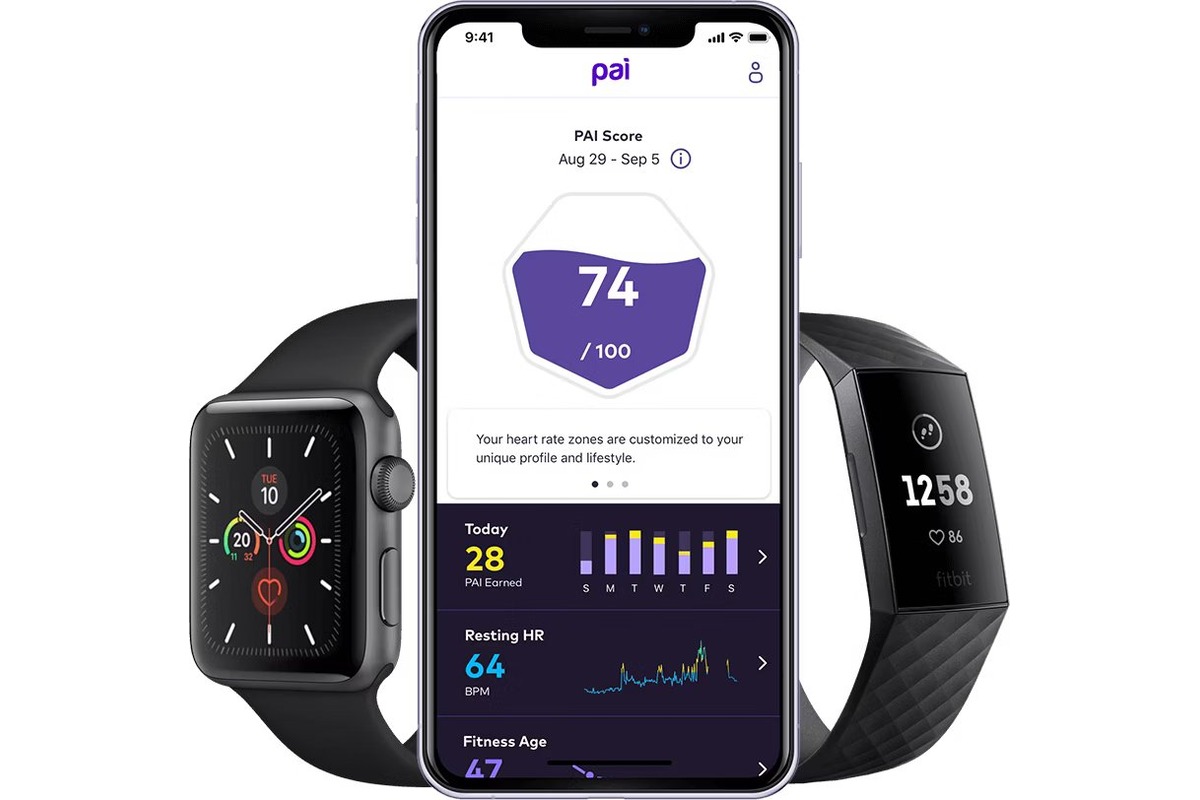
What is PAI on Fitbit? The short answer is that PAI is not a Fitbit feature. If you have seen the term "PAI" in your fitness tracking journey, it likely...

What Does Fitbit Versa Do

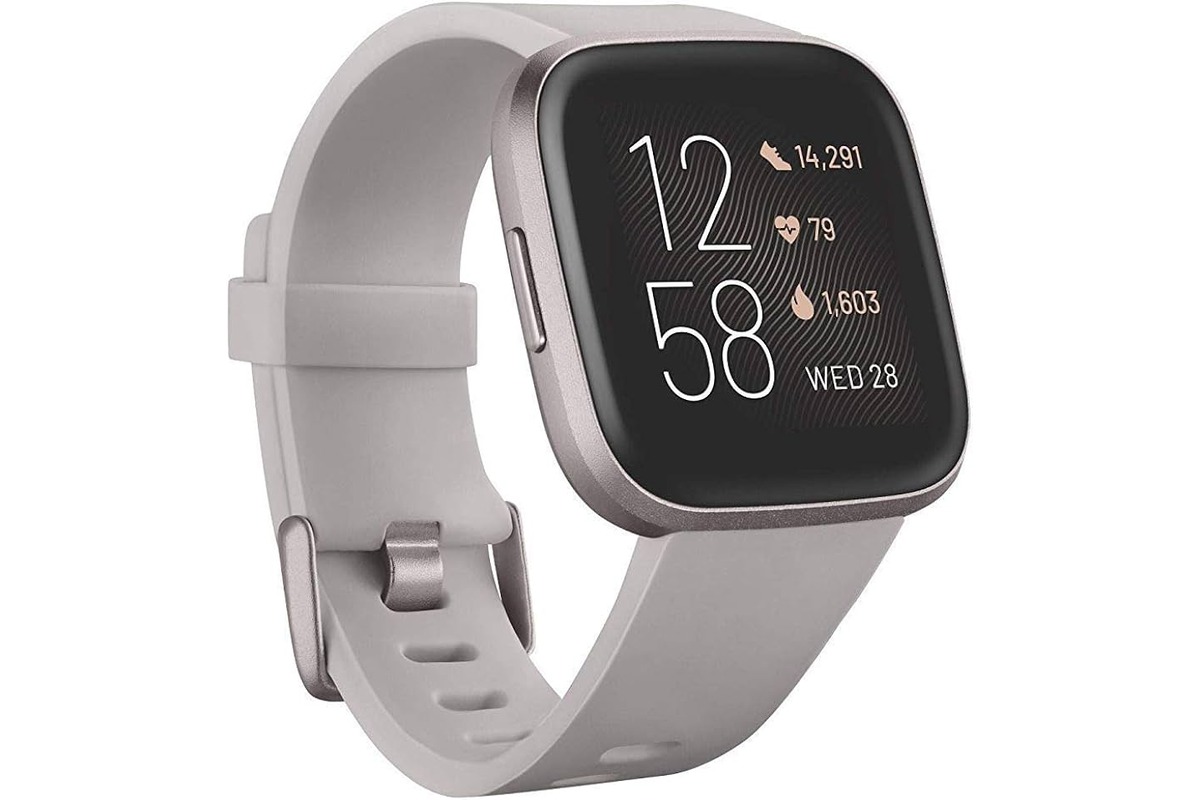
The Fitbit Versa is a smartwatch line that combines fitness tracking, health monitoring, and smartwatch features, though the exact capabilities vary by model. Understanding what a Fitbit Versa does helps...

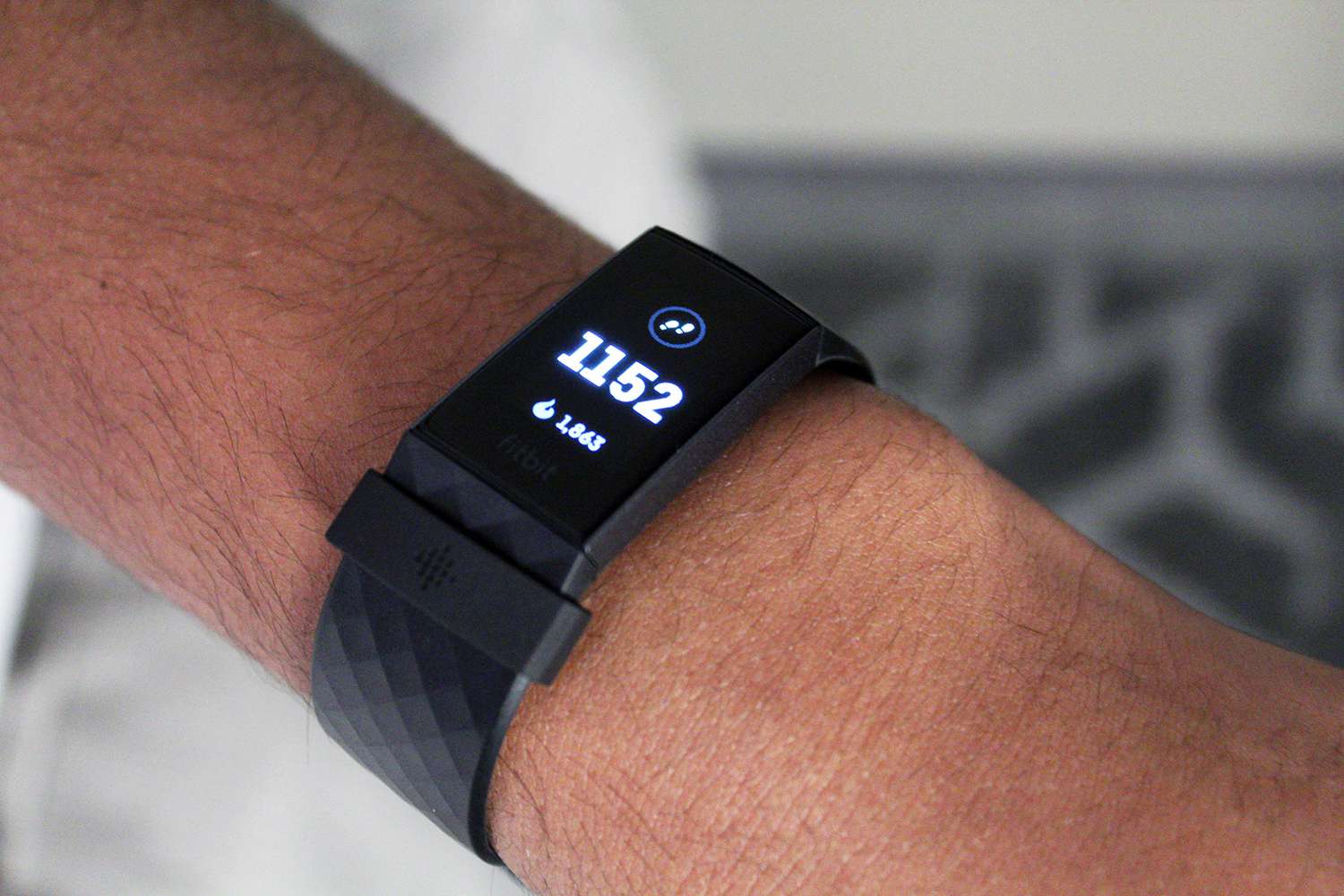
How To Add Steps To Fitbit

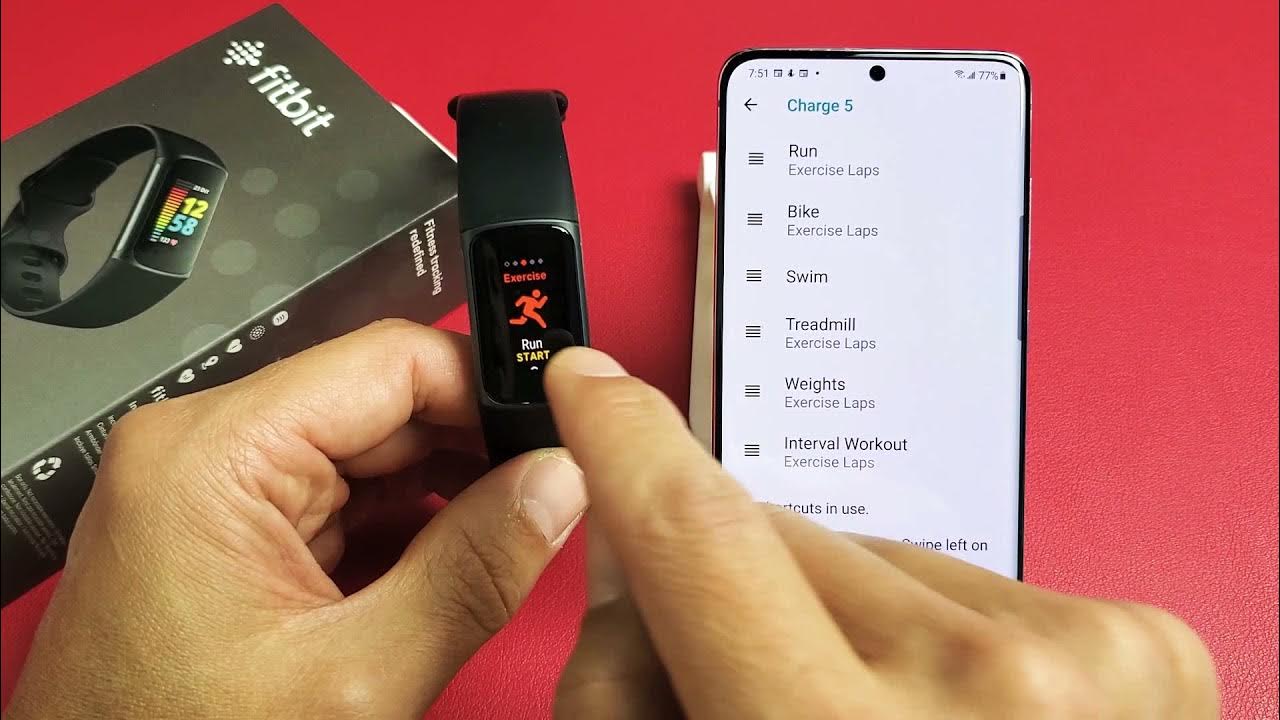
To add steps to Fitbit, you cannot directly input a specific step count. Instead, you must manually log a "Walking" activity, and Fitbit estimates the steps based on the duration...

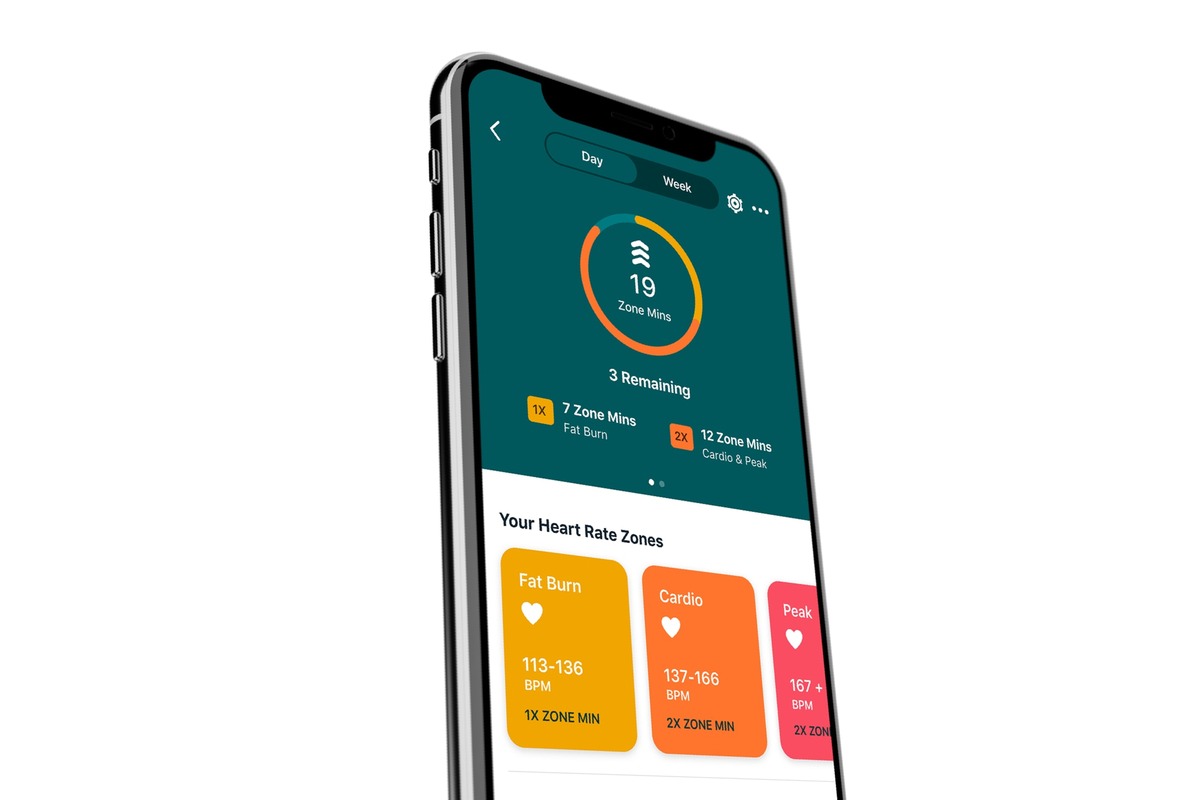
What Is Fitbit Zone Minutes

Fitbit Zone Minutes, also known as Active Zone Minutes (AZM), are a metric that measures the time you spend in heart rate zones that improve cardiovascular fitness, replacing the older...

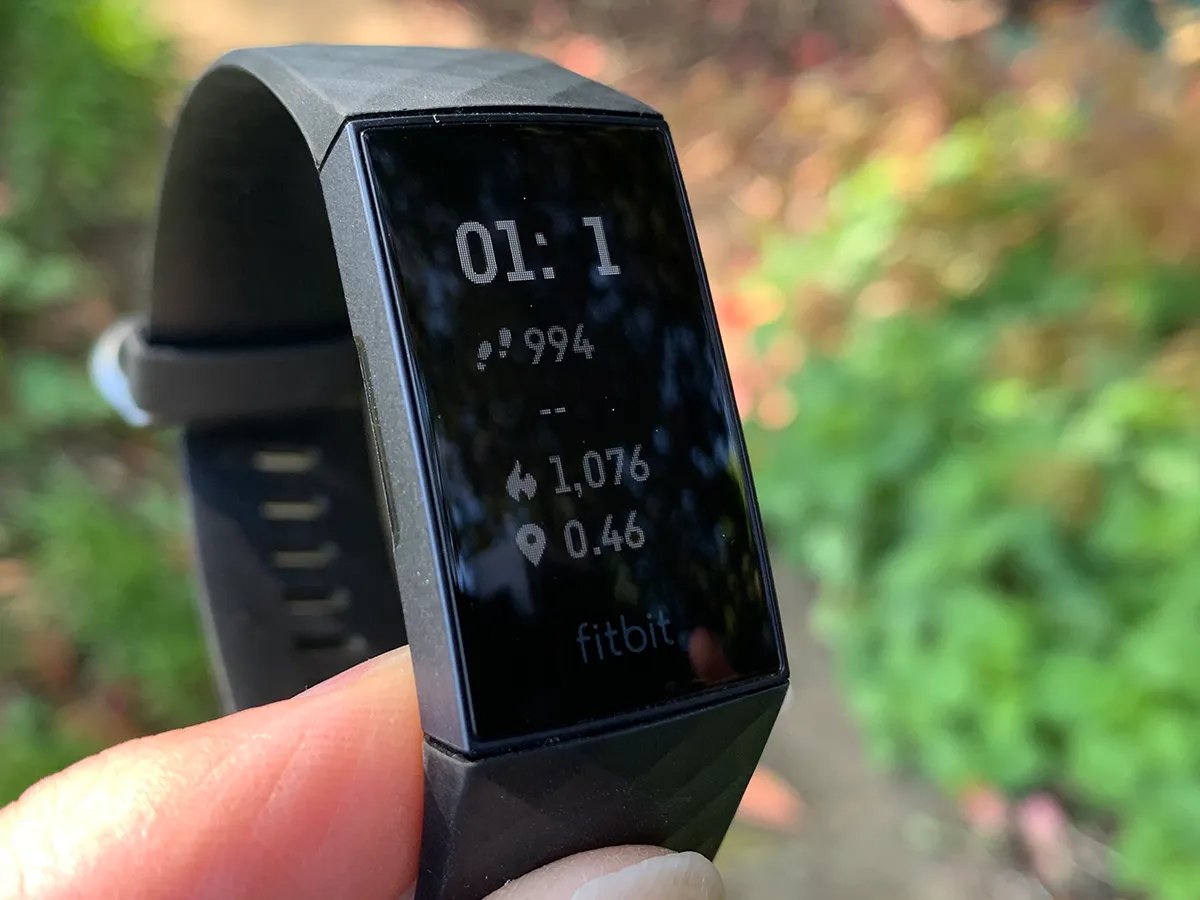
What Is The Fire Symbol On Fitbit

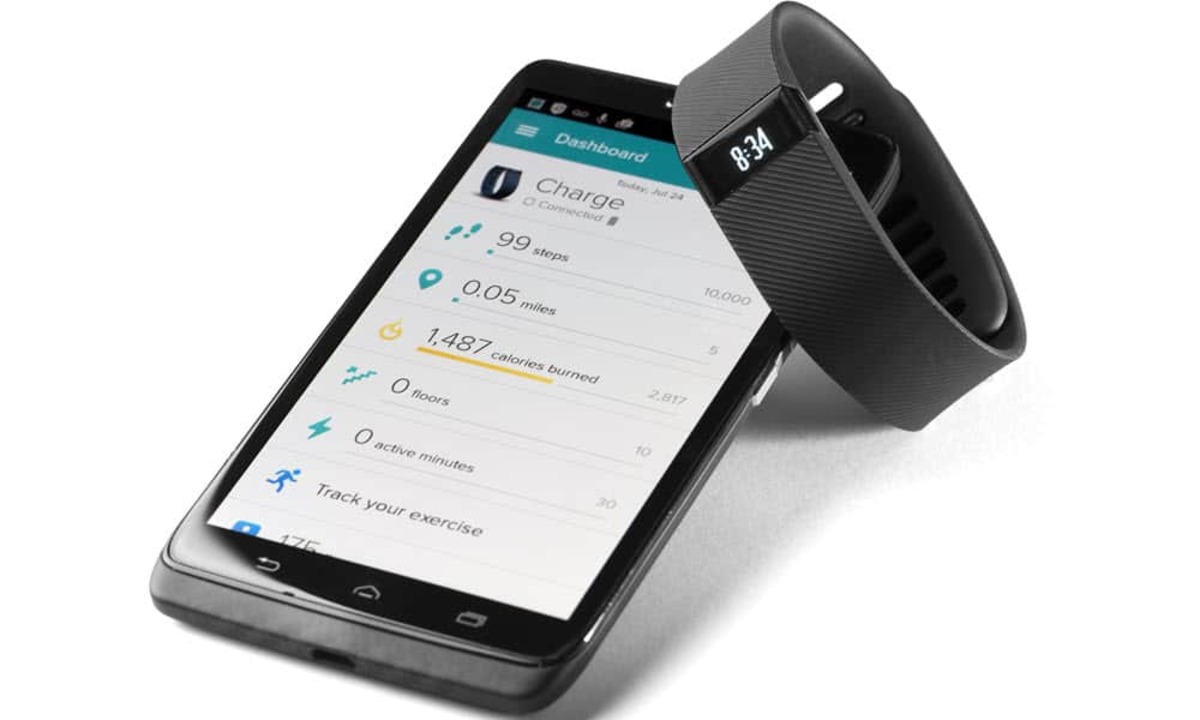
The Fitbit fire symbol is your calories-burned indicator, a quick activity metric that shows the energy you have expended during the day. This icon is not a warning, error, or...

What Does Pace Mean On Fitbit

On a Fitbit, pace is a speed metric that shows how fast you are moving during a run or walk, typically measured as minutes per mile or minutes per kilometer....

How To Track Run On IPhone

You can track a run on iPhone using the built-in Health app, which automatically counts your steps, walking, and running distances using the device's motion sensors. This fulfills the primary...