To measure 100 meters with your phone, the most reliable documented method is to use GPS tracking in a dedicated fitness app like Google Fit, which calculates distance by tracking a phone location. This approach is the only one officially supported for measuring a full 100-meter distance outdoors, as other phone features like step counters and camera apps have documented limitations that make them unsuitable for this specific task.
The most reliable way to measure 100 meters with your phone
GPS tracking is the only documented, reliable method for measuring a 100-meter distance outdoors using your smartphone. While your phone has several sensors, only GPS-based workout tracking has official support for measuring distances like 100 meters accurately. This method uses satellite signals to calculate your movement, making it the best choice for fitness tracking or practical estimation. For the most consistent results, use Google Fit, which is officially documented for this purpose on both Android and iPhone/iPad.
How to use Google Fit to track a 100-meter distance
Google Fit provides a straightforward way to measure distance using your phone’s GPS. Follow these steps to track exactly 100 meters:
- Open Google Fit on your phone.
- On Android, tap Add Track workout.
- Tap the Down arrow to choose the activity you are about to start (e.g., walking or running).
- Tap Start workout.
- Walk or run in a straight line until the distance display shows 100 meters. Google Fit shows time, steps, calories, distance, elevation, and more during the workout.
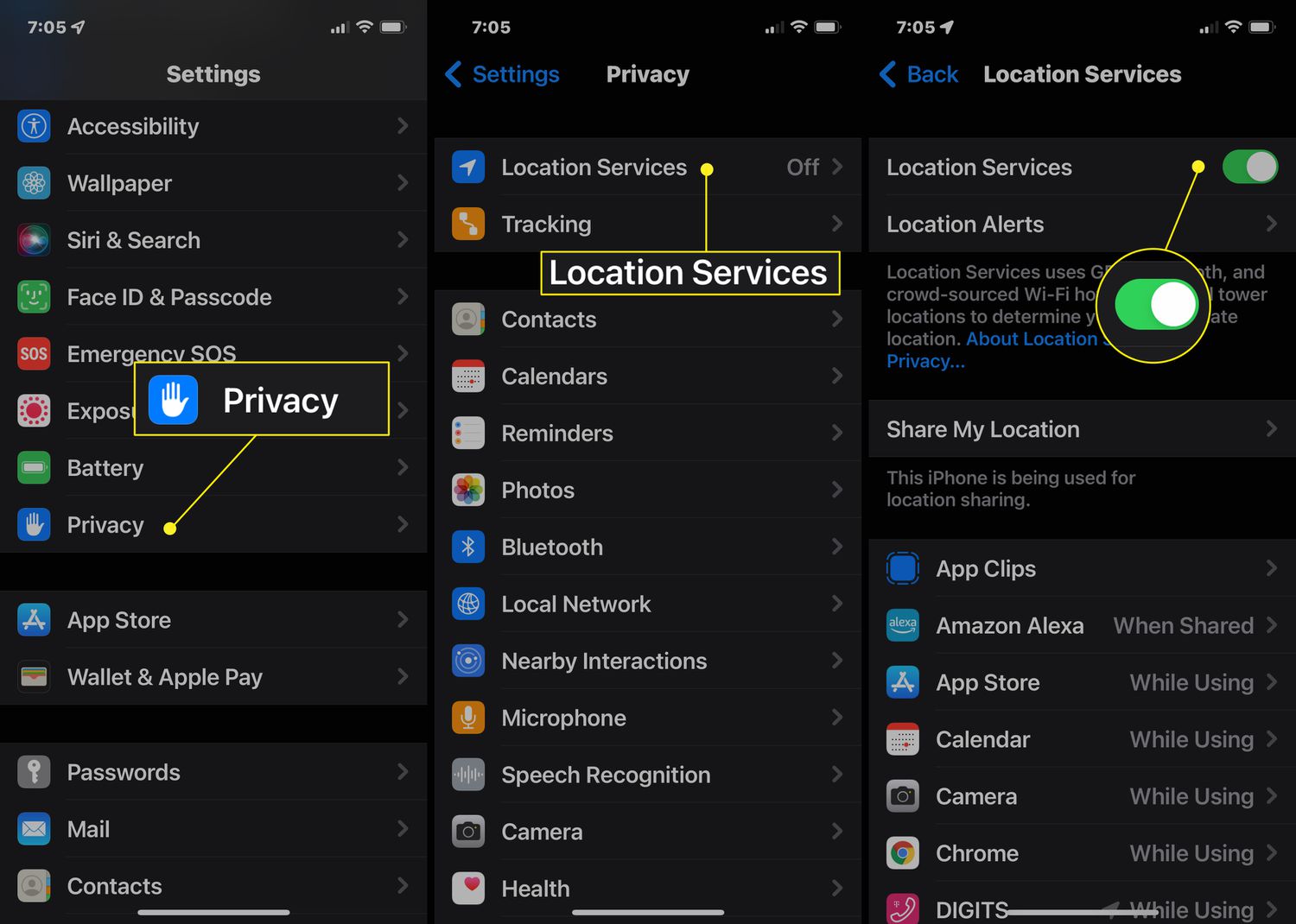
- On iPhone and iPad, tap Profile at the bottom, then Settings, then under Activity Tracking tap Track your activities with Health, then turn on Let Google Fit access Health before starting the workout.
Important limits of GPS phone measurement
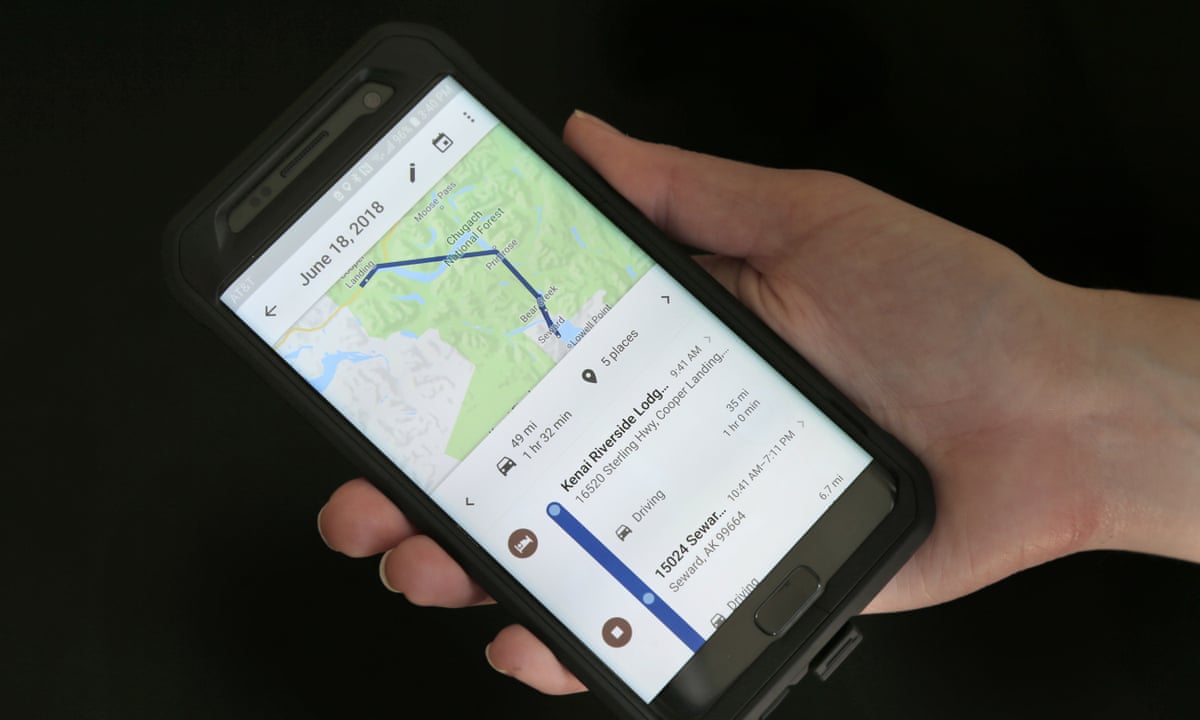
GPS measurement has documented limitations you should know. Google Fit requires you to fill in height, weight, age, and gender to see distance and calories burned more accurately. The app collects device location data when you are physically active to calculate distance and create a map of your activity in the Google Fit Journal. Google Fit says distance isn't tracked for stationary biking. GPS accuracy can also be affected by tall buildings, dense tree cover, or poor satellite reception, so results may vary slightly in those conditions.
Why you shouldn't use your phone's step tracker or camera
Your phone’s built-in step tracker and camera measurement apps are not designed for measuring exactly 100 meters. Samsung Health tracks steps on Samsung Galaxy devices and Android smartphones (Android 10 or above) using the built-in acceleration sensor and measures traveled distance based on step count and stride length, but it does not have a calibration mode for a fixed 100-meter distance, and no official documentation supports using it for this purpose. Apple’s Measure app, which is in the Utilities folder on iPhone, the only retrieved official camera-based measuring tool, works best for objects located 0.5 to 3 meters (2 to 10 feet) from the iPhone and states that measurements are approximate. For a manual measurement in Measure app, align the dot at the center of the screen with the start point, then tap, pan to the end point, then tap again to see the measured length. For its proper use, refer to the sibling article on measuring nearby objects.
Frequently Asked Questions
How accurate is GPS for measuring 100 meters?
GPS accuracy for a 100-meter distance is generally within a few meters under open sky conditions. Factors like satellite signal strength, phone hardware, and environmental obstructions can affect precision, but it is sufficient for fitness and practical estimation.
Do I need an internet connection to measure 100 meters with my phone?
No, you do not need an internet connection for GPS tracking to work. The GPS receiver in your phone calculates your position using satellite signals independently of cellular or Wi-Fi data, though map display may require a connection.
Can I measure 100 meters indoors with my phone?
Measuring 100 meters indoors is not reliable with GPS because satellite signals are blocked by building structures.
Related reading: How To Put 360 On Phone and How To Track A Phone On T-Mobile.