Welcome to the Google Photos tag page on CellularNews. This collection is for anyone who uses Google Photos on their phone, whether you are an Android user, an iPhone owner, or just looking to manage your images across different devices. The articles here focus on the practical, everyday tasks of handling your photos, from making collages and sharing them with others, to cleaning up your library and recovering lost pictures.
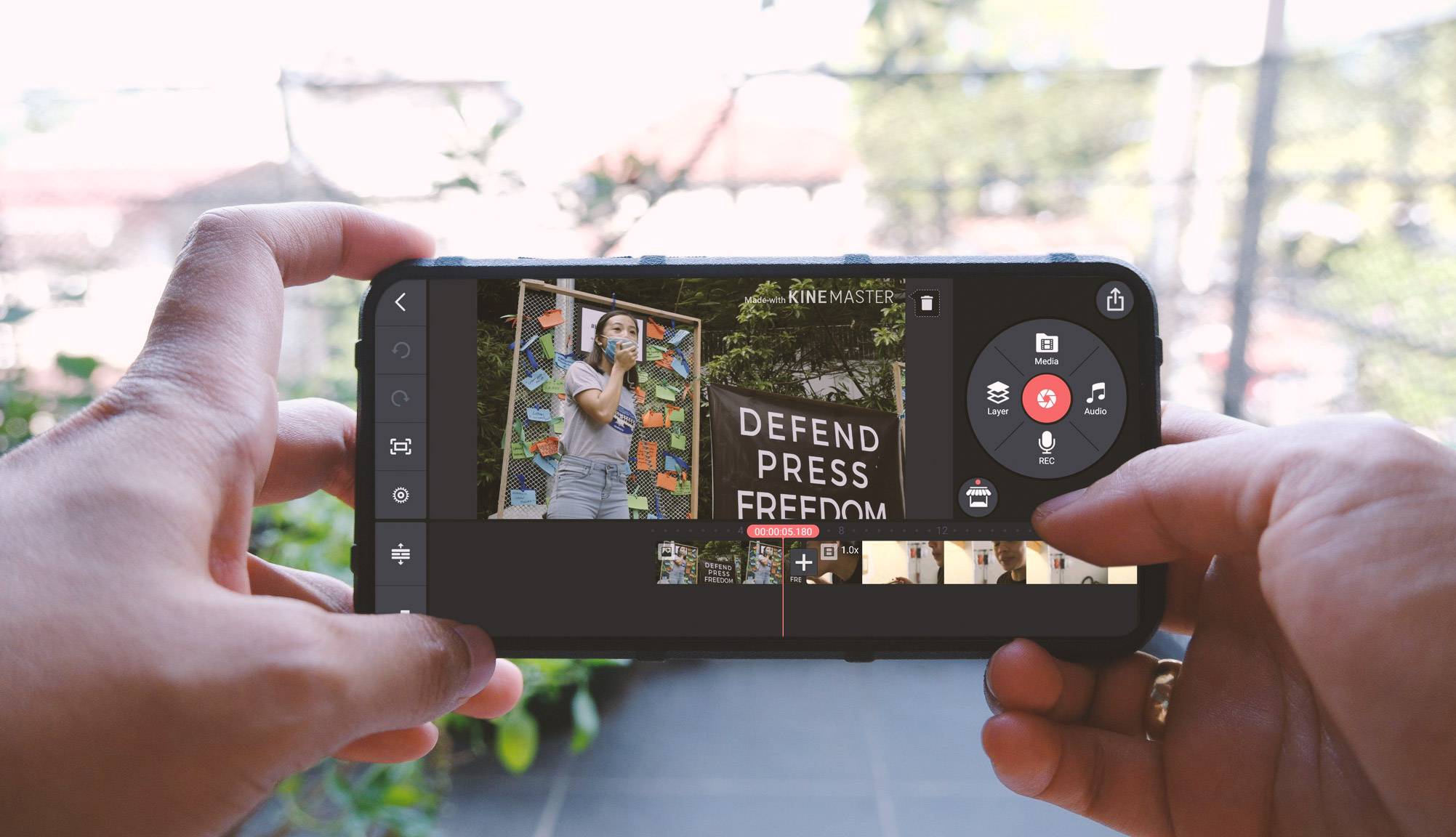
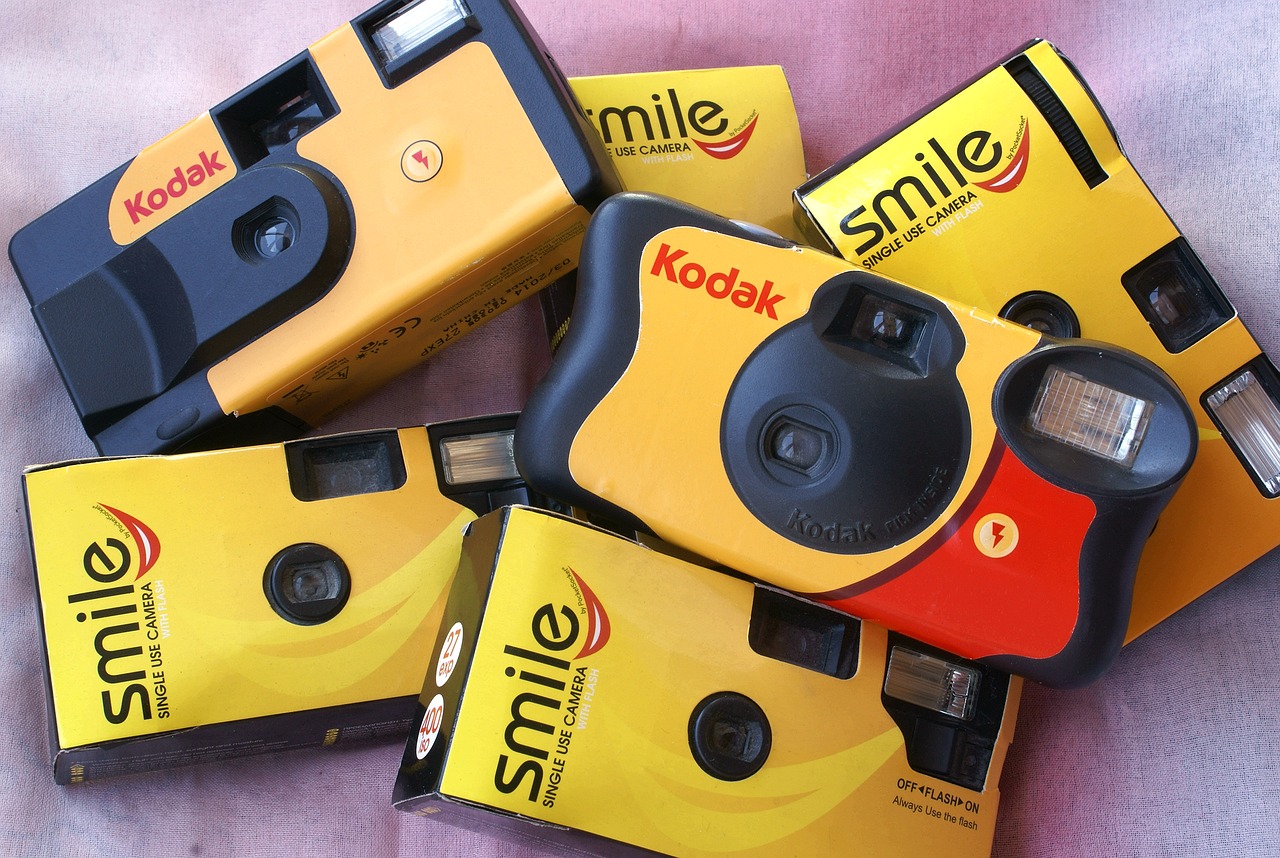
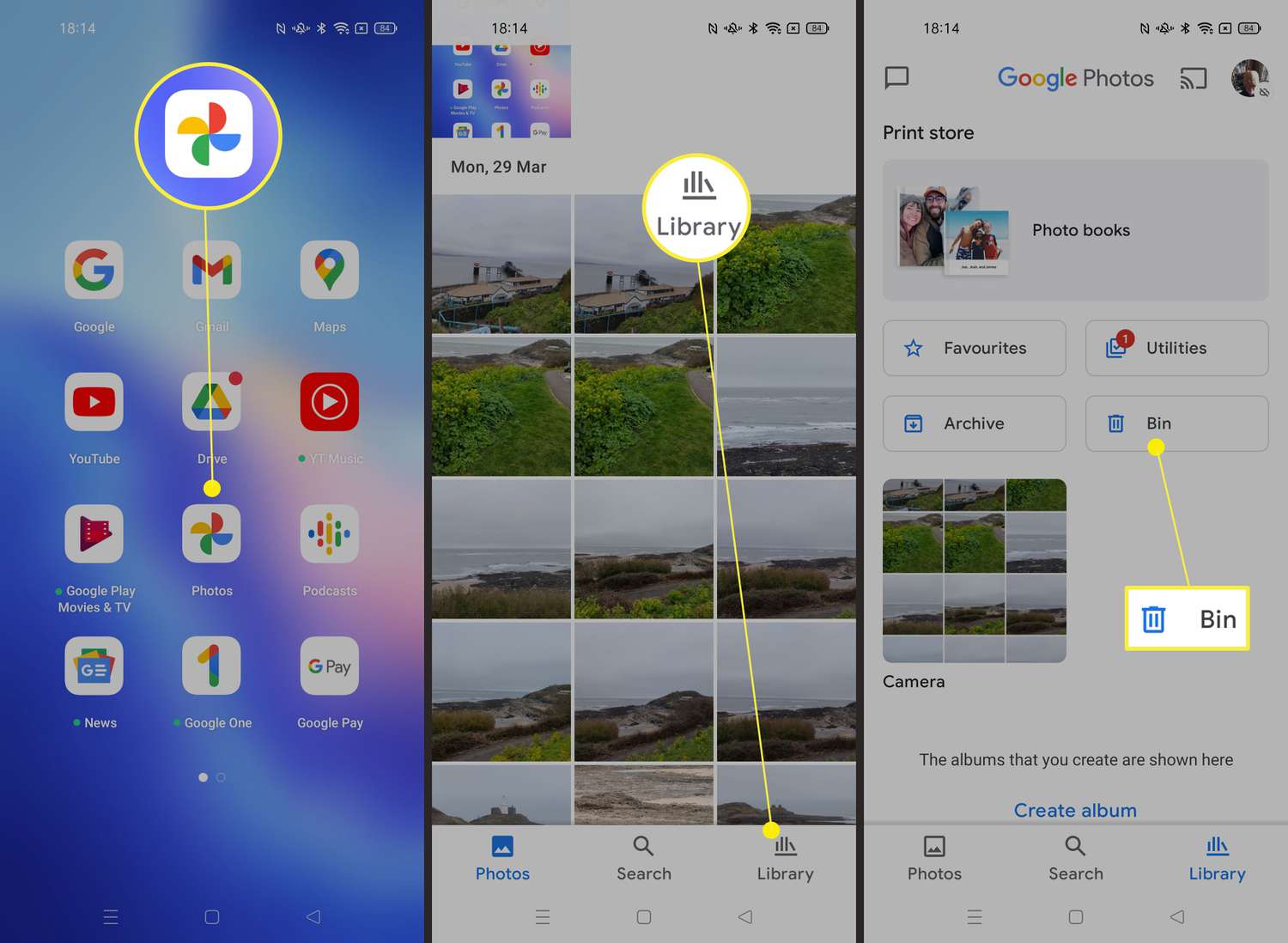
The content falls into a few clear problem-solving themes. First, there are guides for creating and editing your images, such as how to make a photo collage on an iPhone or use a free collage maker app. Second, a large group of articles tackles the challenge of moving photos between devices and platforms. You will find step-by-step help on how to send a picture from an Android phone, how to transfer photos from an Android phone to a Chromebook, and even how to get photos from a disposable camera onto a phone. Third, several posts address storage management and recovery, including how to remove photos from Google Photos without deleting them from your phone, how to recover permanently deleted photos from an Android phone, and how to get to the trash on your phone.
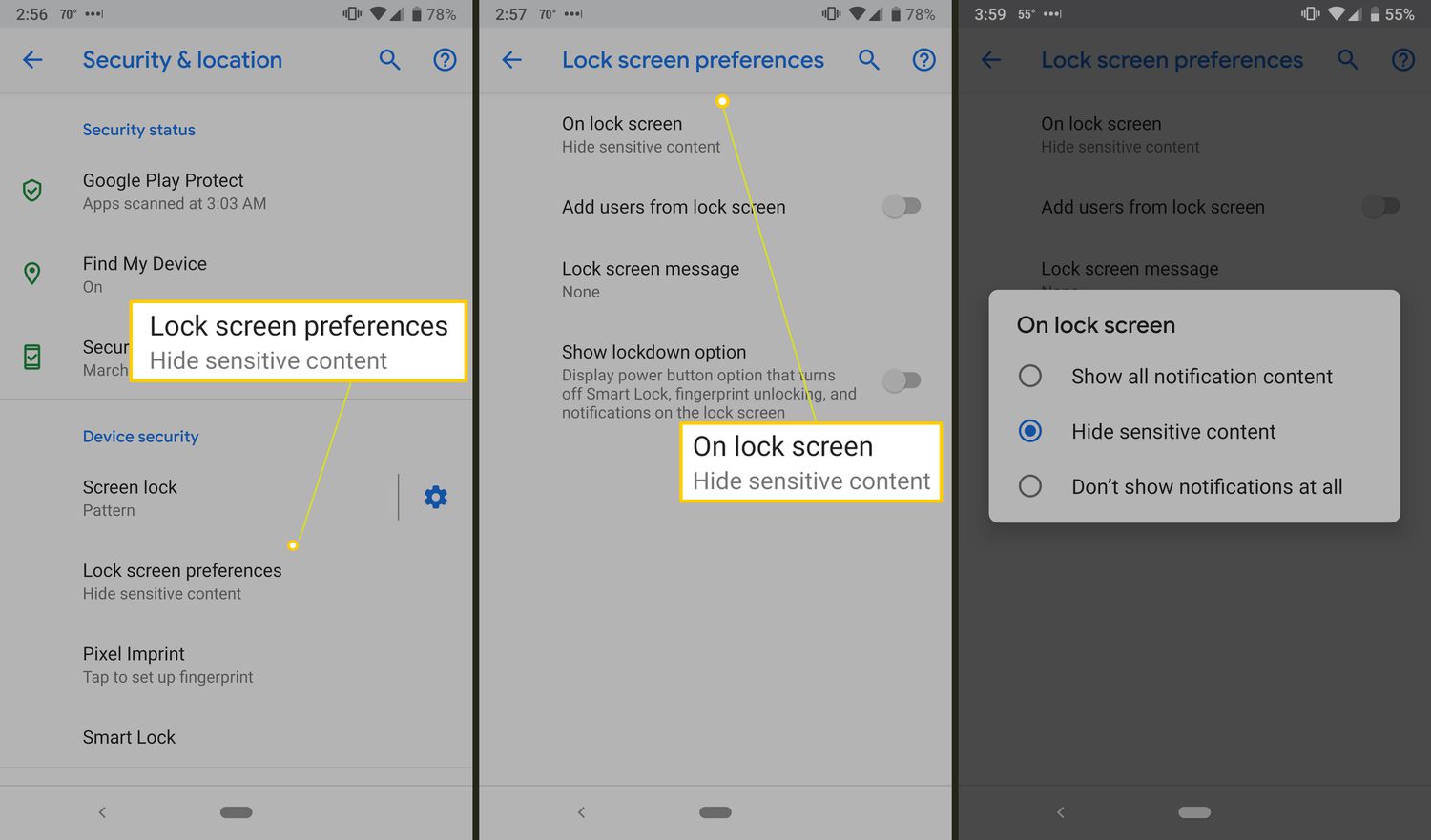
Whether you need to save hidden pictures on a Google phone, add stickers to your photos, or change your lock screen on Android, these articles are designed to help you get the job done quickly. They are straightforward fixes and settings guides for the photo-related challenges you face every day.