The best free photo collage apps let you combine multiple images into a single, shareable layout without spending a dime or dealing with watermarks. Whether you need a quick grid for social media or a creative, sticker-filled design, these free photo collage apps offer intuitive interfaces and powerful editing tools to get the job done in seconds.
Best free photo collage apps at a glance
| App | Best for | Key strength |
|---|---|---|
| Google Photos | Quick, watermark-free grids | Built into your existing photo library; no extra download needed |
| Layout from Instagram | Simple, social-ready layouts | Seamless sharing to Instagram with minimal friction |
| Canva | Professional-looking designs | Thousands of templates for polished social media posts |
| PhotoGrid | Powerful editing and huge template library | Over 20,000 templates, 1,000 filters, and HD/4K exports without watermarks |
| PicPlayPost | Video collages | Integrates video clips into collage layouts |
Best free collage apps for quick, simple grids
These apps prioritize speed and ease, letting you create basic photo grids in just a few taps.
Google Photos
Google Photos includes a free collage maker accessible on Android, iOS, and the web, and is often cited as the best free option for quick, watermark-free photo grids. To make a collage on a mobile device, open the Google Photos app, tap "Create" (or "Create new" on desktop), then "Collage," select your photos, choose a design template, and customize. You can adjust border width, corner roundness, and border color within the collage editor. The app currently provides users with six different collage templates and allows up to nine images per layout.
Layout from Instagram
Developed by the team behind Instagram, Layout is a user-friendly app that excels at letting you experiment with collage layouts easily. It doesn't have as many editing tools as other entries, but it has everything you need to create professional-looking images for direct sharing to Instagram. It is available for both iOS and Android devices.
Pic Stitch
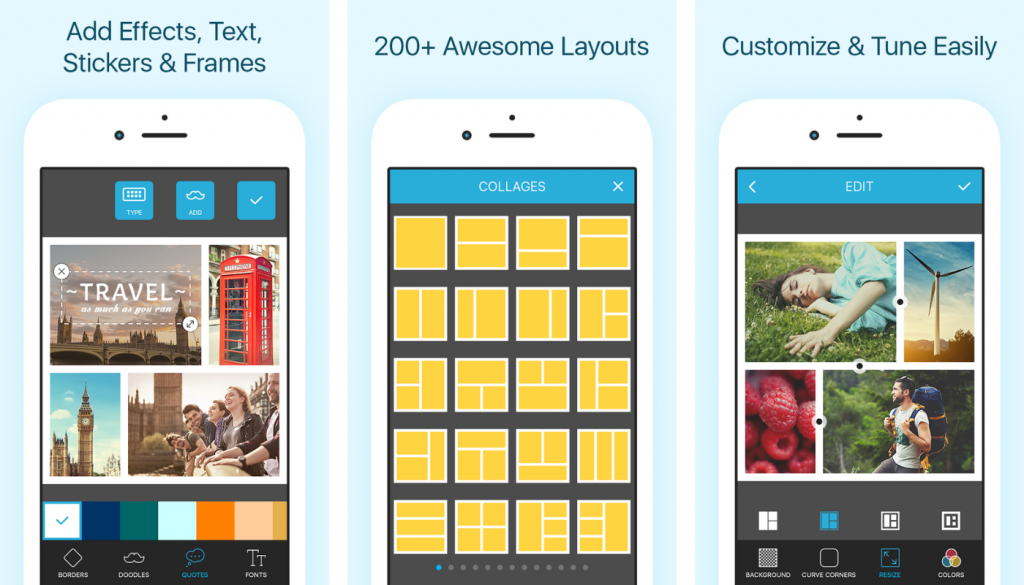
Pic Stitch offers more than 200 preset layouts to keep your collages fresh. It also lets you do quick edits, add text, and make watermarks via a highly intuitive and easy-to-use interface. Pic Stitch is available to download for free for both Android and iOS phones.

Best free collage apps for creative and fun edits
These apps go beyond basic grids, offering extensive sticker, text, and doodle options for playful, expressive collages.
PiZap
PiZap provides a free online collage maker with thousands of layouts and designs, built for fast and fun editing. It lets you go crazy with many fun and amusing image elements, such as stickers and doodles. It is currently available on both Android and iOS devices for free. PiZap Pro version costs $5.99 a month.

PicCollage
PicCollage has layouts and templates you can choose from, and also lets you add stickers and captions of your choice. It gives you good control over your collage layout, but can also automatically make one for you if you prefer. You can download this free collage maker app on both the Google Play Store and the Apple App Store.
Photo Blend & Shape Collage Maker
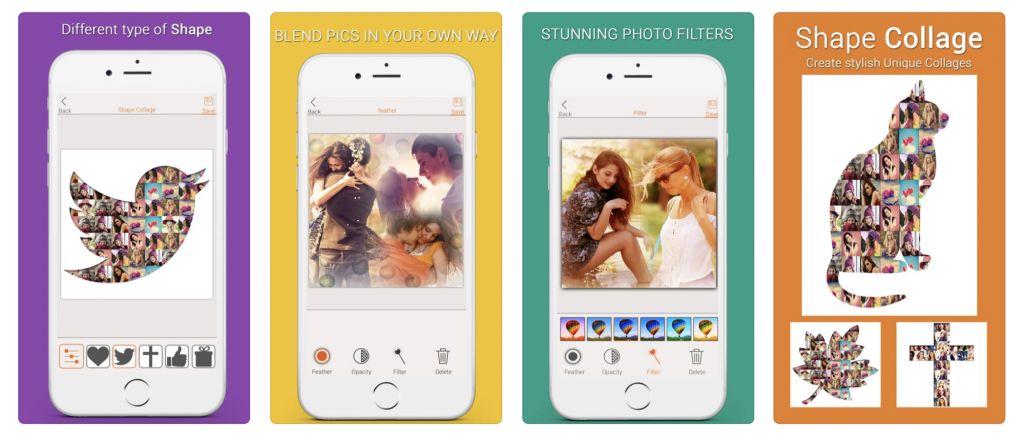
Photo Blend lets you choose a frame for your layout, with multi-picture frames that come in many shapes. Want a bird-shaped collage? Tap on one of the bird frames and you can get just that. Photo Blend & Shape Collage Maker is available for Apple mobile devices only; no Android version released.
Best free collage apps for professional-looking designs
These template-heavy apps are ideal for creating polished social media posts and marketing graphics.
Canva
Canva is highly recommended for creating polished, professional-looking collages using its template-based designs. While mainly a photo-editing application, its photo collage maker is easy to use. You can choose from a selection of different image templates and sizes, from Facebook cover banners to iPhone wallpapers. To make a collage, choose the "Photo Collage" option, then "choose a template," upload and arrange your photos, and add text and other graphic elements from the many free options. Canva is free to download for iOS and Android, and also has a free web version.
Adobe Spark
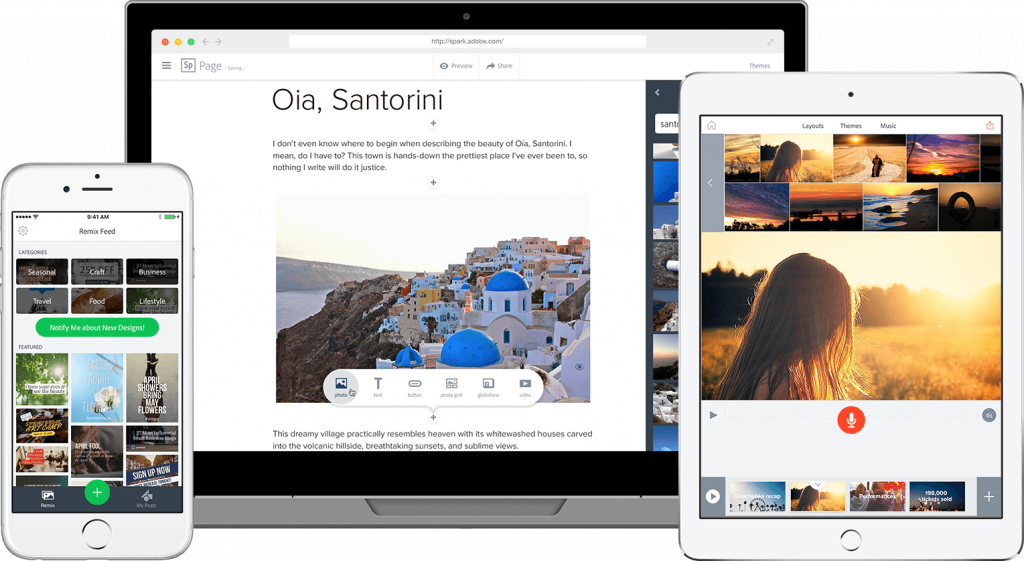
Adobe Spark is a simple-to-use mobile photo collage maker that retains the high-performance quality expected from Adobe creative applications. It is user-friendly while giving you the means to create a professional-looking collage for your next social media post. Apart from collage making, it allows you to make simple edits and add captions to videos. Adobe Spark is available for both iOS and Android mobile devices.
BeFunky
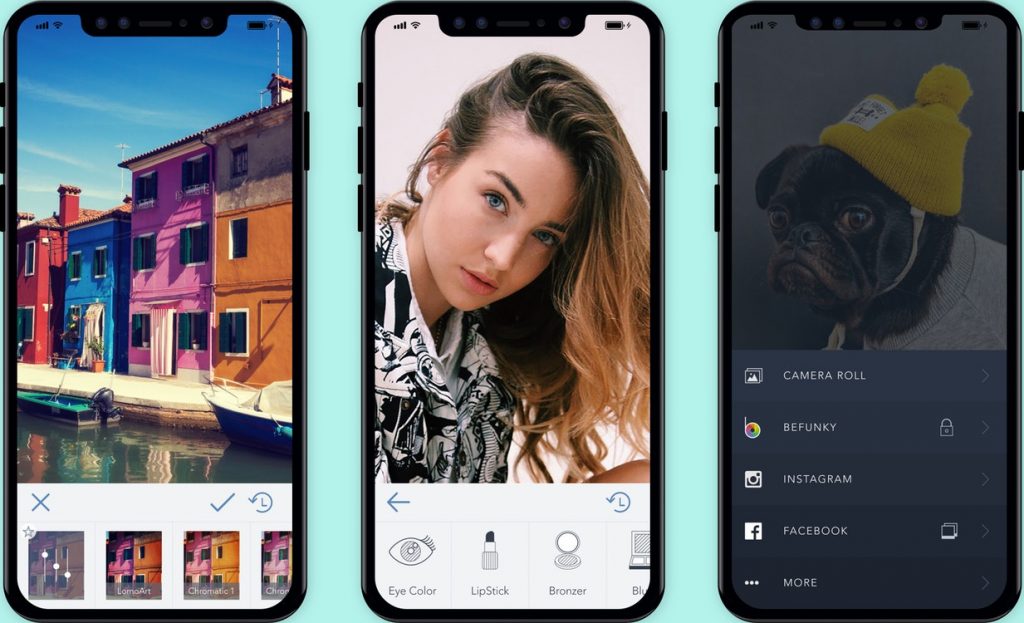
BeFunky is highly intuitive, making it easy to learn for anyone new to photo editing. It offers a wide variety of collage templates and layouts, and has integrated free stock image websites where you can find photographs if your layout lacks images. You can also let the app generate a photo collage for you automatically. BeFunky is available for both iOS and Android, and also has a desktop version for Linux, macOS, and Windows.
Best free collage apps with powerful editing features
These apps combine collage making with robust photo editing tools, streamlining the creation process by eliminating the need for multiple applications.
PhotoGrid
PhotoGrid is a free collage app available for iOS and Android, recognized for its clean and intuitive editing interface. It provides over 20,000 collage templates, 1,000 filters, 5,000 stickers, and 2,000 backgrounds in its free tier. Users can upload up to 16 images, with the app automatically generating grid or collage layouts. PhotoGrid lets you pick a layout depending on the aspect ratio, from 1:1 to 5:7, to match the platform you want to post on. It also has a unique Scrapbook feature that lets you set a background, choose fun stickers, and add captions. Free collages created with PhotoGrid can be exported in HD and 4K resolutions without watermarks.

PicsArt
PicsArt is a photo-collage maker app that provides preset templates and lets you make minor tweaks, add stickers, and text. What sets it apart is its community platform where you can share your collage creations and collaborate with friends to make collages. The app also provides regular prompts to keep the community creative. PicsArt is compatible with both iOS and Android phones.
Moldiv
Moldiv is an all-in-one app for taking aesthetic pictures, editing, and making collages. It provides many impressive layouts and will guide you through the formatting process. It also lets you fine-tune and add elements to your collage, with hundreds of fonts, patterns, stickers, and stamps to choose from. It is available for both Android and iOS devices.
Best free collage apps for videos and large projects
These apps handle video collages or a high number of images, perfect for more ambitious projects.
PicPlayPost
PicPlayPost is a photo collage app that has fully integrated video into collage making. You can make a collage of images, a collage of videos, or mix and match both. The app is currently available for both iOS and Android mobile devices.
Fuzel
Fuzel lets you make a collage layout with up to a hundred images. It has a camera function that lets you take additional images for your collage and is connected to Facebook, Instagram, and Flickr for easy image importing. It offers a wide array of filters, fonts, and stickers, and has a unique tool that lets you animate your photos. Fuzel is available for both iOS and Android.
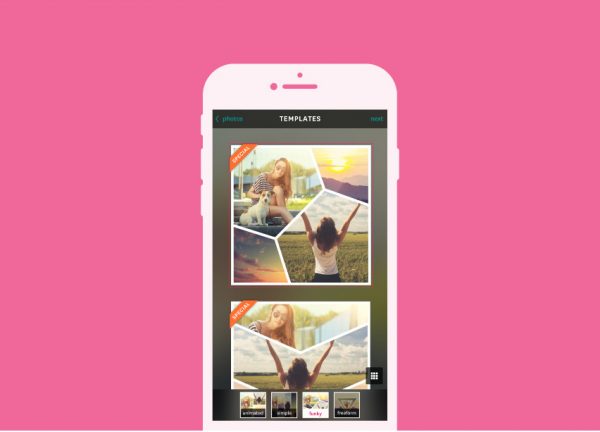
PhotoCollage - Collageable
PhotoCollage - Collageable is one of the very few apps that let you make a collage out of up to 25 images. It has many layouts, filters, and editing options you can mix and match to present a large number of photos beautifully. It is available on iOS mobile devices only.
More free collage apps worth considering
- Photovisi: A web-based app for super-easy, straightforward collages with many preset layout options. You can turn your collage into e-greeting cards or calendars. Photovisi requires a $4.99 per month premium to download work without a watermark.
- Ribbet: An app simple enough for beautiful collages but with easy-to-use photo-editing options for fine-tuning. It also lets you organize photos into albums and save your editing history. Ribbet premium subscription costs $4.95 per month.
- Collage Maker - Mix gram: Gained popularity thanks to thousands of preset layouts and unique collage frames, with many filters, stickers, and font options. Available on iOS only; no Android release as of writing.
- Pic Jointer: One of the most highly-rated collage maker apps, letting you edit the smallest details in your picture and mirror your images. Available on both iOS and Android.
- Fotor: Fotor started out as an online image-editor. It is a simple and easy-to-use photo collage app that is powerful enough to create collages in many different formats, including raw files. It is available as a free app on both iOS and Android. Fotor premium version costs $8.99 per month.
Frequently Asked Questions
Are there any truly free photo collage apps without watermarks?
Yes. Google Photos and PhotoGrid both allow you to export free collages without watermarks. PhotoGrid specifically supports HD and 4K resolution exports on its free tier.
Can I make a video collage with a free app?
Yes. PicPlayPost is a free app that fully integrates video clips into collage layouts, allowing you to create video collages or mix photos and videos together.
What is the easiest free collage app for a beginner?
Google Photos is the easiest option for most beginners because it is often already installed on your phone. You can create a basic grid in just a few taps by selecting photos and tapping "Create" then "Collage."
How many photos can I put in a single free collage?
It depends on the app. Google Photos allows up to nine images, PhotoGrid allows up to 16, and PhotoCollage - Collageable supports up to 25 images.
For the wider topic, see photo editing and collage apps.
Related reading: How to Make a Photo Collage on iPhone [Top 5 Ways] and 15 Best Gender Swap Apps for Android and iOS (Free and Working).


![How to Make a Photo Collage on iPhone [Top 5 Ways]](/wp-content/uploads/2022/12/PHOTO-COLLAGE-IPHONE_MAIN.jpg)
![What Is The Canva App: An Easy Guide [Mobile Photo Editing Steps Included]](/wp-content/uploads/2020/04/canva_logo.jpg)